
Bring in a Clear Profile Reference
Upload an existing photo to give the generator a visual starting point for your LinkedIn image. It accepts JPEG, JPG, PNG, and WEBP files, with a maximum size of 20MB for each uploaded image.
Create Now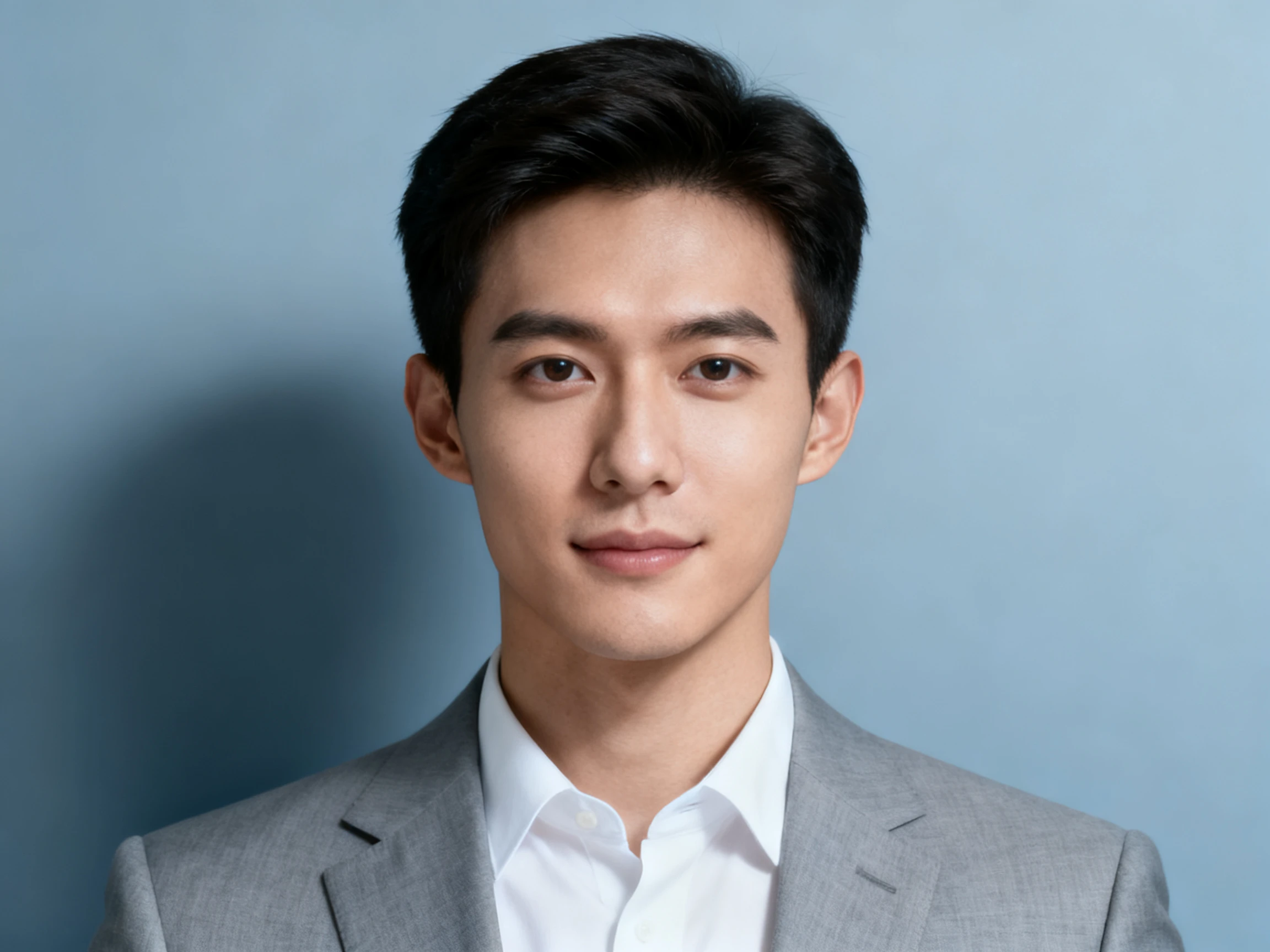

Make every profile view count. Use Magiclight AI as a LinkedIn photo generator to create a sharp, well-cropped headshot for small displays. No studio or editing skills required.
Create a LinkedIn Photo for Free










Check the details that shape a stronger profile photo. Put the AI LinkedIn Photo Generator to work on framing, crop, and scale, then judge each result at thumbnail size.
Upload an existing photo to give the generator a visual starting point for your LinkedIn image. It accepts JPEG, JPG, PNG, and WEBP files, with a maximum size of 20MB for each uploaded image.
Create NowEnter up to 500 characters to explain how the profile photo should look. Specify details such as head-and-shoulders framing, professional clothing, a simple background, natural lighting, and the overall appearance you want.
Create Now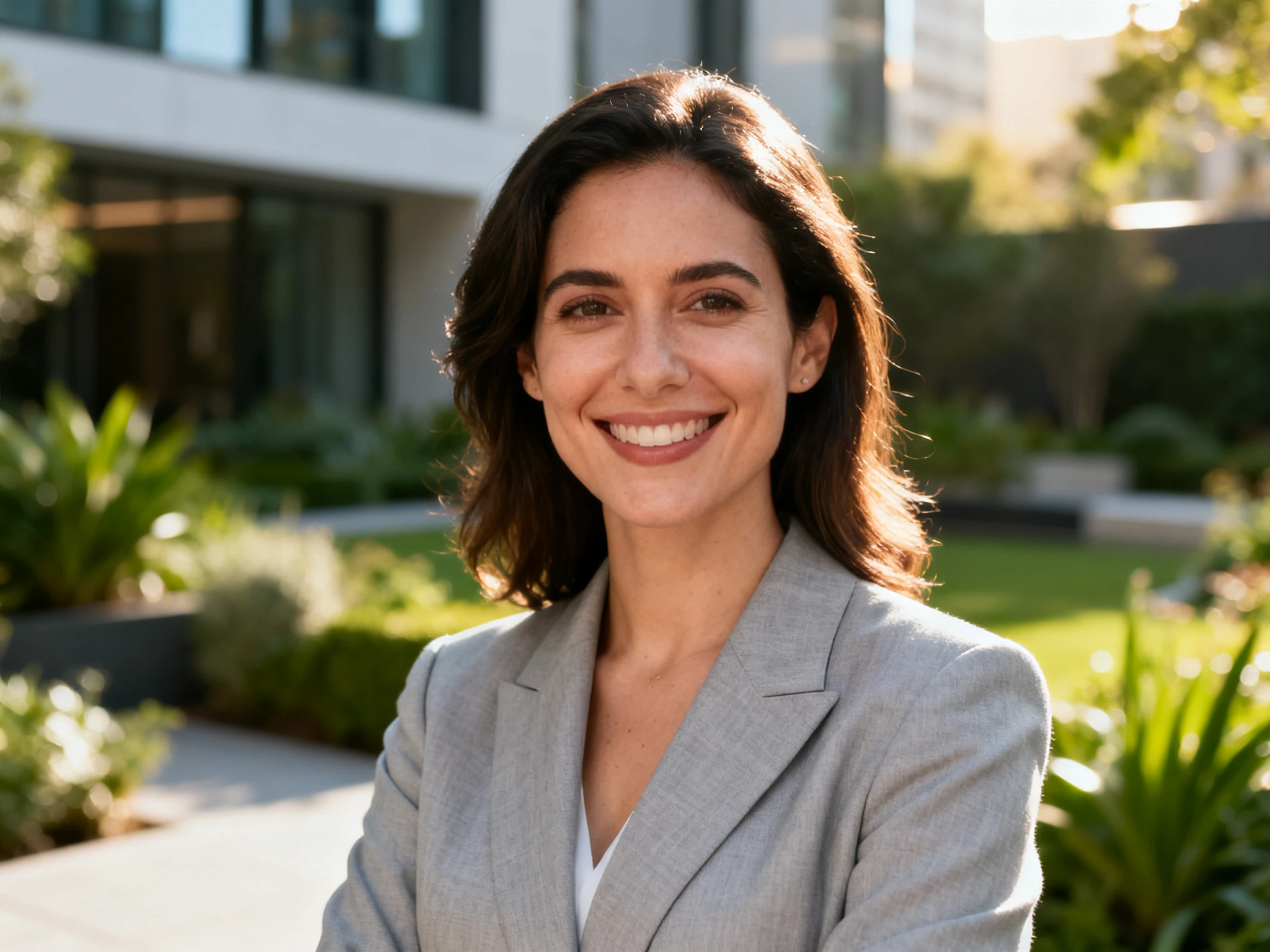
Select from Seedream 5.0 Pro, GPT Image 2, GPT Image 2.5 Flare, GPT Image 2.5 Sunburst, and Nano Banana 2. Trying different models lets you compare how each one interprets the same LinkedIn photo request.
Create Now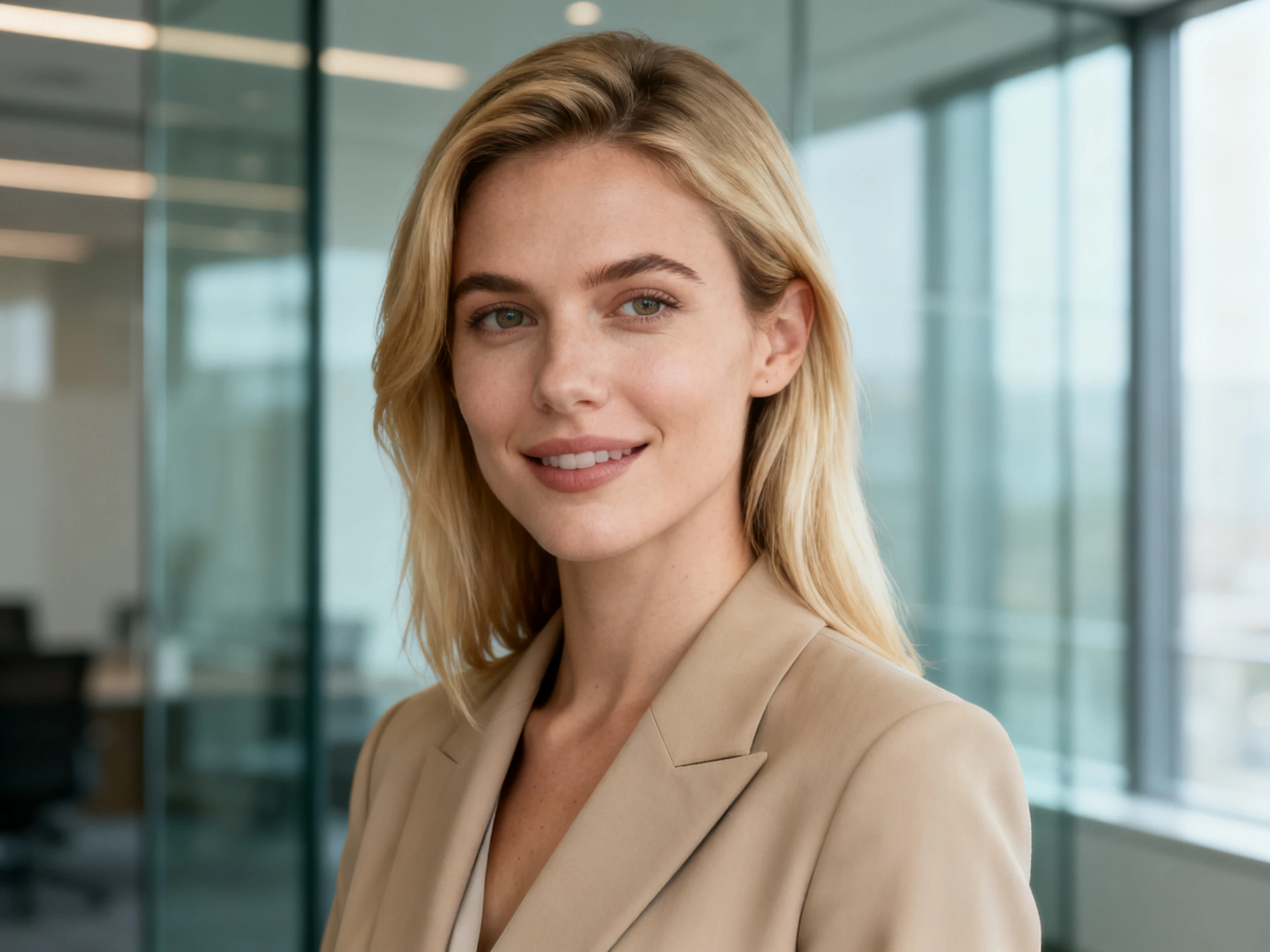
Adjust the output setting to control how many images are created in a generation. Producing several versions gives you more profile photos to compare for facial appearance, framing, background, and overall suitability for LinkedIn.
Create Now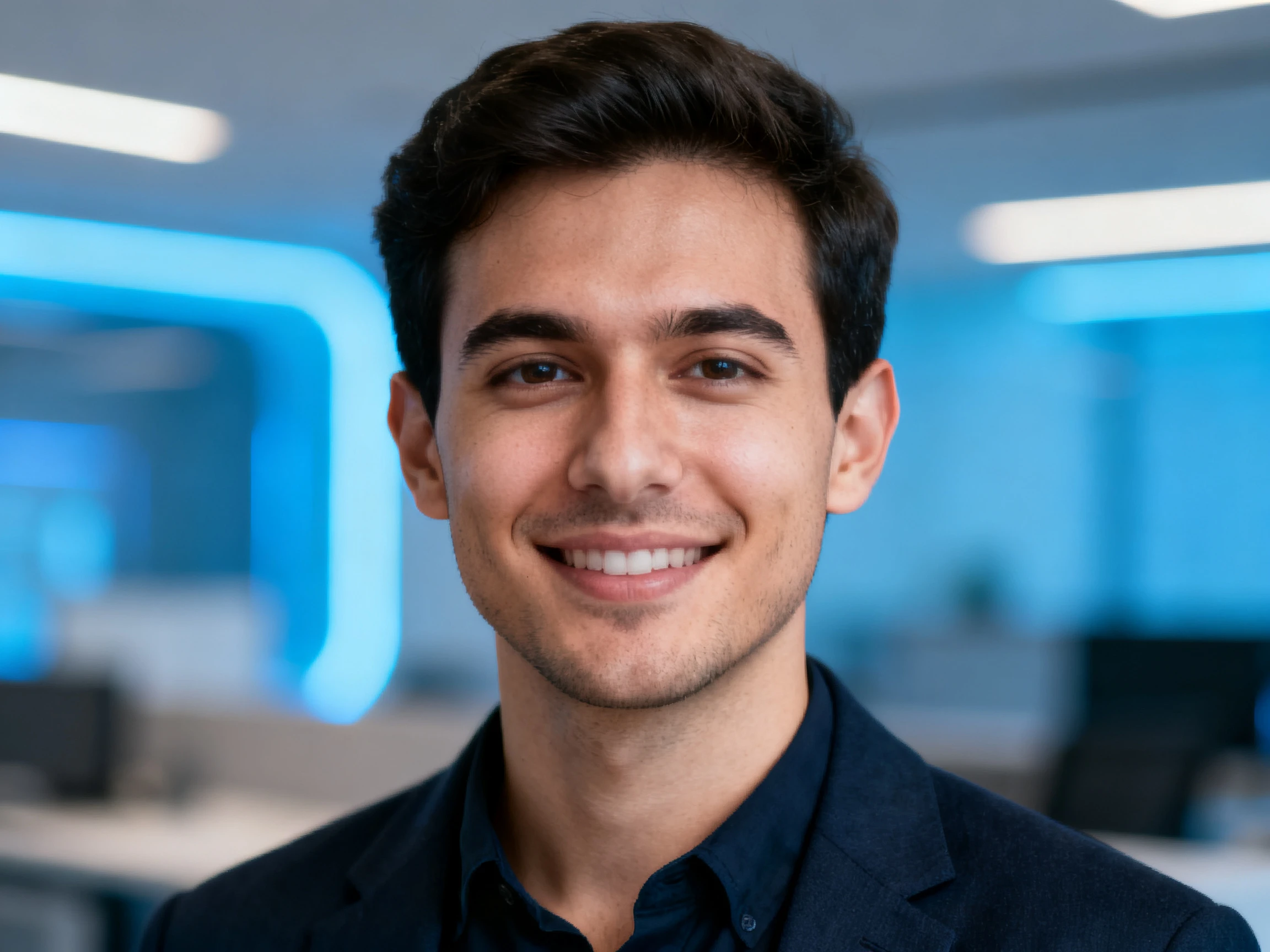


Get your profile photo ready in 4 simple steps. Use the AI LinkedIn Photo Generator Free to upload a reference, describe the look, choose settings, and generate your results.
Add a clear photo in JPEG, JPG, PNG, or WEBP format, up to 20MB each. Add image references to give Magiclight AI a visual source for your LinkedIn photo.
Use the 500-character prompt box to describe the headshot you want. Include clear details about facial framing, professional clothing, lighting, and the background.
Select one of the 5 available image models, such as Seedream 5.0 Pro, GPT Image 2, or Nano Banana 2. Pick a model based on the result you want to generate.
Set the output number to generate one or more photo options, then select Create. Compare the results, choose the strongest image, and export it at the highest available quality.
Recruiter
I look at 100 profile photos a day, and most are cropped far too wide. A candidate of mine used Magiclight AI for one that actually reads clearly.
Account Manager
My old photo was from a wedding, and my head touched the frame edge. With more room around my face, Magiclight AI gave the circle crop space to work.
Career Coach
With Magiclight AI, we can compare profile options before publishing. Clients often upload photos that look fine large but turn into a smudge in the LinkedIn feed.
Software Engineer
I had avoided updating a photo from 2019 because of the studio cost. Magiclight AI sorted it from a picture already on my phone.
Use at least 400 × 400 pixels, while 800 × 800 gives you more detail. A square image works best, and Magiclight AI can help you frame the photo for that shape.
LinkedIn uses a circular crop, so tight framing can cut off the top or sides. Ask Magiclight AI to leave some space around your head before you export the image.
Your face should fill about 60% of the frame. After editing in Magiclight AI, check the result at a small size to make sure your face is still easy to recognize.
No. Tools such as Aragon or HeadshotPro create many headshots from several uploads. Magiclight AI instead works from the photo and instructions you provide.
Yes. Free credits are added after signup, so you can test Magiclight AI before paying. This makes the AI LinkedIn photo generator free to try at the start.
Yes. A square image can also work for company pages, speaker profiles, or directories. With Magiclight AI, the same photo can be adjusted for other profile uses.



View the generated image before choosing it. Magiclight AI lets you adjust the crop through your prompt so the face stays clear at a small size.