52 Different Styles to Present Music
Magiclight AI comes with a collection of 52 visual models, ranging from 2D designs to 3D visuals. Select any style according to your music style to make it look professional and elegant for viewers.
Create Now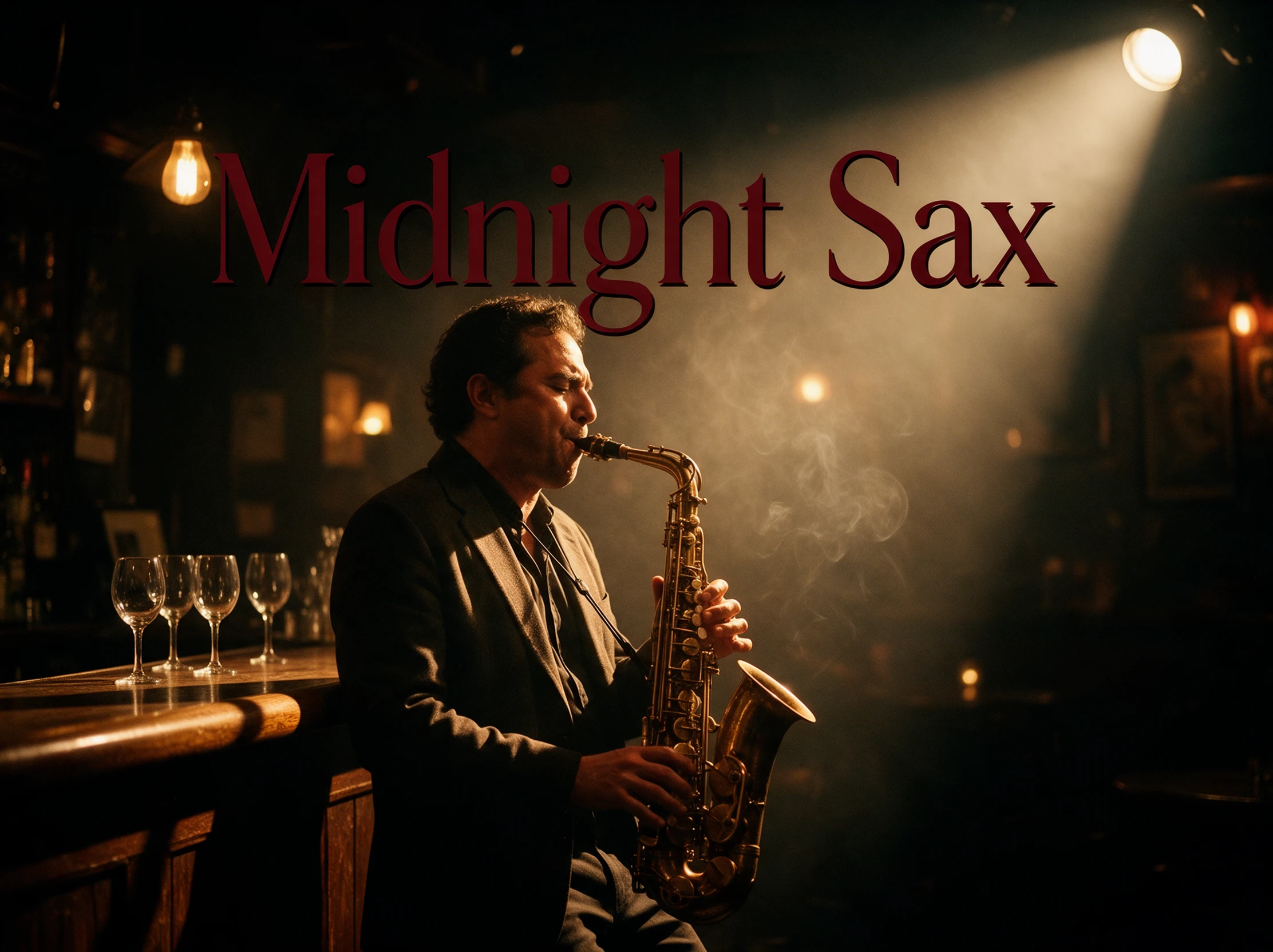

Turn your songs into music videos with Magiclight AI. Choose a visual style, match scenes to your music, and create a video that fits your sound. No editing skills needed.
Create a Music Video for Free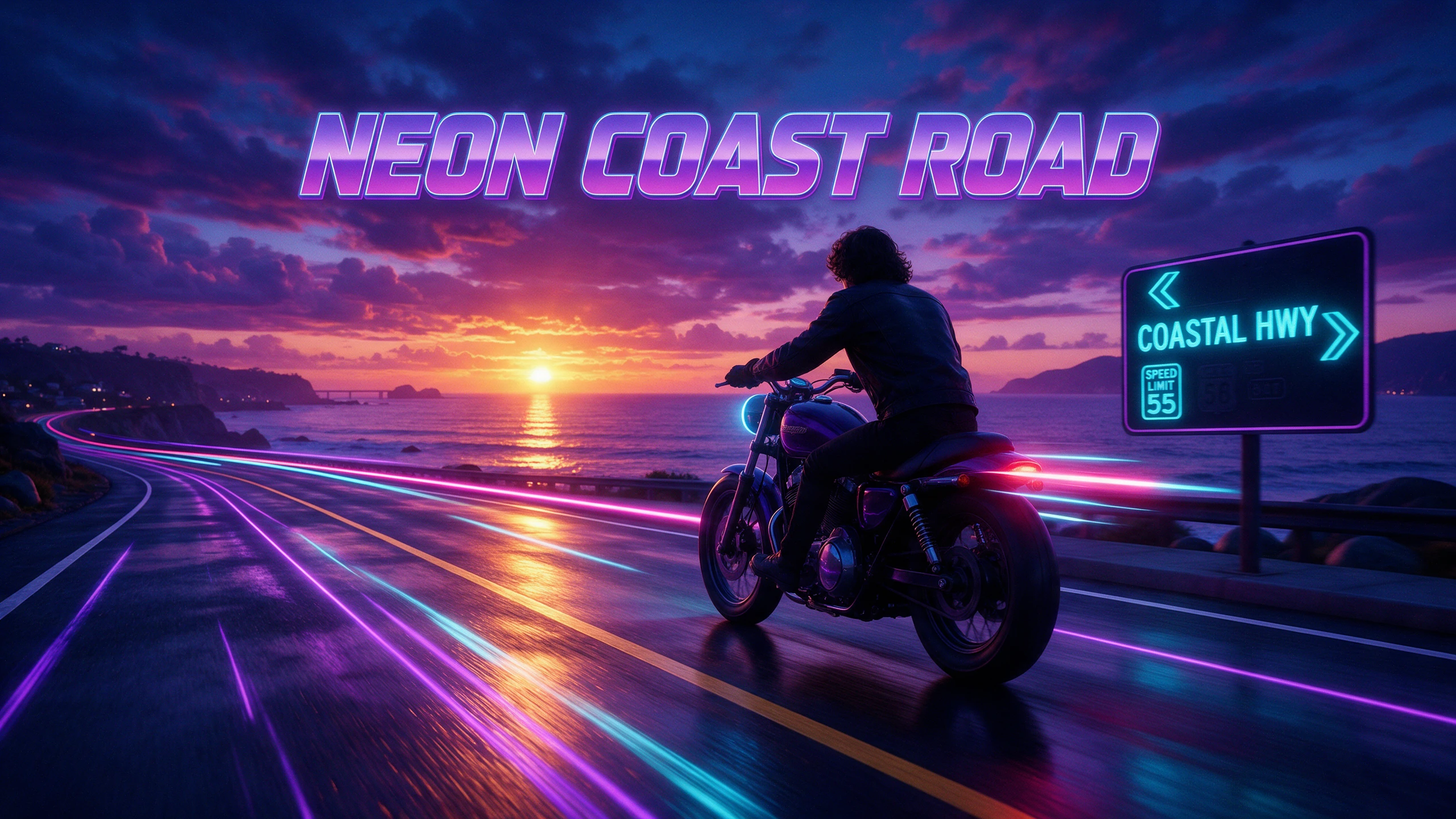










Your song can have words on screen instead of a singer in front of a camera. The Magiclight AI music video creator offers subtitle settings to help those lyrics stand out.
Magiclight AI comes with a collection of 52 visual models, ranging from 2D designs to 3D visuals. Select any style according to your music style to make it look professional and elegant for viewers.
Create NowDescribe the song you want in 200 characters using Suno powered music in Magiclight AI. You can also upload your own track if you already have a song recorded.
Create Characters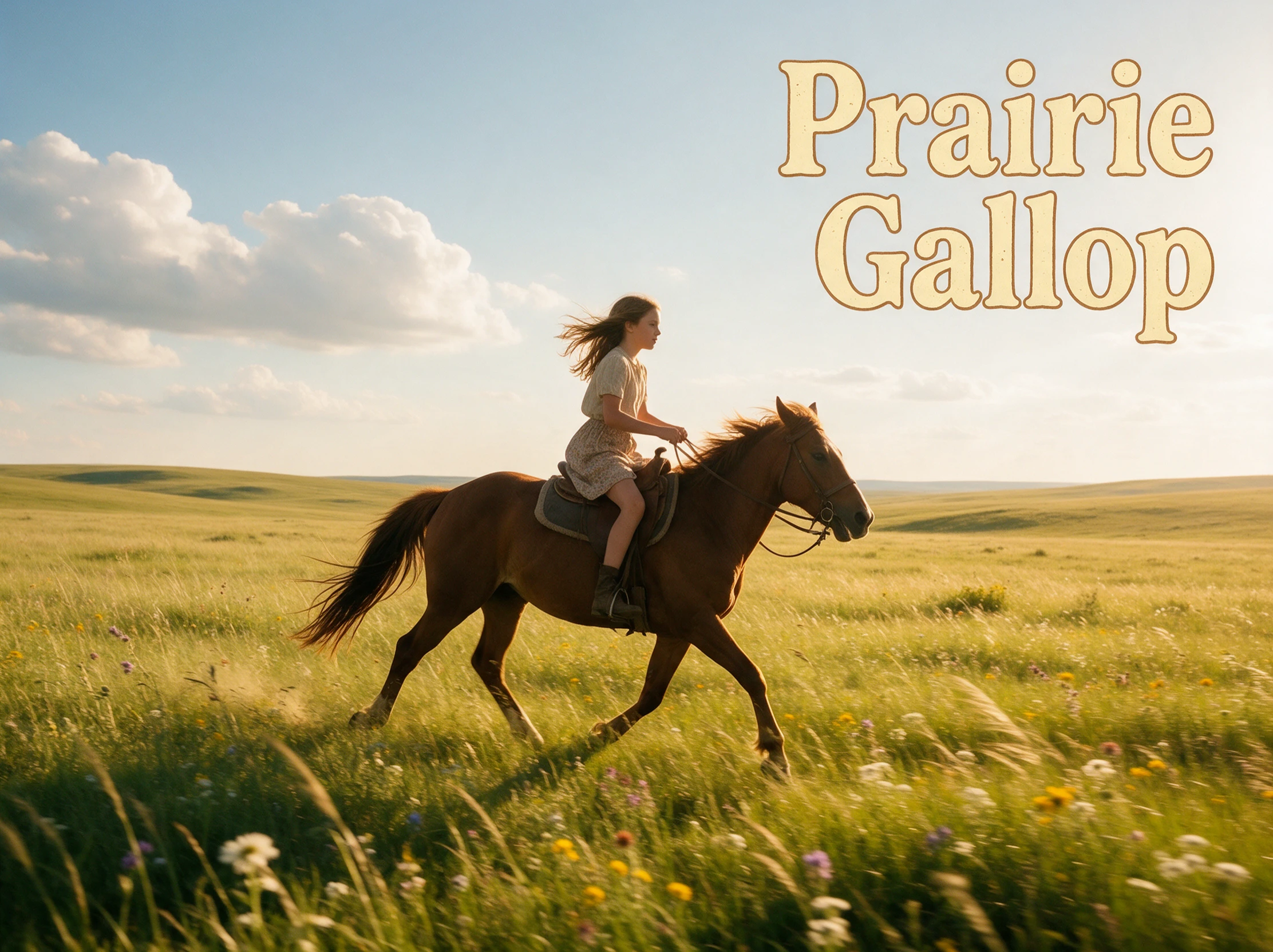
Magiclight AI gives you 16 subtitle settings for showing lyrics in your video. Choose a look that keeps the words easy to read as your song plays across the scenes.
Generate a Video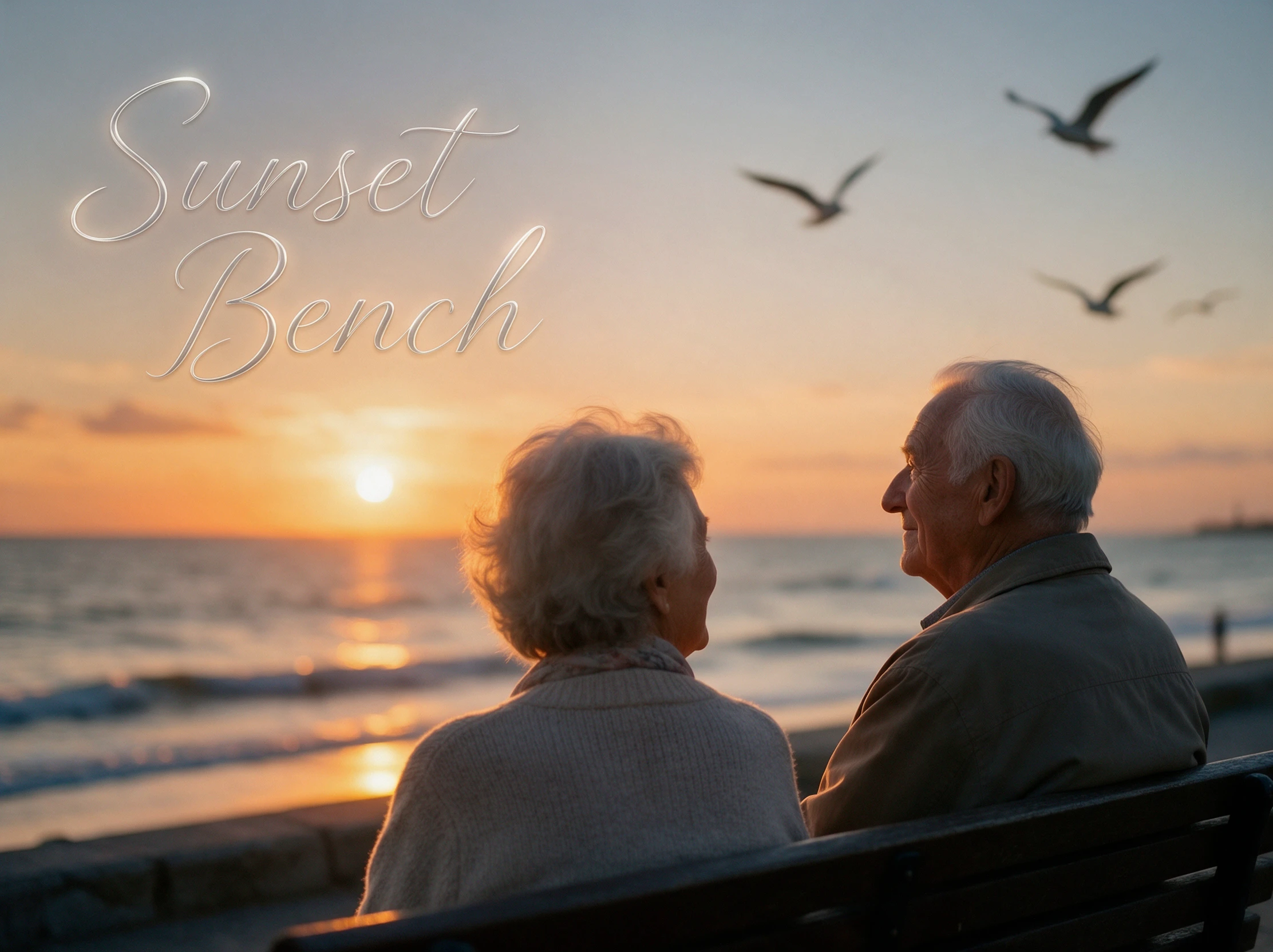
Give your music video a character people can follow from scene to scene. Nano Storyboard has 50 poses to help you change how that character appears as the song moves along.
Start Creating


There is no need to spend days planning a shoot. With the Magiclight AI music video creator, you can work through 4 steps to prepare a video for your track.
Upload your song as an MP3, WAV, or M4A file. Magiclight AI also has 15 ready songs to try. You can create your own music using 200 characters and choose from 11 music genres.
Pick the type of video you want for your song. Create a story video, show the lyrics on screen, or focus on one character. Select a visual style and screen size for your video.
Write 1000 characters to describe a new character or pick a suggested one. Use Nano Storyboard to change the character poses and outfits. You can also adjust the camera for each scene.
Choose how the song lyrics appear in your video. Pick a cover from 21 available templates. Once your music video is ready, watch it to check the scenes before downloading it.
Musician
I finished recording my song but had no budget left for a video. Magiclight AI helped me create one without hiring anyone, and I finally had something new to share with my fans.
Songwriter
My demo needed more than a plain audio file before I sent it to a singer. The story video from Magiclight AI helped show the feeling I wanted the song to have.
Rapper
Fast verses are not always easy to catch. Magiclight AI helped me put the lyrics on screen, and some listeners noticed lines they had completely missed the first time.
YouTuber
Filming myself every week was getting exhausting. I tried Magiclight AI for one of my original songs and had a video ready to post without setting up my camera again.
Magiclight AI music video creator turns your song into a video with scenes that match its mood. Use your own track or create music before choosing how the video looks.
Yes. Magiclight AI lets you create a song from a 200-character idea using Suno-powered music. You can also choose from 15 ready songs if you want to try a video out soon.
Yes. Upload a song exported from Suno or another music app to Magiclight AI. Check the original app's terms before using the finished video commercially.
Songs that tell a story may work well with a plot video. For tracks where the words matter most, Magiclight AI can show the lyrics on screen. You can try another type later.
Yes. With permission from each member, you can use clear photos to create characters in Magiclight AI. Check the finished scenes to see how well each person appears on screen.
Yes. Choose 9:16 for TikTok or YouTube Shorts, and 16:9 for a regular YouTube video. Magiclight AI offers downloads at 720p or 1080p once your music video is ready to share.



Give your song a video worth watching. Magiclight AI turns your music into a video with scenes that fit its mood.