12,000 Characters for Your Sad Script
Magiclight AI gives you 12,000 characters to write your story. You can explain what happened between your characters and why their final meeting was so difficult for both of them.
Create Now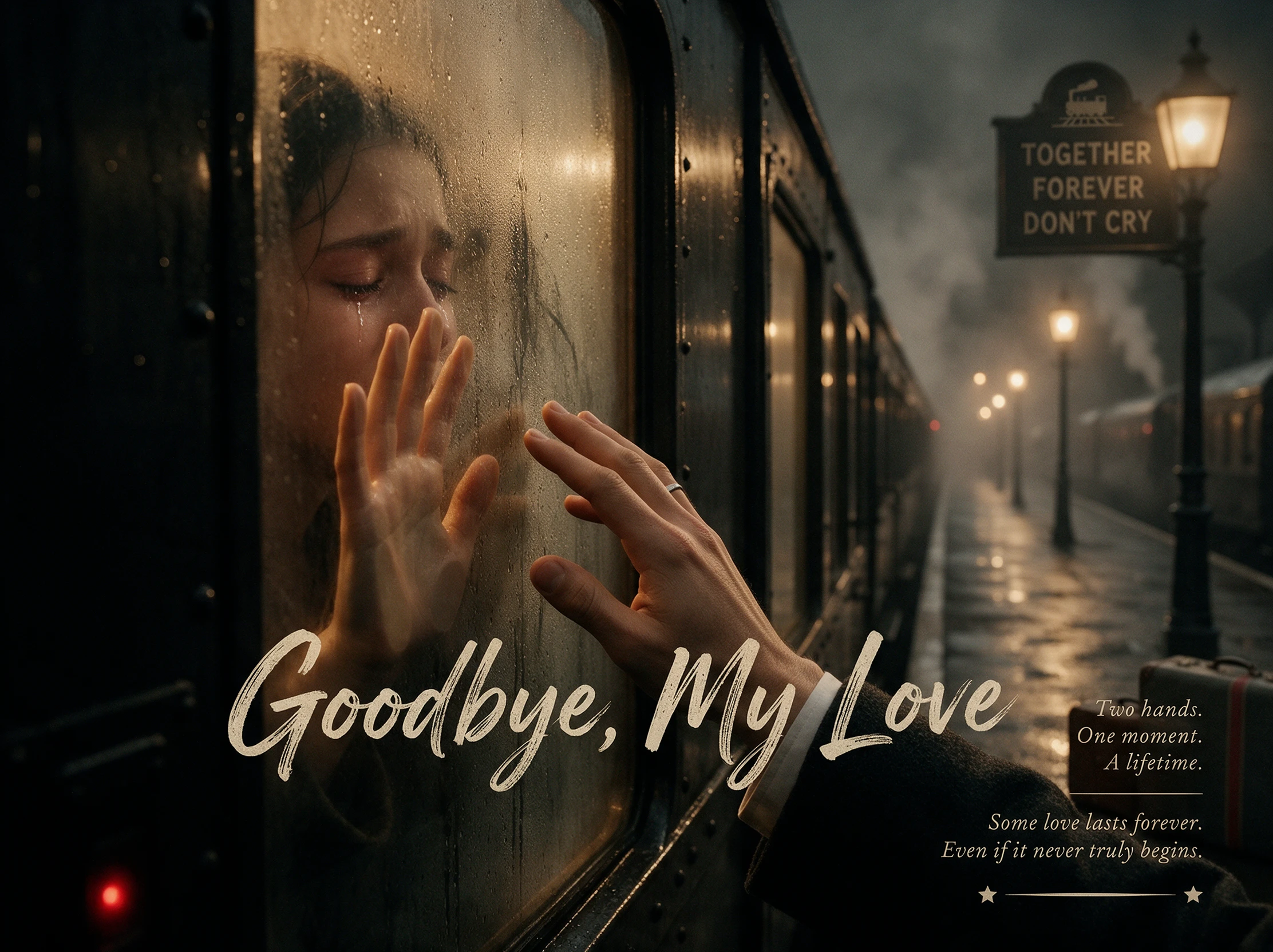
Turn your ideas into emotional sad story videos with Magiclight AI. Bring heartfelt moments, memorable characters, and touching stories to life through animated scenes. No animation skills needed.
Create a Sad Story Video for Free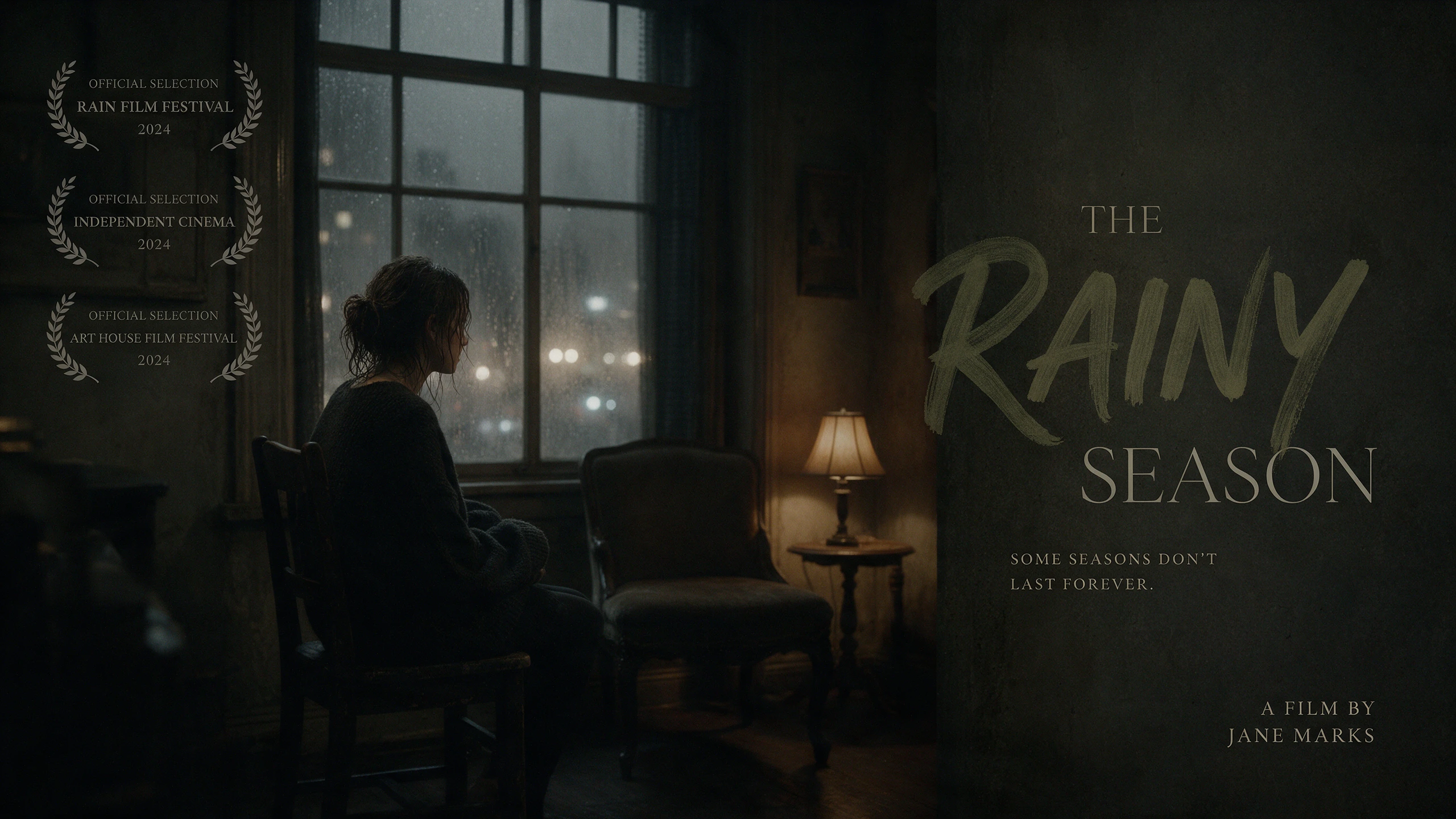










Start with a simple story about someone missing a person they love. The Magiclight AI sad story generator puts that experience on screen with characters and background music.
Magiclight AI gives you 12,000 characters to write your story. You can explain what happened between your characters and why their final meeting was so difficult for both of them.
Create NowA character might sit quietly after hearing bad news. Nano Storyboard has 50 poses and expressions to help you show sadness through the character's face and body.
Design Character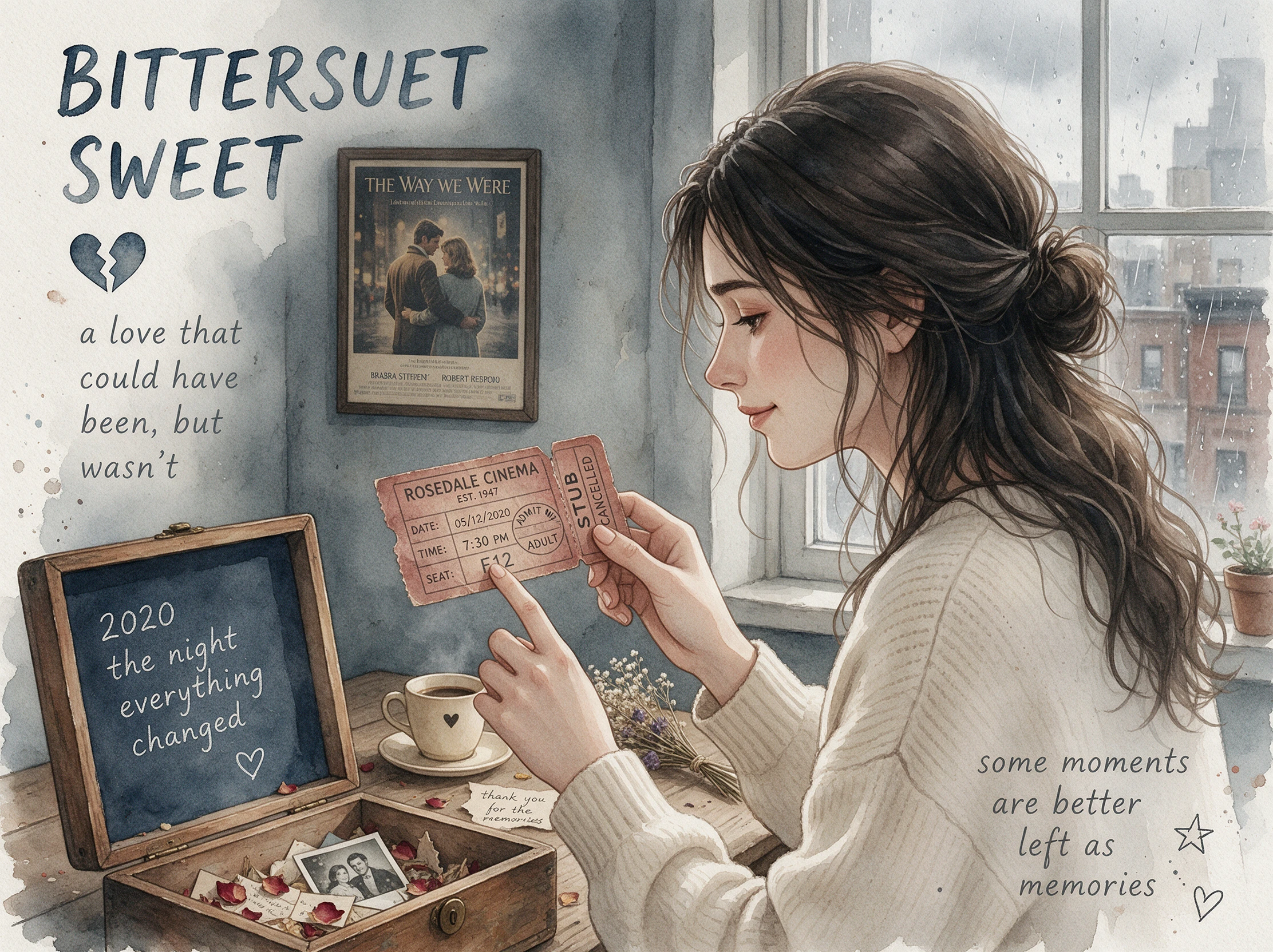
Gentle piano music can make a farewell scene feel more personal. Magiclight AI lets you pick from 40 background tracks to suit the mood of your sad story video.
Pick BGM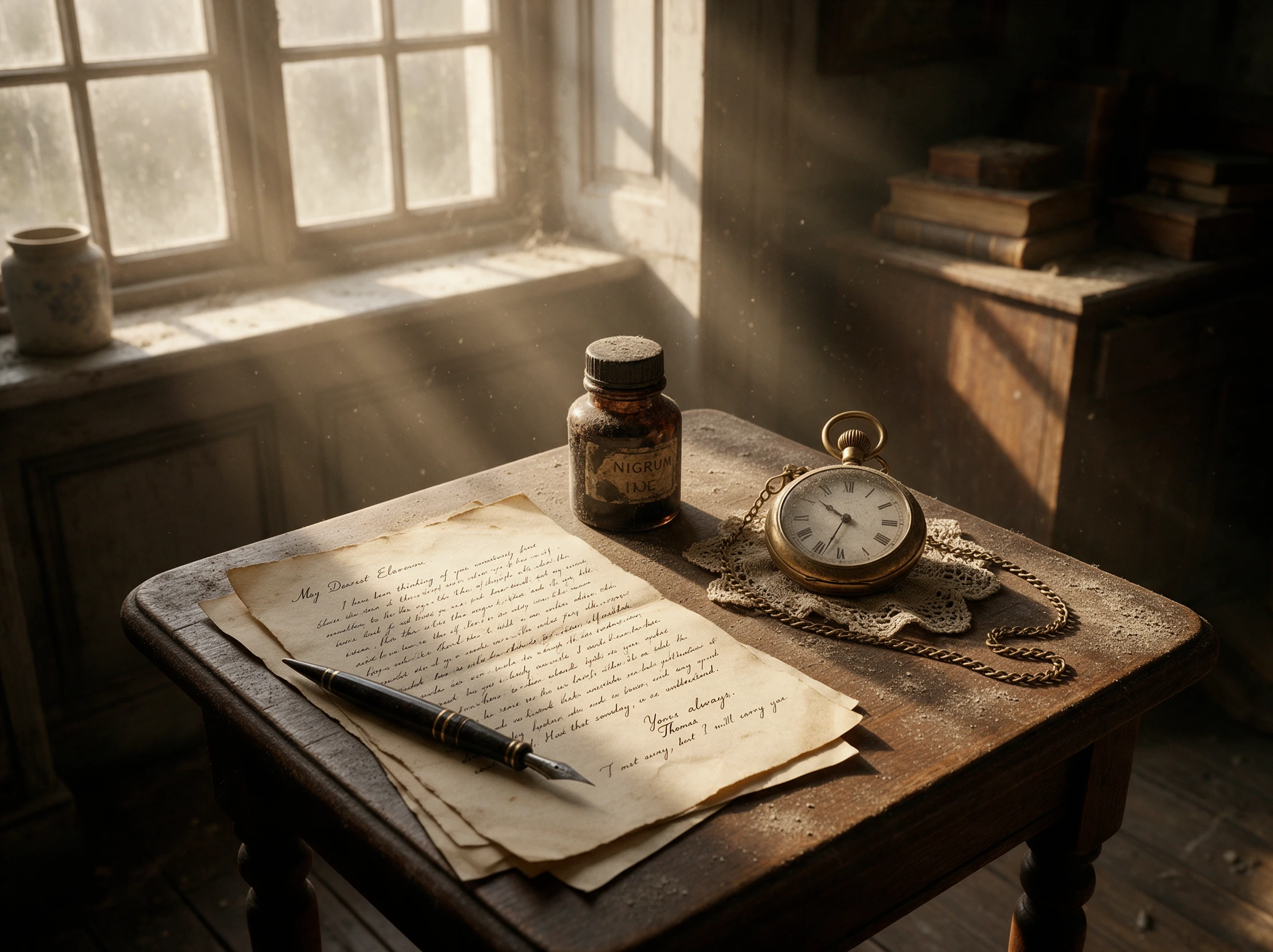
Magiclight AI offers both video sizes for your sad story. Pick 9:16 for short videos on social media or 16:9 for a wider view on YouTube or a TV screen.
Start Creating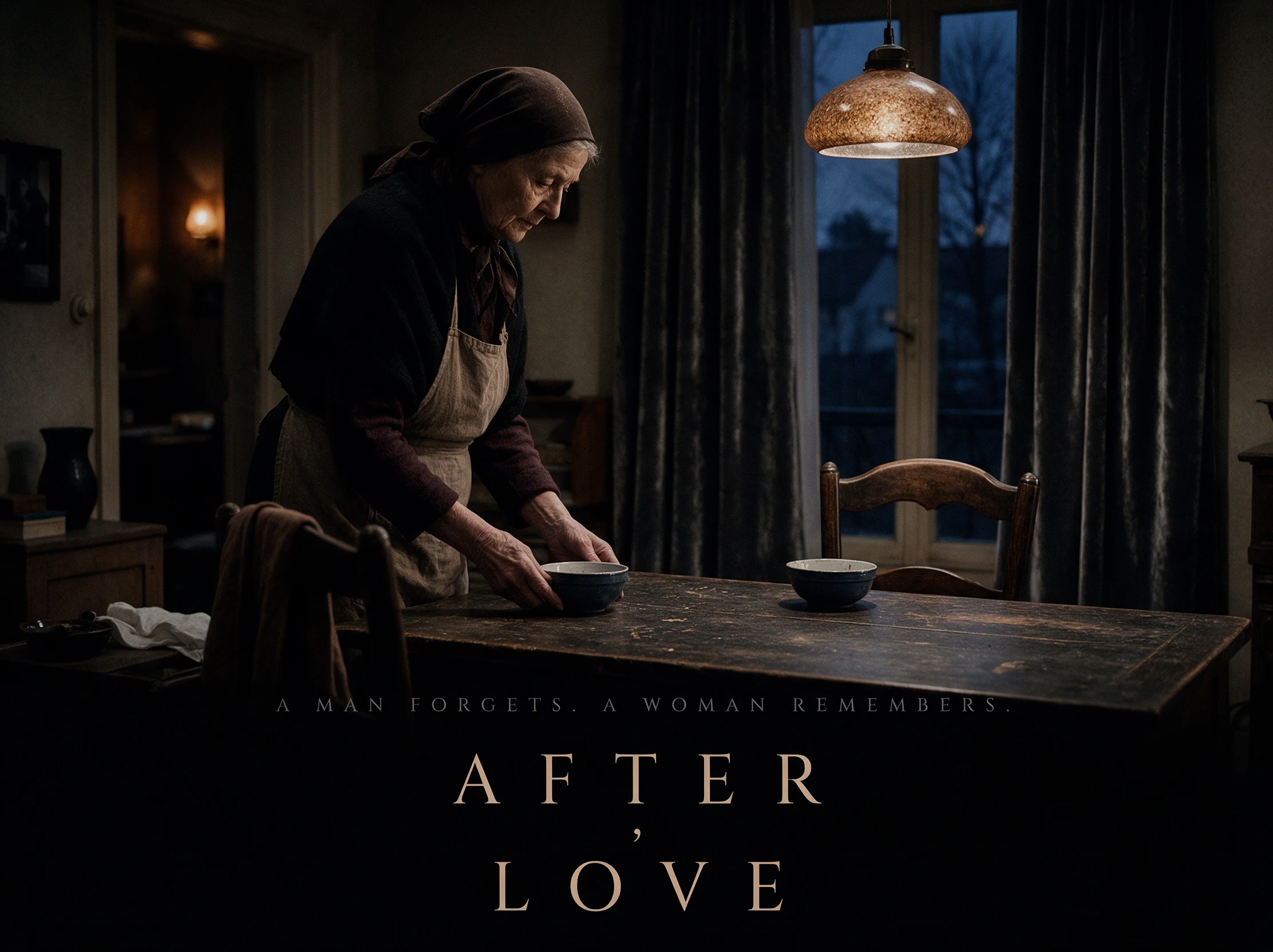


The Magiclight AI sad story generator takes your script through 4 steps to create a video. Each stage gives you control over how the characters and scenes appear on screen.
Enter your sad story of 12,000 characters in the script section. MagicLight Agent then determines the video niche based on what you've written.
Find a suitable look among 52 visual styles. Character creation also allows a 1,000 character description, so include the details needed to keep each person recognizable.
Review the scenes in Nano Storyboard and fix any expressions or camera angles that seem wrong. Once the storyboard looks right, MagicLight Agent helps animate the scenes.
Finish the video with background music from 40 available tracks. Subtitles come in 16 styles, so select one that suits the scenes before generating and exporting the final video.
Content Creator
I made a short video about two friends who stopped talking. The first few scenes looked good, but I changed the ending twice before it felt right for my channel.
Novelist
One chapter from my book worked surprisingly well as a video. Some dialogue felt too long once I watched it, so I went back and shortened those parts.
YouTube Creator
My audience usually watches mystery videos, so I wasn't sure about posting a sad story. The comments were encouraging, and a few people asked for another one.
Video Editor
The storyboard saved me from rendering scenes I didn't like. I still spent time fixing the pacing, especially near the goodbye, but the final cut turned out well.
The Magiclight AI sad story generator works best when viewers know what the characters mean to each other. Give them a happy memory before the loss changes everything.
Small details often matter more than dramatic events. A missed phone call or an unfinished conversation can make the sadness feel real without forcing every character to cry.
Not necessarily. A little hope can make the ending easier to sit with, but some stories need a sad final scene. Choose the ending that feels right for your characters.
Longer stories need room for the relationships to develop. Magiclight AI supports videos lasting 50 minutes, so there is time to show what mattered before the goodbye.
Realistic scenes suit personal stories, while illustrations give sad moments a softer look. Among the over 50 visual styles in Magiclight AI, pick one that fits your story's mood.
Listen to a few narrators before settling on one. Magiclight AI provides 37 voice options, making it easier to find a voice that sounds right for the age and mood of the story.



Every emotional story deserves a thoughtful ending. Turn your idea into a video with Magiclight AI and share the moments that matter most.