Explore the Magiclight AI Sexy Art Features
Create stylish portraits with the charm of vintage magazine covers. Choose the outfit and lighting to get the look you want.

Create glamorous, sexy AI artwork with MagicLight. Upload a photo or describe your idea to generate stylish portraits with beautiful poses, outfits, and lighting. No design skills needed.
Create Sexy AI Art for Free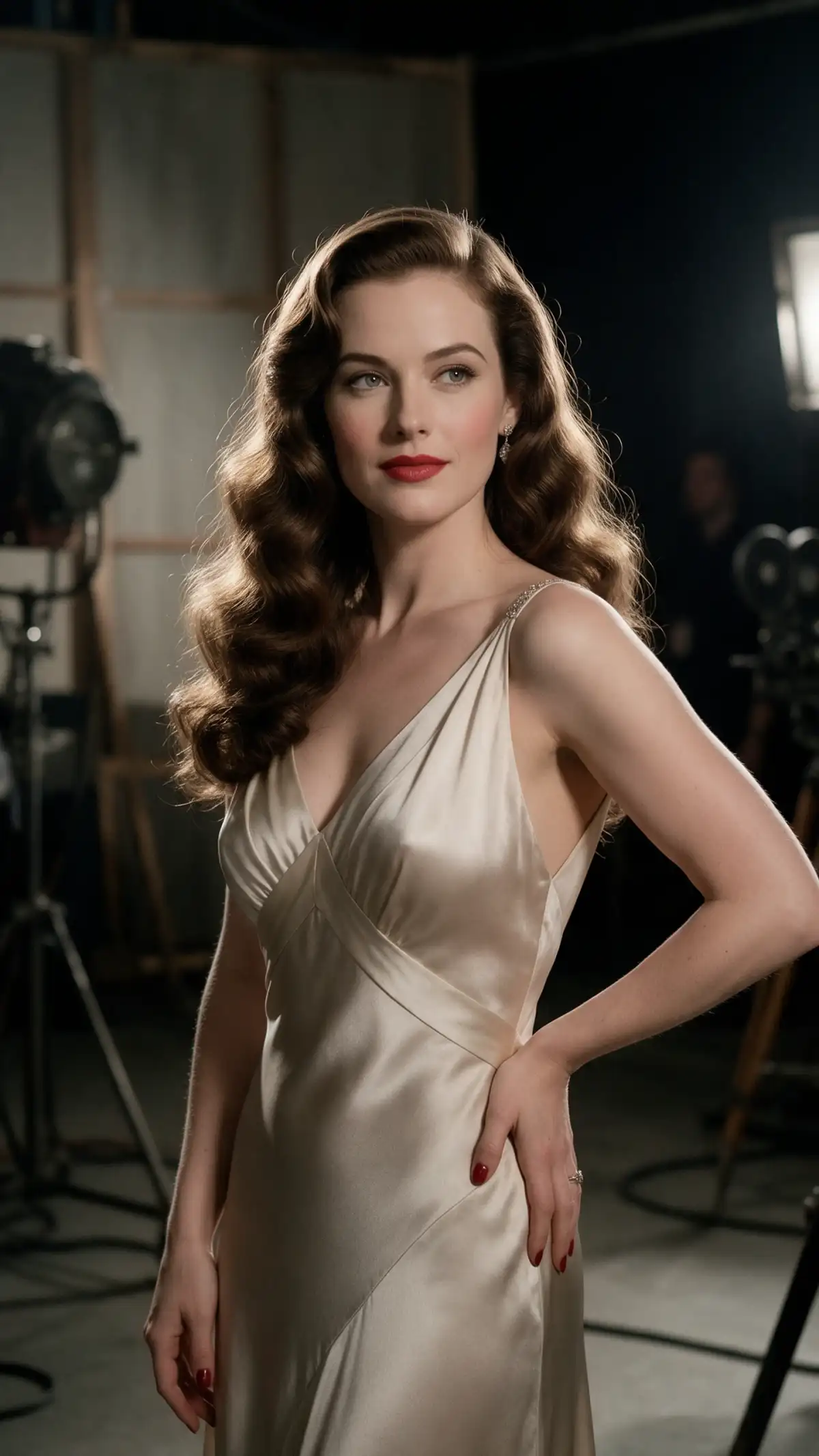
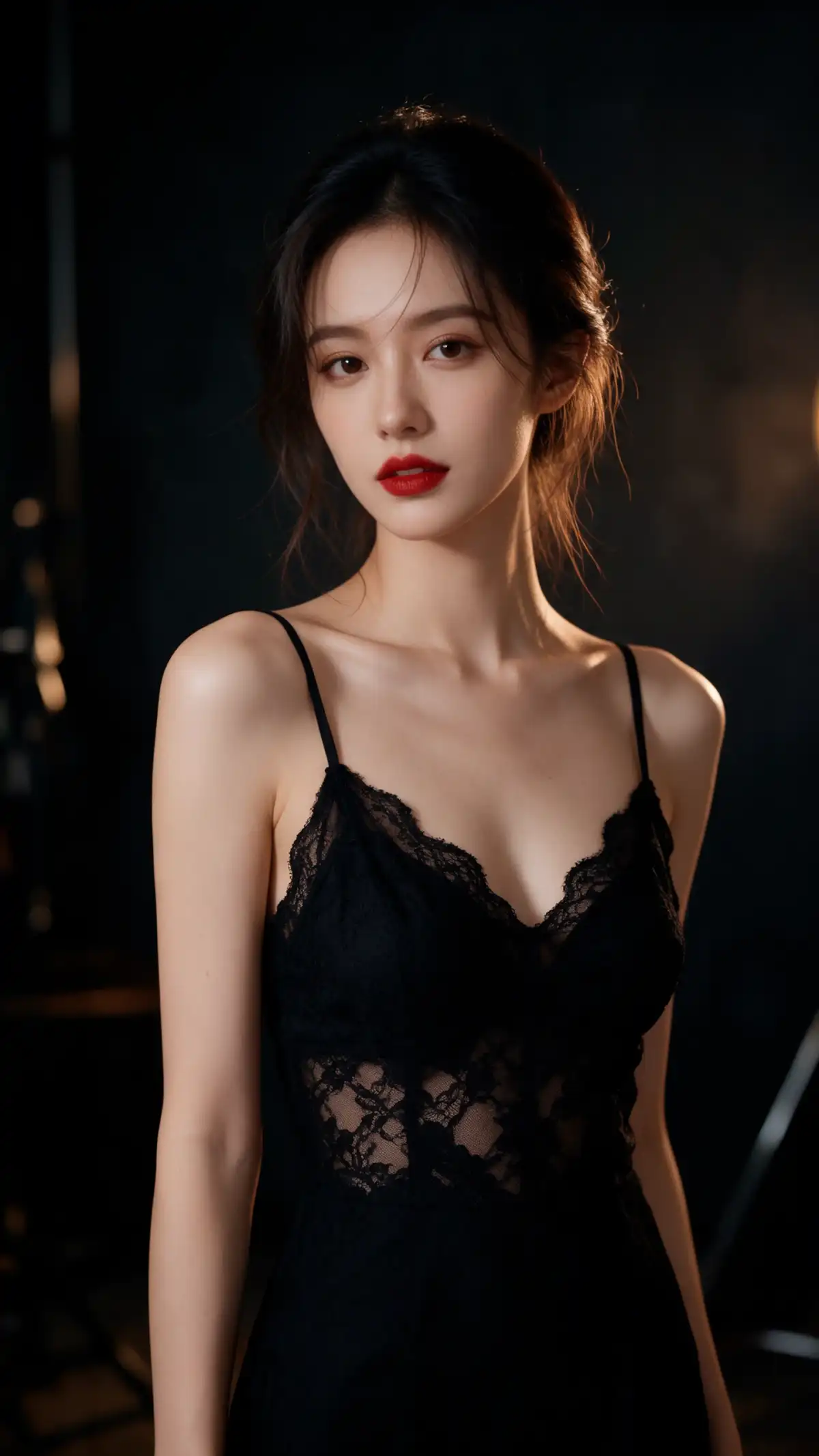
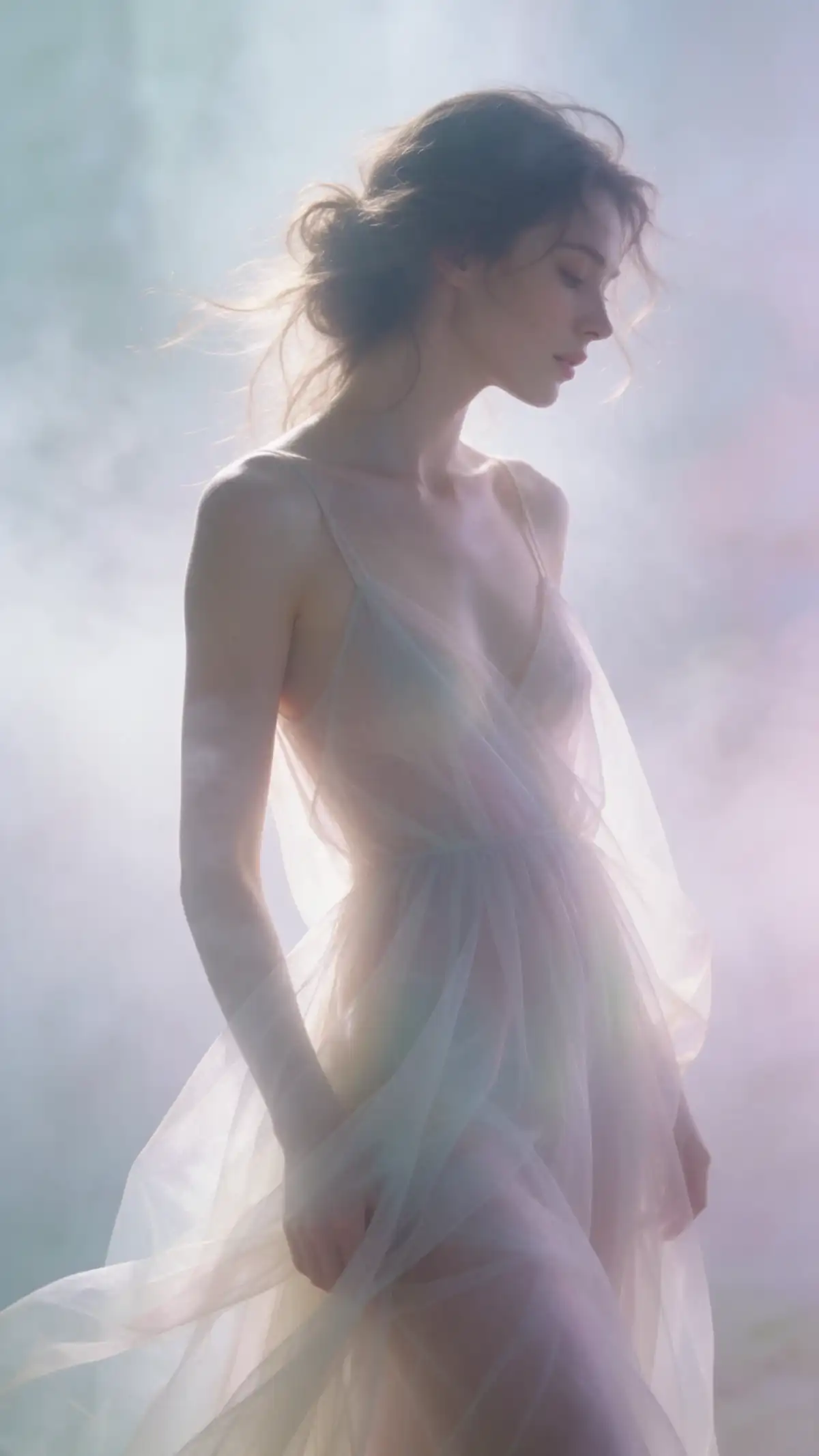
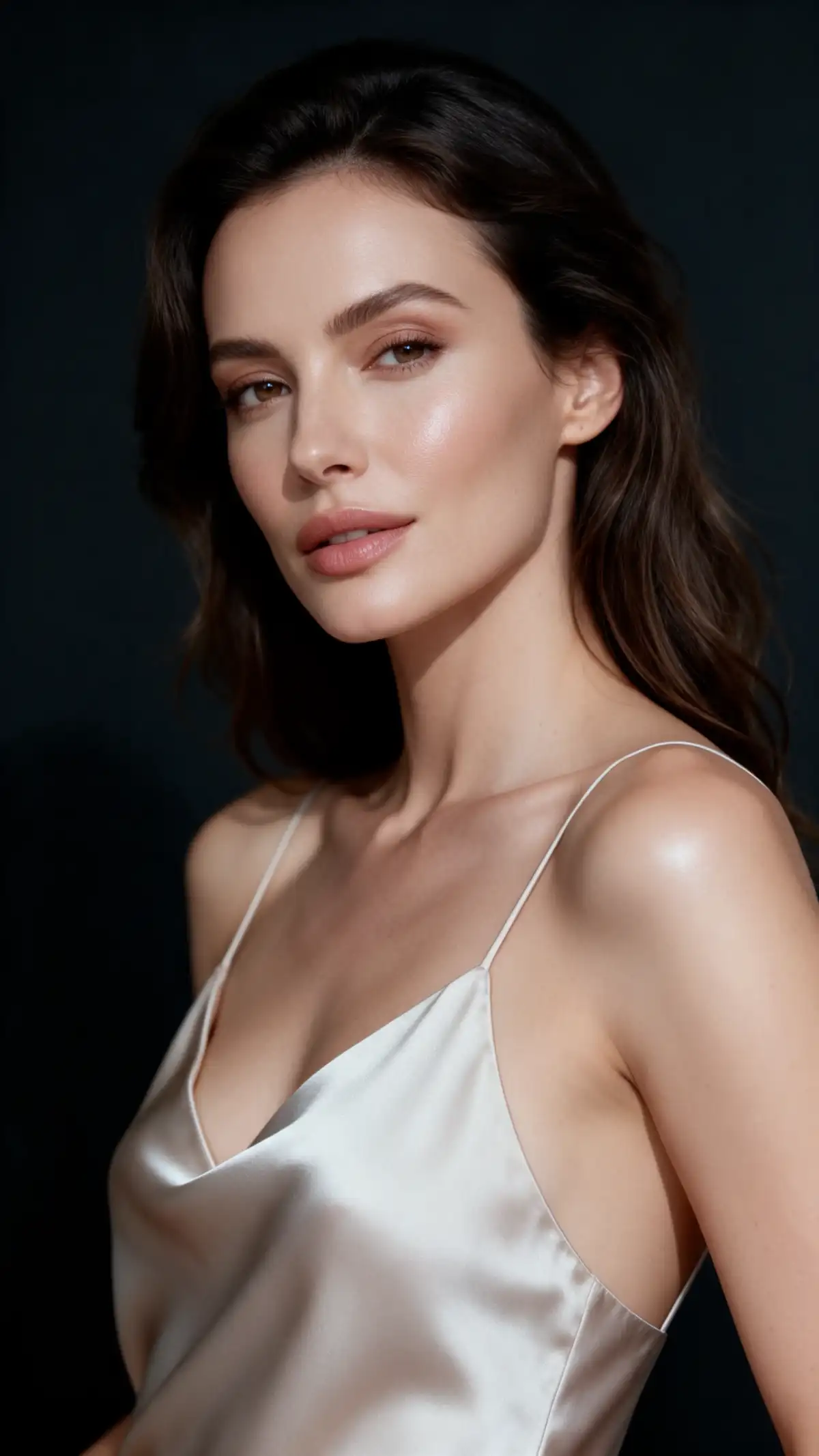
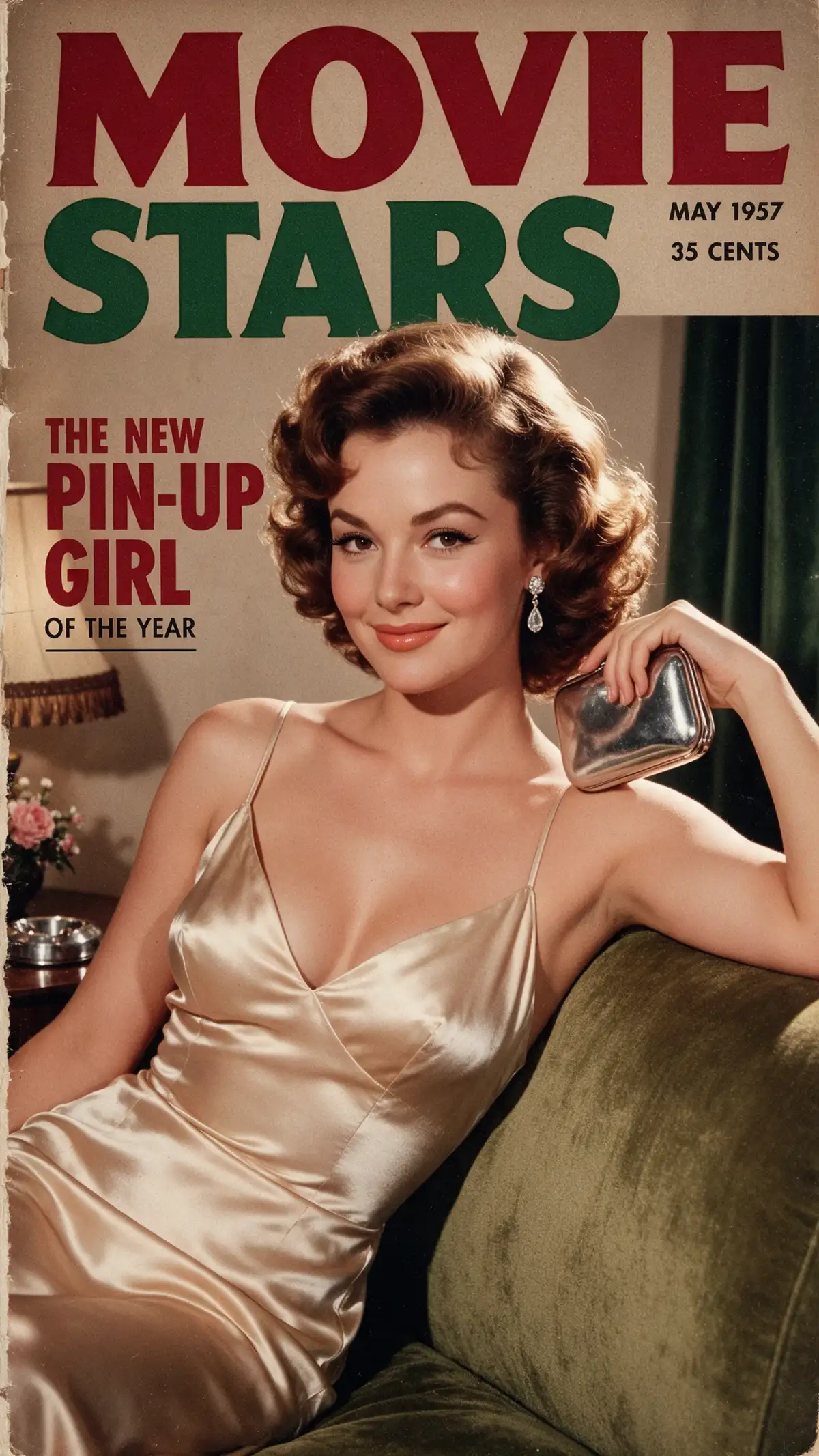
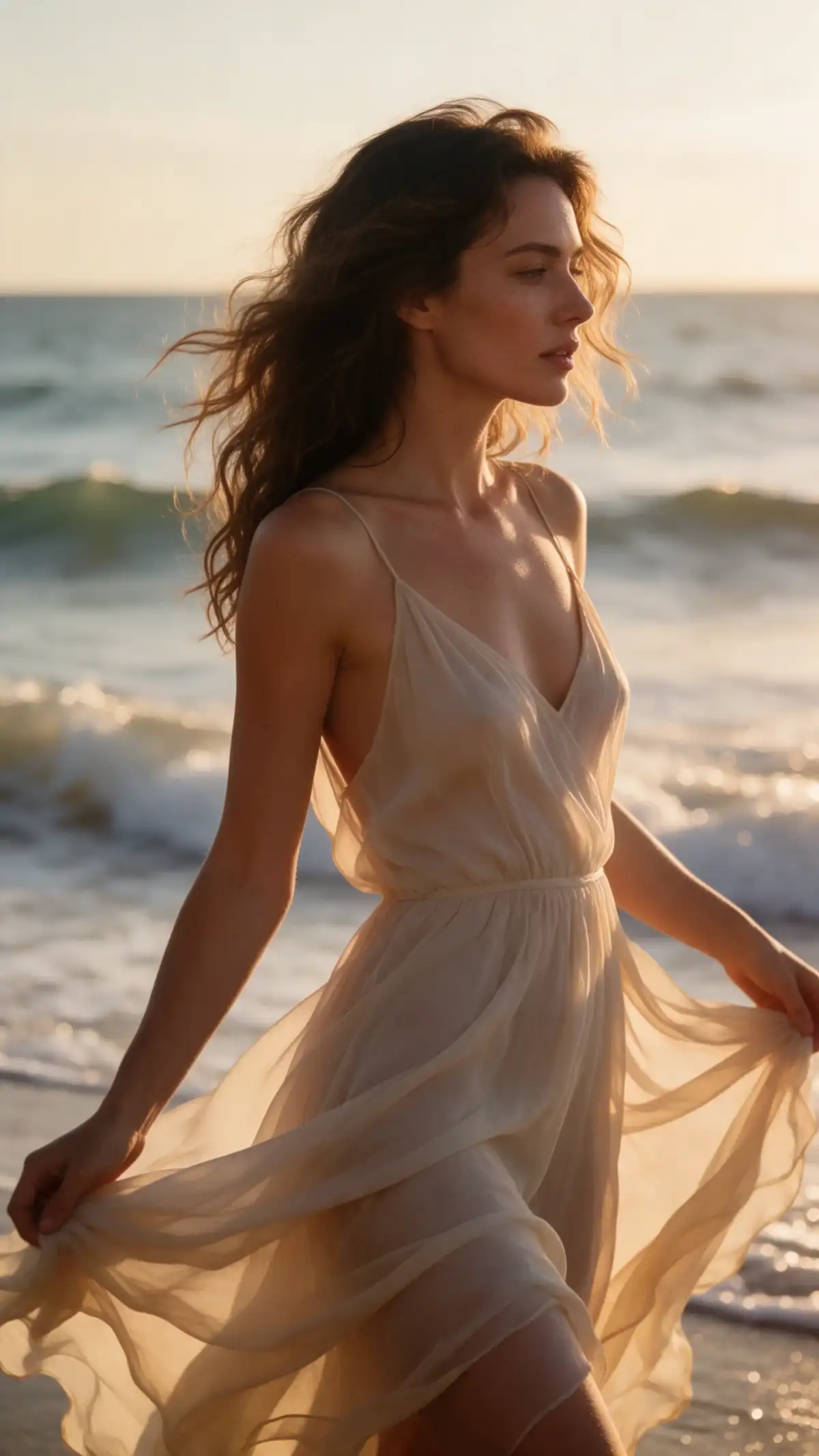
Create stylish portraits with the charm of vintage magazine covers. Choose the outfit and lighting to get the look you want.

Add 10 reference images showing the outfits and poses you like for a portrait. Magiclight AI uses these pictures to guide the fashion style and mood of your artwork.
Start with an imagined model instead of a personal photo. Describe a vintage dress and a studio setting, then Magiclight AI creates a stylish portrait from your words.
Use the 500-character prompt to describe the model and the look you want. Mention a satin gown and warm studio light to give Magiclight AI a clear direction for the portrait.
Magiclight AI offers 6 image models for your fashion portraits. Try Nano Banana and GPT Image to see how the same fashion idea looks with different artistic finishes.


MagicLight AI Sexy Art Generator lets you explore glamorous portraits and vintage pinup styles.. You can create your own portrait in 4 steps without arranging a studio session.
In the Image tab, select Reference Image to Image to add a photo. For creating an imagined original character, select Text to Image instead.
Enter a description within the 500-character limit. Mention the model's clothing and preferred pose. Add a fashion era to give the portrait a recognizable style.
Pick an image model that suits your artwork, then select the picture ratio. Try 4:3 for a classic magazine portrait and 9:16 when you want a tall, sexy poster.
After the image is created, check the outfit and facial appearance in the result. Make any changes to your prompt before saving the picture you prefer.
Yes. You can upload your own photo or an image you have permission to use. Make sure you have the necessary consent before creating or sharing images of other people.
Yes. Describe the clothing, hairstyle, pose, and visual style you want. You can also upload reference images to guide the result.
AI-generated portraits can be used for fashion campaign concepts. Check the commercial usage rights included in your plan and the advertising platform's rules before publishing.
Magiclight AI sexy AI art generator works best with original ideas. Describe a general vintage style rather than copying a protected photograph. Give your portrait its own setting.
Select Reference Image to Image in Magiclight AI and upload your photo. Describe the fashion look you want within 500 characters, then create your new glamour portrait.
Choose 4:3 for a classic portrait and 9:16 for a tall poster. Magiclight AI also offers 1:1 for square artwork and 16:9 when your fashion scene needs a wider frame.



Have a classic Hollywood look in mind? Describe it in Magiclight AI and see your idea become a beautiful portrait.