
Hero background

Black Friday Poster Maker

Type the headline, the discount, and the dates in quotes. Magiclight AI Black Friday poster maker creates the finished poster for you with no editing and no graphic designer.

Create a Black Friday Poster for Free
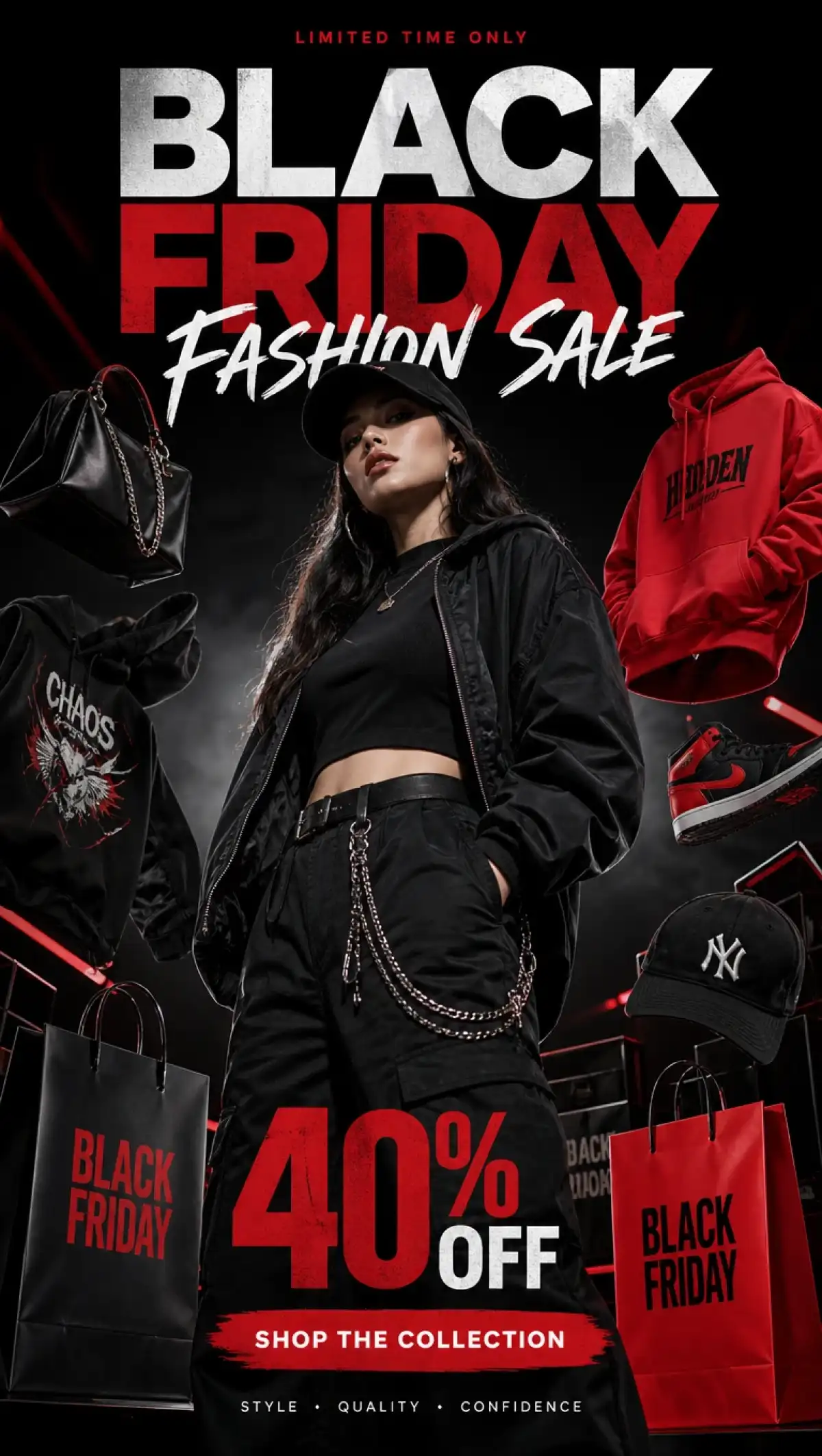
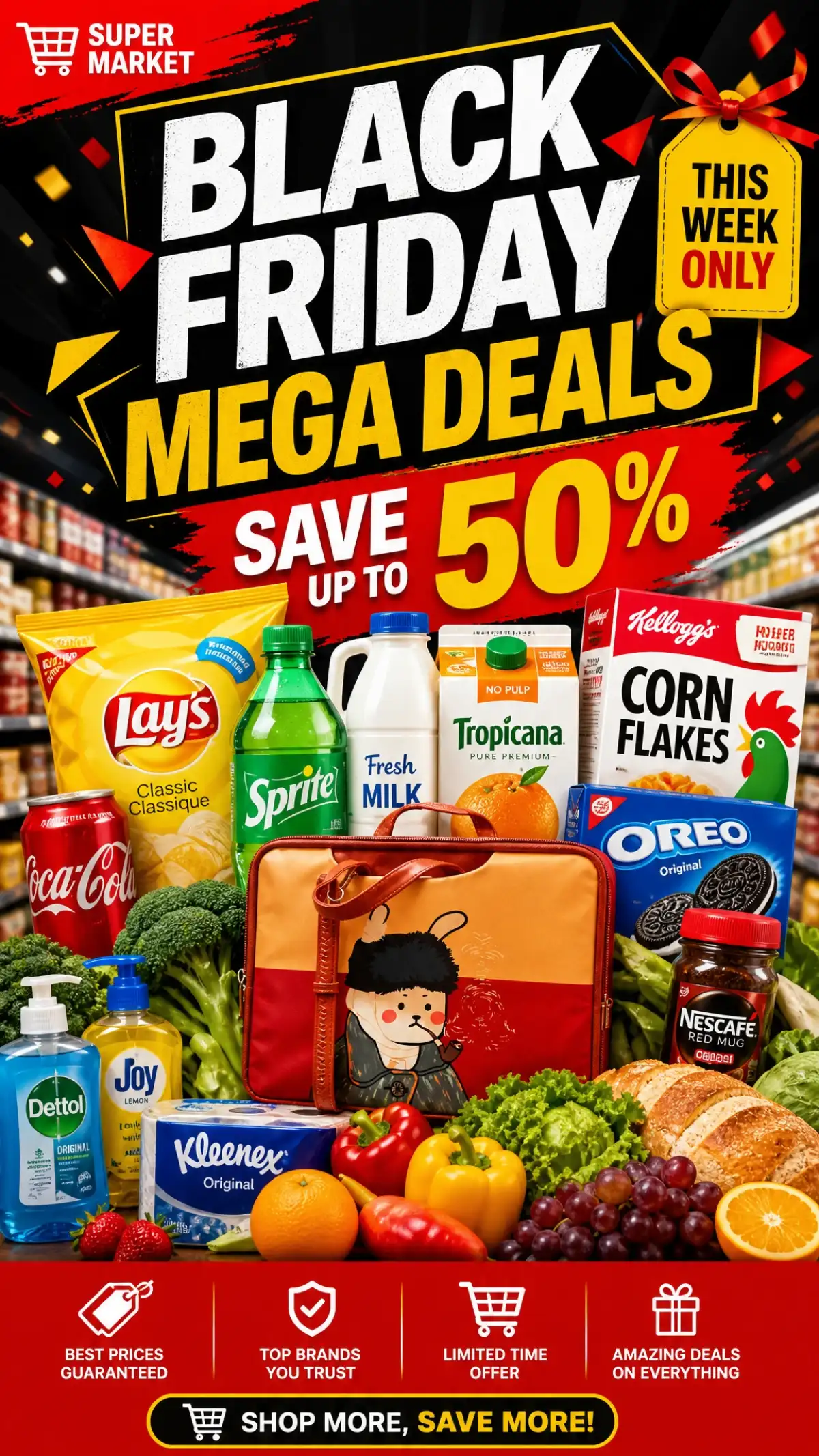
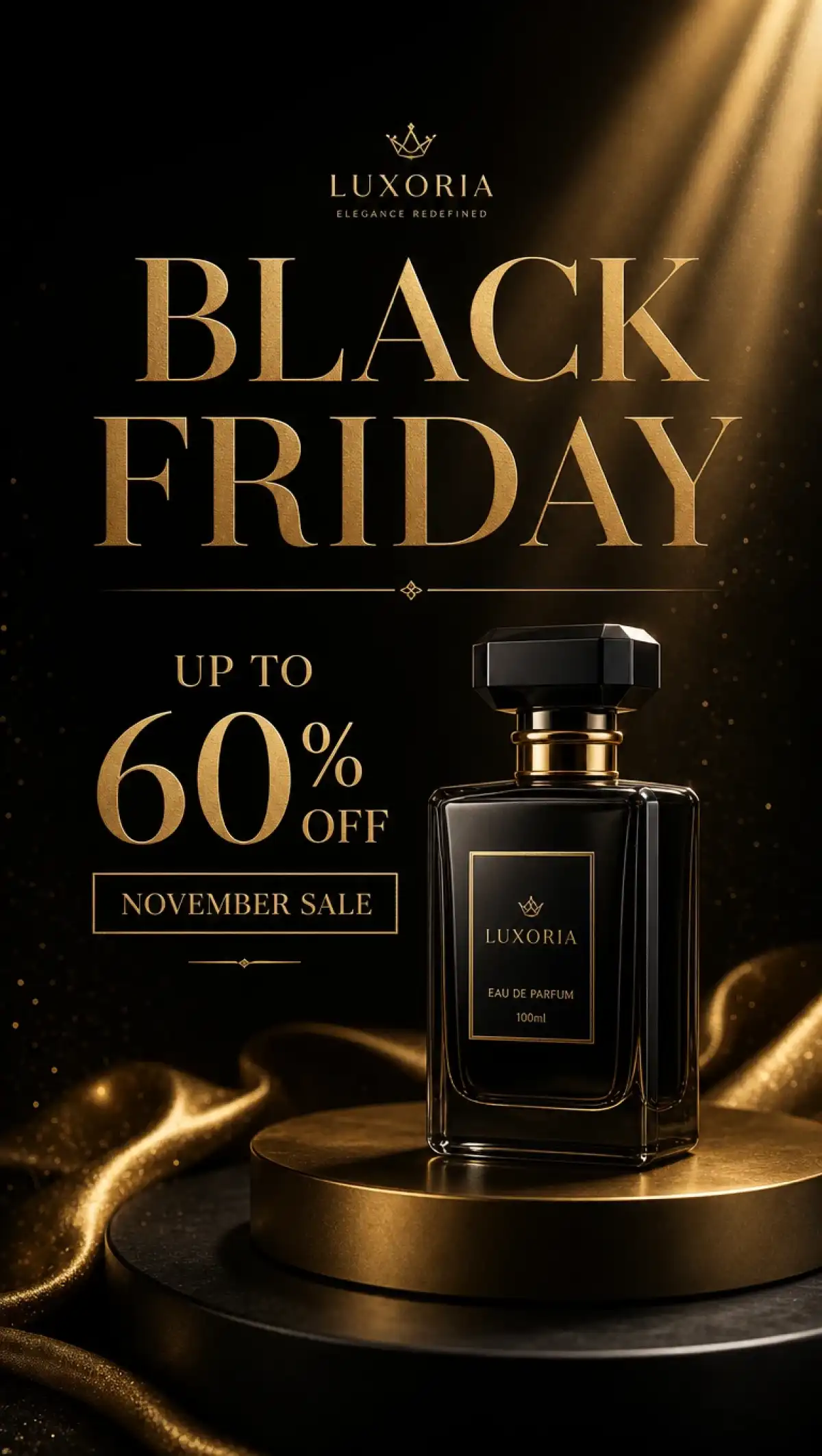
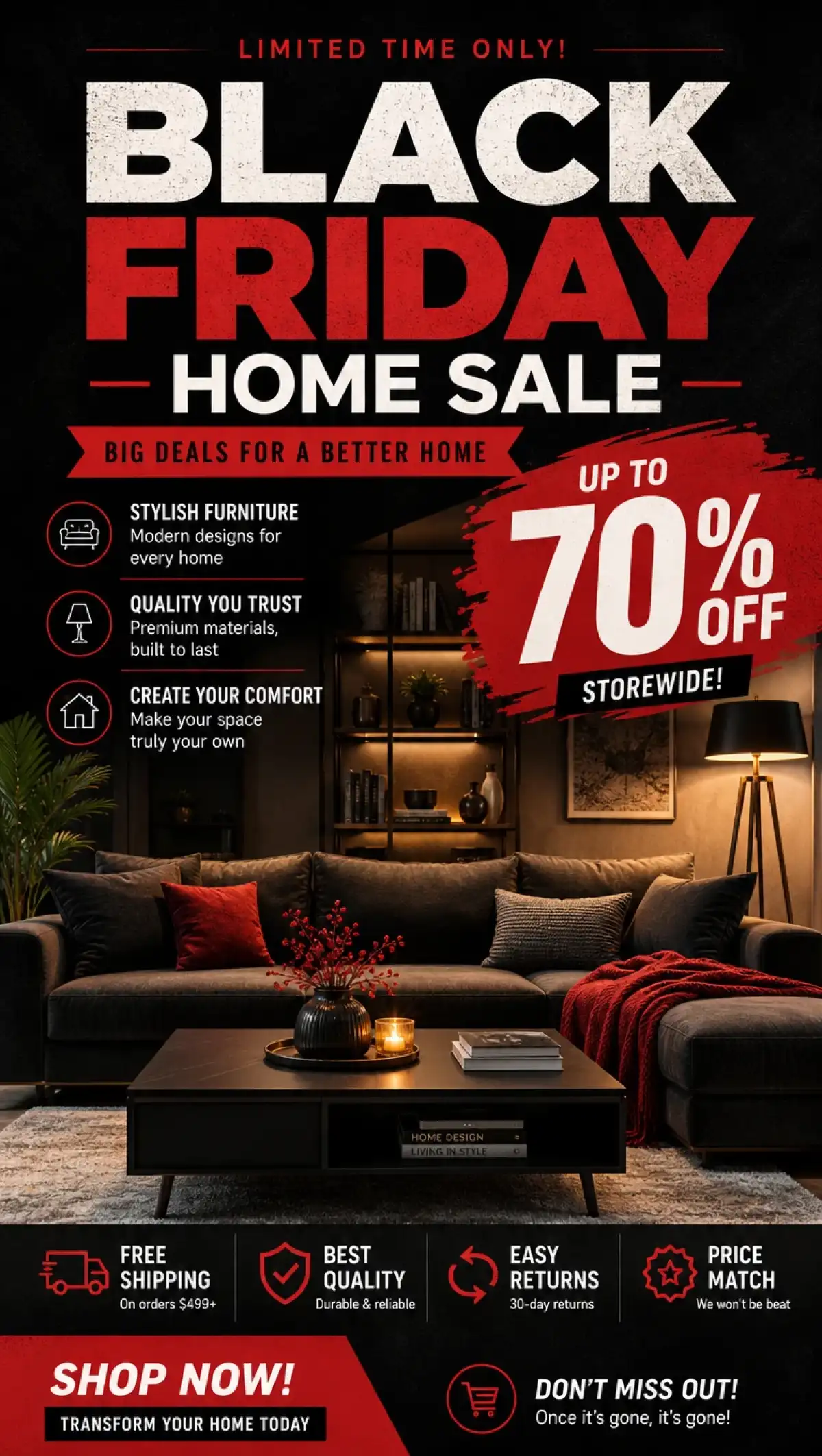
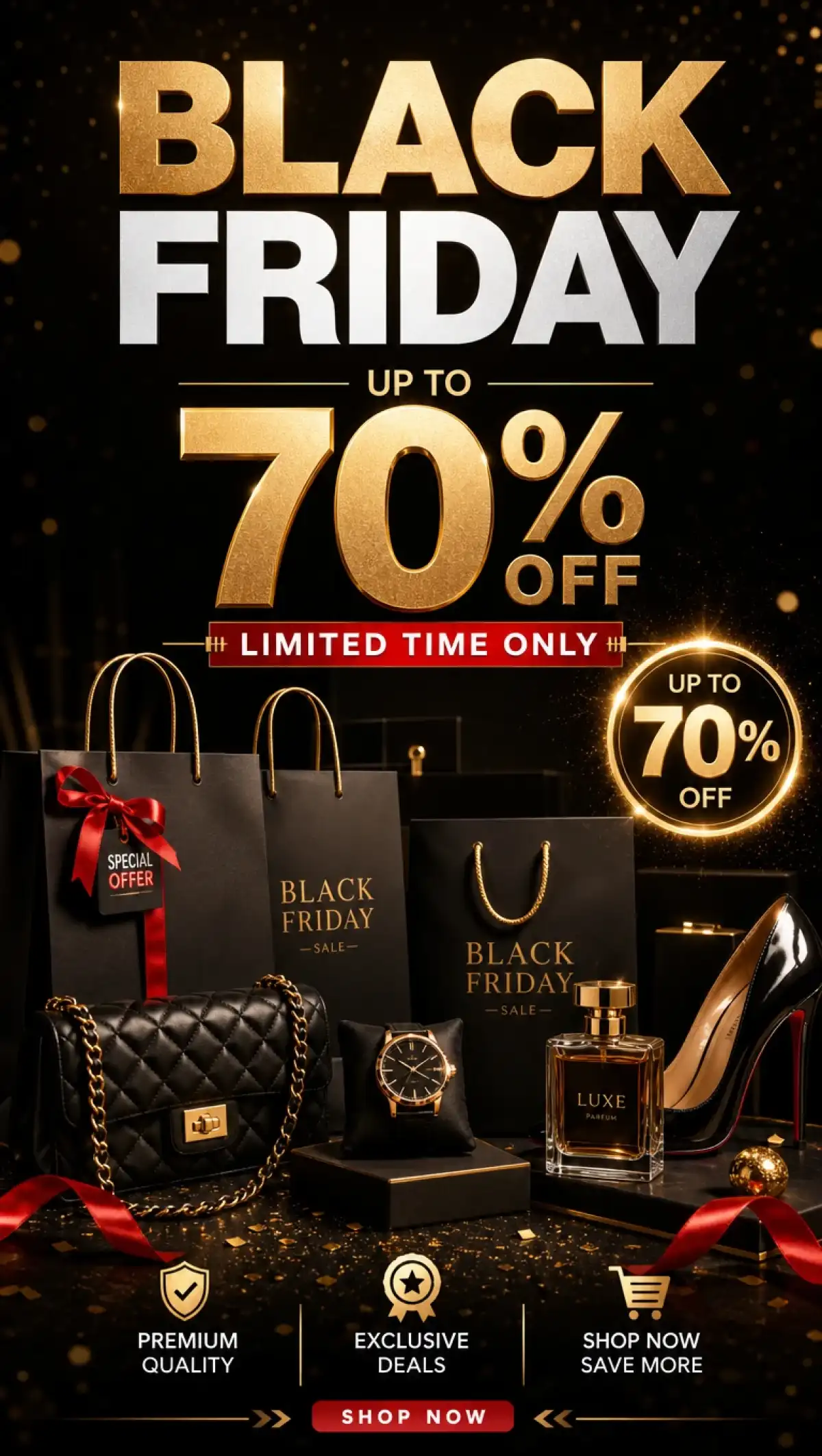
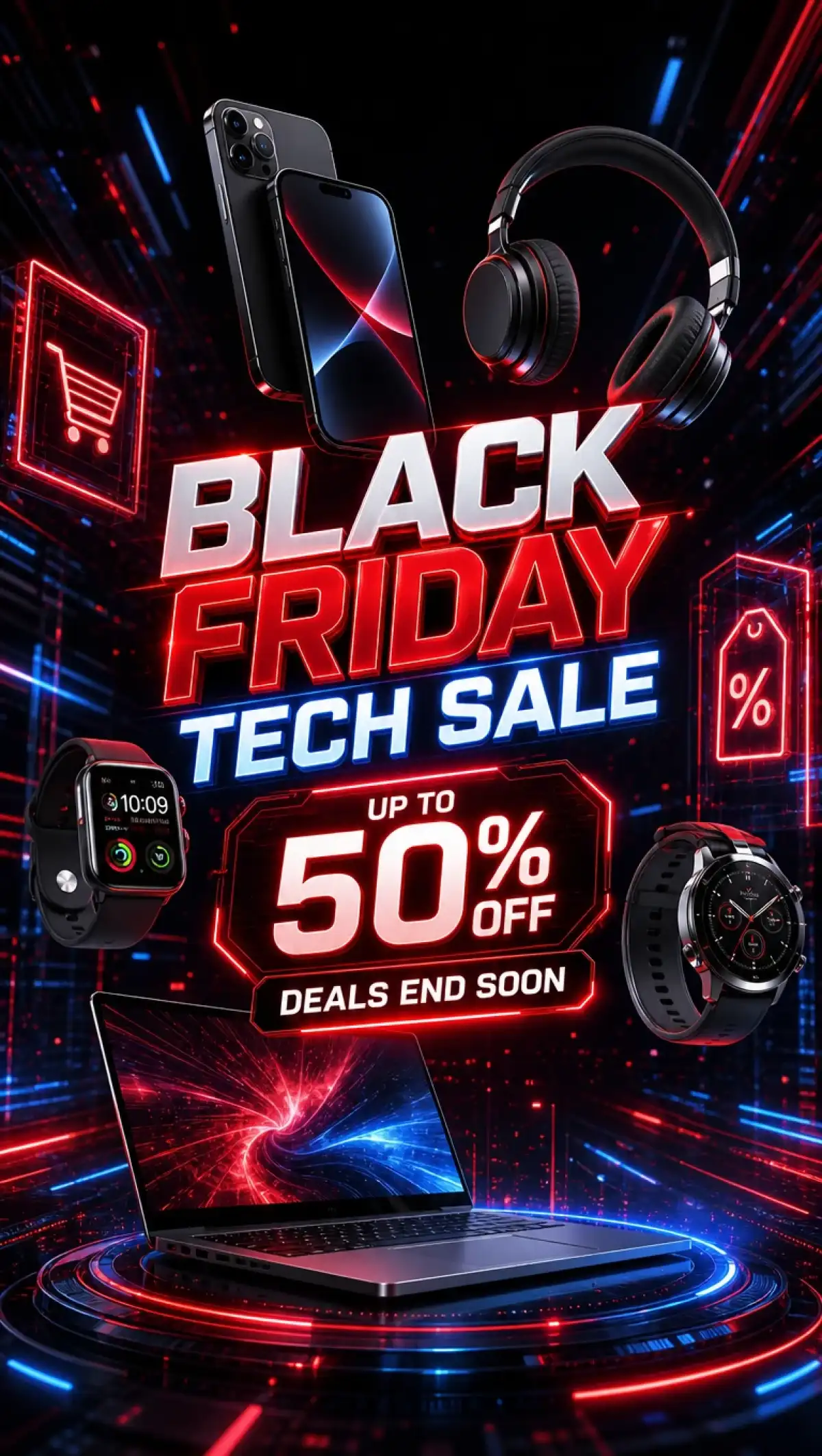
Black Friday Sale Poster Design
Black Friday Promotional Poster
AI Generated Black Friday Sale Poster
Creative Black Friday Poster Examples
Creative Black Friday Poster Example 5
Creative Black Friday Poster Example 6
Black Friday Sale Poster Design
Black Friday Promotional Poster
AI Generated Black Friday Sale Poster
Creative Black Friday Poster Examples
Creative Black Friday Poster Example 5
Creative Black Friday Poster Example 6

Explore the Magiclight AI Black Friday Poster Maker Features

Every Black Friday poster has to show the product, the price, and the deadline without any clutter. The Magiclight AI Black Friday poster maker lets you set each of those before you press Create Image.

Create Your Black Friday Poster
3D decoration

2 Modes for Every Poster Idea

The Image Tools menu lists Text to Image and Reference Image to Image. Choose Reference Image to Image to make the poster around real product photos. Try Text to Image when the poster needs no product shot.

9 Files in One Run

Upload a logo, product shots, and a color swatch together. The references box accepts JPG, PNG, and WEBP files for every item. All 9 files guide one poster before you press Create Image.

500 Characters of Quoted Text

Write “BLACK FRIDAY 40% OFF TODAY ONLY” inside quotes in the prompt box. Add the end date and a coupon code while staying within 500 characters. Keep the unquoted words for layout, such as a gold banner under the products.

6 Models for Clear Price Text

Pick from Seedream 5.0 Pro and GPT Image 2 and two GPT Image 2.5 versions. Nano Banana 2 and Nano Banana 2.1 complete the list in the Model menu. Run one offer on 2 models to find the cleanest numbers.

Who Can Use the Magiclight AI Black Friday Poster Maker
Businesses like this need more than one poster for one sale. Boutiques, online sellers, salons, gyms, and market organizers use the Magiclight AI Black Friday poster maker to create promo art fast.
Black Friday Posters for Retail Stores
For Retail Stores
Use Reference Image to Image to show the real jacket you stock.
Quote the doorbuster hours so they print as written.
Set Output to 4:3 for a sign that fits the shop window.
Black Friday Posters for Online Store Sellers
For Online Store Sellers
Upload 9 item photos to fill a product grid poster.
Compare GPT Image 2.5 sunburst with Seedream 5.0 Pro on prices.
Fit the coupon code and end date within 500 characters.
Promotional Posters for Salons Spas and Gyms
For Salons, Spas, and Gyms
Reveal a package price drop with Frame to Video.
Turn a membership poster into a 30-second motion ad.
Use Text to Image when a class promo has no photo.
Black Friday Posters for Holiday Market Organizers
For Holiday Market Organizers
Reuse the poster as a reference for a Small Business Saturday sale.
Raise the output number to compare festive and sleek layouts.
Upload a vendor logo as a PNG or WEBP up to 20MB.
Why Choose Magiclight AI
Black Friday Poster Maker for Your Sale Campaign
One sale needs posters for the window, the feed, the email, and the Stories bar. The Magiclight AI Black Friday poster maker covers the whole campaign with the strengths below.
3 Shapes for Feed, Stories, and Web
Set Output to 1:1 for the feed and 9:16 for the Stories bar. Pick 16:9 when the same offer needs a website banner. Each poster is composed for its shape instead of cropped afterward.
Explainer Videos for Bundle Deals
Ask MagicLight AI Agent for an Explainer of up to 10 minutes. Choose from 7 theme templates to match the mood of the sale. Your poster sets the look for a package deal or a multi-item offer.
Reference to Video With Your Poster
Open the Video tab and bring a finished poster into Reference to Video. Add a short clip or an audio track to guide how the poster moves. The sale announcement becomes a moving ad for the feed.
Quick Reruns to Fix Any Number
Read every price and date carefully after the posters are generated. Correct the prompt and run again if any figure looks wrong. Save only the poster whose numbers match your real offer.
Audio Tab Voiceovers for Sale Videos
Open the Audio tab to create a voiceover for your sale announcement. Pair it with the poster video so shoppers hear the deadline. One clip carries the discount and the dates in sound and picture.
Original Wording and Your Own Brand
Posters created from your own logo and products avoid protected trademarks. Big retailer logos and slogans belong to those companies and stay out. Original wording keeps every sale poster safe to print and post.

How to Make a Black Friday Poster With Magiclight AI

Magiclight AI Black Friday poster maker turns a few photos and one short offer into a finished sale poster in minutes. Put the discount and deadline in quotes when you write the brief so the numbers print the way you typed them.

1.

Step 1. Upload Product Photos and Logo

In the Toolbox, open the Image tab and switch to Reference Image to Image. Add your sale items and your logo in the Add references box. Include a brand color swatch if you want the poster to match your palette.

2.

Step 2. Write the Offer

Type the headline, discount, and dates in quotes. Describe the layout, such as products in a row under a gold banner. Keep the prompt within 500 characters so every detail is included.

3.

Step 3. Check Every Number and Download

Pick a model, a poster shape, and the number of versions to compare. Press Create Image and read each price and date in the results. Rerun with a corrected prompt if a figure is off and save the winner.

FAQs on Black Friday Poster Maker

Will the prices on my poster be accurate?

Quoted figures usually print correctly when you type them inside quotes in the Describe your image box. Read every price and date after the run, correct the prompt, and press Create Image again if one is off.

Can I feature my actual products?

Yes, switch to Reference Image to Image and add your product photos in the Add references box. The box takes JPG, PNG, and WEBP files up to 20MB, and the poster is made around those items.

Can I make Cyber Monday or Small Business Saturday posters too?

Yes, upload your finished Black Friday poster as a reference and keep the layout and the look. Change only the quoted headline, the dates, and the offer, and then press Create Image.

Can I use big retailer logos or brand slogans?

No, logos and slogans from other companies are protected trademarks and should stay off your posters. Upload only your own logo in the references box and write original wording for the offer.

Can I use the posters in paid ads?

Yes, paid ads are covered once your account sits on a tier with commercial rights. Check each ad platform’s rules on sale claims and discount wording before you publish.

Is the Black Friday poster maker free to try?

Yes, opening a Magiclight AI account unlocks trial credits and a card is not required. The Create Image button shows the cost before you press it, so you can test a poster first.

Launch Your Biggest Black Friday Sale with Magiclight AI

Add your logo and your bestsellers and describe the discount in a few words. The Magiclight AI Black Friday poster maker creates a bold sale poster with no design skills needed.