Top Features of the Magiclight AI Bible Art Video Generator
Start with a Bible passage you want people to see rather than just hear. MagicLight AI Bible art video generator helps you turn that scripture into a video with scenes of its own.

Bring Bible stories to life with MagicLight AI. Turn moments from scripture into videos featuring biblical characters, meaningful scenes, and beautiful religious artwork. No drawing skills needed.
Create a Bible Art Video for Free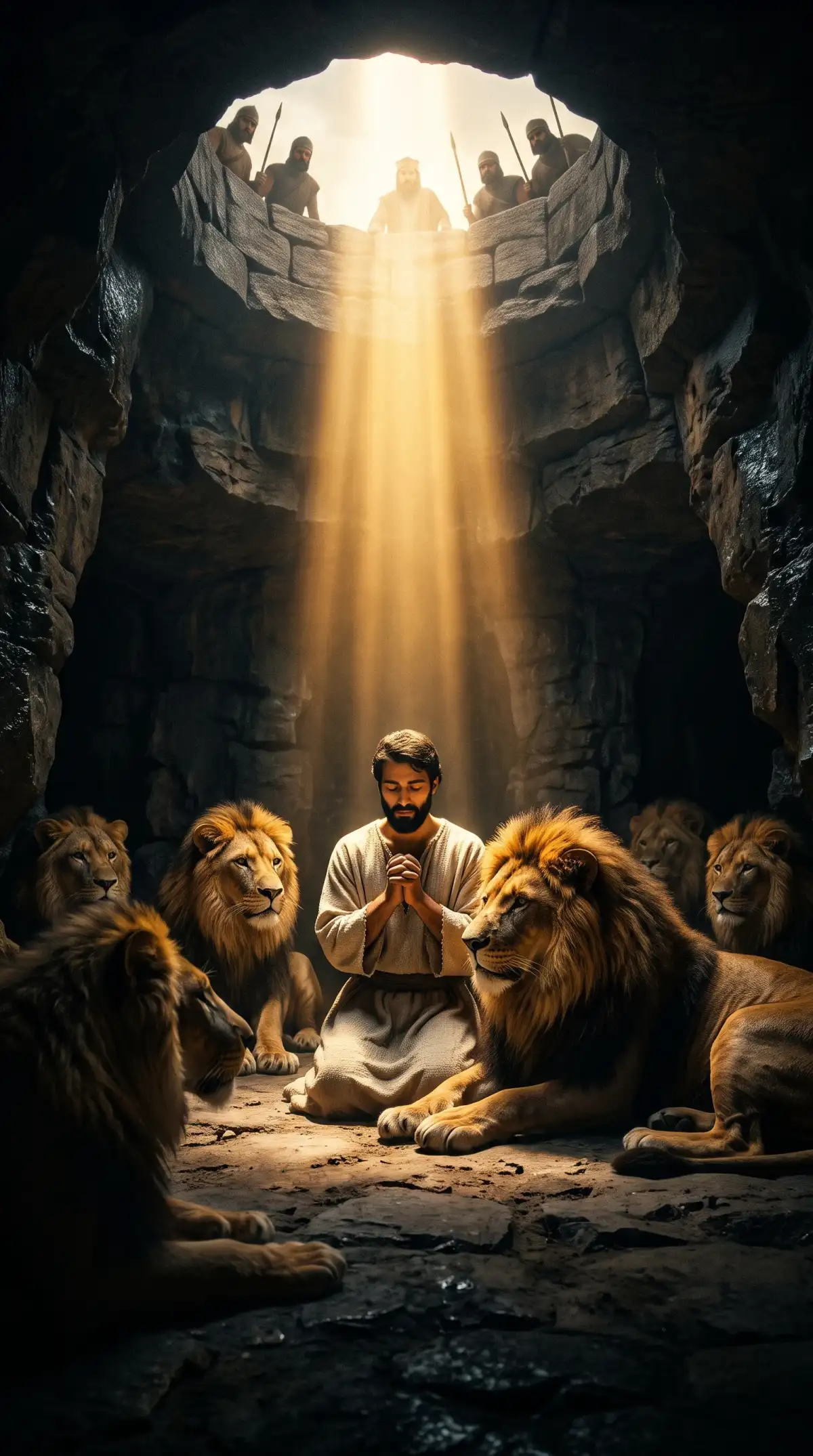
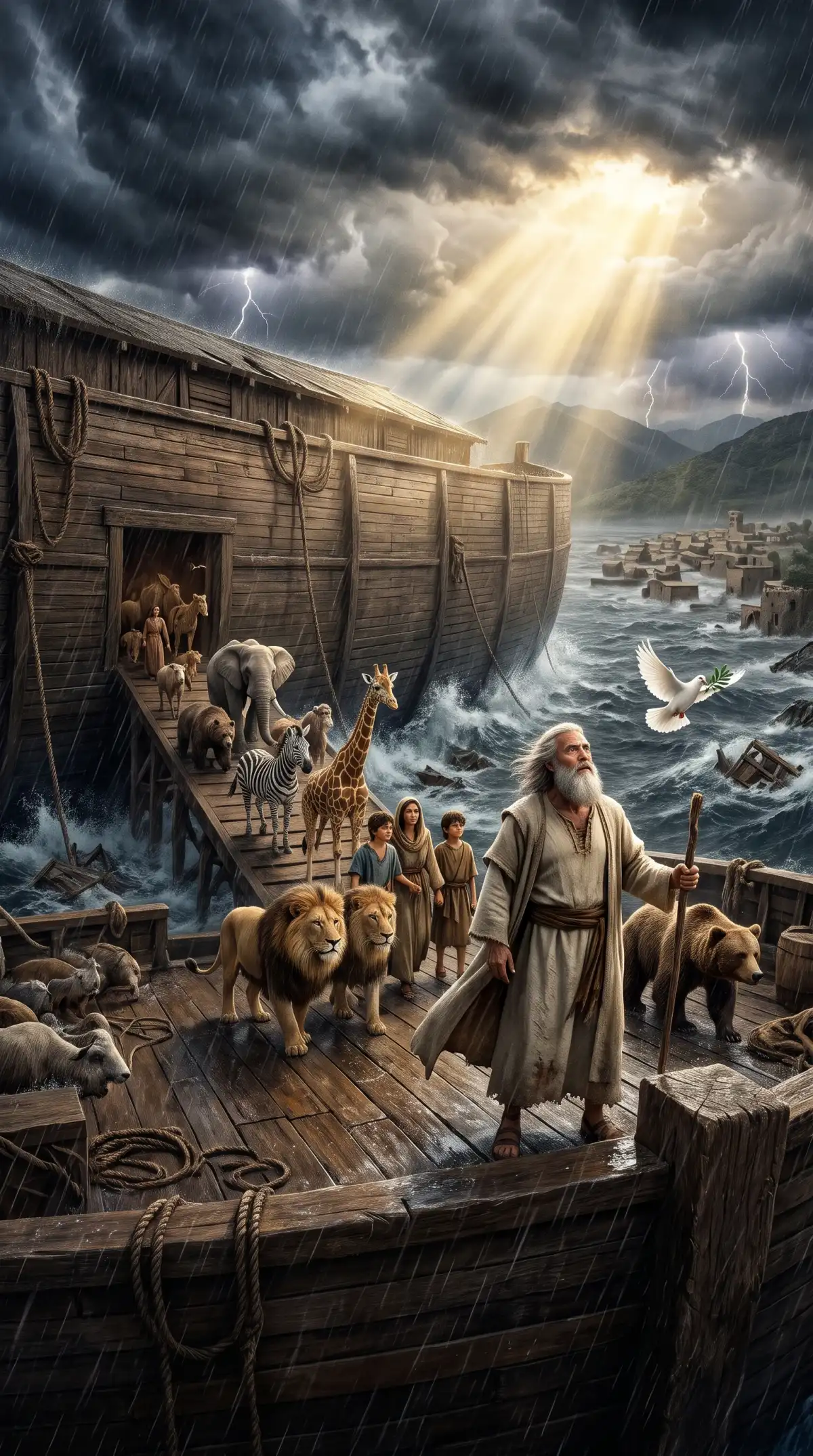
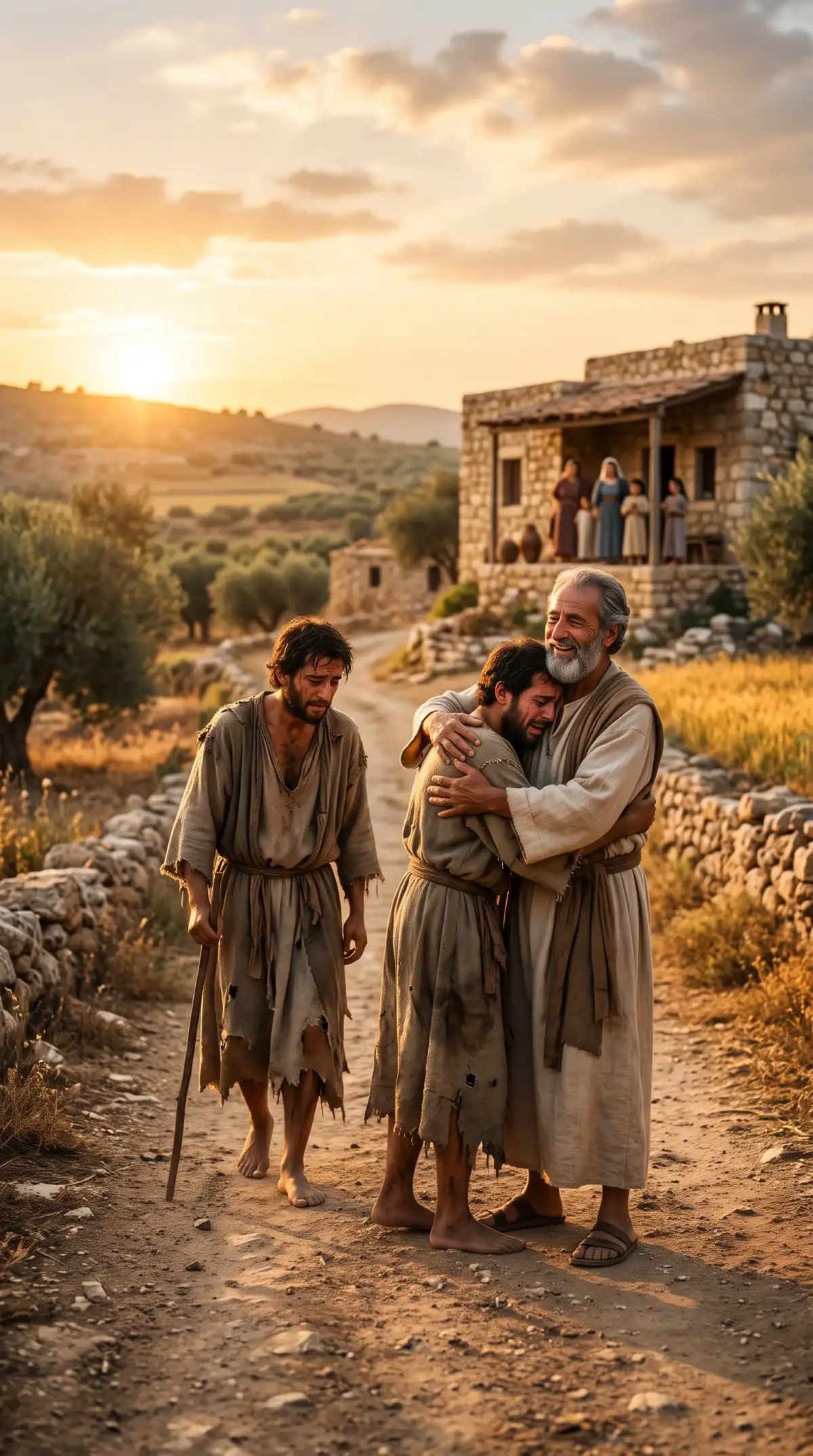
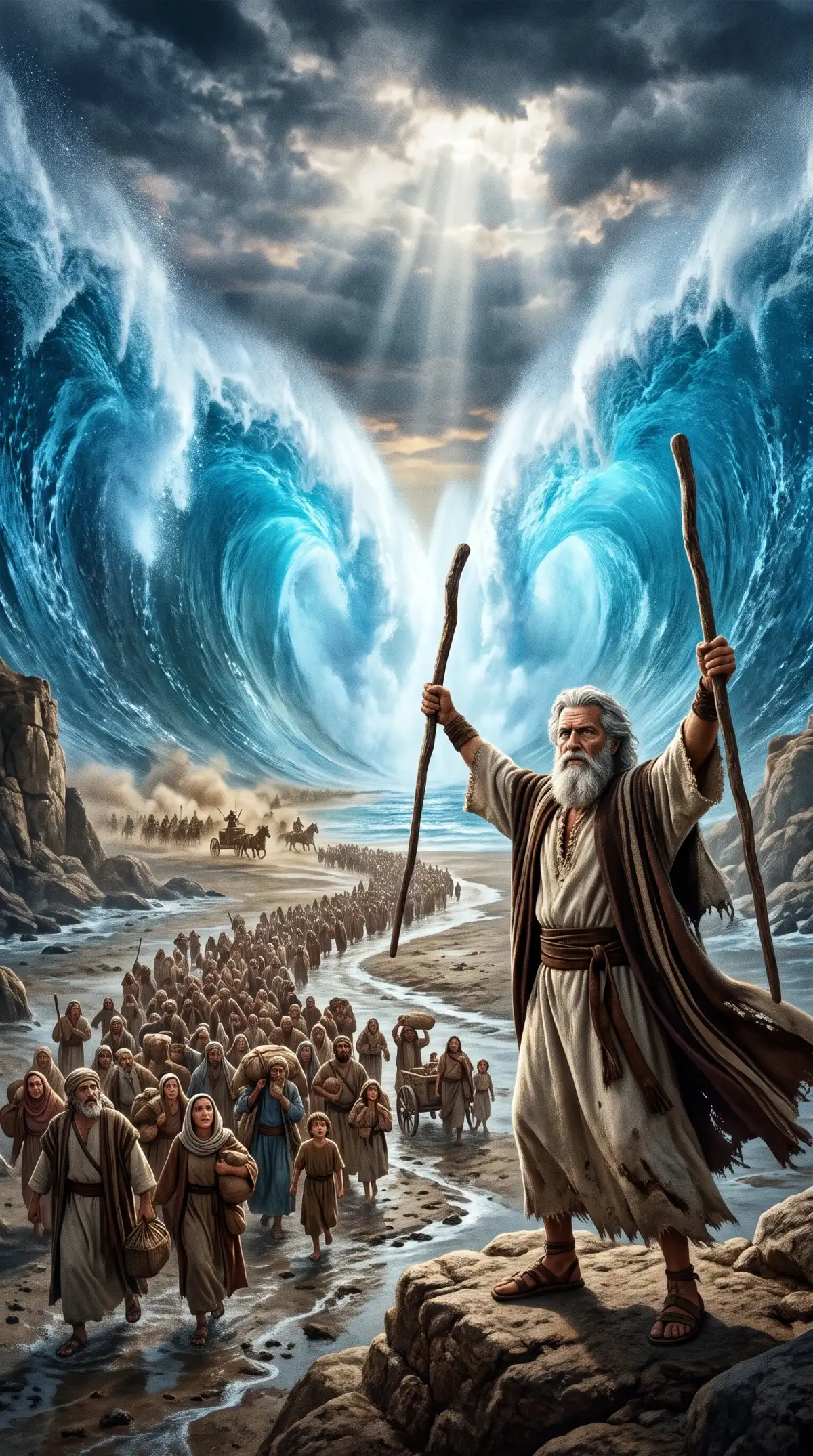
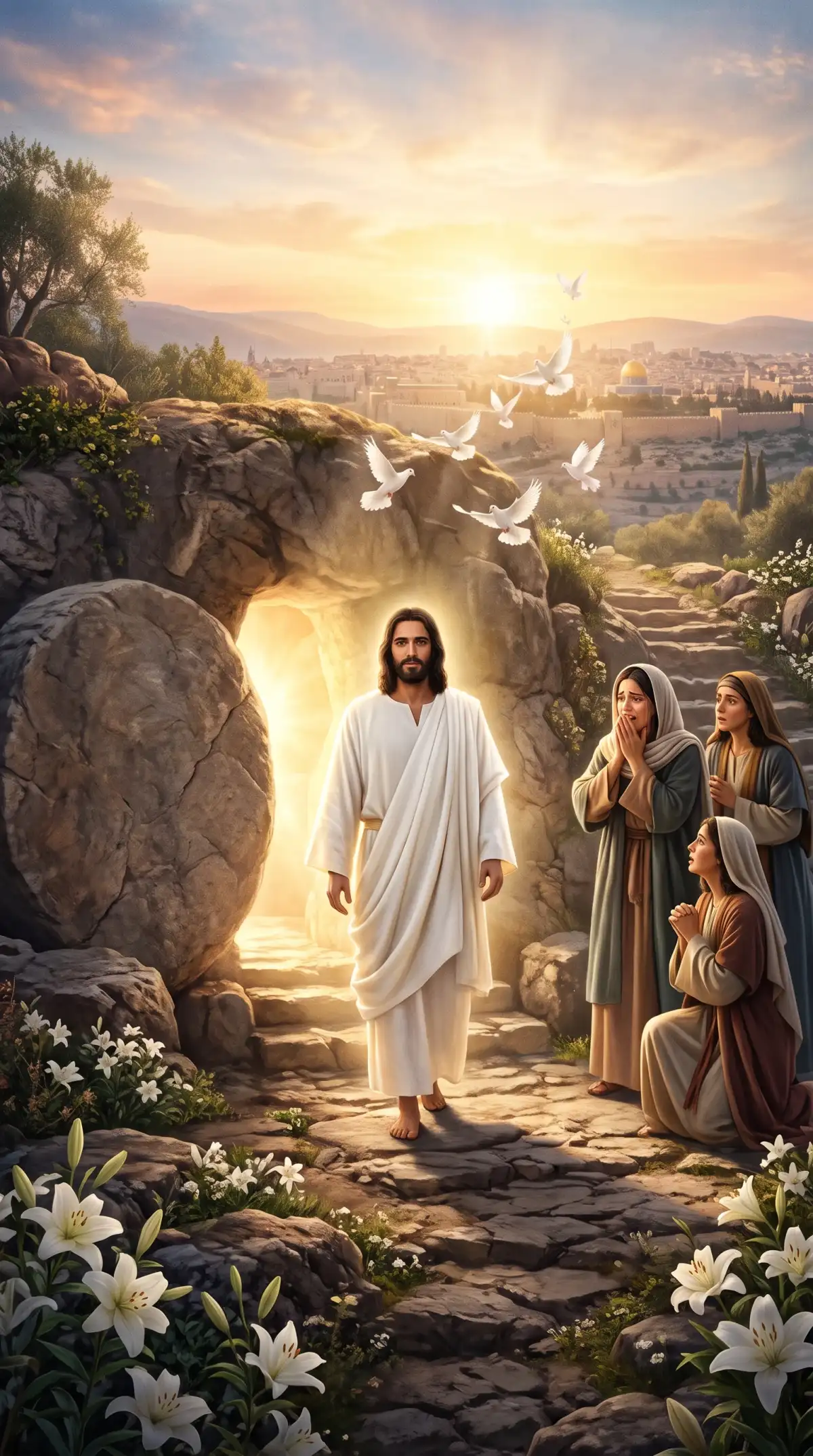
Start with a Bible passage you want people to see rather than just hear. MagicLight AI Bible art video generator helps you turn that scripture into a video with scenes of its own.

Paste a passage about Daniel in the lion’s den. MagicLight Agent plans scenes around the passage, letting you review how the events unfold before you create your Bible video.
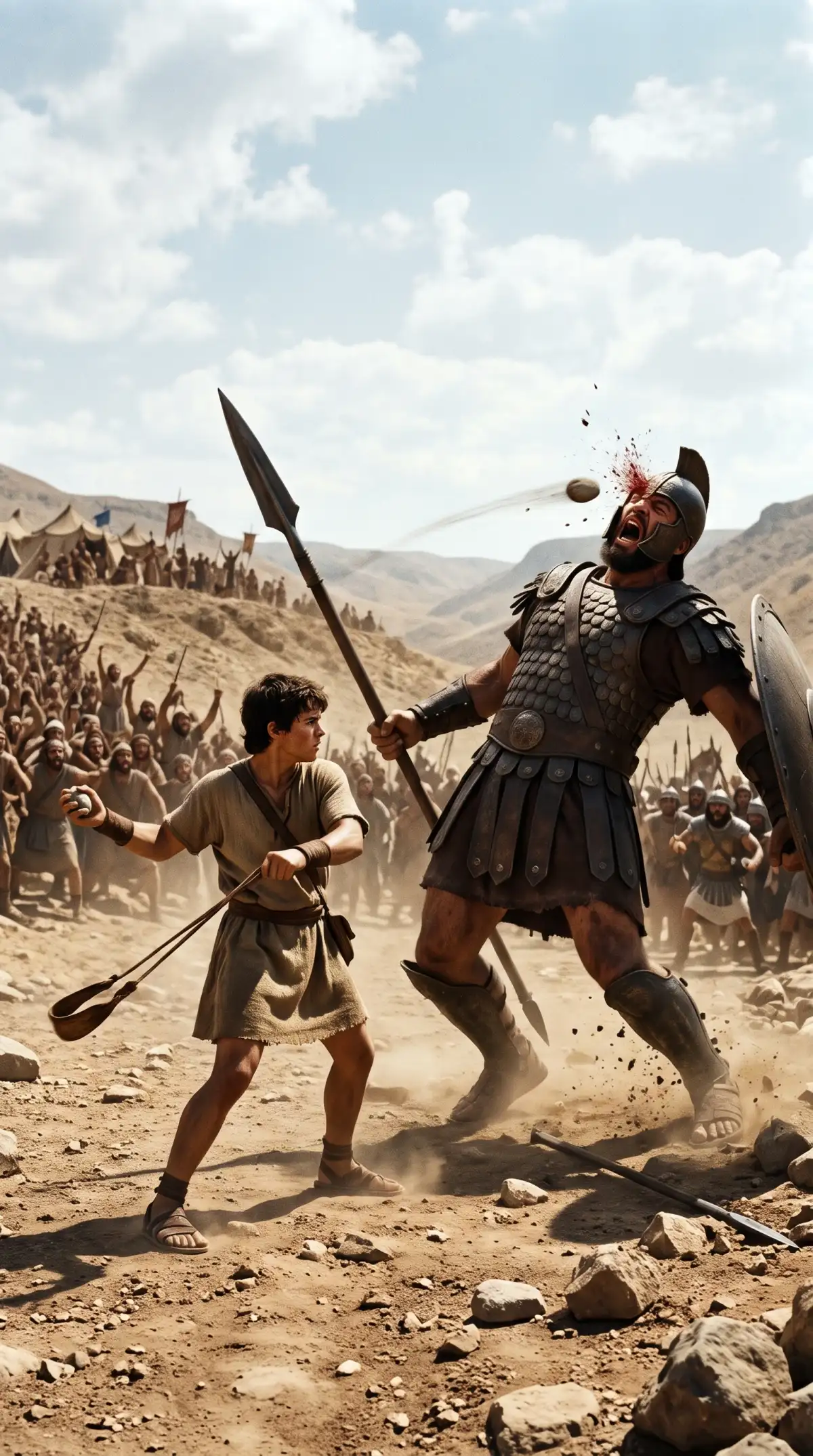
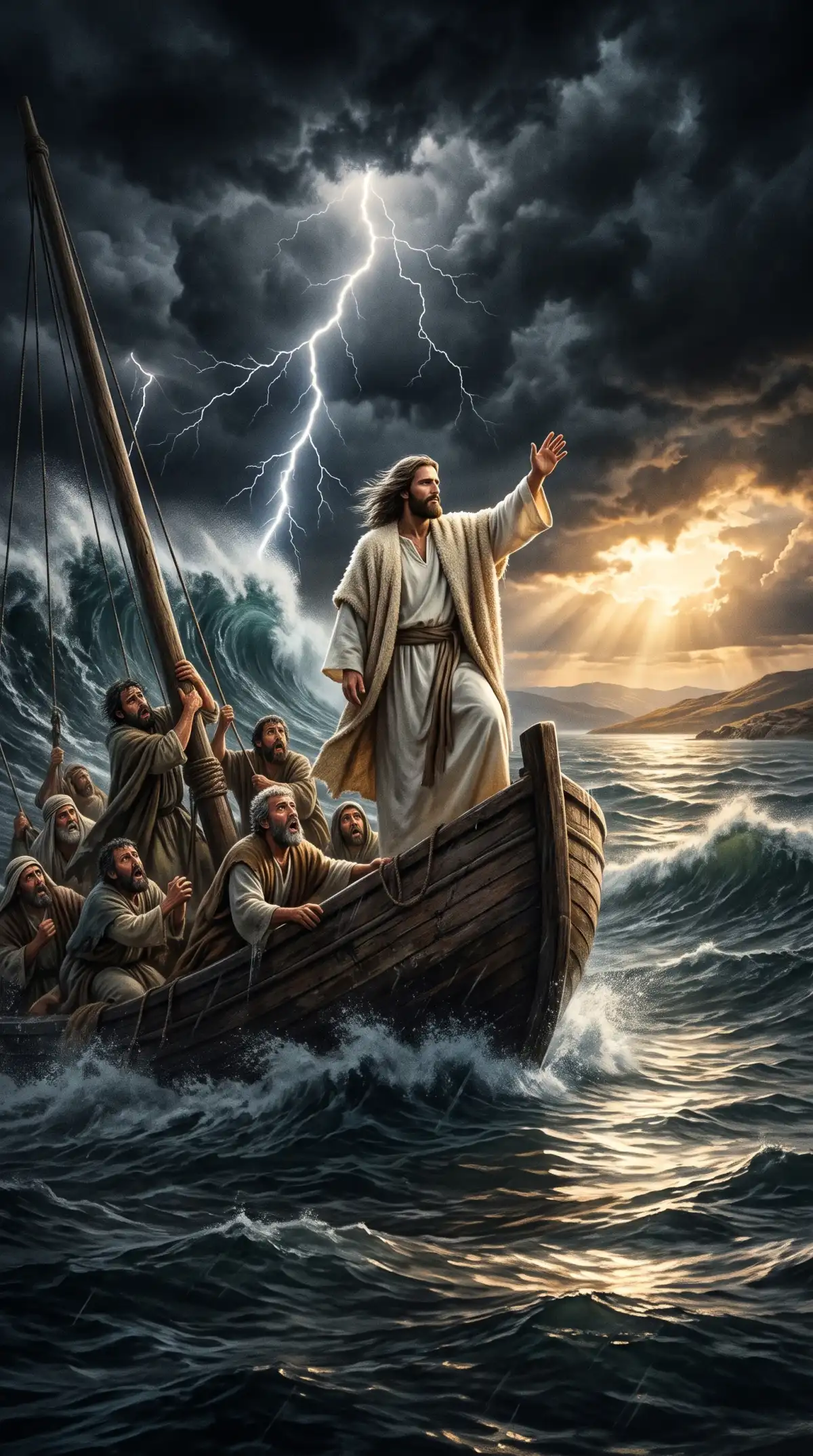
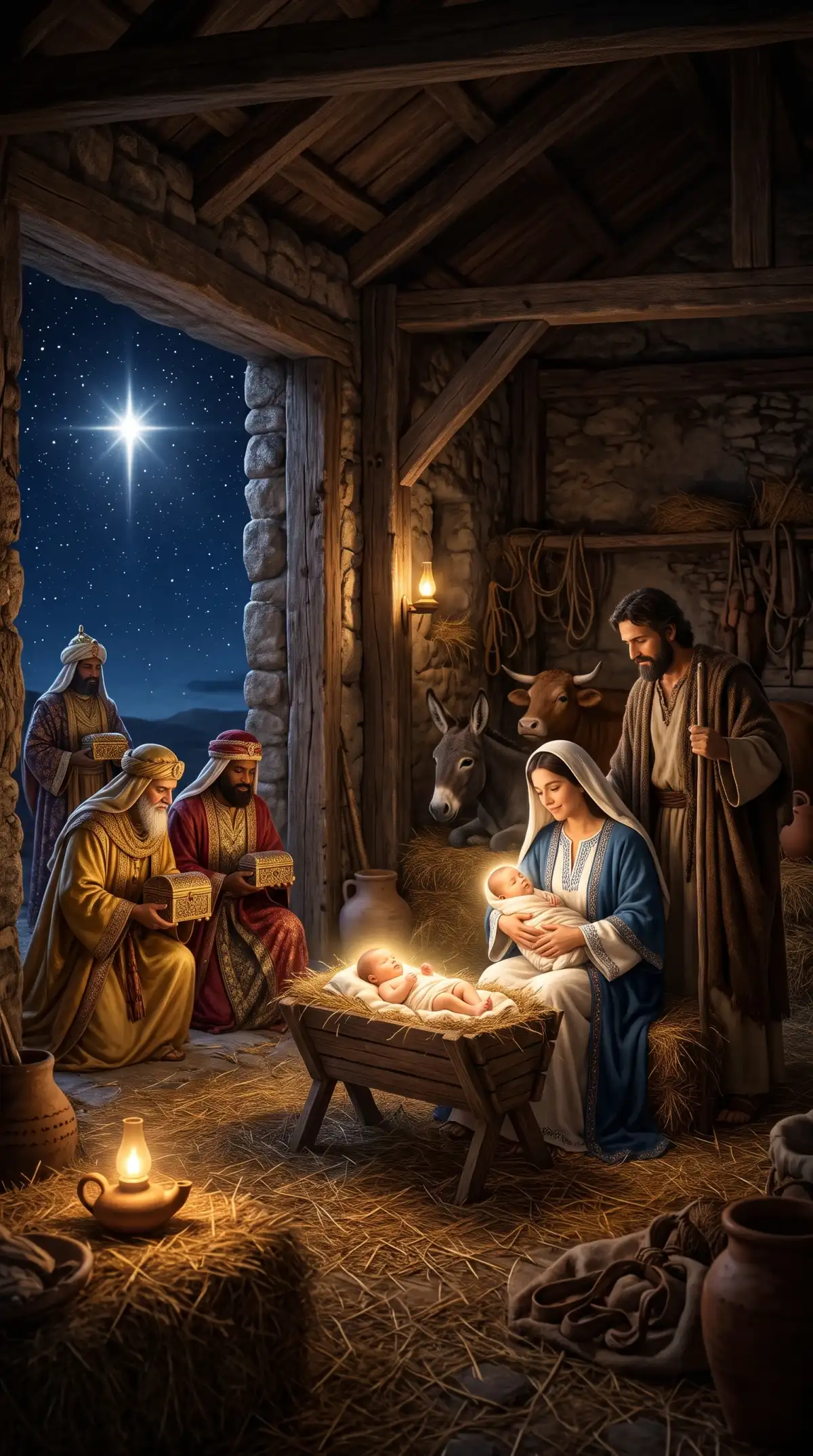
MagicLight AI offers 14 story models for your Bible video. Try a scene from Exodus with different models, then pick the result that best suits the passage you plan to share.
Use 1,000 characters to describe Moses, including his clothing and staff. MagicLight AI uses those details as a reference to keep his appearance consistent across a video.
Find 37 voices for Bible video narration in Magiclight AI. Listen to the samples, then choose a voice that suits the passage. A soft, calm voice can suit a quiet scene.


Making a Bible art video takes 4 steps in MagicLight AI. Start with a scripture passage you want to share, then work through the scenes until the finished video is ready to save.
Start with a Bible passage within the 12,000 character script limit. MagicLight Agent helps shape the scenes, while 14 story models let you choose how the video will be shown.
Pick a visual style for your Bible video, then select an existing character. You can also create a new character using a 1,000 character description or a reference image.
Open Nano Storyboard to inspect the scenes before animation. Change the setting where needed, then let MagicLight Agent animate the approved scenes into one full Bible video.
Pick a narrator from 37 voice options and select suitable background music. Once the video is generated, download the finished file for your church service or Bible lessons.
Yes. Keep the telling simple and choose a calm visual style for younger viewers. MagicLight AI lets you review the scenes before generating a video for a Sunday school lesson.
Churches can use Bible videos during lessons and services, but public showing rights depend on the plan and any material you include. Check the current license before sharing.
Bible art video generator in MagicLight AI supports videos lasting 50 minutes. A short parable needs less time, while a longer scripture reading can take several scenes.
Yes. MagicLight AI offers welcome credits when you create an account, so you can test a Bible video before paying. Available credits and export limits depend on the plan.
MagicLight AI offers 37 voice options for narration. Listen to the samples before choosing one that fits the passage, then check how the spoken words sound with your scenes.
You can describe a new biblical figure in 1,000 characters or use a reference image. MagicLight AI also lets you select an existing character before creating your scenes.



Have a scripture passage in mind? Create a Bible art video with MagicLight AI and share it with your church or family.