Explore the Magiclight AI Flat Art Video Generator Features
Give each scene the balance of a designed print without drawing it by hand. The flat art video generator carries bold forms, clean edges, and graphic color through the story.
Create flat art videos with Magiclight AI. Turn your ideas into colorful animations with clean shapes and bold visuals. No animation skills needed.
Create a Flat Art Video for Free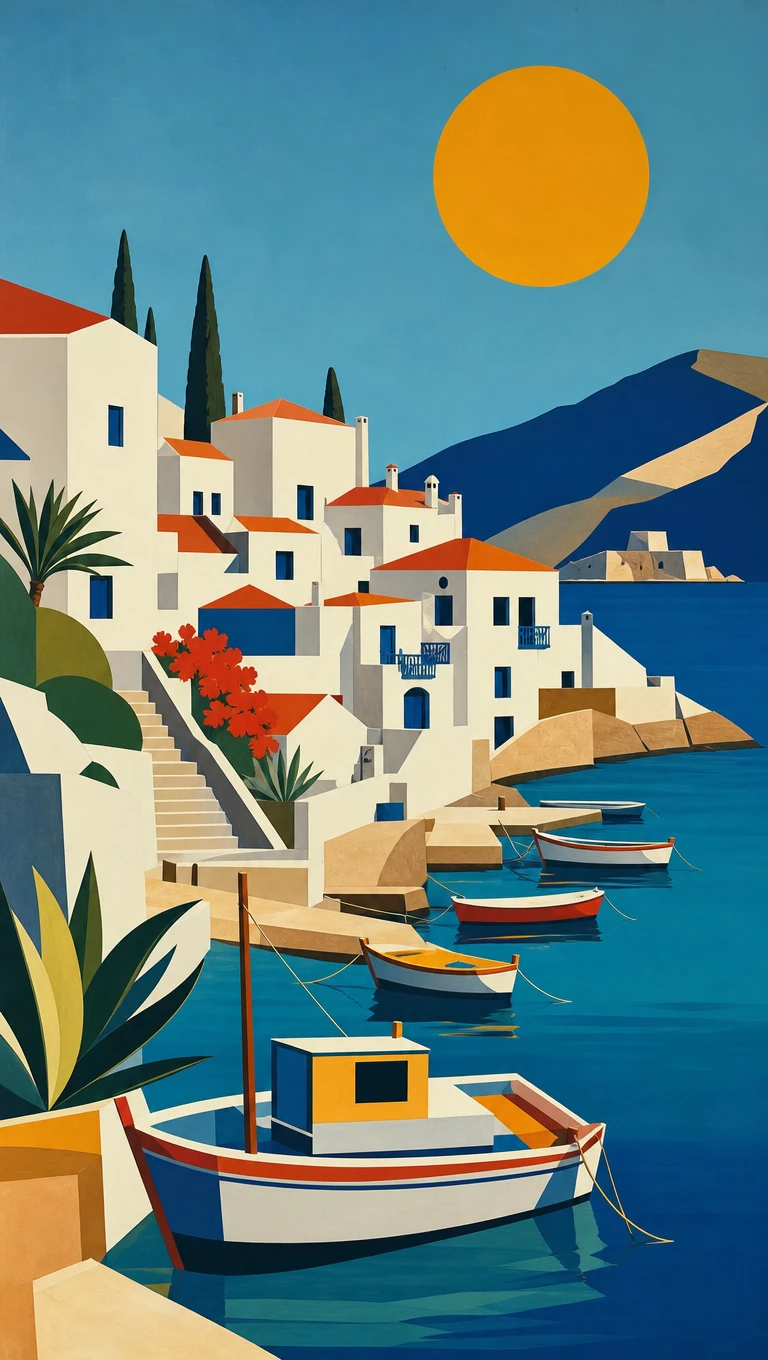
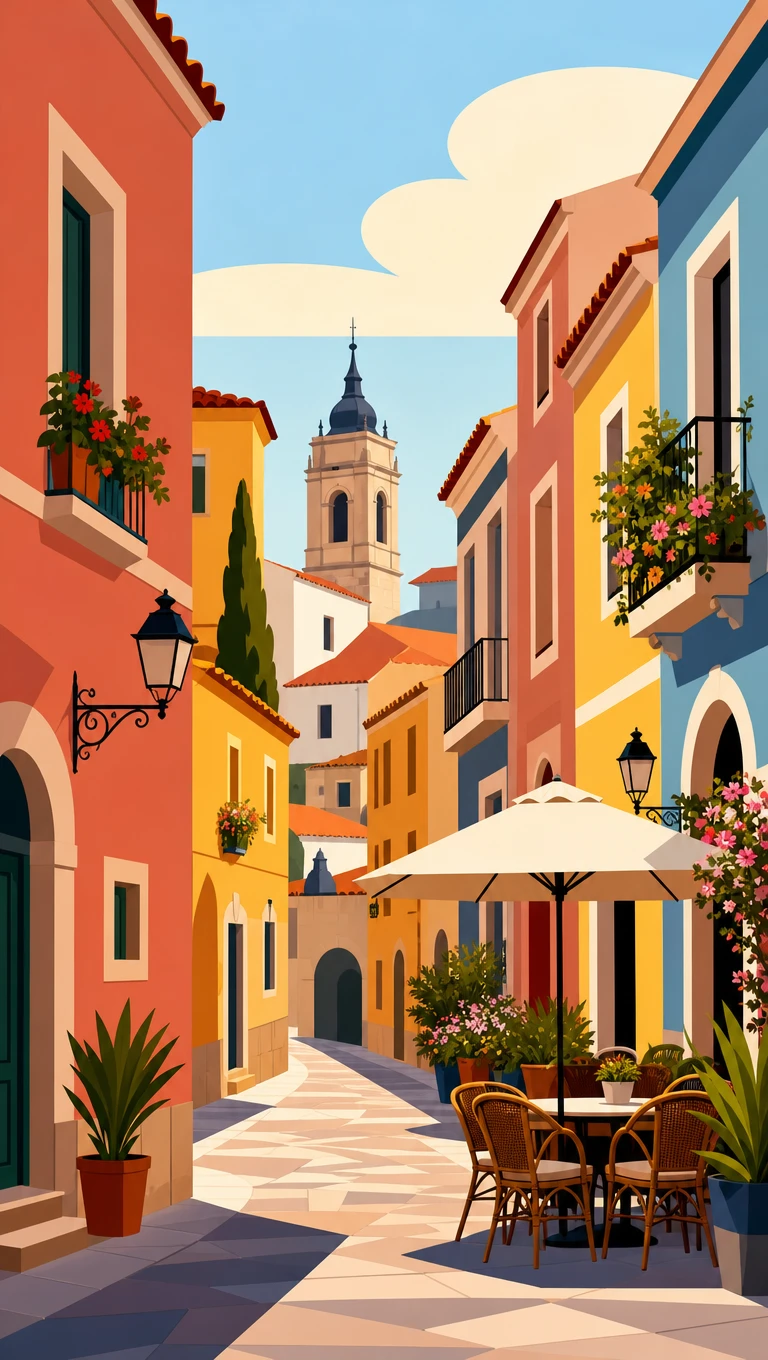
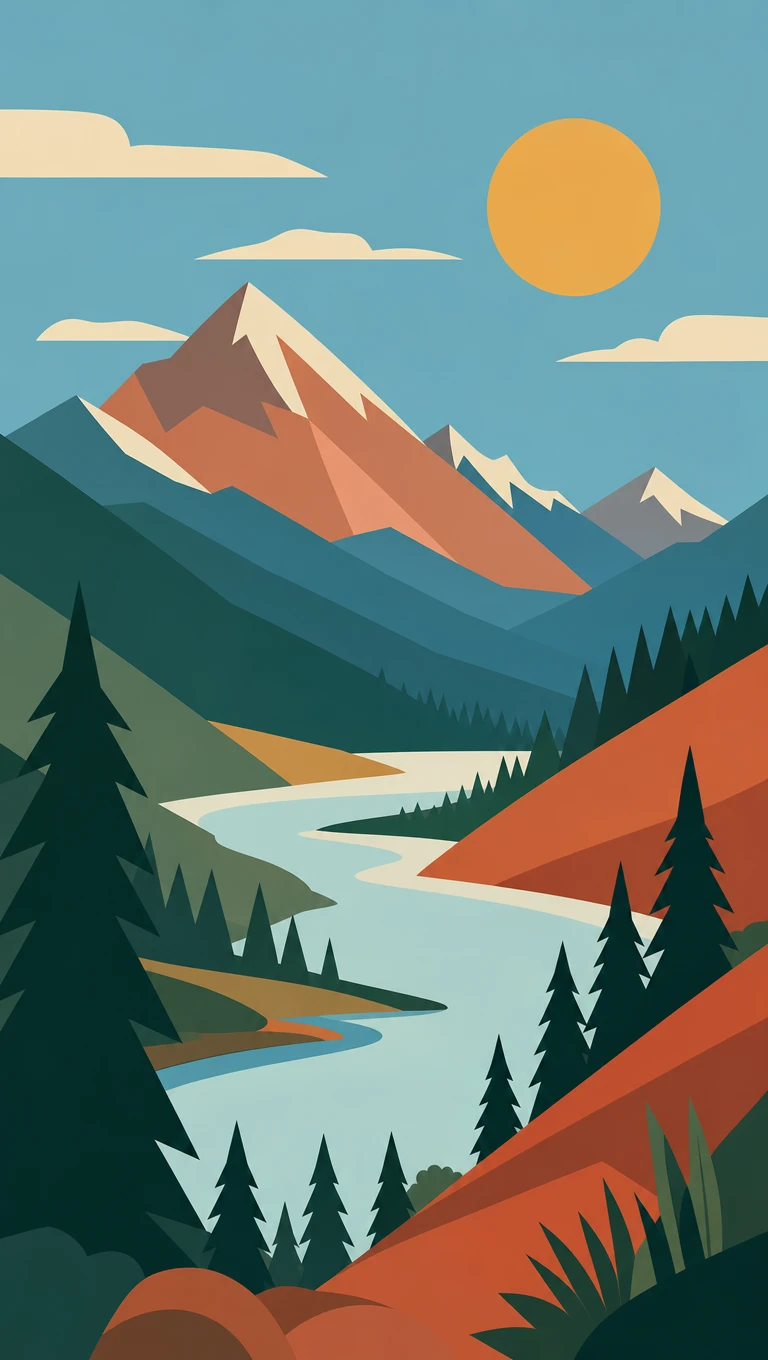
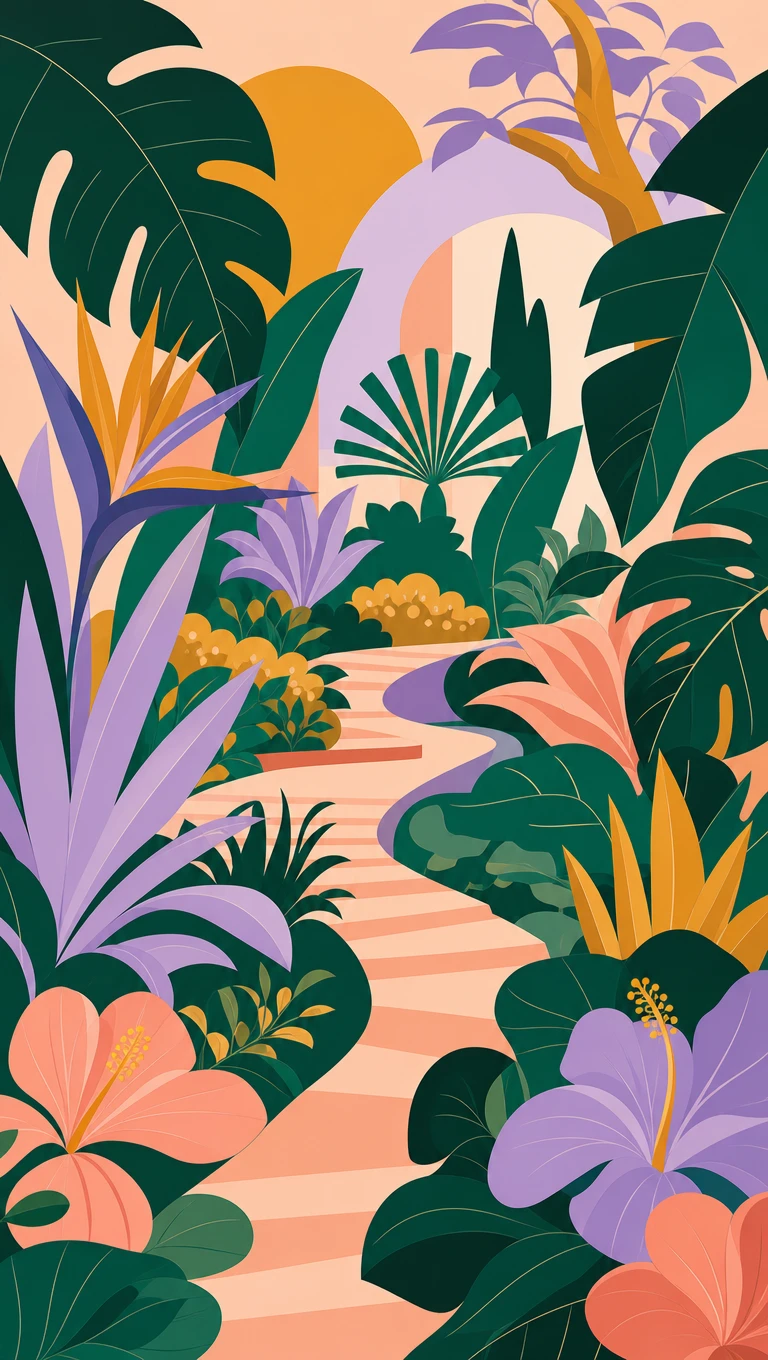
Give each scene the balance of a designed print without drawing it by hand. The flat art video generator carries bold forms, clean edges, and graphic color through the story.
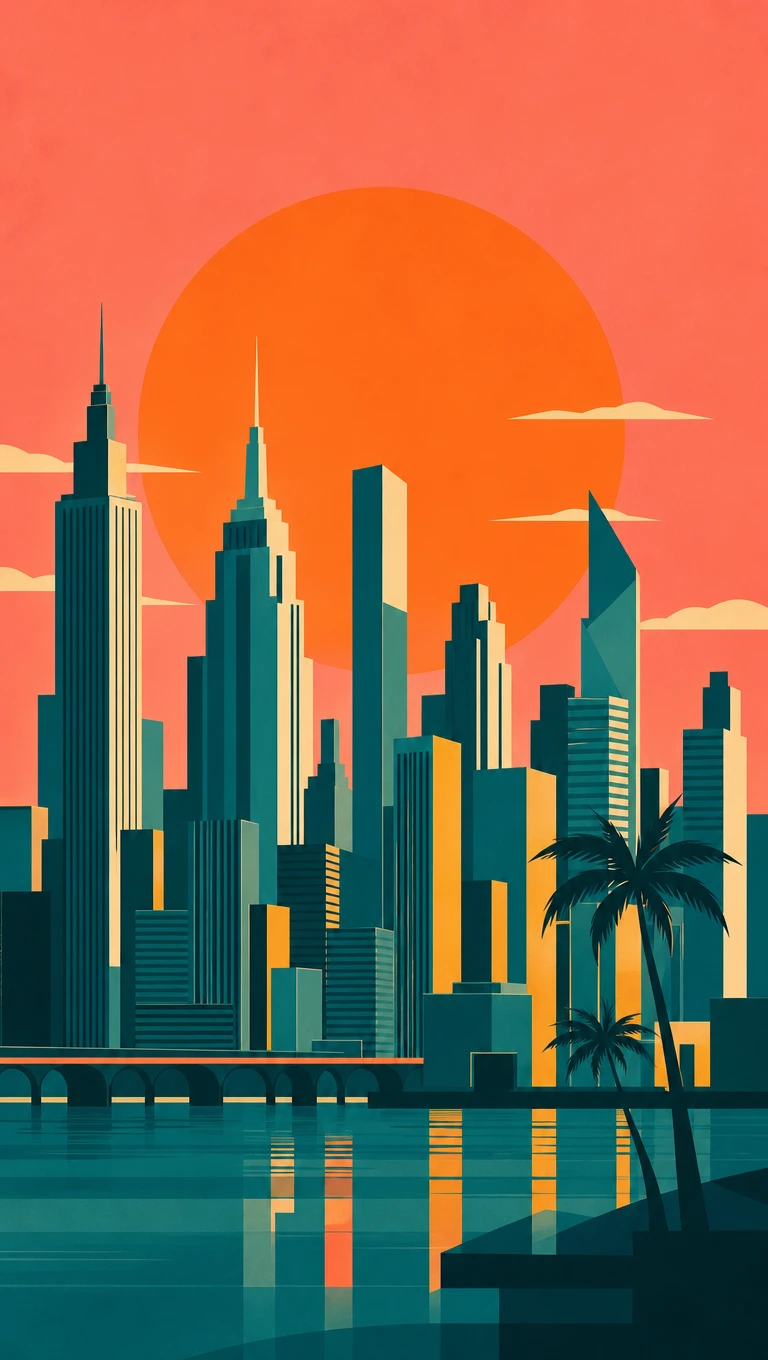
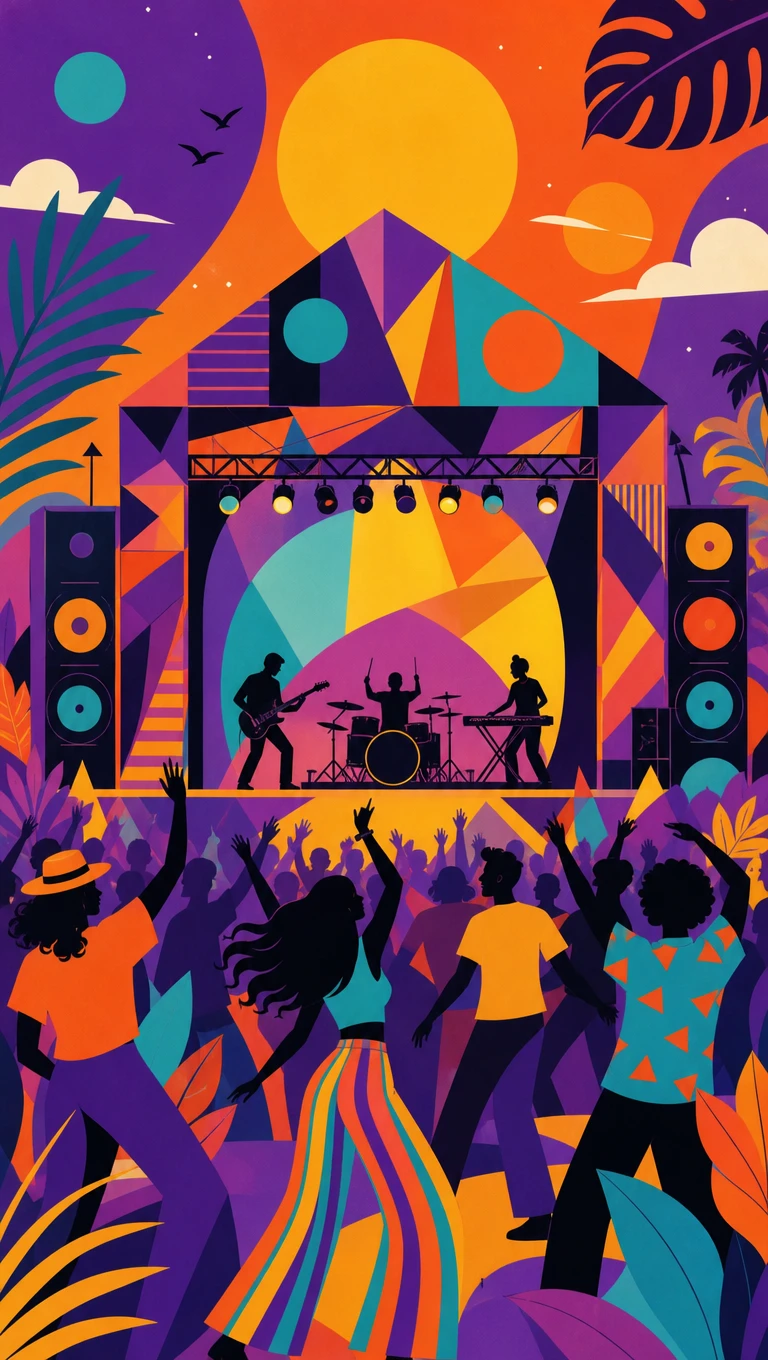
Magiclight AI offers 52 visual styles for shaping the look of each scene. Use flat art to reduce coastlines, streets, buildings, and people into crisp forms, strong color blocks, and poster-like compositions.
Pair slow-moving flat art scenes with music from 40 available tracks. Soft jazz can suit a city at dusk, while mellow or ambient sound can complement quiet landscapes without distracting from the graphic imagery.
Start with a place, season, memory, or mood, and let MagicLight Agent shape it into a sequence of connected scenes. A seaside evening can move from the harbor to the lighthouse while keeping one visual direction.
Give the finished video an opening frame inspired by a poster or art print. With Magiclight AI, 21 cover templates provide different layouts for presenting the title before the flat art scenes begin.


Go from a simple idea to a moving flat art video in 4 guided steps. Magiclight AI helps shape the story, artwork, scenes, and final details in one creative flow.
Enter up to 12,000 characters about your setting, mood, or story. MagicLight Agent reads the idea and maps out key moments before you move into the visual stage.
Browse 52 visual styles and select flat art for bold shapes and graphic color. Define your palette and characters so each scene follows the same art direction.
Open Nano Storyboard to review scenes before generation. Adjust compositions, character placement, and visual details until every frame supports your flat art story.
Set the finishing details with 37 voice options, 40 music choices, and 21 cover templates. Generate in 1080p and get your flat art video ready for its final destination.
Flat art is a graphic style built from simple shapes, solid color, and little or no shading. Magiclight AI uses it for poster-like scenes that feel modern and clean.
Flat illustration focuses on people and messages for campaigns. Flat art in Magiclight AI is decorative and scenic, closer to art prints, travel posters, and music visuals.
Yes. Create a calm scene with slow motion that suits looping, then repeat it in your video editor or streaming software. Magiclight AI keeps the design steady across the clip.
Magiclight AI can create flat art videos for travel scenes, music visuals, brand stories, event promos, scenic clips, and other ideas that suit a bold graphic style.
Yes. Name your exact colors in the style prompt, like coral and teal. A limited palette in Magiclight AI keeps the video in line with your printed work.
Yes. Selling prints or promoting a town or festival with these clips is commercial use, which paid Magiclight AI tiers cover. Free credits are enough to trial one scene.



Choose a place, a mood, and a few bold colors. Magiclight AI shapes it into flat art that looks ready to frame and plays like a short film.