Explore the Features of Magiclight AI Makoto Shinkai Video Maker
Add the story you want to tell and describe its setting. The Magiclight AI Makoto Shinkai style video generator creates an anime video that follows the moment you pictured.

Share a story you want to tell and set the mood for the scene. Magiclight AI turns your idea into dreamy anime visuals with bright skies and vivid light. No art skills are needed.
Create a Makoto Shinkai Video for Free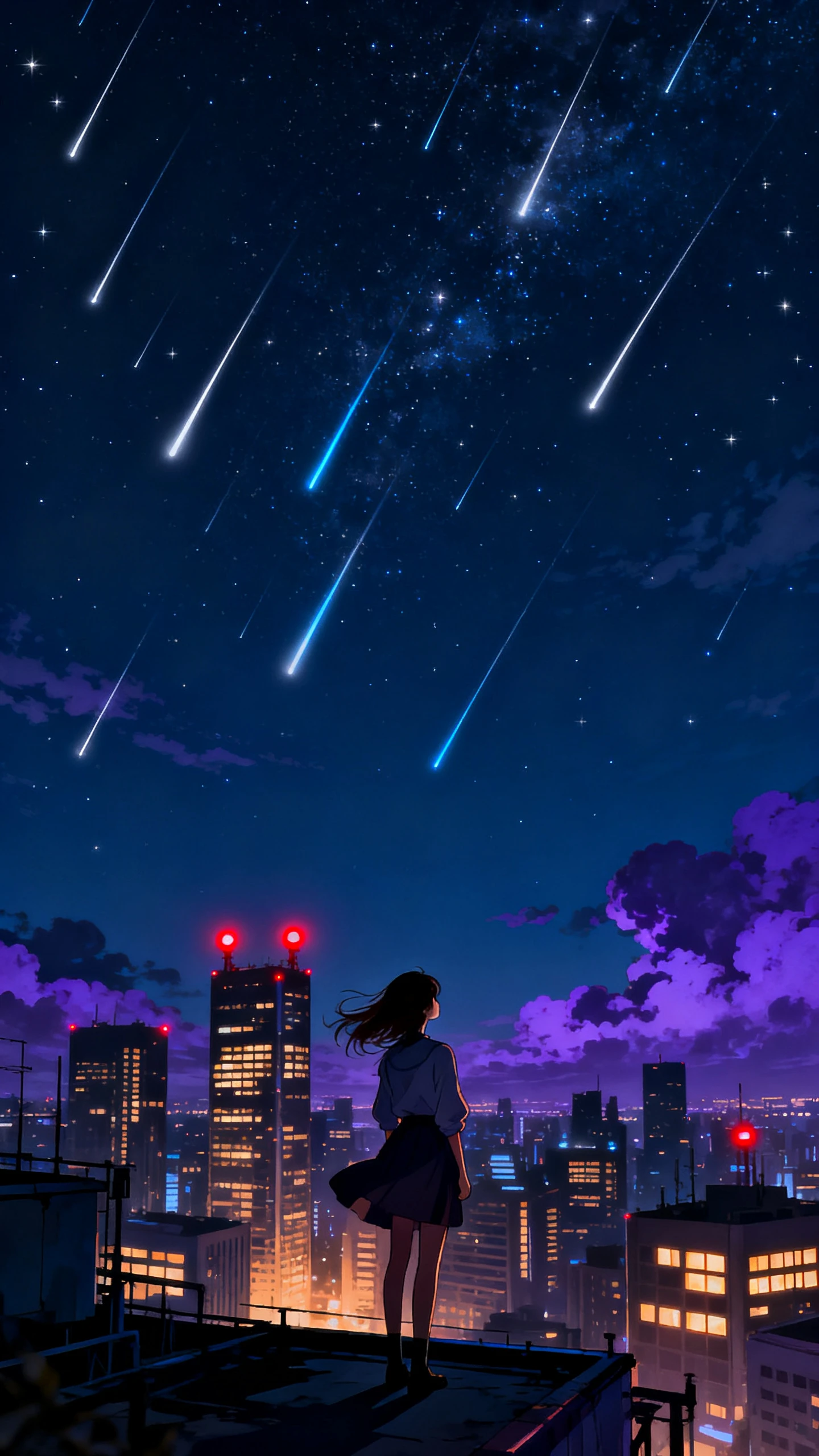
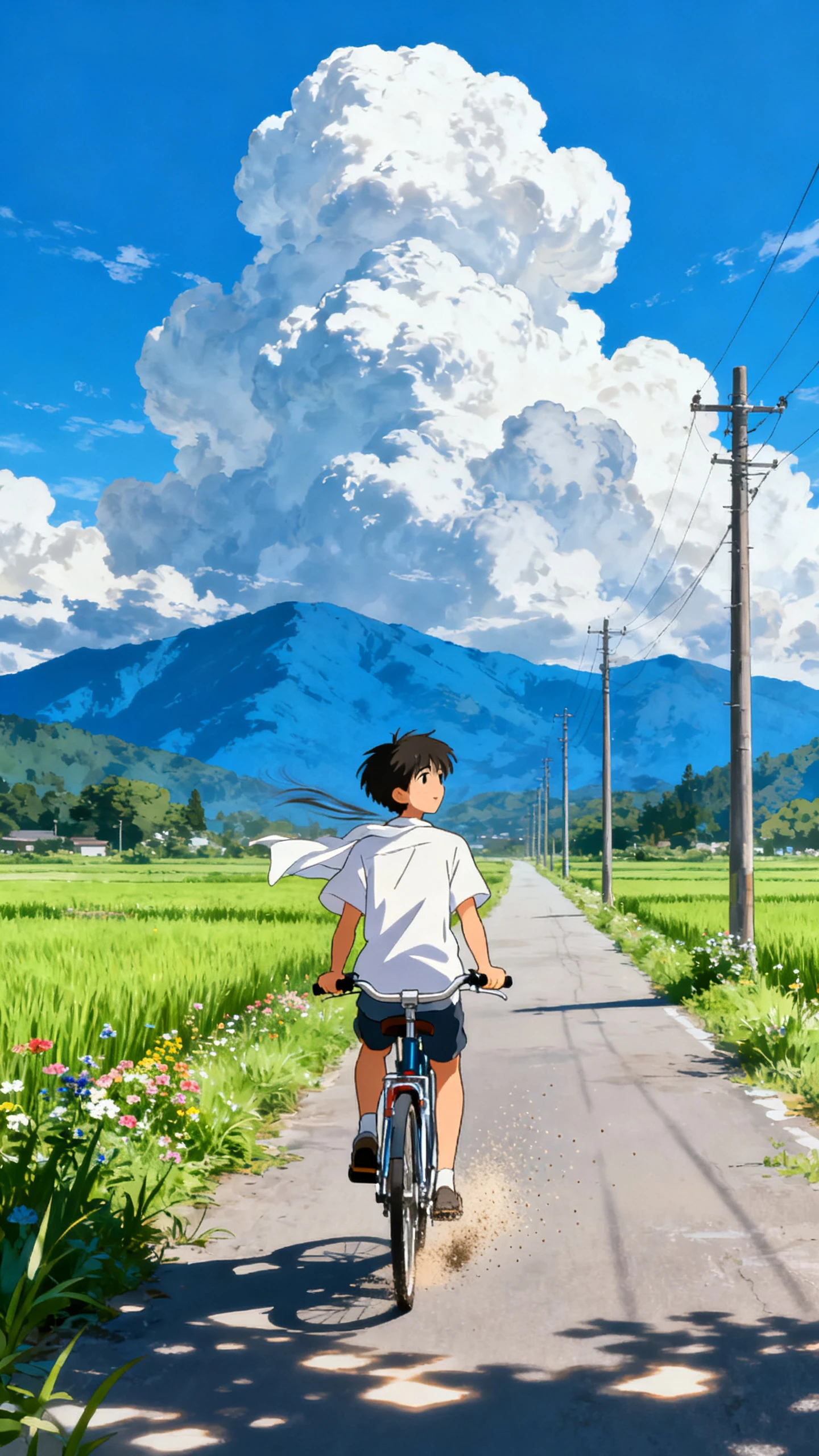
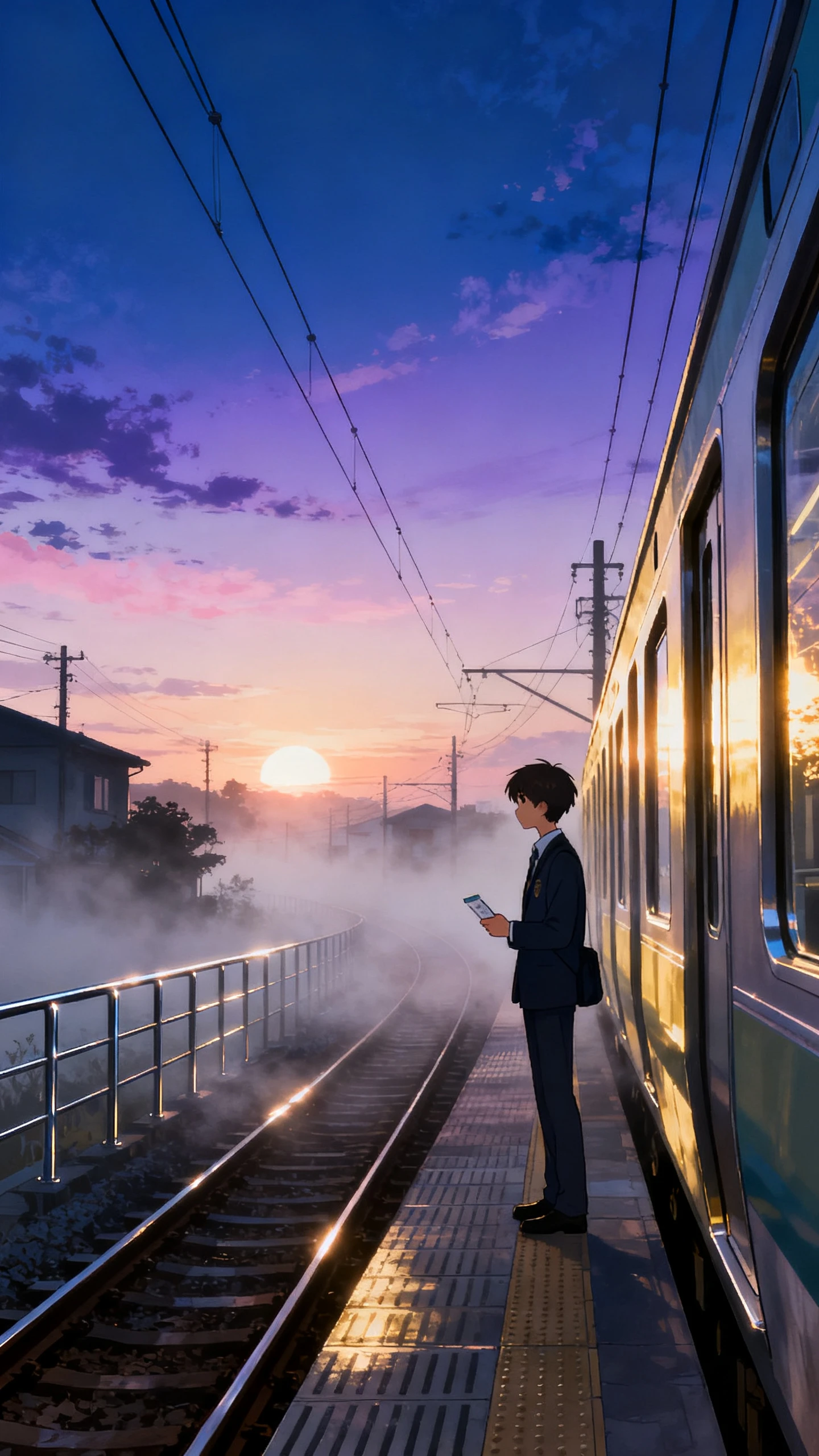
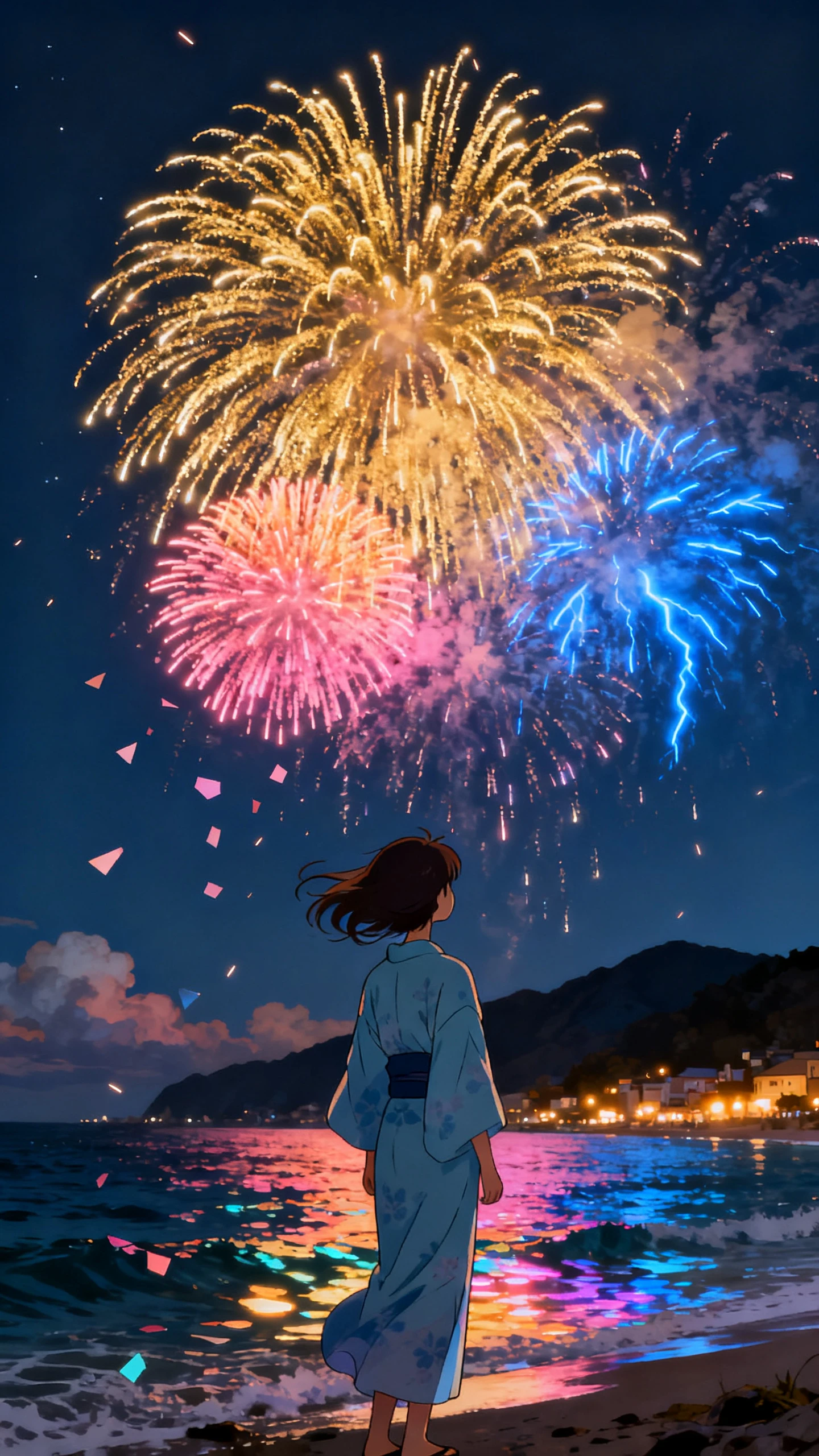
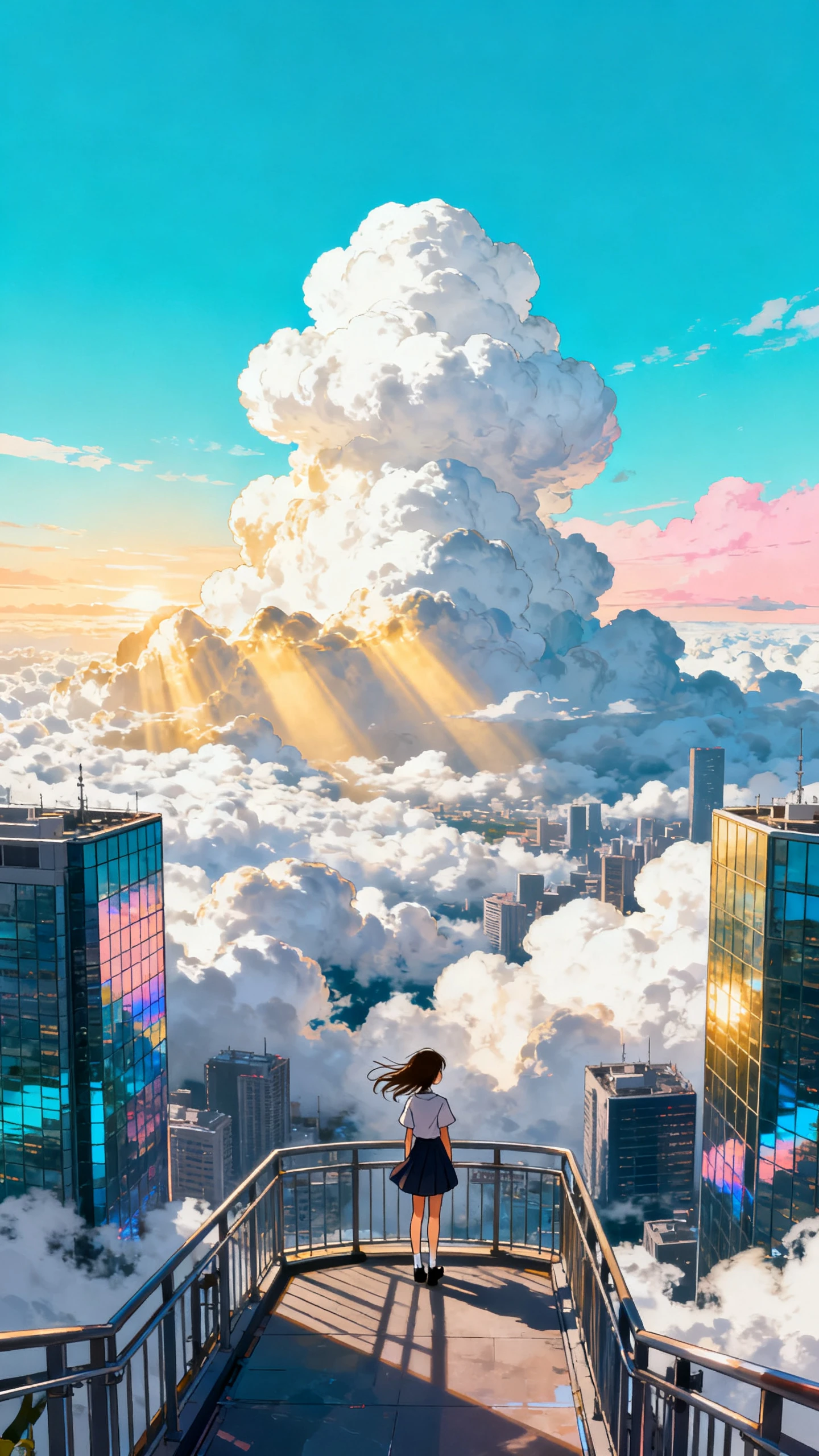
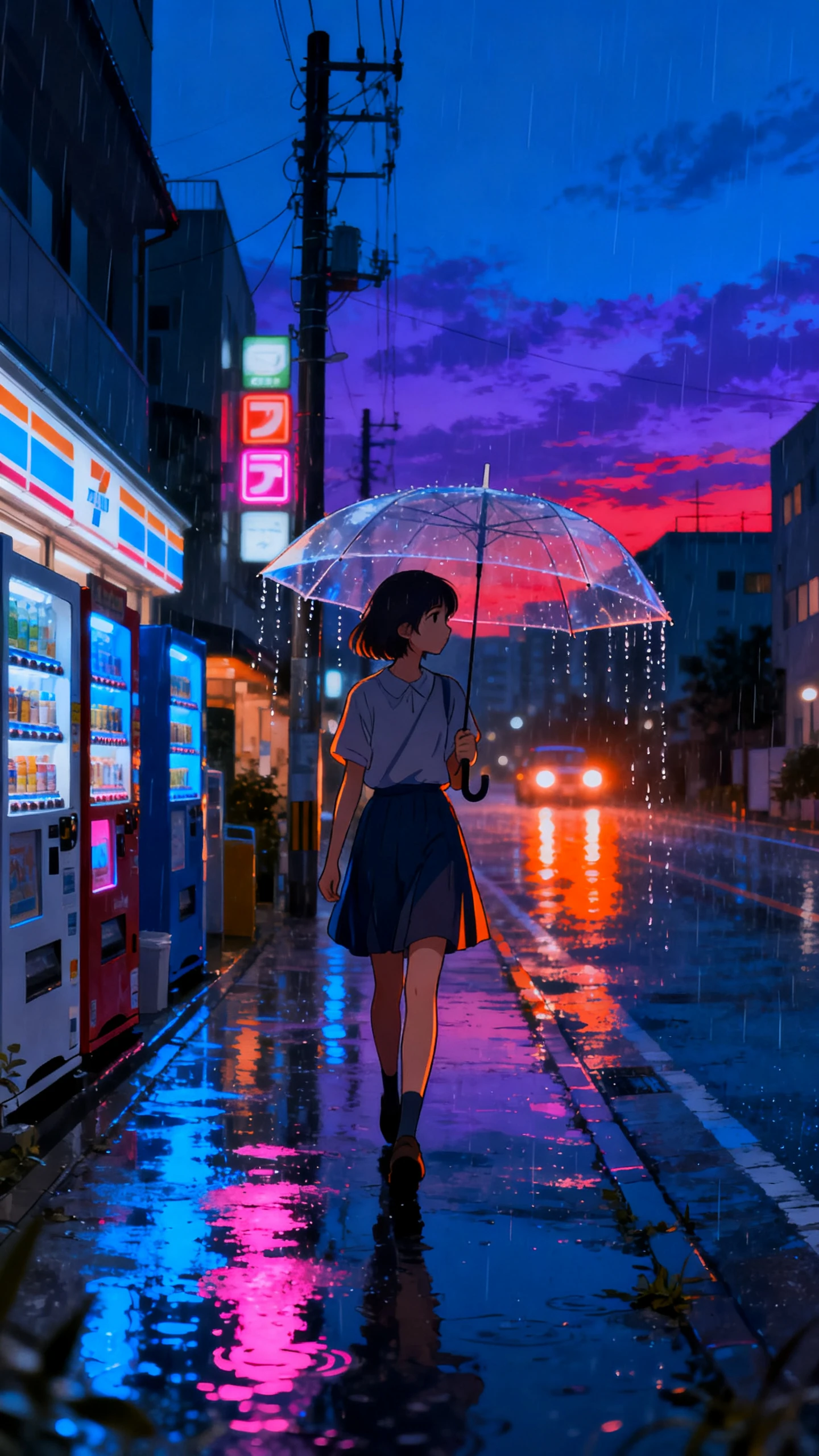
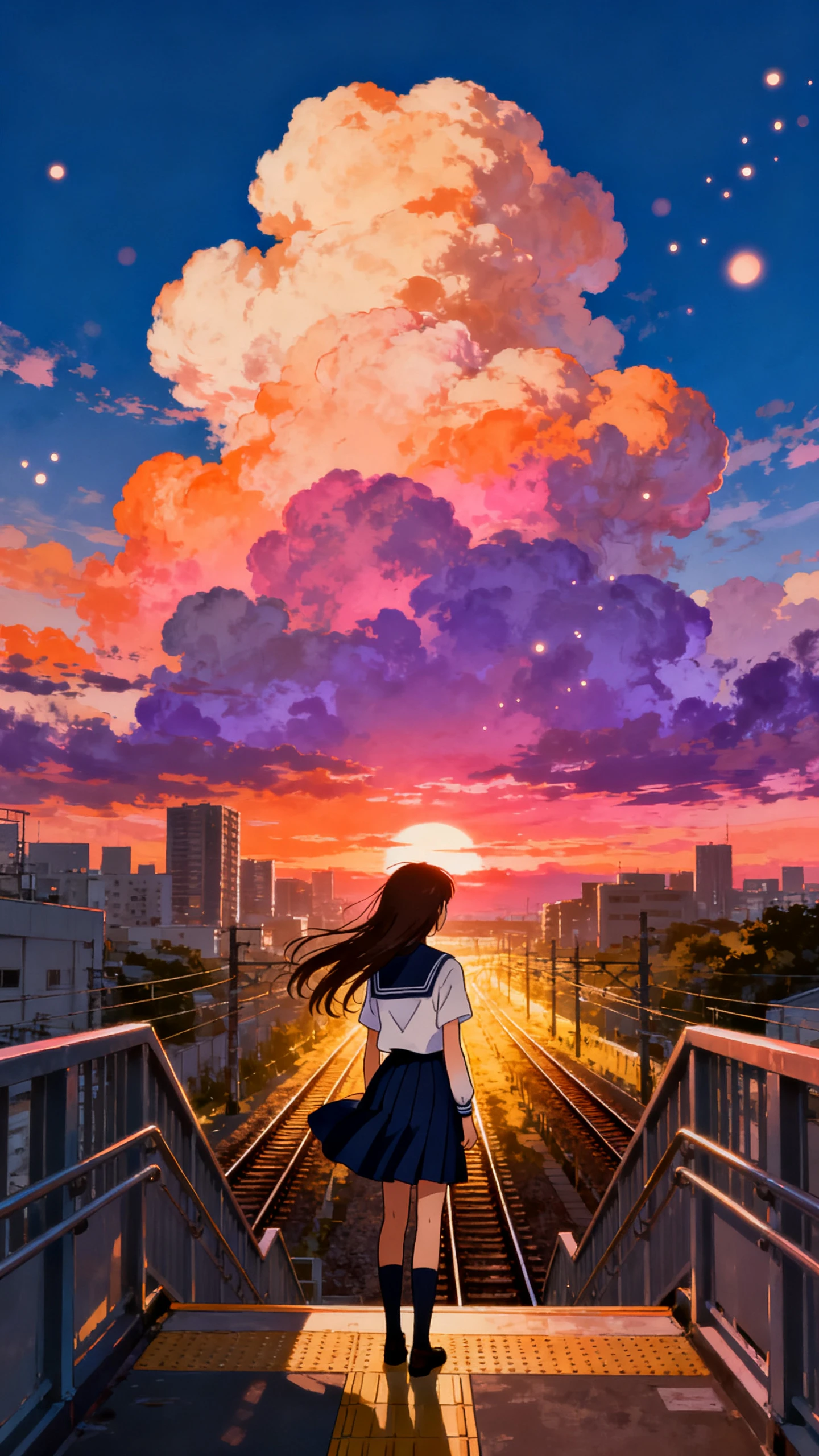
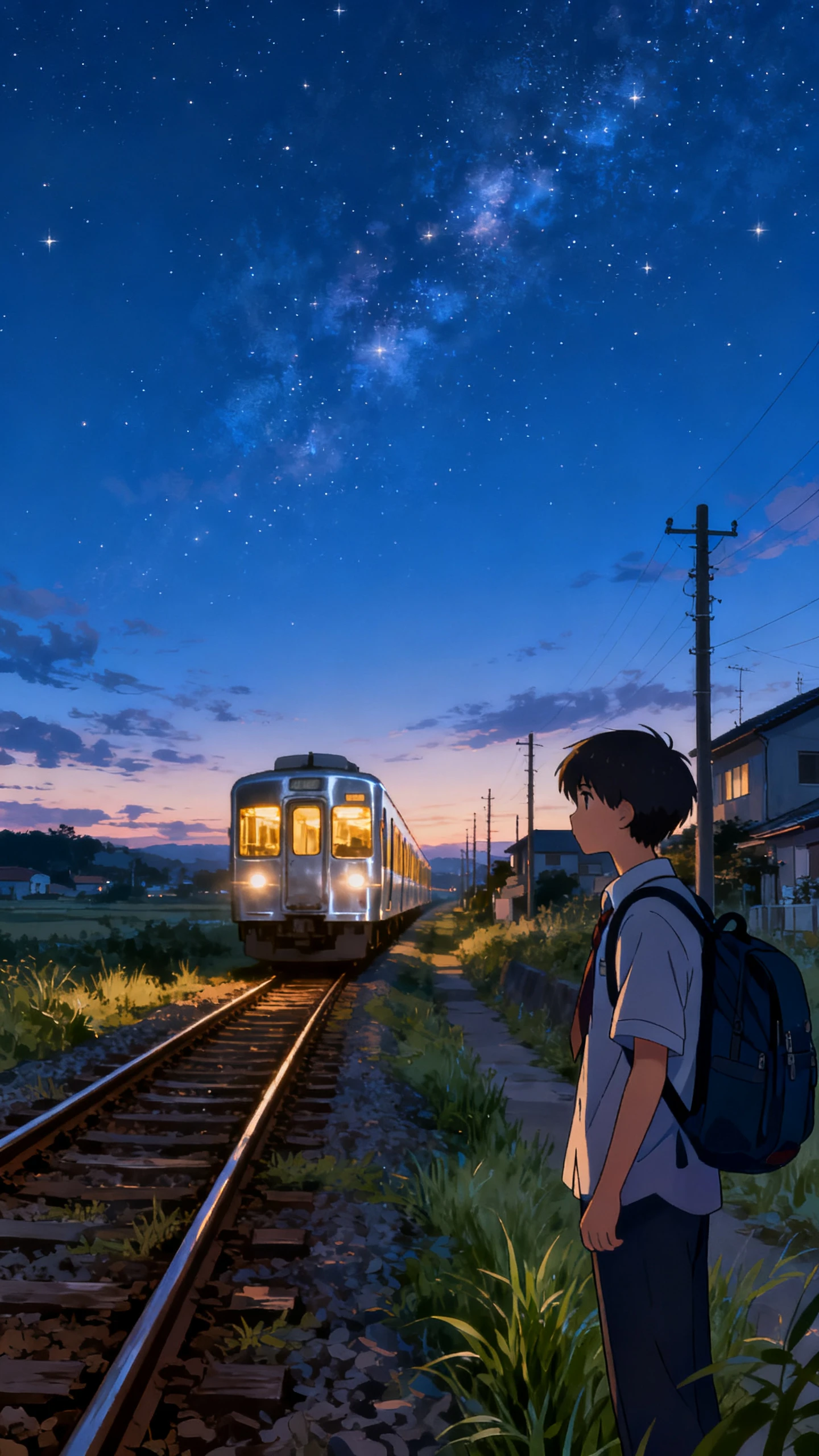
Add the story you want to tell and describe its setting. The Magiclight AI Makoto Shinkai style video generator creates an anime video that follows the moment you pictured.

A missed connection can be enough to begin your story. MagicLight Agent develops that small idea into a fuller plot where the characters have a reason to meet, wait or find their way back.
Your anime story does not need to stay with the first look you try. Over 52 visual styles let you compare different versions until the streets and overall mood of your scenes feel right.
A Makoto Shinkai-style character can begin with 1000 characters of description in Magiclight AI. Write how you picture that person, and those details guide the look they carry throughout your anime story.
The right track can change how an ordinary scene feels on screen. From 40 music options, select one that gives a train ride and long-awaited reunion the mood you want for that scene.


Create your Makoto Shinkai style video in 4 simple steps with Magiclight AI. Write your story, create the characters, arrange each scene, and finish it with the right voices.
Use 12,000 characters to write the story you have in mind. Set the video duration and try any of the 14 story models to see which one takes your idea in the right direction.
Create the character at the center of your story and describe how you picture them. Add details about their appearance that you want Magiclight AI to carry into the video.
Move into Nano Storyboard to work on the scenes that need more attention. Adjust character poses and expressions to fit the feeling or action taking place in each moment.
Listen through the 37 voice options and match a voice to each character. Once the voices feel right, check the finished video and make any final changes before saving it.
Yes. The Makoto Shinkai style video generator lets you create your own characters and story. A missed train or two people living far apart can become your starting point.
No. The same anime look can work for friendship, family or a personal journey. What matters more is having a story with moments that mean something to the characters.
Magiclight AI can make a video as long as 50 minutes. That gives you space for a short film or a longer story without squeezing everything into a few scenes.
Yes. Magiclight AI includes 37 voice options. You can select a different voice for each character instead of using the same narrator throughout the entire video.
Save the character once you are happy with their appearance. You can bring that character into a future video without describing their look all over again.
Yes. You can try the Makoto Shinkai style video generator after creating an account. You do not need to enter a payment card to start making your first video.



Turn a quiet moment into an anime story filled with emotion and atmosphere. Magiclight AI brings your characters and their world to the screen.