Explore the Magiclight AI Simple Sketch Style Generator Features
Keep the idea easy to read without crowding the frame. The simple sketch video generator turns your story into clean line-art scenes where each action and expression stays clear.
Turn your ideas into simple sketch-style videos with Magiclight AI. Create clean line drawings and bring them to life with animation. No drawing or editing skills needed.
Create a Simple Sketch Video for Free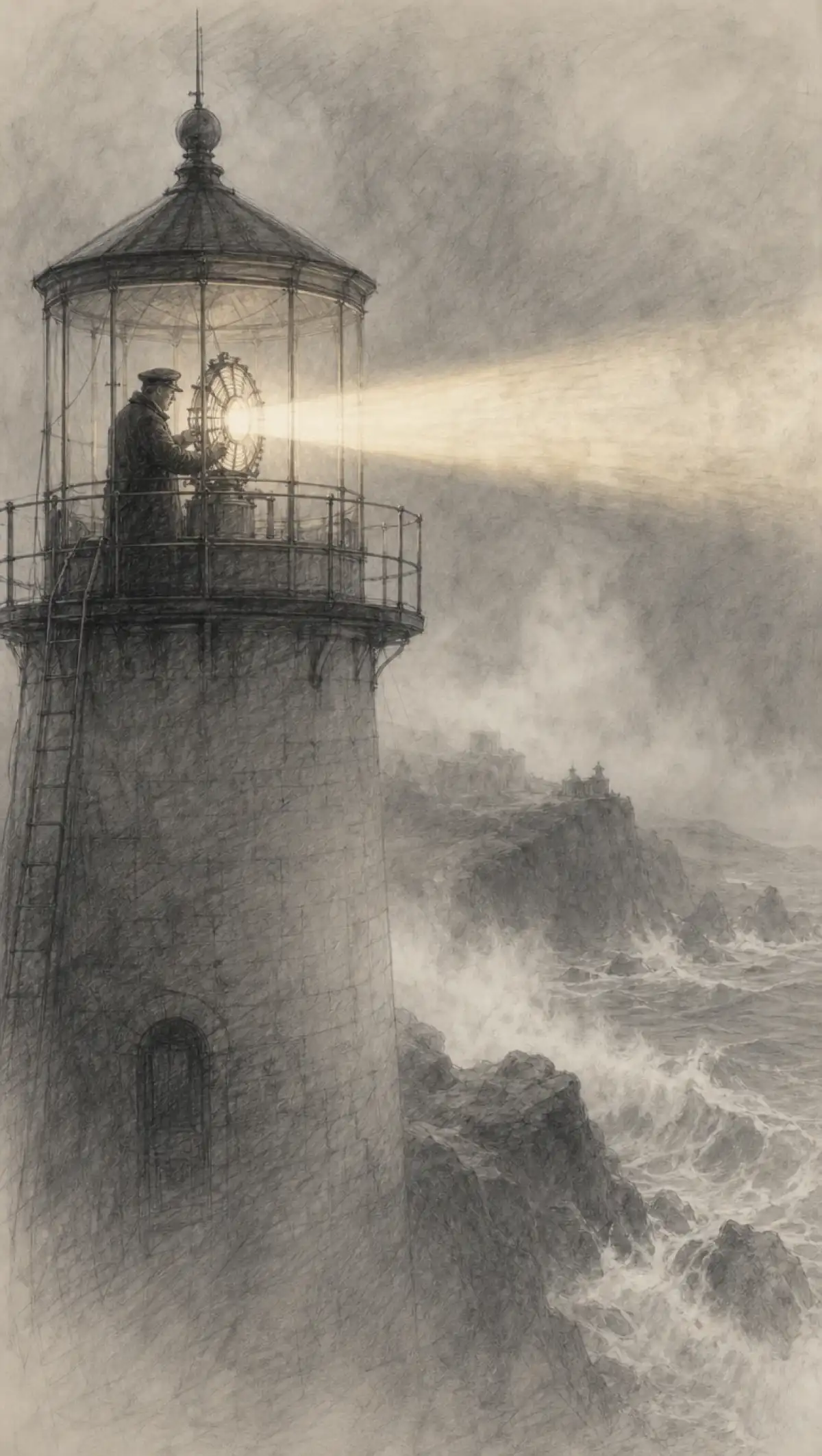

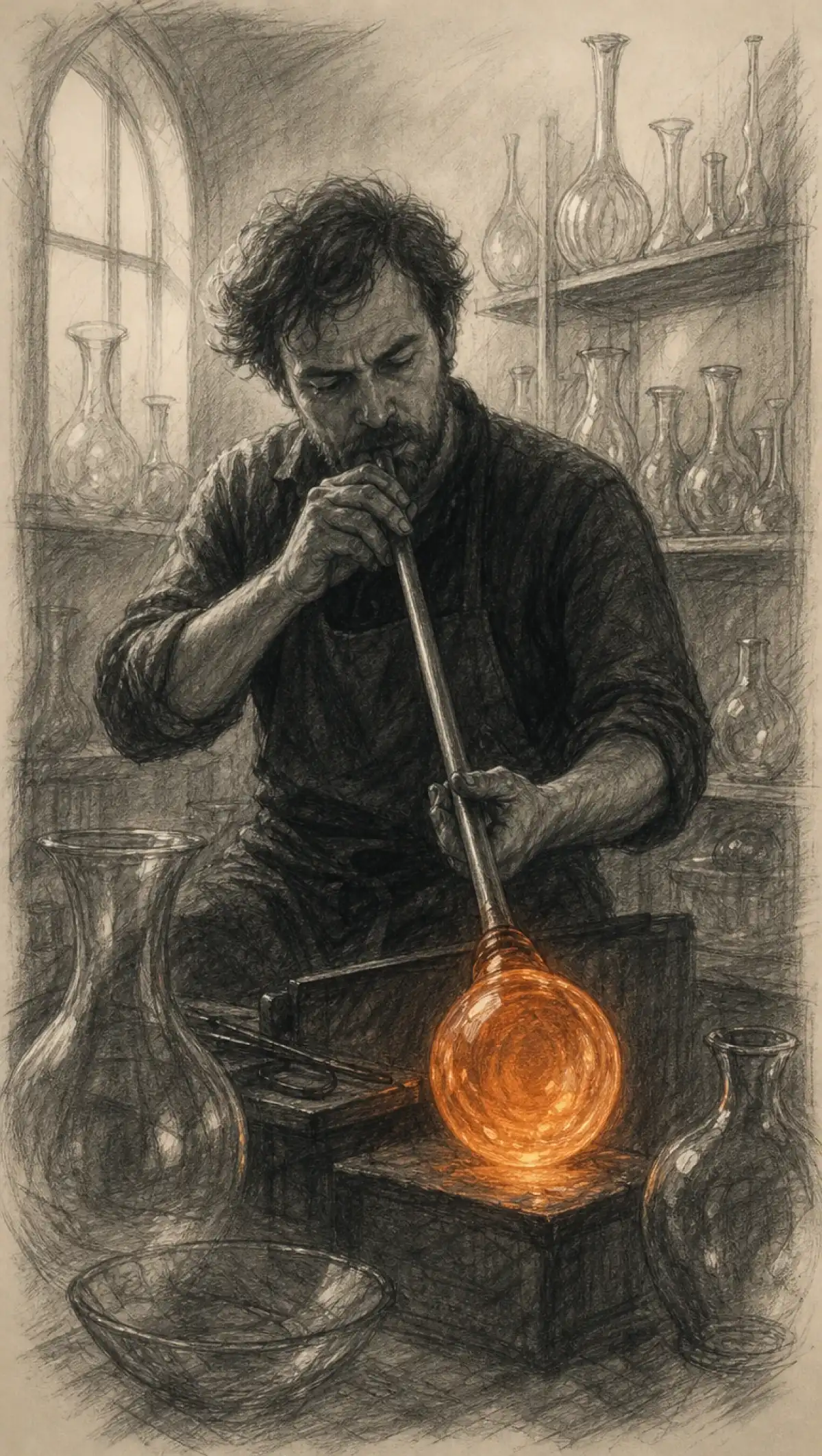
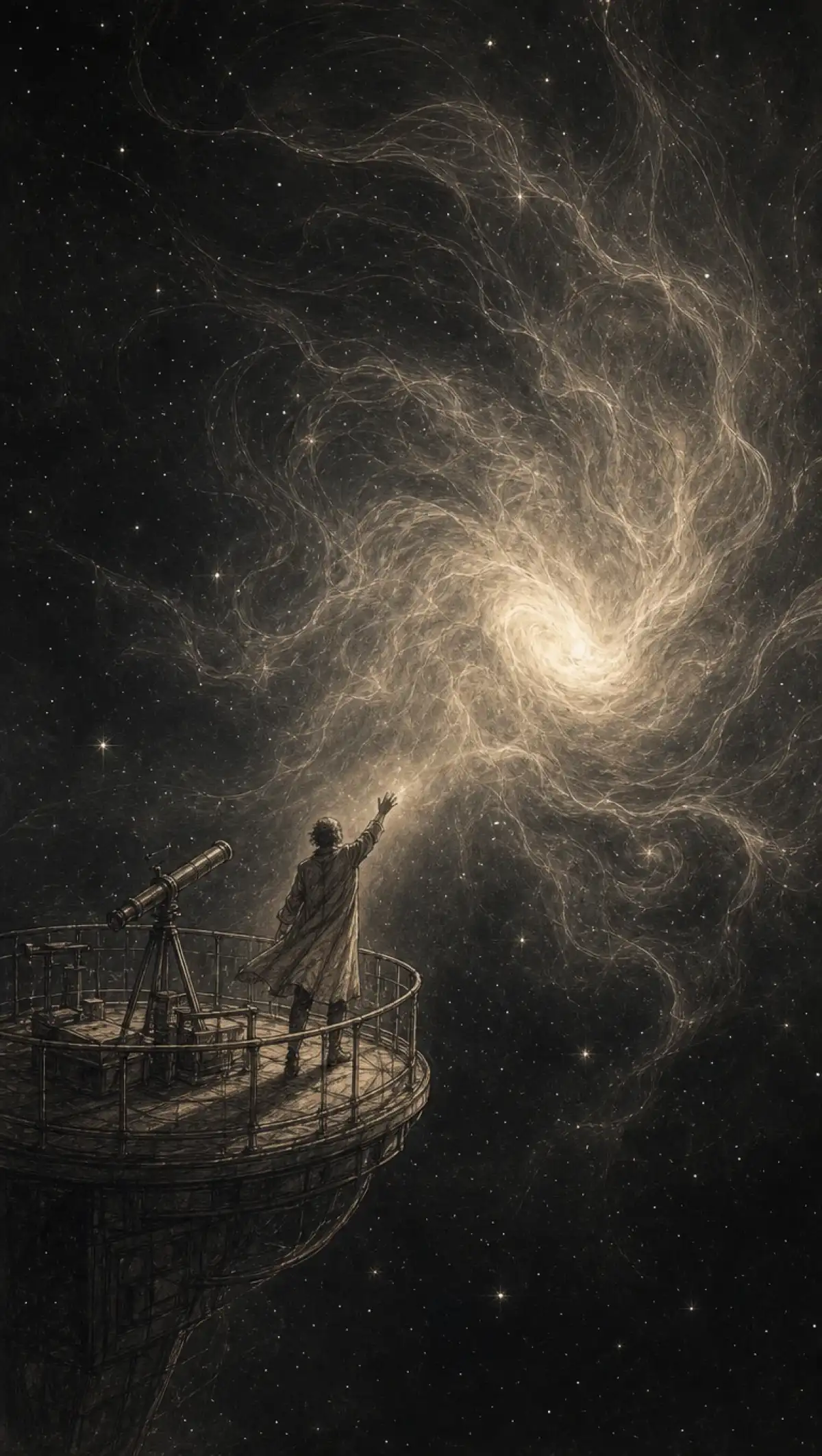
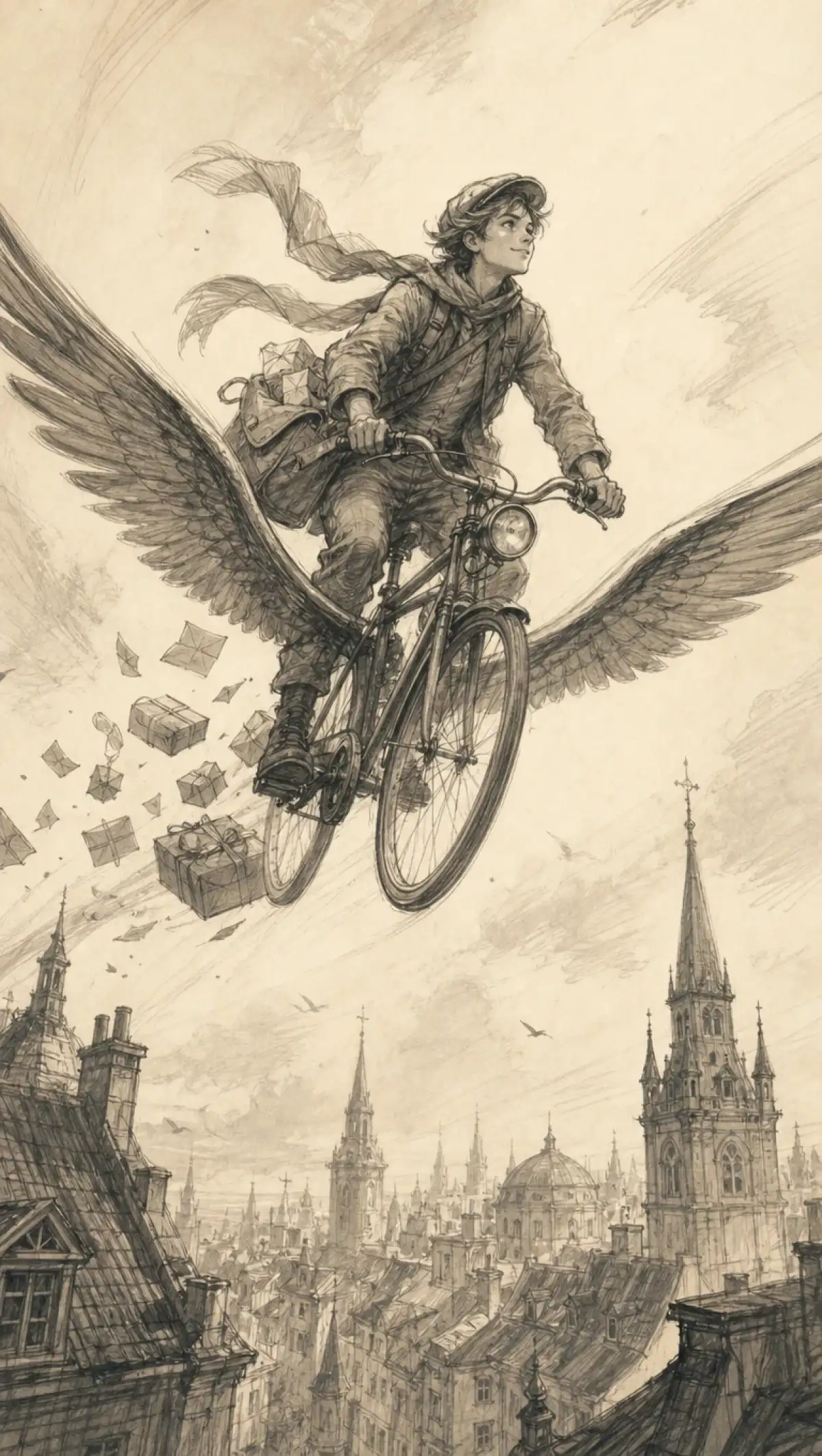
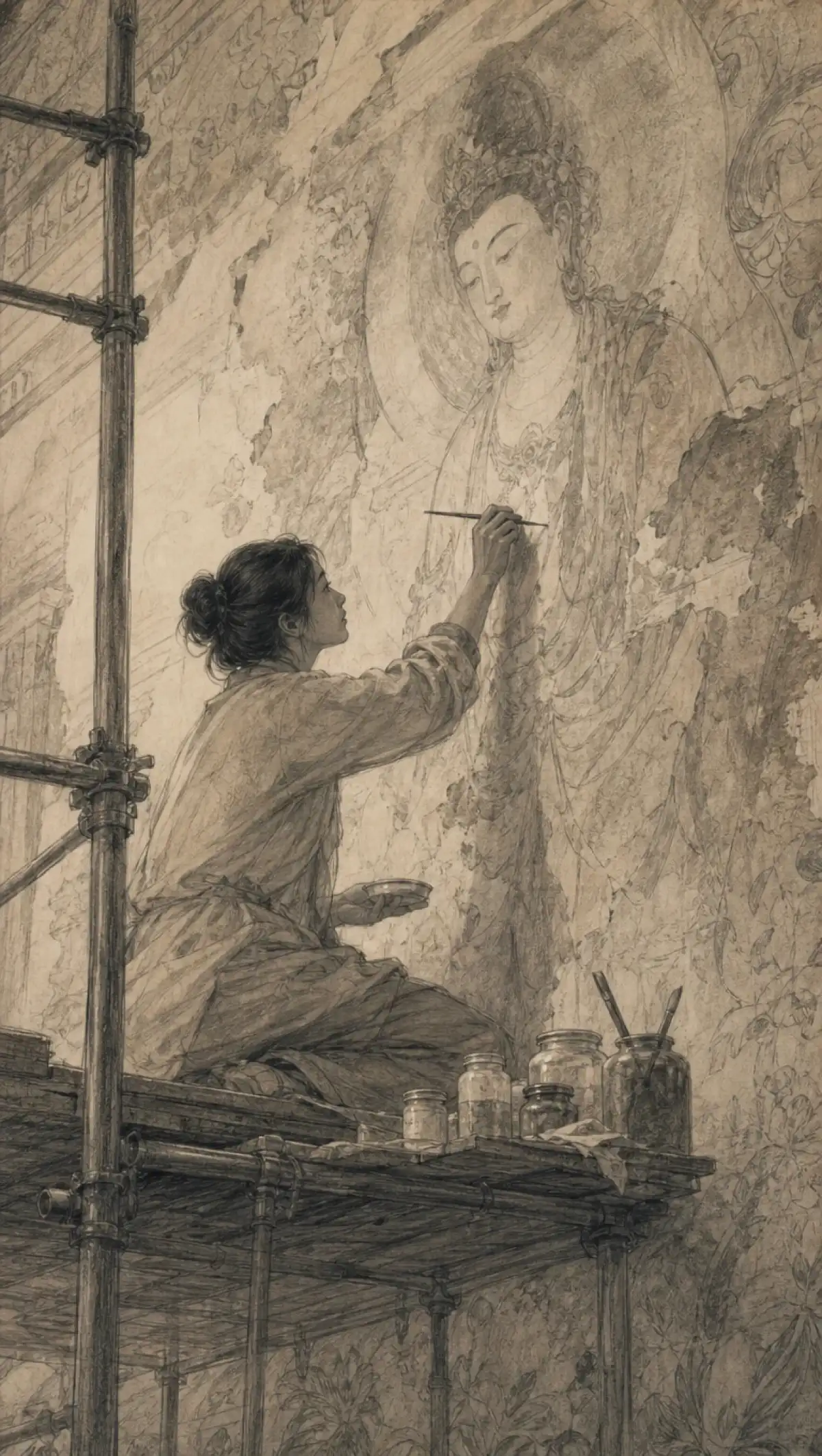
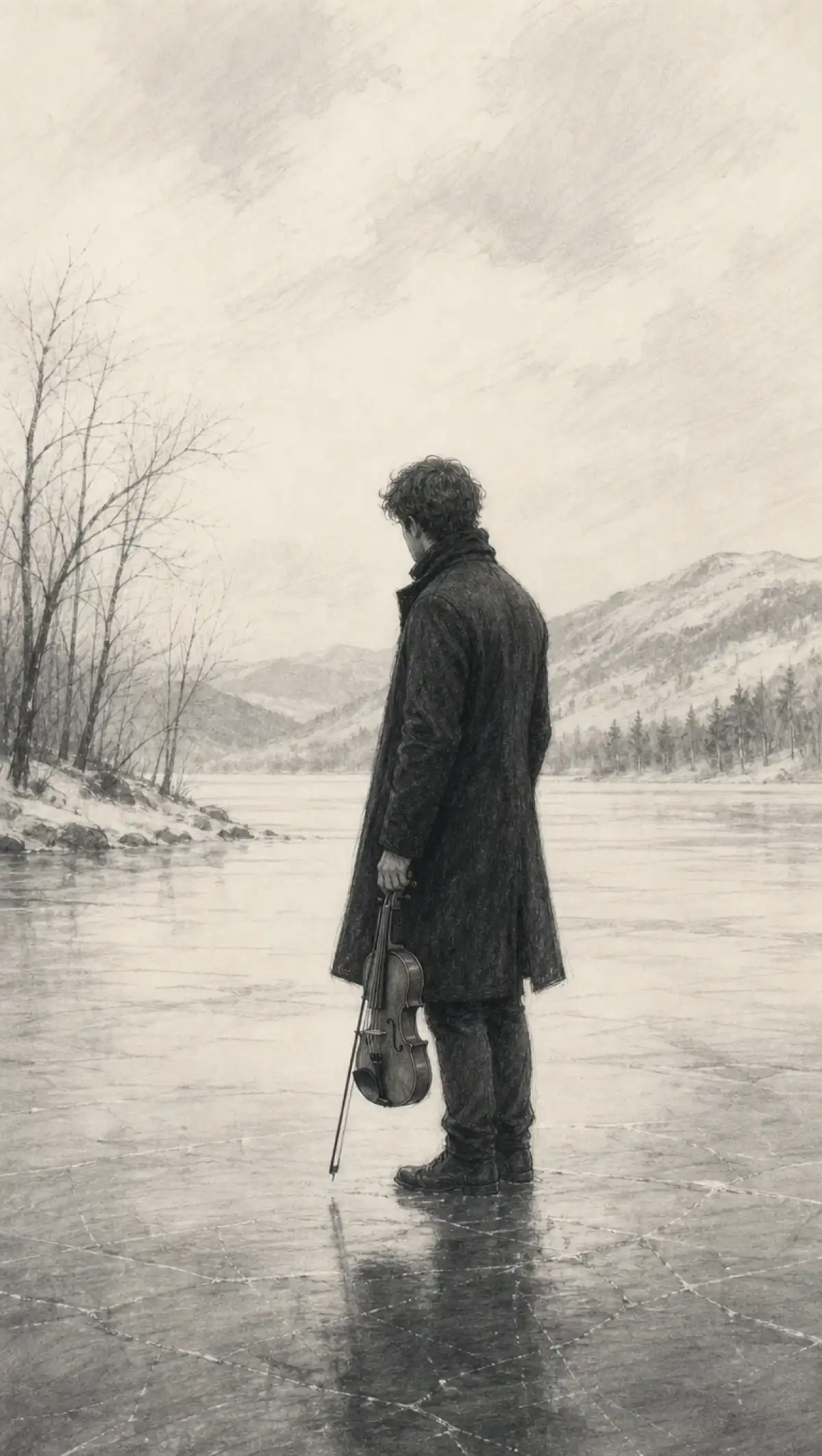
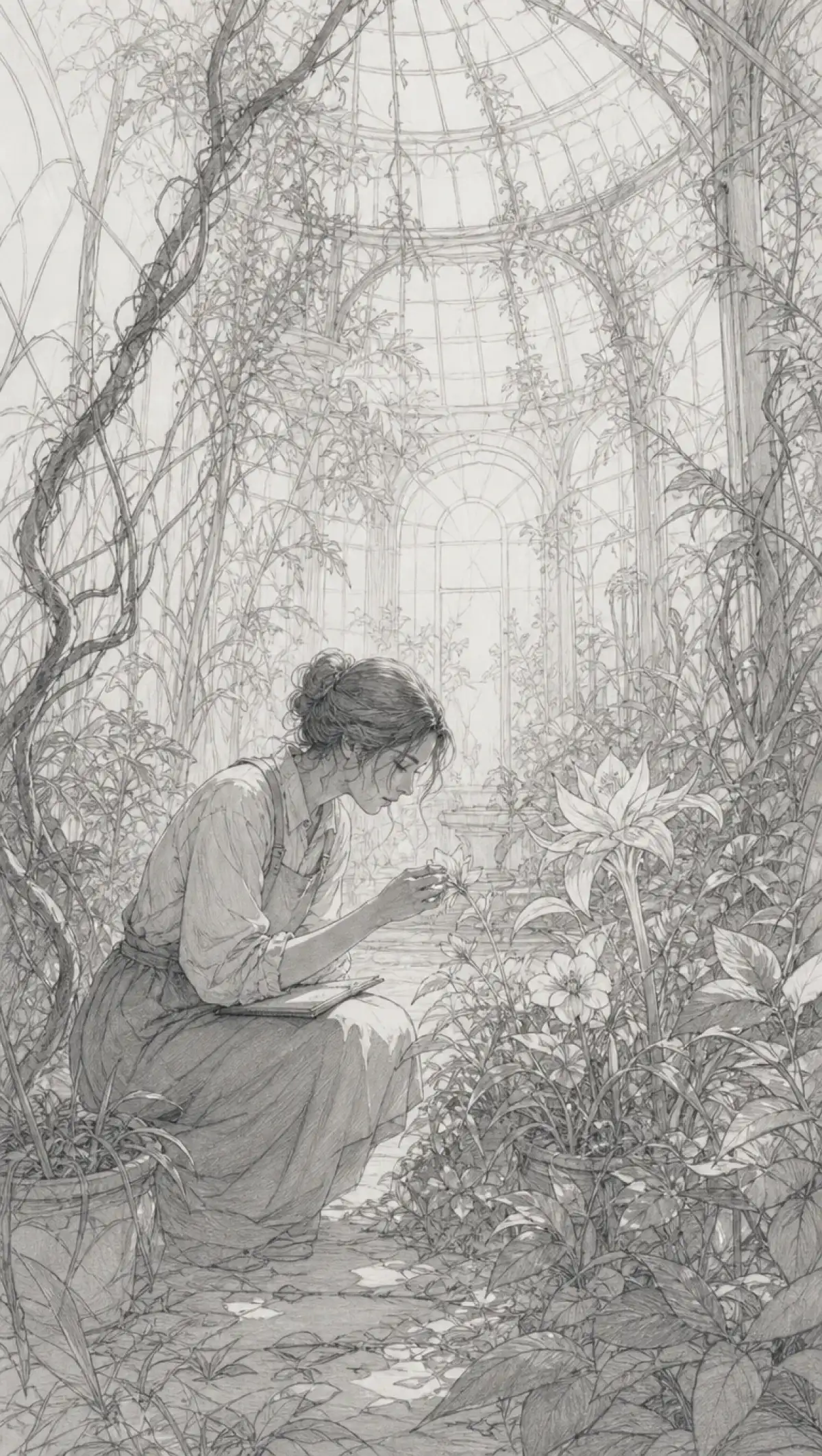
Keep the idea easy to read without crowding the frame. The simple sketch video generator turns your story into clean line-art scenes where each action and expression stays clear.
Share a full story or a rough idea with MagicLight Agent. It finds the moments that move the story forward, then maps each one into a focused sketch scene without adding unnecessary visual detail.
Keep every frame spare with thin lines, open white space, and no heavy shading. Magiclight AI offers 52 visual styles, so you can select a simple line-art look that suits the mood of your story.
Make body language carry the story with 50 poses in Nano Storyboard. Set a character to reach, shrug, wave, or hug, so the action stays easy to understand even when the sketch uses only a few lines.
Give the line-drawn story a voice your audience already knows. Record a short sample for voice cloning, then use that voice for narration to add a personal sound that complements the simple visuals.


A simple sketch video grows out of 4 steps. Holding on to only the moments that matter in step one is how a clean, minimal story stays memorable.
Add a story, script, or short memory. MagicLight Agent finds the key beats within a 12,000-character script box and gives you a scene plan to review before drawing begins.
Select a simple sketch look from 52 visual styles, then describe each person with a few clear traits, such as curly hair or a long coat. Save recurring figures for later videos.
In Nano Storyboard, select from 50 poses to show each moment clearly, from a goodbye wave to a surprised step back. Keep open white space around the figures in every scene.
Pick from the narrator voices or clone your own, then add music and a cover. Generate the sketch in 1080p and share the finished sketch video.
It uses thin black lines on a white background, with no shading and very little detail. Magiclight AI keeps each frame clean, so the action and idea stand out.
Doodle art is playful and colorful, and colored pencil is rich and textured. Simple sketch in Magiclight AI is the most minimal of the three, using only clean black lines.
Yes. Paste your script, and Magiclight AI turns each beat into a moving sketch scene. Directors often share these with clients before planning a real shoot.
Yes. Record a short sample with voice cloning, and Magiclight AI reads the whole sketch story in your own tone, with a familiar warmth.
Gift videos and social clips work well at one to three minutes. Animatics follow the length of your script, and Magiclight AI supports up to 50 minutes.
Yes. Your first simple sketch runs on free credits from Magiclight AI, with nothing to pay at sign-up and no card stored. Client and brand work needs a paid tier.



Share a moment, memory, or script. Magiclight AI's simple sketch video generator turns it into clean line art that keeps the story clear.