Hero background

Text to Music Generator

Turn your ideas into original music with MagicLight. Describe the mood, genre, and sound you want, then generate music that matches your vision. No music production skills needed.

Create Music From Text for Free
Text to Music Generator preview
Music preview
Vocal song preview
Instrumental preview
Background music preview
Custom jingle preview
Text to Music Generator preview
Music preview
Vocal song preview
Instrumental preview
Background music preview
Custom jingle preview

Top Features of the Magiclight AI Text to Music Generator

Describe the sound you want for a song, even if you cannot name a single chord. Magiclight AI text-to-music generator takes your idea and turns those words into music you can hear.

Generate Music from Text Now
3D decoration

Text to Audio in the Audio Tab

You do not need to know music theory to explain the sound you want. Magiclight AI reads your basic written idea and generates a track that follows the mood you described for your song.

Suno for Songs With Vocals

Suno AI model can turn your song idea into music with a singing voice. Give it lyrics you have written or explain what the song should be about across Magiclight AI, then listen to how the finished song sounds.

500 Characters to Explain Your Sound

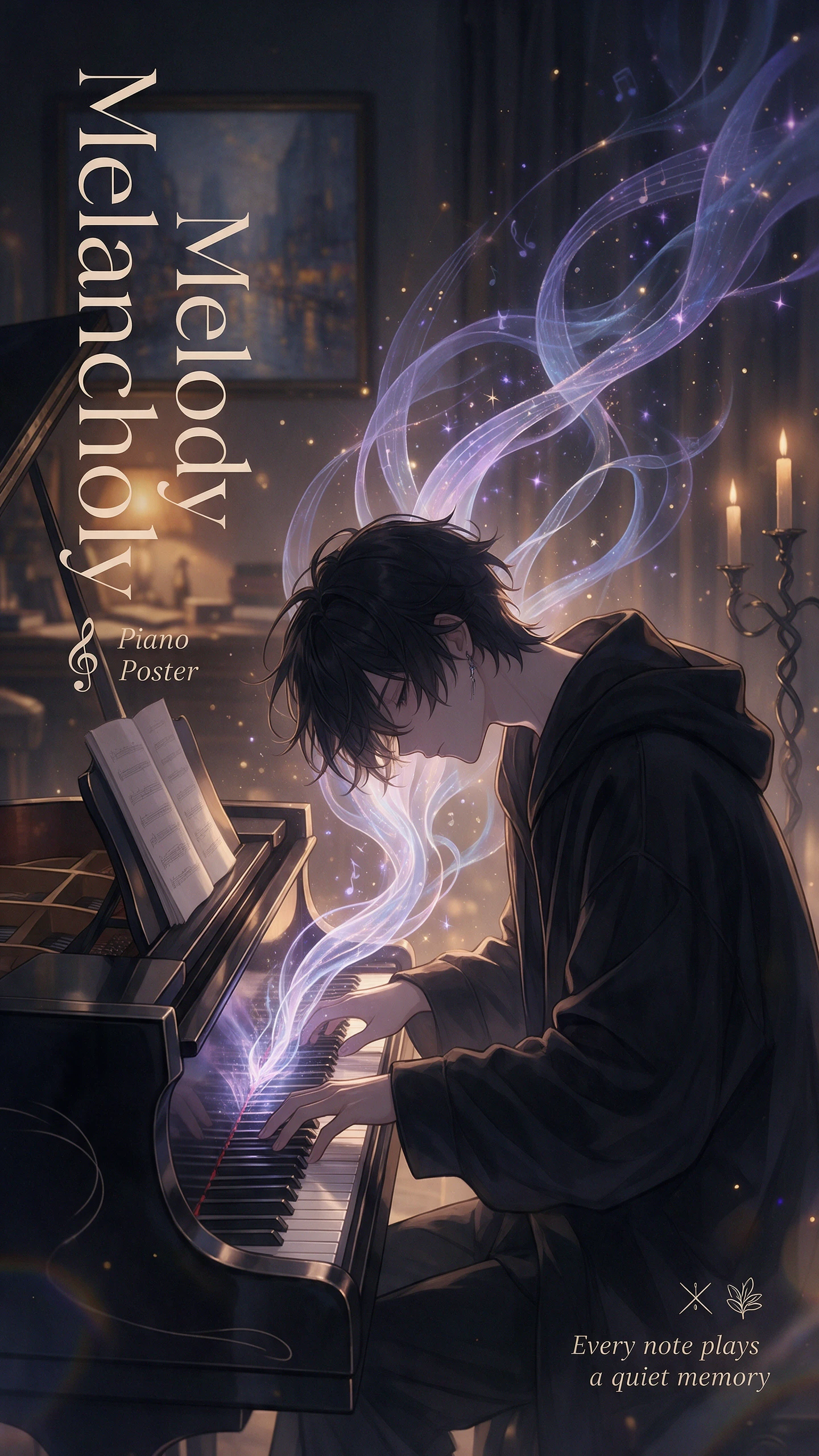
Magiclight AI gives you 500 characters to describe the music you want. You could ask for a slow piano melody for a quiet scene or a cheerful tune for a birthday video.

Seed 1.0 for Music From a Reference

If you have a sound in mind already, Seed 1.0 can work from a reference audio clip. Add an MP3 or WAV file through Audio to Audio and use it to guide the feel of your next track.

Who Can Use the Magiclight AI Text to Music Generator
From a shop jingle to a classroom tune, Magiclight AI lets different creators make music feel personal. The text-to-music generator gives everyday ideas a sound of their own.
For YouTubers and Streamers
Give your channel a Suno theme that viewers remember after every upload.
Keep your commentary clear with gentle music beneath your own narration.
Pair your finished song with scenes through Music to Video for the fans.
For Small Businesses
Put your shop name into a cheerful Suno song for the next big promotion.
Set a welcoming mood with a gentle melody through a 500-character prompt.
Check Magiclight’s commercial rights before the music goes into paid ads.
For Teachers and Parents
Turn a tricky lesson into a song your pupils will want to sing in class.
Make bedtime calmer with a lullaby that mentions your child's real name.
Let pupils hear their spelling words in a cheerful tune during lessons.
For Songwriters and Producers
Compare song ideas using the 2 audio models found inside Magiclight AI.
Use 500 characters to explain the sound you want for your next new song.
Let a short recording guide Seed 1.0 toward the music you have pictured.
Why Choose the Magiclight AI
Text to Music Generator
Magiclight AI's text-to-music generator lets you try a song idea without playing a piano. You can listen to the result first, then decide whether it belongs in a music video.
Choose Between 2 Music Models
Magiclight AI has 2 audio models for your song idea. Suno handles music with lyrics and vocals. Seed 1.0 works with reference audio when you want the result to follow a melody.
Give Your Song a Visual Setting
Reference to Video lets you pair your track with an image that suits the music. A quiet piano piece might go with a rainy street photo, giving you a short clip to share online.
Music Genres That Match Your Song Idea
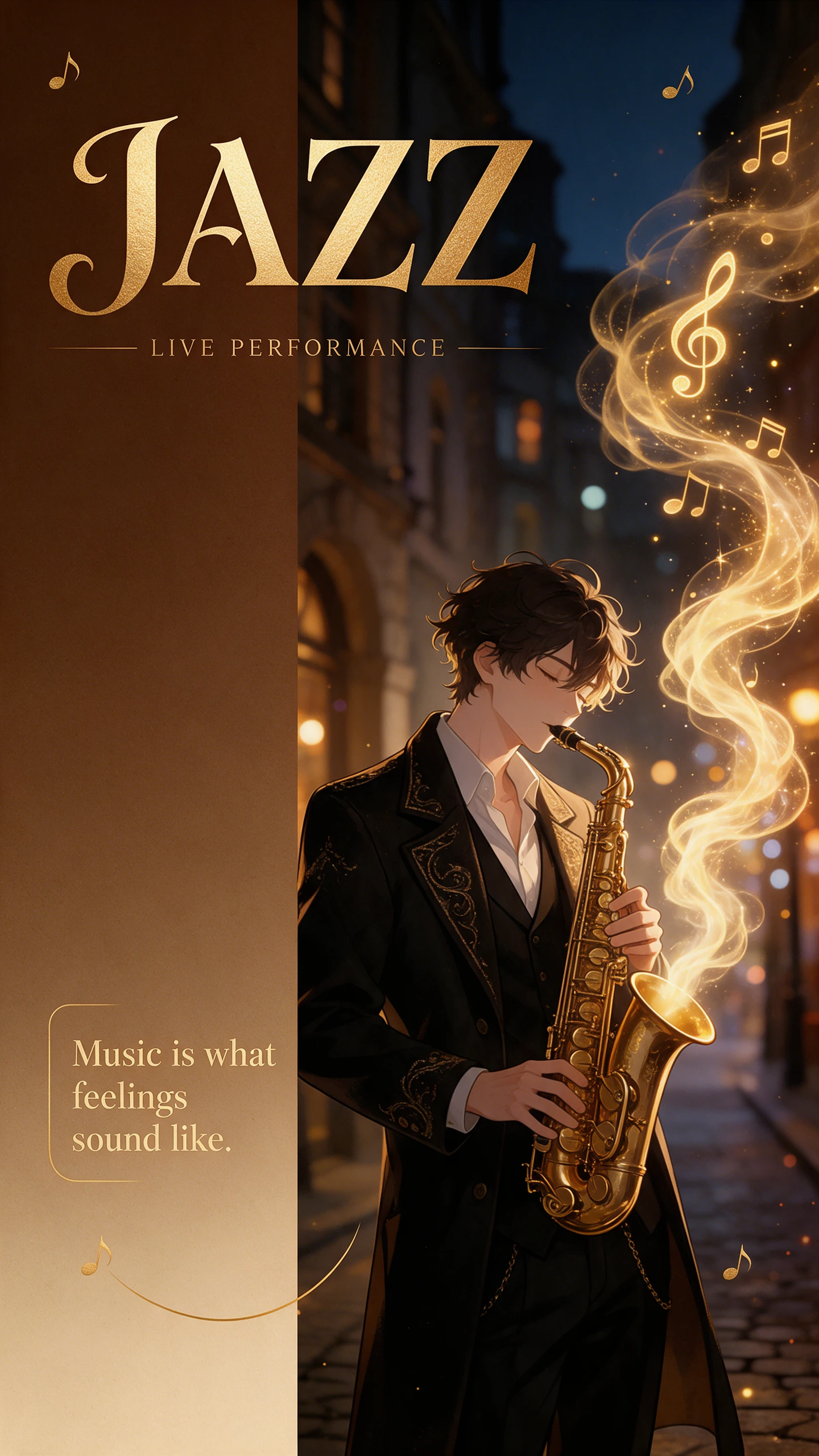
Your song can lean toward country music for a home film or jazz for a cafe clip. Magiclight AI accepts the genre you describe, giving you room to try a sound that suits a clip.
Check Music Rights Before Publishing
Before using a song in ads or a monetized video, check your commercial rights on your Magiclight AI plan. These rights help you create, use, and sell your generated content with confidence.
Turn Your Song Into a Music Video
Use Music to Video to give your song a scene that fits its mood. You can also enter a 200-character song idea to generate new music for the video without needing a final track.
Add 3 Audio References for Your Song
Audio to Audio accepts 3 reference audio files to guide your next track. Seed 1.0 can use those recordings as a starting point when you have a certain sound you want to follow.

How to Create Music From Text With Magiclight AI

Try the text-to-music generator when you need a song for a special moment. Magiclight AI takes your written idea and helps you hear the finished track in 3 easy steps.

1.

Step 1. Find Your Music Generator

Head to the Toolbox and open Audio. Choose Text to Audio if you want to start with a written idea. Audio to Audio is there when you have a recording for reference.

2.

Step 2. Tell Magiclight AI What to Play

You have 500 characters to describe the music you want. Mention a style that suits your song and explain how it should feel. Add your own lyrics if you want someone singing them.

3.

Step 3. Hear Your Song and Save It

Pick Suno or Seed 1.0 and let Magiclight AI generate your track. Listen to the result and change your description if something sounds off. Download the song once it feels right.

FAQs on Text to Music Generator

Can I use my own lyrics to create a song?

Text-to-music generator in Magiclight AI lets you use your own lyrics with Suno. Paste your original lyrics and mark the chorus if handy. Avoid copying lyrics from songs that already exist.

Is it possible to copy a famous singer's voice?

Rather than copying a famous singer, describe the kind of voice you want. You can mention a gentle tone or lively singing style without asking for someone's recognizable voice.

Which AI model works best for my music?

Suno works well for songs with vocals and lyrics, whereas Seed 1.0 follows a reference recording. Try both with the same idea to hear which version fits your new music.

Can I use AI music for YouTube videos or ads?

Commercial use depends on the rights included with your plan and the track you create. Check those terms before posting music in YouTube videos or paid online advertisements.

How do I create music without vocals?

To make music without vocals, describe the instruments and include the words instrumental only in your prompt. It works well for video where spoken dialogue needs to be heard.

Is Magiclight AI free for music generation?

Magiclight AI offers starter credits for trying music generation. Check your credit balance before starting a track, since longer projects and extra attempts use more credits.


Create the Music from Text With Magiclight AI

From a quiet piano tune to an upbeat song, Magiclight AI helps you create music that matches what you have in mind.