1500 Characters for Walking Details
Magiclight AI gives you 1500 characters to describe how your character should walk. Explain the pace and foot movements in your prompt to help the model understand the action you want.
Create Now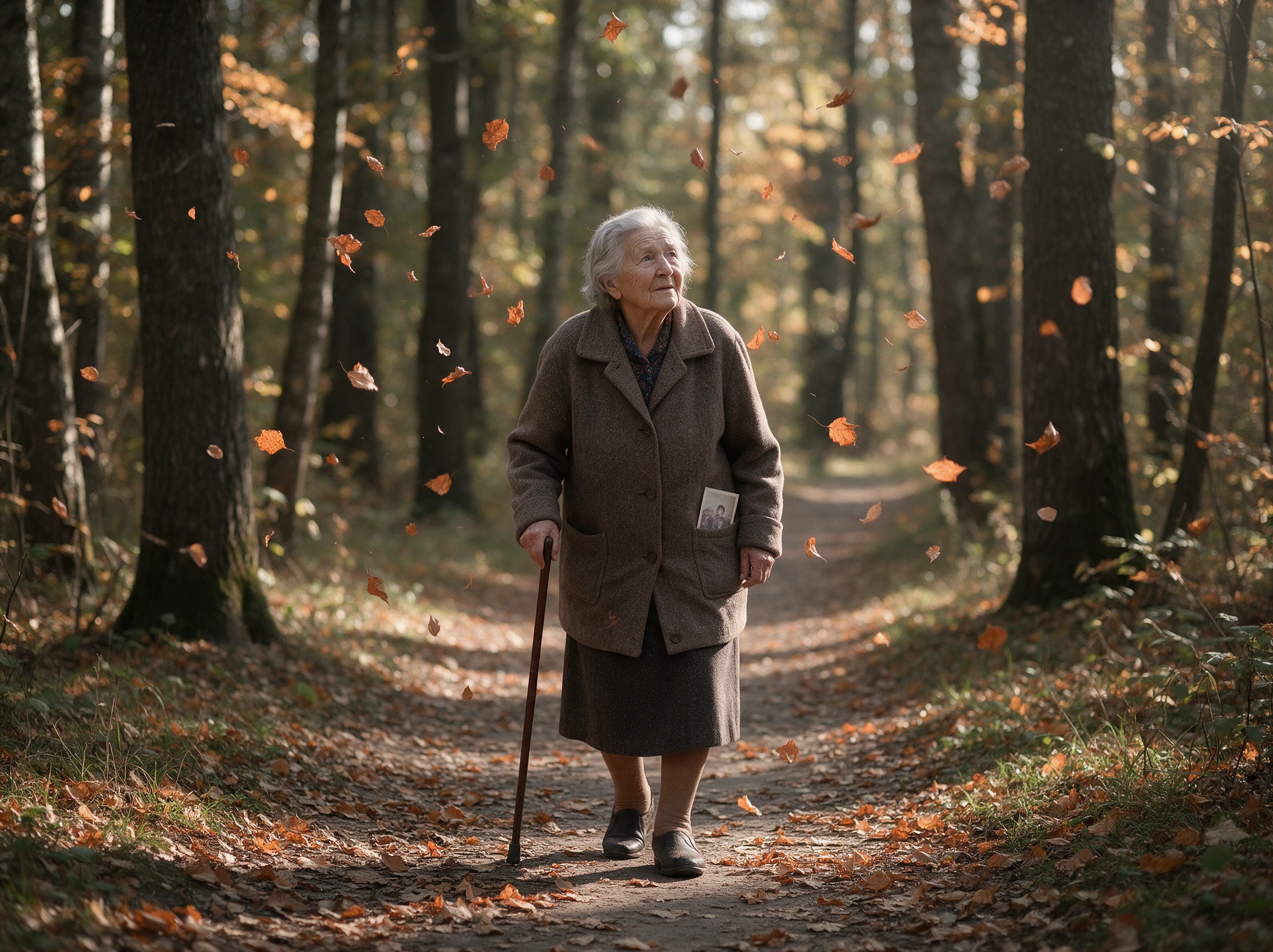

Turn a full-body photo into a walking animation with Magiclight AI. Bring your character to life with natural-looking steps and movement. No drawing skills needed.
Create a Walking Animation for Free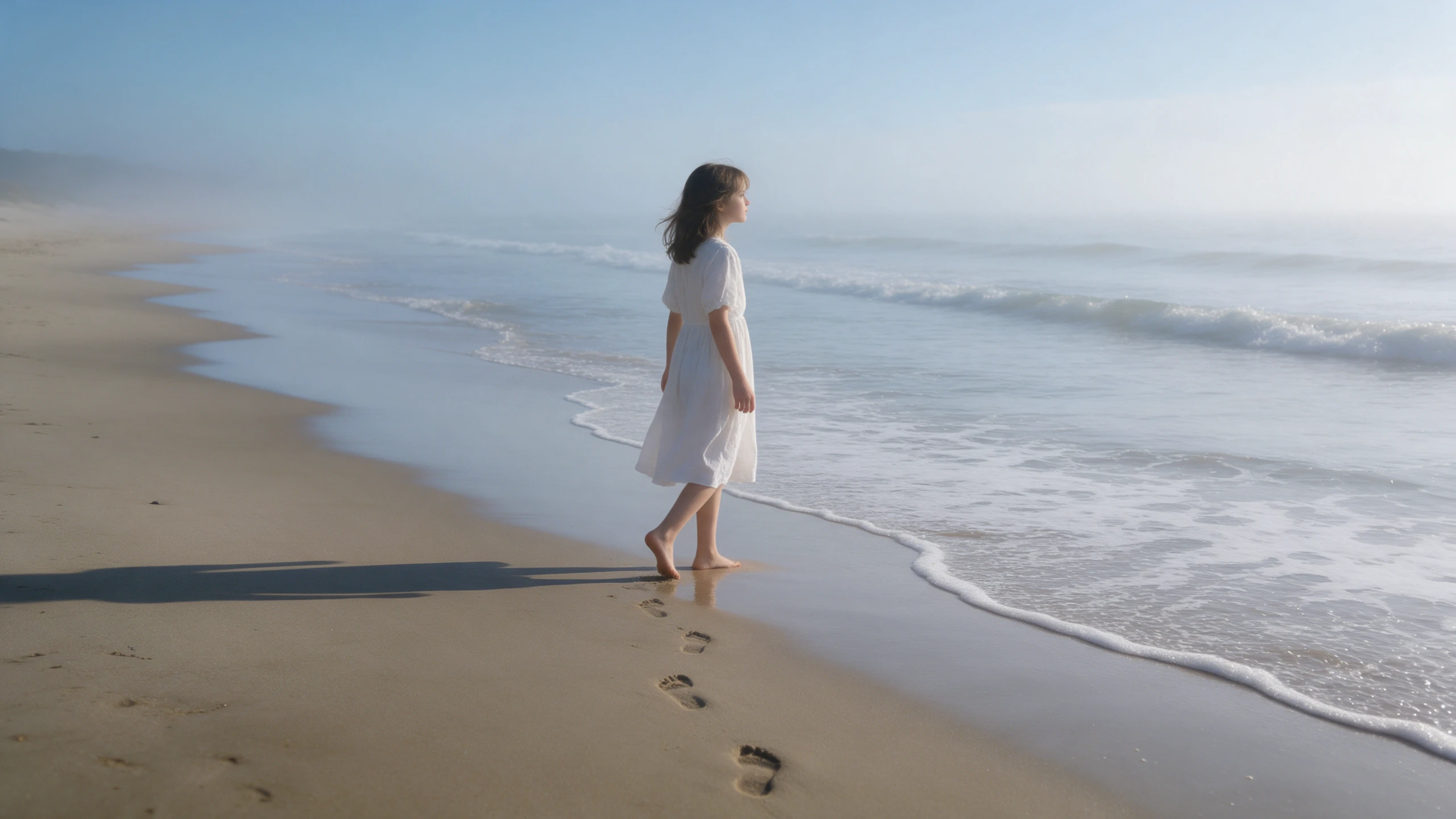










Describe the way your character should walk and choose a suitable screen size. Magiclight AI walking animation uses your instructions to create movement from a still picture.
Magiclight AI gives you 1500 characters to describe how your character should walk. Explain the pace and foot movements in your prompt to help the model understand the action you want.
Create NowChoose 16:9 when your character walks across a wide scene. Magiclight AI also offers 9:16 for a tall video where the person moves toward the camera and remains fully visible.
Create Characters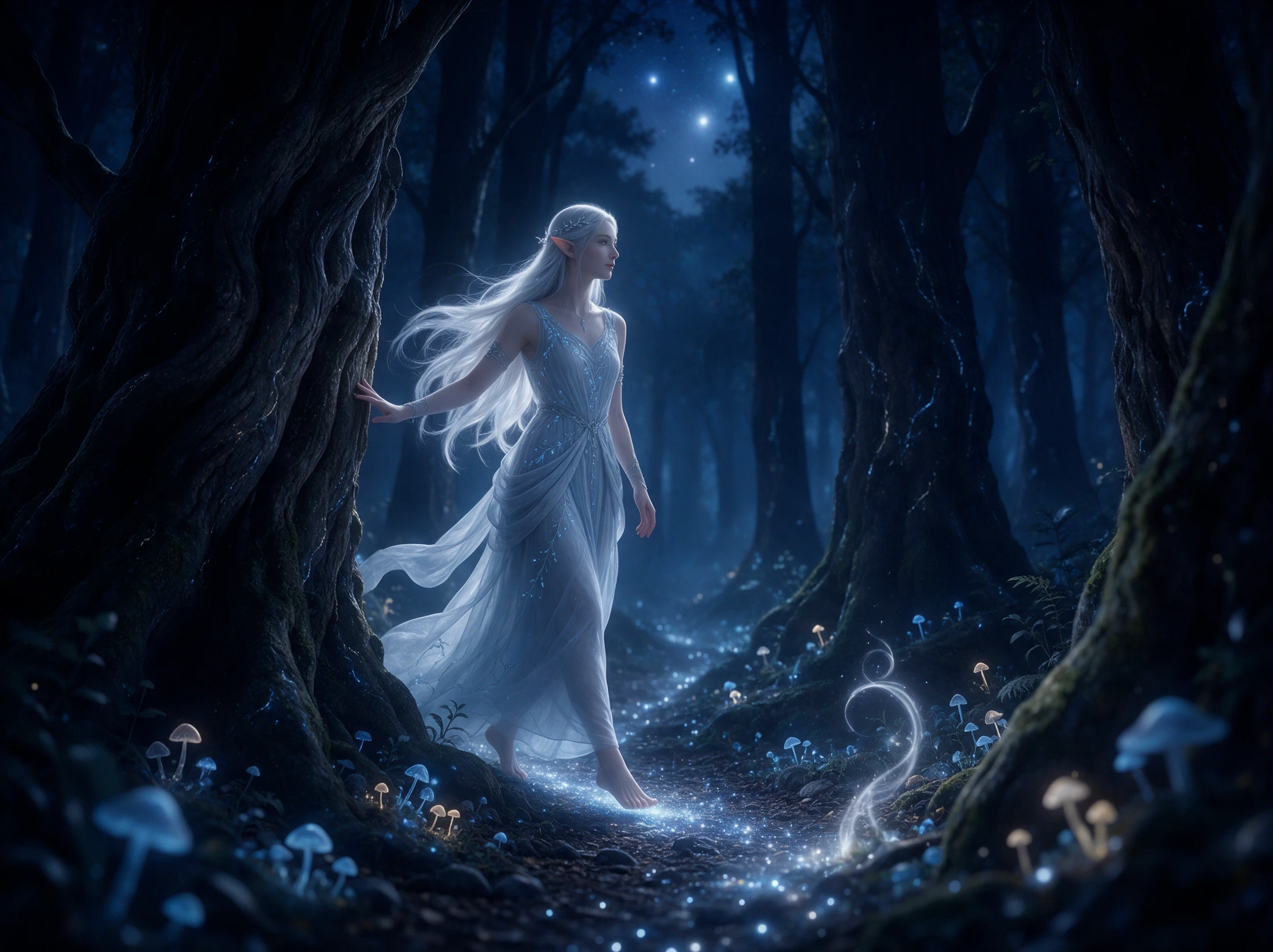
Magiclight AI has 20 video models from families like Kling and Seedance. Try another model if the feet slide across the ground instead of taking clear steps that suit your scene.
Generate a Video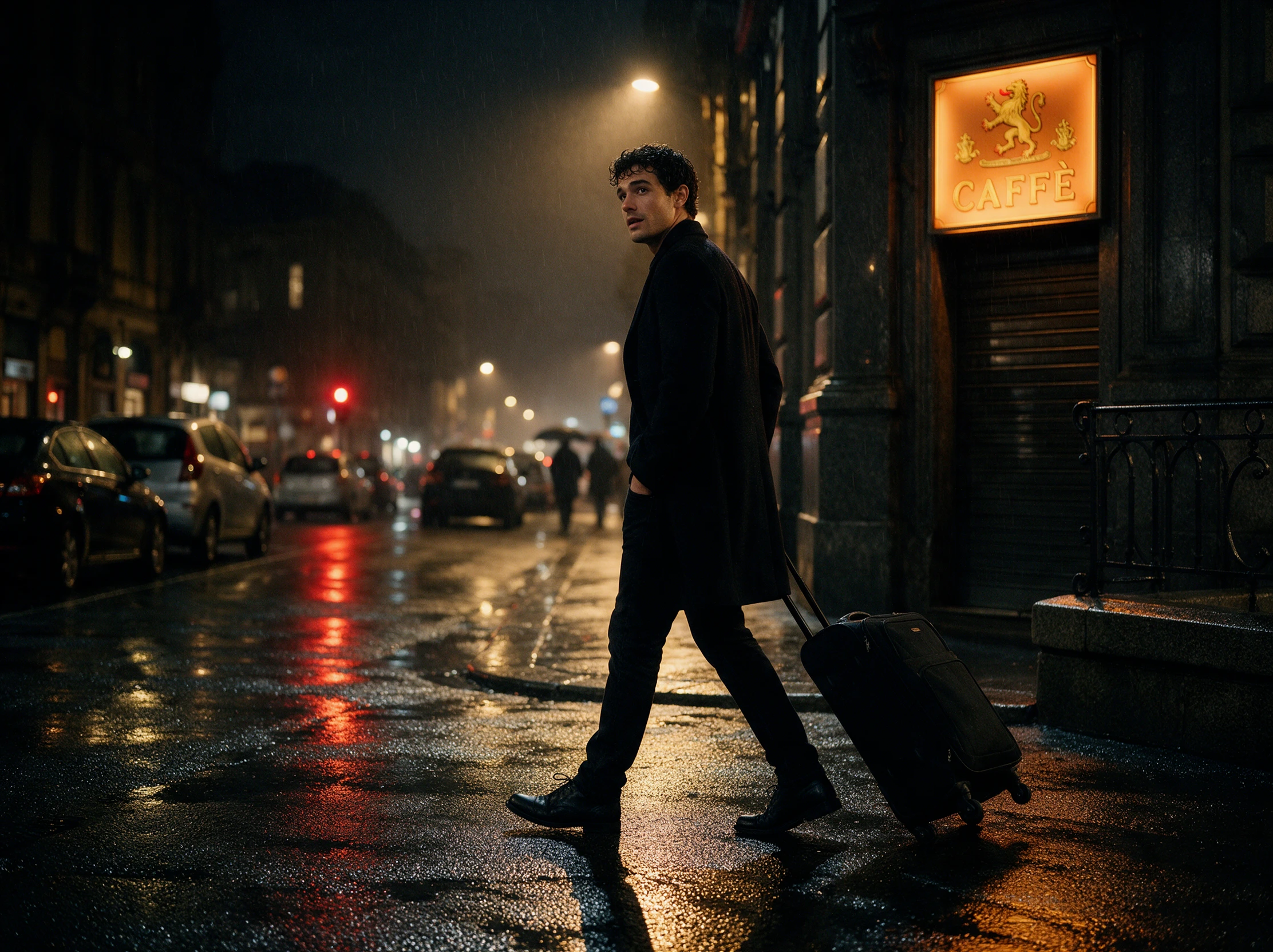
Your character can walk for 30 seconds in a video created with Magiclight AI. Choose a duration that gives the person enough time to move across the scene at your chosen pace.
Start Creating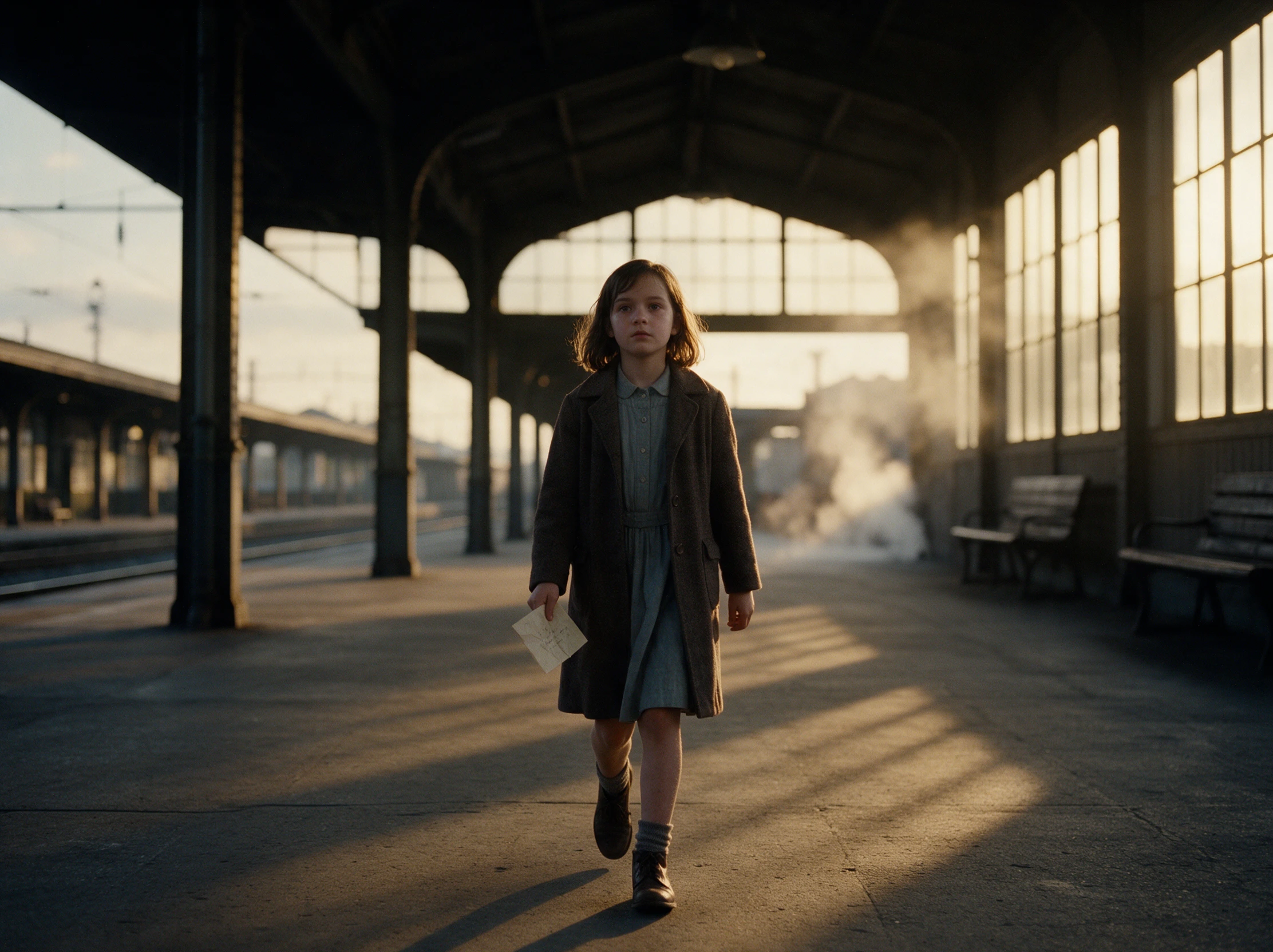


Turn a photo of your character into a short walking clip without drawing each step. The Magiclight AI walking animation process has 4 steps to help you prepare the finished video.
Start with a clear JPG, PNG, or JPEG image under 10MB. Make sure the character's full body is visible, especially the legs and feet, so the walking motion has enough detail.
Explain the character's pace and walking direction within 1500 characters. A slow walk toward a window works well as an example. Mention anything that should remain still in the scene.
Select from 20 AI video models based on the movement you want. Set a wide 16:9 frame or a tall 9:16 layout, then choose a video length within 30 seconds. Add sound if supported.
Check the finished clip to see whether the feet touch the ground naturally. Adjust the motion description if the steps slide, then save your walking animation in 720p or 1080p.
Fashion Store Owner
Magiclight AI helped me turn a coat photo into a short runway walk. I used the clip to show how the outfit looks in motion before posting it on my store's social page.
Illustrator
My comic character finally walks across the scene instead of standing still. With Magiclight AI, I could test the pace until the movement felt right for the drawing on screen.
Animation Student
For a class project, I tried making the same character walk at two speeds. Magiclight AI made it easier to compare the results and spot where the foot movement looked off.
YouTuber
I wanted a quick mascot entrance for my channel intro. The first Magiclight AI clip needed a few changes, but the next version gave me a walk that fit the opening. It worked.
Yes. Magiclight AI walking animation works with drawings as well as photos. Keep the character's full body visible so the model can create clear steps from your artwork.
A walking animation may look fake when feet slide, or weight stays fixed. Describe hip movement, arm swing and foot contact in Magiclight AI to make each step seem more natural.
Choose a clear full body photo with both legs and feet visible. Leave room around the person so the model has room to show the steps without cutting off part of the walk.
Not directly. Magiclight AI makes walk clips rather than sprite sheets. You could take frames from the exported video and arrange them into a sprite sheet using an editor.
Walking clips can run for 30 seconds, based on the selected settings. A short walk toward the camera may need less time than a character crossing a large room or hallway.
Commercial ads require a paid Magiclight AI plan. If your clip features a real person, get their permission before using their likeness in promotions for your own business.



Choose where your character walks and describe the steps. Magiclight AI turns your image into a walking animation ready to share.