
1500 Characters to Set the Motion
Describe what should move and what should stay still in up to 1500 characters. Magiclight AI follows your prompt to shape the motion, so you have control over how the logo moves.
Start Creating

Start with the logo you already use and add movement around it. The Magiclight AI animated logo maker creates the motion without requiring animation software.
Create Logo Animation For Free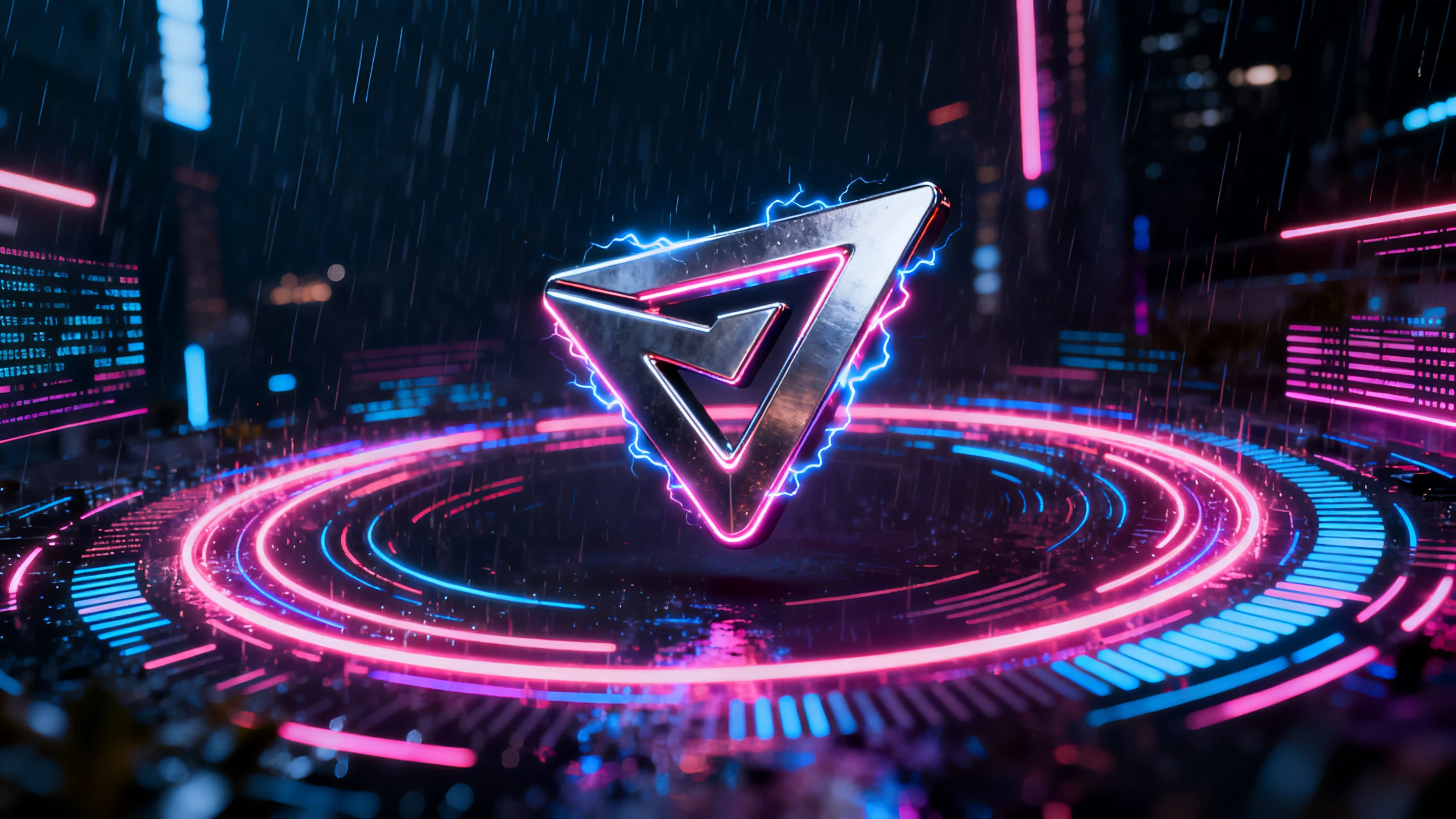








A logo animation needs more than adding movement to your design. The Magiclight AI logo animation maker gives you controls to set the motion and shape how the final video looks.
Describe what should move and what should stay still in up to 1500 characters. Magiclight AI follows your prompt to shape the motion, so you have control over how the logo moves.
Start CreatingTest your logo across 20 video models, including Seedance 2.5 and Kling 3.0. Magiclight AI gives the same design different motion options, so you can keep the result that works best.
Start Creating
Choose a video length from 10 to 15 seconds based on where you will use it. Keep an intro short or give the animation more time when Magiclight AI needs to create a longer scene.
Start Creating
Start with a reference image and describe the logo you want in up to 500 characters. Magiclight AI uses both inputs to create a logo that follows the look and direction you provide.
Start Creating


Turn your existing logo into motion in 4 steps with the Magiclight AI animated logo generator. Add the design, set the movement, choose a model, and export.
Add your logo to Magiclight AI as a JPG, PNG, or JPEG file up to 10MB. Use a clean version of the artwork so the original mark is easy for the model to read.
Write a prompt of up to 1500 characters describing how your logo should move. Mention what should stay unchanged, then add any motion details you want.
Select from 20 video models to generate your logo animation. Try another model if the first result does not match the movement or look you want.
Check the logo after the video is generated to confirm the design still looks right. Regenerate the result if needed or export the finished animation for your chosen platform.
Logo Designer
Other tools kept changing small parts of our wordmark during animation. Once I told Magiclight AI what needed to stay fixed, the original design came through properly.
Brand Consultant
Our clients are very careful about logos they have already approved. I use Magiclight AI to add movement around the design without changing the brand mark itself.
Events Manager
We had two days to get an animated logo ready for our event stand. Magiclight AI helped us get the animation finished that same afternoon.
Product Marketer
Magiclight AI helped when we needed a logo intro before launch but had no budget for a motion designer. The final result felt ready to use rather than temporary.
The animated logo maker may change small details during video generation. Tell Magiclight AI which logo elements must remain completely unchanged throughout.
Magiclight AI exports standard videos without transparent backgrounds or alpha channels. Use another motion tool when transparent logo overlays are specifically needed.
Yes, Magiclight AI creates logo images from a reference image and a 500‑character prompt. You can also choose from 4 aspect ratios for the finished logo.
The logo animation generator works better with large and readable lettering. Keep wordmarks clear and tell Magiclight AI they must remain fixed.
Anime looks are available among the style options in Magiclight AI. Your logo keeps its design while animation receives the selected style.
Logo animations through Magiclight AI can be exported at 720p resolution. This works well for channel intros, presentations, and other branded videos.



Start with your approved logo design. Magiclight AI's animated logo generator moves the scene around your mark without requiring you to redesign it.