ハロウィンには、パーティーの招待状やプロフィール画像、壁紙、季節感のある商品写真など、新しいビジュアルを作る機会がたくさんあります。ただ、簡単な指示だけでは、ありがちなオレンジと黒の画像になったり、画像内の文字が崩れたりしがちです。
ハロウィン画像のプロンプトに詳しい情報を加えると、被写体、スタイル、光、構図、入れたい文字を画像生成AIに明確に伝えられます。楽しい子ども向けステッカーでも、不気味な仮装パーティーのポスターでも、細部まで指定することで、より個性のある仕上がりを目指せます。
パート1:用途別・ハロウィン画像プロンプト20選
ハロウィンのビジュアルには、正方形のプロフィール画像、印刷用の塗り絵、横長のイベントバナーなど、さまざまな用途があります。どのプロンプトもアスペクト比とスタイルから書き始めると、最初の生成から用途に合った画像を作りやすくなります。
SNS投稿・プロフィール画像向けのプロンプト
フィード投稿やプロフィール画像は小さなサムネイルで見られるため、背景の細かさよりも、はっきりした顔と目を引く差し色が大切です。多くのフィードには正方形の1:1、ストーリーズには9:16が適しています。
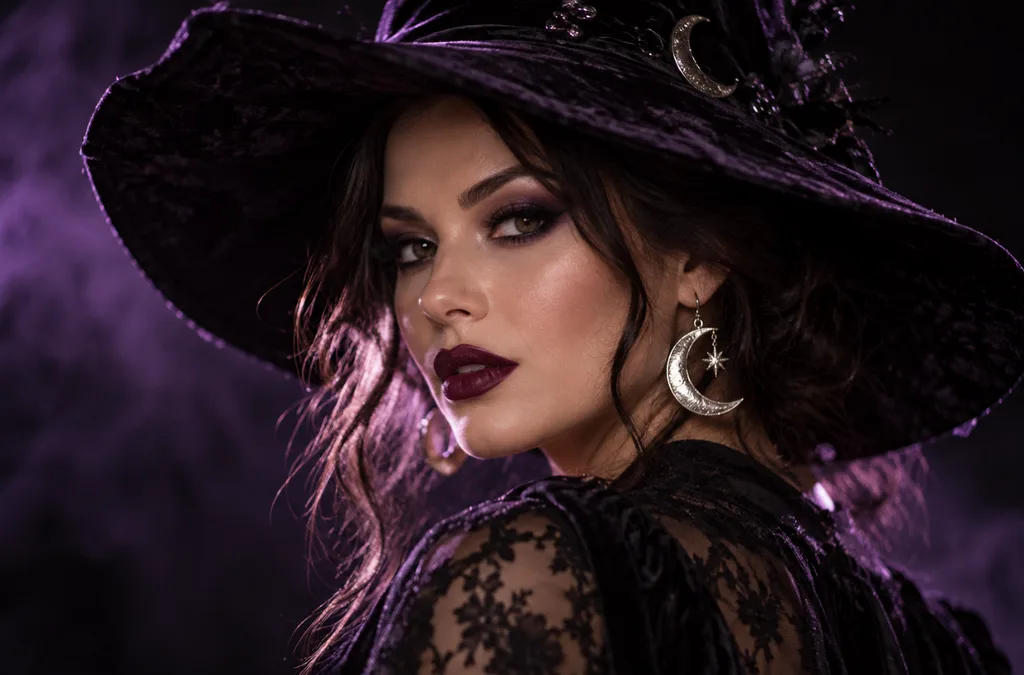
- 1:1 | Photoreal portrait. A woman in dramatic witch makeup with dark plum lipstick and a wide-brimmed velvet hat, silver moon earrings catching the light. Soft purple backlight, shallow depth of field, black background.
- 1:1 | 3D cartoon avatar. A cheerful vampire character with tiny fangs, slicked-back hair, and round glasses, smiling at the viewer. Clean studio lighting and a smooth orange gradient background for a profile picture.
- 4:3 | Candid film photo. Four friends in homemade costumes (a mummy, a scarecrow, a witch, and a skeleton) laugh on a porch strung with orange lights. Warm flash, slight grain, and autumn leaves on the steps.
- 9:16 | Story background. A moonlit window with lace curtains and a glowing jack-o’-lantern on the sill, rain streaking the glass. Dark blue tones and empty space at the top for text.
招待状・ポスター・チラシ向けのプロンプト
招待状には文字を入れるスペースが必要です。印刷用のハロウィン画像プロンプトでは、短い見出しを引用符で囲んで指定するか、余白を設けるよう指示しましょう。画像内に入れる文字を数語に抑えると、スペルミスを減らせます。
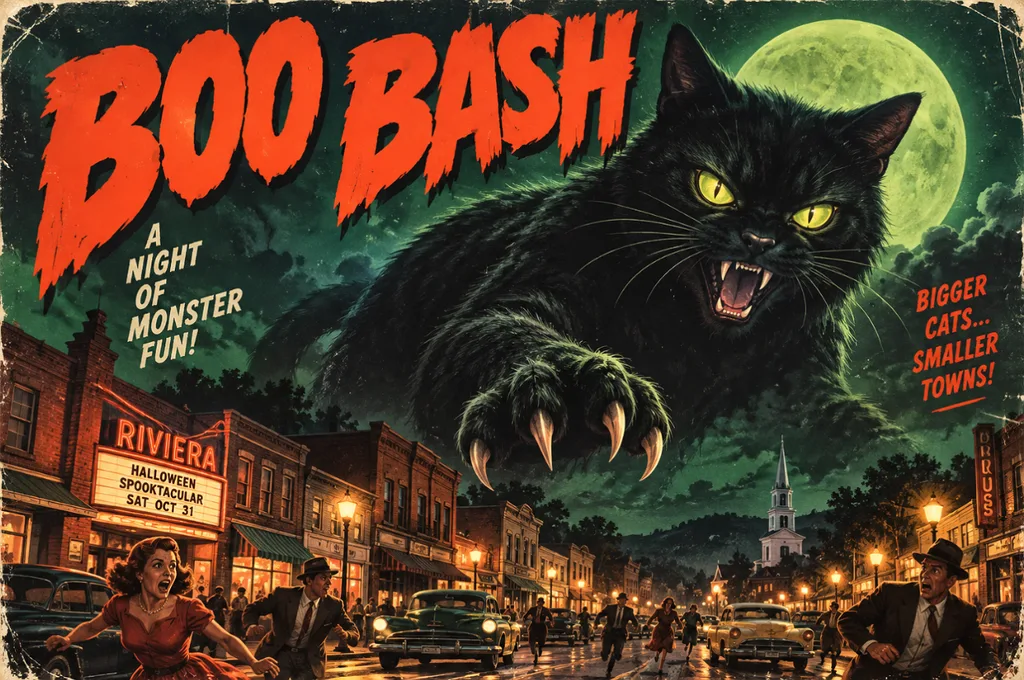
- 4:3 | Vintage horror poster. A giant black cat looms over a sleepy 1950s town under a green moon, in retro B-movie poster style. Bold headline text reading “BOO BASH” across the top.
- 9:16 | Elegant invitation. A black-and-gold party invitation framed by bats, lit candles, and ornate filigree corners. Calligraphy reading “Join Us” at the top, with blank space underneath for event details.
- 16:9 | Event banner. A pumpkin patch at golden hour with hay bales, string lights, and a red barn in the distance. Leave the left third of the frame empty for festival text.
- 4:3 | Kids’ flyer illustration. A bright cartoon haunted house with friendly ghosts waving from the windows and candy scattered on the path. Playful title text reading “Trick-or-Treat Trail” in bubbly orange letters.
壁紙・背景向けのプロンプト
壁紙はアイコンやウィンドウの背後に表示されるため、中央をすっきりさせ、細かな描写を周辺に配置すると使いやすくなります。スマートフォンには9:16、デスクトップやプレゼンテーションのスライドには16:9が適しています。
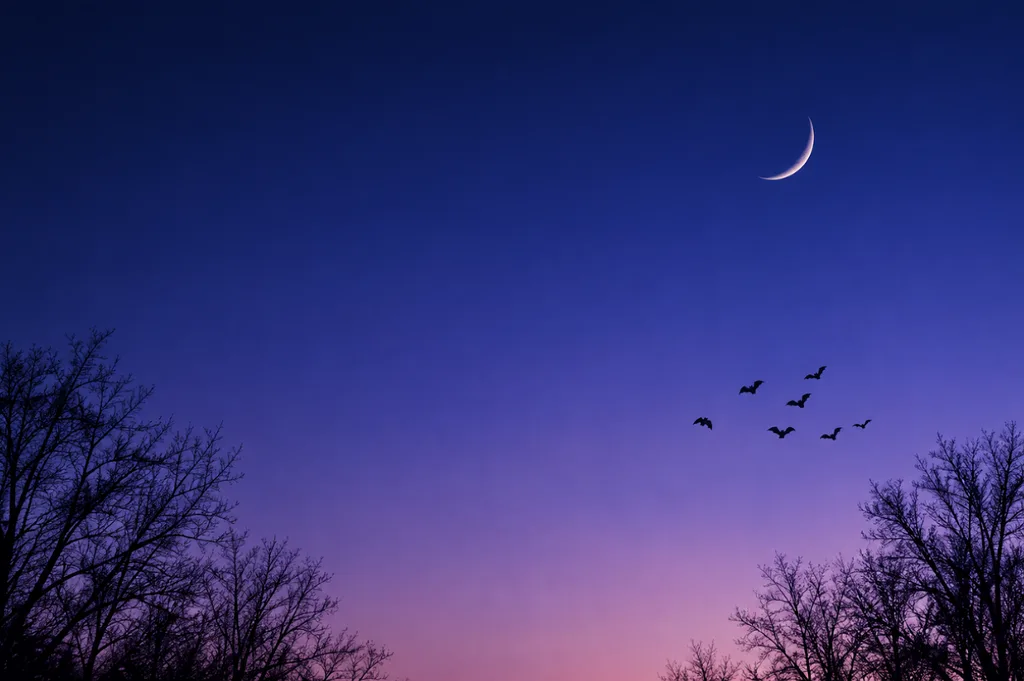
- 9:16 | Minimalist phone wallpaper. A thin crescent moon above silhouetted bare trees, with a small flock of bats crossing the sky. Smooth navy-to-violet gradient and plenty of empty space for app icons.
- 16:9 | Painterly desktop wallpaper. A cozy witch’s reading nook with potion shelves, stacked spell books, and a sleeping cat on a velvet chair. Warm candlelight inside, rain on the window, rich oil-painting texture.
- 1:1 | Repeating pattern. Tiny pumpkins, smiling ghosts, candy corn, and gold stars scattered evenly on a cream background. Flat vector style with a limited orange, black, and mint palette.
- 16:9 | Cinematic landscape. A foggy pumpkin field at blue hour with a crooked scarecrow and distant farmhouse windows glowing orange. Matte-painting style, low drifting mist, and a deep indigo sky.
かわいい印刷用素材・子ども向けデザインのプロンプト
印刷用素材やステッカーは、切り抜いたり、色を塗ったり、パーティーのプチギフト用に小さく印刷したりするため、輪郭をはっきりさせ、形をシンプルにすることが大切です。太い輪郭線と無地の背景を指定すると、印刷しやすい仕上がりになります。
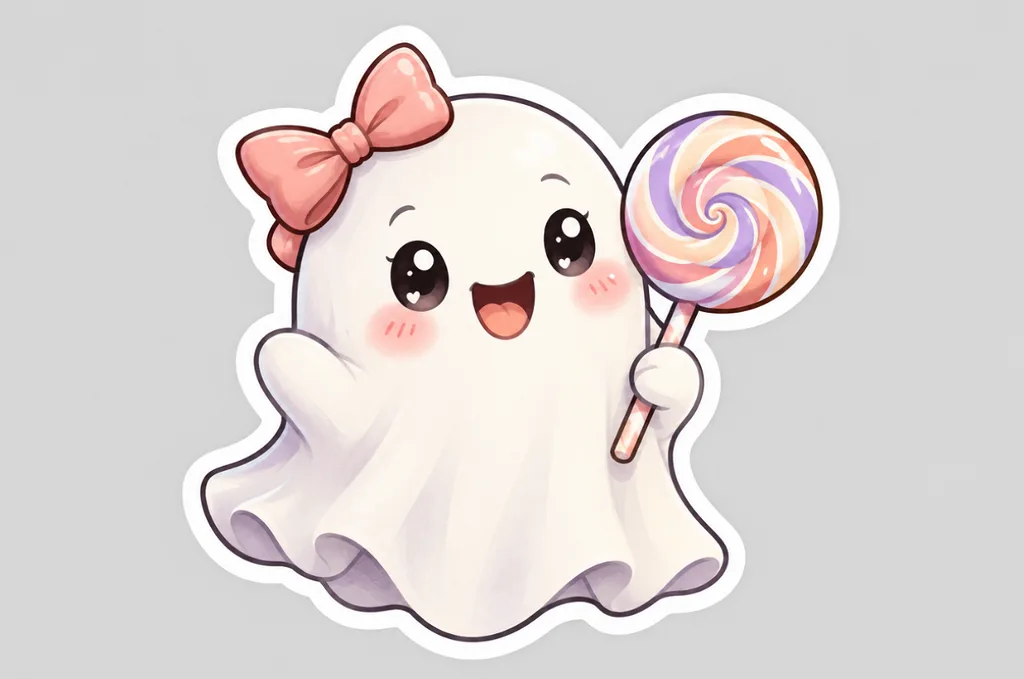
- 1:1 | Die-cut sticker. A kawaii ghost holding a striped lollipop, with rosy cheeks and a tiny bow. Thick white border, pastel colors, and a plain light gray background.
- 4:3 | Coloring page. Black-and-white line art of a friendly witch flying over a village of pumpkins on her broom. Clean, bold outlines, no shading, and large open areas for coloring.
- 1:1 | Storybook pet portrait. A corgi in a purple wizard hat and star-print cape sits beside a basket of candy. Soft watercolor style, warm lamplight, and gentle paper texture.
- 4:3 | Children’s book illustration. A small family of friendly monsters carves pumpkins together at a wooden kitchen table. Golden kitchen light, cozy colors, and a hand-painted gouache look.
ブランド・商品ビジュアル向けのプロンプト
10月のキャンペーン用商品画像では、小物で商品を隠さず、引き立てるように配置すると効果的です。実際の商品写真を参照画像としてアップロードすると、ラベル、色、パッケージを正確に再現しやすくなります。
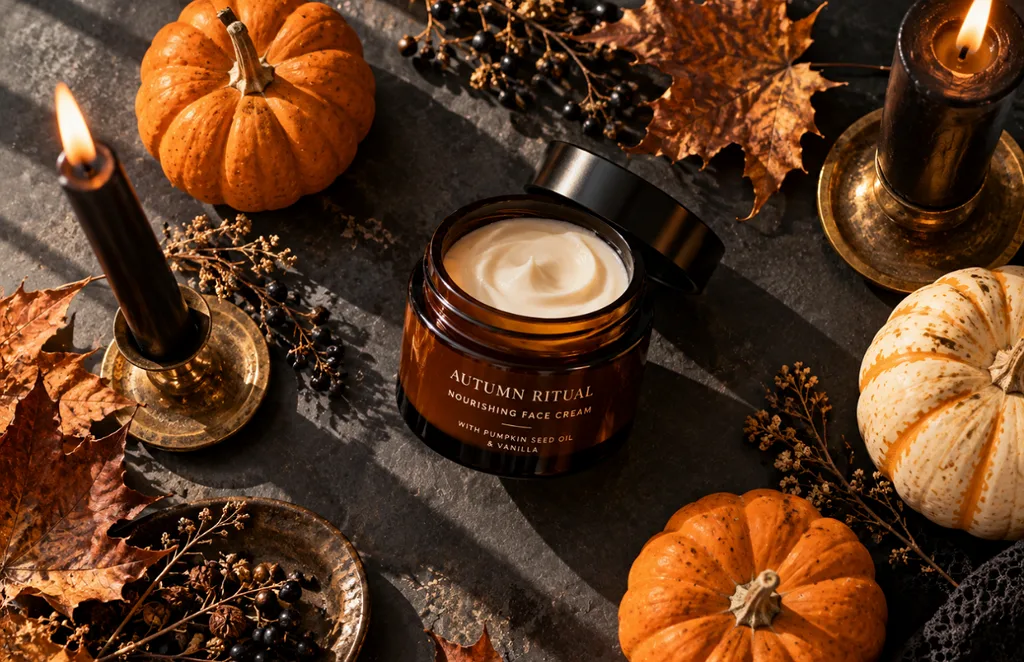
- 1:1 | Product flat lay. An amber skincare jar surrounded by mini pumpkins, dried leaves, and black taper candles on a slate surface. Overhead view, soft window light, and long gentle shadows.
- 4:3 | Moody food photo. Chocolate cupcakes topped with spiderweb frosting and candy eyes sit on a dark wooden board. Low side light, deep shadows, and a dusting of cocoa powder.
- 9:16 | Editorial fashion photo. A pair of black leather boots on a stone step covered in autumn leaves, a lantern glowing beside them. Soft fog in the background and muted, earthy colors.
- 16:9 | Interior design photo. A modern living room styled for Halloween with black candles, velvet pillows, and a pumpkin garland on the mantel. Soft evening light and a calm, upscale mood for a home brand.
パート2:ハロウィン画像プロンプトの書き方
ハロウィン画像のプロンプトを書く作業は、イラストレーターに制作を依頼することに似ています。細かい情報を伝えるほど、AIが推測に頼る部分を減らせます。次の7つの要素をおおむねこの順番で盛り込むと、より明確で安定した結果につながります。
| 要素 | 指定する内容 | ハロウィンの例 |
| 被写体 | メインとなる人物や物と、その動作 | 魔法の本を読む魔女 |
| 場面設定 | 場所、時間帯、天候 | 夕暮れの霧に包まれたかぼちゃ畑 |
| スタイル | 画材やアートの表現方法 | 水彩、3Dアニメ風、1950年代のホラー映画ポスター風 |
| 光 | 光源とその色 | ろうそくの明かりや冷たい月明かり |
| 構図 | 画面の切り取り方、カメラの角度、余白 | 見出し用の余白を残したローアングルのクローズアップ |
| 配色 | 中心となる2〜4色 | オレンジ、黒、濃い紫 |
| 文字 | 入れたい短い文言を引用符で囲んで指定 | 「Happy Haunting」 |
英語なら30〜60語程度のプロンプトにすると、指示の矛盾を避けながら、AIに十分な情報を伝えられます。最初の画像ができたら、光やスタイルなど、一度に1つの要素だけを変えて、どの変更が結果に影響したか確かめましょう。
パート3:おすすめのAI画像生成ツールでハロウィンのプロンプトを画像にする
よくできたハロウィン画像プロンプトを活かすには、細かな指示に対応し、参照画像を使え、用途に合うアスペクト比を選べる画像生成ツールが必要です。 MagicLight AI は、Seedream 5.0 Pro、3バージョンのGPT Image、 Nano Banana 2を含む5つの画像生成モデルを1つのパネルで利用できます。同じハロウィンのプロンプトを各モデルで実行すれば、結果を並べて手軽に比較できます。
1枚あたり最大20MBの参照画像を複数使って、衣装、ペット、商品ラベルなどの見た目を指定できます。画像が完成したら、 Image to Video で不気味なアニメーション動画にすることもできます。また、 新規登録時の無料クレジットを使えば、料金を支払う前に最初の作品作りを試せます。
MagicLight AIでハロウィンのプロンプトを画像にする方法
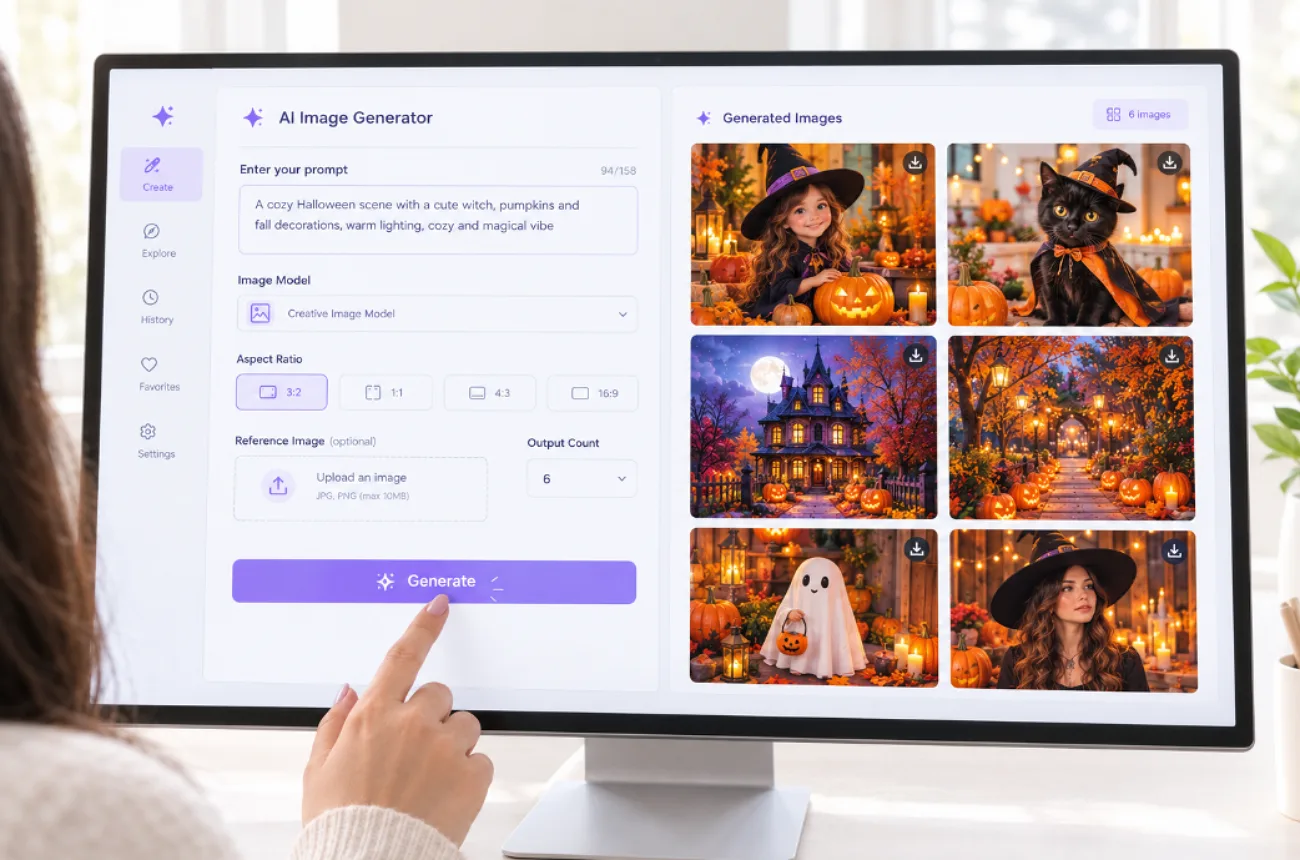
MagicLight AIでは、プロンプトを入力してハロウィンのビジュアルを作り始め、参照画像、モデル設定、出力設定で仕上がりを調整できます。ここでは、ハロウィンのアイデアを入力してから完成した画像を保存するまでの手順を紹介します。
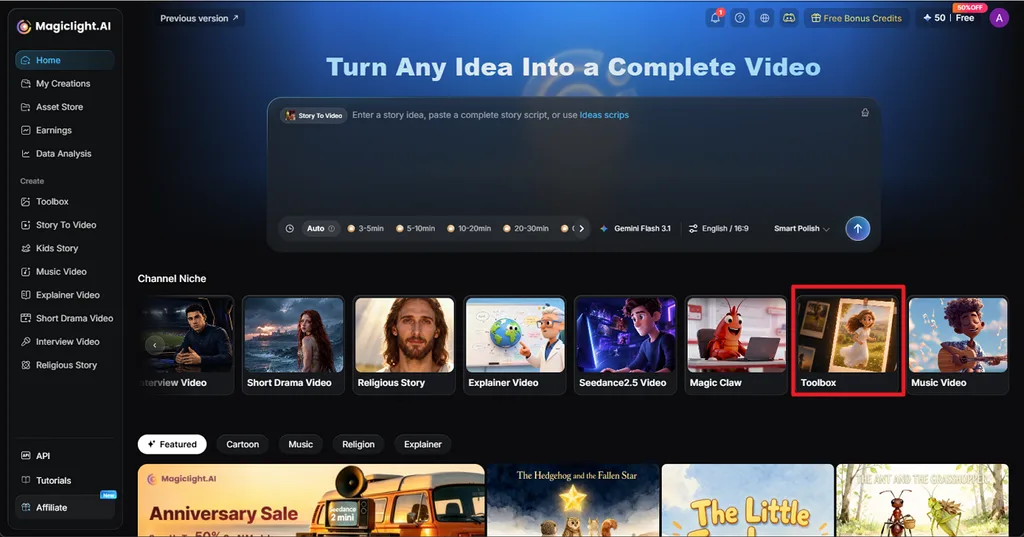
ステップ1:画像ツールを開く
MagicLight AIのホームページで Toolboxを選び、続いて Image タブを開きます。プロンプト欄にハロウィン画像のプロンプトを入力し、必要に応じて参照画像を追加します。
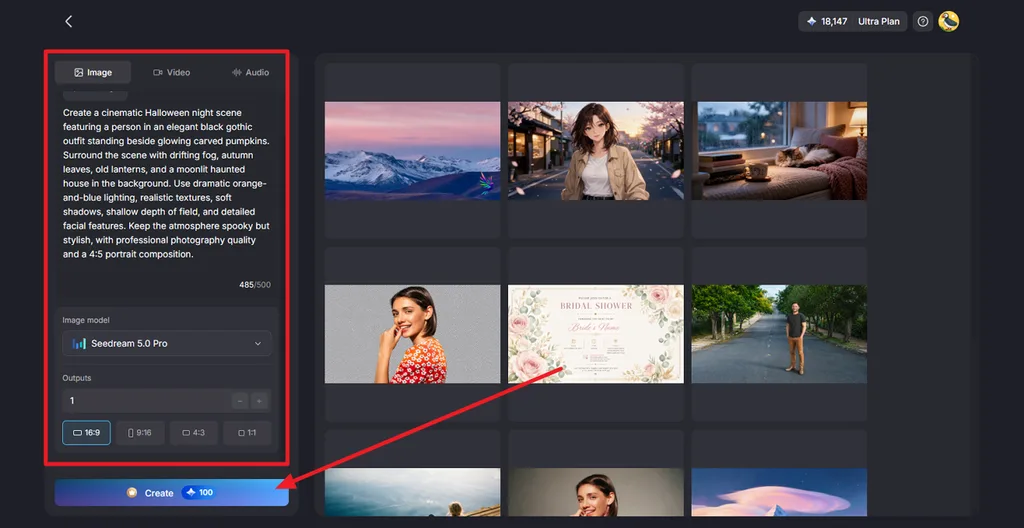
ステップ2:画像の設定を選んで生成する
まず、 Image Modelでモデルを選び、 Outputsで出力数を指定します。続いて、 Aspect Ratio を16:9、9:16、4:3、1:1などから選びます。 Create をクリックすると、ハロウィン画像が生成されます。
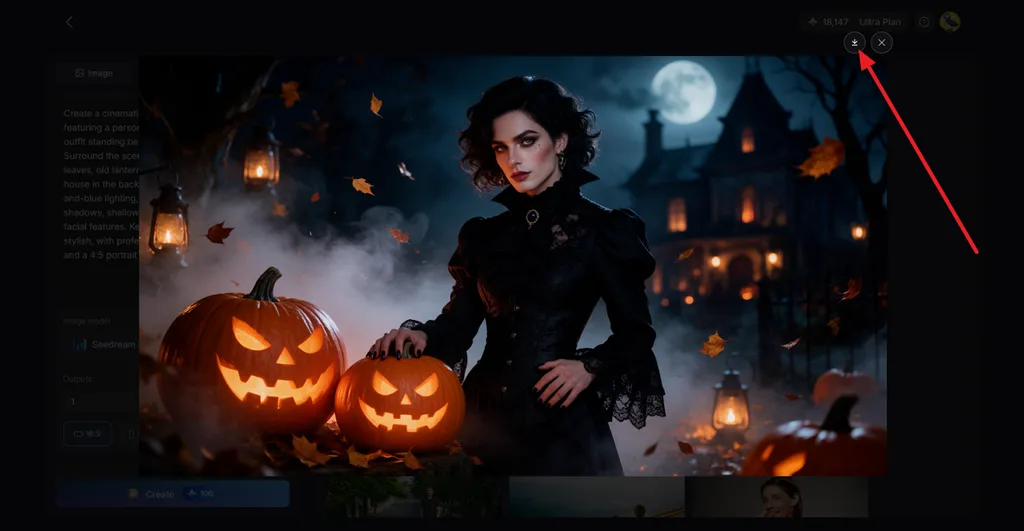
ステップ3:仕上がりを確認してダウンロードする
生成された画像を開き、被写体、光、かぼちゃ、背景などの重要な部分を確認します。仕上がりに問題がなければ、 Download アイコンをクリックして保存します。画像を不気味な動画にする場合は、 Image to Videoを使います。
まとめ
ハロウィン画像のプロンプトは、被写体を明確にするところから始まります。そこにスタイル、光、構図、配色、必要に応じた短い文字を加えましょう。 YouTubeのプロフィール画像や招待状、壁紙、印刷用素材、商品写真では、それぞれに適したアスペクト比と描写の細かさが異なります。MagicLight AIなら、5つのモデルと複数の参照画像を使ってプロンプトから画像を作成し、気に入った画像を短いアニメーション動画にすることもできます。
ハロウィン画像プロンプトのよくある質問
1. よいハロウィン画像プロンプトとは?
よいハロウィン画像プロンプトは、簡潔な制作依頼書のように、被写体、場面設定、スタイル、光源、アスペクト比を伝えます。たとえば、「満月の下でかぼちゃの上に座る黒猫を、オレンジと紫で描いた1:1の水彩画」といった内容です。
2. ハロウィンのAI画像プロンプトはどう書けばよいですか?
まず被写体とその動作を決め、次に場面設定と、水彩、写真風、3Dアニメ風などのスタイルを加えます。光と2〜3色の配色を指定し、アスペクト比を設定しましょう。短い文字を入れたい場合は、その文言を引用符で囲みます。
3. ハロウィン画像を作れるAIツールはありますか?
MagicLight AIでは、1つのパネルで5つのモデル、複数の参照画像のアップロード、4種類のアスペクト比を使ってハロウィン画像を作成できます。完成した画像は、Image to Videoでアニメーション動画にしたり、 Lip Syncで話すポートレートにしたりできるので、不気味な雰囲気のSNS投稿にもぴったりです。