Explore the Features of Bing AI Image Generator
Put the details that matter in your prompt. The Bing AI image generator gives you two Microsoft models, 5 image shapes, and editing tools to control how your final picture looks.

Describe your image in 100+ languages or upload a photo and explain what you want to change. Bing creates up to four results from each prompt, with no editing skills required.
Try Bing AI Image Generator For Free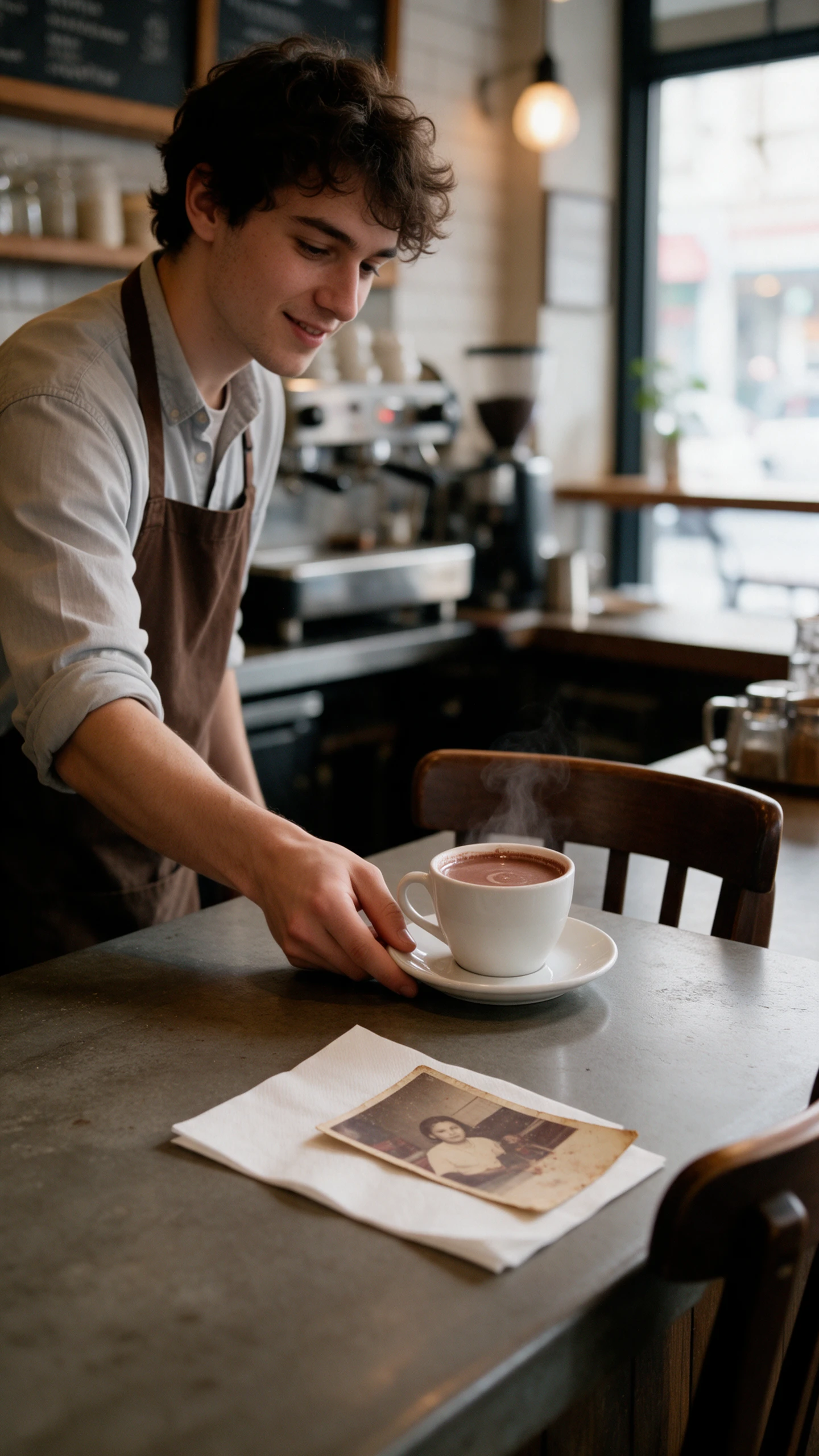
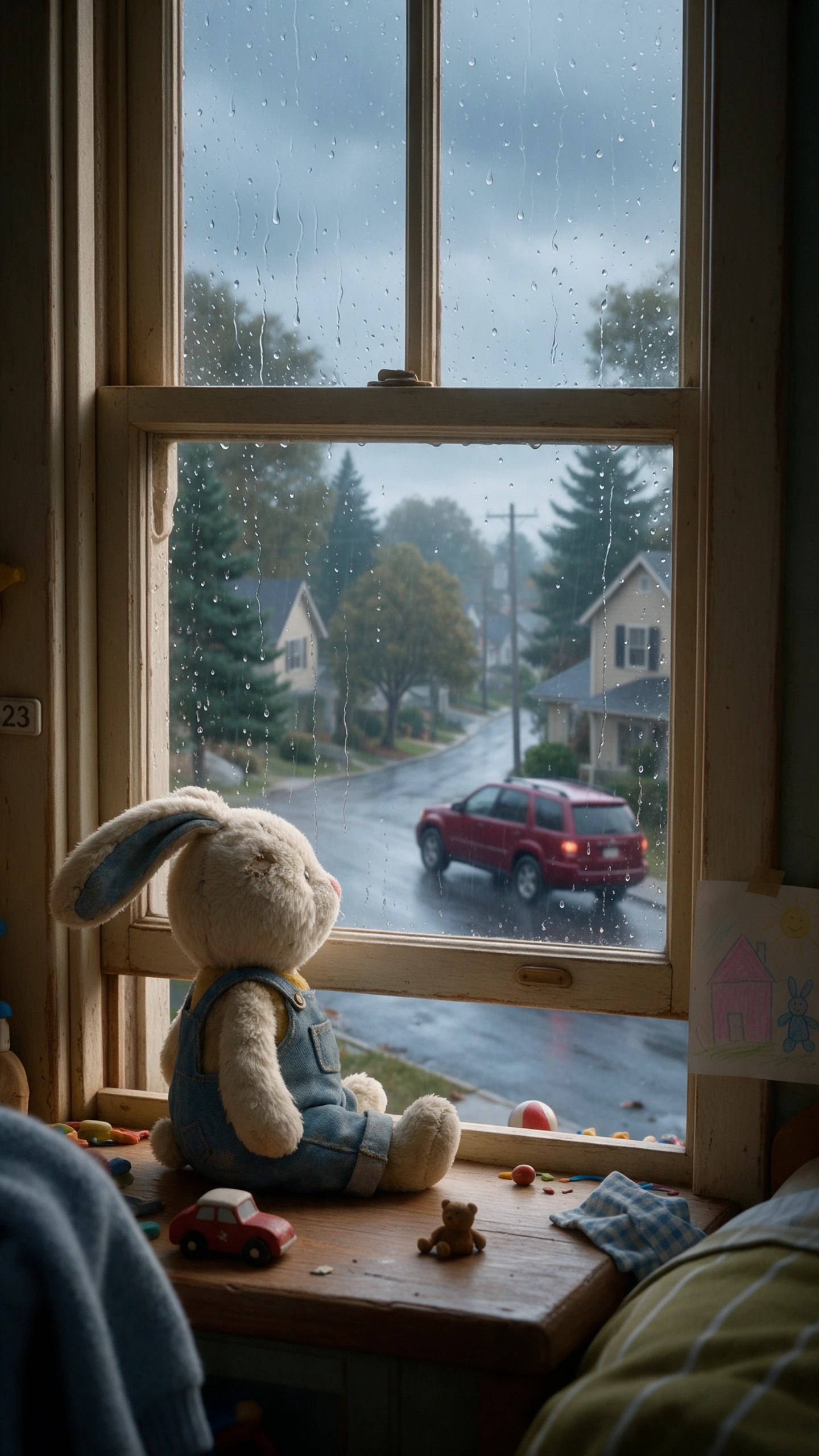
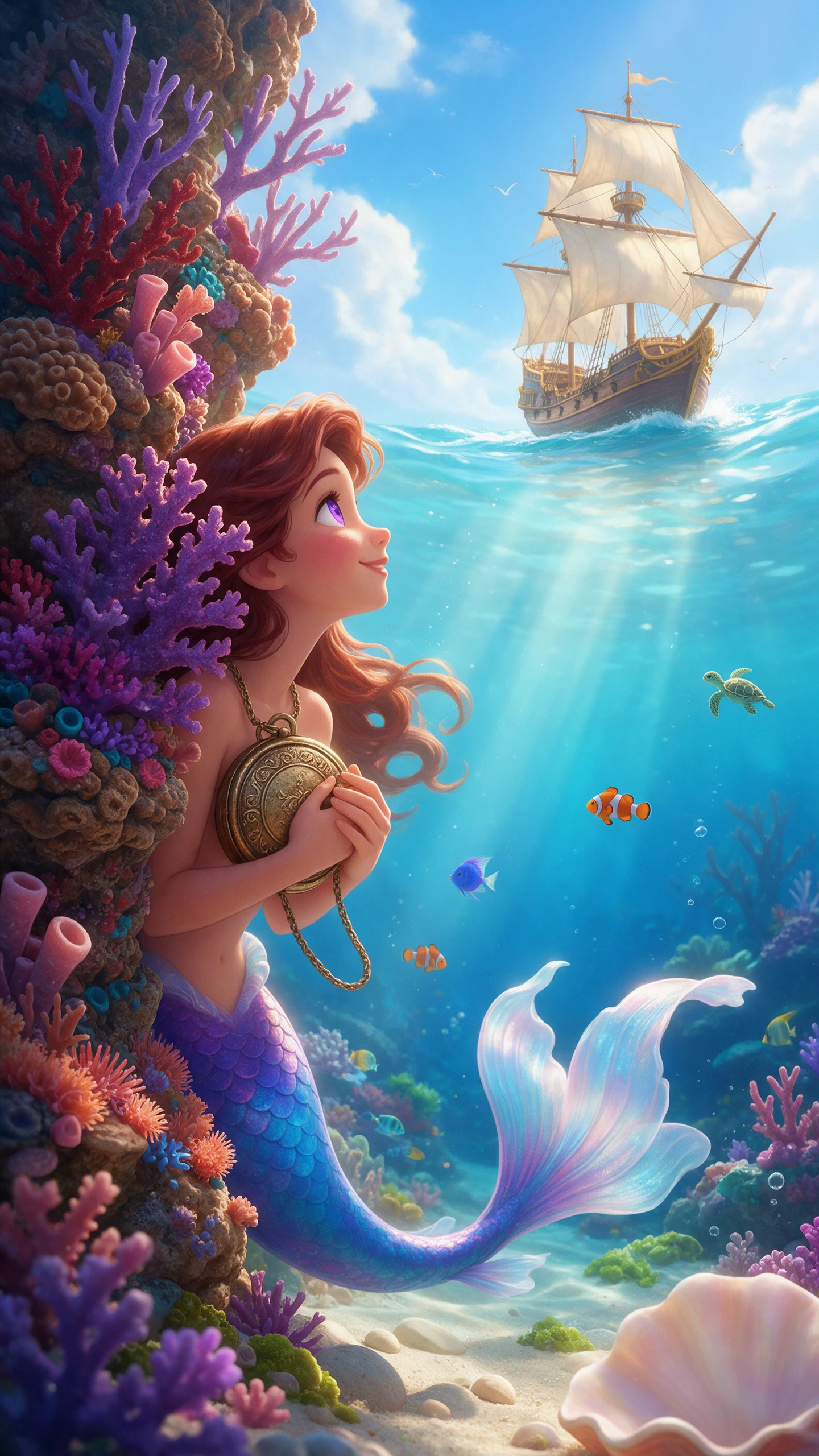
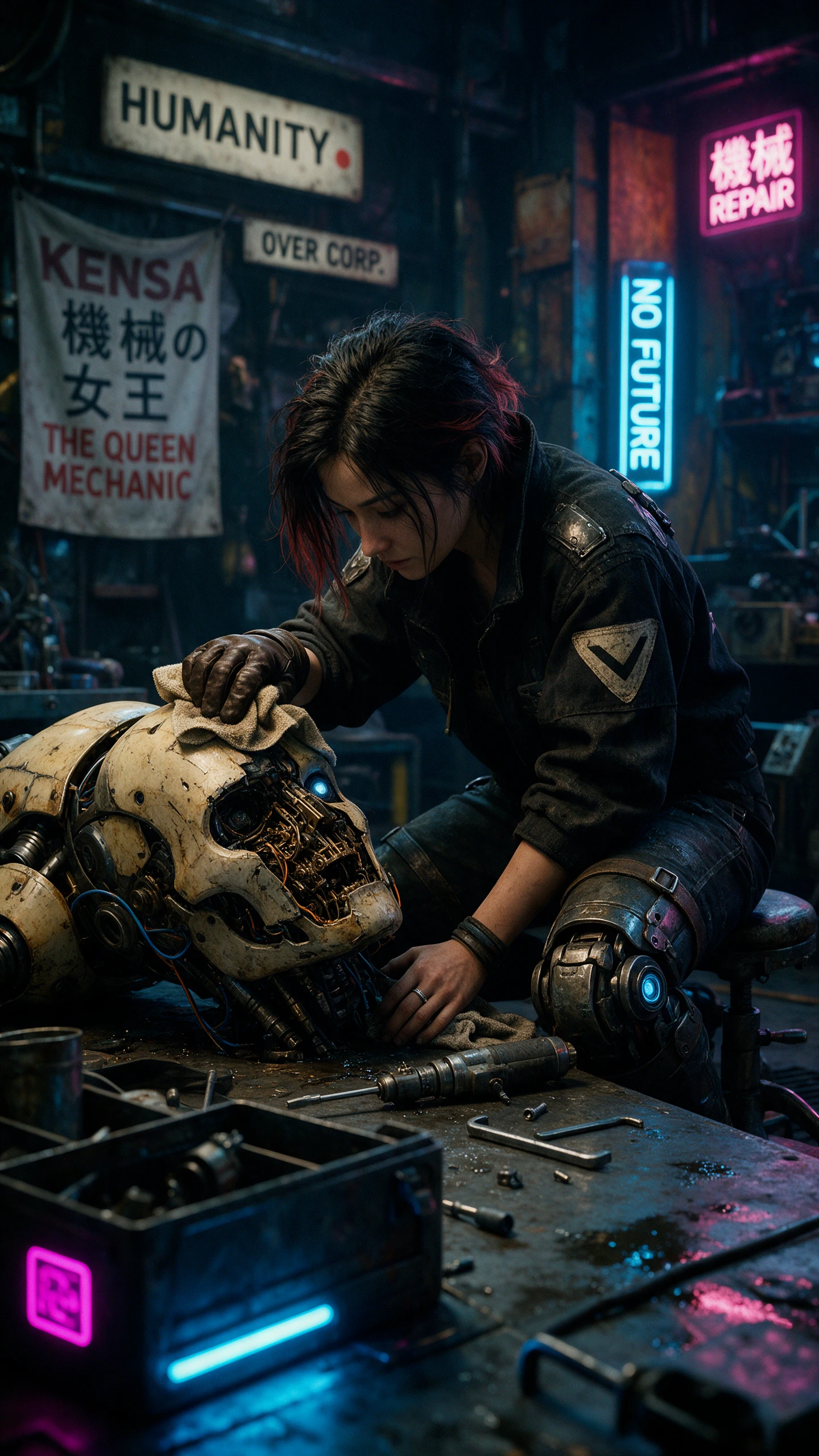
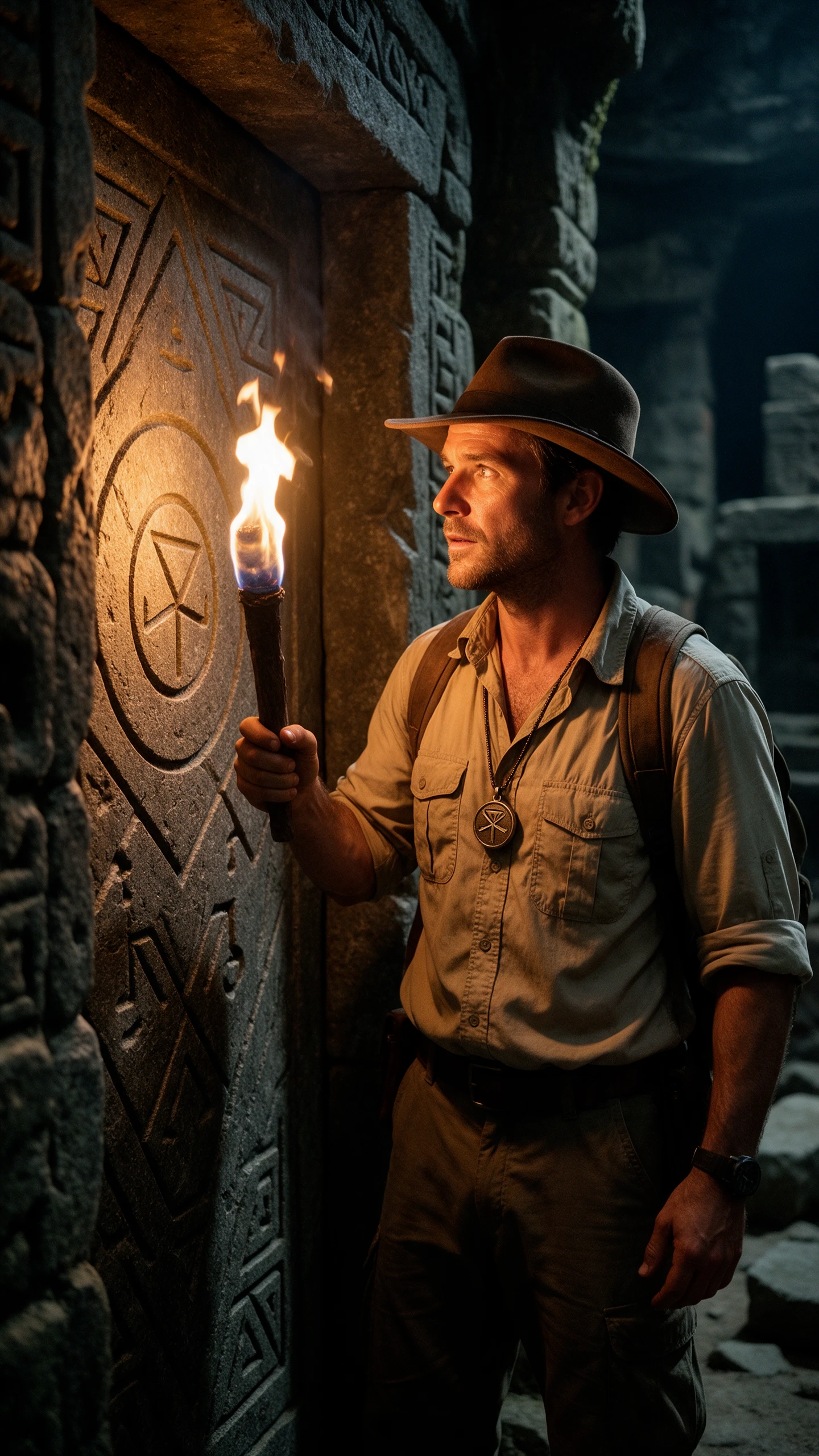
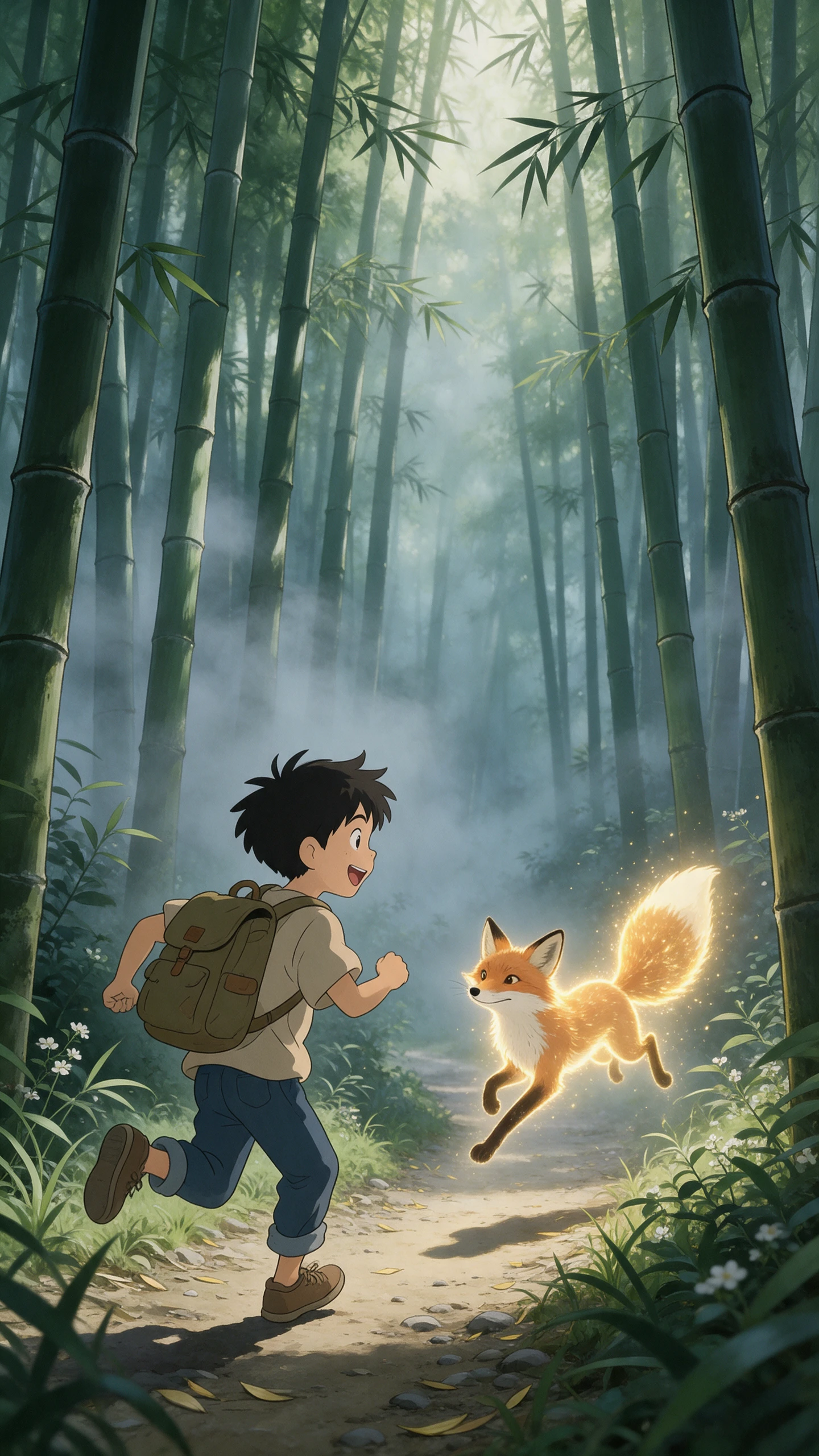
Put the details that matter in your prompt. The Bing AI image generator gives you two Microsoft models, 5 image shapes, and editing tools to control how your final picture looks.
Bing AI gives you two different routes for creating an image. MAI-Image-2e suits quick, stylized visuals, while MAI-Image-2.5-Flash handles more detailed, natural-looking work. Microsoft says Image-2e is up to 22% faster and four times more efficient than MAI-Image-2.
You do not have to start every image from an empty prompt. Upload your own picture to Bing and tell it what needs to change, whether that means adjusting part of the scene, replacing an object, or reworking the overall look. Microsoft's MAI-Image-2.5 family supports targeted image-to-image edits while preserving surrounding details.
A portrait, banner, and square post should not all leave the generator in the same shape. Bing Image Creator offers five ratios: 1:1, 7:4, 4:7, 3:2, and 2:3. You can also request 1, 2, or 4 images at once, making it easier to compare different takes on the same prompt before choosing one.
Bing makes its AI origin visible rather than leaving you to label the file yourself. Microsoft says every generated image carries a watermark in the bottom-left corner along with C2PA-based content credentials. Your creations remain in Bing Image Creator for up to 90 days, so save anything you want to keep longer.
Everyday image creation feels more approachable when setup stays simple. The Bing AI image generator gets you started with a Microsoft account and no payment details needed.
A personal Microsoft account gives you 15 free Fast creations each day. Once they are gone, Bing automatically moves you to Standard speed, so you can keep creating. If you want Fast mode again sooner, Microsoft Rewards points can be used, with the required point cost shown before you create.
Try Bing AI Image Generator For Free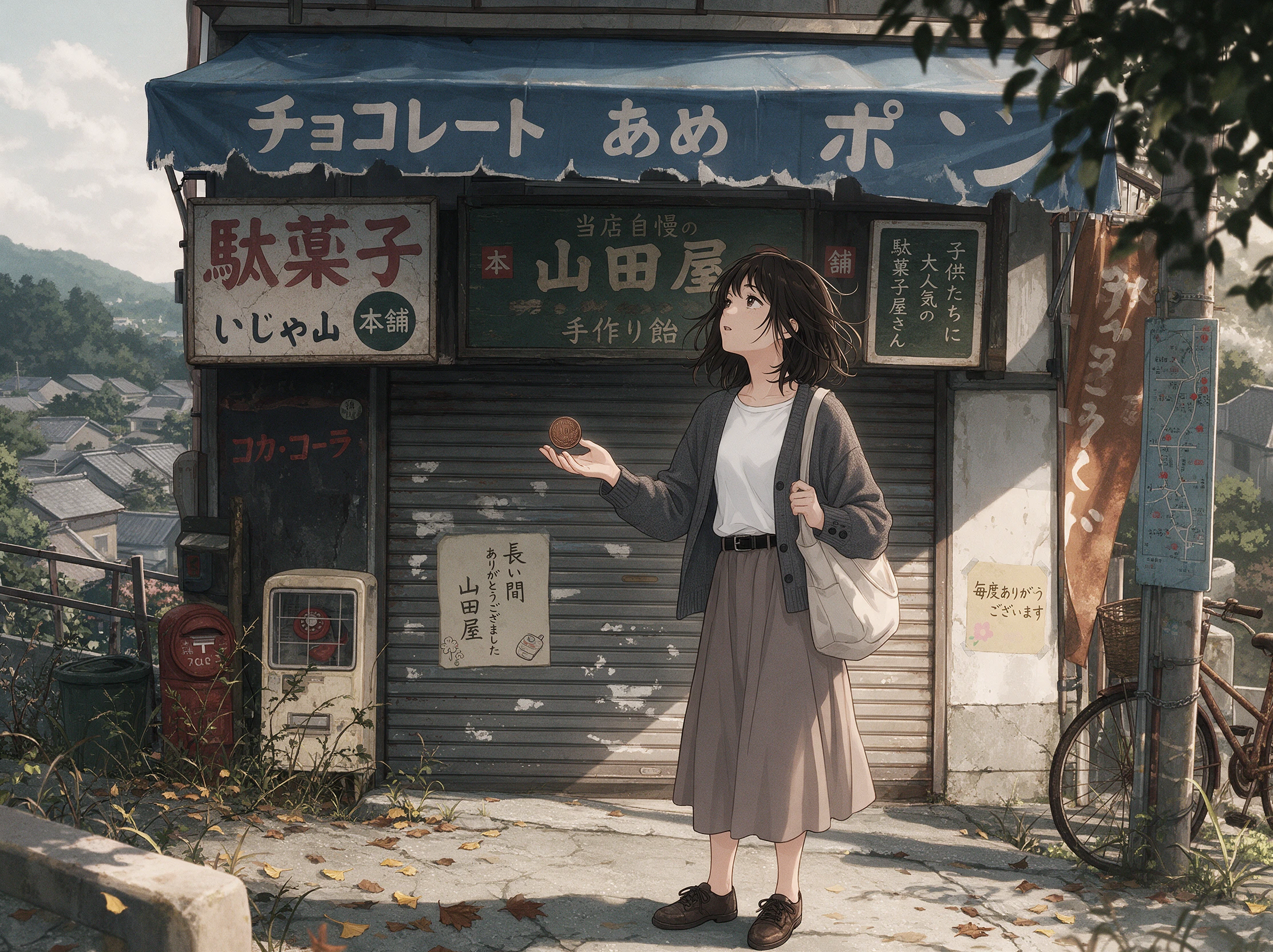
Bing Image Creator is easy to reach when an idea shows up. Open Bing.com/create, use Bing Search or Copilot Search, or head to the Bing mobile app. Microsoft lists the service as available worldwide except Russia and China, so most personal-account users can access it without extra software.
Try Bing AI Image Generator For Free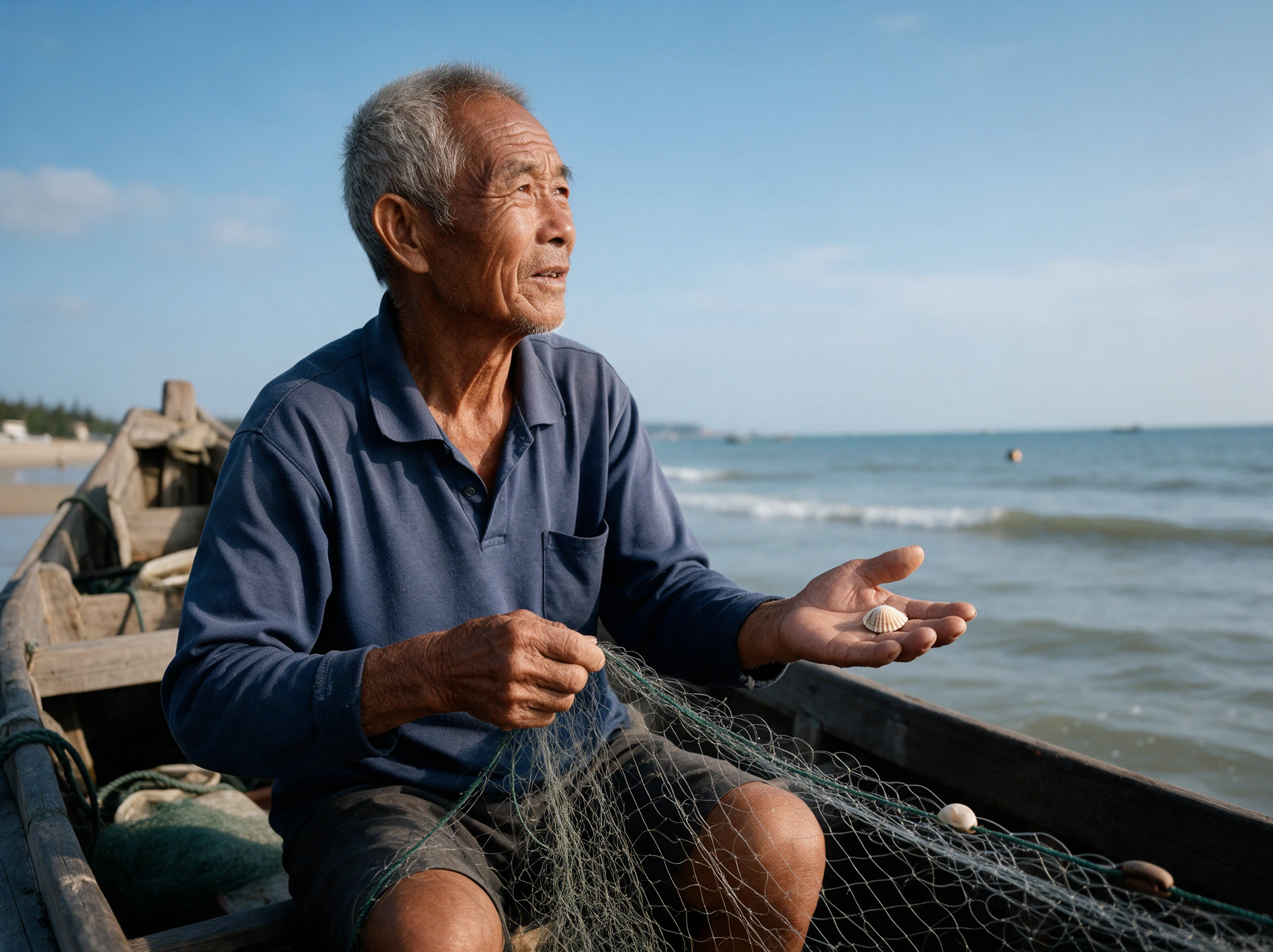
Short prompts work, but Microsoft recommends giving Bing more to work with. Add the subject, action, setting, lighting, camera angle, mood, and visual style when useful. That context helps steer the result toward the scene you pictured instead of leaving important choices to the image model.
Try Bing AI Image Generator For Free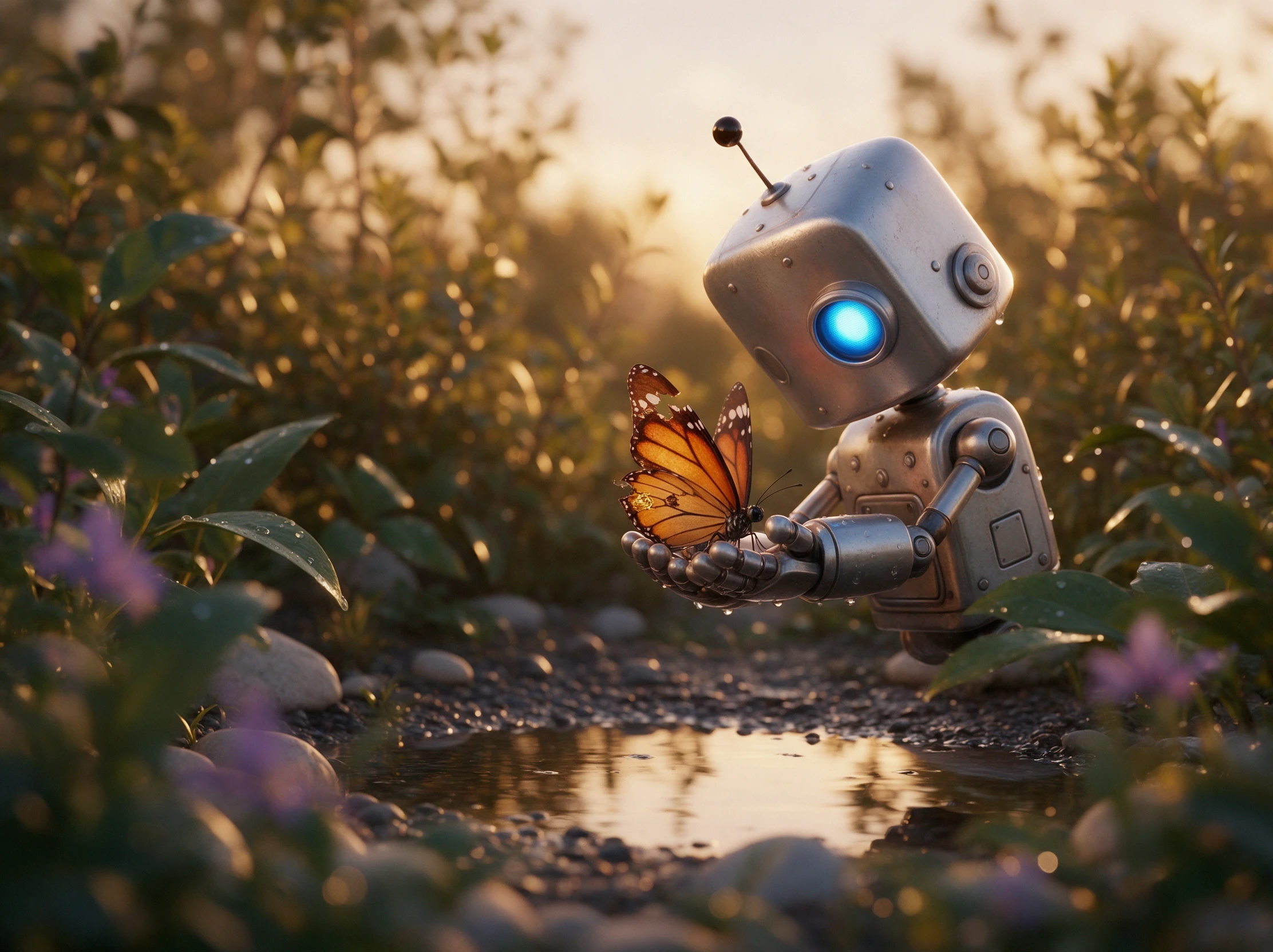
The same prompt can look surprisingly different from one tool to another. See how the Bing AI image generator compares with free options from OpenAI, Google, and Adobe.
| Platform | Image Models | Image Editing Features | Reference Image Support | Best For |
|---|---|---|---|---|
| Bing Image Creator | 2 MAI Image models | Upload and prompt-based editing | Image uploads | Quick AI images and social graphics |
| MagicLight AI | 5 image models | AI editing and image enhancement | Multiple images, 20MB each | AI image creation and creative editing |
| ChatGPT | ChatGPT Images 2.5 | Selection tool and prompt-based editing | Multiple image uploads | Conversational image creation |
| Gemini | Nano Banana 2 and 2.1 | Image blending and prompt-based editing | Up to 14 reference images | Infographics and image editing |
| Adobe Firefly | Firefly Image 5 and partner models | Generative Fill, Expand, and Prompt to Edit | Reference image uploads | Professional graphics and design |
Go from a simple prompt to a finished picture in 4 clear steps. With the Bing AI image generator, you can sign in, set up your image, describe the scene, and save your result.
Visit Bing Image Creator and sign in with a personal Microsoft account. Avoid work or school accounts because Microsoft Entra ID accounts are not supported by Image Creator.
Choose an available image model and an aspect ratio that fits your idea. Upload a photo when you want an existing picture to guide what Bing Image Creator creates next.
Describe the main subject and add details about the setting, lighting, colors, and style. Tell Bing whether you want the image to look realistic, illustrated, painted, or playful.
Review your generated image and visit My Creations to see earlier results. Download the images you want to keep. Bing adds a visible watermark and C2PA credentials automatically.
Event Planner
One evening was all I needed for the invitation visual. I gave Bing Image Creator the party theme, tested a few directions, and picked the image that matched the event.
Content Creator
I uploaded my photo, explained the changes I wanted, and used Bing Image Creator to try a different look. It saved me from having to make every small adjustment myself.
Hobby Creator
I use the 15 free Fast creations when I want to test several ideas without paying. Having Bing Image Creator available each day makes casual experimenting much easier.
Social Media Manager
When an idea comes up away from my desk, I can start creating through Copilot or the Bing app. Having Bing Image Creator there means I do not have to wait until I get home.
Yes. The Bing AI image generator is free with a personal Microsoft account. You get 15 fast creations a day, then slower Standard creations up to 200 prompts in 24 hours.
No. Bing’s own FAQ now lists two Microsoft models, MAI-Image-2.5-Flash and MAI-Image-2e. Earlier versions of Image Creator ran on OpenAI’s DALL-E 3 instead.
You have probably used your 15 fast creations for the day, so Bing moved you to Standard speed. Spend Microsoft Rewards points for more fast images, or wait for the count to refill.
No. Image Creator does not work for users signed in with Microsoft Entra ID, which covers most work and school accounts. Sign in with a personal Microsoft account instead.
Bing can block prompts that may produce harmful or unsafe images. Microsoft also warns that repeated content-policy violations can lead to restricted access or suspension from Image Creator.
Use MAI-Image-2e for quick images with short text, such as headlines and labels. Pick MAI-Image-2.5-Flash when you want to edit an upload, since it is the only model that accepts one.



Describe your idea and let the Bing AI image generator create the image. Pick your favorite, make changes if needed, and save it for later.