
5 Options for Posters with Text
Seedream 5.0 Pro, Nano Banana and 3 GPT Image models are designed for layouts where wording matters. Use them to generate titles, dates, or concise poster information.
Create Now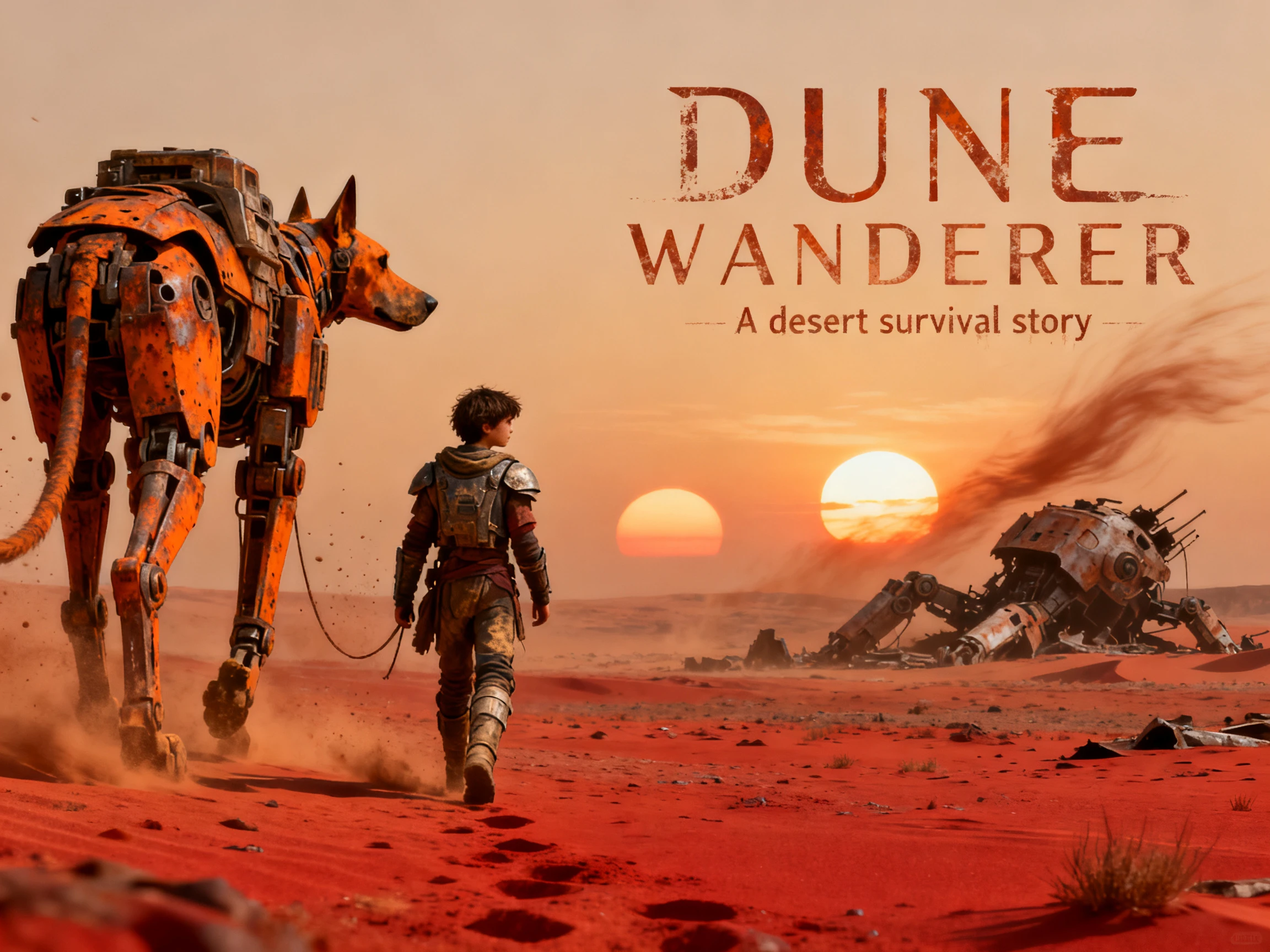

Get poster art created around your headline, not a stock template. Magiclight AI puts your text into the design and makes unique versions. No design background needed.
Create an AI Poster for Free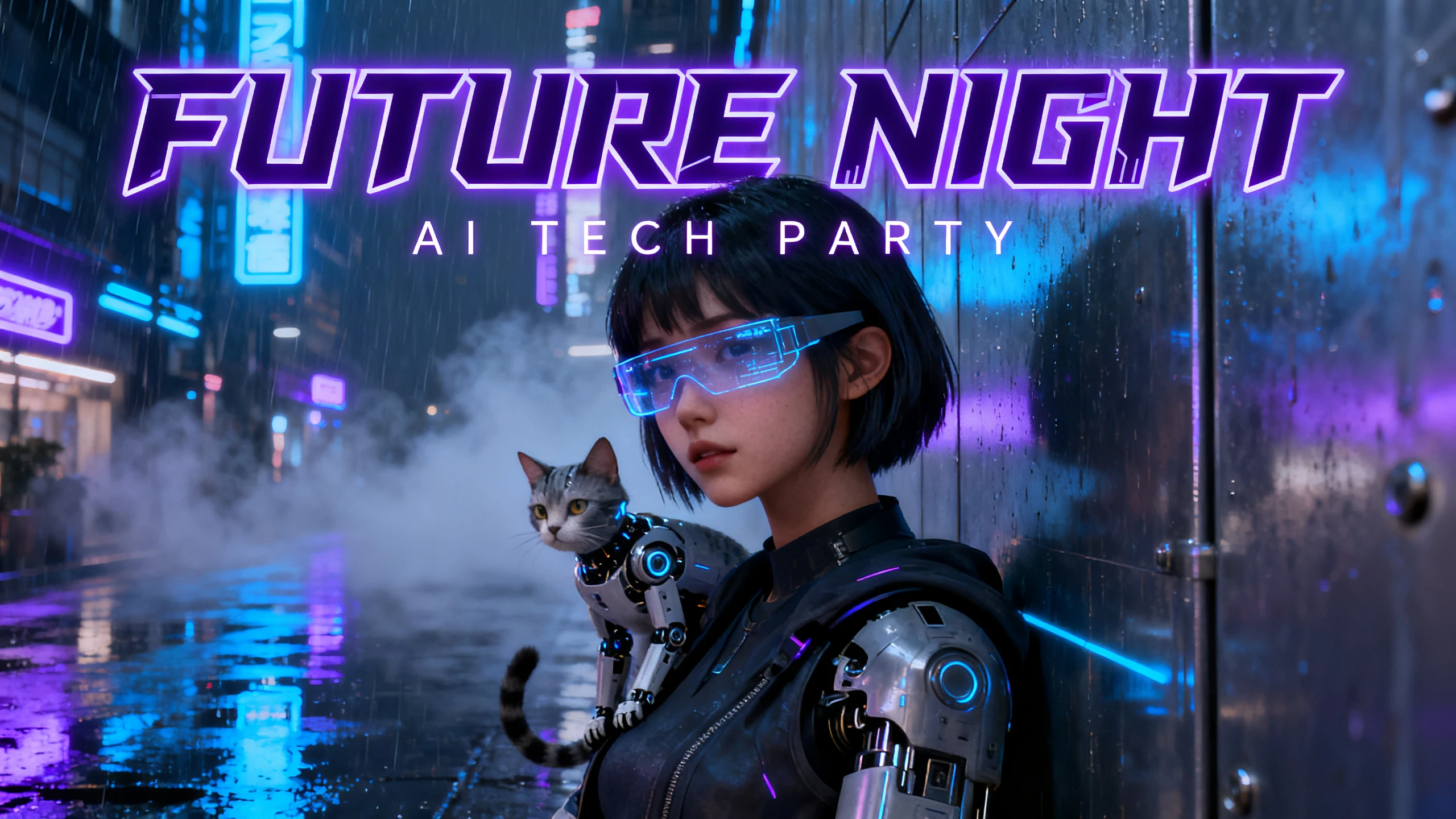










Instead of committing to one layout, use the AI poster maker to see several versions. Magiclight AI works with your text, logo, and selected poster dimensions.
Seedream 5.0 Pro, Nano Banana and 3 GPT Image models are designed for layouts where wording matters. Use them to generate titles, dates, or concise poster information.
Create NowUse up to 500 characters to include the headline, date, place, and where each should sit. Put the exact words in quotes so Magiclight AI knows what must appear within the AI poster.
Create Poster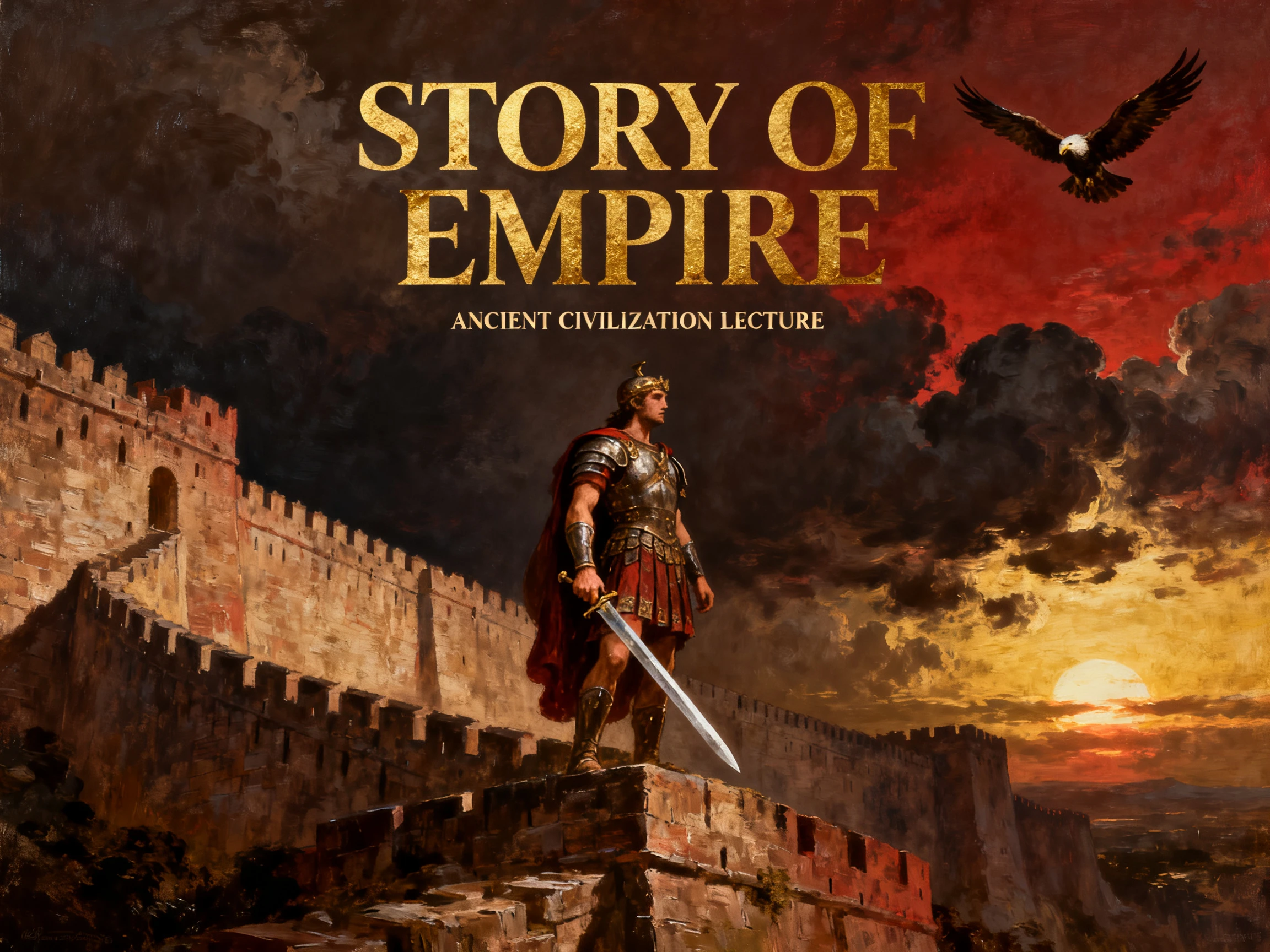
Set how many versions you want before pressing Create. Magiclight AI gives you a few layouts from the same prompt. Compare the text placement and spacing before choosing the strongest version.
Pick Size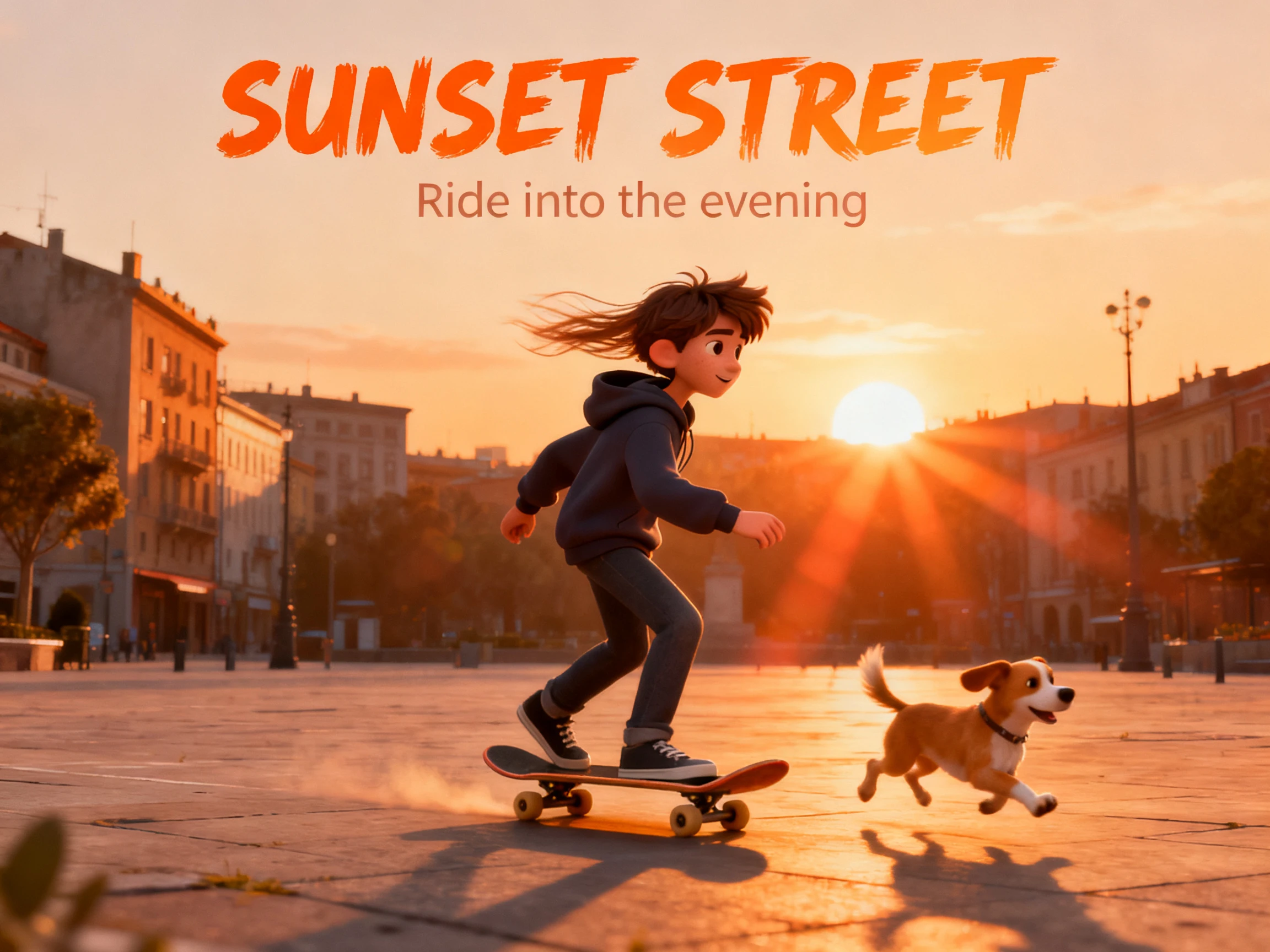
Pick 9:16 for vertical posters or stories, 1:1 for social posts, 16:9 for screens, or 4:3 for flyers. Setting the format first helps keep the poster layout balanced from the beginning.
Start Creating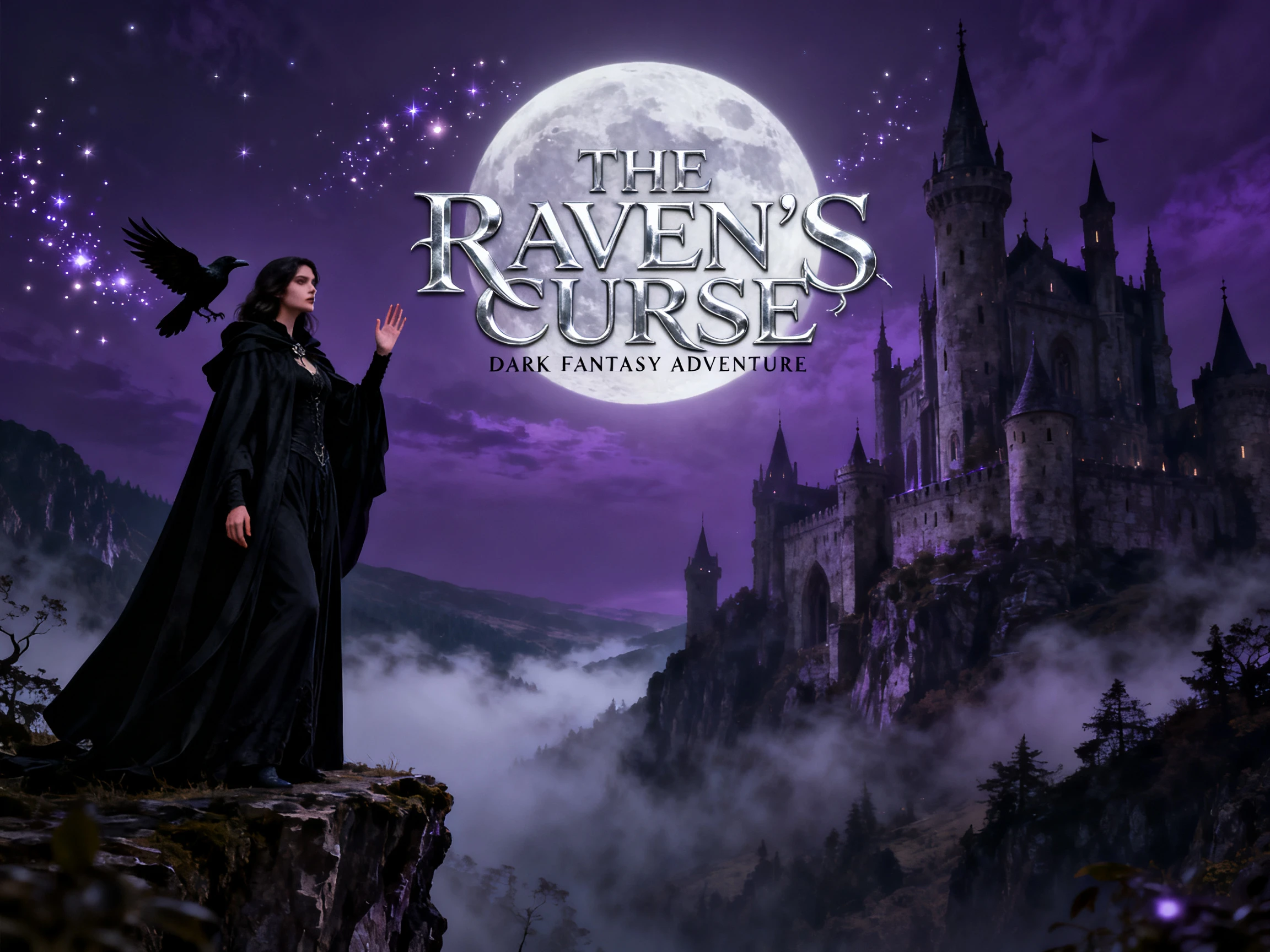


With the poster AI generator in Magiclight AI, a few lines of text become a finished poster in 4 steps. You can adjust the content, layout, and overall look before settling on the final version.
In the Image tab, choose a model for the poster. Pick GPT Image 2 or GPT Image 2.5 when the poster has a title, dates, or other text that must be easy to read.
Describe the design in up to 500 characters, with the exact title, date, and place in quotes. Add your logo or a photo as a reference to guide the look.
Select the size that matches where the poster will hang or be posted, from 9:16 to 16:9. Then pick the number of versions this run should make.
Press Create, which costs 100 credits per run, then compare the versions. Check every word, name, and date before you download one to print or share.
Event Planner
Our charity run needed a poster in two days. Magiclight AI gave me 4 versions with the date and route printed cleanly, and I changed one word before printing.
Salon Owner
I used the same poster template as every salon on my street. Now Magiclight AI creates original art for each monthly offer, using our real logo as the reference.
Teacher
My class makes science fair posters every spring. With Magiclight AI poster creator, they describe the idea in their own words, then choose the version that best explains their project.
Musician
Gig posters used to cost me more than the gig paid. Magiclight AI made a 9:16 gig poster for Instagram stories, then I animated it in the Video tab to tease the show.
Look for clean text, support for your logo or photos, and the sizes you need. Magiclight AI handles each of these, while Canva suits editable templates better.
Magiclight AI runs in your browser, and new accounts get free credits, so it works as a free AI poster maker for your first designs. Each run uses 100 credits.
Short text in quotes works best, and GPT Image 2 handles lettering well. Magiclight AI can still slip on long lines, so check every word before you print.
No, the words become part of the image. Run it again in Magiclight AI with the corrected text, or add editable text on top of the art in a design tool.
Magiclight AI supports 9:16, 1:1, 16:9, and 4:3 formats. For print sizes such as A4 or 18 × 24 inches, resize or crop the finished image in a design tool before sending it to print.
Yes. Once the poster is ready, switch to the Video tab in Magiclight AI and animate it into a short moving clip for Reels, Instagram Stories, or a TikTok post.



Write the headline your event deserves. The Magiclight AI poster creator turns it into several designs, ready to share or print in the size you need.