Explore the Features of the DeepAI Video Generator
Preview a shot in HD before you spend more on 2K. The DeepAI video generator works from a prompt, a photo, reference images, or a clip you already have.

Bring an idea, photo, or existing clip to DeepAI. Create, edit, or extend your video in 720p HD or 2K Hollywood mode, with simple controls and no editing skills required at all.
Try It Free


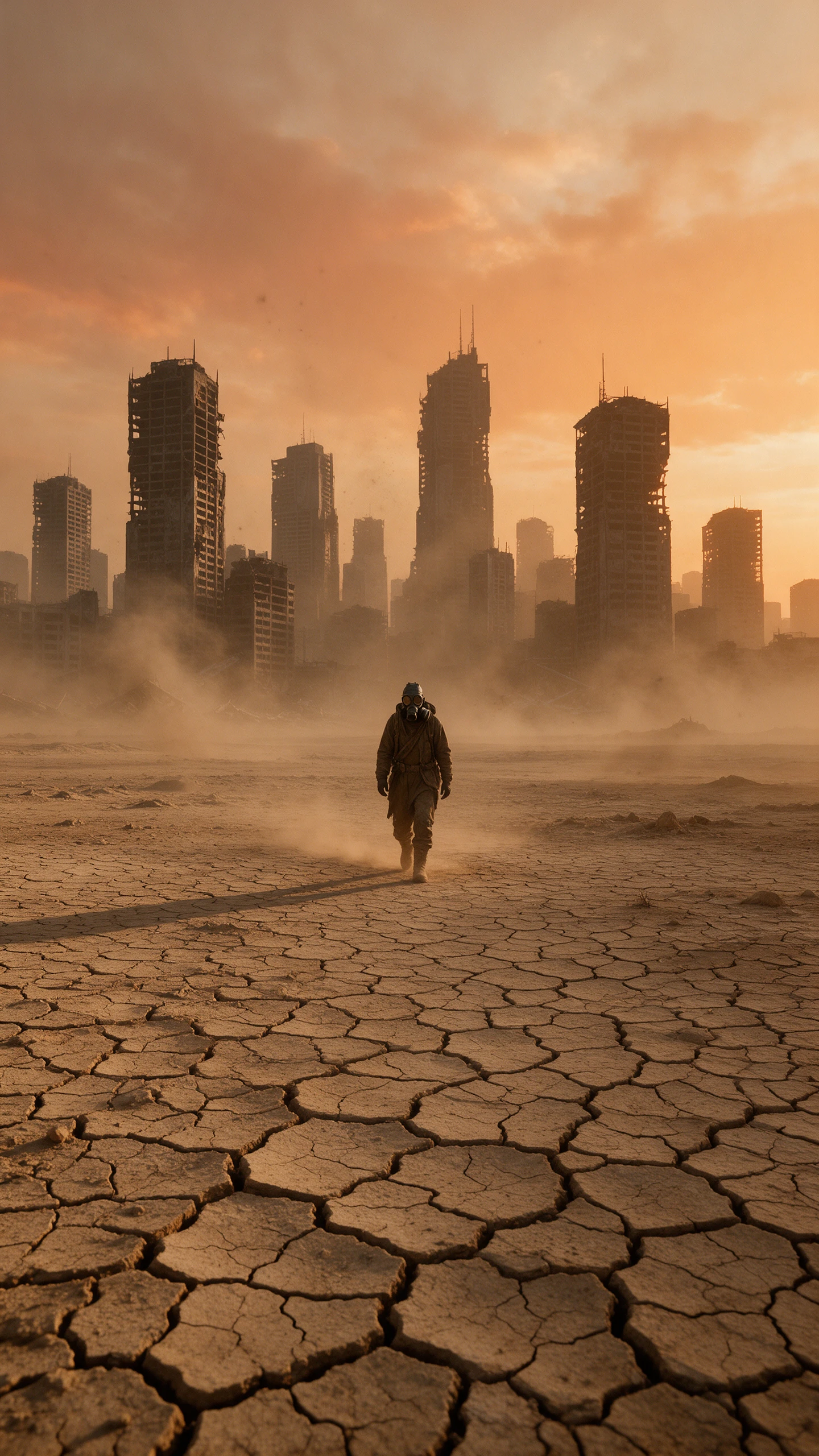

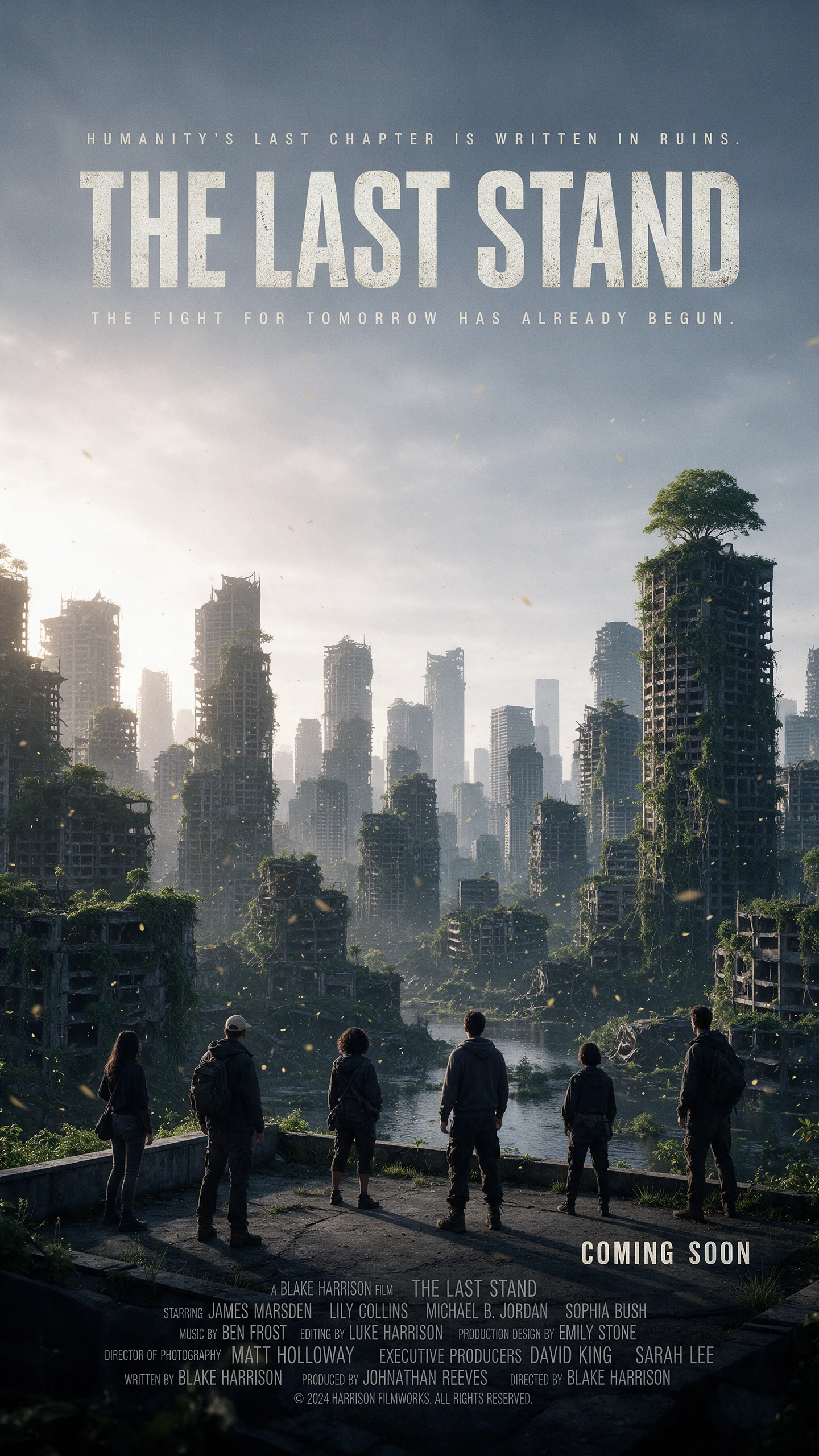
Preview a shot in HD before you spend more on 2K. The DeepAI video generator works from a prompt, a photo, reference images, or a clip you already have.
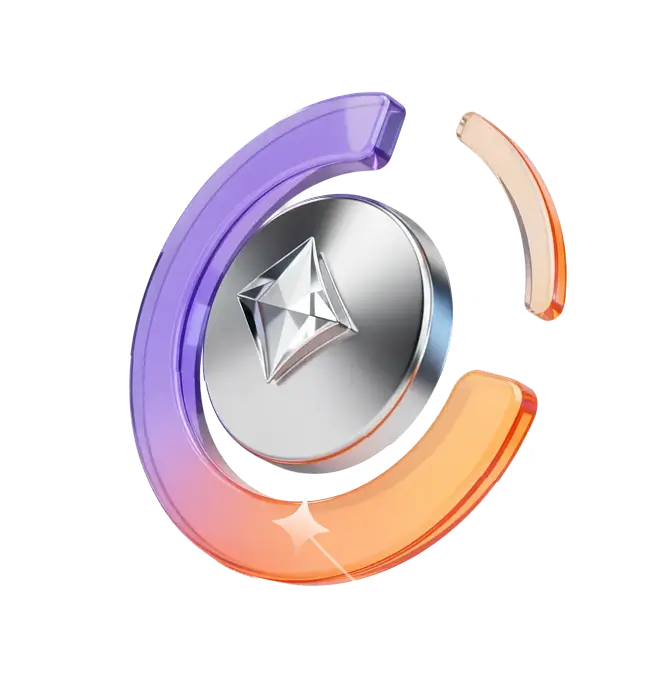
Write a short prompt or upload a photo, then describe the movement you want. DeepAI offers five frame shapes from 16:9 landscape to 9:16 portrait, plus Auto. Clip length varies by mode, with generations running up to 15 seconds.
Reference images give DeepAI a clearer idea of the people, products, or setting you want in the scene. Add the images, describe the action, and let the model use them as visual guides. Reference to Video runs in Hollywood mode at cinematic 2K resolution.
Upload a clip to Video Edit and describe the changes you need while noting what should remain. Video Extend takes over from the end of existing footage and carries the action forward, giving you more room to develop a scene without generating it again from the beginning.
HD produces 720p video at $0.20 per second, while Hollywood raises the output to cinematic 2K at $0.30 per second. This gives you a lower-cost setting for everyday clips and a higher-resolution option when the final shot needs more detail.
One subscription can take an idea from a rough prompt to a finished clip. With the DeepAI video generator, Pro adds monthly video time, creative tools, and API access.
Creators can adjust their prompts and generate alternative versions of the same idea. Changing the action, mood, lighting, or camera direction helps explore different visual approaches. This gives users more creative options before choosing the clip that best matches their project.
Try It Free
DeepAI helps creators produce short visual assets for social media posts, product promotions, presentations, and creative concepts. Each generated clip can serve as a standalone visual or become part of a larger edited video. This makes the tool useful for different content production needs without requiring a complete video project.
Try It Free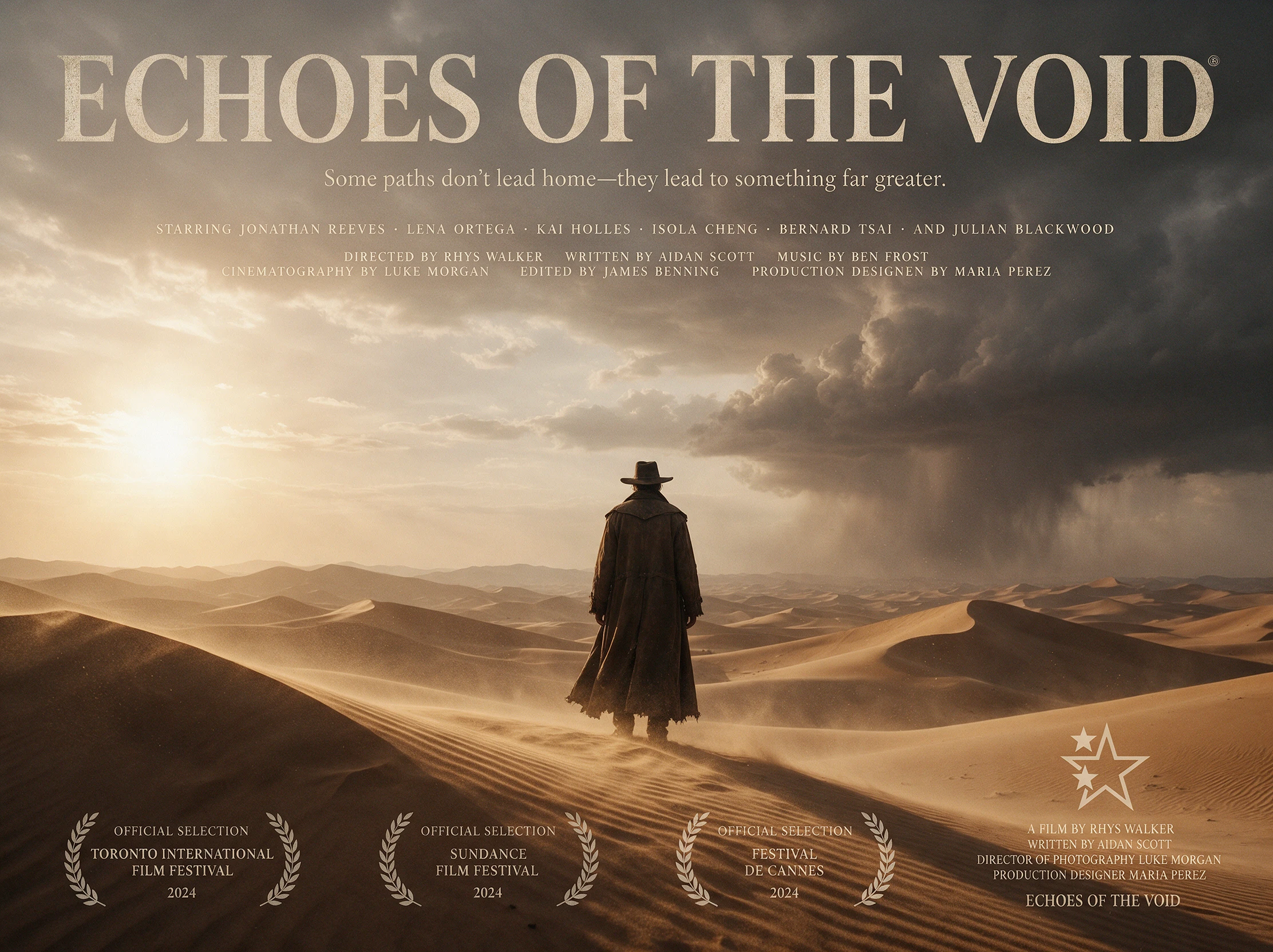
DeepAI provides API access for generating videos from text or images, with HD and Hollywood quality options available. Video jobs are processed asynchronously, so an app can submit a request, check its progress, and retrieve the finished result when processing is complete.
Try It Free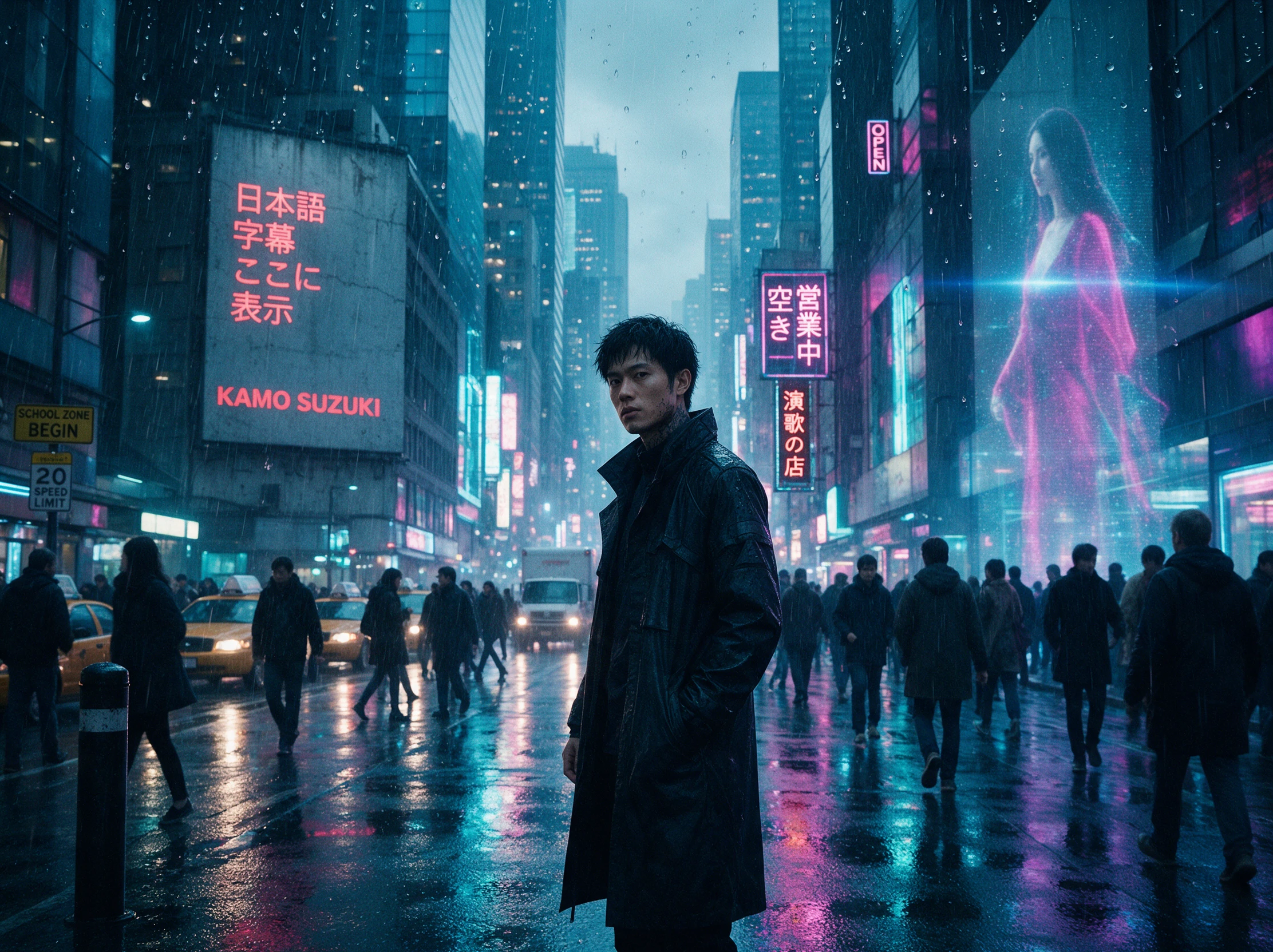
Look past video quality and see what else comes with each plan. The DeepAI video generator competes on creative tools, monthly usage, API access, and the cost of making more.
| Platform | Video Models | Video Length | Image to Video | Best For |
|---|---|---|---|---|
| DeepAI | Multiple video modes | Up to 15 seconds | Yes | Quick AI videos and short clips |
| MagicLight AI | 20 video models | Up to 50 minutes | Yes | Long-form storytelling and animated videos |
| Adobe Firefly | Adobe and partner models | Model-dependent | Yes | Professional video creation |
| Canva | Veo and other AI tools | 8-second Veo clips | Model-dependent | Social media videos and marketing |
| Leonardo AI | Veo, Kling, Hailuo, and more | Model-dependent | Yes | Creative animations and cinematic clips |
Go from an idea to a downloadable clip without leaving your browser. The DeepAI video generator gives you separate options to create, edit, or extend video in 4 steps.
Sign in to DeepAI and get the Pro plan. The plan includes 25 seconds of HD and 8 seconds of Hollywood video each month, with extra seconds charged separately after that.
Access the video tool and choose how you want to begin. Write a prompt, upload a photo to animate, add reference images where supported, or bring in a clip to edit or extend later.
Choose 720p HD or cinematic 2K Hollywood, then select a frame shape or leave it on Auto. Set the clip length and keep test runs short to save your included video seconds per run.
Save the clip when it looks right. If it needs more work, use Video Edit to describe the changes you want, or Video Extend to carry the action forward where the footage ends too.
E-commerce Designer
I gave DeepAI a simple product photo and turned it into a 2K clip for an ad. It gave the still some movement without sending me back to a full video editor.
Content Creator
I test an idea in DeepAI’s HD mode first, where I can see if the motion works. When a clip is worth keeping, I run the final version in Hollywood quality.
Freelance Videographer
One of my clips ended too soon, so I used DeepAI to carry the scene forward. I could extend the action instead of throwing out the first version and starting again.
App Developer
We added the DeepAI Video API to our app without building a separate video workflow. A user sends the request, and our app picks up the finished clip when it is ready.
DeepAI Pro includes monthly HD and Hollywood video allowances. Start with a short 720p clip to check the motion, then use the DeepAI video generator’s Hollywood mode when you need cinematic 2K output.
DeepAI says clips run from a few seconds up to 15 seconds, depending on mode. Video Extend can extend an existing clip when one generation isn't long enough.
Hollywood mode produces cinematic 2K video instead of the 720p output available in HD. It also supports reference images, while DeepAI charges $0.30 per second after the included allowance.
DeepAI does not publish which video model runs its generator. Judge it by test clips instead, since a short HD run shows the style before you commit to 2K.
Yes. Pro includes the DeepAI Video API, with text-to-video and image-to-video endpoints. Prompts can run to 3,000 characters, and uploaded images can be up to 20MB each.
Extra seconds come out of a prepaid wallet at 20 cents for HD and 30 cents for Hollywood. Top the wallet up yourself, or turn on Auto Top-Up so generation does not stall.



Test ideas in 720p HD, then use DeepAI video generator Hollywood mode for a 2K final clip. Both quality options are available in one place.