
Explore the Features of Viggle AI Video Generator
Drop your character into motion that already works. Viggle AI video generator transfers movement from existing footage, so you can focus on the character instead of animating it.

Put any character into motion in seconds. Upload one clear photo and a movement clip, then Viggle AI swaps them in with natural motion and no animation skills needed.
Try Viggle AI For Free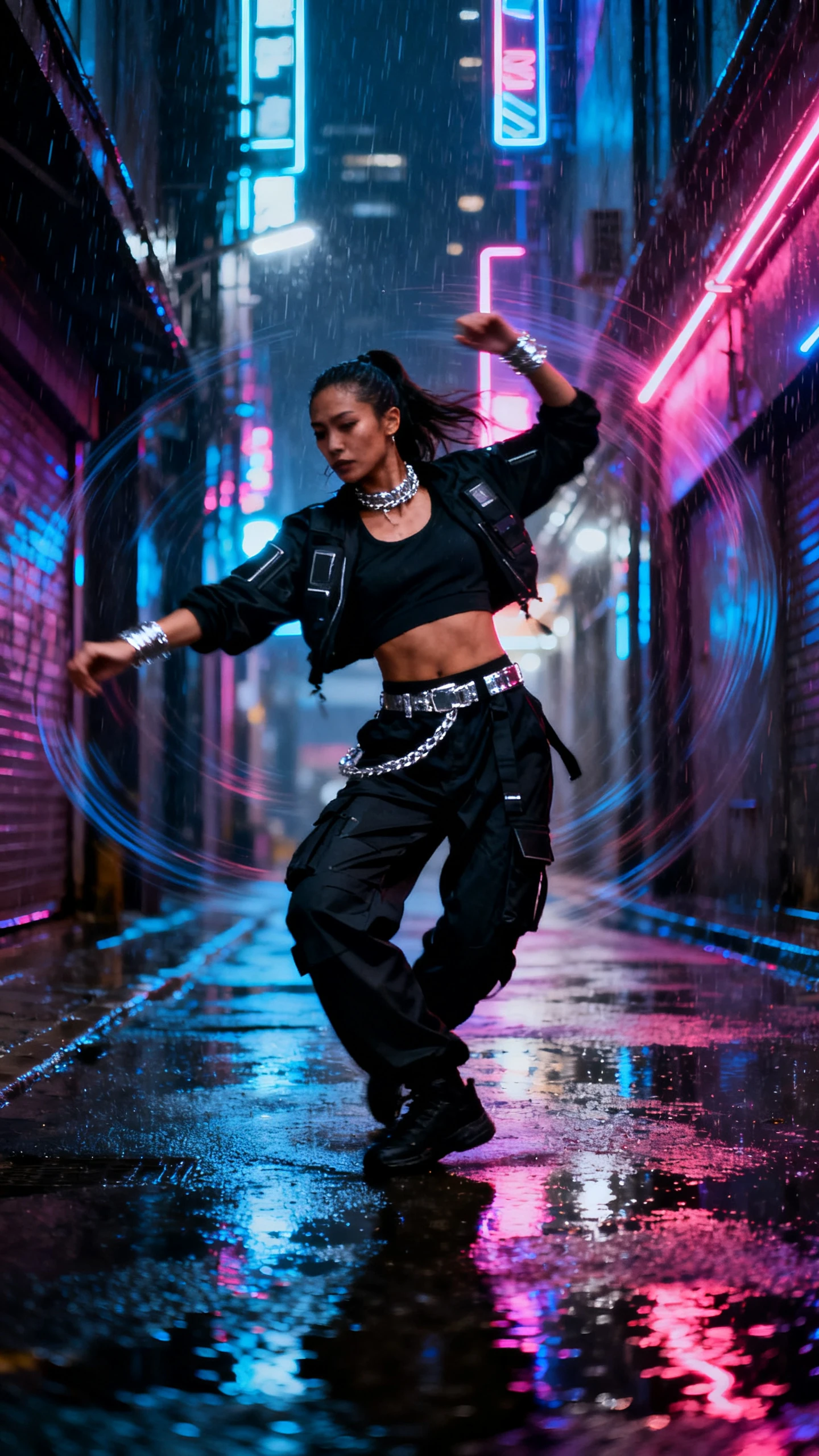
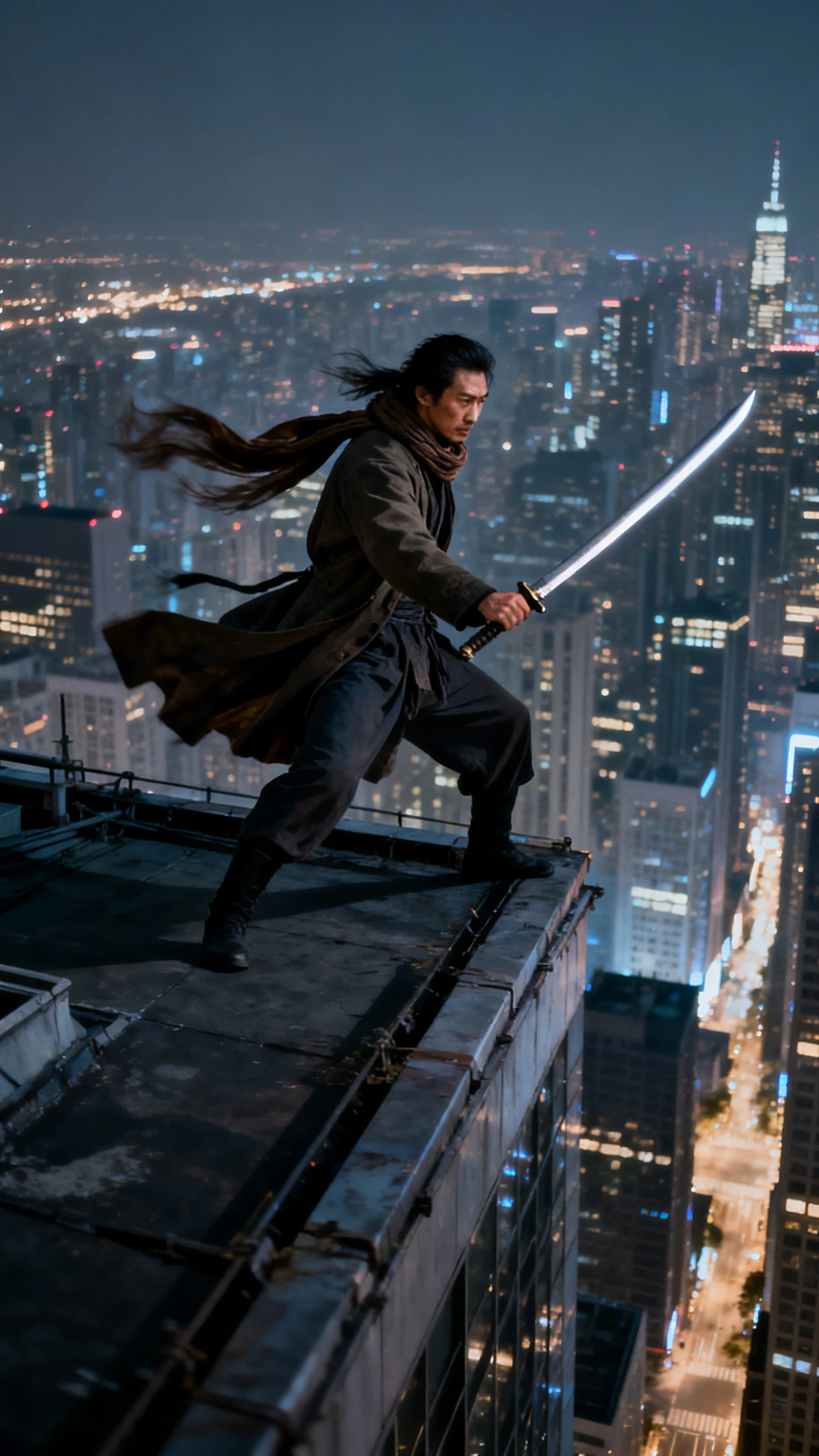
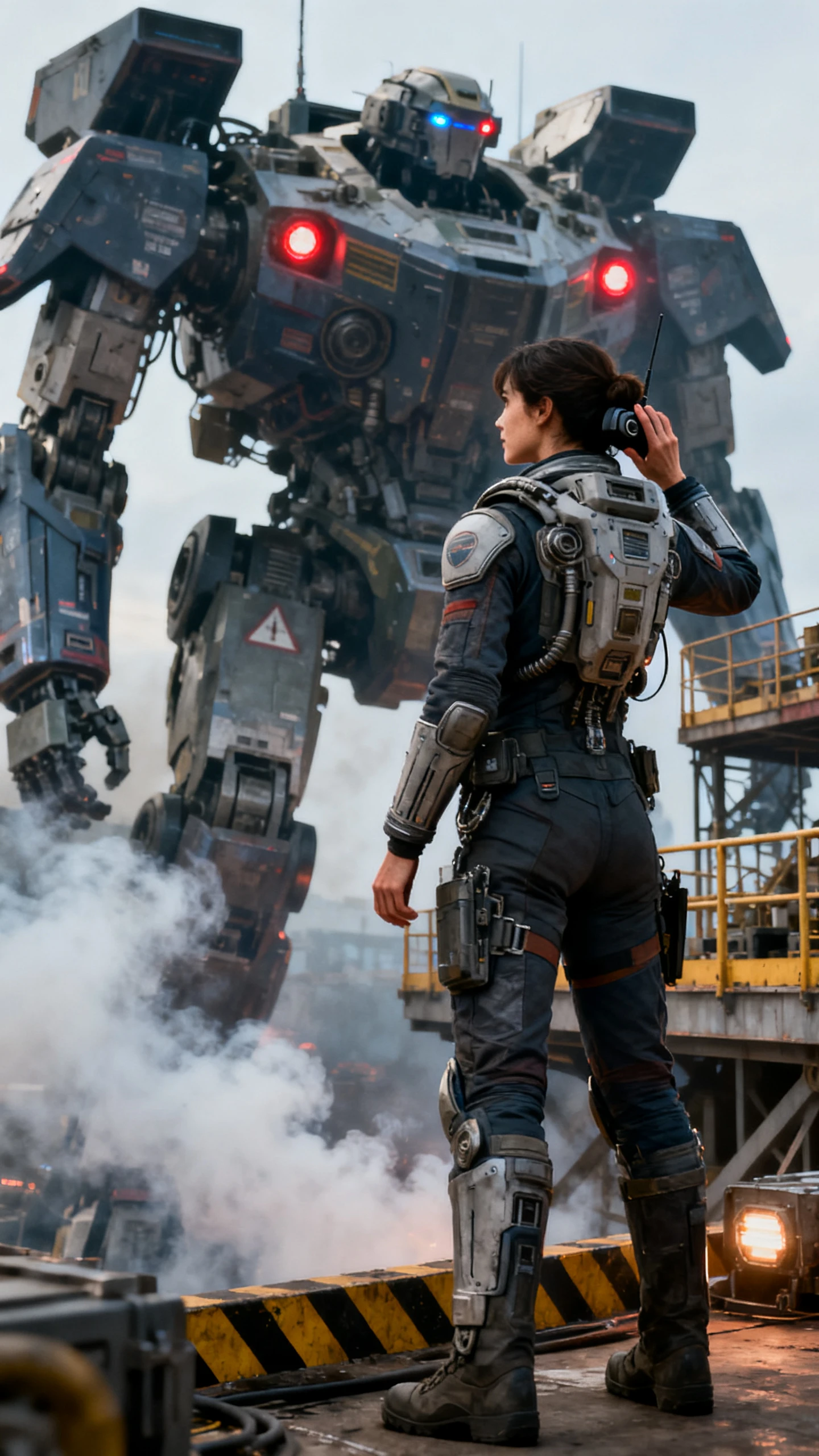
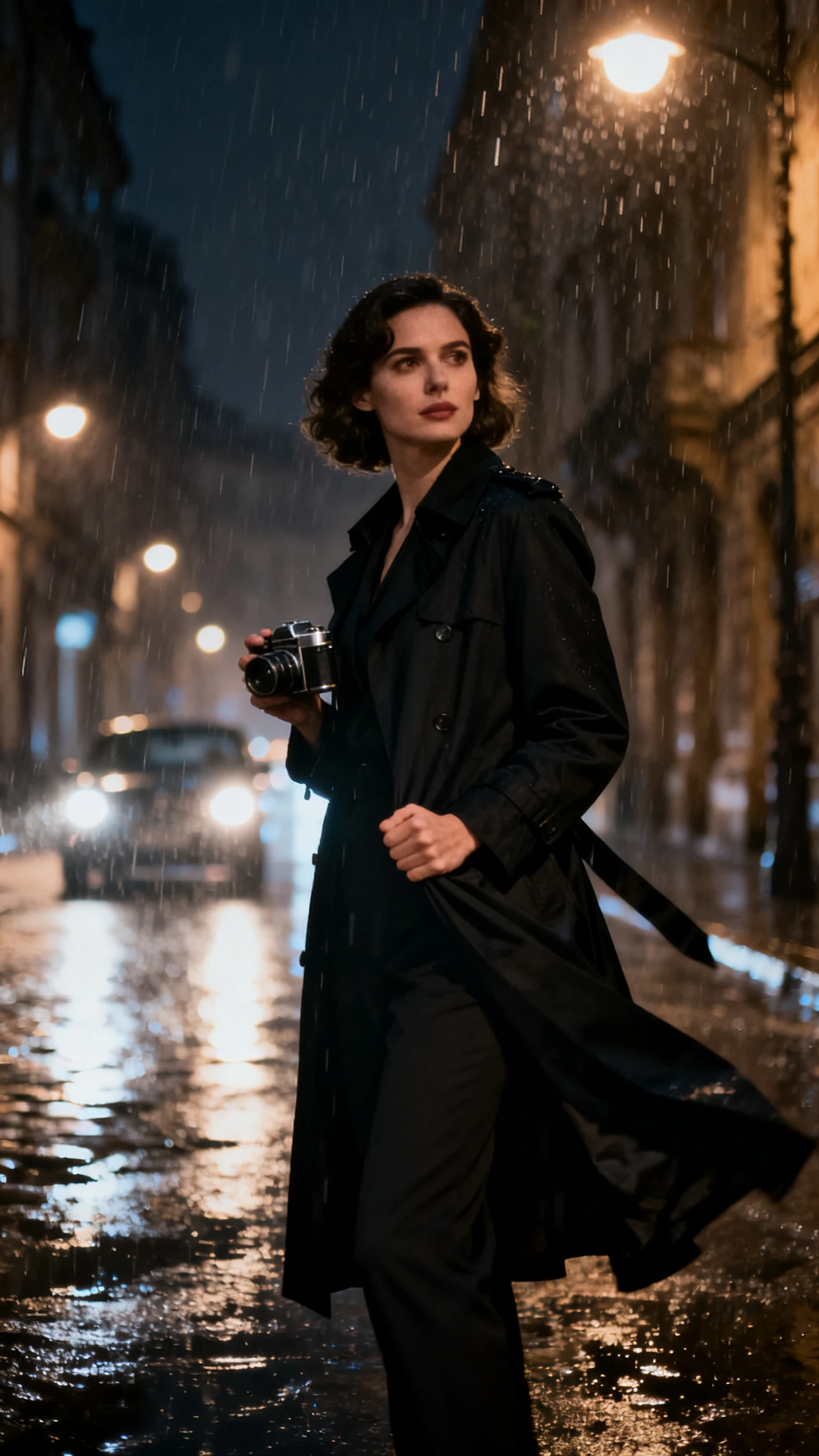
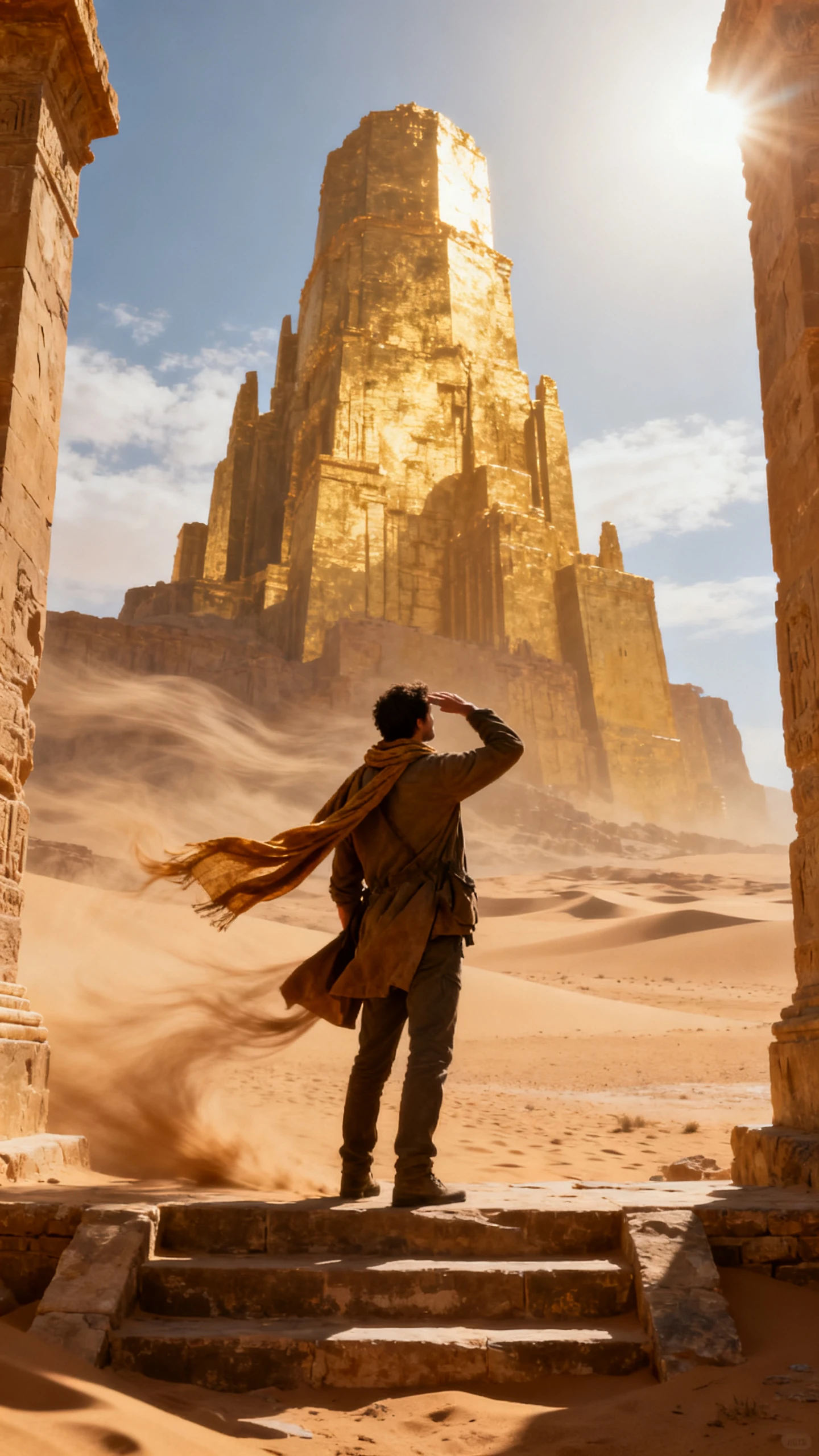
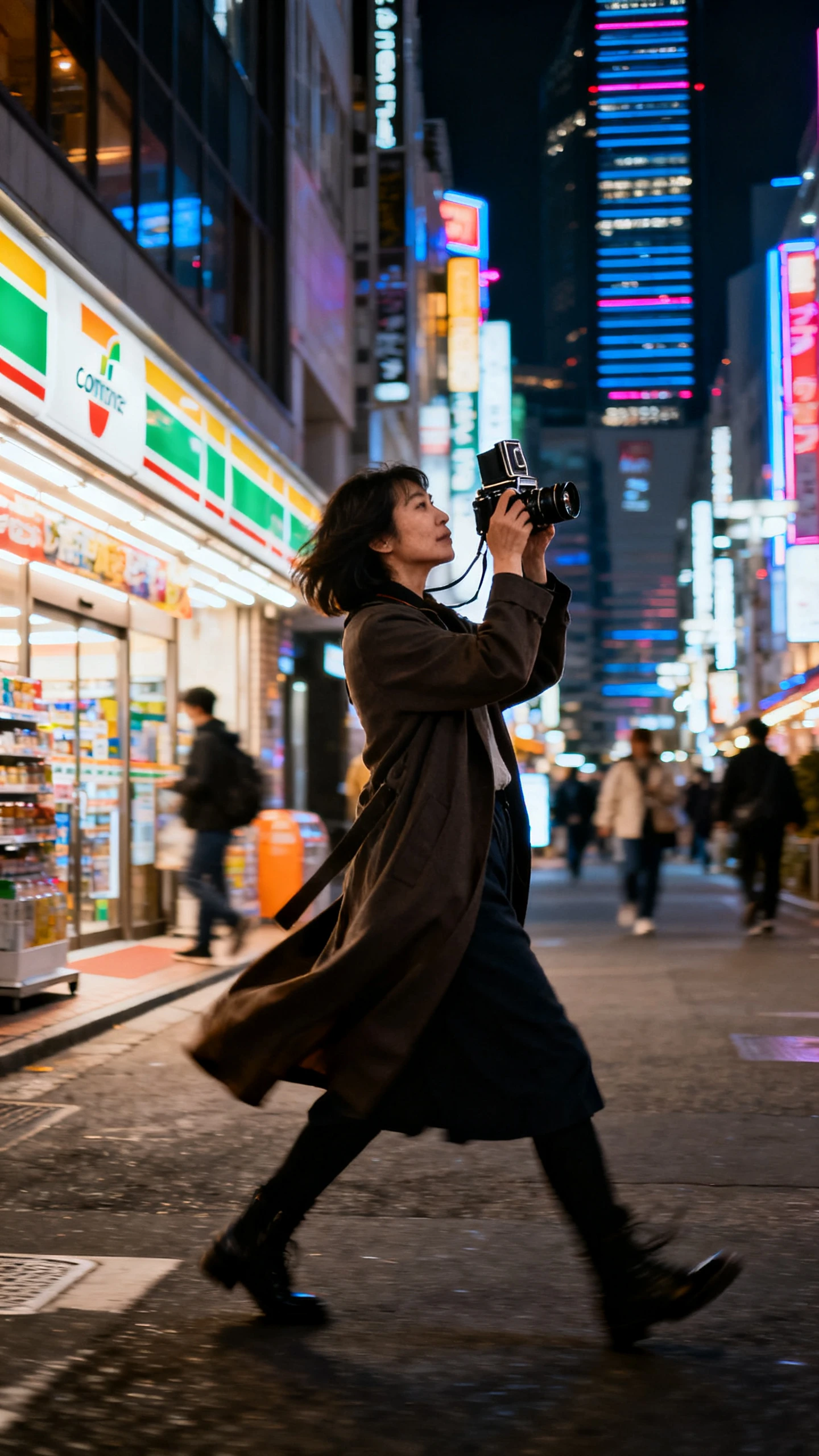
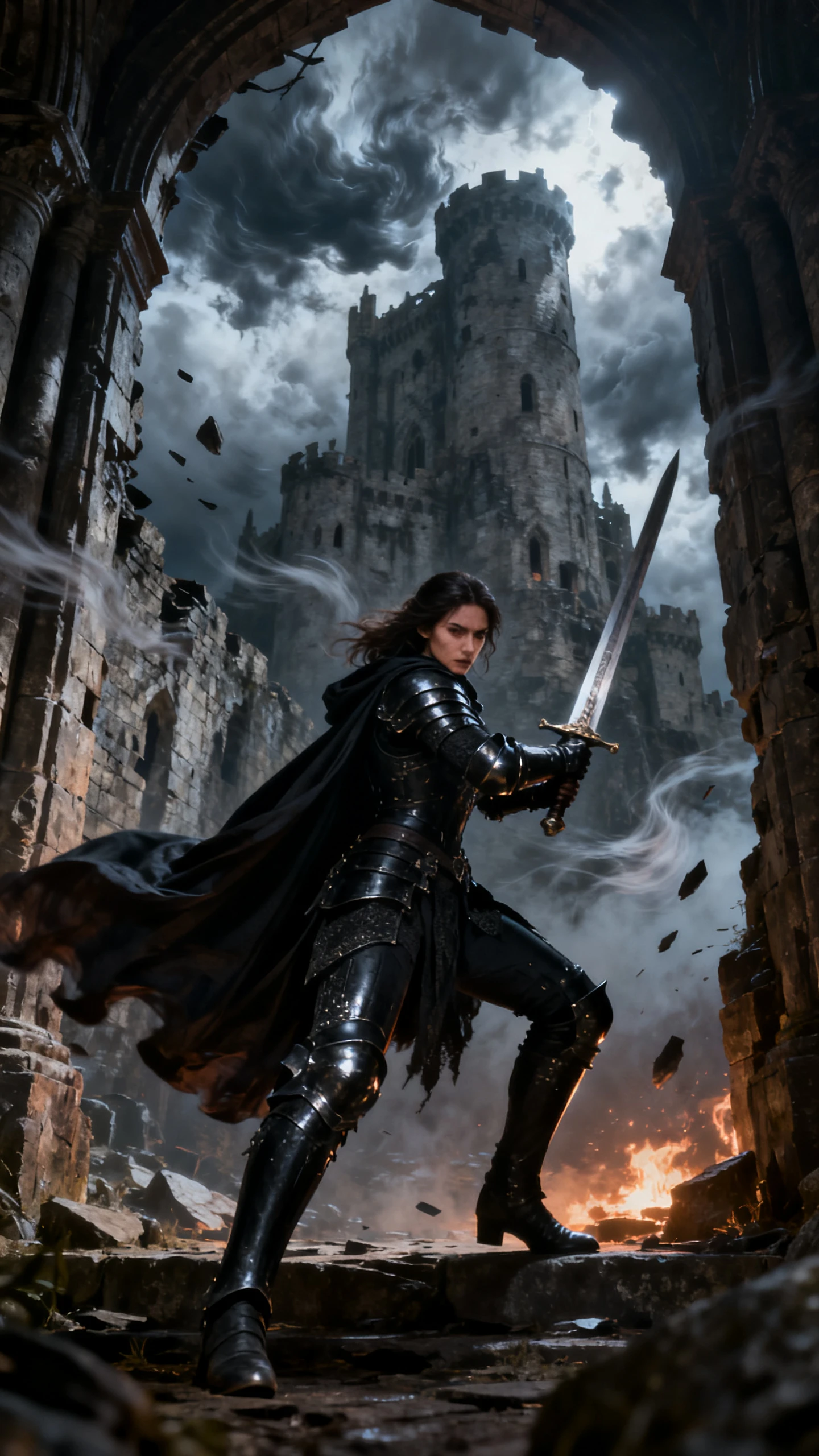
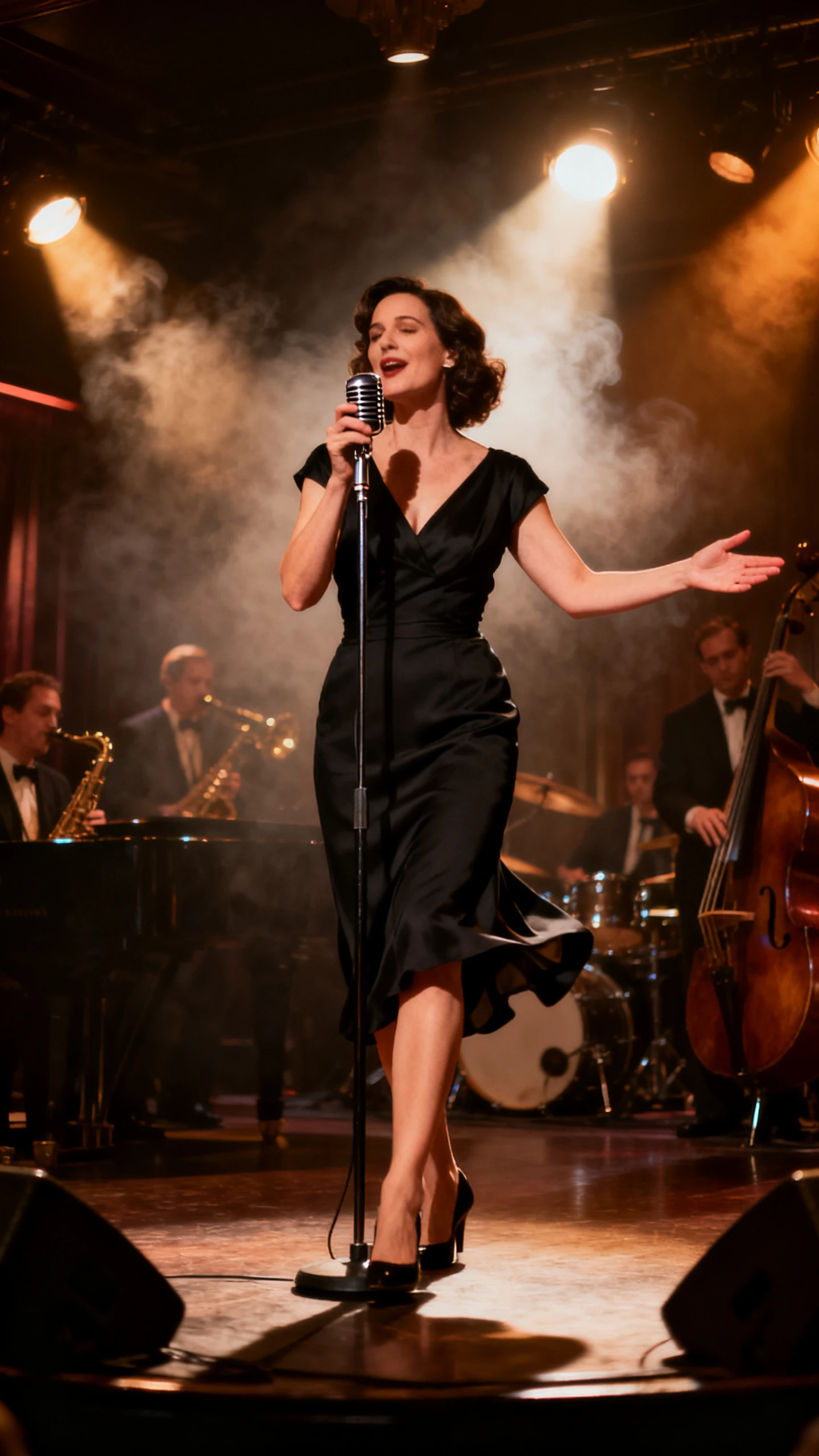
Drop your character into motion that already works. Viggle AI video generator transfers movement from existing footage, so you can focus on the character instead of animating it.

Mix places your character into an existing motion video and follows the movement of the original performer. Instead of generating every action from scratch, Viggle transfers the reference motion, timing and body movement to your uploaded character. V4 can also preserve facial expressions and mouth timing from the source, even during faster or more complex movement.
Motion Control applies movement from a reference clip to a still character while preserving the character’s original look and timing. For fuller scene replacement, Multi-Track keeps the original background, camera movement and character motion unchanged while replacing selected performers. Viggle says Multi-Track can process scenes up to 1 minute long.
Viggle uses its JST 3D world model to better understand how characters move through a scene. Foot Lock helps keep feet planted instead of sliding, while Smooth Motion makes movement look steadier. Character Refine also creates 5 extra reference views from one image, helping the character keep a more consistent appearance and body shape across different poses.
Multi-Track can identify and replace several performers in the same scene without forcing you to process each person separately. Viggle says the editor can animate up to 7 characters or objects, while its V4 workflow supports tracked scenes up to 1 minute long. That makes group dances, dialogue scenes and multi-person sketches easier to recast in a single workflow.
Turn one image into convincing movement without touching a timeline. With Viggle AI video generator, the appeal comes down to faster motion transfer, steadier results, and less manual work.
There is no need to create a character, arrange a 3D pipeline, or organize a studio shoot before testing an idea. With Viggle, even one headshot can be expanded into a fuller character reference for animation, with improved full-body detail and motion stability. That speed suits trend-driven videos, where creators may want to react while a dance, meme, or movement is still circulating.
Try Viggle AI For Free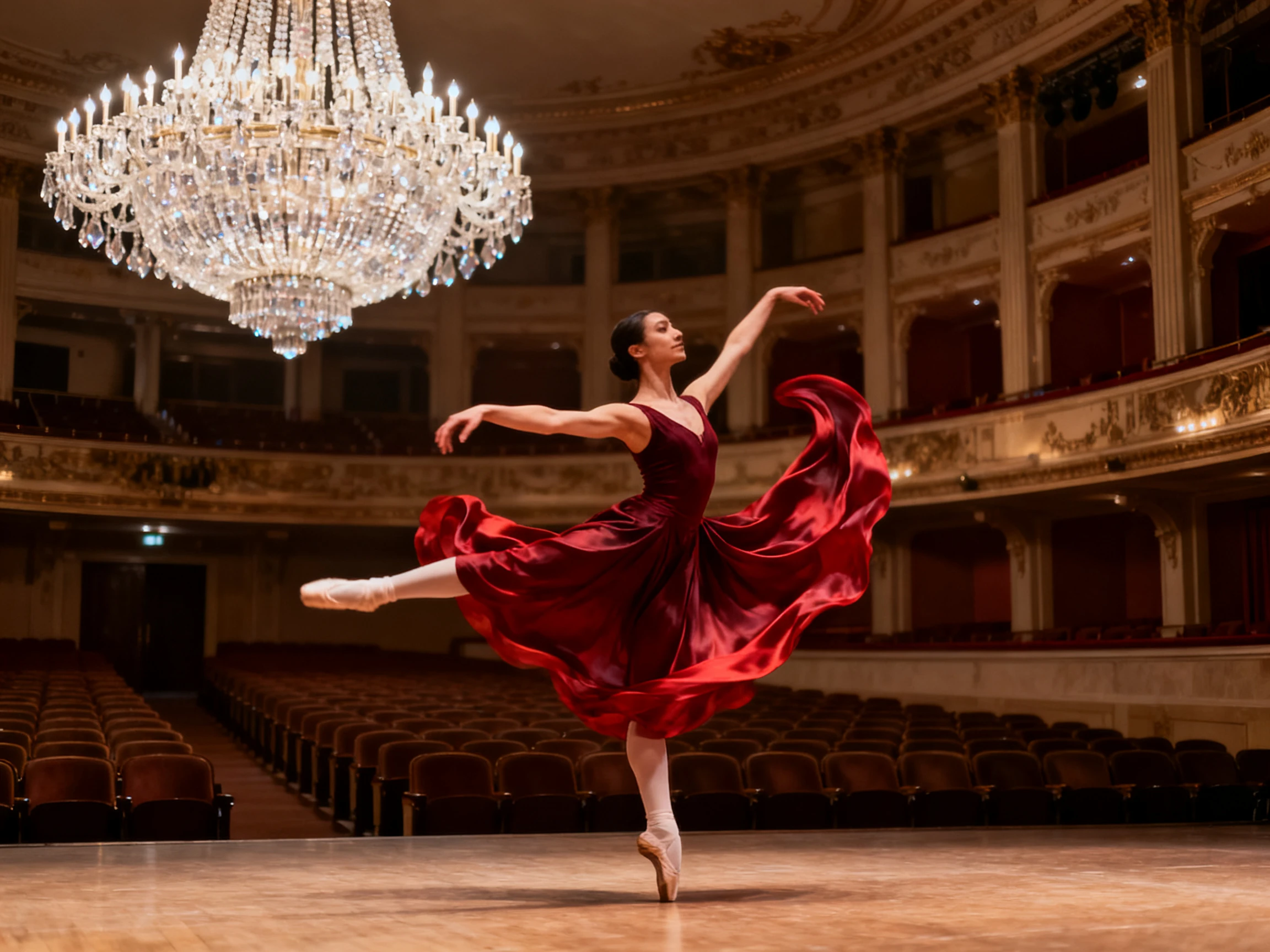
Viggle includes more than 8,000 motion templates covering dances, sports, memes, and other popular movements. Instead of recording a reference clip for every idea, creators can choose an existing motion and apply it to their character. That makes it easier to test concepts quickly, follow trends, and create short-form character videos without preparing new movement footage each time.
Try Viggle AI For Free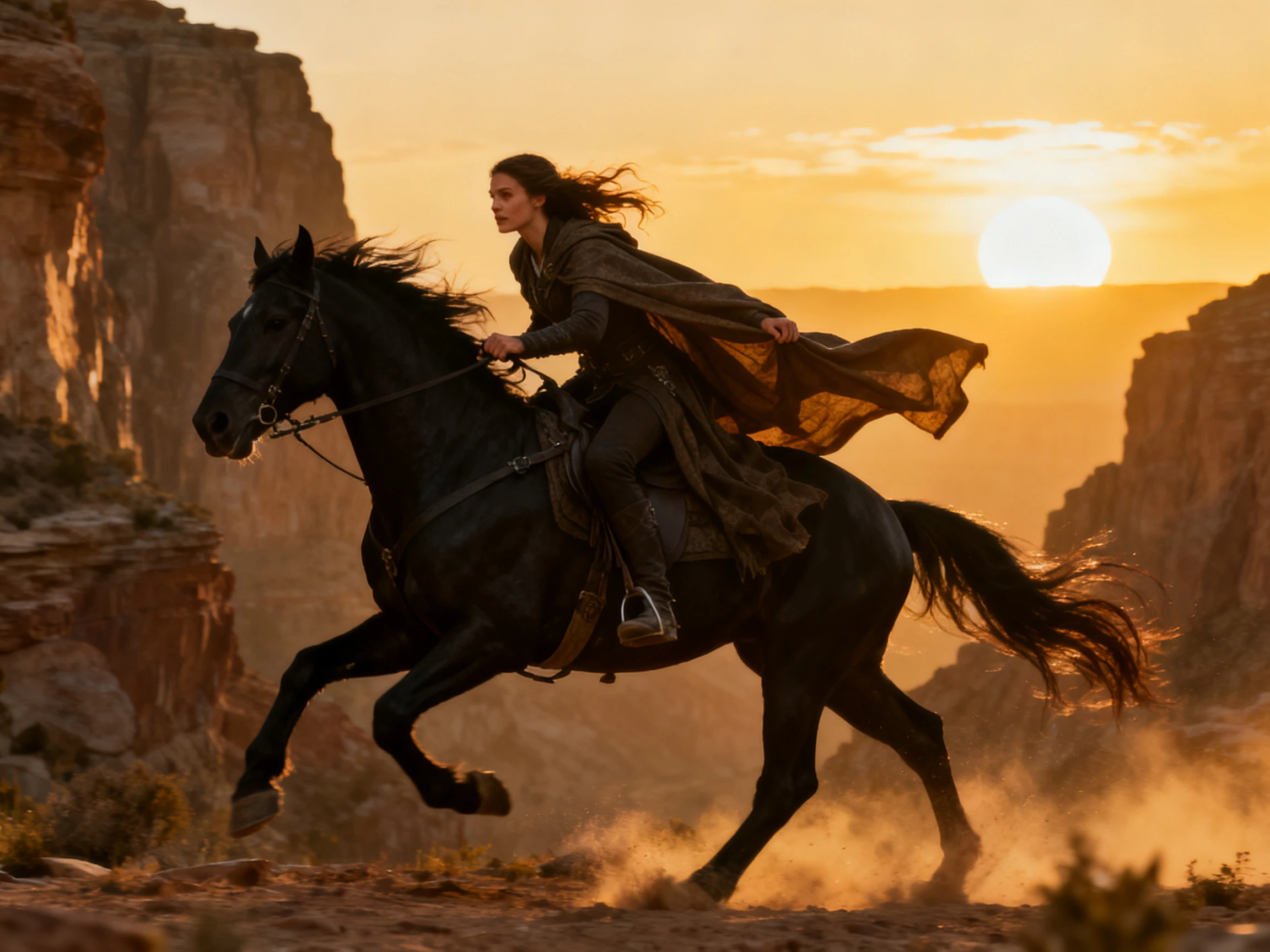
Record movement on a phone and Viggle’s PINOC workflow can turn the footage into skeletal animation for use beyond a finished video. Current Viggle documentation lists FBX and GLB export, with workflows for Unity, Unreal, Godot, Blender, and Maya. Its standard motion output runs at 30 fps with a 60+ bone human skeleton, while typical GLB files measure about 5–15 MB.
Try Viggle AI For Free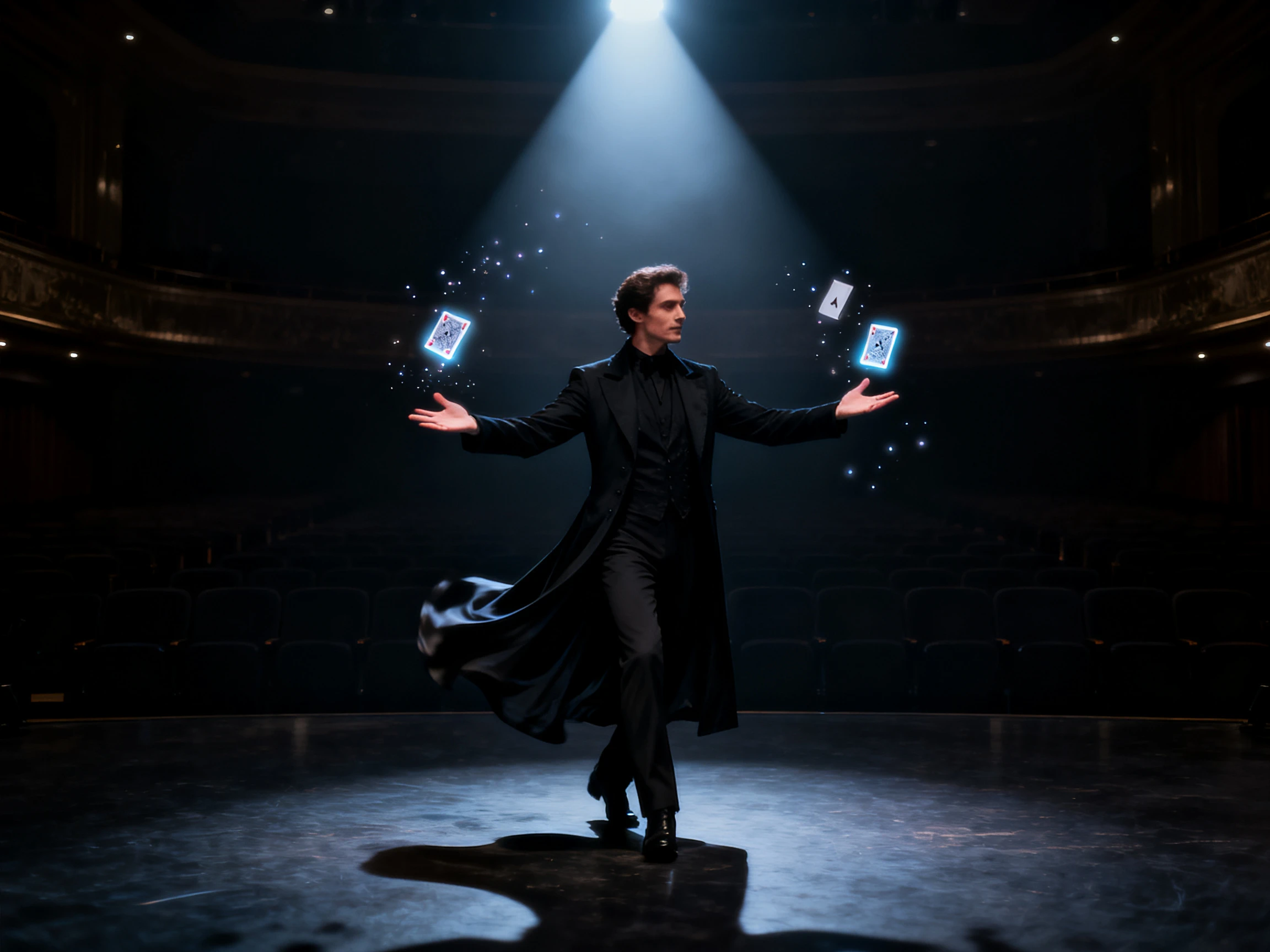
Keep the original choreography and change who performs it. Comparing the Viggle AI video generator with similar tools helps determine the best available options.
| Platform | Motion Source | Maximum Output Length | Physics Controls | Best For |
|---|---|---|---|---|
| Viggle AI | Your character into a real clip | Up to 1 minute in Multi-track | Foot Lock and Smooth Motion | Character swaps and motion transfer |
| Magiclight AI | Script to animated scenes | Up to 50 minutes | Storyboard scene editing | Long-form stories and scripted videos |
| OpenArt | Motion from a reference clip | About 1 minute | Camera control by prompt | Reference-based animation |
| Krikey AI | Phone video to a rig | Not specified | Auto-rigging | 3D character animation |
| DreamFace | Face dance templates | Template-based | Lip sync | Quick face and dance videos |
Put one character into real motion in 4 clear steps. Viggle AI video generator uses a photo and a reference clip, then lets you refine movement before generating the result fast.
Select Mix to place a character into an existing motion clip, or Motion Control to animate a still image from reference movement while keeping its original look and timing intact
Add 1 clear character image with the face and body easy to see. Viggle accepts selfies, portraits and illustrations, while V4 can create 5 extra views for better consistency.
Add a reference video with visible movement or choose a preset from Viggle’s motion library. Strong source motion gives the model a cleaner path to follow through the whole clip.
Turn on Foot Lock when feet slide and Smooth Motion when movement looks shaky, then generate the clip. Both controls are designed to improve stability and reduce jitter in V4 now.
Short Film Creator
Keeping the original background was the whole point for my scene. Viggle swapped the actor for my animated character and left the location looking exactly as I shot it.
Social Video Creator
A dance trend peaked on a Tuesday and I had my mascot doing it by that evening. Viggle kept the original clip's timing, so it looked like the real thing rather than a copy.
Indie Game Developer
I test how a character design moves before committing to a model. Dropping concept art into a Viggle clip shows me what works in minutes instead of weeks of rigging.
Music Video Creator
Our four-person routine got recast as four completely different characters in one pass. Viggle mapped each avatar to the right dancer without me splitting the footage up first.
JPG, PNG, and WebP files all work with the Viggle AI video generator. For better results, use an image at least 512px on the shortest side, with clear lighting and the character easy to see.
Free users can upload clips up to 1 minute long. On Viggle Pro, Live, and Max plans, that limit rises to 10 minutes for longer motion-based projects.
More than 8,000 motion templates are available in Viggle for dances, memes, sports, and short-form clips, so you can animate a character without recording movement yourself.
Yes. Free access in Viggle includes 5 videos per day, one generation at a time, limited Multi-Track use, and 7-day storage, while paid plans increase those limits.
Yes. Through PINOC, Viggle exports motion as FBX or GLB using a 65-bone Mixamo-named skeleton for workflows in Blender, Unity, Unreal, Maya, and similar software.
Commercial use depends on the plan and product. With Viggle PINOC, paid users can use generated outputs commercially, while free PINOC users are limited to non-commercial use.



Bring your character ideas to life with Viggle AI. Explore its motion tools, experiment with different references, and start creating character videos your way.