Explore the Features of the FLUX AI Video Generator
Set the moments that need to land just right. With the FLUX AI video generator, your text or keyframes guide the action while FLUX 3 handles motion, timing, and sound.

Take control of key moments. FLUX 3 Video turns your prompt or up to 10 stills into clips up to 20 seconds long with synced speech and sound effects. No editing skills required
Try FLUX AI for Free

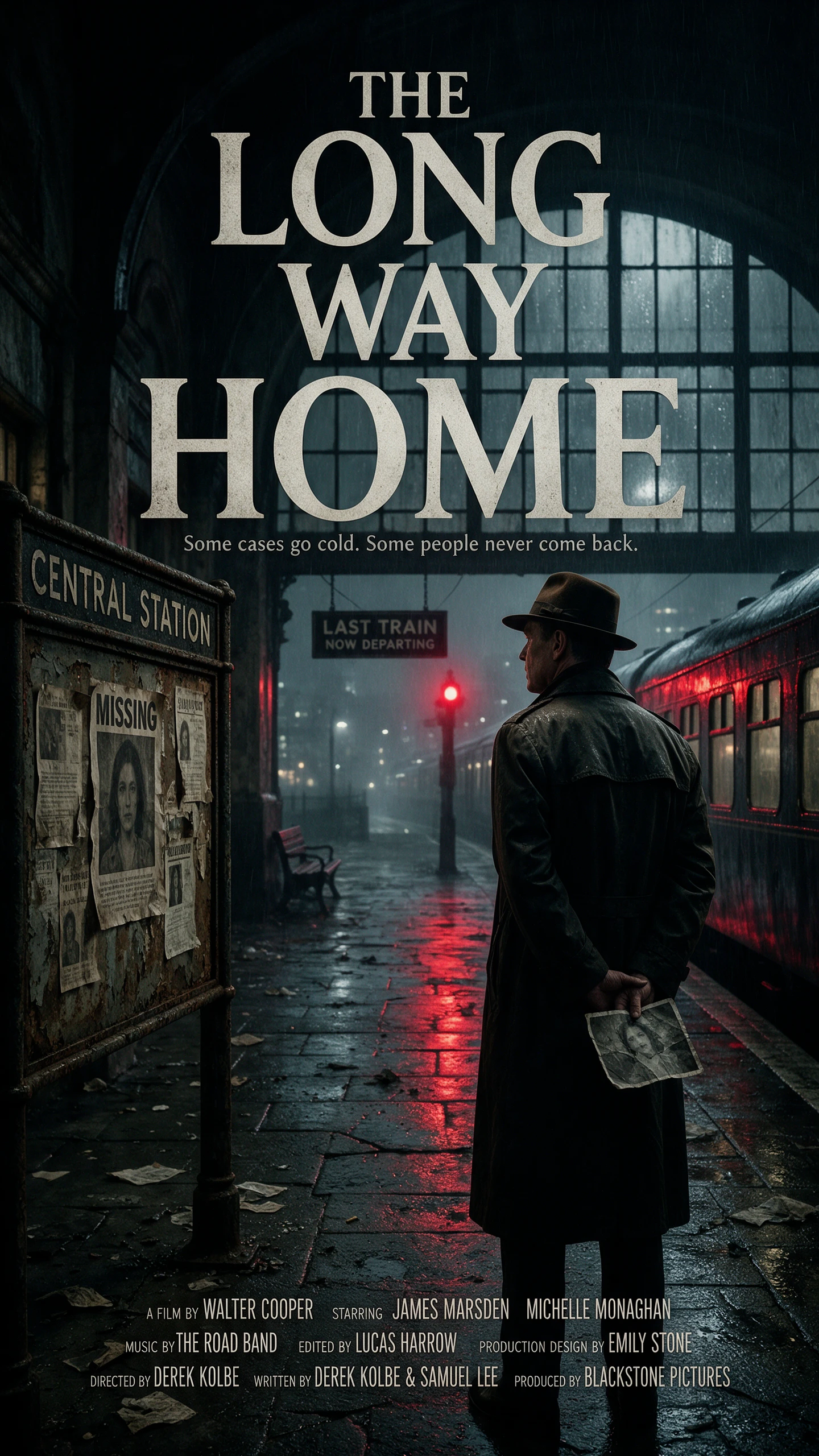
Set the moments that need to land just right. With the FLUX AI video generator, your text or keyframes guide the action while FLUX 3 handles motion, timing, and sound.

Turn stills into checkpoints for the motion. FLUX 3 accepts 1 to 10 keyframe images in image-to-video mode. One can open the clip, two can define its start and finish, and additional frames guide moments in between while the model creates the movement, camera flow, and transitions around them.
A clip can change scenes without forcing you to generate every shot separately. FLUX 3 supports multiple scenes in one generation, keeping shots connected across cuts and camera angles. Each request can run for up to 20 seconds, while Video Continuation can carry footage forward for 5 to 15 seconds.
Sound arrives with the pictures instead of becoming another production step. FLUX 3 generates synchronized speech with lip sync, sound effects, and ambiance alongside the frames. Audio is enabled by default, and BFL says multilingual speech is supported whenever your scene calls for spoken dialogue.
Already have footage that needs a targeted change? FLUX Video Edit can add, remove, or replace elements, alter the setting, restyle the footage, or change text and dialogue from a prompt. It accepts source videos up to 15 seconds and returns edited clips at up to 720p resolution for review.
Test the motion before spending more on the final render. The FLUX AI video generator gives design teams a faster way to compare ideas, control costs, and refine each clip.
Draft mode gives teams a cheaper place to test movement before committing to the final render. BFL prices FLUX 3 Draft at $0.06 per second, compared with $0.17 per second for standard HD generation. That makes early takes easier to compare when the timing or camera movement still needs work.
Try FLUX AI for Free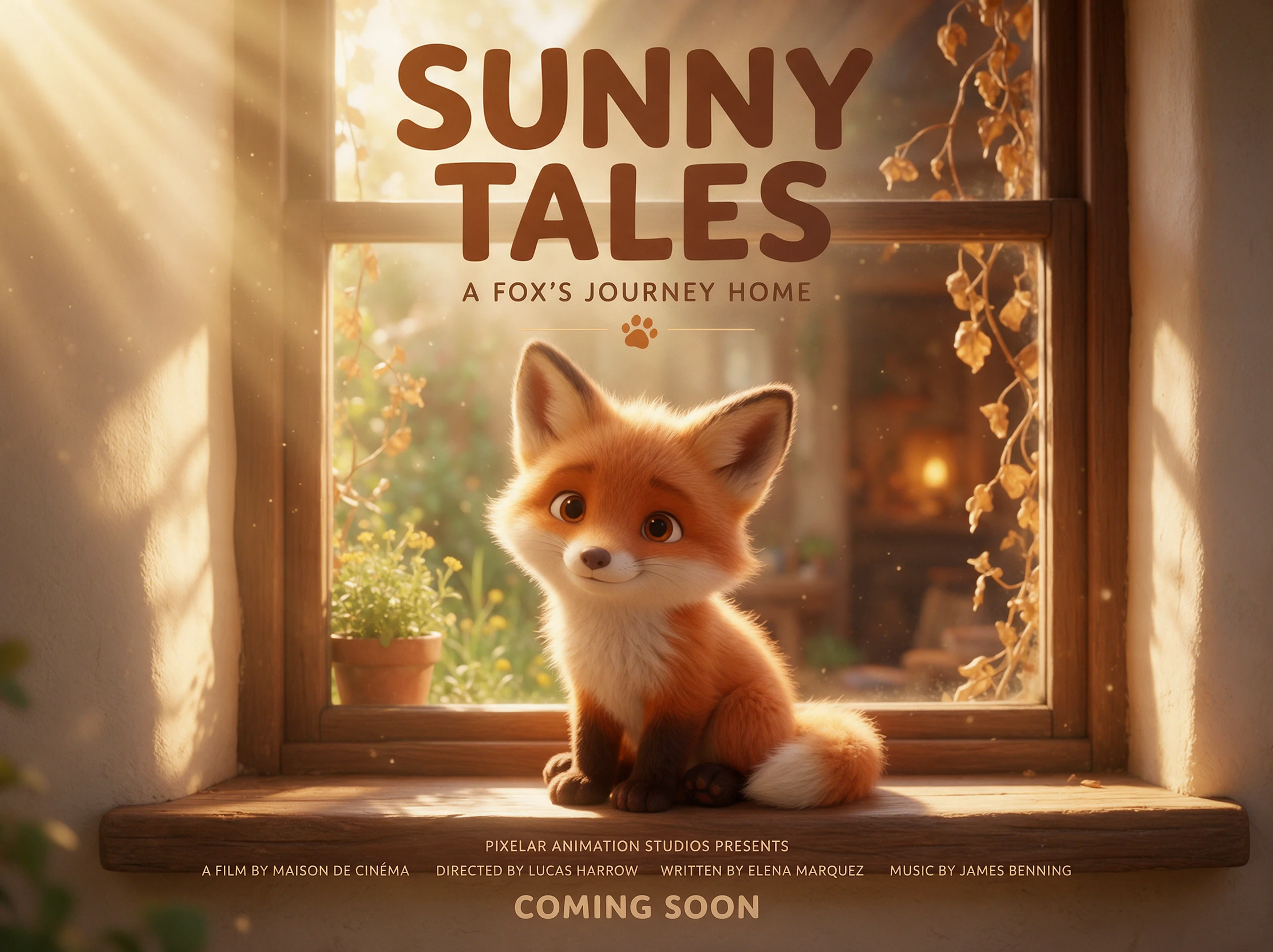
Not every project needs the same cinematic finish. BFL presents FLUX 3 as a flexible model for styles and formats ranging from anime and documentary footage to explainers and music performances. That range gives teams room to test different visual directions without changing models for every concept.
Try FLUX AI for Free
When review speed matters, FLUX 3 Max is positioned as the faster option in the FLUX 3 family. BFL highlights rapid video generation for teams that need to test and compare takes quickly. That shorter wait between versions can make a difference when several people need to review the same shot in one session.
Try FLUX AI for Free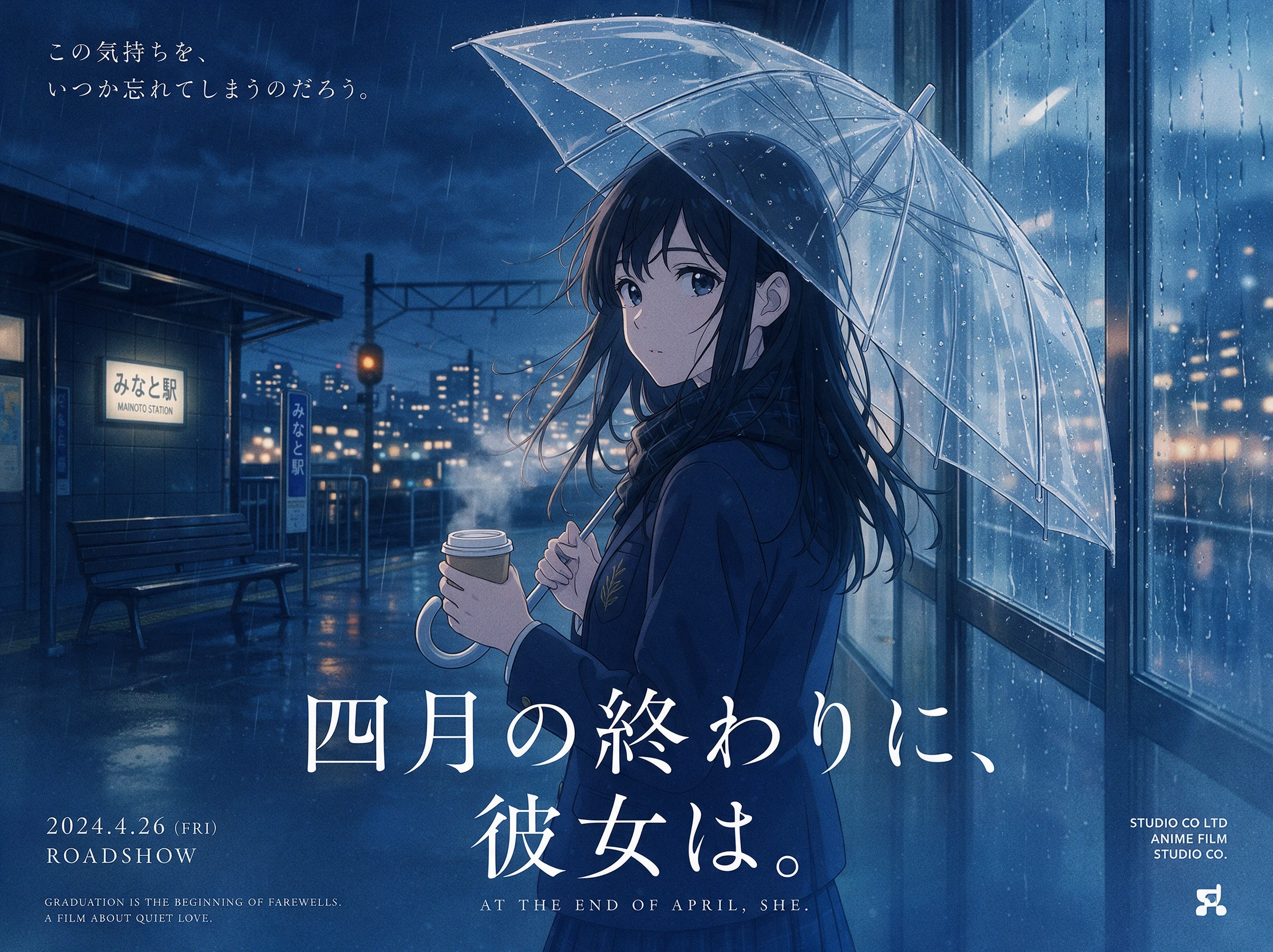
Match the model to the way you plan to work. The FLUX AI video generator brings its own mix of clip length, keyframe control, access, and output besides its rivals.
| Platform | Video Models | Video Length | Reference Control | Best For |
|---|---|---|---|---|
| FLUX 3 Video | 1 model family | Up to 20 seconds | Up to 10 keyframes | Cinematic videos and precise scene control |
| MagicLight AI | 20 video models | Stories up to 50 minutes | Saved character profiles | Long-form storytelling and animated videos |
| Kling 4.0 | 1 model family | Up to 30 seconds | Up to 10 keyframes and 15 references | Cinematic videos and longer shots |
| Seedance 2.5 | 1 model family | Up to 30 seconds, extendable | Reference videos and green-screen editing | Reference-based video creation |
| LTX-2.5 | 1 model family | Up to 20 seconds | Elements and Retake tools | AI video production and local workflows |
Bring your stills together and decide where each key moment should land. Follow 4 simple steps to guide the FLUX AI video generator from setup to the finished clip.
Sign in to BFL and use the Playground for a visual workflow, or work through the API to send FLUX 3 Video requests directly from your own app, service, or production setup first.
Describe the action, camera movement, and dialogue clearly. For image-to-video, add 1 to 10 keyframes to anchor moments and guide how the motion develops smoothly between frames.
Set a clip length from 5 to 20 seconds, then choose Auto or one of seven aspect ratios. Generate in HD or FHD, while Draft Mode gives you an easier way to test your motion first.
Review your clip and use FLUX Video Edit when existing footage needs changes. If the sequence needs more time, Video Continuation can extend that clip by another 5 to 15 seconds.
CEO, Nous Research
FLUX 3 puts a new medium of entertainment and storytelling in our users’ hands, and it responds well to an agent’s direction.
COO & Co-Founder, Picsart
Having motion and audio in one model lets us treat each clip as a complete shot, while FLUX helps us manage the wider story, pacing, and timing across the production pipeline too
Chief AI Officer, Burda Media
We can bring our IPs to life in high-quality, on-brand videos without the usual time and cost of traditional production, with FLUX 3 Video supporting the creative process better.
CPO, Magnific
Most video models are built for film. FLUX 3 goes beyond that, into the work our users also spend their days on: product, brand, motion design.
Not directly. The FLUX AI video generator runs on pay-as-you-go credits from Black Forest Labs, with no subscription or free tier listed. A 5-second HD clip costs 85 cents.
Black Forest Labs, the lab behind the FLUX image models, and its official site is bfl.ai. Pages ranking for the FLUX name sometimes promote other tools, so check the domain.
Each text or image generation runs 5 to 20 seconds. Continuing a clip adds 5 to 15 seconds at a time, and several clips can chain into a longer sequence.
Yes. Output runs from HD at 1280 by 704 pixels up to 4K at 3840 by 2176 in 16:9. A second of 4K costs 80 cents, while a second of Full HD costs 29 cents.
BFL’s own tests put FLUX 3 first for text-to-video, with an Elo score of 1,135. It ranked ahead of Gemini Omni Flash, MiniMax H3 and Seedance 2.0, though BFL ran those tests itself.
Yes. FLUX generates audio by default, but you can turn it off for a silent clip. This works well when you want to add your own music, voice-over, or sound design later.



Your keyframes set the direction while FLUX handles the movement and sound. With the FLUX AI video generator, a few planned moments can become one connected clip.