Explore the Kaiber AI Video Generator Features
A single track can become the starting point for an entire visual campaign. Kaiber AI video generator helps shape music videos, promotional clips, and social content around the same release.

Drop in a track and your footage, and Kaiber cuts everything to the beat. Generate new scenes, lyric videos, and full music videos in one studio. No editing skills required.
Try Kaiber AI For Free
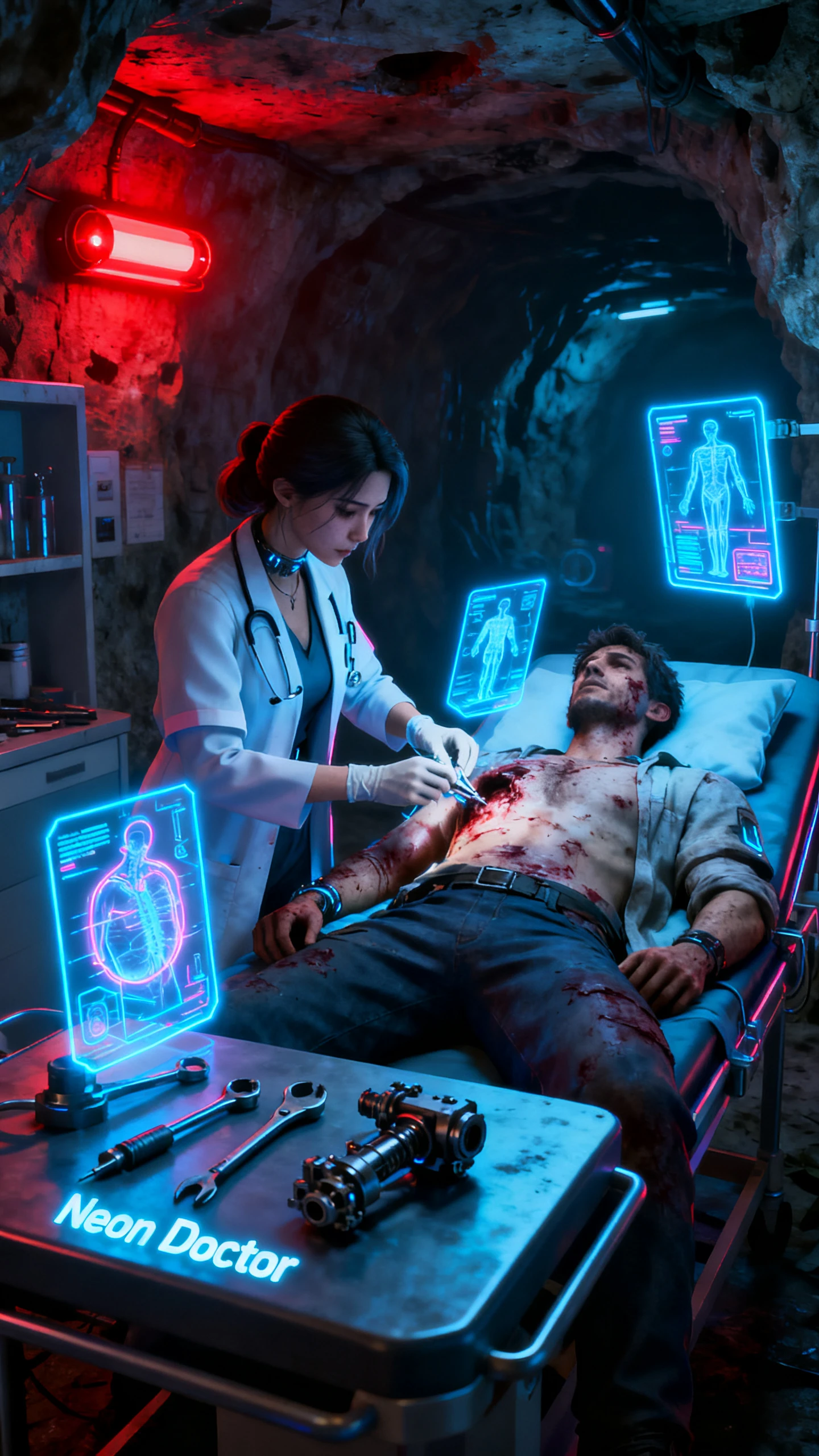
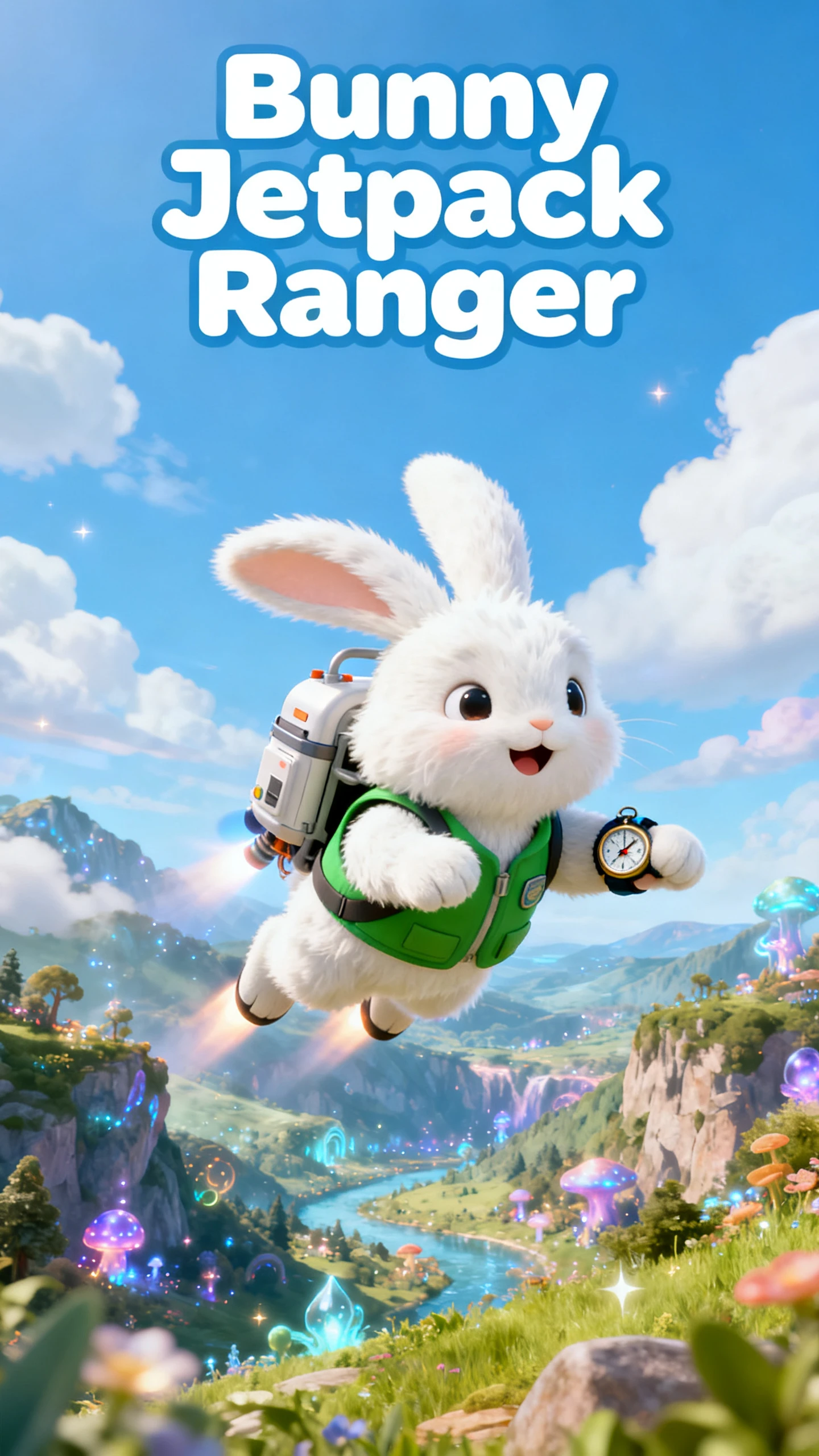
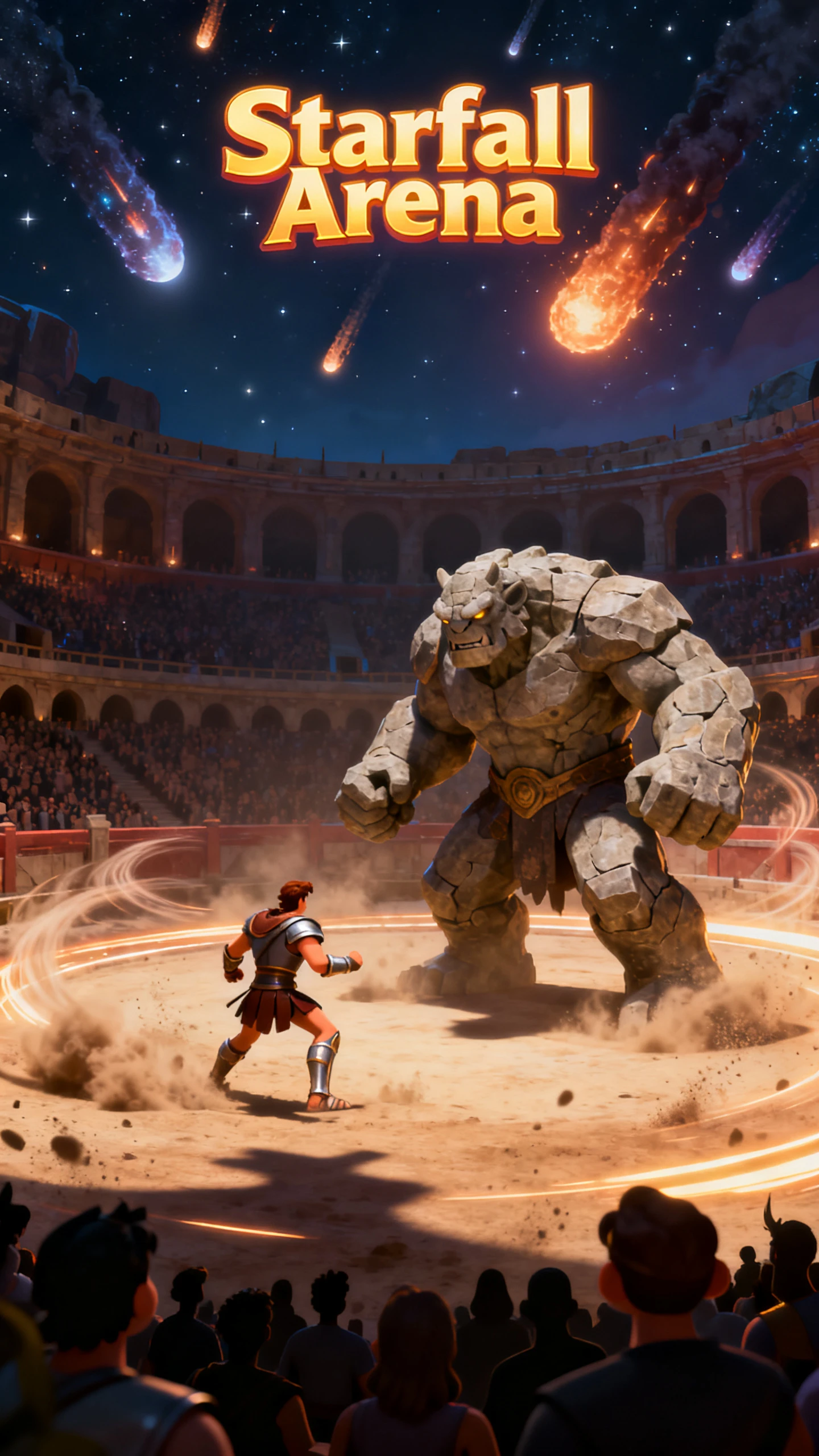

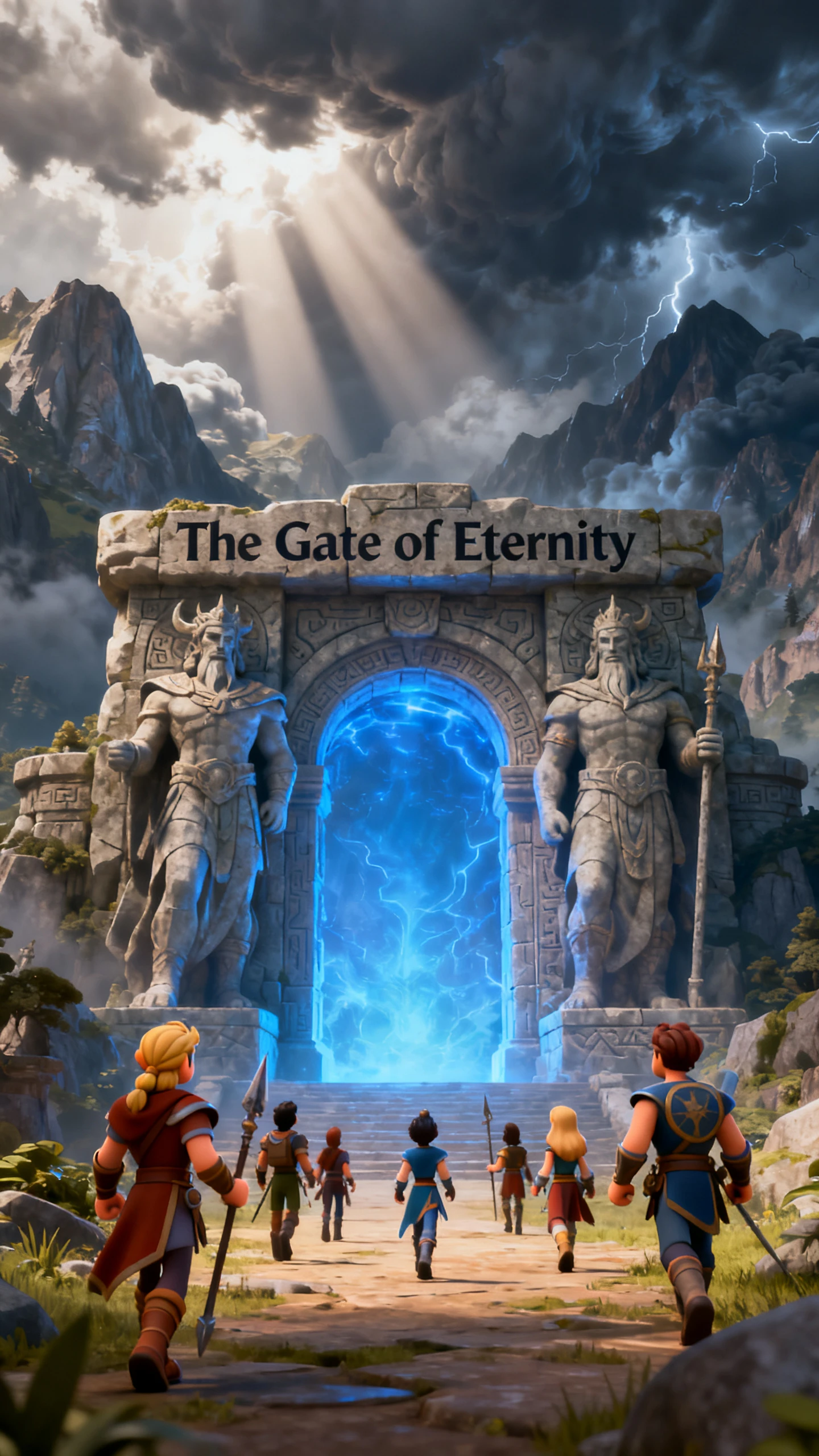
A single track can become the starting point for an entire visual campaign. Kaiber AI video generator helps shape music videos, promotional clips, and social content around the same release.

Beat Sync takes your images, clips, and a track, then cuts every visual to the rhythm of the section you pick. Instant Cut keeps your upload order, Shuffle Cut rearranges the clips, and both are ready immediately. Pro plans batch up to 10 videos at once, while Creator plans make 2, in 9:16, 16:9, or 1:1.
Motion Cut animates your still images and cuts them to the beat, while Scene Cut generates fresh AI clips inspired by a single image. Both take a couple of minutes, since the new footage has to be created first. Auto-Clip can also slice a long video into separate shots for Beat Sync to rearrange.
Music Video Montage in Canvas analyzes your audio and creates a video around the style, content, and emotion of the song. Pick a length of 1, 2, or 3 minutes, a resolution up to 1080p, and one of five aspect ratios. A Multi Shot toggle adds variety between scenes, and a reference image can steer the overall look.
Toggle Lyrics in Beat Sync, and Kaiber generates lines that sync to your track, styled with your own font, color, and outline. Image Lip Sync makes a character sing along to up to 300 seconds of audio. Going the other way, Auto Score produces a soundtrack that fits a finished video, and you can steer its style.
Some ideas are easier to explore visually than plans shot by shot. Kaiber AI video generator gives musicians and creators different ways to shape those ideas, with 3 features making the process more flexible.
Kaiber does not require creators to build an entire video from generated material. Existing images and footage can become the starting point, while Canvas generates additional scenes when needed. This makes it practical for musicians who already have performance footage, artwork, or campaign assets they want to develop further.
Try Kaiber AI For Free
The platform also runs through mobile browsers on phones and tablets, with more than 20 available workflows. Creators can generate visuals, review results, and continue developing projects away from their main editing setup.
Try Kaiber AI For Free
Canvas carries Kling 3.0, Seedance 2.5, MiniMax H3, Veo 3.1, and Wan 2.5 for video, plus Nano Banana for images. Veo 3.1, Wan 2.5, and Kling 3.0 can add dialogue and sound to a clip. When the shots are ready, the Editor joins them on a timeline with transitions, text, and layered audio.
Try Kaiber AI For Free
Choosing a music video tool depends on how you want to work with your track. See how AI video generator Kaiber compares with alternatives across audio handling, visual options, and creative features.
| Platform | Audio Starting Point | Visual Source | Standout Tool | Users |
|---|---|---|---|---|
| Kaiber | Your track, trimmed to any section | Your clips plus Kling, Seedance and Veo | Beat Sync, up to 10 cuts per batch | Musicians promoting releases |
| Magiclight AI | 37 voices and 40 music tracks | Story scenes in 20+ visual styles | Nano Storyboard scene edits | Long-form storytellers |
| Sondo | A track plus a song concept | Cinematic AI-generated scenes | Auto-clipped promo snippets | Independent musicians |
| Neural Frames | Your song, split into 8 stems | Kling, Seedance, Runway and more | Audio-reactive frames in 4K | Artists wanting fine control |
| Renderforest | MP3 or WAV with a prompt | Seedance 2.5, Kling 3.0, Veo 3.1 and more | Spectrum visualizer templates | DJs, producers and marketers |
Begin with the song and footage you want to work with. Kaiber AI video generator takes you through 4 steps to bring in your media, shape the visuals, arrange the sequence, and finish the video.
Sign in at kaiber.ai, then open Beat Sync and click Make a video. Upload your images or clips, or let Auto-Clip split a longer video first.
Add the song and trim it to the section you want, such as the hook or the drop. Pick 9:16, 16:9 or 1:1, then set how many versions this batch should produce for you.
Click Generate; Instant Cut and Shuffle Cut appear right away. Motion Cut and Scene Cut take a couple of minutes because they first have to create new clips.
Open a video, reorder or trim clips, and toggle Lyrics for synced captions. Swap the track if needed, since the edit re-syncs itself, then download each version.
Record Label Owner
Kaiber makes it easy to turn my own footage into creative music videos. I also use it for advertising, without needing an expensive production setup.
Artist
I use Kaiber regularly for music videos and creative ideas. Even putting my song lyrics into a prompt can give me a fresh direction for new visual content.
Music Creator
Kaiber helped me work toward the exact look I wanted for my music video. The guidance made a real difference as I finished the project.
Singer-Songwriter
I used Kaiber to create an animated video for a very personal song. As an independent musician working on a budget, the final result surprised me.
The Kaiber AI video generator offers a 5-day trial for $5, which unlocks Canvas, Editor, and Beat Sync with 500 credits. Paid plans start at $10/month.
Commercial use rights come with the Creator plan at $29 a month, which also adds every Canvas model and Beat Sync. Pro then raises Beat Sync batches from 2 videos to 10.
Music Video Montage creates videos of 1, 2, or 3 minutes. Image Lip Sync follows audio for up to 300 seconds. Single clips from a model such as Kling 3.0 run 3 to 15 seconds.
Yes, in a mobile browser. Kaiber runs on phones and tablets with more than 20 workflows. You can generate and review visuals when you are away from your desk.
Superstudio has been reorganized. The AI video generator Kaiber offers today spans 3 workspaces: Canvas, Beat Sync, and Editor. Anything you made in Superstudio still sits in the Media Library.
Yes. Beat Sync cuts your own images and clips to the beat, and Auto-Clip splits a long video into separate shots first. Canvas can then fill any gaps with newly generated scenes.



Bring the track and whatever footage you have, and let Kaiber cut it to the beat. Then pick the best versions and post one for every platform on release day.