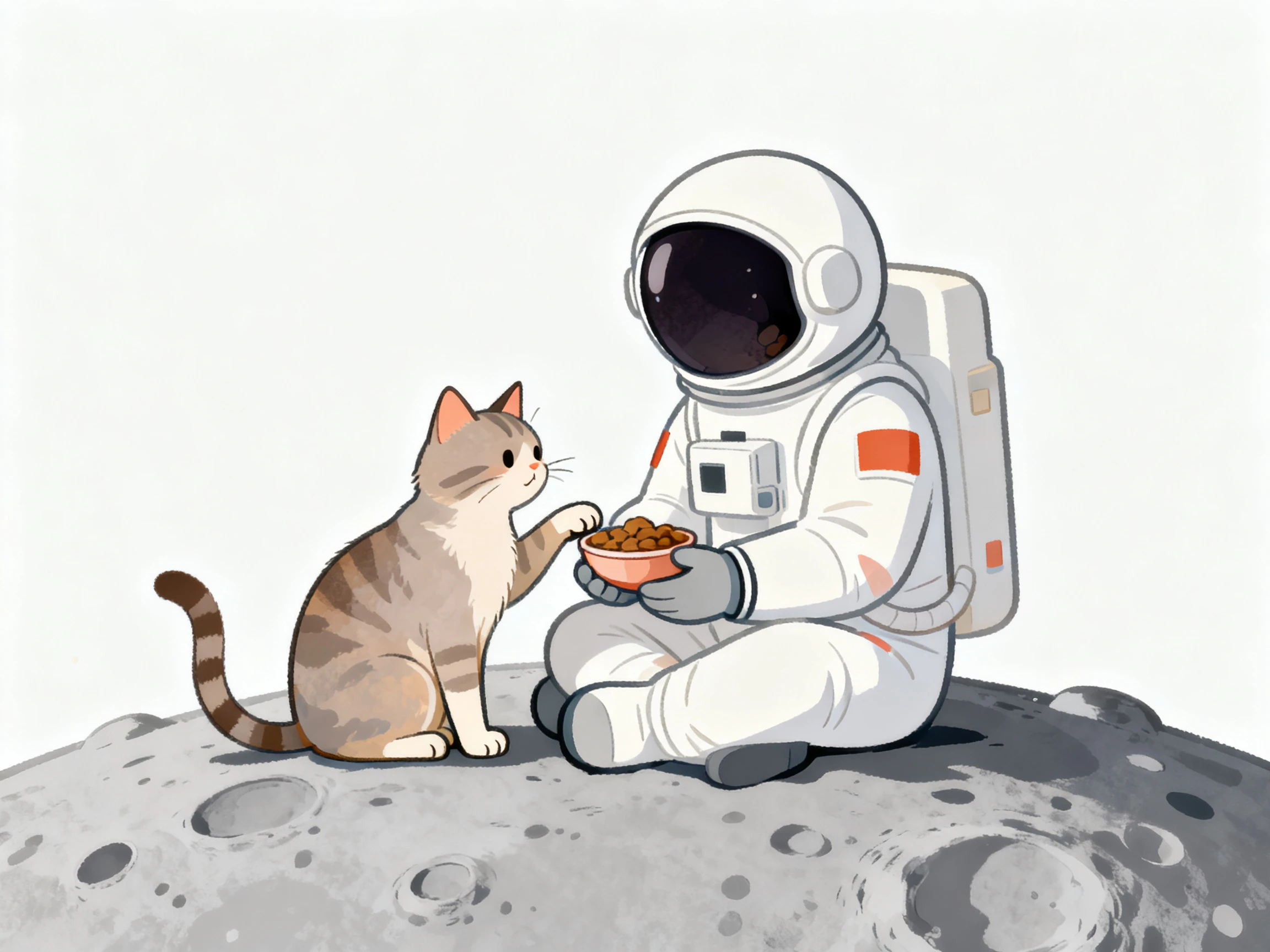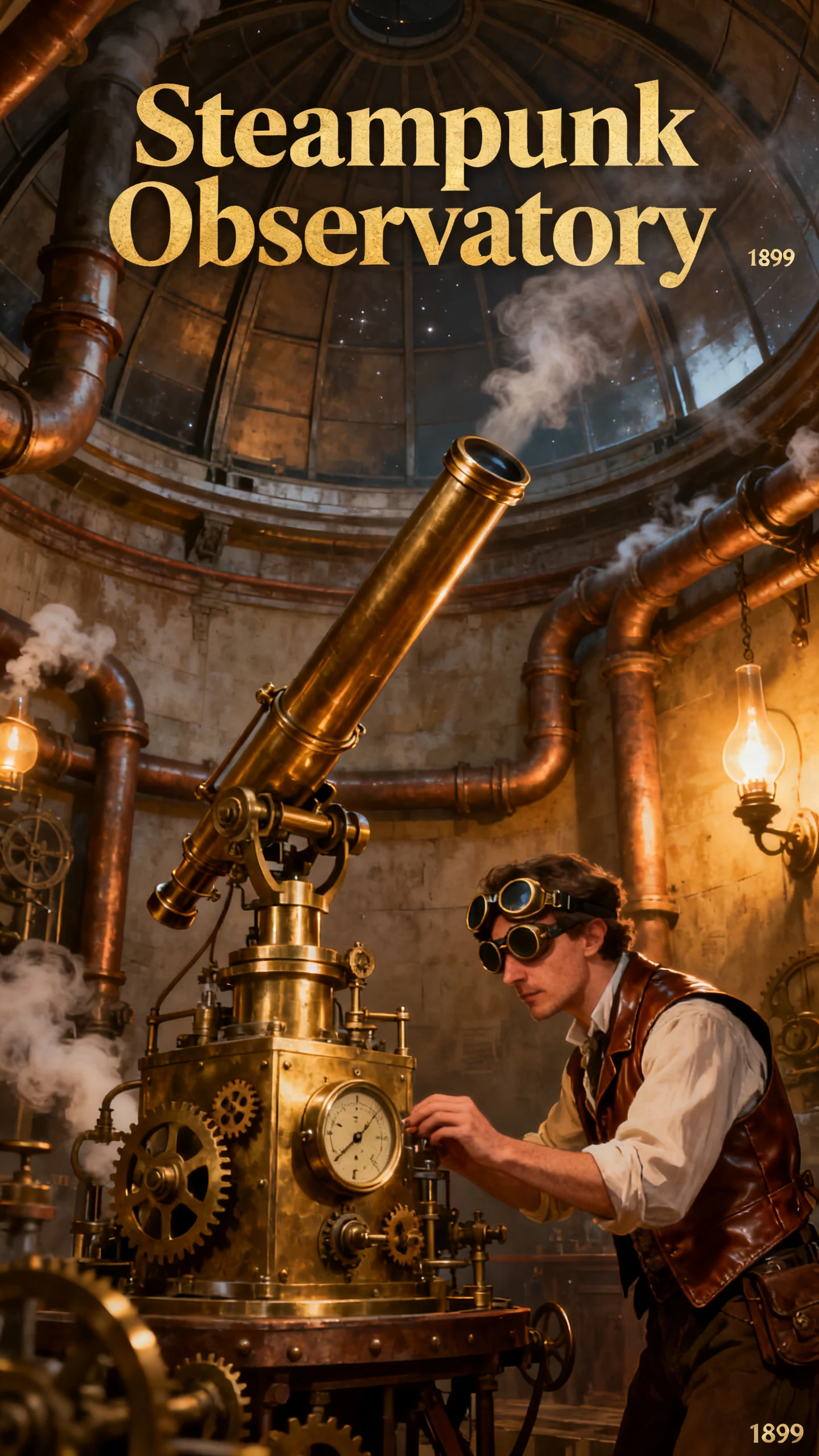
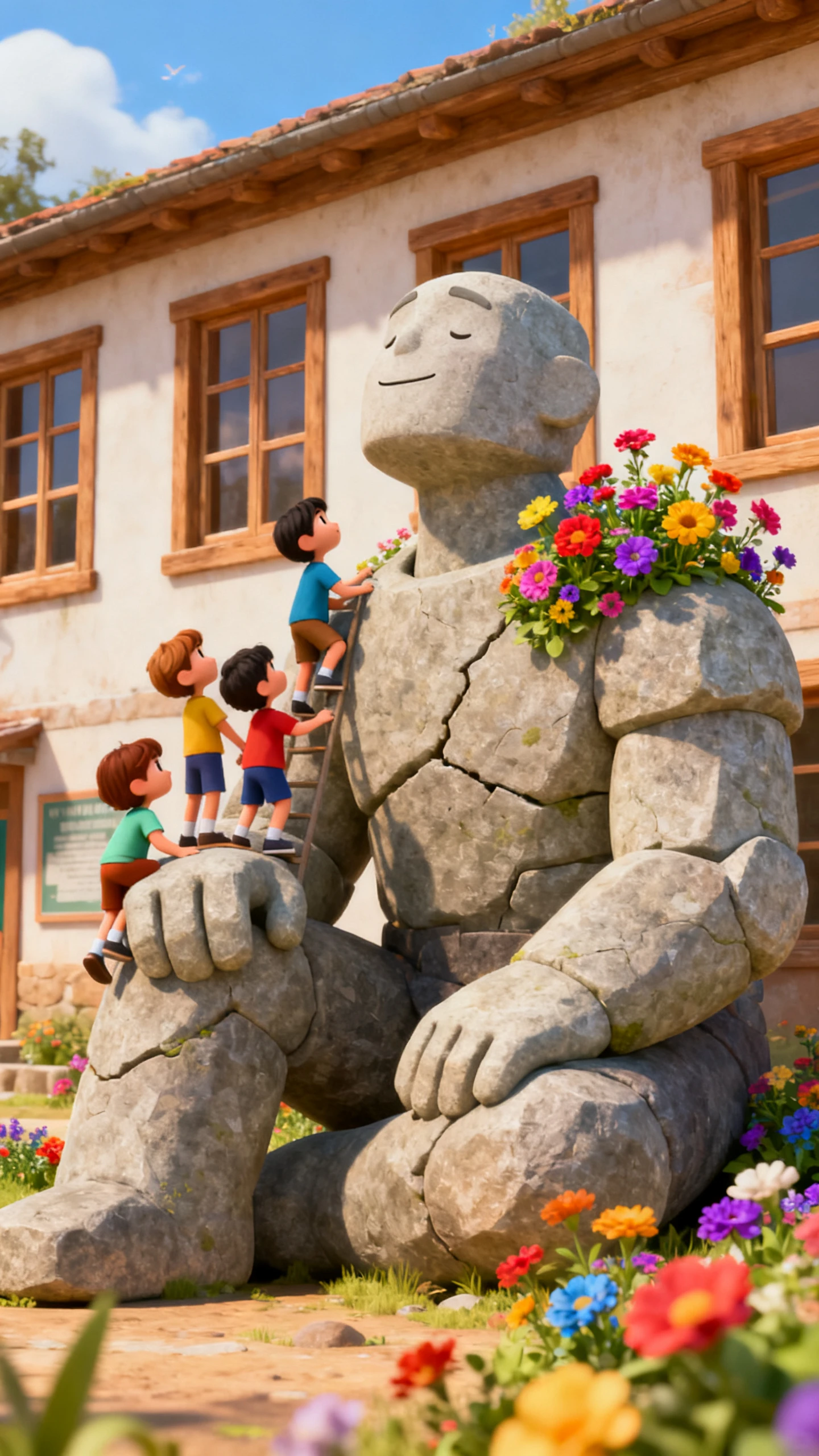

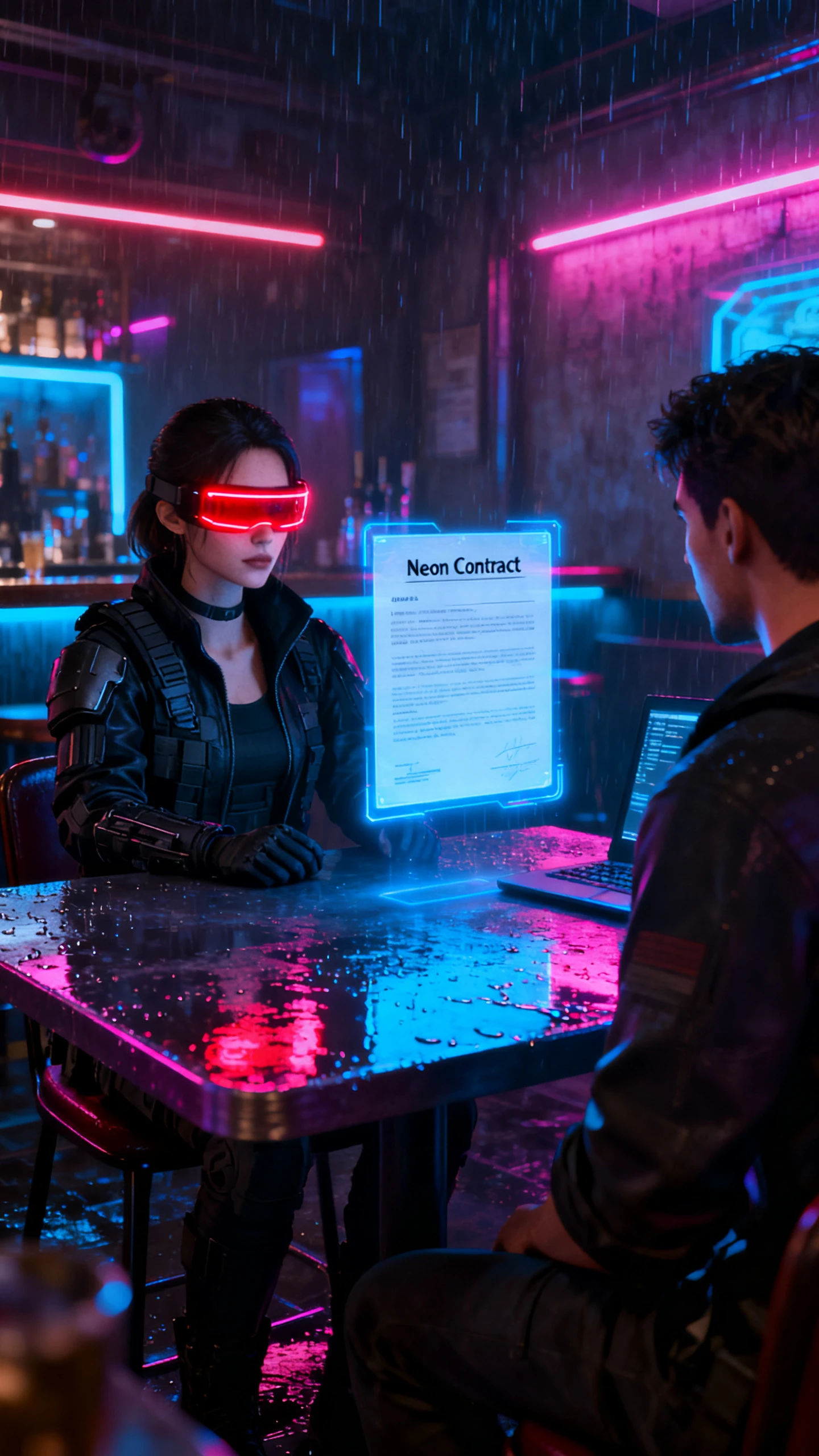
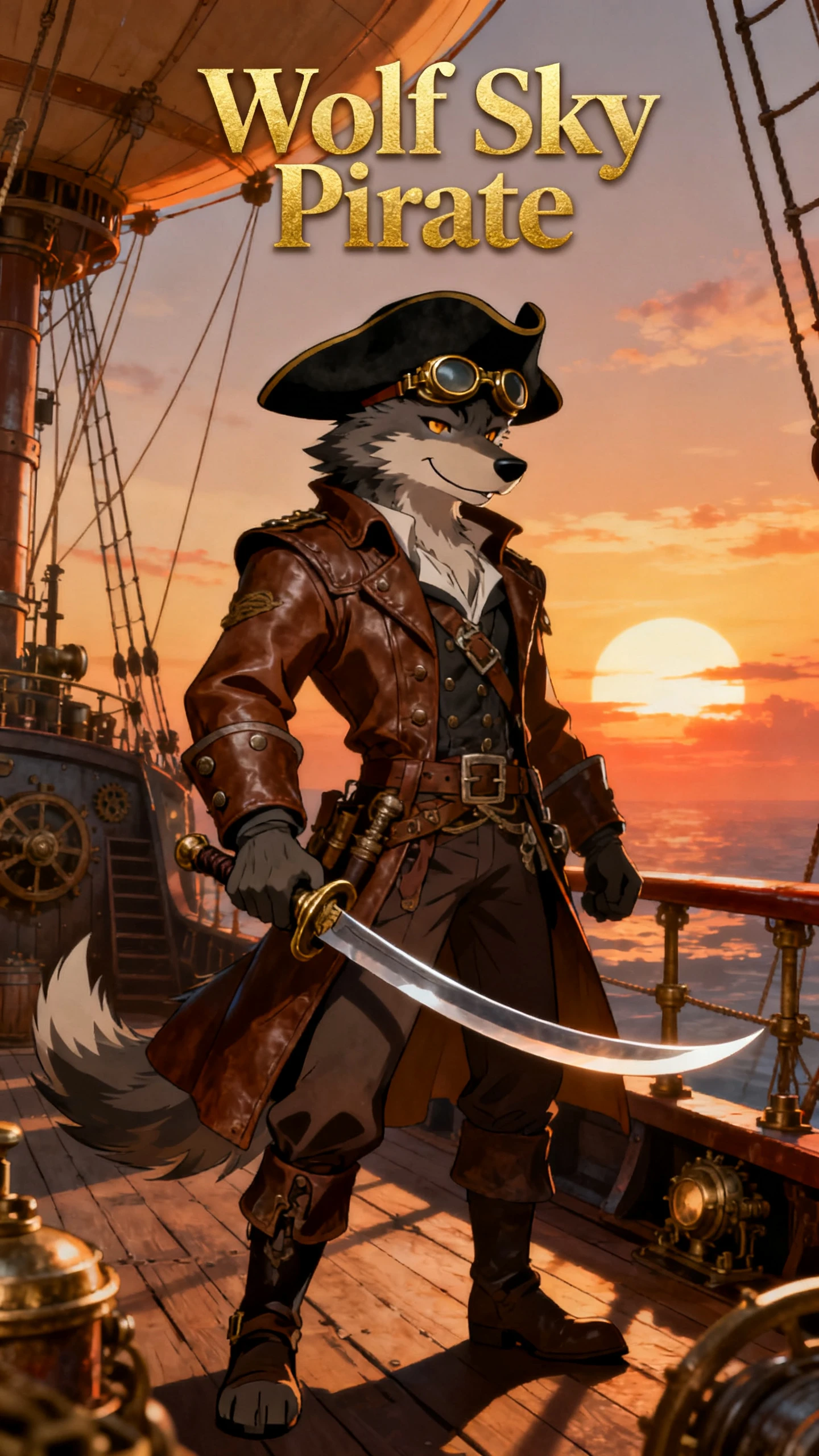
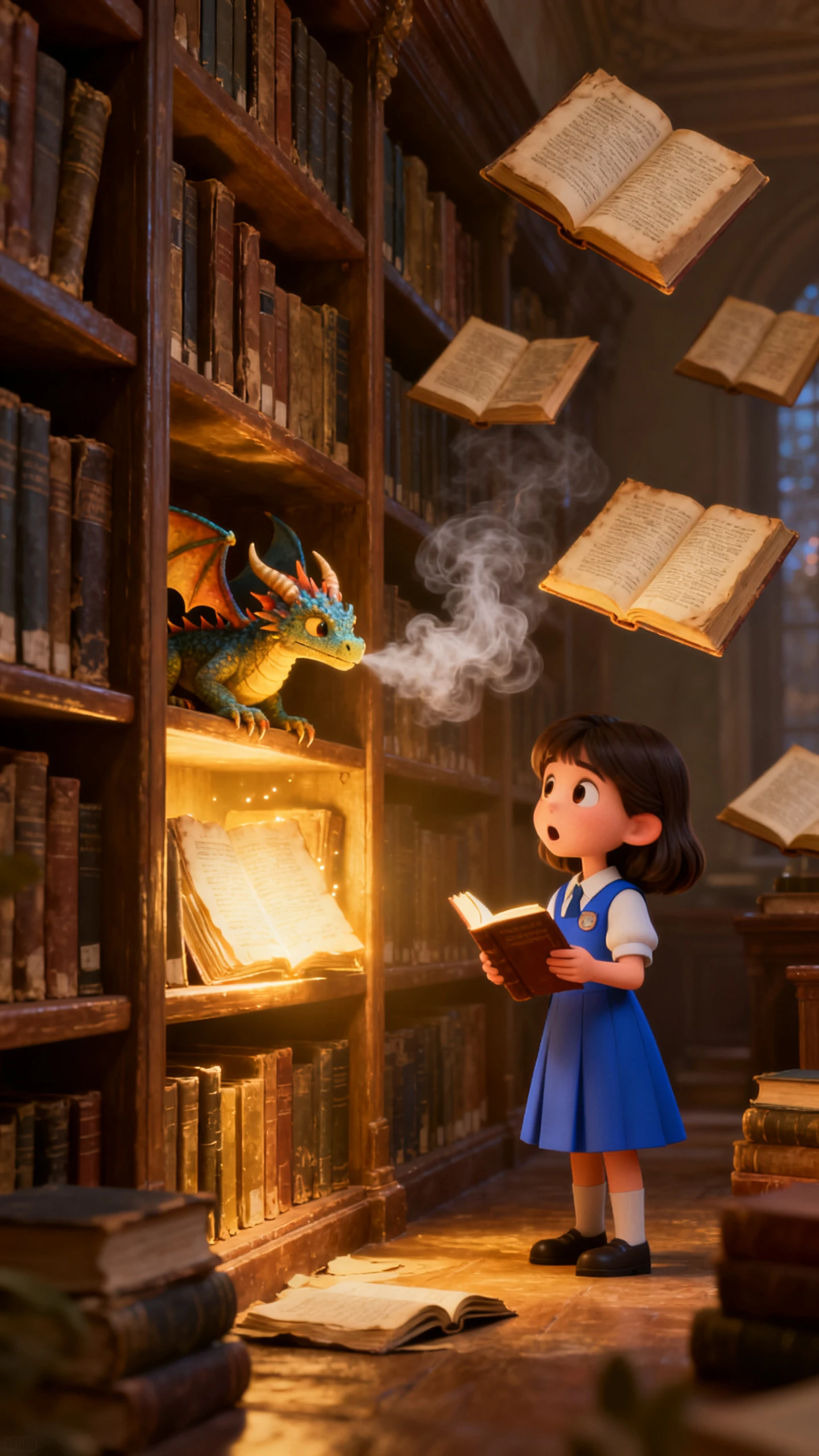

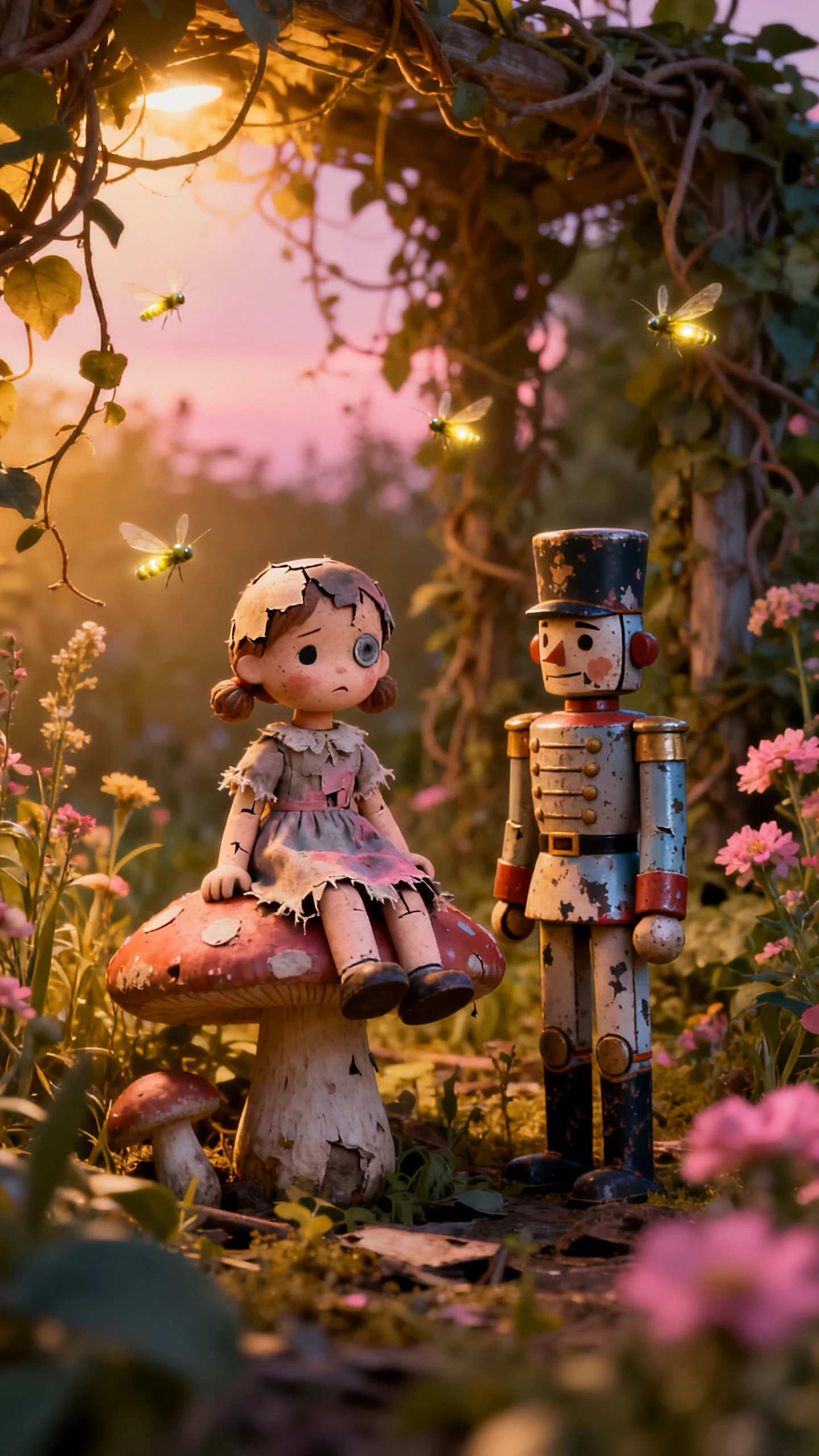
Hero background

Vidu AI Video Generator

Save your characters once and cast them in every clip. Vidu keeps faces, outfits, and props steady in 16-second scenes with sound and dialogue. No editing skills required.

Try Vidu AI for Free
Vidu AI Video example 1
Vidu AI Video example 2
Vidu AI Video example 3
Vidu AI Video example 4
Vidu AI Video example 5
Vidu AI Video example 6
Vidu AI Video example 7
Vidu AI Video example 8
Vidu AI Video example 1
Vidu AI Video example 2
Vidu AI Video example 3
Vidu AI Video example 4
Vidu AI Video example 5
Vidu AI Video example 6
Vidu AI Video example 7
Vidu AI Video example 8
Vidu AI Video example 1
Vidu AI Video example 2
Vidu AI Video example 3
Vidu AI Video example 4
Vidu AI Video example 5
Vidu AI Video example 6
Vidu AI Video example 7
Vidu AI Video example 8

Explore the Vidu AI Video Generator Features

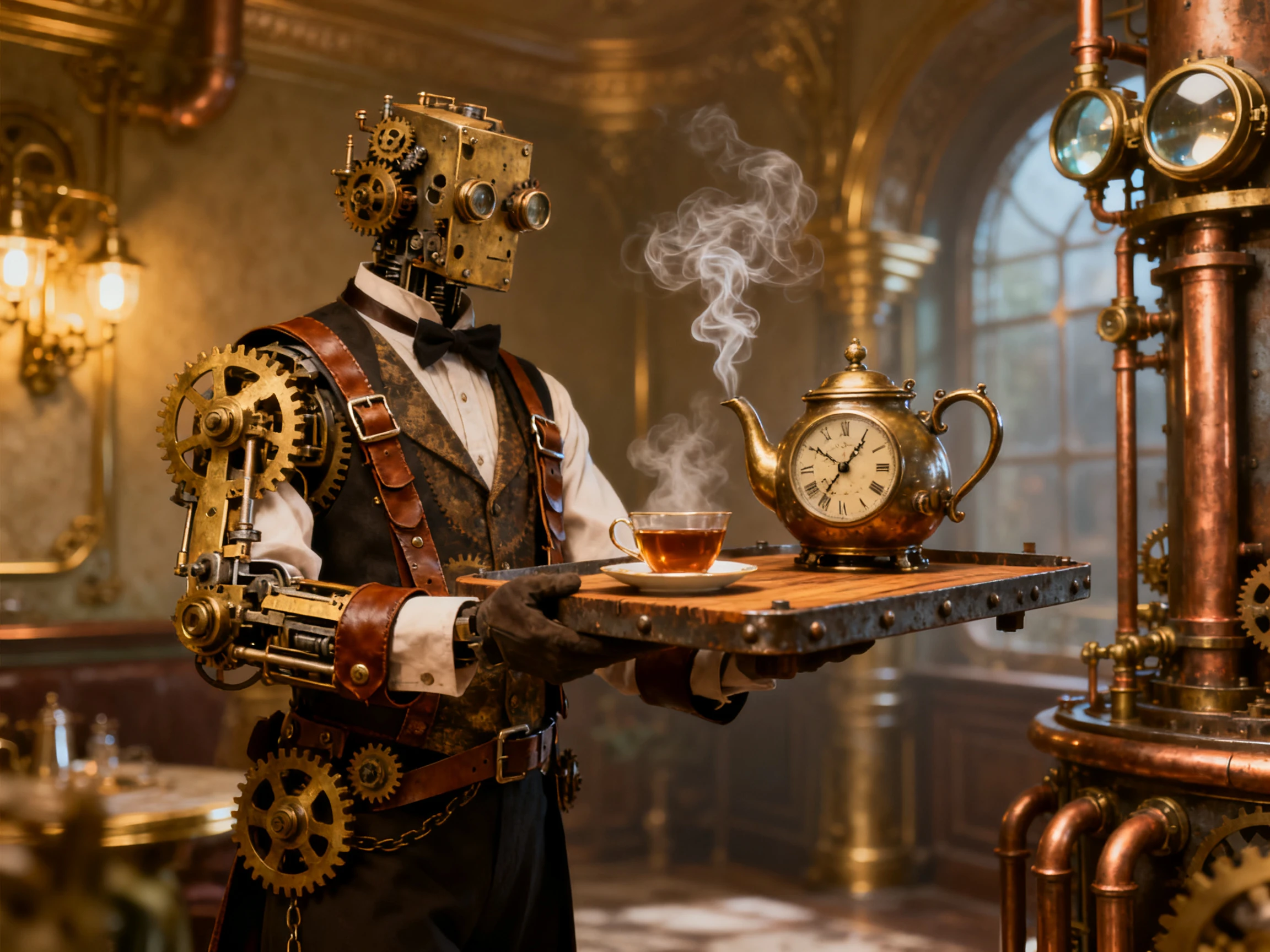
Character consistency starts with the references you provide. AI video generator Vidu follows your character, object, and setting references across new clips. So, you can create multiple shots without redefining everything each time.

Try Vidu AI for Free
Vidu AI Video Generator features

Reference Up to 7 Images at Once

Reference to Video accepts 1 to 7 images of characters, props, costumes, or scenes in a single generation. Vidu combines them into one shot while each subject keeps its look, which suits group scenes and branded ads. Type @ in the prompt to call up a saved subject, so the model knows which reference plays which part.

Save Your Cast in My References

My References stores characters, props, and scenes, so you can reuse them across projects without uploading them again. Add several angles of the same character, such as front, side, and back views, to keep details stable from any direction. RefHub also offers a shared library of ready-made references when you need a starting point.

Generate 16-Second Scenes with Sound

Vidu Q3 creates up to 16 seconds of video with audio in one run, long enough for a full exchange of lines. The sound covers dialogue, voiceover, effects, and music, and conversations between several characters stay in sync with the picture. Spoken lines work in English, Japanese, and Chinese.

Control the Start and End Frames

Image to Video animates a single picture. You can also set both the first and last frames and let Vidu fill in the motion between them. Clips come out at 540p, 720p, or 1080p in 16:9, 9:16, or 1:1. Vidu’s Integrated image generator can also create the stills first, from up to 7 references at up to 4K.

Why Creators UseVidu AI Video Generator

A video series works better when viewers can recognize the same cast from one scene to another. Vidu AI video generator supports that continuity while giving creators three useful advantages for repeated production.

An Agent That Drafts the Whole Ad

Vidu Agent turns a few images and a short description into a finished 15 to 30-second video for short-form platforms. It writes the script, structures the story, and assembles the shots. ShengShu says the script usually takes about a minute and the full video around three.

Try Vidu AI for Free
An Agent That Drafts the Whole Ad

Use Vidu Videos for Commercial Projects

Vidu allows videos created under its paid plans to be used commercially, making the platform suitable for client work, branded content, advertising, and monetized productions. Creators planning professional projects should note that videos generated on the free plan are limited to personal use.

Try Vidu AI for Free
Use Vidu Videos for Commercial Projects

Anime and Cinematic Looks in One Tool

Vidu works in both realistic and animated styles, from cinematic live-action shots to comic and manga-style drama. It pitches Q3 at teams making short-form series, cinematic shots, and narrative ads, which suits episodic work. One project can move between an anime look and a filmed look without switching platforms.

Try Vidu AI for Free
Anime and Cinematic Looks in One Tool

Compare Vidu AI Video Generator With Other AI Video Models

Recreate one scene in each option before you commit. The Vidu AI video generator and its rivals appear side by side below on references, clip length, and sound.

PlatformReference ImagesOutput LengthNative AudioUsers
ViduUp to 7, reusable via My ReferencesUp to 16 seconds per clipDialogue, effects and musicAnime and short-drama creators
Magiclight AISaved characters, reused across scenesStory videos up to 50 minutes37 voices and 40 music tracksLong-form storytellers
KlingElements from 2 to 4 images or a videoUp to 15 secondsDialogue in 5 languagesMulti-shot filmmakers
MiniMax H39 images, 3 videos and 3 audio clips5 to 15 seconds at up to 2KNative stereo soundMixed-media creators
Google FlowUp to 3 images with Veo 3.18 seconds, extendableVeo 3.1 native audioFilmmakers construction scenes

How to Use the Vidu AI Video Generator

Start with the character you want to bring into the scene. The AI video generator Vidu takes you from reference selection to a finished talking clip in 4 steps, with each stage handled inside Vidu.

1.

1. Save Your Characters and Props

Sign in at vidu.com and open My References. Upload each character, prop, or scene from a few angles, then give every reference a clear name you can call in prompts later.

2.

2. Choose Reference to Video

Select Reference to Video and add 1 to 7 images or saved references. Pick Vidu Q3, then set the duration, resolution, and aspect ratio you need.

3.

3. Write the Action and Dialogue

Describe the action, the camera movement, and any lines of dialogue you want spoken. Name each subject in the prompt so every action lands on the right character.

4.

4. Generate, Review and Download

Click Create and review the clip once it finishes. Adjust the prompt or swap a reference if a detail drifts, then download the video or start the next shot in the series.

What Users Say AboutVidu AI

Maya Collins

Short-Form Creator

Vidu kept my main character recognizable across several scenes. I changed the setting and action, but the face and overall look stayed close to my reference.

Ethan Brooks

Video Creator

Saving my recurring characters in Vidu made the next clips much easier to set up. I could reuse the same references instead of uploading everything again.

Nina Foster

Content Producer

Vidu Q3 gave me a short scene with dialogue and sound already in place. For quick story clips, having the picture and audio generated together saved extra work.

Daniel Reed

Marketing Creator

I gave Vidu a few product images and a simple ad idea, then used the generated draft as my starting point. It made testing another creative direction much quicker.

FAQs on the Vidu AI Video Generator

Is the Vidu AI video generator free?

Yes, with limits. The Vidu AI video generator gives free accounts recurring credits for roughly 10 to 16 clips a month. Free clips are capped at 720p, and each one shows a watermark in the corner.

What is the maximum length of a Vidu clip?

Vidu Q3 generates up to 16 seconds of video with synchronized audio in one run. For longer stories, create several clips and reuse the same saved references across them.

Are Vidu videos cleared for commercial use?

Only on a paid plan. Vidu says free plan videos cannot be used commercially, and both commercial use and watermark removal are tied to its paid subscriptions.

What can I use as a reference in Vidu?

Characters, props, costumes, scenes, and visual styles all work as references. Upload your own images, create new ones in Vidu’s image generator, or pick ready-made ones from RefHub.

Is Vidu the same as Viddo?

No, the AI video generator Vidu offers at vidu.com is made by ShengShu. Viddo is a separate multi-model platform that carries Vidu as one of several external models.

Does Vidu offer an API for developers?

Yes. Developers can reach Vidu models through platform.vidu.com, where Q3 reference-to-video jobs run from 3 to 16 seconds at 540p, 720p, or 1080p. The Vidu Agent API lives there too.

Turn Text & Images Into Videos with Vidu AI

Save your cast once, then write the scene you want to see. Vidu keeps every face and prop in place and gives your characters a voice in clips up to 16 seconds long.