Turn Ideas into Images with Nano Banana 2.1
Generate detailed visuals from prompts and reference images with better control over subjects, composition, style, and text.

Create and edit AI images with Nano Banana 2.1 on Magiclight, with better visual design, subject consistency, and precise editing. No experience required.
Start Creating Free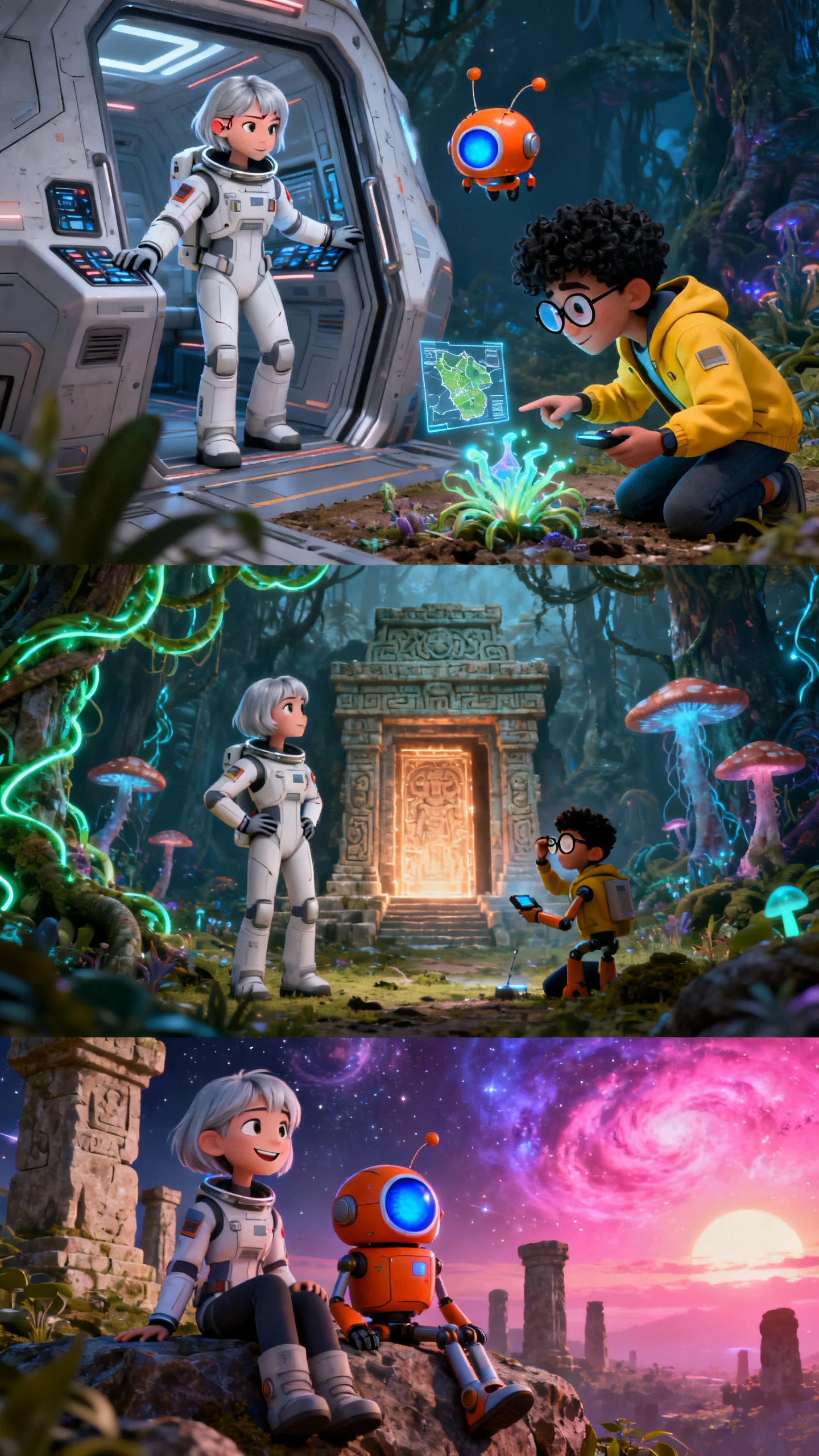
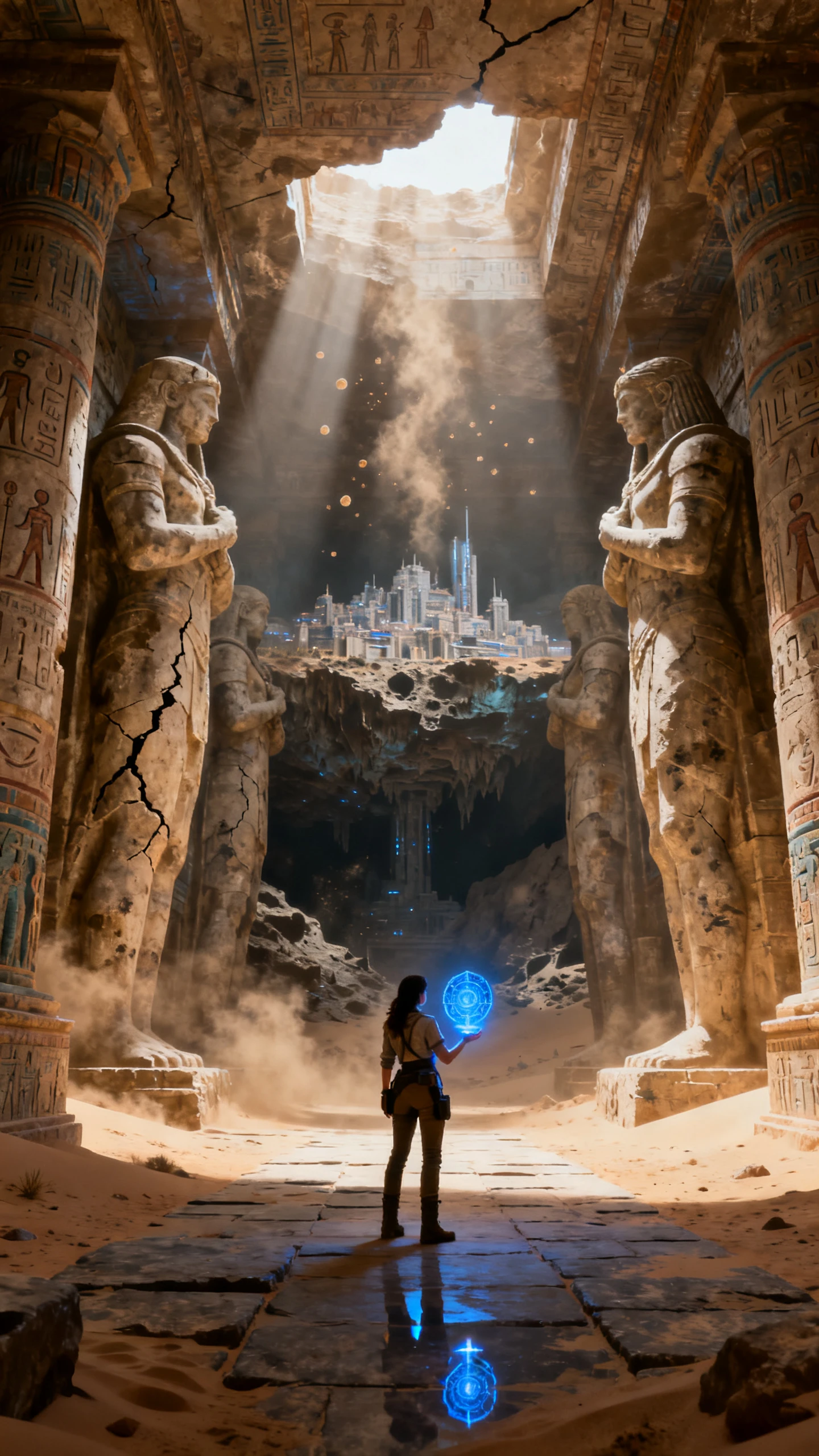
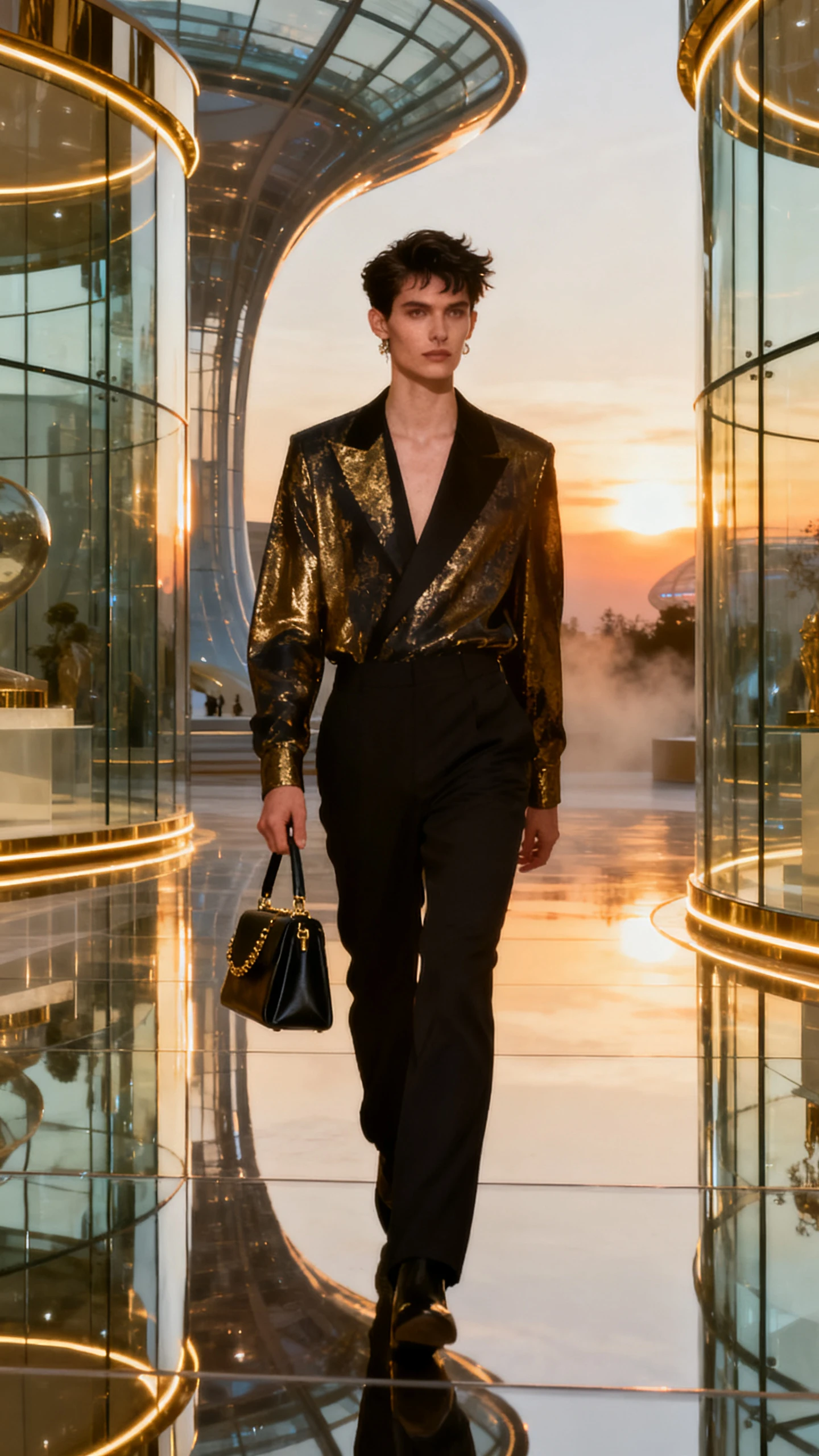
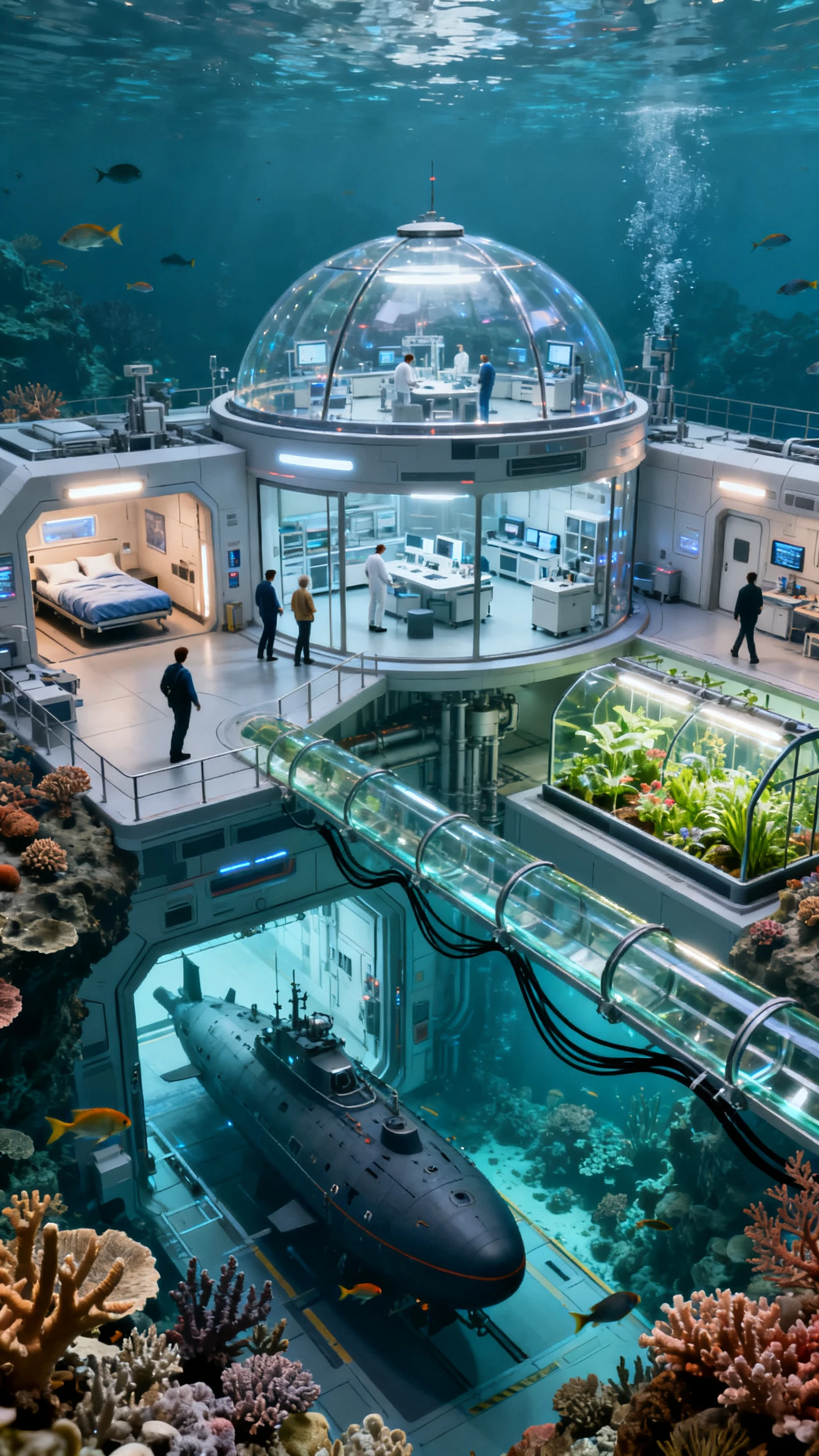
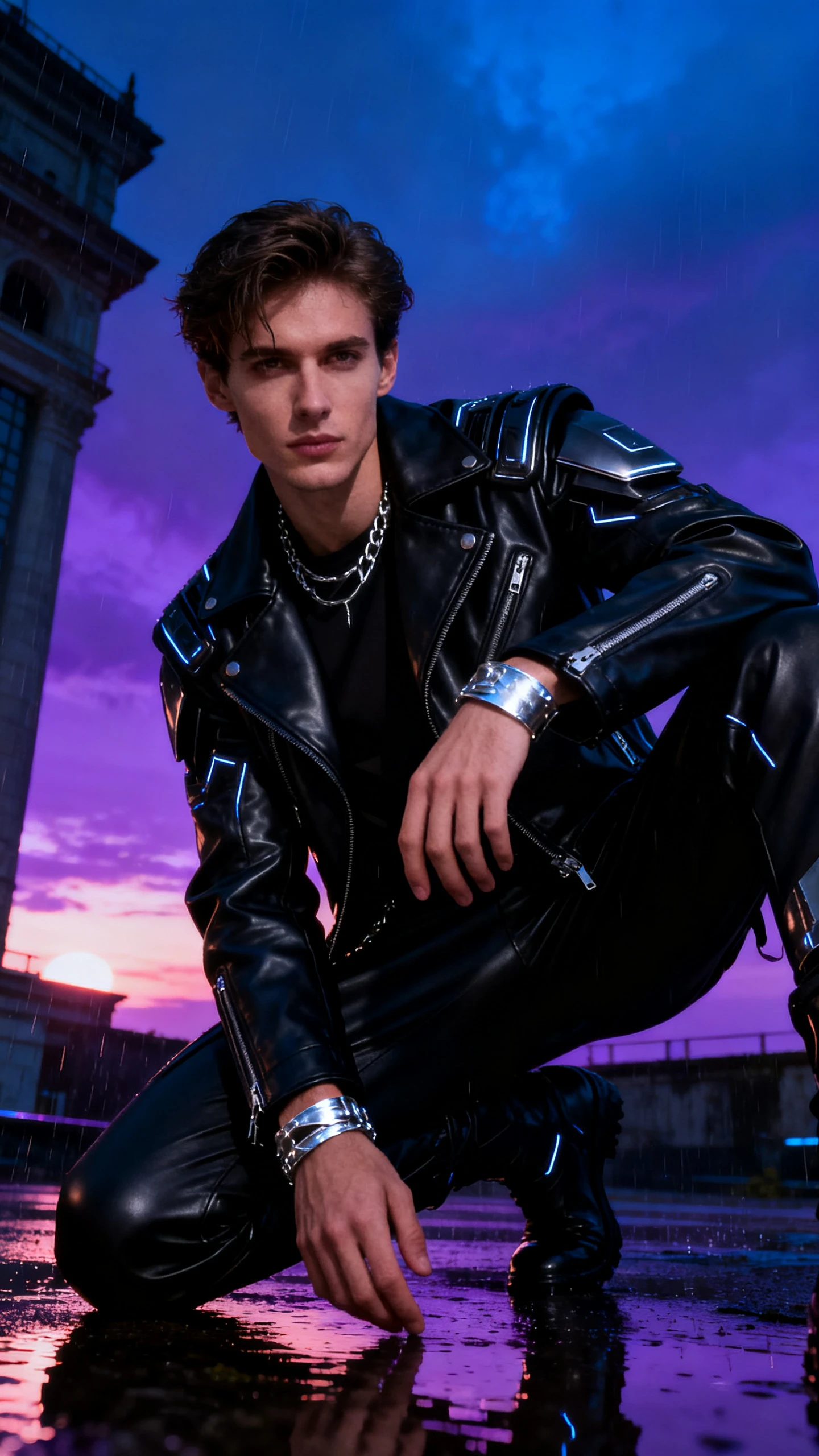
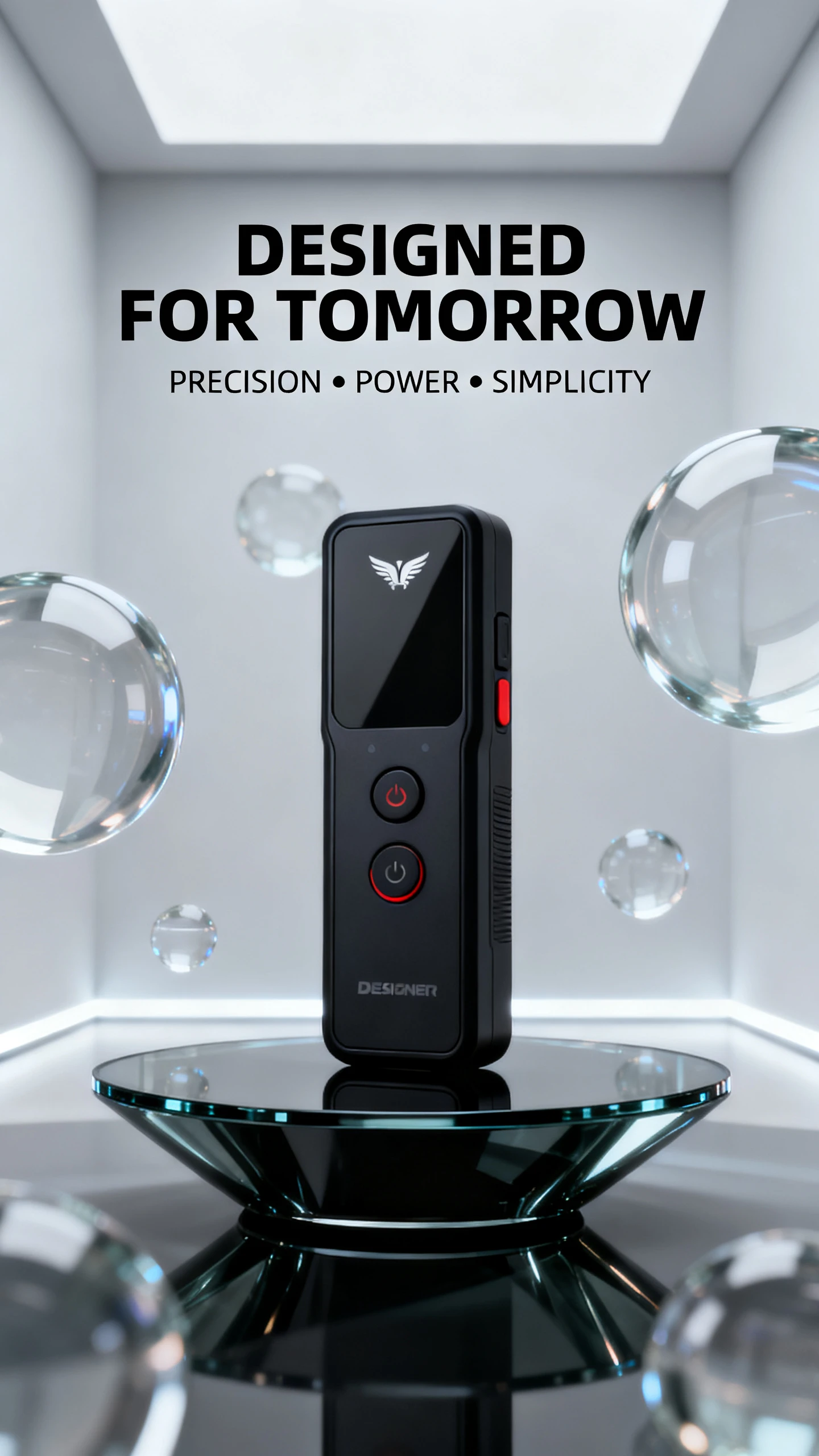

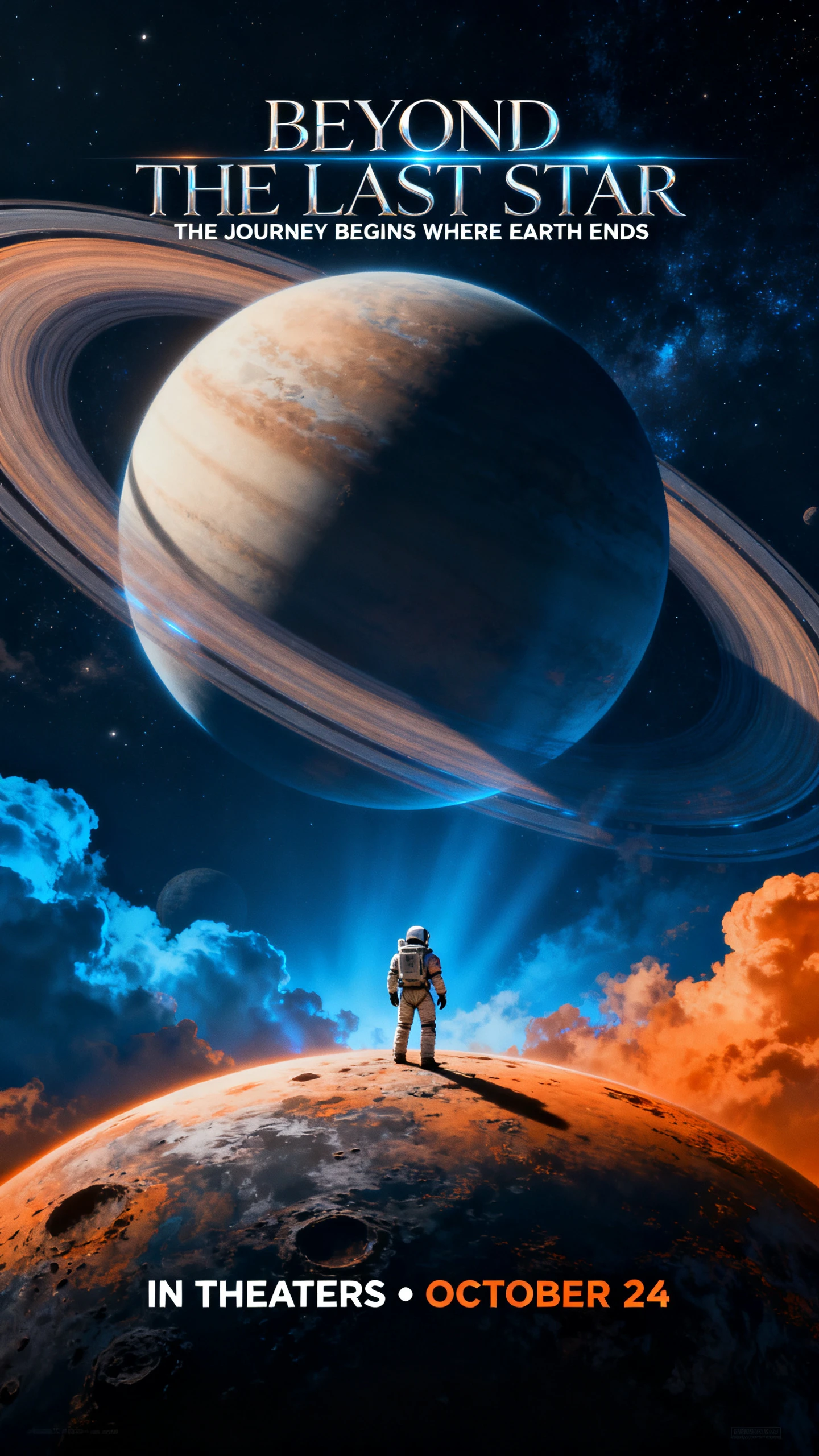
Generate detailed visuals from prompts and reference images with better control over subjects, composition, style, and text.

Create natural-looking images with improved detail, realism, composition, and visual design. Nano Banana 2.1 is built for high-quality image generation across a wide range of creative styles.
Turn detailed prompts into images with better control over subjects, layouts, styles, and visual details. Describe what you want and let Nano Banana 2.1 handle the composition.
Use reference images to guide your generation. Combine multiple visual references to help maintain characters, products, objects, and other important visual details.
Create images with readable text for posters, social graphics, product visuals, infographics, and other designs where typography matters.
Magiclight AI brings Nano Banana 2.1 into an easy image creation workflow, so you can generate visuals without switching between different tools.
Give Nano Banana 2.1 more visual direction with reference images. Upload characters, products, objects, or other visuals in Magiclight, then combine them with your prompt to create new images while keeping the key details and overall look consistent.
Start Creating Free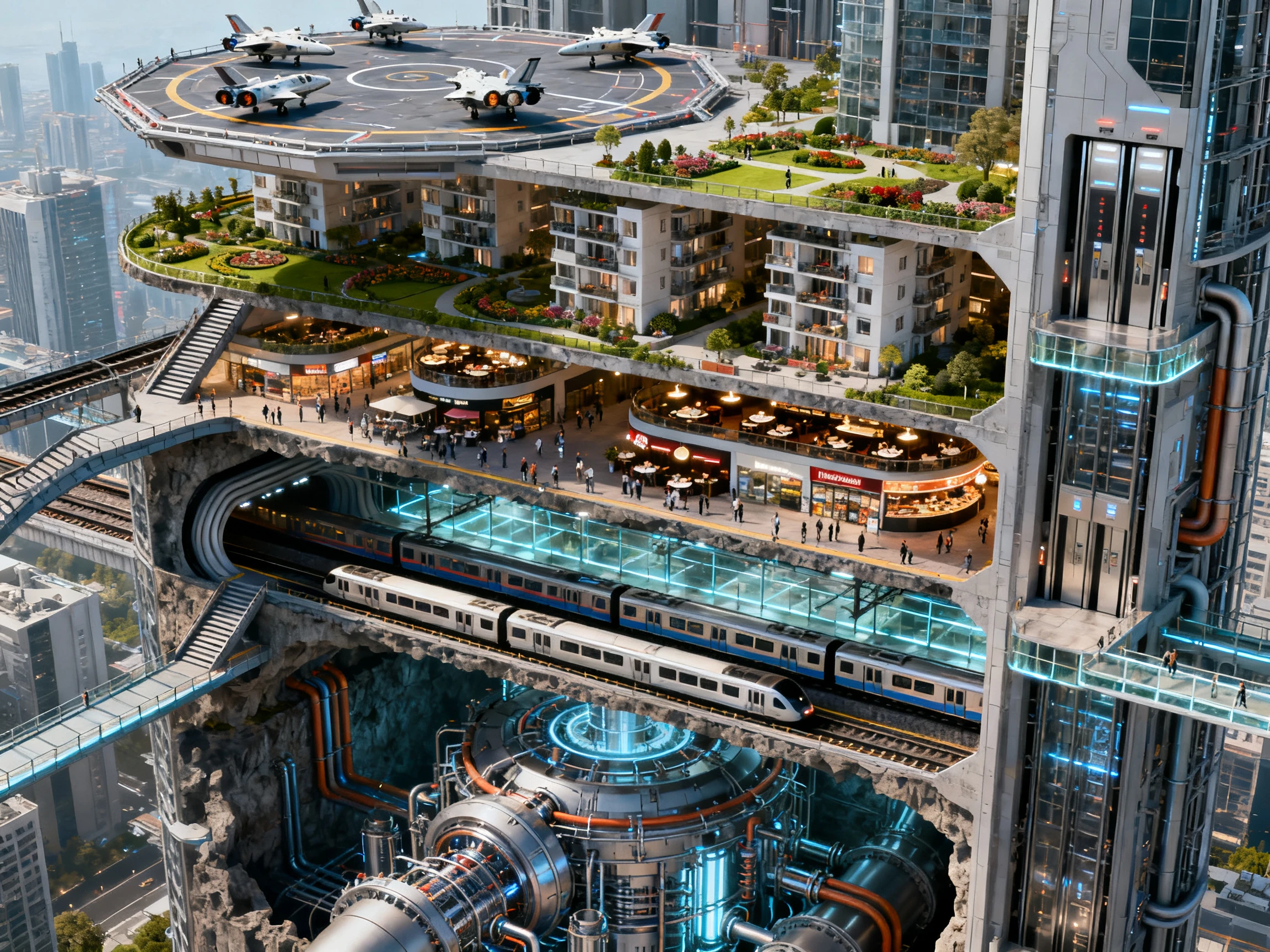
Start with a simple prompt and let Nano Banana 2.1 turn your idea into a polished image. Magiclight brings the model into an easy-to-use creation workflow, so you can generate visuals directly without complicated design software or switching between different AI tools.
Start Creating Free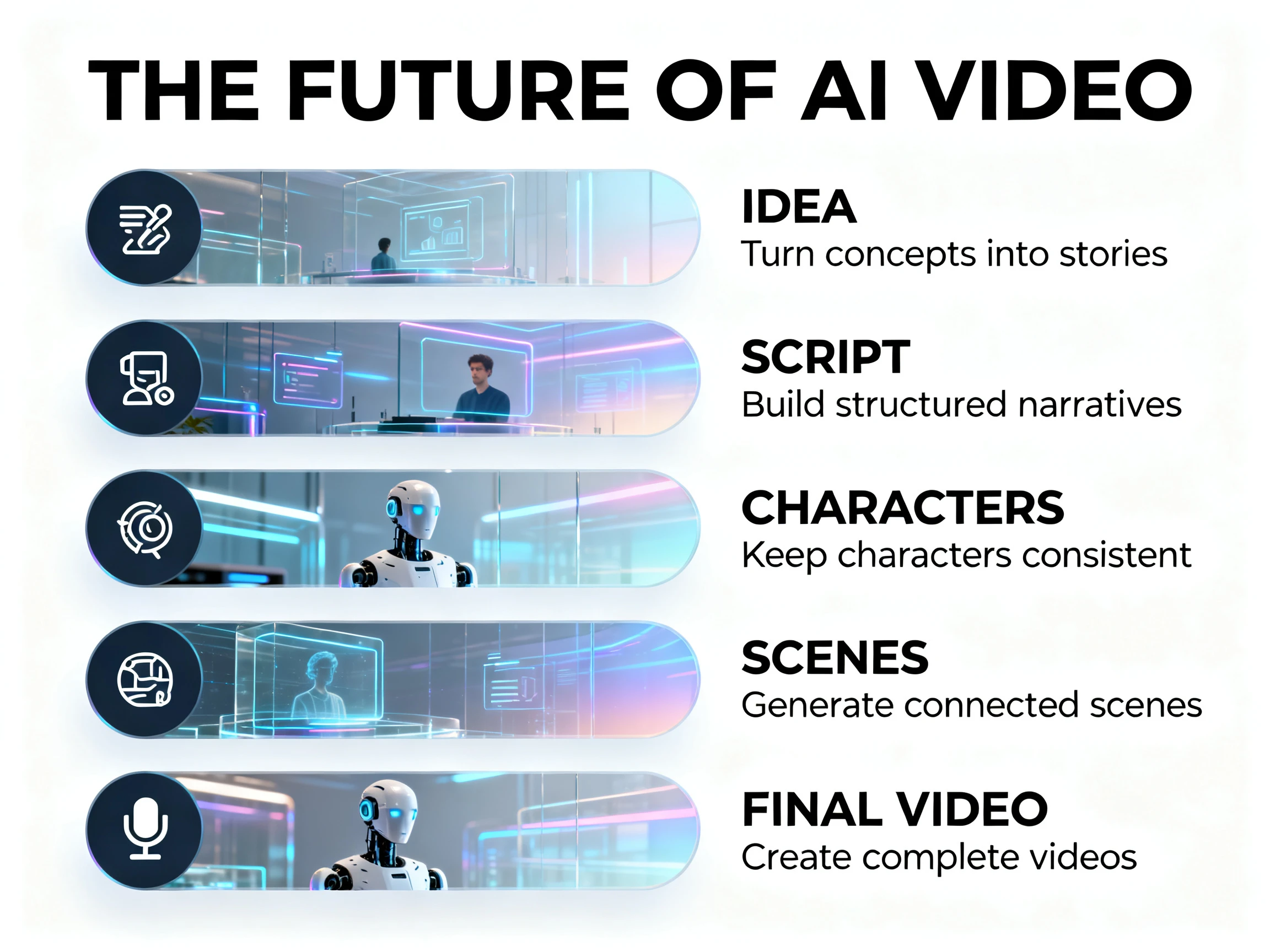
From character concepts and product visuals to social media graphics, posters, illustrations, and marketing assets, Magiclight makes it easy to use Nano Banana 2.1 for different creative needs. Explore ideas, generate new visuals, and build reusable assets without needing professional design experience.
Start Creating Free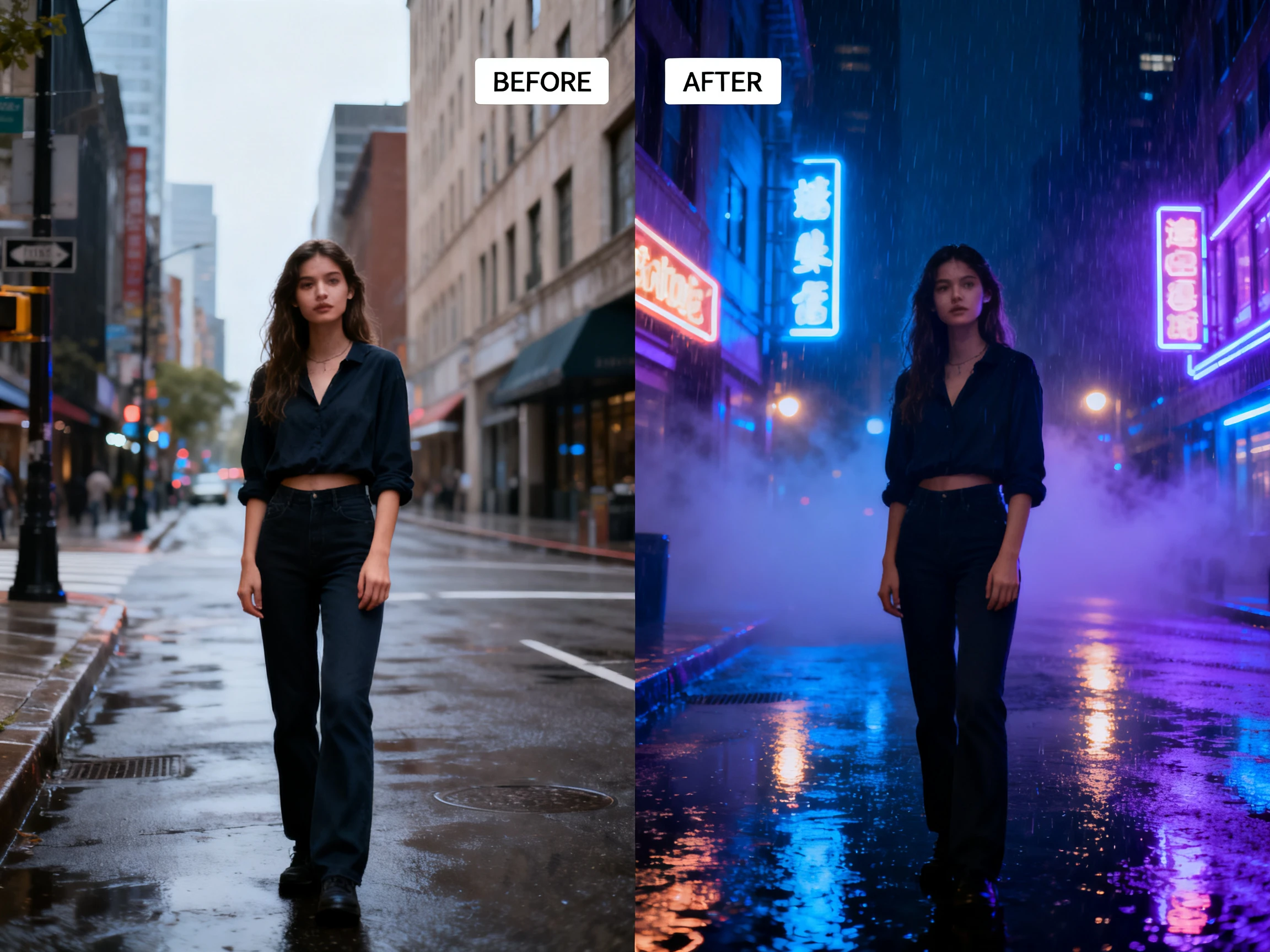
Each AI image model has different strengths. Compare their visual quality, editing capabilities, and creative flexibility to find the right model for your project.
| Model | Strength | Visual Style | Best For | Creators |
|---|---|---|---|---|
| Nano Banana 2.1 | Advanced generation and editing | Natural-looking visuals with improved design | Image creation and precise editing | Designers and content creators |
| Nano Banana 2 Lite | Fast image generation | Clean and versatile | Quick concepts and everyday visuals | Casual creators |
| ChatGPT Images 2.0 | Creative generation and editing | Creative and polished | Creative concepts and illustrations | Creative professionals |
| Seedream 5.0 Pro | Detailed image generation | Highly detailed and artistic | Professional visual content | Designers and marketers |
Go from a simple idea to a polished AI-generated image with an easy Magiclight workflow.
Enter a prompt describing the image, subject, style, composition, or visual details you want.
Upload reference images when you want to guide the subject, character, product, style, or composition.
Select Nano Banana 2.1 as the image generation model and create your visual.
Review the generated image, make changes when needed, and use the final visual in your creative project.
Content Creator
I use Nano Banana 2.1 in Magiclight to turn simple ideas into polished visuals quickly. The workflow makes image creation much easier, even when I don't have design experience.
Marketing Director
Magiclight makes it easy to use Nano Banana 2.1 for marketing visuals. The strong prompt understanding and image quality help me create campaign assets without switching between different tools.
Designer
The combination of prompts and reference images in Magiclight gives me more control over the final result. I can explore different creative directions while keeping the important visual details consistent.
Creative Director
Magiclight gives me a simple way to create and refine images with Nano Banana 2.1. I can go from an idea to usable visual assets without relying on complicated editing software.
Nano Banana 2.1 is an advanced AI image generation and editing model available in Magiclight. It can create and refine images from text prompts and reference images, with improved visual design, subject consistency, and more natural-looking results.
You can use Nano Banana 2.1 in Magiclight to create character concepts, product visuals, social media graphics, posters, illustrations, marketing assets, and other creative images. Start with a prompt or reference image and turn your idea into a polished visual without needing professional design skills.
Yes. Nano Banana 2.1 supports reference images, so you can provide visual examples to guide the generated result. In Magiclight, you can combine reference images with text prompts to maintain important details such as characters, products, objects, and overall visual direction.
Yes. Nano Banana 2.1 offers improved text rendering, making it useful for images that include readable text. With Magiclight, you can create posters, social media graphics, product visuals, infographics, and other designs where both the image and text need to work together.
Yes. Nano Banana 2.1 is designed to create more natural-looking images with improved visual quality, detail, composition, and realism. Magiclight makes it easy to turn detailed prompts and reference images into polished visuals while keeping the intended subject and overall look.
Yes. Nano Banana 2.1 supports image editing and multi-turn editing, allowing you to refine an existing image through additional instructions. In Magiclight, you can start with a generated or reference image and make changes without having to recreate the entire visual from scratch.
No. Magiclight provides a simple workflow for using Nano Banana 2.1, so you can create and refine AI images with prompts and reference images without professional design or editing experience. Just describe what you want, add references when needed, and let the model handle the image creation.



Try Nano Banana 2.1 on Magiclight for free. No credit card needed.