
Hero background

Seedream 4.5 AI Image Generator

Create high-quality images with Seedream 4.5 in Magiclight AI using prompts and reference images. Generate characters, products, posters, covers, and more.

Try Seedream 4.5 for Free
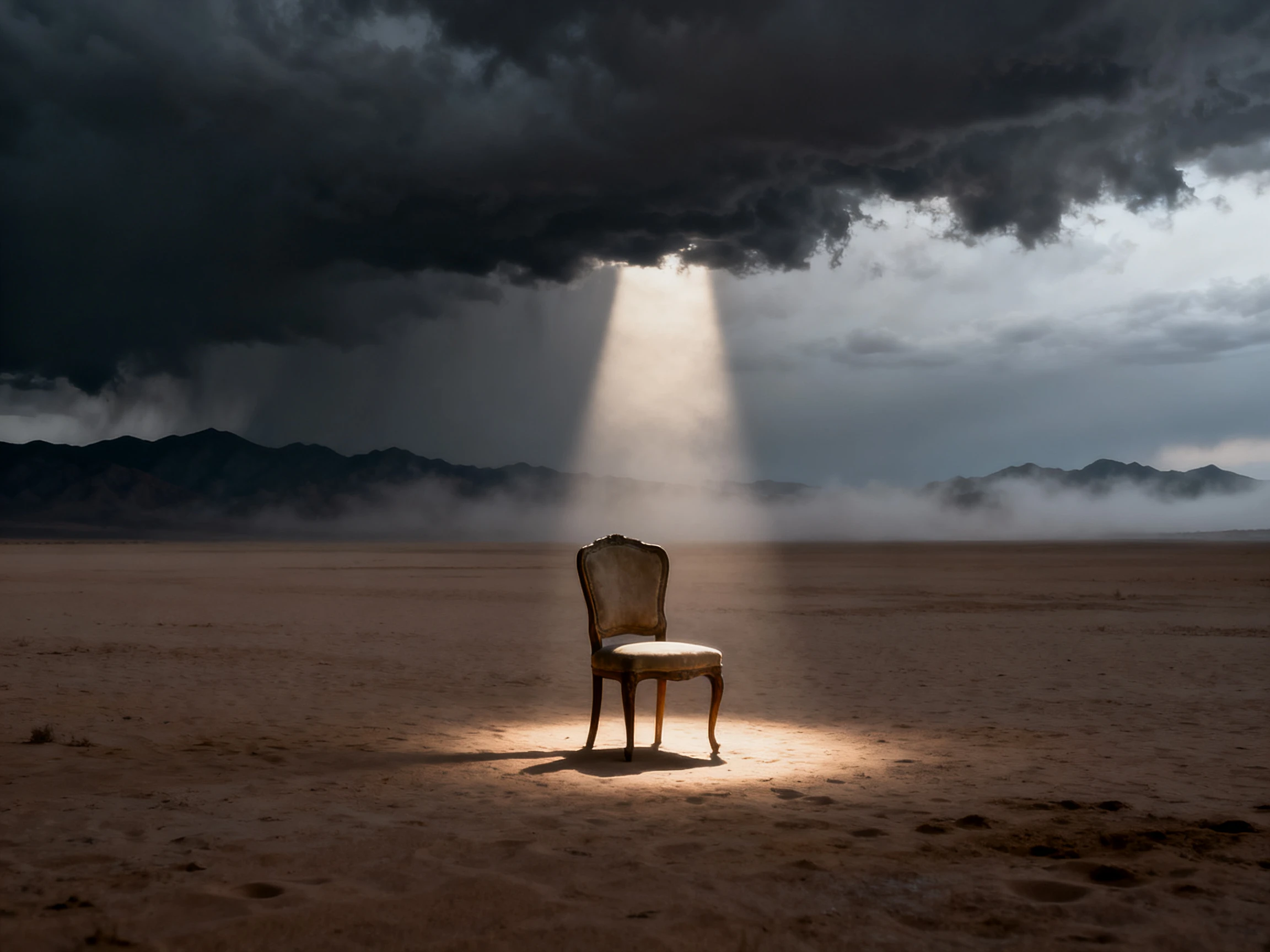
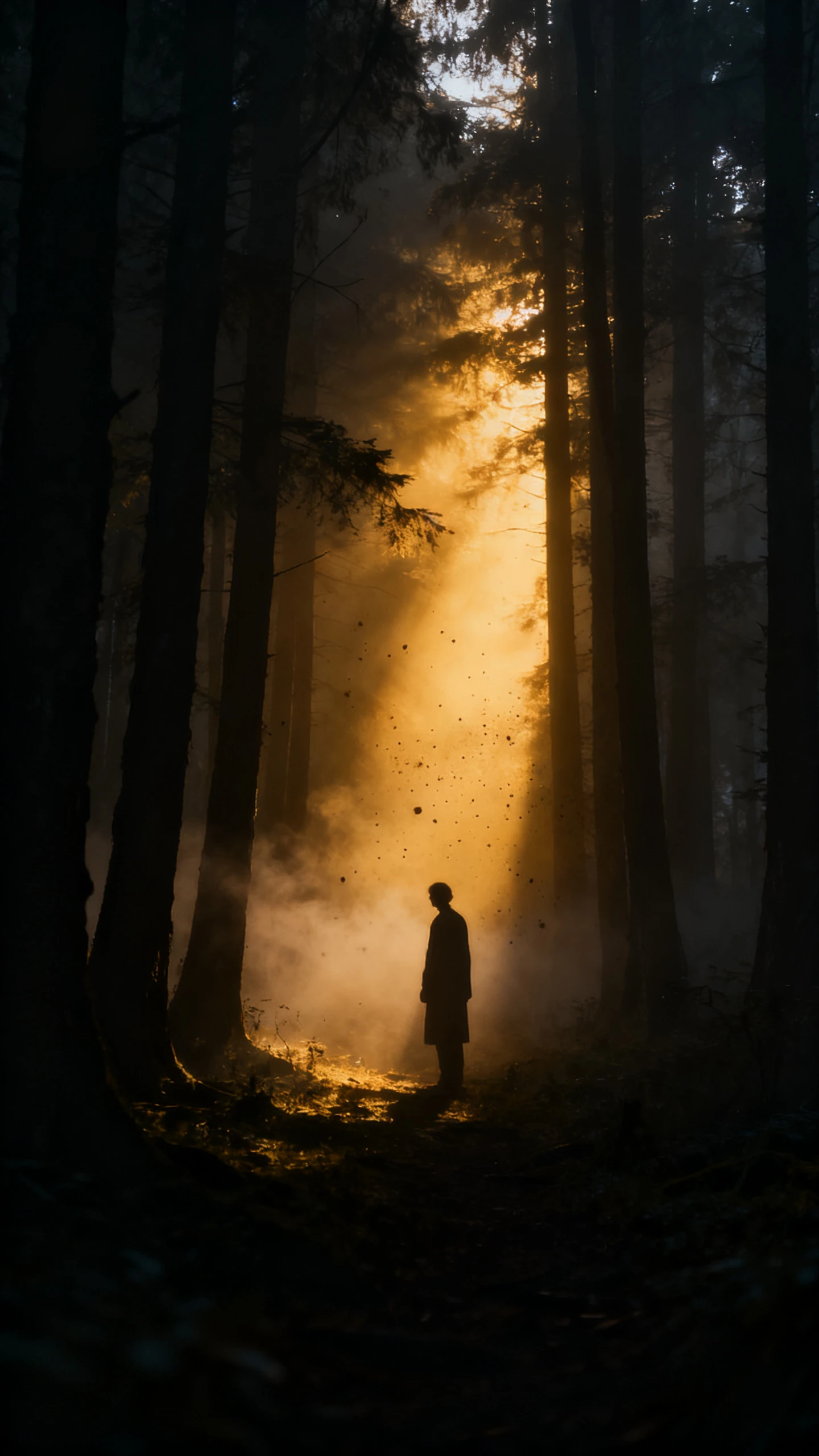
Seedream 4.5 AI image example 1
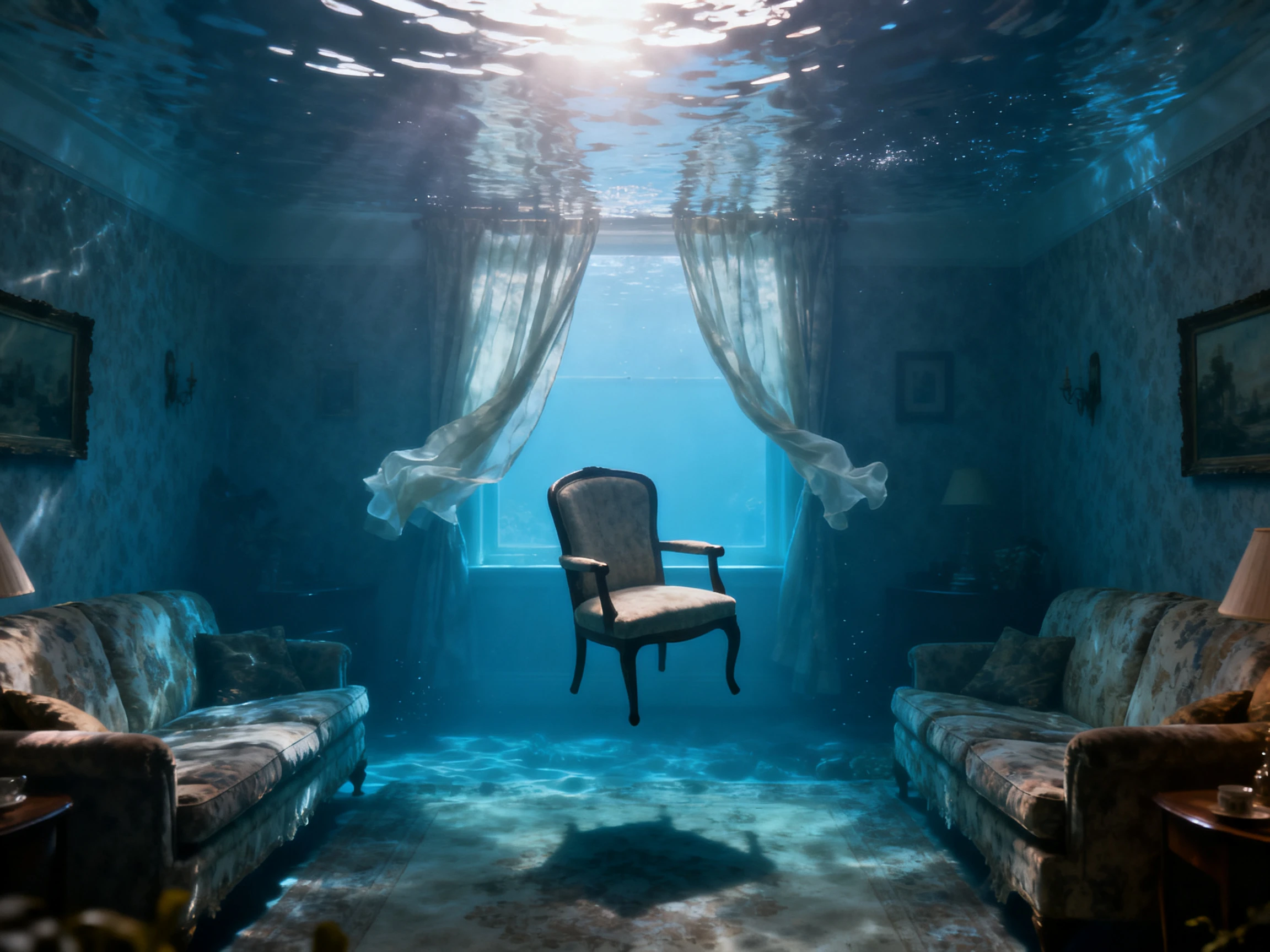
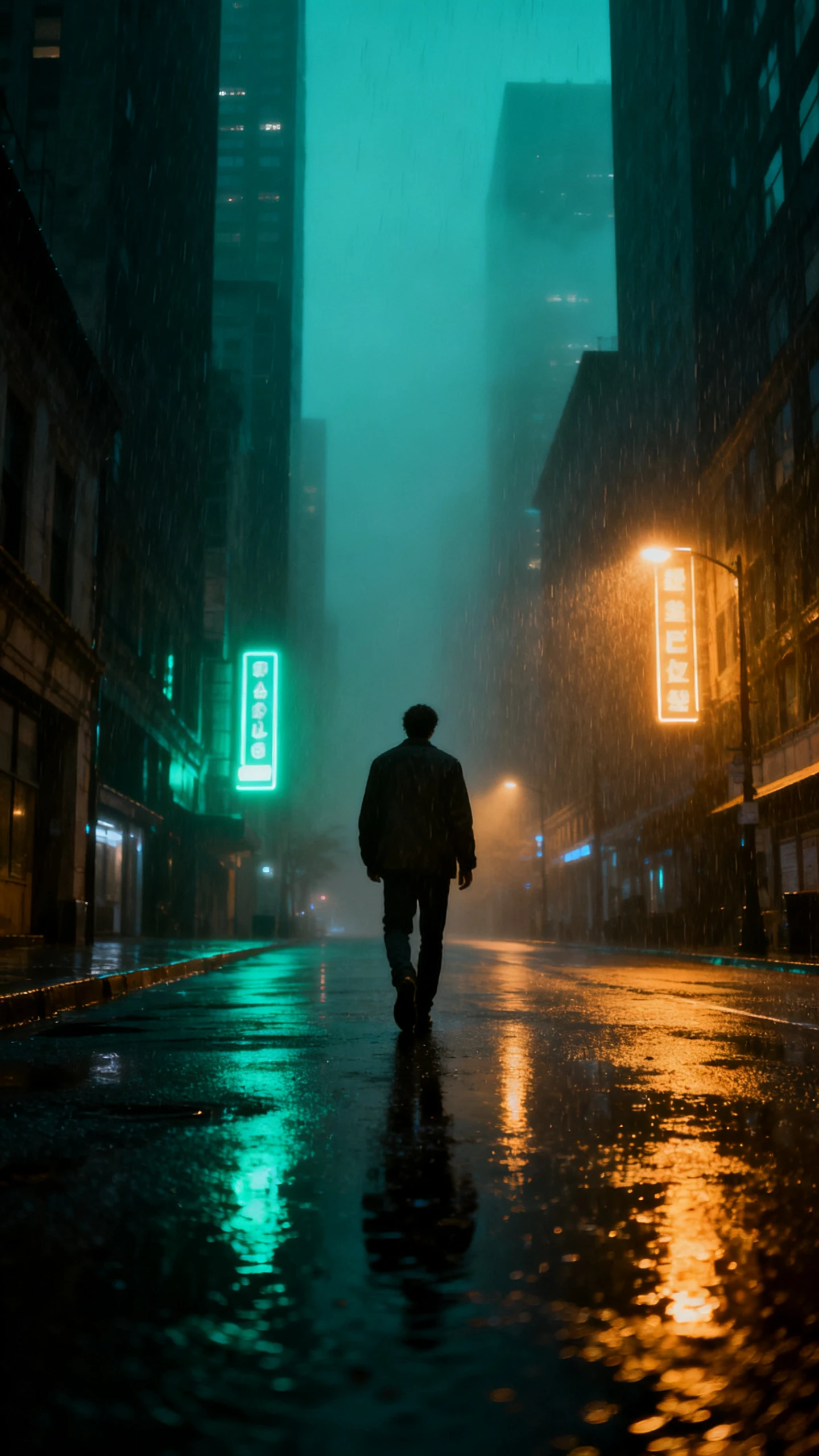
Seedream 4.5 AI image example 2
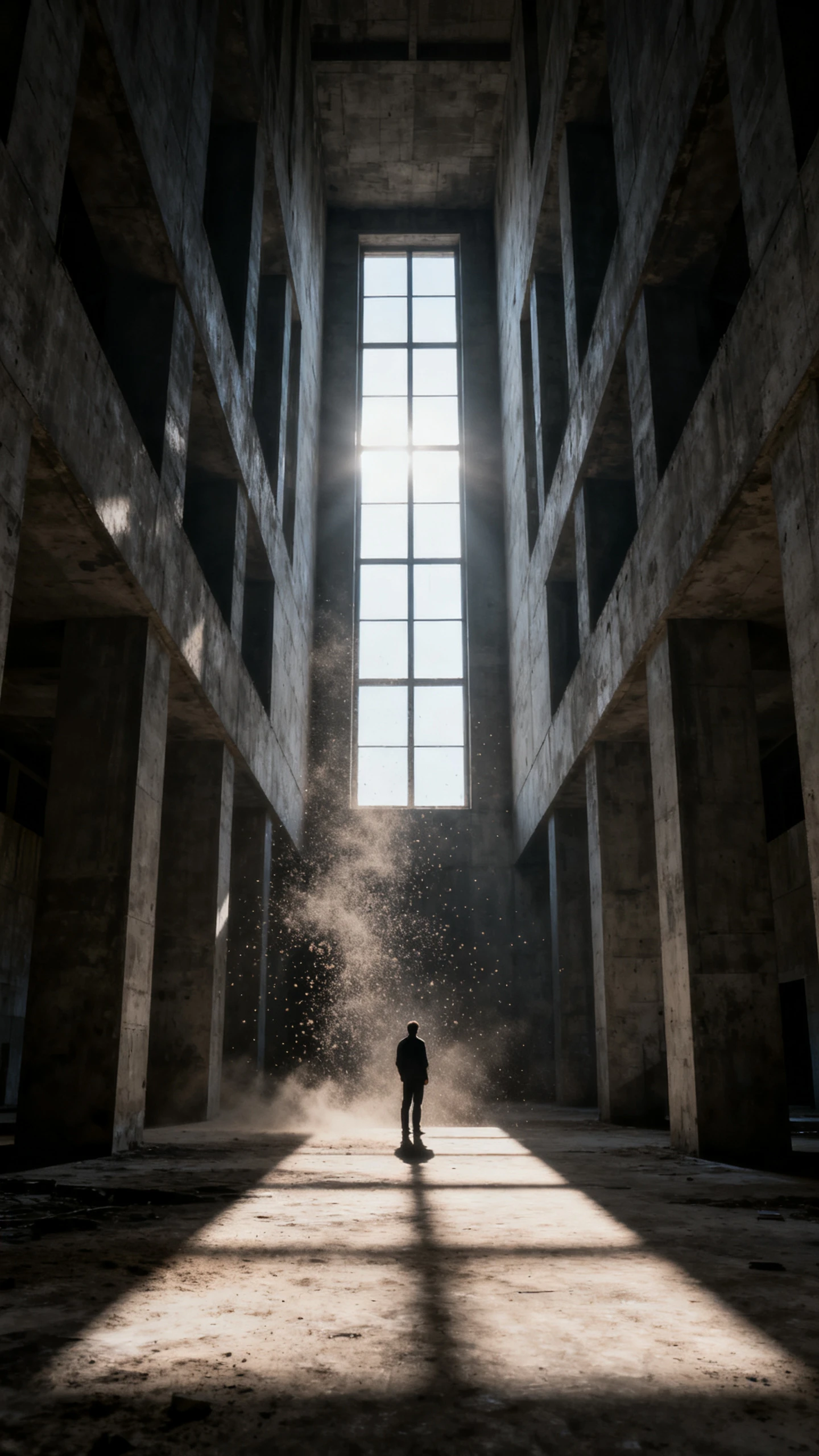
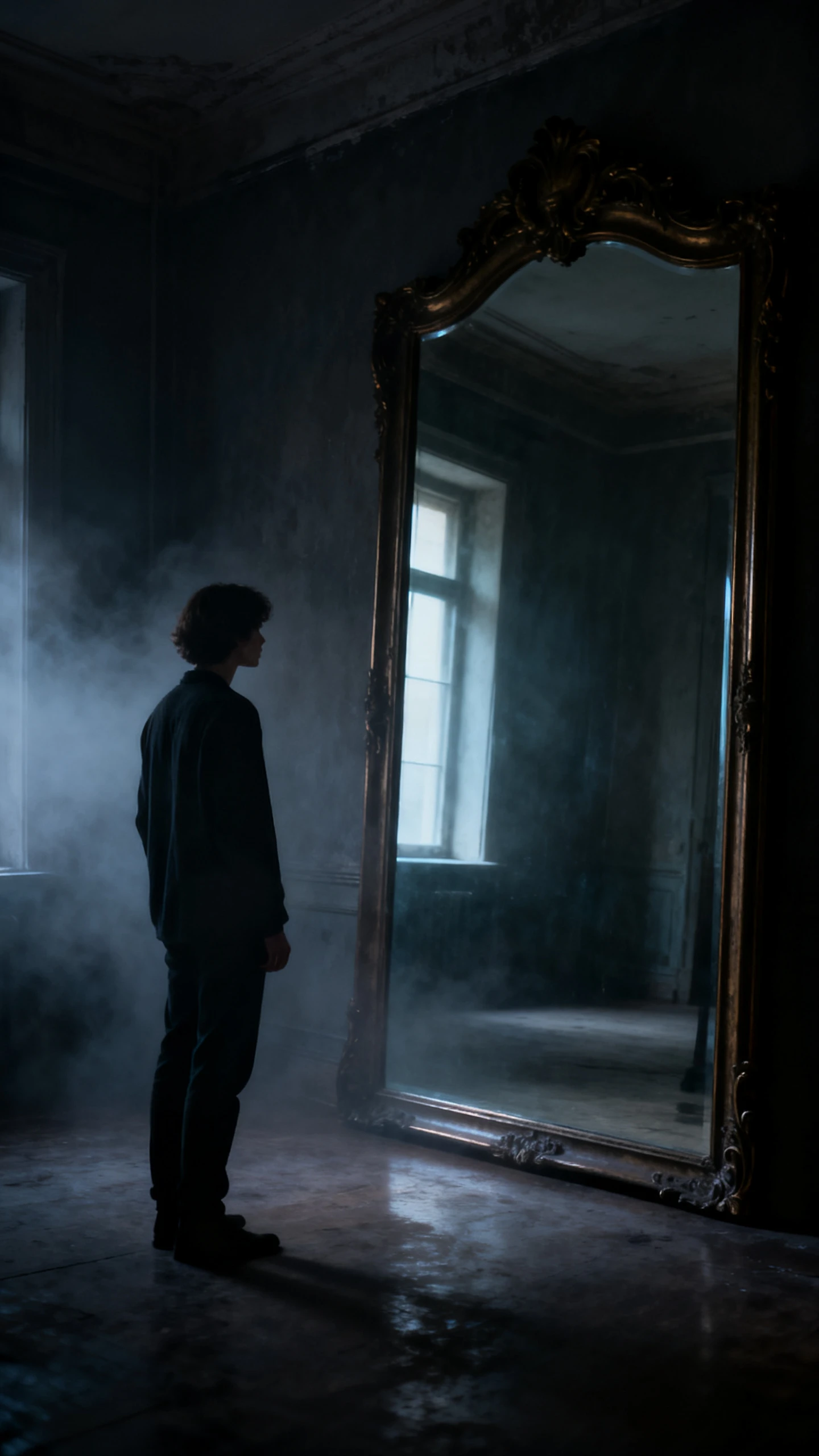
Seedream 4.5 AI image example 3
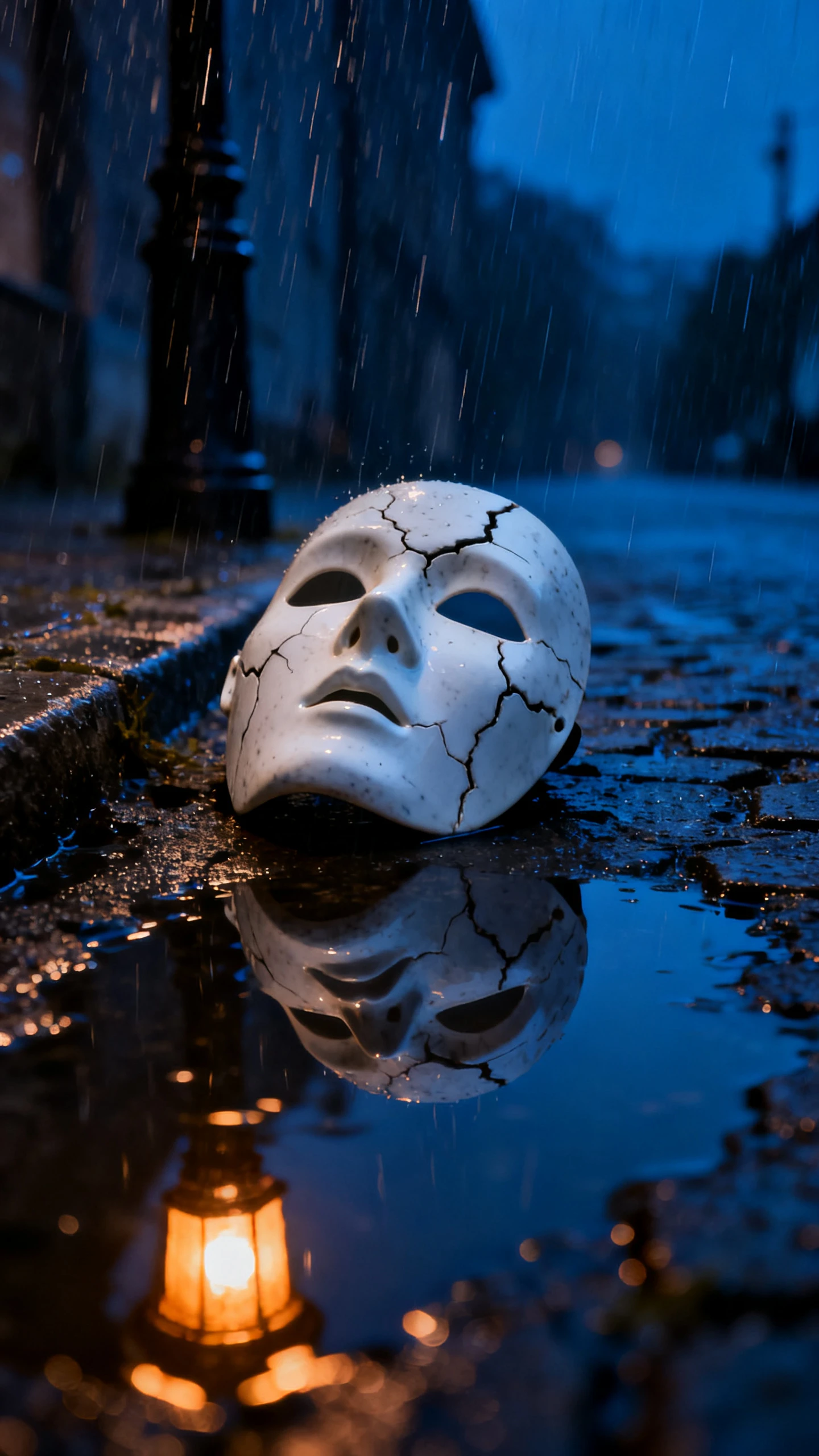
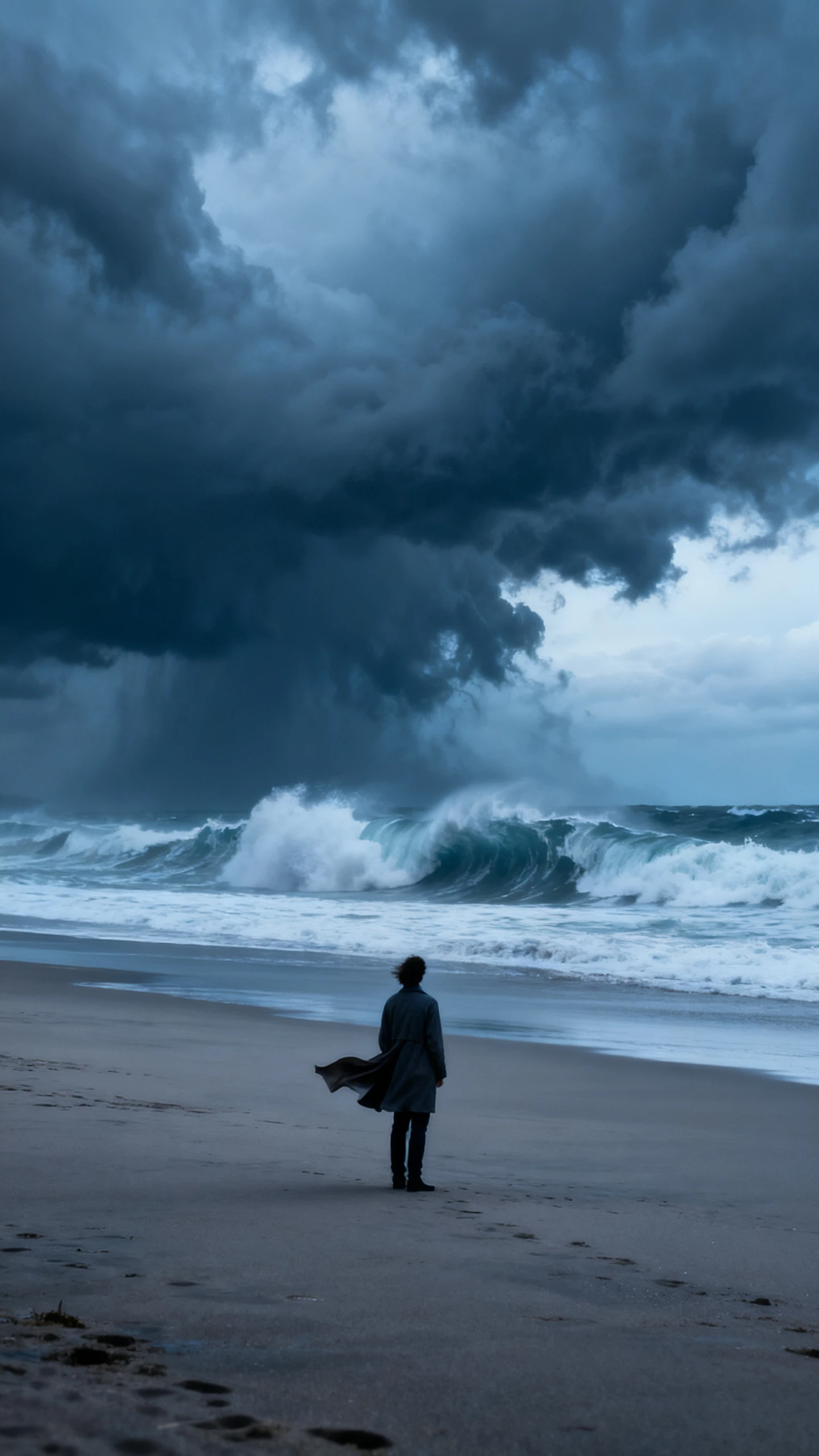
Seedream 4.5 AI image example 4
Seedream 4.5 AI image example 5
Seedream 4.5 AI image example 6
Seedream 4.5 AI image example 7
Seedream 4.5 AI image example 8
Seedream 4.5 AI image example 1
Seedream 4.5 AI image example 2
Seedream 4.5 AI image example 3
Seedream 4.5 AI image example 4
Seedream 4.5 AI image example 5
Seedream 4.5 AI image example 6
Seedream 4.5 AI image example 7
Seedream 4.5 AI image example 8
Seedream 4.5 AI image example 1
Seedream 4.5 AI image example 2
Seedream 4.5 AI image example 3
Seedream 4.5 AI image example 4
Seedream 4.5 AI image example 5
Seedream 4.5 AI image example 6
Seedream 4.5 AI image example 7
Seedream 4.5 AI image example 8

Create Consistent Images With Seedream 4.5

Seedream 4.5 is a strong choice when your image needs to preserve reference details, keep subjects stable, and handle more structured visual instructions. In Magiclight AI, it works well for character images, product shots, posters, covers, thumbnails, and editable creative assets.

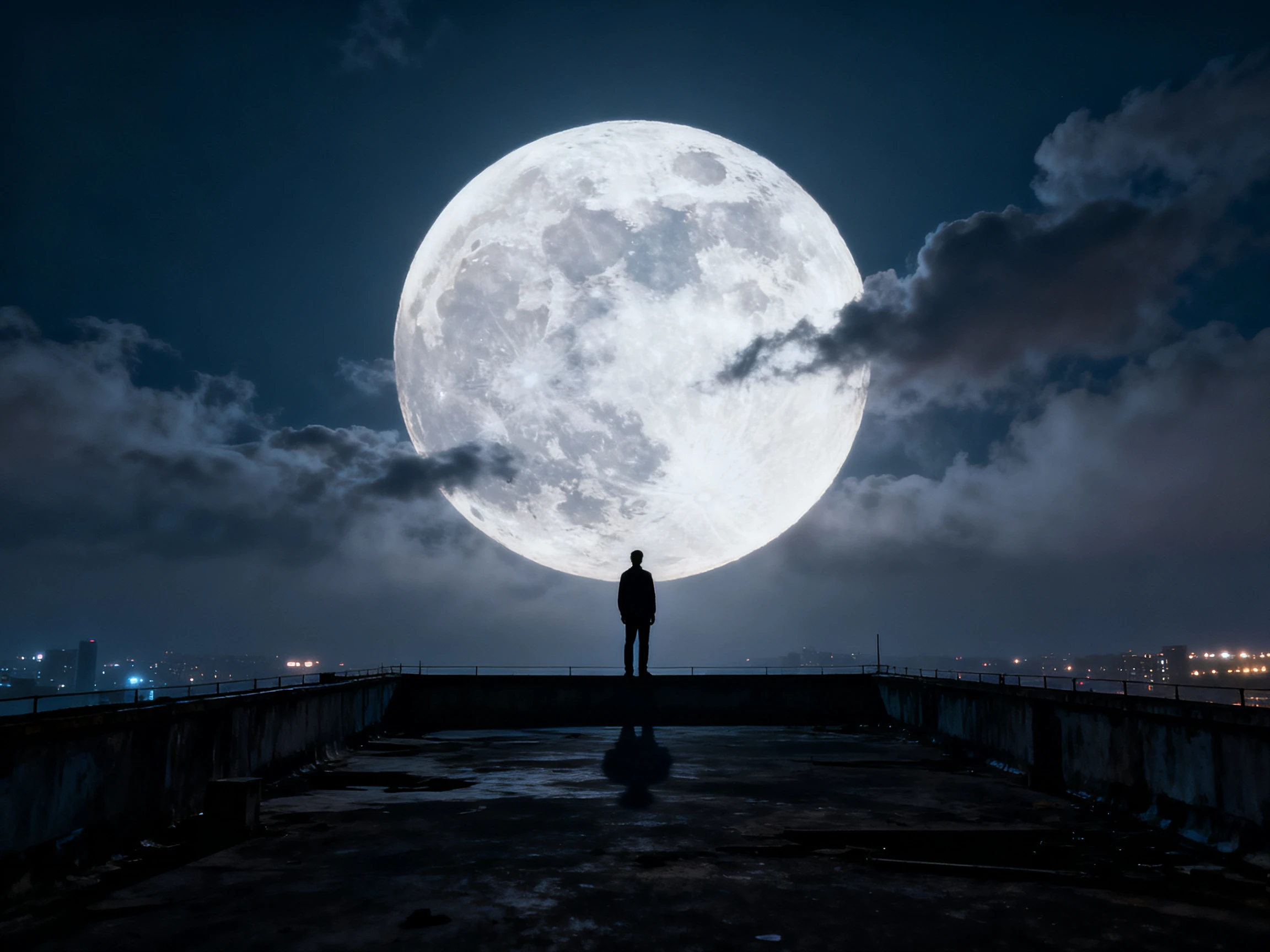
Explore the Image Generator
Seedream 4.5 consistent image generation

Reference Detail Preservation

Use Seedream 4.5 when uploaded references matter. It is designed to identify main subjects in multi-image editing and preserve important visual details more faithfully.

Reliable Character and Product Images

Generate people, products, outfits, poses, props, packaging, and scene settings with stronger consistency, making it useful for campaigns, story assets, and repeatable visual concepts.

Better Text and Layout Handling

Create visuals that include titles, labels, signage, poster elements, or denser text areas with improved typography and text rendering compared with simpler image models.

Generation and Editing in One Flow

Create a new image from a prompt or refine an existing one with natural-language edits, then keep the final image as a standalone asset or reuse it inside Magiclight video workflows.

Why UseSeedream 4.5 on Magiclight AI?

Magiclight AI turns Seedream 4.5 into a practical workspace for consistent image creation, reference-based editing, and reusable visual assets.

Keep Reference Images Useful

Bring in a character portrait, product shot, costume detail, or visual style reference, then use Seedream 4.5 to generate images that stay closer to the source material.

Start Creating Free
Reference image generation with Seedream 4.5

Make Visuals That Carry Information

Use Seedream 4.5 for posters, presentation-style images, product cards, cover graphics, and infographic-like visuals where text, layout, and visual hierarchy matter.

Start Creating Free
Text-rich visual creation with Seedream 4.5

Reuse Images Across Projects

A Seedream 4.5 image can become a final social creative, a thumbnail, a product asset, a character reference, a storyboard frame, or a source image for Image to Video when motion is needed.

Start Creating Free
Reusable Seedream 4.5 assets in Magiclight AI

Compare Seedream 4.5 with Other Popular AI Models

Use Seedream 4.5 when you need consistent image generation, multi-image editing, reference detail preservation, and stronger text rendering. Choose other models when speed, advanced design reasoning, or video motion is the main priority.

ModelStrengthVisual StyleBest ForCreators
Seedream 4.5Multi-image editing and detail preservationConsistent, high-fidelity visuals with stronger text handlingReference-based image workDesigners, marketers, and story creators
Seedream 5.0 ProAdvanced reasoning and production visual planningStructured, polished, brief-driven imagesProfessional design briefsCreative teams and visual producers
Nano Banana 2 LiteLow-latency image generationQuick concepts and rapid variationsFast image draftsSocial creators and marketers
Seedance 2.5 ProReference-aligned video generationPlanned motion and cinematic scene outputControlled video scenesStoryboard-heavy creators
Wan 3.0Longer takes and reference-guided videoCinematic scenes with coherent motionLonger video scenesStory creators and video teams
MiniMax H3Mixed references and native audioCinematic clips with synchronized soundReference-driven clipsDirectors and ad teams

How to Use Seedream 4.5 on Magiclight AI

Use Seedream 4.5 when a Magiclight project needs a consistent image, a reference-based edit, a text-rich graphic, or a visual asset that can be reused later.

1.

Start With an Image Goal

Choose whether you need a character image, product visual, poster, thumbnail, infographic-style graphic, uploaded image edit, storyboard frame, or source image for animation.

2.

Add Prompt and References

Write the visual direction and upload reference images when supported, especially when subject details, product appearance, or character identity should stay consistent.

3.

Select Seedream 4.5

Use Seedream 4.5 when consistency, detail preservation, typography, and multi-image editing are more important than simply generating the fastest rough draft.

4.

Keep, Edit, or Reuse

Save the result as a standalone image, revise it with more instructions, use it as a Magiclight character or scene asset, or continue into Image to Video.

What Users SayAbout Seedream 4.5

Rafael Ibarra

Rafael Ibarra

Ad Creative Director

Seedream 4.5 is useful when a product or character reference has to stay recognizable. We use it for campaign images, product cards, and social visuals before deciding what should become video.

Hannah Osei

Hannah Osei

Animation Studio Lead

For story work, I like using Seedream 4.5 to lock down characters and environments. It gives us reference images that are easier to reuse across storyboards and scene planning.

Devin Locke

Devin Locke

YouTube Channel Owner

I use it for covers and thumbnails where text and layout matter. It gives me cleaner starting points, and I can still turn the image into a video scene later in Magiclight.

Sofia Marchetti

Sofia Marchetti

Freelance Visual Editor

Seedream 4.5 helps when a client sends multiple references and expects the final image to respect them. It is a good balance between creative generation and reference control.

FAQs on Seedream 4.5

What is Seedream 4.5 in Magiclight AI?

Seedream 4.5 is an AI image generation and editing model option inside Magiclight AI. It is useful for creating standalone images, editing visuals, preserving reference details, and preparing assets for video workflows.

How is Seedream 4.5 different from Seedream 5.0 Pro?

Seedream 4.5 is a strong balanced choice for consistency, multi-image editing, reference detail preservation, and improved text rendering. Seedream 5.0 Pro is positioned more toward advanced creative reasoning and professional brief-driven production.

Can Seedream 4.5 create images without a video project?

Yes. You can use Seedream 4.5 for standalone posters, covers, thumbnails, product visuals, character concepts, social graphics, text-rich images, and campaign assets.

When should I choose Seedream 4.5?

Choose Seedream 4.5 when you want the output to follow references closely, keep subject details stable, support text or layout elements, or edit images without losing the original visual direction.

Can Seedream 4.5 work with multiple reference images?

Seedream 4.5 is designed for multi-image editing and reference detail preservation. In Magiclight AI, the exact reference options depend on the workflow, model access, and product settings available at generation time.

Is Seedream 4.5 good for text inside images?

Seedream 4.5 improves typography and dense text rendering compared with simpler image models. Text-heavy images should still be reviewed and refined before publishing.

Can Seedream 4.5 images be used for Image to Video?

Yes. You can keep a Seedream 4.5 result as a final image or use it as a character reference, storyboard frame, cover, thumbnail, or source image for Magiclight Image to Video workflows.

Start Creating Images With Seedream 4.5

Generate consistent images, edit with references, design text-rich visuals, or prepare reusable assets for Magiclight video workflows.