SALEAnniversary Sale For Unlimited Minimax-H3 is Live! Ends Oct 15!Create Now
Seedance 2.5 Pro AI Video Generator
Create AI videos with Seedance 2.5 Pro with better scene control, smoother motion, and consistent visual storytelling. No experience or credit card required.
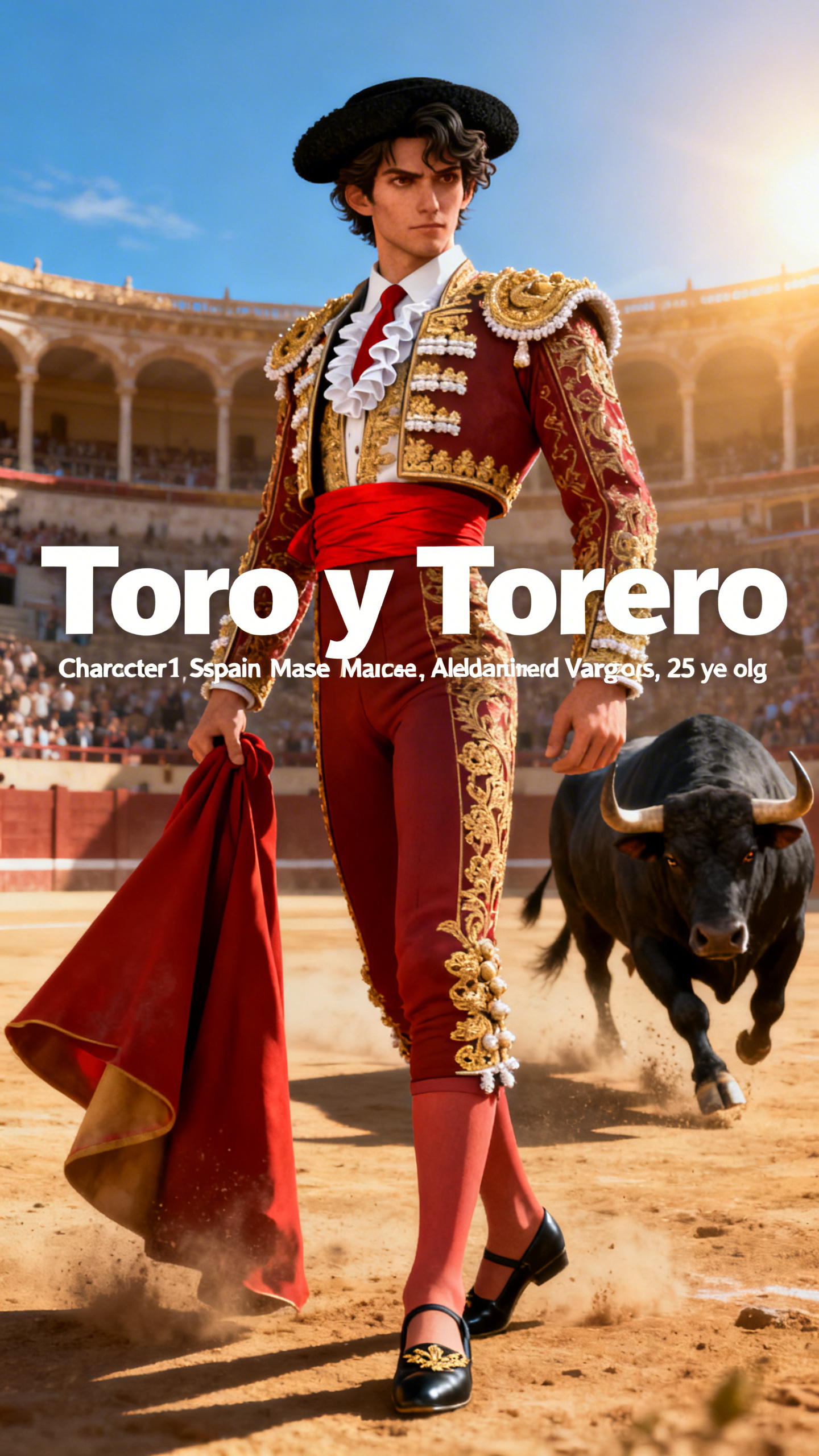
Seedance 2.5 Pro helps Magiclight creators turn prompts, images, characters, and references into high-quality video scenes. It keeps visuals aligned with your creative vision for more consistent storytelling.
Turn planned scenes, storyboard frames, and written directions into video clips that feel aligned with the project structure.
Image-to-Video Workflows
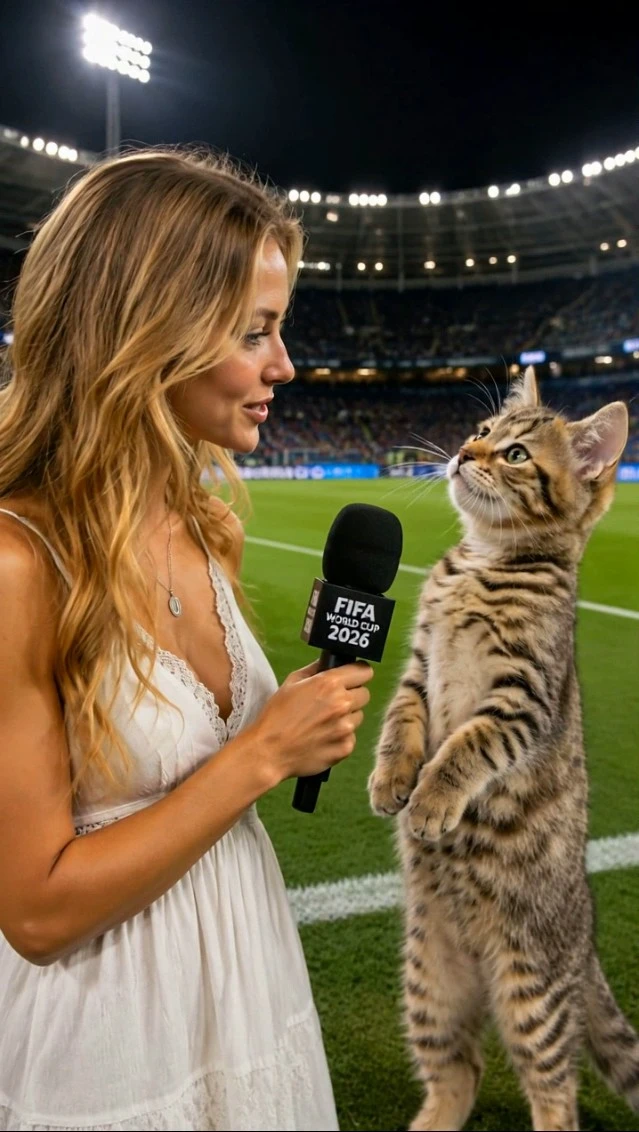
Animate characters, products, and scene images inside Magiclight without rebuilding the project elsewhere.
Reference-Aware Output
Guide the model with images and creative direction so characters, style, and environment stay closer to the intended look.
Consistent Production Flow
Move from script to storyboard to generated video while keeping the whole process inside Magiclight AI.
Who Should Use Seedance 2.5 Pro
Seedance 2.5 Pro is a strong fit for creators who already have a clear visual direction and want the generated video to respect that direction more closely.
It works especially well for projects built from prepared assets, planned scenes, repeated characters, or a structured production workflow.
For Story Projects
Move from script and storyboard into generated scenes.
Keep the visual direction closer to the planned story.
Create scenes that support longer narrative content.
For Character-Led Work
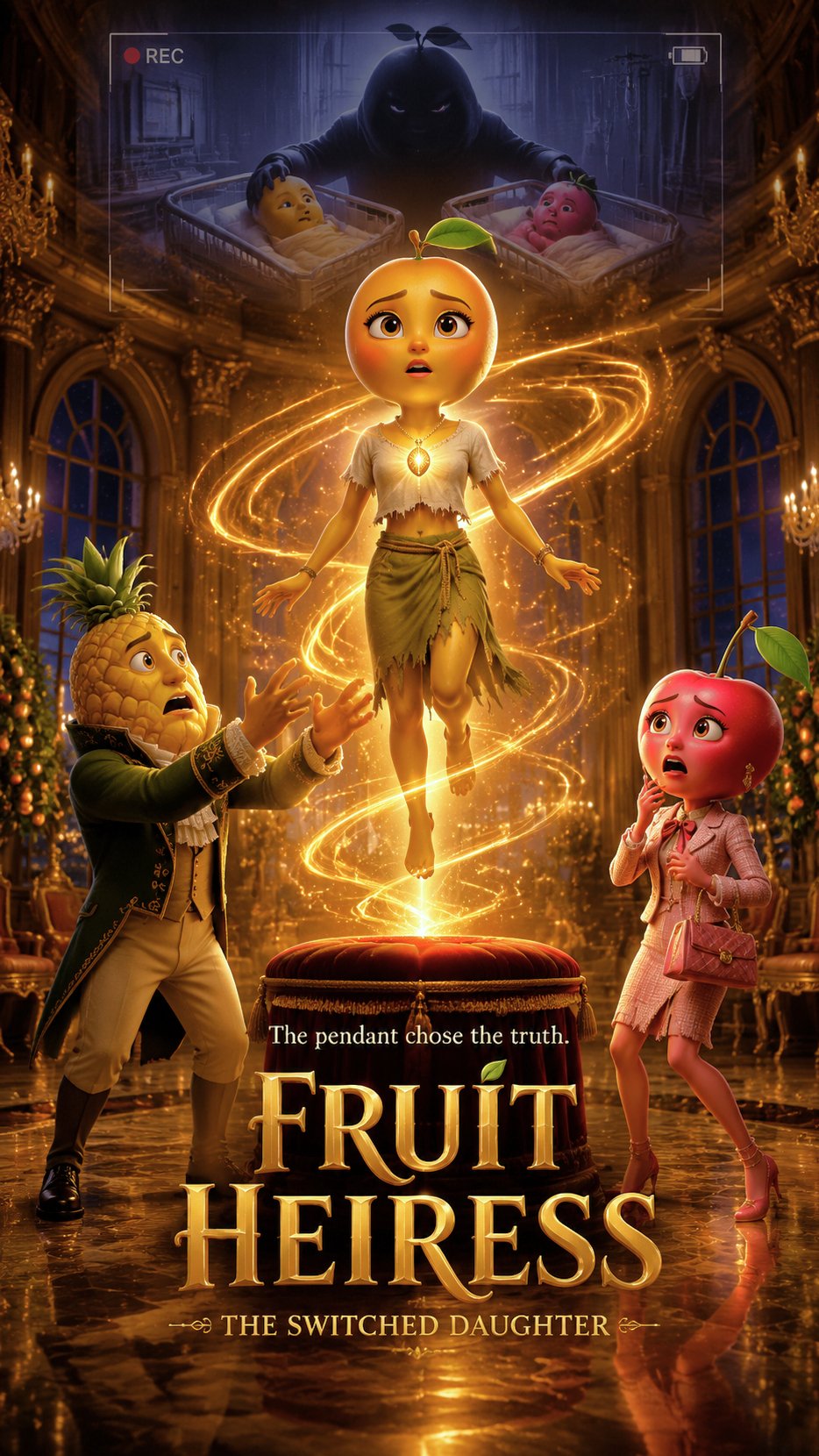
Generate scenes for recurring characters and story casts.
Keep clothing, mood, and setting closer to the reference.
Use the model when character presence matters in every shot.
For Image-Based Scenes
Turn still images into motion-based video scenes.
Use source visuals to guide the generated clip.
Add motion without leaving the Magiclight workflow.
For Campaign Output
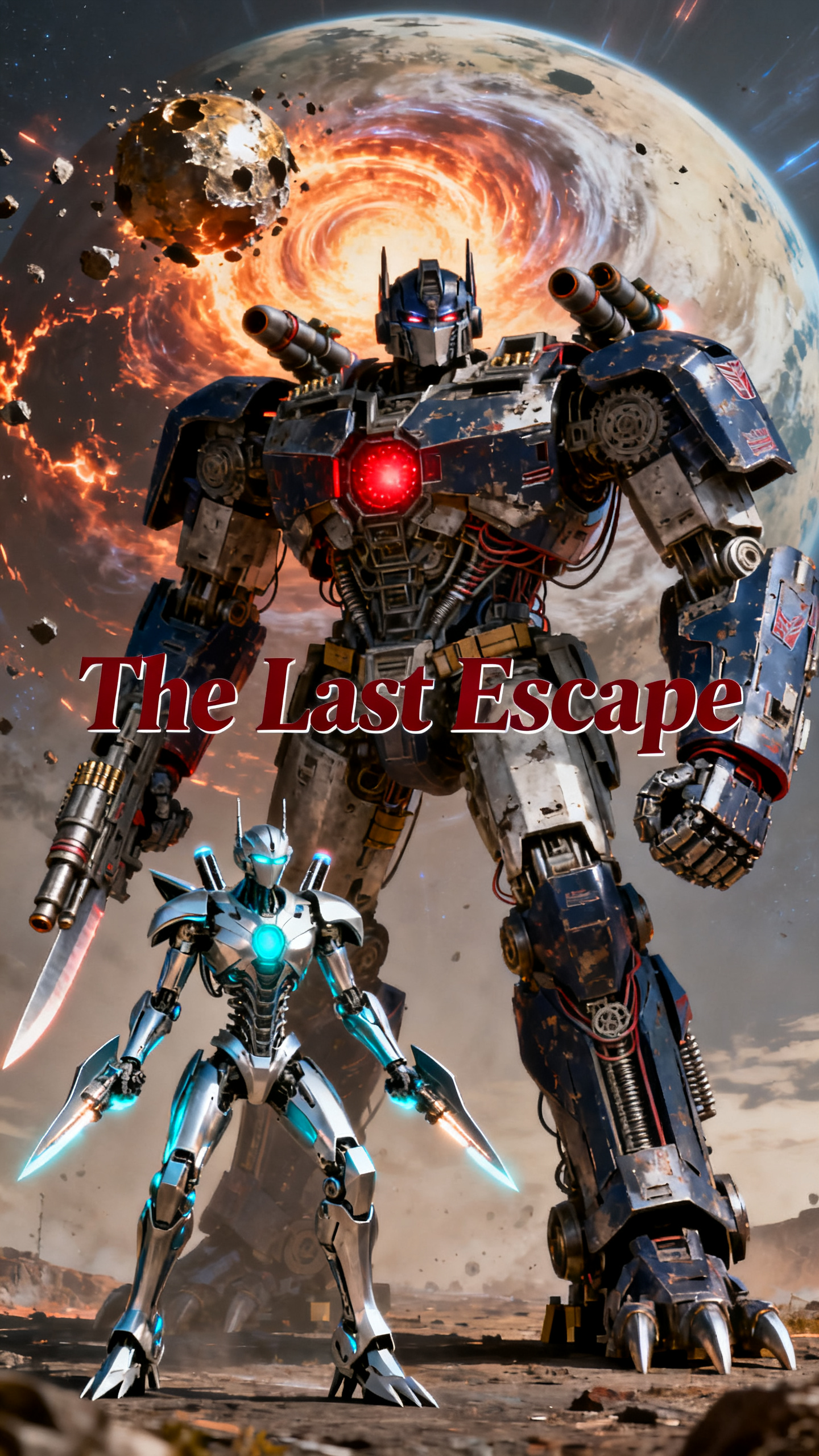
Produce polished visual scenes for brands and launches.
Keep ad visuals and promo clips aligned with the planned style.
Generate assets for explainers, social posts, and product videos.
Why Seedance 2.5 Pro
Fits MagicLight AI Workflows So Well
Seedance 2.5 Pro is made for video generation that follows a clearer plan. In Magiclight AI, it sits inside a larger production pipeline that includes scripts, characters, storyboards, image assets, voiceover, music, subtitles, editing, export, and publishing.
More Predictable Scene Output
Use the model when you want the generated scene to stay close to the prepared idea, composition, or reference direction.
Better Fit for Planned Projects
Seedance 2.5 Pro suits creators who already know the visual target and want a model that follows the direction more carefully.
Useful for Reference-Driven Work
The model works well when your project begins with a character image, product photo, background plate, or storyboard frame.
Works with Nano Storyboard
Plan actions, timing, camera moves, and expressions in Magiclight before generating the scene with Seedance 2.5 Pro.
Stronger Scene Rhythm
Generate motion that feels more intentional across the scene rather than loosely assembled from a prompt alone.
Flows into Final Delivery
Continue from generation into Magiclight voiceover, music, subtitles, covers, editing, download, publishing, and tracking.
Use Seedance 2.5 Pro Inside a Planned Magiclight Project
Start from the Magiclight workflow, prepare your visual direction, then generate the video with Seedance 2.5 Pro when you want the result to stay closer to the plan.
1.
Start a Magiclight Project
Choose Story to Video, Image to Video, Short Drama, Explainer Video, Music Video, Interview Video, or another Magiclight workflow.
2.
Set the Visual Direction
Prepare the script, reference image, character setup, storyboard frame, or visual style before video generation begins.
3.
Generate with Seedance 2.5 Pro
Select Seedance 2.5 Pro as the video model when you want more controlled motion, closer reference alignment, and stronger scene structure.
4.
Polish and Publish in Magiclight
Finish with Nano Storyboard adjustments, voiceover, background music, subtitles, covers, editing, export, publishing, and performance tracking.
Seedance 2.5 Pro is a video model option inside Magiclight AI. Creators can select it when they want scene output from scripts, images, references, characters, or storyboards with stronger direction control.
When should I choose Seedance 2.5 Pro instead of a more general video model?
Choose it when your project already has a clear visual target and you want the output to stay closer to that plan. It is especially useful for storyboard-led projects, reference-based scenes, and repeatable character work.
Can Seedance 2.5 Pro work with a reference image or storyboard frame?
Yes. Inside Magiclight AI, Seedance 2.5 Pro can be used with images, storyboard frames, or other references to guide the look, motion, and direction of the generated scene.
What kinds of projects fit Seedance 2.5 Pro best?
It fits story videos, character-driven content, short dramas, product promos, explainers, social clips, and any project that needs more structured scene generation.
How does Seedance 2.5 Pro fit into Magiclight's workflow?
You start the project in Magiclight, prepare the script or visual direction, generate the scene with Seedance 2.5 Pro, then finish with storyboard refinements, voiceover, music, subtitles, covers, editing, export, and publishing.
Create Viral Videos with Seedance 2.5 Pro
Use Seedance 2.5 Pro to turn scripts, references, characters, and storyboard frames into video scenes that follow your planned direction more closely.