Explore Viddo AI Video Generator Features
Take control of every reference before generation starts. Assess how the Viddo AI video generator combines labelled images, clips, and audio into one guided scene.

Create AI videos with images, videos, audio, and multiple AI models. Add references to your prompts and create videos without editing skills.
Try Viddo AI For Free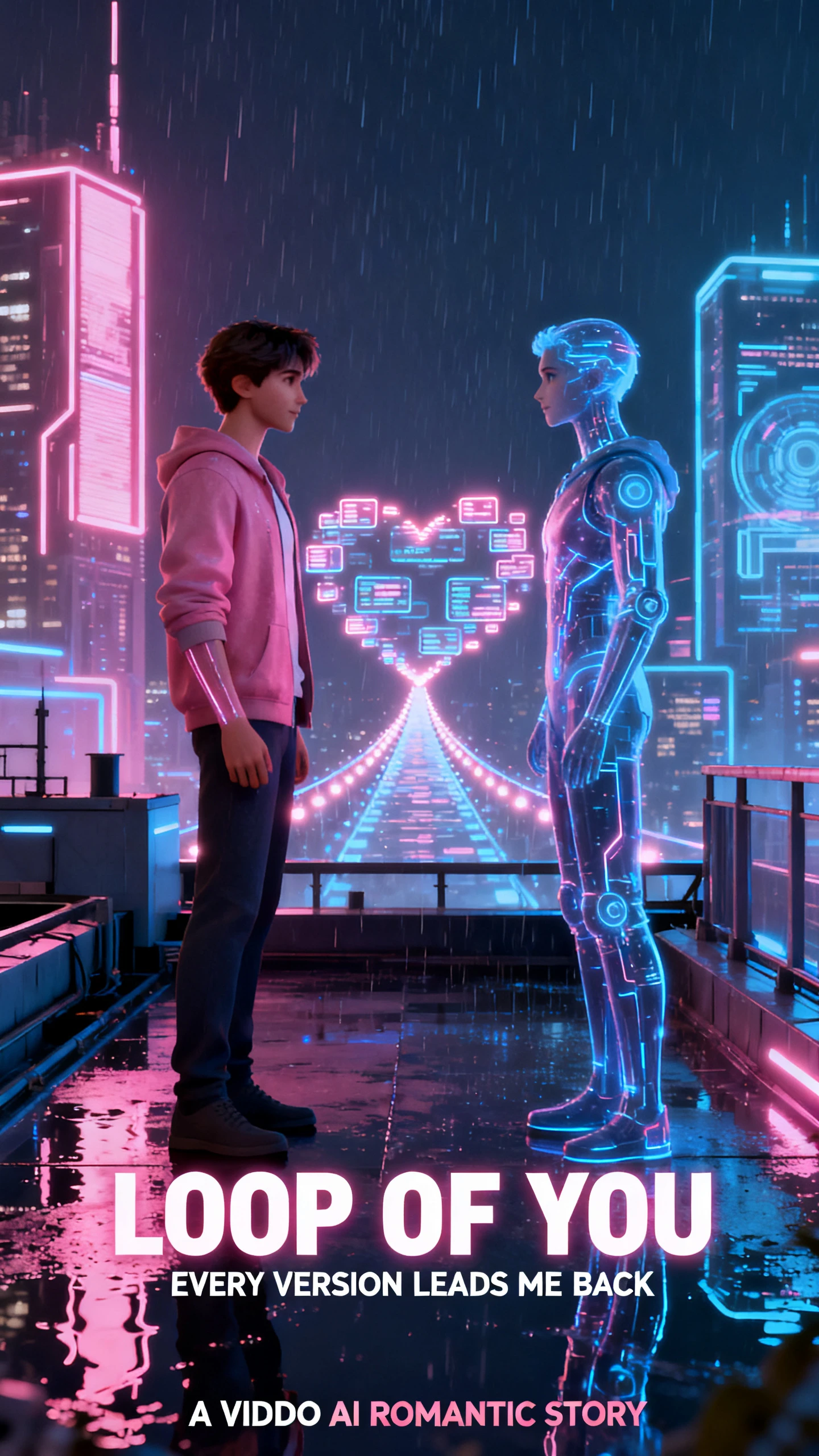
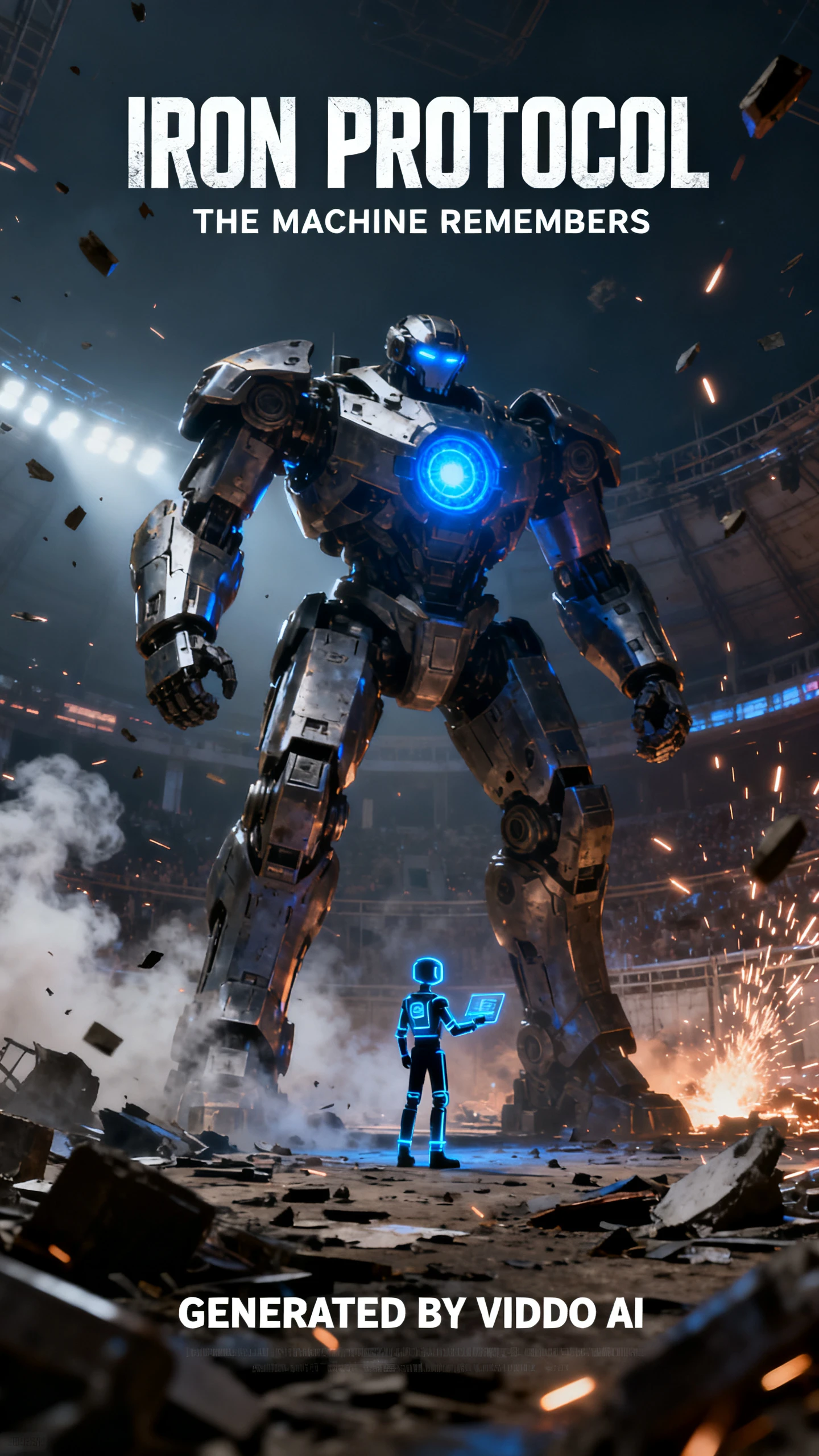

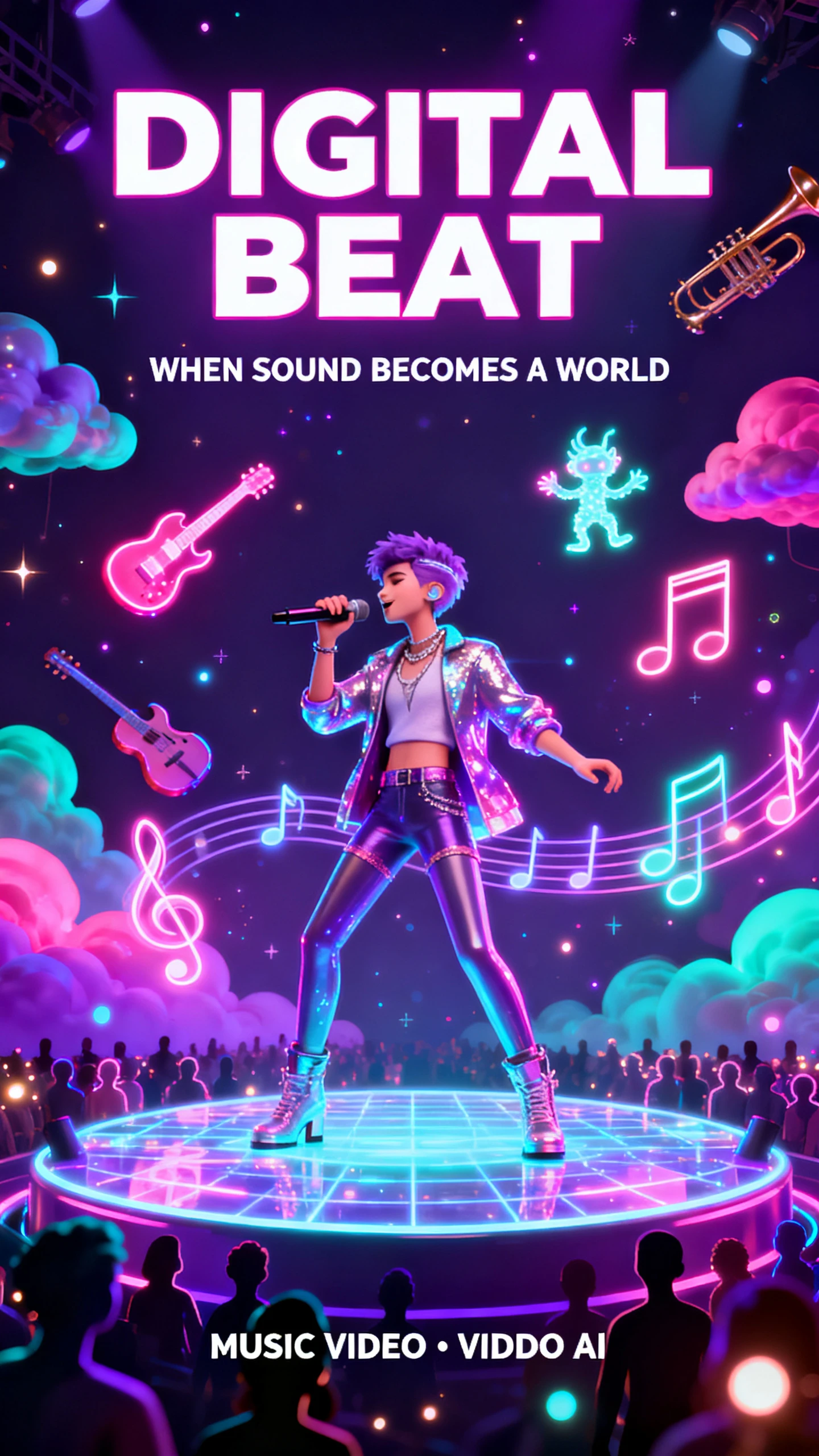
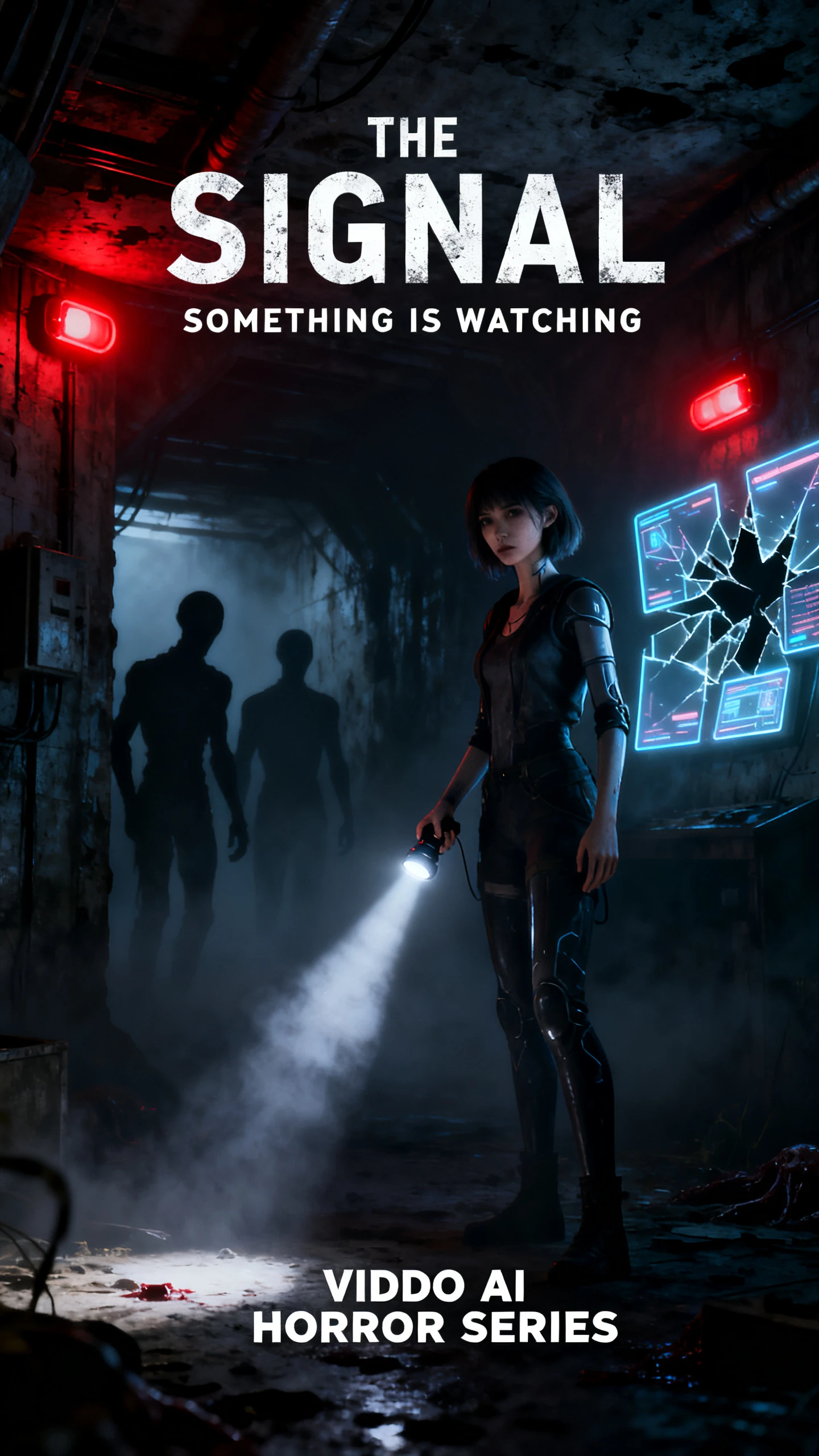

Take control of every reference before generation starts. Assess how the Viddo AI video generator combines labelled images, clips, and audio into one guided scene.

The reference panel accepts up to 9 images, 3 video clips, and 3 audio files for one generation. Viddo also supports multimodal workflows where images and videos can be supplied together, allowing the model to combine several visual and audio references into one result instead of relying on a single source.
Upload several assets, then call out the one you want inside the prompt with references such as @Image 1 or @Video 1. That lets you tell Viddo which character, product, motion, or existing clip should guide a specific part of the scene. It gives the model clearer instructions, although complex prompts can still need another generation.
Turn on Web Search and Viddo can generate creations using real-time information rather than relying only on information already available to the model. That can help when a prompt depends on something current, reducing the amount of recent background information you need to research and paste into the prompt yourself before generation.
Choose 480p, 720p, or 1080p output across 6 ratios: 16:9, 9:16, 4:3, 3:4, 1:1, and 21:9. The current Seedance 2.0 interface supports clips up to 15 seconds, while Viddo’s image-to-video workflow also includes an Extend Video option for continuing a generated scene when one clip is not long enough.
Put every image, clip, and track to work with a clear purpose. See why the Viddo AI video generator appeals to creators who manage several references in one scene.
Viddo lets you add audio alongside image and video references instead of building the scene from visuals alone. A supplied track can help guide the mood, pacing, and movement of the generated video. This gives music-driven clips, promotional edits, and social content a stronger connection between what viewers hear and what happens on screen.
Try Viddo AI For Free
Viddo brings several major video models into the same interface instead of making you open a separate service for each one. Its current catalog includes Seedance 2.5, Veo 3.1, Kling 3.0, Wan 3.0, and Vidu Q3 Pro. That makes switching models easier when one project needs different strengths, resolutions, or generation controls.
Try Viddo AI For Free
Viddo publishes estimated per-video costs for selected models on its pricing page. Seedance 2.0 is listed from $0.345 per video, while Veo 3.1 Lite starts from $0.0575. Seeing those figures before generating makes campaign budgeting easier, although actual credit use still varies with model, duration, resolution, and output settings.
Try Viddo AI For Free
Look beyond how many references a platform accepts. Compare the Viddo AI video generator with rivals for a better selection.
| Platform | Reference Inputs | Per-Asset Addressing | Longest Output | Users |
|---|---|---|---|---|
| Viddo AI | 9 images, 3 videos, 3 audio | Yes, with @ tags | 15 seconds, extendable | Multi-asset creators |
| Magiclight AI | Script and saved characters | Saved character library | Story video to 50 minutes | Story creators |
| Pollo AI | Reference images | No | Varies by model | Volume creators |
| OpenArt | Images and a reference video | No | About one minute | Directors |
| Higgsfield | Reference images | No | Varies by model | Short-form creators |
Bring several references into one scene in 4 clear steps. With the Viddo AI video generator, choose a model, upload assets, tag each reference, then set the final output.
Pick a Viddo video model before adding any assets. Starting here keeps the supported inputs, controls, and output settings clear for the type of clip you want to generate.
Add up to 9 images, 3 video clips, and 3 audio files as references. Keep each asset clear and relevant so the model has less visual or audio clutter to interpret.
Tag every uploaded asset inside the prompt with labels such as @Image 1 or @Video 1. Explain what each reference should do so Viddo can follow the scene more precisely.
Select one of 6 aspect ratios, choose 480p, 720p, or 1080p, and set the clip length up to 15 seconds. Then generate, preview the result, and adjust the prompt if needed.

Ecommerce Video Creator
Every other tool kept swapping my product for something that looked vaguely similar. Tagging it by name in Viddo keeps the exact item in the shot every single time.

Agency Video Producer
Client briefs usually come with a logo, a product, and a location. Loading all three into Viddo AI and naming each one saves the round of corrections we used to budget for.

Music Video Creator
Being able to drop my own audio in as a reference changed how the cuts land. Viddo lines the motion up with the track instead of me fixing the timing afterward.

Social Video Creator
New models show up in Viddo AI within days of launching. I test them on my usual references before anyone else in my niche has even signed up.
Lock the same seed in Viddo when generating related clips. Reusing that numerical value helps keep the style and character appearance more consistent across a series.
Yes, commercial use is available for videos created under Viddo’s paid plans, provided you follow its licensing and usage terms for the selected model and content.
Generation speed varies by model and complexity. Viddo says premium users can receive many short clips in under 120 seconds, though heavier jobs may take longer.
Yes. Several providers sit inside the same Viddo AI video generator interface, including Google, Kling, Runway, Vidu, ByteDance, and others, so you can change models without opening separate platforms.
No. Vidu is one of the external video models available through Viddo, while Viddo is the broader platform that brings several third-party AI models into one interface.
Viddo says failed creations can qualify for a refund or credit return. The exact credit cost still depends on the model, clip length, resolution, and number of outputs selected.



Start with a few clear references and give each one a role in Viddo AI. Tag them in the prompt, generate the first clip, then extend the scene if you need more time.