


Hero background

Turn Music Into Video With Suno AI Video Generator

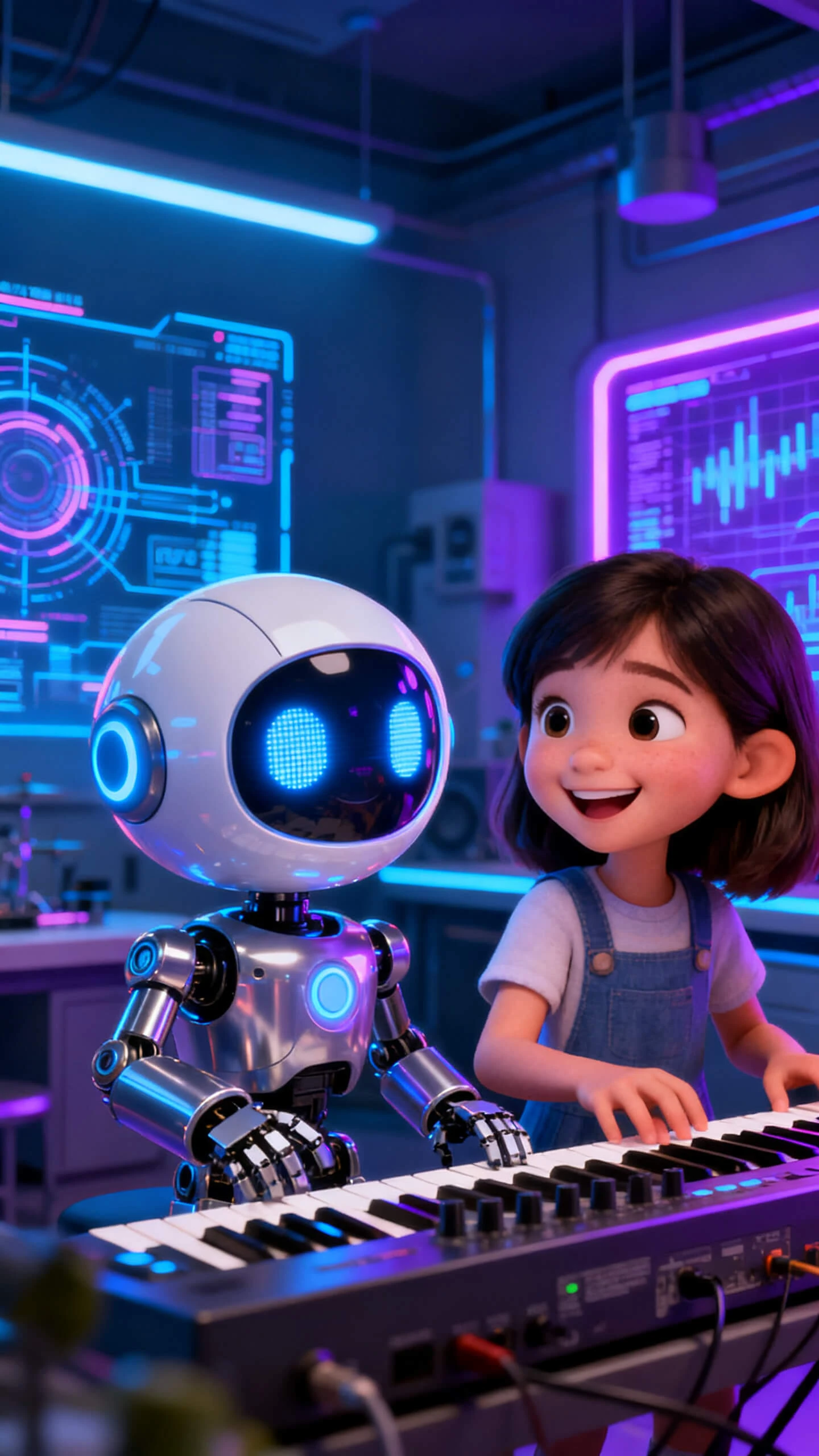
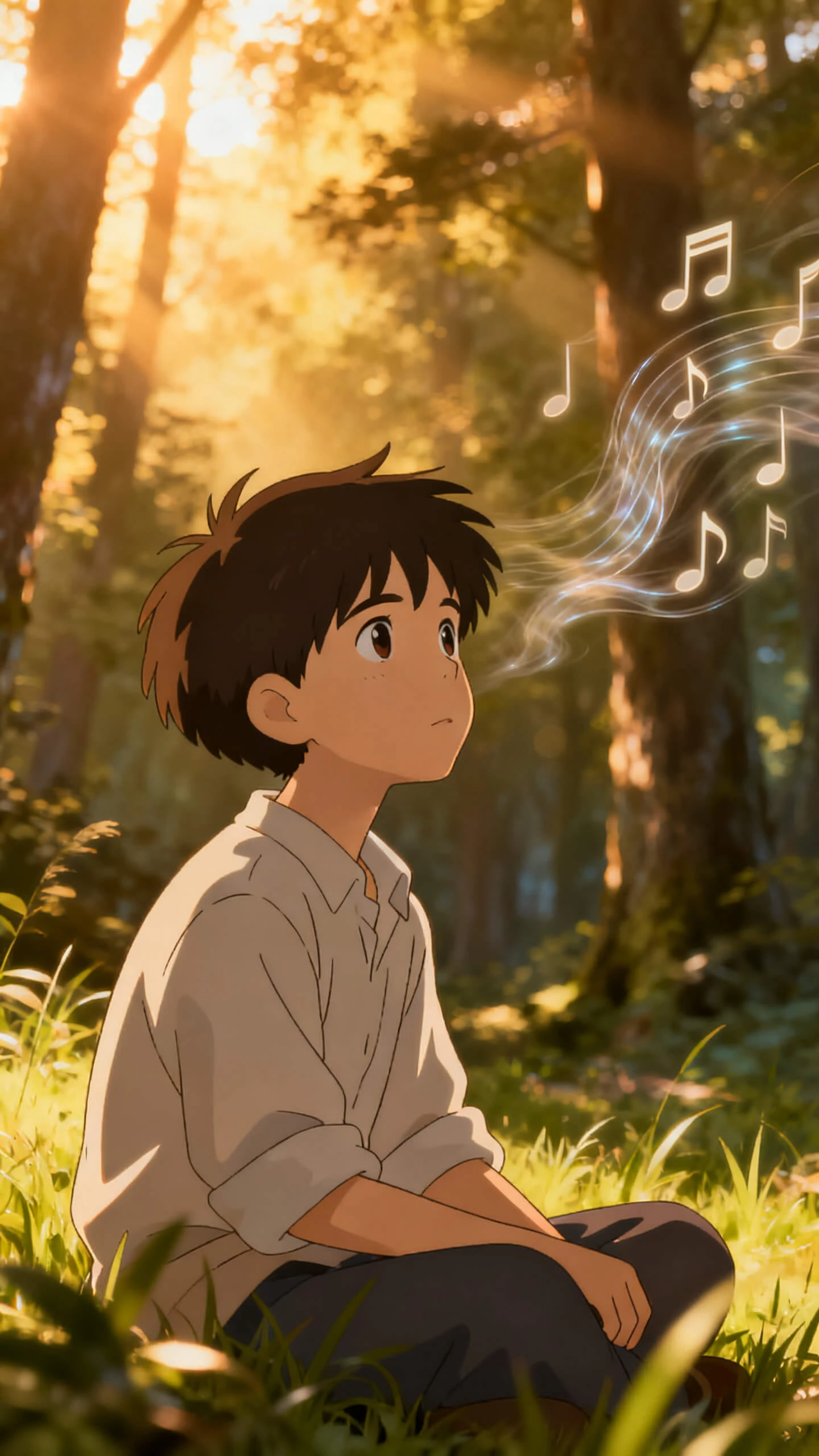
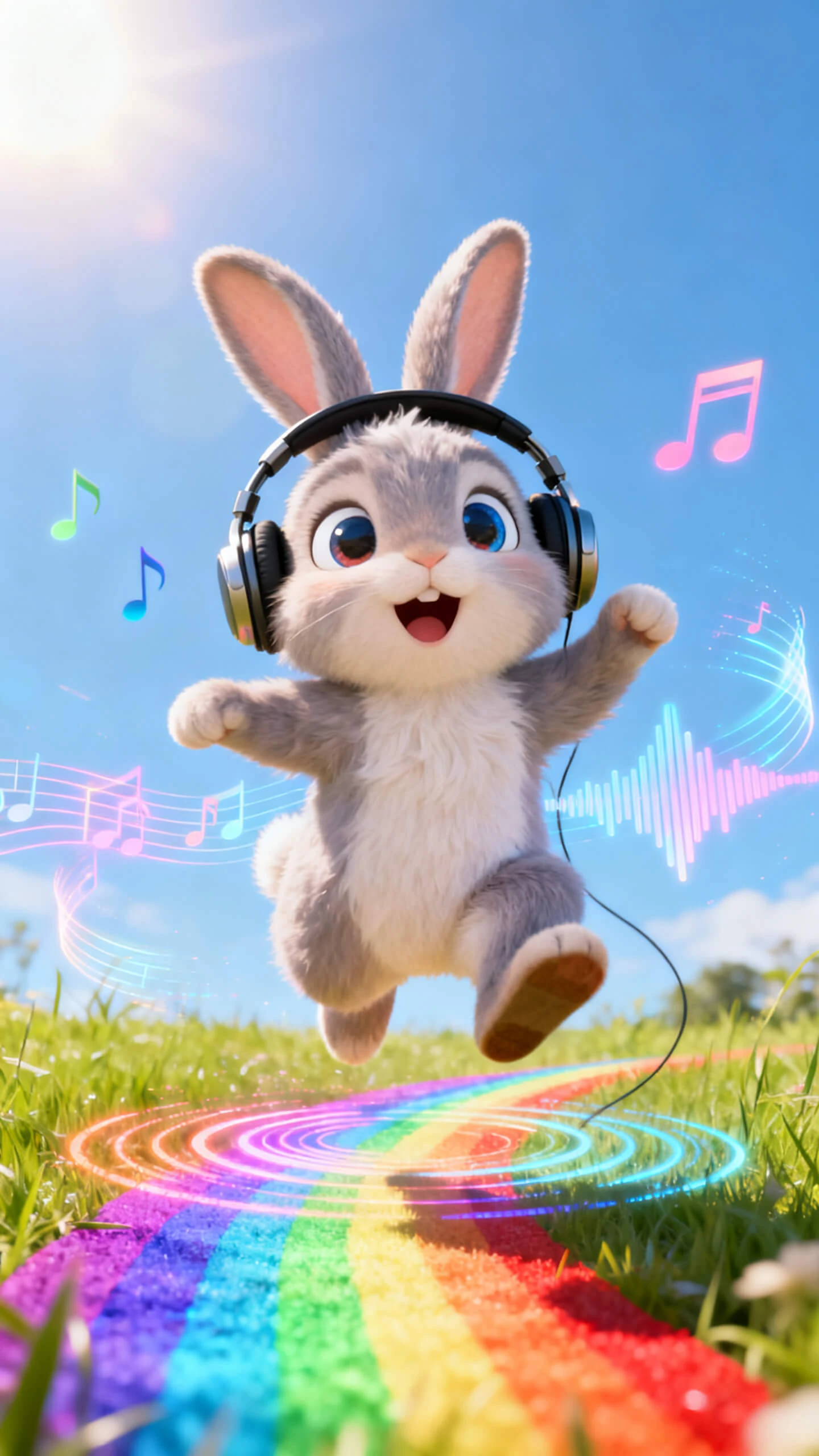
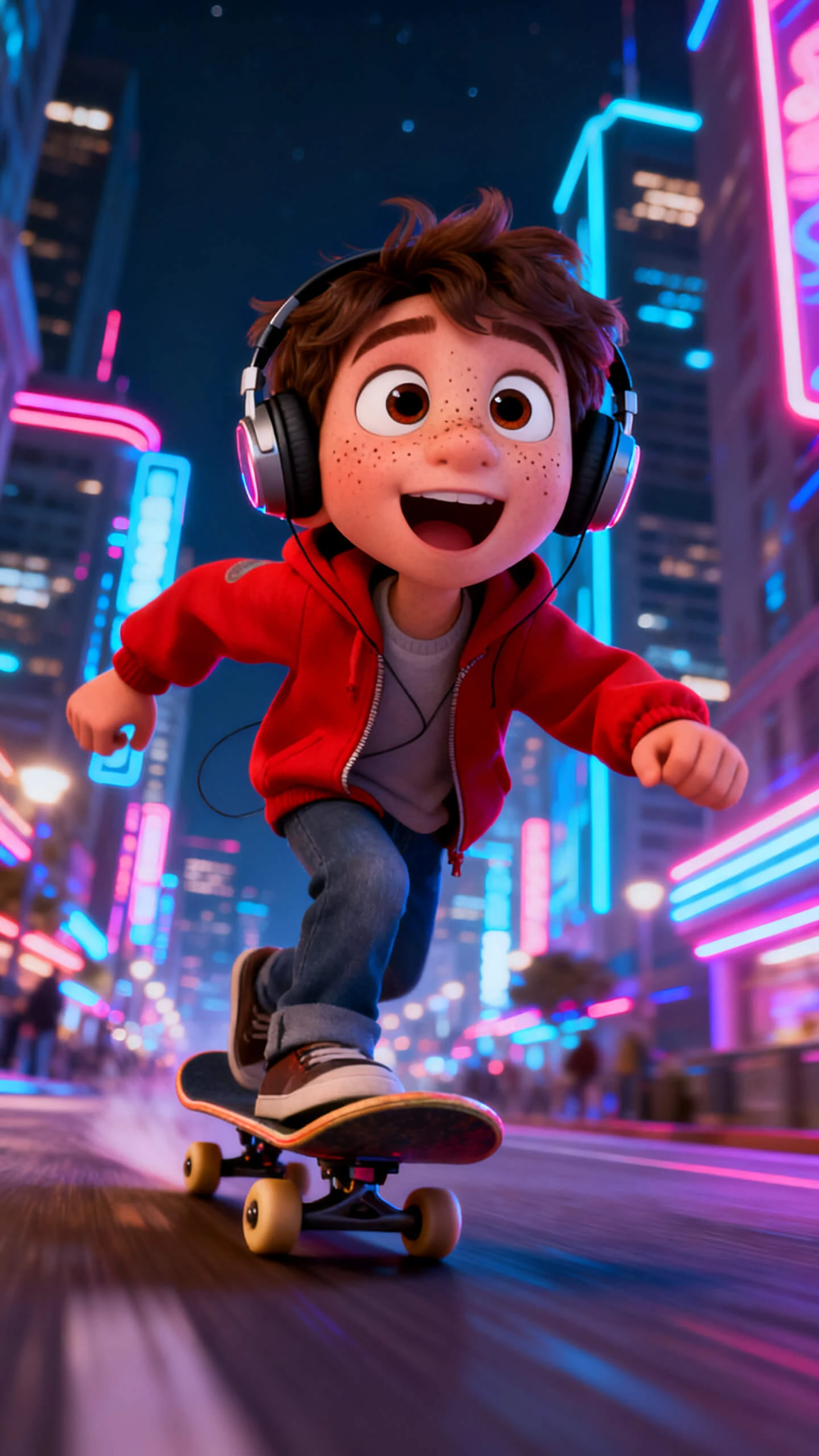
Create music videos from Suno tracks in Magiclight AI without complex software or manual editing. Pair audio with visual styles, characters, and scenes that match your song’s mood.

Create Suno AI Video Now
suno ai video generator
make music video from suno audio
ai music video maker for suno tracks
suno song visualizer generator
suno ai video generator
suno music video creator
suno ai video generator
make music video from suno audio
ai music video maker for suno tracks
suno song visualizer generator
suno ai video generator
suno music video creator
suno ai video generator
make music video from suno audio
ai music video maker for suno tracks
suno song visualizer generator
suno ai video generator
suno music video creator

Explore Features of Suno AI Video Generator in Magiclight AI

Magiclight AI combines Suno music generation with an end-to-end Suno video generation workflow. Every scene is designed around the track’s energy, delivering a cohesive, publish-ready music video.

Explore the video generator
3D decoration

Suno Music Sync With Visuals

Choose from 20+ styles and 19 video models. Magiclight AI applies the right motion and scene look to match your Suno track's mood.

Narration and Voice Layering

Add spoken narration using 37 voice options or a cloned voice in Magiclight AI. Every audio layer stay timed to its scene across the output.

Scene-Level Nano Storyboard Editing

Refine every shot with Magiclight AI Nano Storyboard. Adjust camera moves and character poses so the video aligns with beats and lyric changes.

Multi-Language Suno Video Export

Magiclight AI supports 11 languages with synced subtitles in 16 styles. One session covers global audiences without rebuilding the project.

Who Uses Magiclight AI for Suno Video Generation
Every music creator works toward a different output goal. Magiclight AI shapes each workflow so every Suno AI video generator project ships at the pace audiences expect.
suno music video maker for social media
For YouTube and Social Media Creators
Build a consistent upload schedule without production tools.
Move from a Suno track idea to a finished clip in one session.
Cut short-form edits for Reels, Shorts, and Stories without extra tools.
ai suno visualizer for creative agencies
For Creative Team and Agencies
Test music video concepts quickly before committing to full campaign budgets.
Repurpose one Suno track into multiple visual directions across client pages.
Keep feeds active with music-driven posts that need no in-house editing team.
independent artist suno mv generator
For Musicians and Independent Artists
Visualize Suno tracks with synced cinematic scenes and no studio budget.
Match visual mood to song structure across every scene automatically.
Export finished music videos in 1080p for YouTube and streaming platforms.
record label suno ai video creator
For Labels and Marketing Teams
Run several visual directions on a track before approving production budgets.
Pair Suno tracks with Magiclight AI visual styles for on-brand consistency.
Deliver sponsor-ready music video cuts for every campaign cycle.
Why Magiclight AI Stands Out as the Best
Suno Video Generator
Suno tracks deserve more than a slideshow. Magiclight AI builds each Suno AI video generator project with real story structure, proven video models, and clean export options.
Music-Driven Scene Pacing
Magiclight AI reads your Suno track's energy and maps scene transitions to beat and mood shifts. Every cut land where the music calls for it without any manual adjustments.
Multiplatform Export From One Session
Pick aspect ratios and resolutions that fit YouTube, TikTok, and Instagram from inside Magiclight AI. No extra cropping or re-editing is needed after the video exports.
Consistent Characters Across Every Song
Build one host or animated persona and reuse it across every Magiclight AI project. Returning viewers recognize the same visual identity each time a new video drop.
Faster Revisions for New Releases
Duplicate a previous Magiclight AI layout, drop in a new Suno track, and adjust visuals. Each new release ships faster than starting over from a blank project every time.
Proven AI Models for Music Flow
Switch engines per scene inside Magiclight AI across Seedance 2.0, Kling 3.0, Veo 3.1, and 16 other models. These models hold visual consistency throughout every scene.
Text to Music and Video in One Flow
Describe a mood in plain language, let Suno generate the track, then wrap that audio in matched visuals inside Magiclight AI. The whole creative chain runs without switching tools.

How to Use Magiclight Suno AI Video Generator in 4 Steps

From your first Suno track to a published HD video, Magiclight AI guides the entire Suno video generation process in 4 clear steps. No editing experience required at any point.

1.

Step 1. Enter Your Suno Track or Concept

Type your music idea or drop in a Suno track inside Magiclight AI. Describe the mood and tone so the scene structure builds in the right direction.

2.

Step 2. Pick a Visual Style and Assign Characters

Choose from 20+ styles including cinematic, anime, and Pixar. Select a character from the library or design one to carry the visual identity across every scene.

3.

Step 3. Shape Each Scene in Nano Storyboard

Adjust camera angles, pick from 50 pose options, and set character expressions. Lock every scene exactly how you want it before the final generation begins.

4.

Step 4. Export and Publish Your Music Video

Review the full video and choose 720p or 1080p resolution. Add subtitles from 16 styles, pick a cover from 21 templates, then publish directly from Magiclight AI.

FAQs on Suno AI Video Generator

What is the Suno AI video generator in Magiclight AI?

It creates music powered by Suno and generates full-length music videos. Projects run from track creation to HD export without any manual editing at any stage.

Can I customize visuals for each project?

Absolutely. Adjust styles, characters, and scenes inside Magiclight AI. Every Suno video generator run reflects a specific track or campaign goal rather than feeling recycled.

Does it work for short-form clips?

Yes. Magiclight AI produces shorter cuts sized for social platforms. Reels, Shorts, and Stories export without needing separate editing software afterward.

Is there a free option in Magiclight AI?

Selected workflows and exports are available to explore inside Magiclight AI. Test concepts and visual directions before committing time or budget to a full project.

Which platforms support the exported videos?

Magiclight AI exports standard formats and aspect ratios. Every Suno video generation output goes straight to YouTube, TikTok, Instagram, and other major platforms.

How many languages does Magiclight AI support for Suno videos?

Magiclight AI supports 11 languages, including English, Spanish, Arabic, French, and Japanese. Subtitles and voiceovers localize every project for regional audiences.

Turn Suno Songs Into Viral Videos With Magiclight AI

Magiclight AI connects your music with cinematic visuals, syncing rhythm, mood, and motion to turn audio into structured, shareable video content for social platforms.


