
What the DaVinci AI Video Generator Offers
See how this AI video generator offers a complete collection to induce creativity, along with built‑in editing alongside it. Here’s what the DaVinci AI video generator includes.

Use Sora for one shot and Kling for the next inside DaVinci. More than 50 image and video models sit beside built‑in editing tools, and no editing skills are required to begin.
Try DaVinci AI For Free


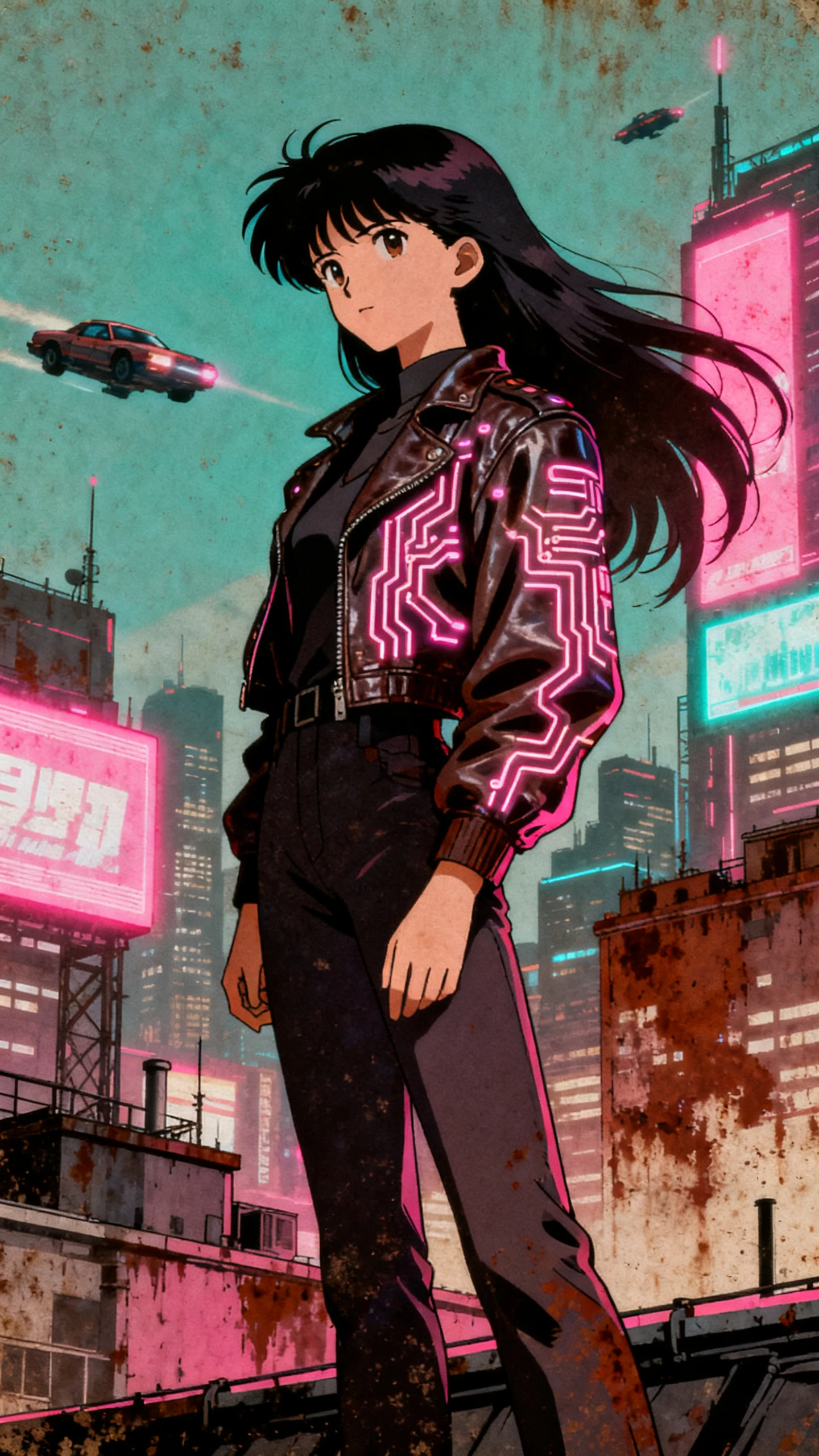
See how this AI video generator offers a complete collection to induce creativity, along with built‑in editing alongside it. Here’s what the DaVinci AI video generator includes.

Access more than 50 AI models in DaVinci, including Sora 2, Veo 3.1, Kling 2.6, Seedance, Flux, Nano Banana, and DaVinci Ultra. Pick the model that fits the shot, switch between available options inside one platform, and keep the project moving without jumping elsewhere. Model access can vary by plan.
Image generation, image editing, video generation, and video editing are brought together in the same creative suite. That means you can create and refine visual assets without moving the project into a separate editing app midway through the workflow. Broader audio generation is also listed as the upcoming features.
Start with a still product shot and turn it into a short‑form commercial video designed for performance. DaVinci positions these videos for ads, social content, and storefronts, giving brands another way to build campaign‑ready motion from existing product photography.
Resize one design for different channels without rebuilding the layout or losing its visual balance. You can also upscale assets for larger displays and premium ads, then remove or replace objects while keeping the surrounding lighting, depth, and context intact.
Find out how the DaVinci AI video generator replaces multiple image and video tools with one platform, so you can create more without managing separate apps and subscriptions.
Use one DaVinci subscription to access multiple AI models instead of paying for each service separately. On the web, credits are spent when you generate, not when you download previous work. Regular credits reset each billing cycle, while purchased extras are used after the included allowance runs out.
Try DaVinci AI For Free
Keep your creations private by default and out of view from other users. DaVinci says it does not use your prompts, uploads, or generated outputs to train its AI models, and third‑party model providers must follow the same rule for content processed through them.
Try DaVinci AI For Free
Take DaVinci beyond the desktop with apps for both iOS and Android. The mobile experience supports AI image and video generation and gives creators access to more than 50 AI models. Make creation easy with on‑the‑go generation and editing, all on your palm’s reach.
Try DaVinci AI For Free
Put the DaVinci AI video generator next to other AI suites and weigh the differences in model choice, editing, creation tools, and workflow.
| Platform | Models | Covers | Built‑In Editing | Users |
|---|---|---|---|---|
| DaVinci | 50+ including Sora and Kling | Images and video | Yes, full editor | Marketers and designers |
| Magiclight AI | Its own story engine | Animated story video | Yes, storyboard | Story creators |
| Freepik AI Suite | Multiple third‑party models | Images and video | Light editing | Designers |
| Krea | Multiple third‑party models | Images and video | Light editing | Artists and creators |
| Runway | Its own Gen models | Video and VFX | Yes, full editor | Filmmakers |
Move from an idea or reference image to a finished asset in 4 steps. The DaVinci AI video generator lets you choose the workflow and model that best fit each shot.
Choose from the model list before you write anything. Sora and Kling behave differently on the same prompt, so the pick matters more than the wording you use.
Describe the shot, or bring in a product photo and work from that. Image to video and text to video both start here, and either route lands in the same editor afterward.
Swap an object, change the background, restyle the scene, or relight it. Fix what is wrong in place rather than regenerating the whole thing on a fresh set of credits.
Auto‑resize the finished asset for every placement it needs to fill. Upscale it where the format demands the resolution, then download without spending more credits.
Performance Marketer
Three separate model subscriptions were costing us more than they were worth. Once we moved to DaVinci, the workflow got simpler, and our monthly credits started going further.
Content Creator
Our catalog was full of product photos but short on video. We now use those same images in DaVinci to create ad clips, which gives old assets a much more useful second life.
Brand Designer
Resizing one campaign for 6 placements used to eat a whole afternoon. The auto‑resize in DaVinci handles it while I move on to the next brief.
Social Video Creator
Being able to try a prompt on two different models settles arguments fast. I stopped guessing which one suits a shot and just run DaVinci through both.
Sora 2 and Sora 2 Pro, Veo 3.1 Fast, Kling 2.6, and Seedance sit alongside image models such as Flux, Nano Banana, and Seedream. The library runs past 50 models and includes DaVinci Ultra, built in‑house.
No, and the names cause plenty of confusion. DaVinci here is a generative AI suite from HubX. DaVinci Resolve is Blackmagic Design's professional editor, which grades and cuts footage but does not generate it.
Credits are spent only when you generate, never when you download work you already made. Each tool costs a different amount depending on the model and output, and the balance resets on your subscription cycle.
Yes, while your subscription is active, and no attribution is required. You own what you create, though you stay responsible for making sure it does not infringe anyone's copyright, trademark, or likeness rights.
DaVinci states that it does not train on your prompts, uploads, or outputs, and holds its third‑party model providers to the same rule. Everything you make stays private by default and visible only to you.
Long‑form editing and independence. There is no timeline for cutting a full film, and your access depends on which models the suite carries. Commercial rights also rest on keeping the subscription running.



Add up what you spend on separate AI tools, then try the DaVinci AI video generator to bring more models into one plan and make your credits go further.