Hero background

10-minute AI Video Generator

The Magiclight AI 10 AI video generator creates full-length videos with characters, voices, and captions. You go from ideas to a polished video in seconds. No experience required.

Create a 10‑Minute Video Now
ai video generator 10 minutes free
10 minute ai video generator
ai video generator 10 minutes
ai video generator 10 minutes free
10 minute ai video generator
ai video generator 10 minutes
ai video generator 10 minutes free
10 minute ai video generator
ai video generator 10 minutes
ai video generator 10 minutes free

Unlock Magiclight AI’s 10 Minute Video Generator Features

You can turn rough concepts into storytelling videos with a few clicks in Magiclight AI’s 10 minute video generator. Explore the features that make video creation fast and easy.

Explore the video generator
3D decoration

Unique Video Characters

In Magiclight AI, you can change each and every detail of the character. Adjust the eyes, hair, outfits, accessories, and poses to create an original cast.

Wide Range of AI Models

Popular AI models, including Nano Banana 3 and ChatGPT 5.3 are integrated in. Magiclight AI. You get stronger reasoning and logic in scripts and videos.

Natural Voices in Many Languages

Magiclight AI offers 37 voice options and cloning so characters feel real. With support for 11 languages, the videos reach worldwide audiences.

Rich Styles for One Video

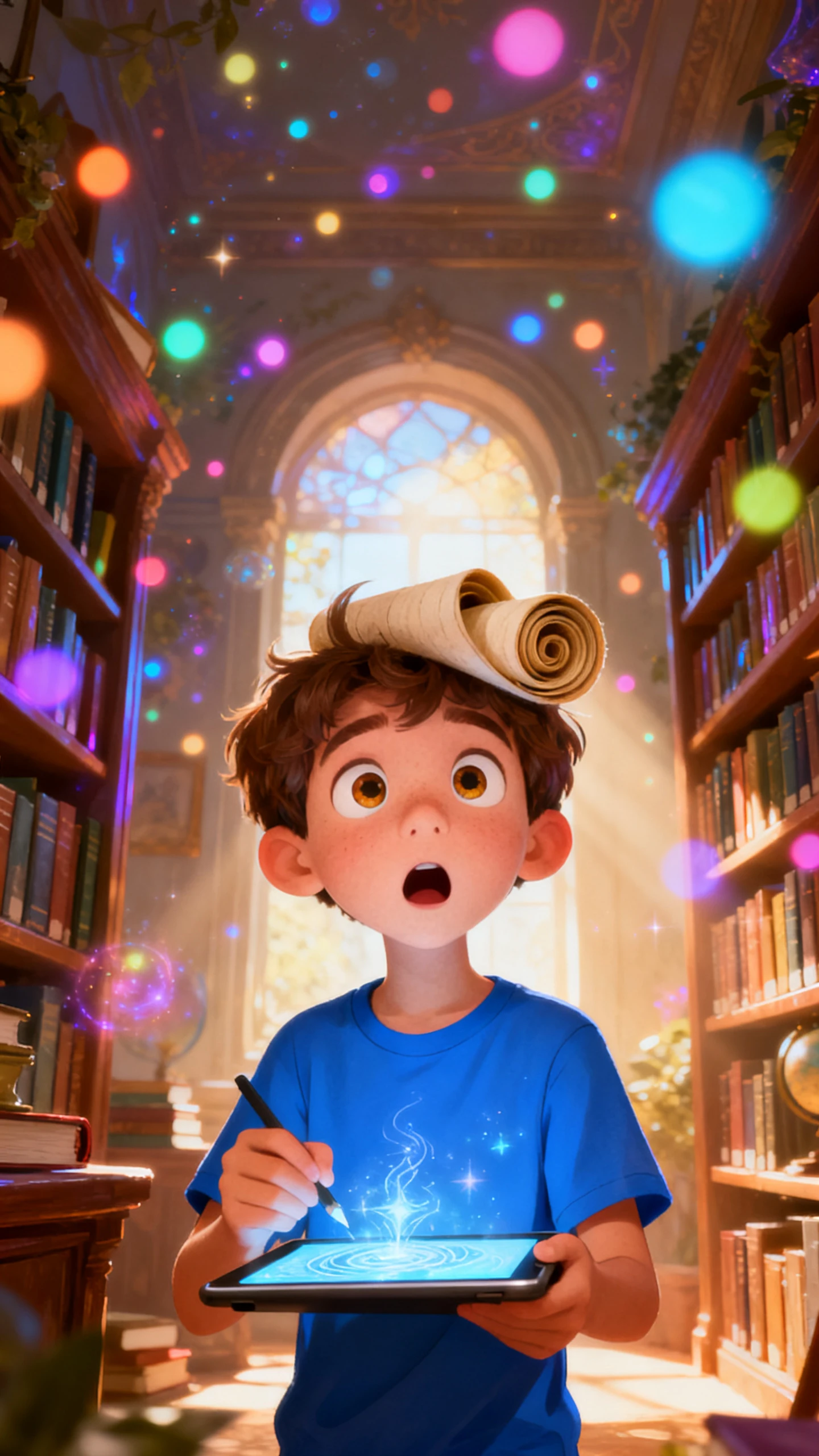
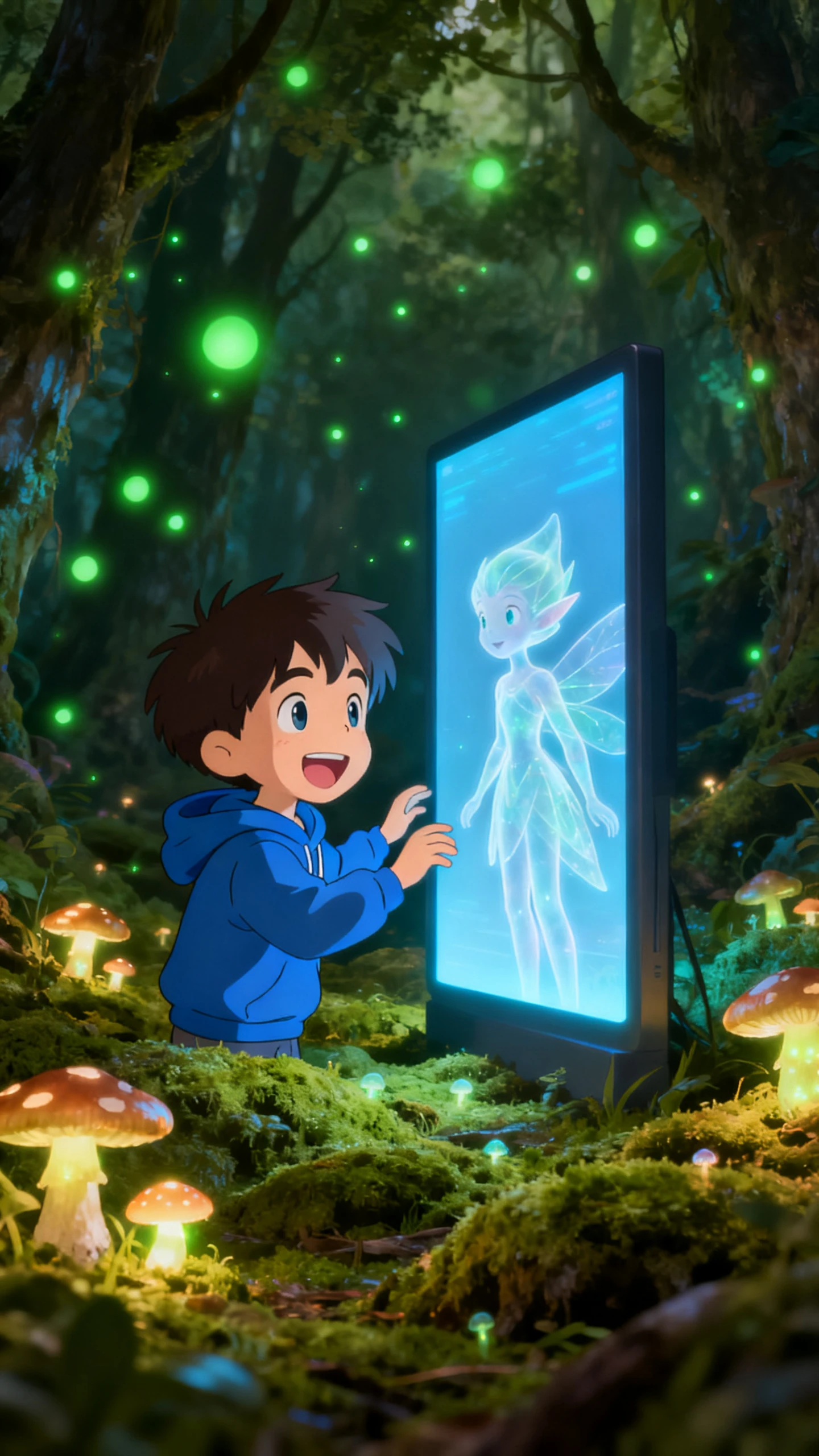
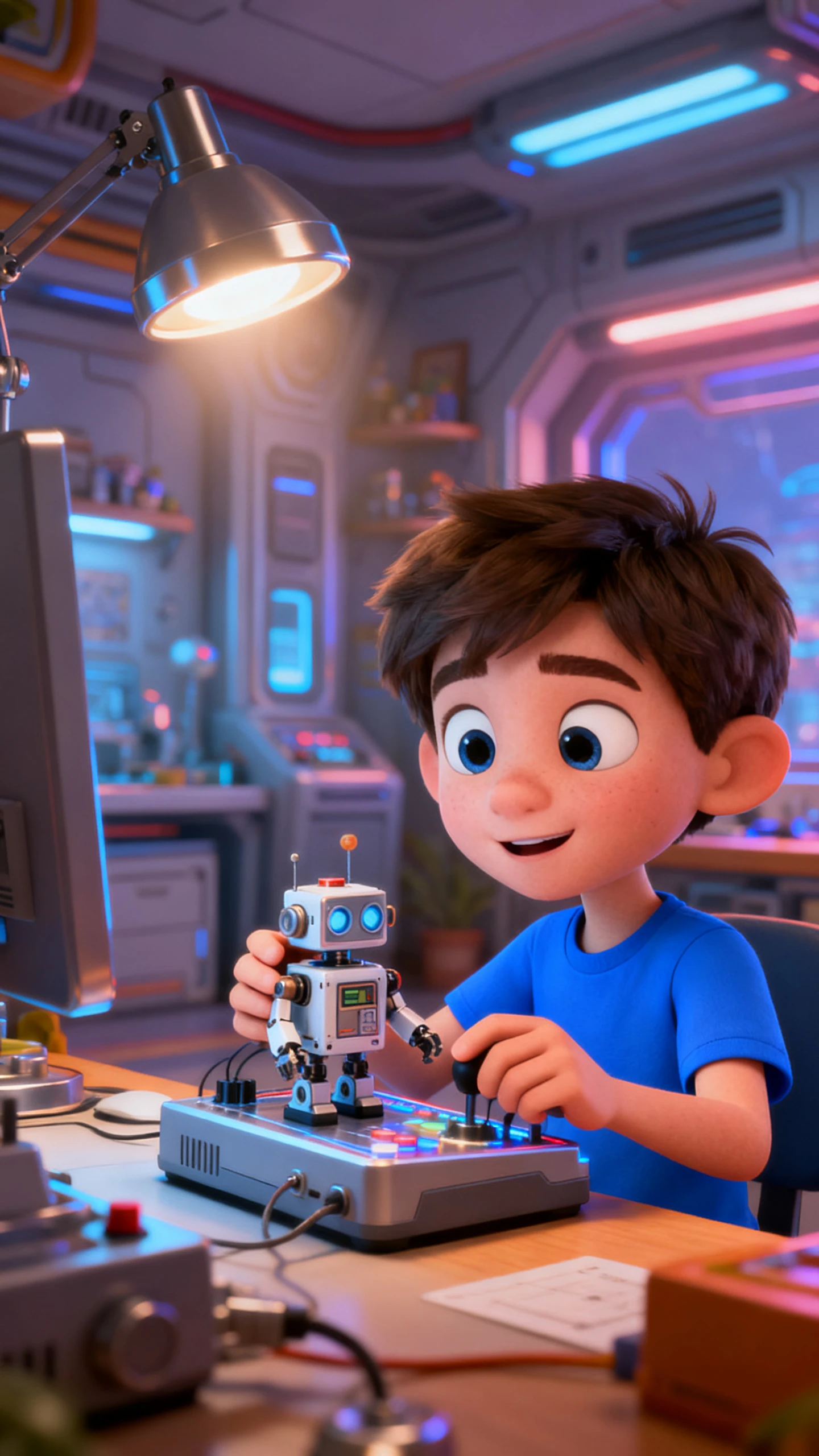
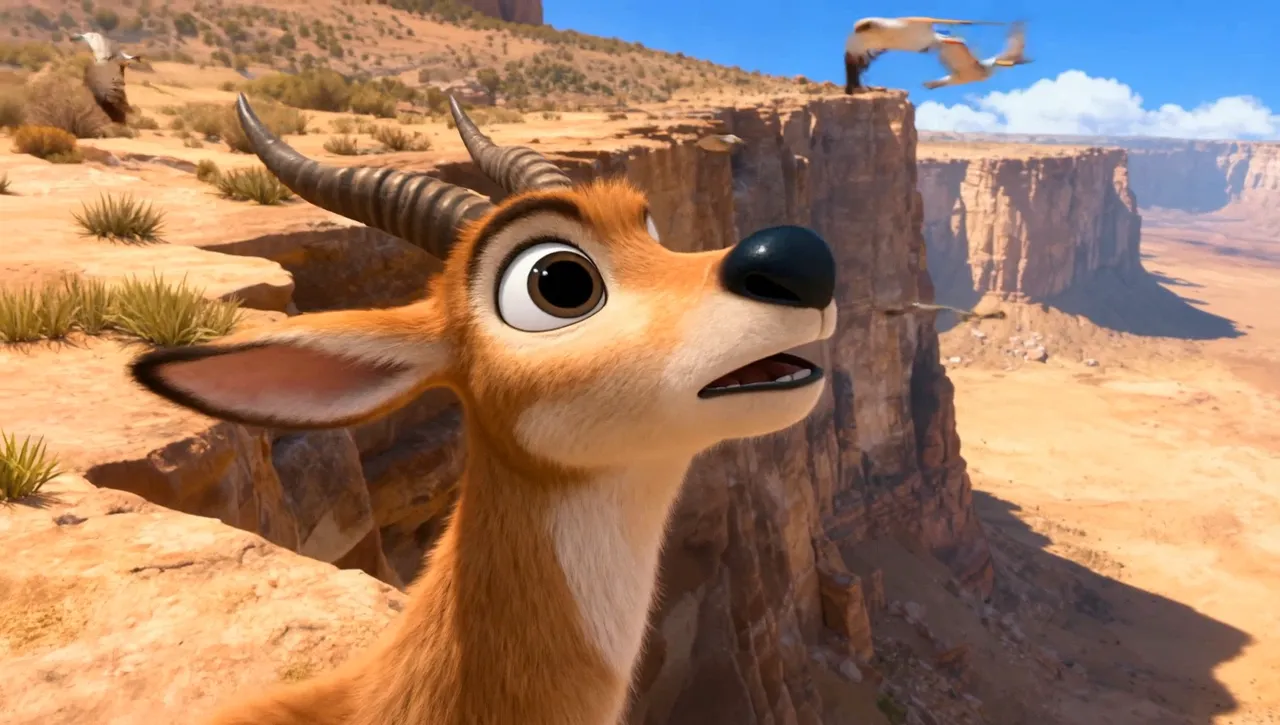
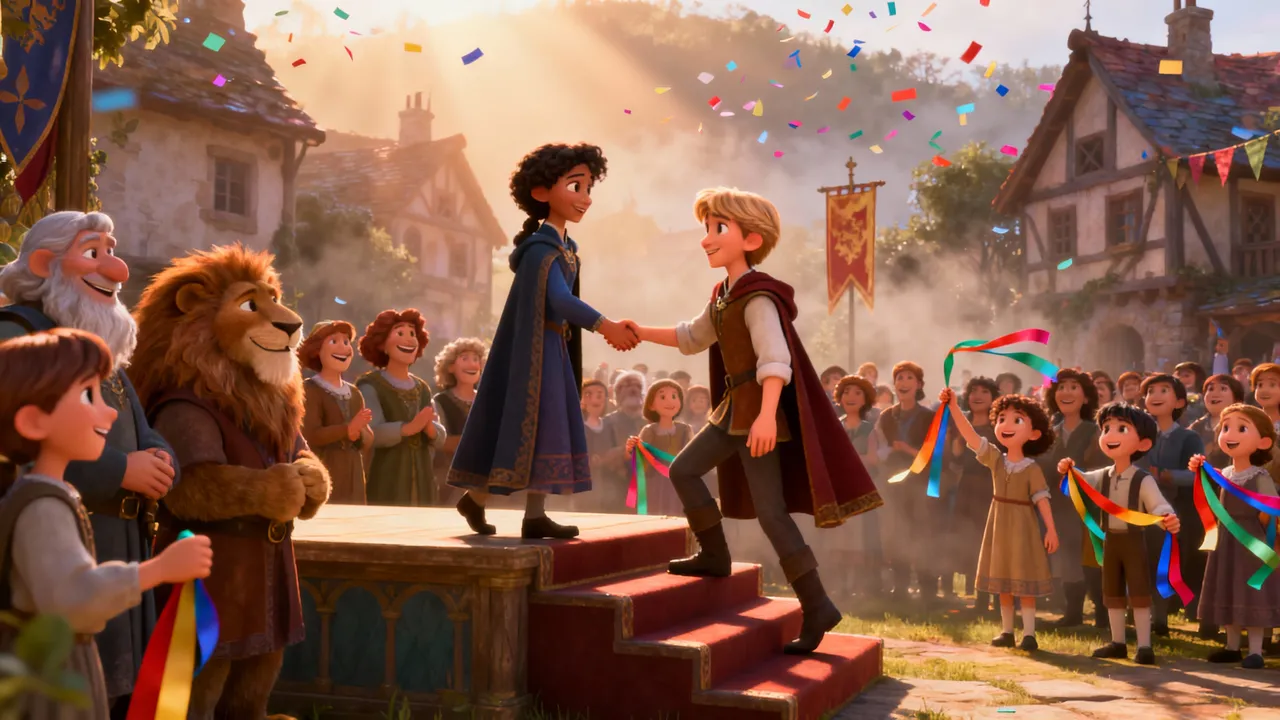
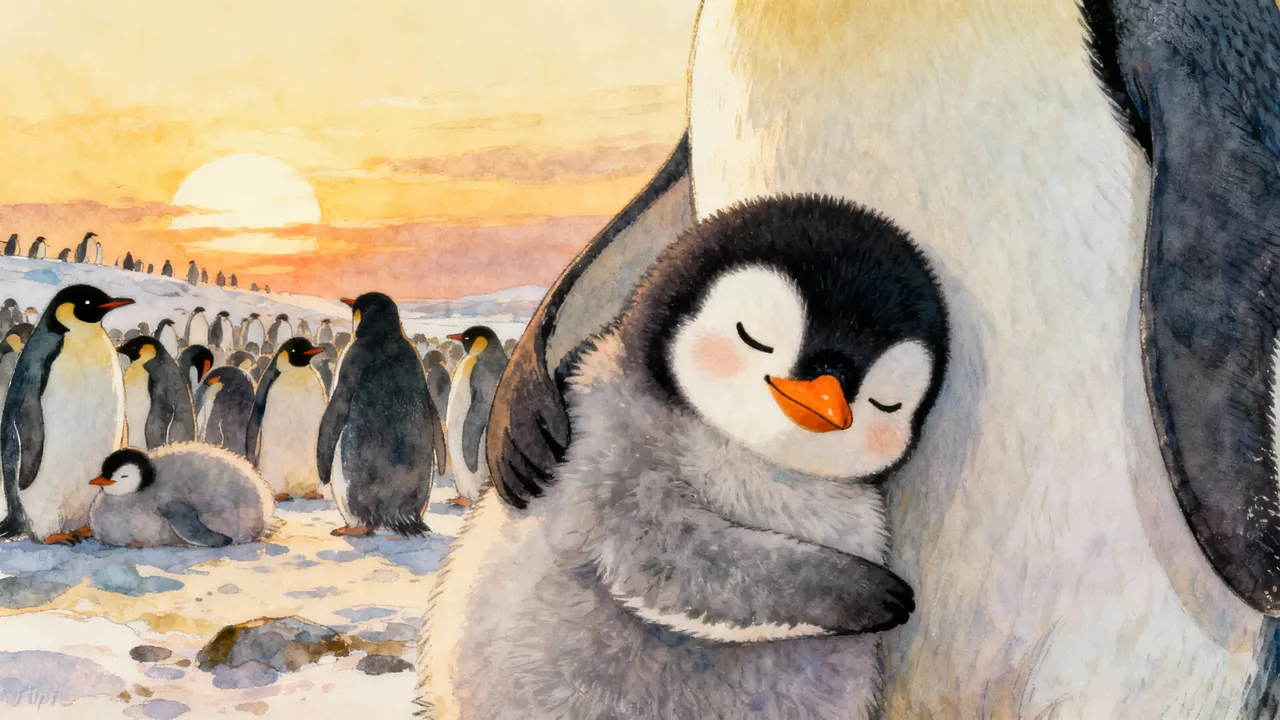
Every video can have its own distinct style thanks to Magiclight AI’s style models. Choose from Anime, Pixar, Wuxia, etc to make your video stand out.

Suitable Matches For Magiclight AI’s 10-minute AI Video Generator
With Magiclight AI's 10 minute video generator, creators can turn rough concepts to detailed, chapter‑like videos. These can be used for education, storytelling, or product demos.
B2B Marketers
For B2B Marketers
Build 10‑minute demos without a full-video agency.
Repurpose webinar notes into product tours quickly.
Explain complex features clearly and quickly using AI explainers.
Business Founders
For Business Founders
Pitch your startup with 10‑minute story videos rapidly.
Showcase products and journeys without hiring expensive editors.
Iterate video versions quickly with less time and effort.
Course Creators
For Course Creators
Batch‑produce course explainers to save time every week.
Generate fun characters and visuals quickly to explain tough lessons.
Turn research notes into detailed story videos quickly.
Training Leads
For Training Leads
Standardize onboarding content in less time, effort, and money.
Update training clips fast when processes and rules change.
Convert policies into quick training videos at a low cost.
Why Creators Prefer Magiclight AI’s 10 Minute
Video Generator
Many creators prefer longer formats that feel fast to produce. The 10-minute AI video generator is free in Magiclight AI to make sure users test, refine, and publish more often.
Auto Generated Covers
Auto‑Generated Covers and One‑Click Exports
Skip manual thumbnail design with automatic cover generation in Magiclight AI. Users can easily edit videos, publish them directly, and download final files without switching tools.
Kickstart Videos
Kickstart Videos with Story, Music, and Vlog Templates
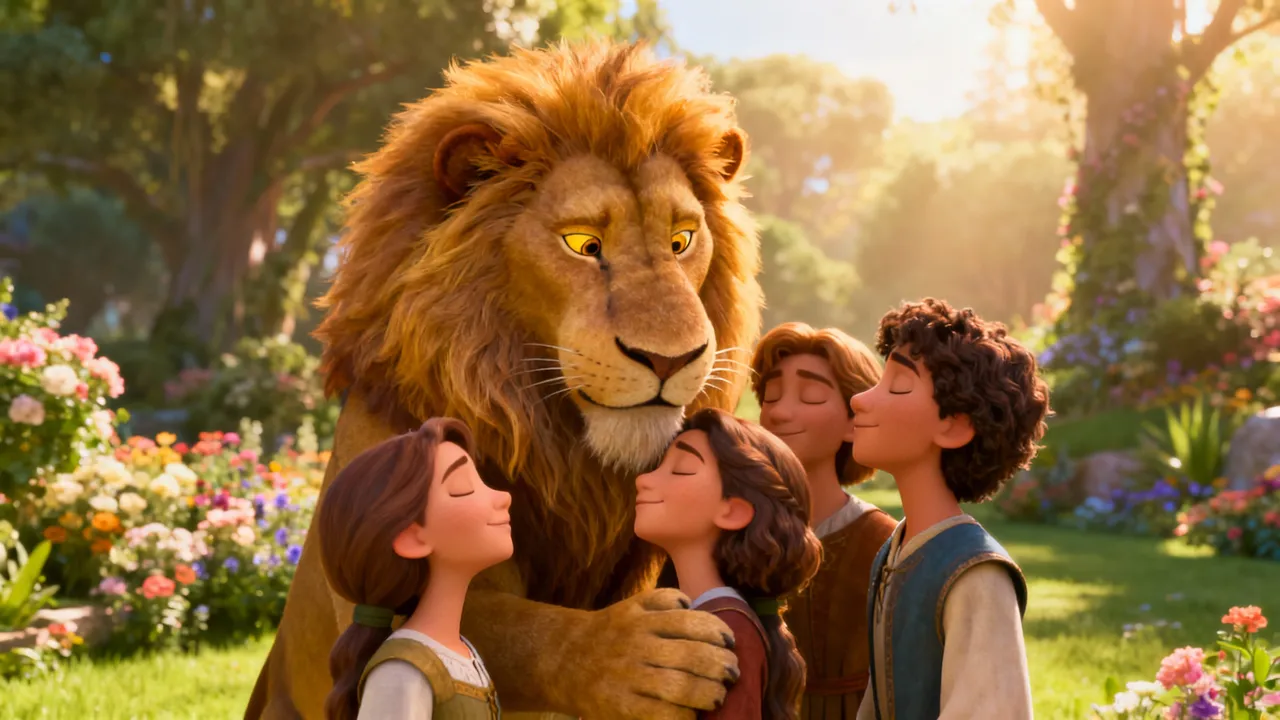
Start faster by choosing from 7 story templates like Kid's Stories, Music, Religious, or Commentary. Magiclight AI guides the structure, so you focus on ideas instead of setup.
Save Favorite Characters
Save Favorite Characters for Future Video Projects
Refine characters with Magiclight AI and save them for later use. Each time you add them to different scenes or new videos, their appearance stays the same with no random shifts.
Build Your Story Structure
Let Magiclight AI Build Your Story Structure
With built‑in automated storytelling, Magiclight AI creates full narratives for your idea. Users get connected scenes and transitions without manually mapping every story beat.
Flexible Output Quality
Flexible Output Quality For Videos
Magiclight supports standard 720p for lighter files and 1080p for sharper quality. You can pair each video with one of 21 built‑in cover templates for fast branding.
Create Video Explainers Quickly
Create 10 Minute Video Explainers Quickly
Begin with the built‑in explainer templates and pick MagicLight 2.2 or 2.0 for visuals. Your video durations go up to 10 minutes to match your message explanation.

Start With Magiclight AI’s 10 Minute  Video Generator

Whether you make explainers or creative stories, Magiclight AI walks you through each stage from concept to export. The 10-minute AI video generator gives you engaging visuals.

1.

Begin with a Text Prompt

Type your idea, dialogue, topic, or concept into the prompt box. Specify the tone, audience, and the core message of your video.

2.

Perfect Your Characters

Polish the video characters individually. Adjust their age, gender, accent, voiceover, and tone to ensure each character is unique.

3.

Revise Storyboard Shots

Analyze each scene carefully. Change the poses, outfits, body shapes, backgrounds, and accessories for all the required scenes.

4.

Export and Post the Video

Replay the full video once to make sure there are no awkward details. Then, download the video onto your device or post it on social media.

FAQs on 10 Minute AI Video Generator

Can beginners create videos with the 10-minute video generator?

Yes. Both beginners and professionals can start creating videos using Magiclight AI's 10 minute AI video generator. It takes your script and turns it into a polished video quickly.

What kinds of content work best at 10 minutes?

Educators, storytellers, and marketers often see great results using Magiclight AI. This duration is ideal for detailed explainers, chapter‑style lessons, and narrative videos.

Do I need prior editing experience to use Magiclight AI?

With Magiclight AI, users only require a single idea. The tool handles structure, scenes, captions, and timing so you can produce 10‑minute videos without pro editing skills.

Can I turn scripts or outlines into 10-minute videos?

You can paste an outline or script into Magiclight AI and let it build out scenes. The generator organizes your material into a cohesive 10‑minute video with proper pacing.

How do I customize my characters and scenes in Magiclight AI?

Both characters and scenes can be adjusted with Nano in Magiclight AI. Using the storyboard editor, it is easy to alter the clothes, expressions, and backgrounds for any scene.

Is the Magiclight AI 10-minute video generator free?

The 10-minute AI video generator in Magiclight AI is free on sign-up. Users receive enough credits to explore and make engaging videos before committing to a paid plan.


Start Your Next Full-Length Video with Magiclight AI

Use Magiclight AI to convert your idea or dialogue into a cinematic 10-minute video with engaging visuals.