
Explore Features of Sondo AI Video Generator
Music comes first with the Sondo AI video generator. Once your track is added, the tool reads the audio and uses it to guide what appears on screen.

Add your song, paste a music link, or generate a new track. Sondo reads its rhythm, mood, and energy, then creates scenes around the beat. No editing or film crew needed.
Try Sondo AI Free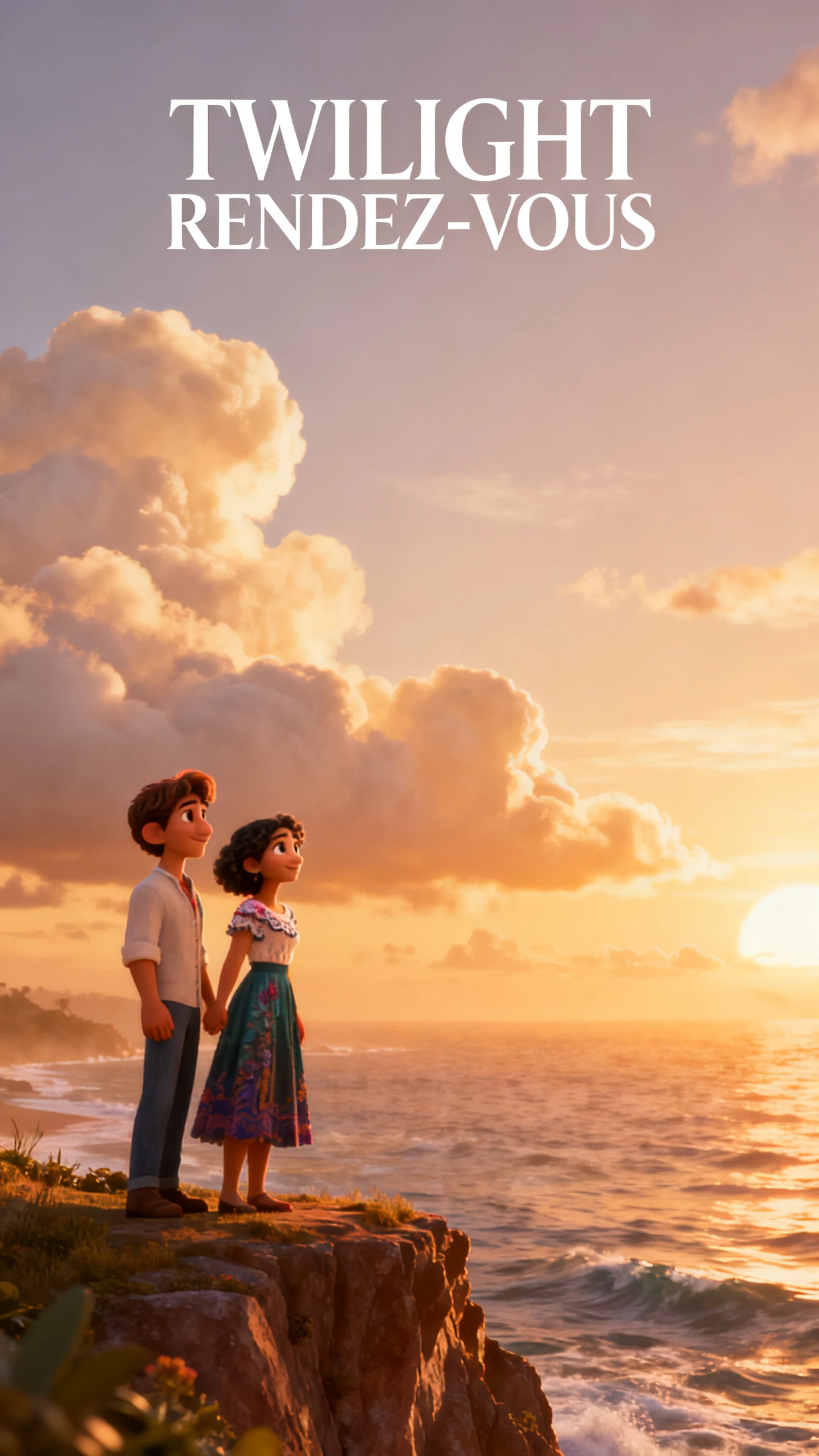
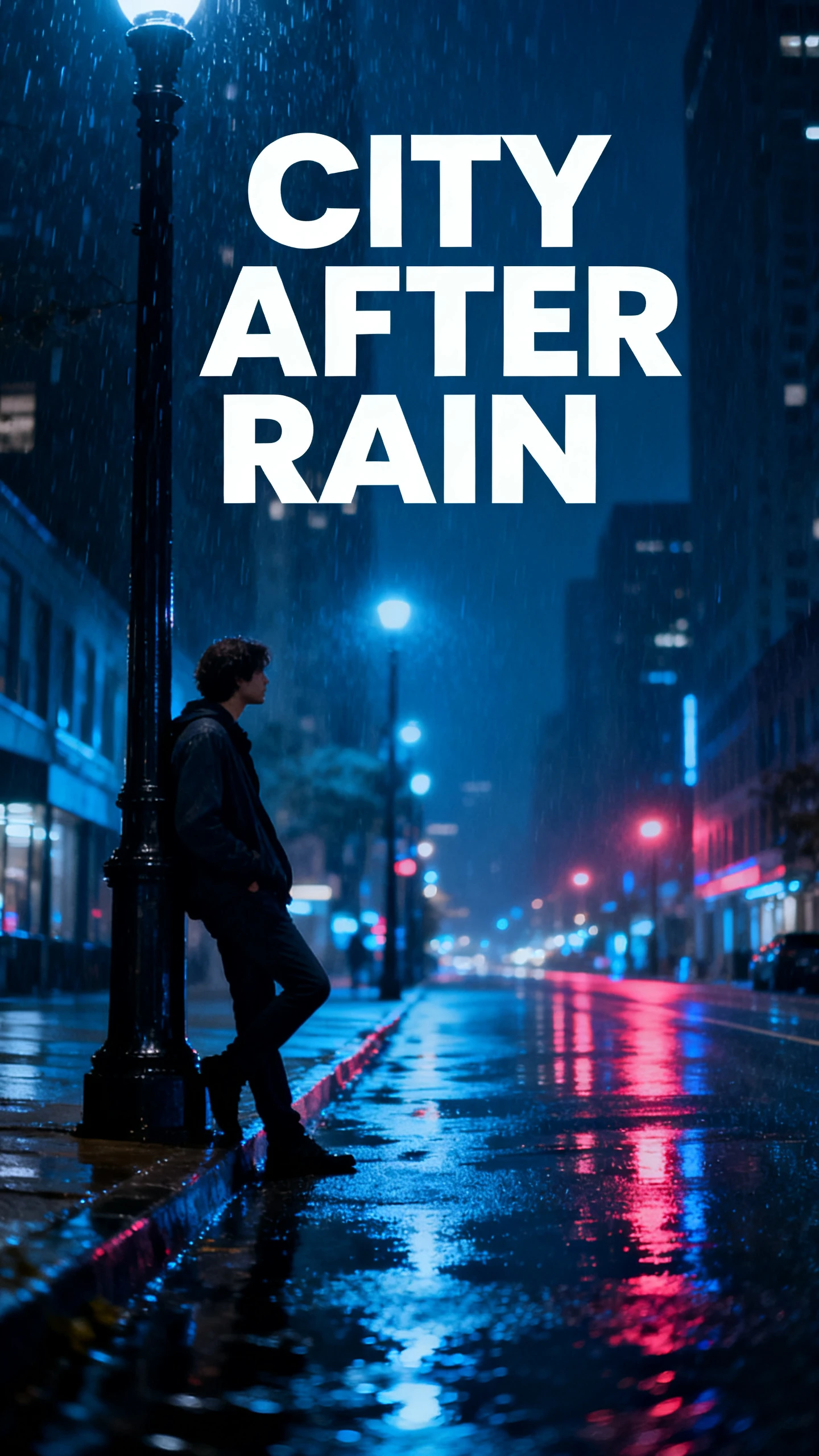
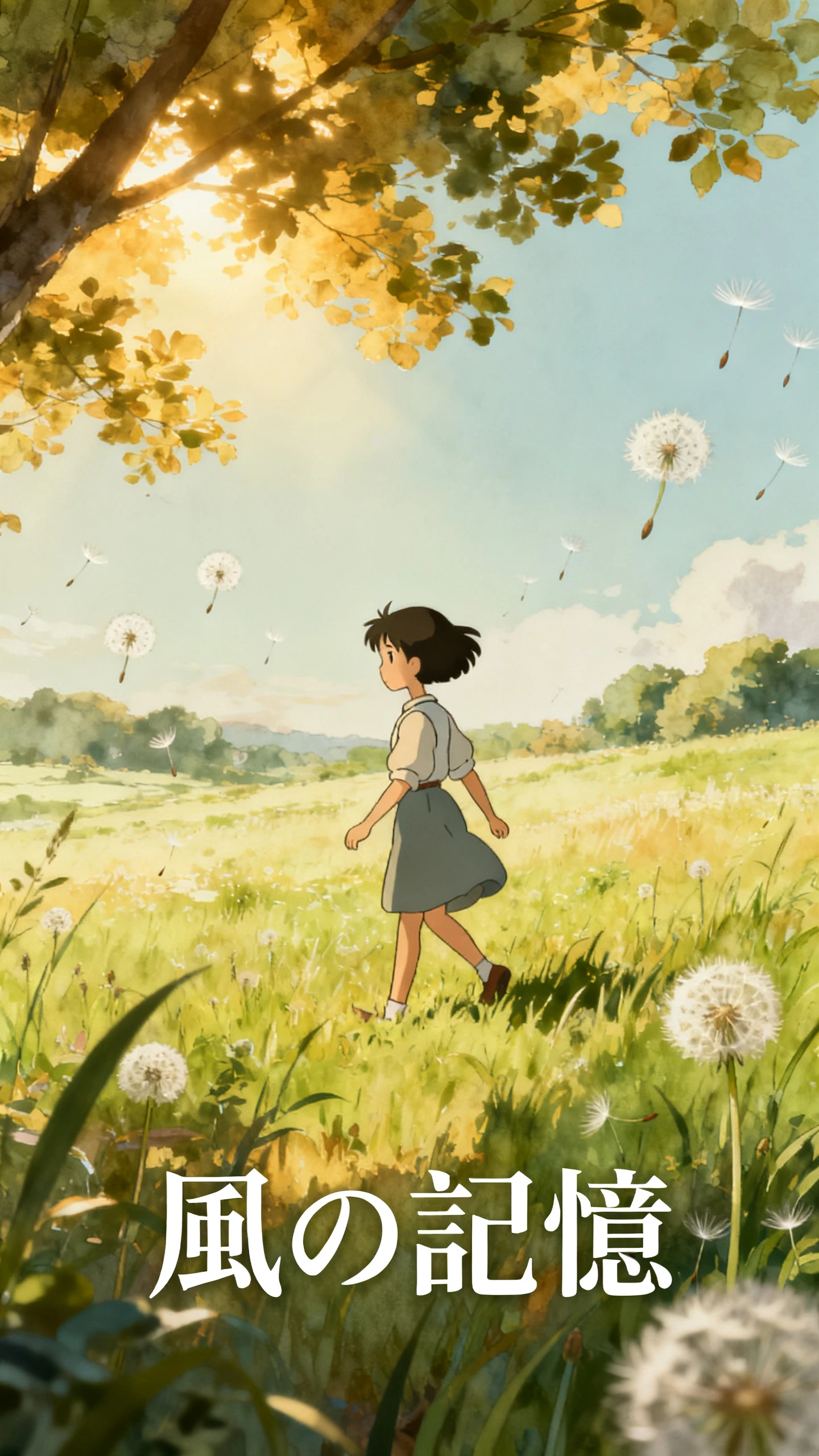
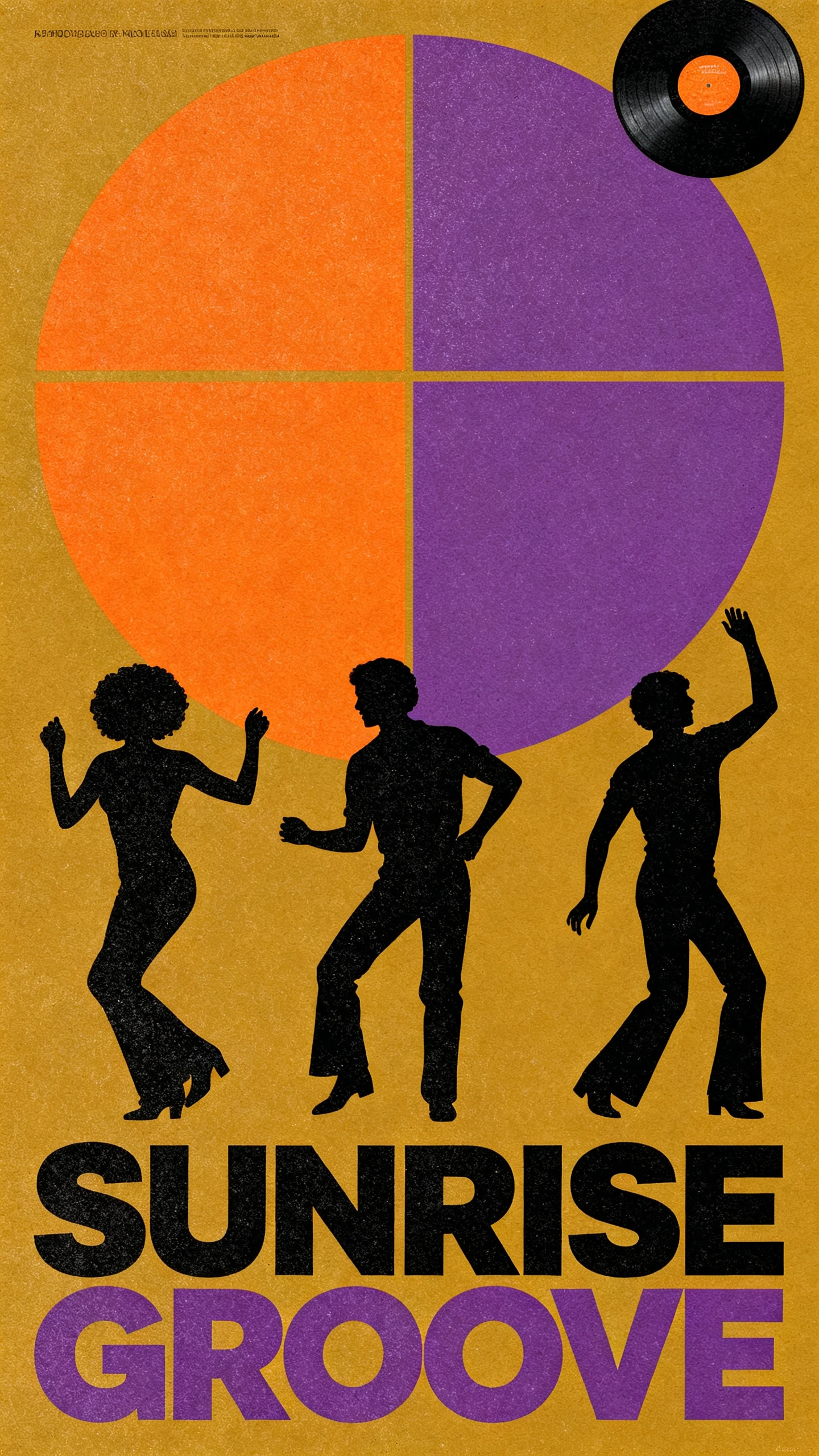


Music comes first with the Sondo AI video generator. Once your track is added, the tool reads the audio and uses it to guide what appears on screen.

Upload an MP3 or WAV from your device, paste a link to a track, or generate a new song inside Sondo. All three options take your music into the same video generation workflow without preparing the audio elsewhere.
Sondo reads the rhythm, melody, and mood of your track to guide the visual style. You can add up to 2,000 characters describing the scenes, setting, and look you want, giving you more control over the direction before generation.
Choose a character from Sondo’s library or upload your own character image for the video. Sondo keeps the same subject recognizable across scenes, helping the music video feel connected instead of showing unrelated visuals.
Sondo gives you a timeline editor after the first video is generated. Reorder clips, adjust scene timing, sync the audio, and manage subtitles from the timeline, allowing you to change the first result instead of generating everything again.
Musicians can bring their existing tracks into the Sondo AI video generator and create visuals around them. See why they use Sondo AI.
Create visuals around a finished track without arranging a traditional video shoot. Sondo reads the music and generates scenes that follow its rhythm and mood, while still letting you describe the visual direction before generation.
Try Sondo AI Free
You are not locked into the first visual result Sondo generates. Set the style and describe the scenes you want, then use the editor after generation to adjust individual parts without starting the entire project again.
Try Sondo AI Free
Choose 16:9 for YouTube or 9:16 for Reels and Shorts when preparing your video. Sondo supports both formats, letting you create for long‑form or vertical platforms without forcing every music video into the same layout.
Try Sondo AI Free
See how the Sondo AI video generator compares with other music video tools before deciding which one fits your workflow best:
| Platform | Input | Visual Control | Output | Users |
|---|---|---|---|---|
| Sondo AI | A song, a link, or a prompt | Auto‑directed, style override | Beat‑synced music video | Musicians and social creators |
| Magiclight AI | A script or your own track | Storyboard editing, character control, 50 poses | Animated video, 16:9 or 9:16, up to 1080p | Story creators |
| VidMuse | A song plus shot direction | Shot‑level control | Multi‑scene music video | Directors and producers |
| Suno | A text prompt | None, audio only | A song with vocals | Songwriters |
| CapCut | Footage you already shot | Full manual timeline | Edited social clip | Solo editors |
Turn your finished track into a music video in 4 steps. The Sondo AI video generator takes you from adding the song to editing the result.
Upload the song you want to turn into a music video or generate a new track inside Sondo. Start with your finished music so the tool has the audio needed for the video.
Sondo analyzes the rhythm, mood, and structure of your track before generating the visuals. This helps guide the scenes and pacing around the music you provided.
Select a character from Sondo’s library or upload your own character image. Add up to 2,000 characters describing the scenes, setting, and overall visual direction you want.
Generate the music video, then open the result in Sondo’s editor to adjust clips, timing, and subtitles. Choose 16:9 or 9:16 and export the finished video.
Independent Musician
4 of my singles went out with nothing more than a static cover. With Sondo AI, the 5th finally had a proper video without costing more than the music itself.
Producer
I had beats sitting on my hard drive because I had nothing visual to post with them. I dropped a WAV into Sondo AI and finally had something worth releasing.
Social Video Creator
Sondo AI works well for me because most of my traffic comes from vertical clips. I can take one video into the editor and get enough content for several posts.
Brand Content Creator
Our campaign audio needed visuals that actually felt connected to its tempo. Sondo AI used the track to guide the pacing, which saved us from going back over every scene.
The Sondo AI video generator creates a music video around your audio. It analyzes the rhythm, melody, and mood, then generates scenes and syncs the visuals with the track.
Use a song only when you own the rights or have permission. Sondo covers the generated visuals, not the licensing rights for your music.
No. Type a prompt and the built‑in music generator writes one for you across pop, rap, electronic, jazz, and classical. Bring your own audio when you have it, since that is where the tool does its best work.
You can guide the visuals before Sondo generates your video. Add up to 2,000 characters describing scenes, settings, and style. Detailed shot‑by‑shot control is not currently available inside Sondo AI.
Yes. Sondo lets you edit videos after generation is complete. Reorder clips, adjust timing, and manage subtitles on the timeline. This lets you fix individual sections without regenerating everything again.
Sondo can struggle with precise scenes and consistent visual details. Lip‑sync, complex shots, and character details may sometimes appear inconsistent.



Upload your finished song and set the visual direction. Sondo creates the music video and lets you edit the result.