
Explore the Features of Magiclight AI’s AI Actor Video Generator
An AI actor in Magiclight AI is not a still image or a talking head. It is a fully directed performance using the free AI actor video generator with visuals and narration.

The free AI actor generator gives voice control, expression direction, and HD export. Just refine the actor, assign the voice, and the performance builds itself.
Try AI Actor Generator For Free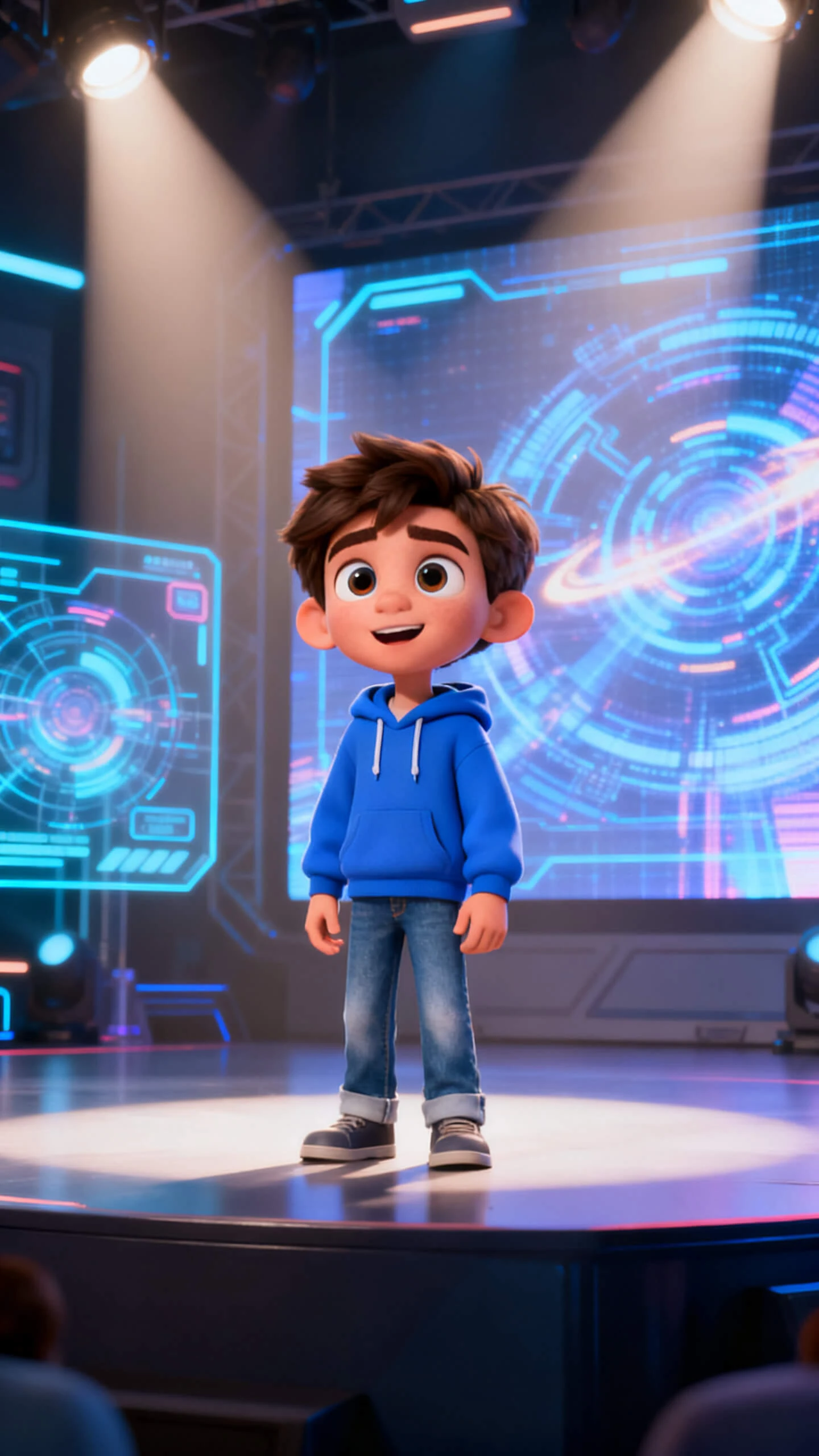
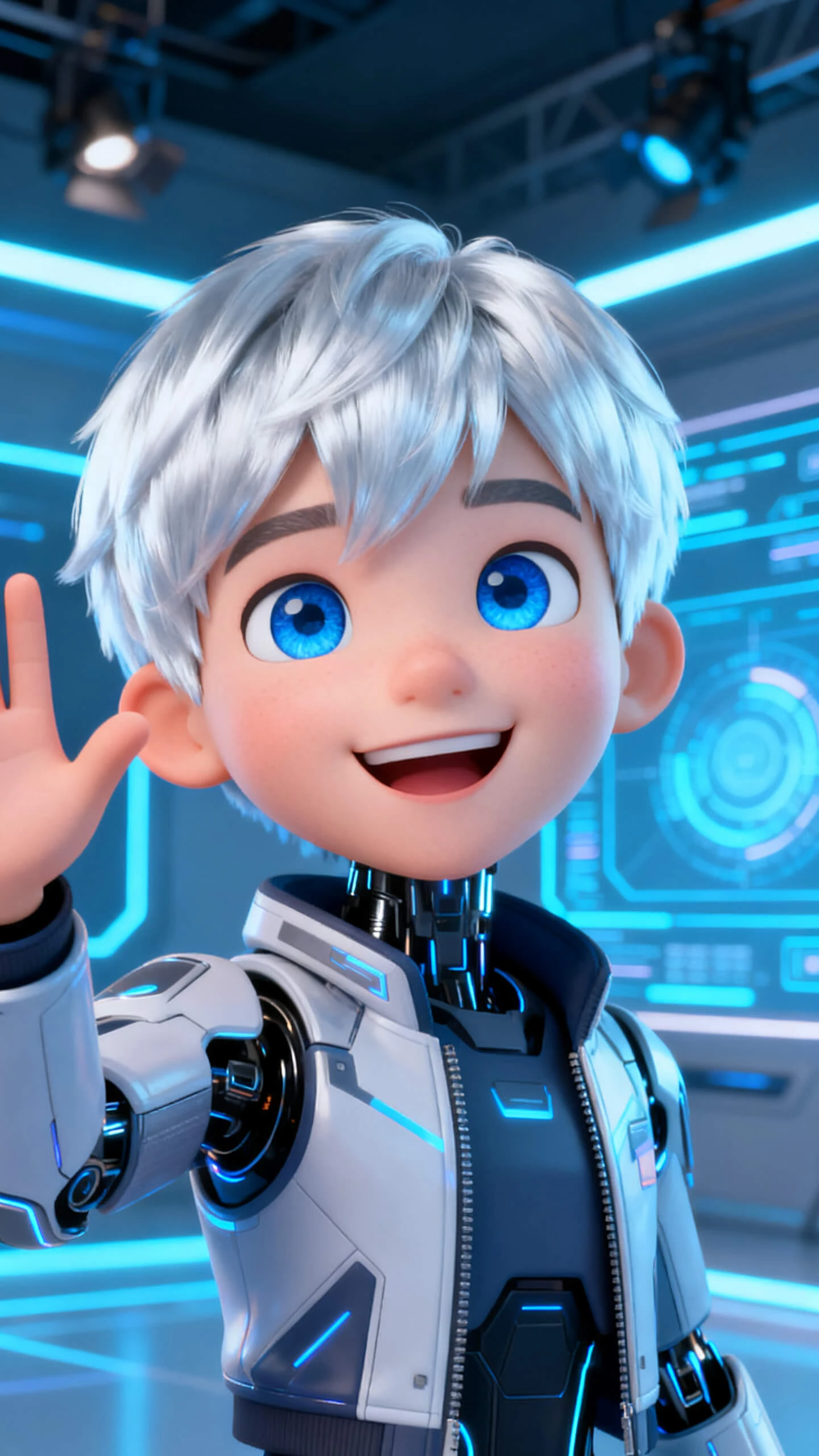
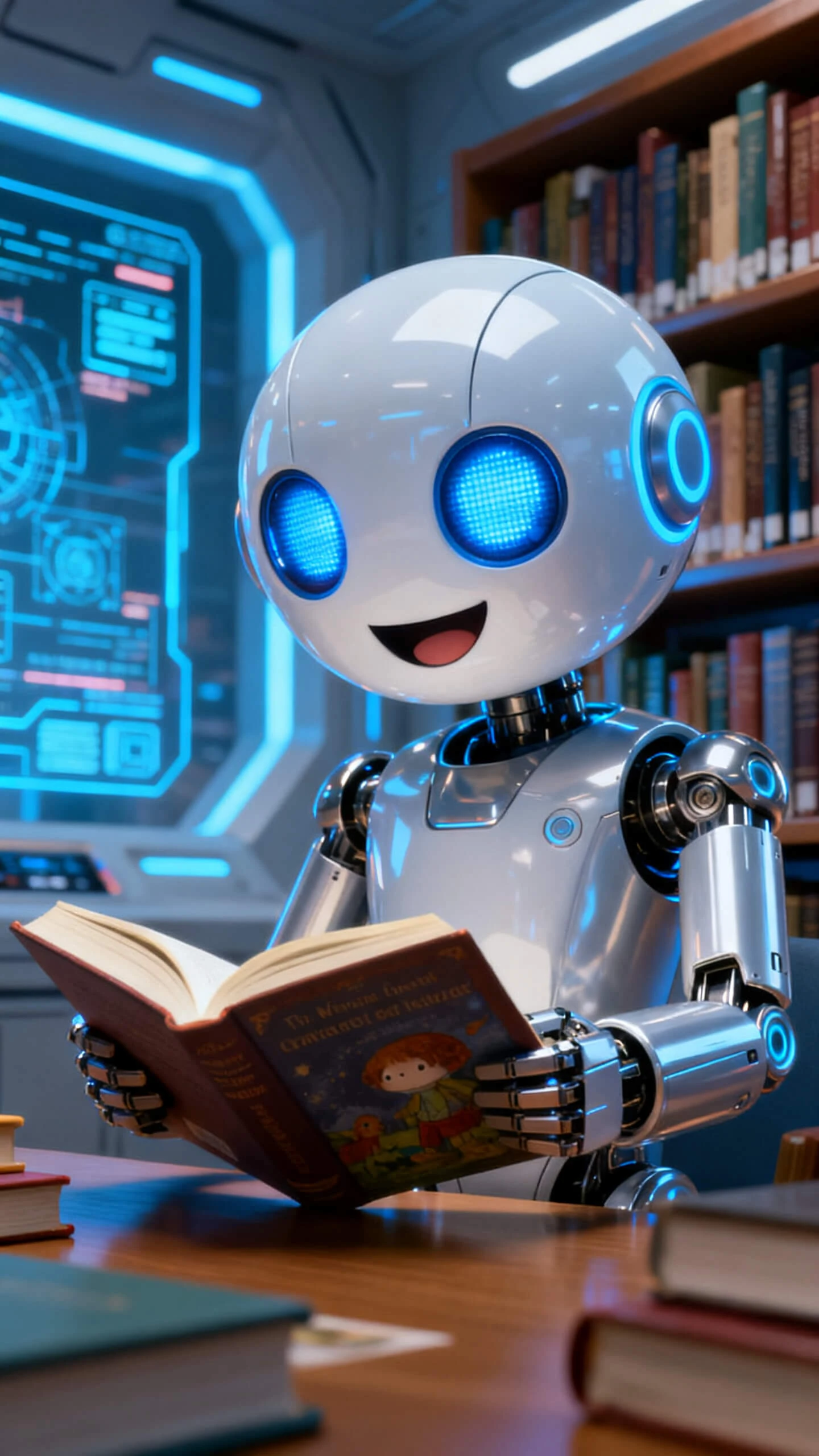
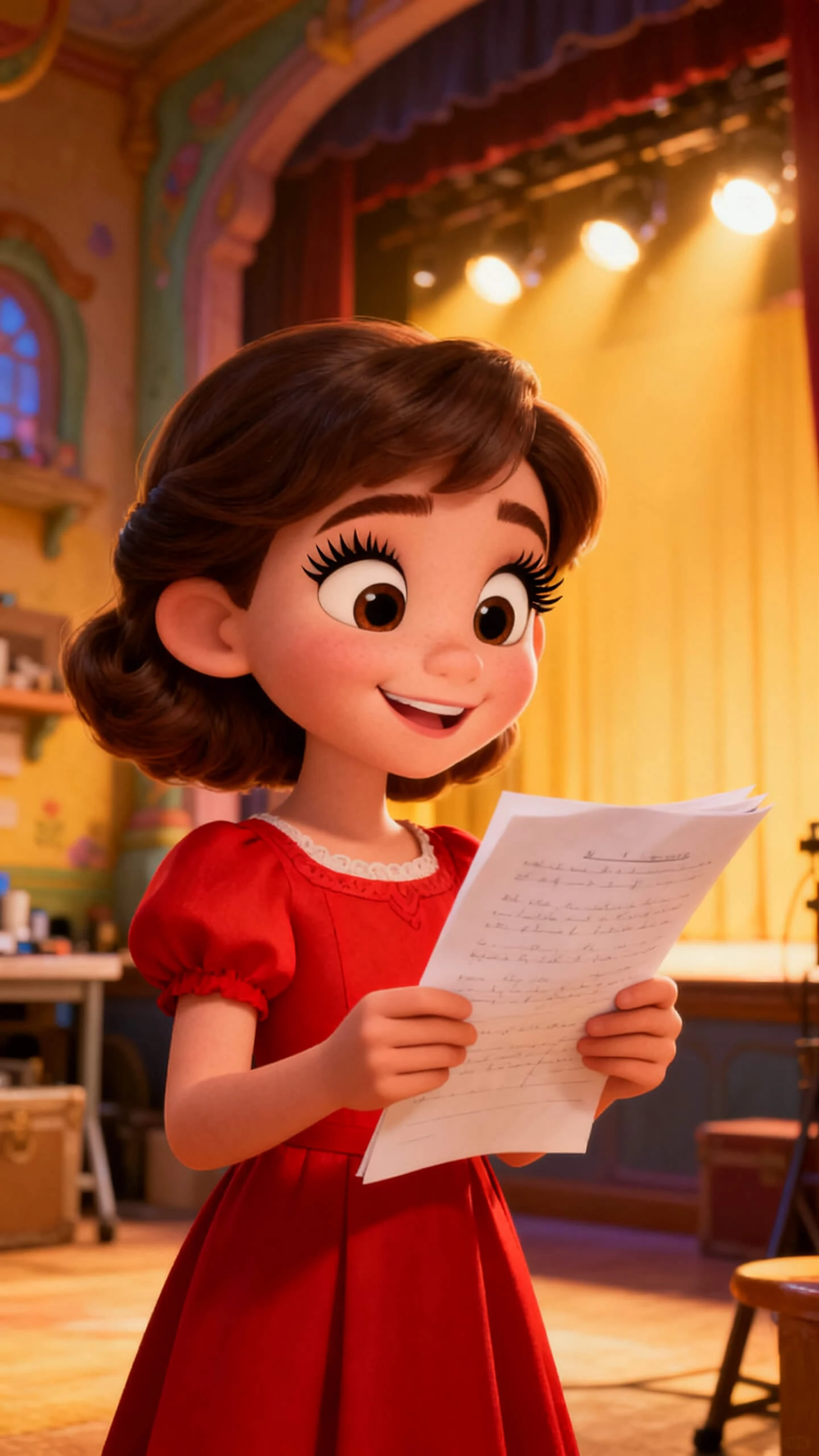
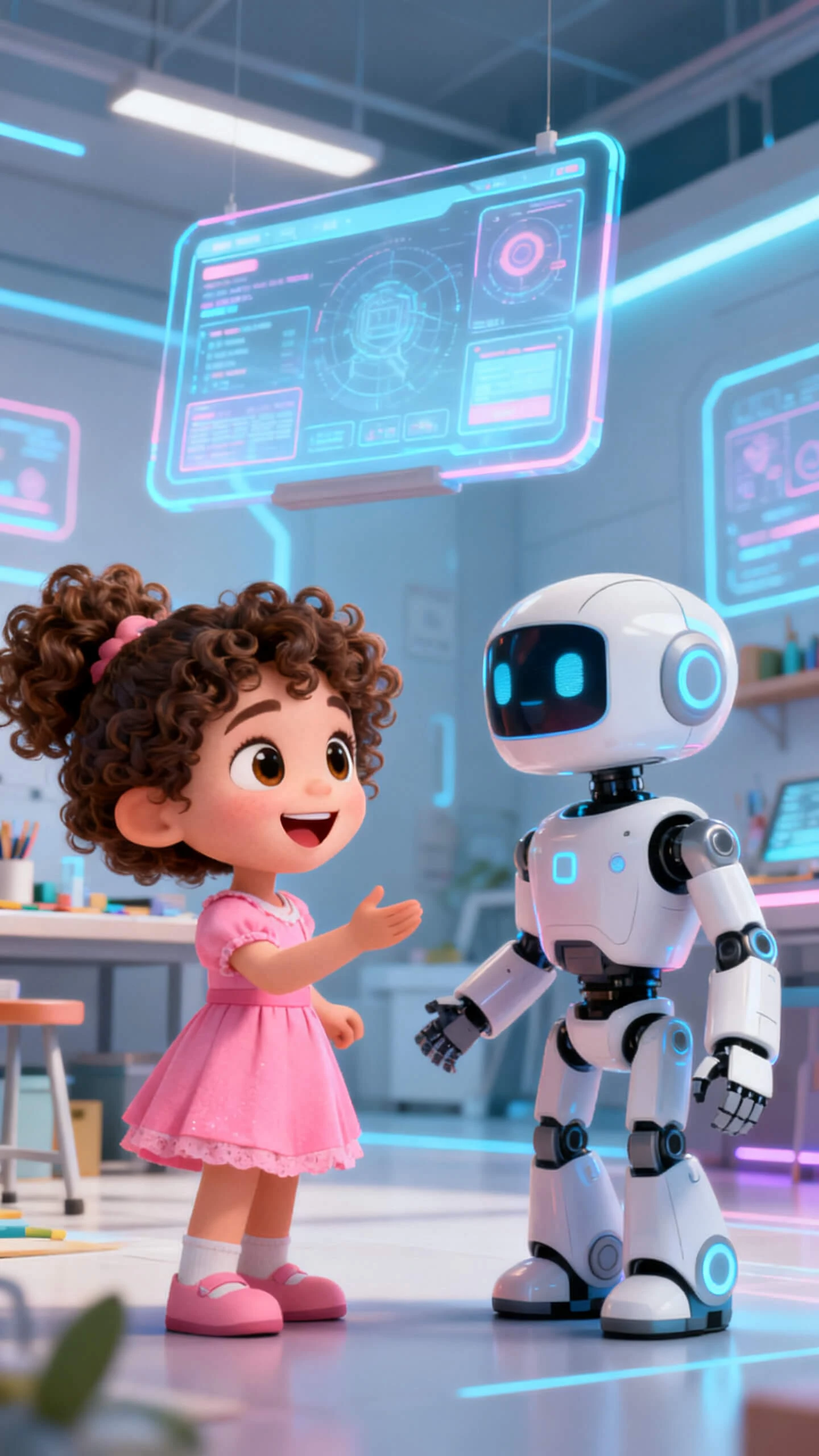
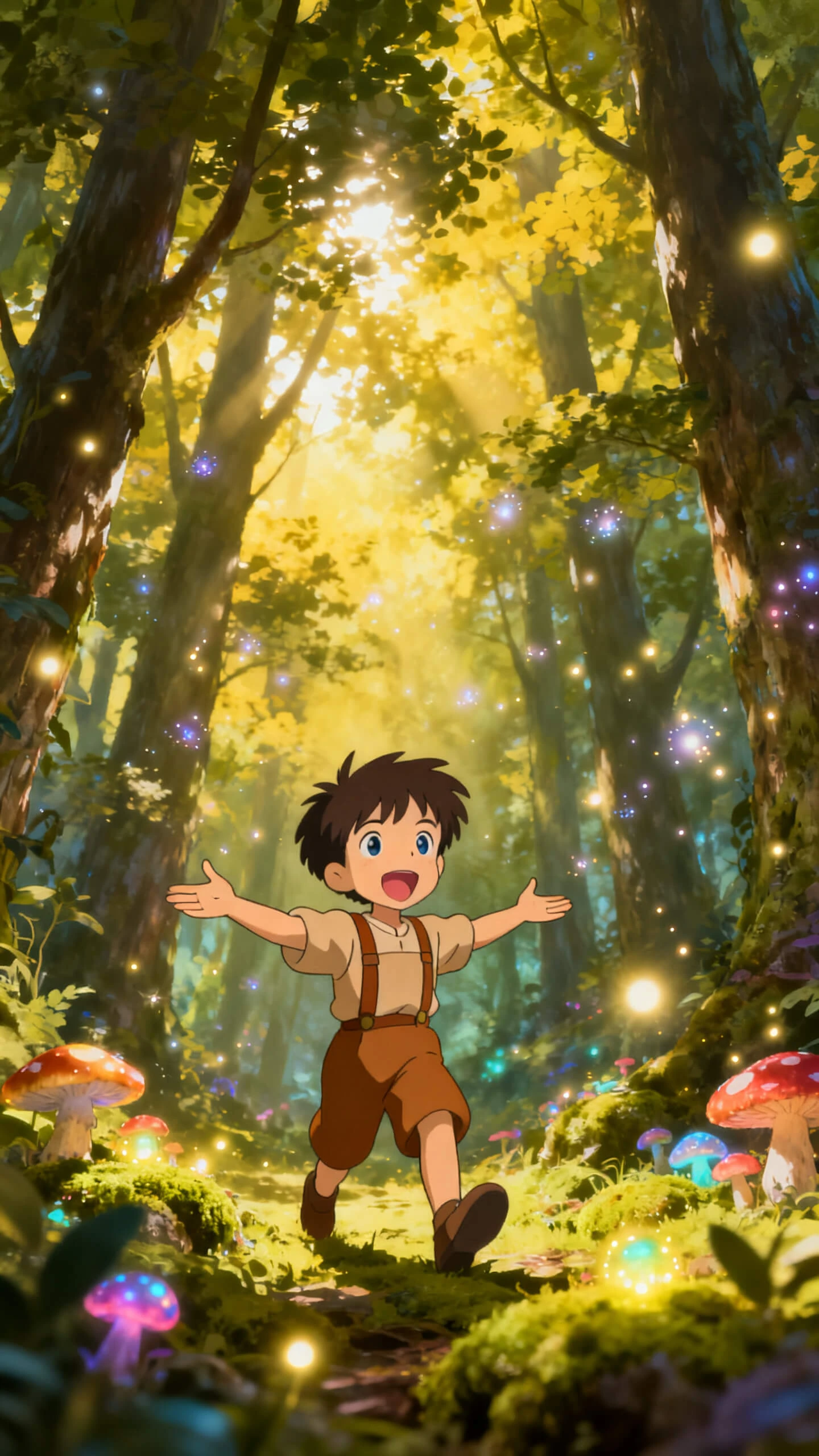
An AI actor in Magiclight AI is not a still image or a talking head. It is a fully directed performance using the free AI actor video generator with visuals and narration.

Set the AI actor’s name and personality description. The actor’s look is saved in the character library for future productions in Magiclight AI.
Assign any of 37 voices to the AI actor, filtered by accent, age, and tone. Clone your own voice to make the actor sound like you.
Adjust the AI actor’s facial expression, body pose from 50 options, and camera framing per scene before the video clip renders.
Choose from 19 video models to define how the AI actor moves on screen. Pick from Seedance 2.0, Kling 3.0, or Gemini Omni to get good results.


You follow an easy workflow for creating actor clips with Magiclight AI’s actor generator. No studio, acting talent, or video editing tools are required.
Name the actor, write a personality and appearance prompt, and optionally write about its specific details.
Select a voice from 37 options or clone your own for the actor’s dialogue delivery. Choose a visual style from 20+ options to define the actor’s world.
Set expression, pose from 50 options, and camera angle per scene. Every directorial decision locks in before Magiclight AI runs the performance.
Choose a background track and subtitle style. Export the finished actor clip and publish on social media immediately.
The AI actor generator creates a digital AI character that performs, speaks, and delivers scripted content on screen. Magiclight AI keeps everything in a single workspace.
Yes. Magiclight AI’s character library saves any AI actor so the same face, outfit, and style appear across every video and session without rebuilding the character.
Magiclight AI includes voice cloning or you can assign a unique voice to the AI actor. The cloned voice delivers the script with lifelike results.
Short performance clips run 10 or 15 seconds per image-to-video generation. Full productions can feature the Magiclight AI actor up to 50 minutes of video per session.
Yes. The tool supports 11 different languages. Therefore, you can create AI actors who speak in English, Chinese, and Japanese within seconds.
Magiclight AI gives new users access to explore the free AI actor generator workflow. Remember to check current plan details and which features are available at each level.



Turn ideas into cinematic AI actor videos, then publish in minutes with Magiclight AI.