Everything You Need to Generate AI News Videos
From a headline to detailed topics, the Magiclight AI news video generator can create scripts, visuals, voices, and subtitles. You can reduce editing time with the tool.

Magiclight AI news generator lets creators turn headlines into news videos with captions, animations, and voices. Grow your social channels with news clips!
Try AI News Generator For Free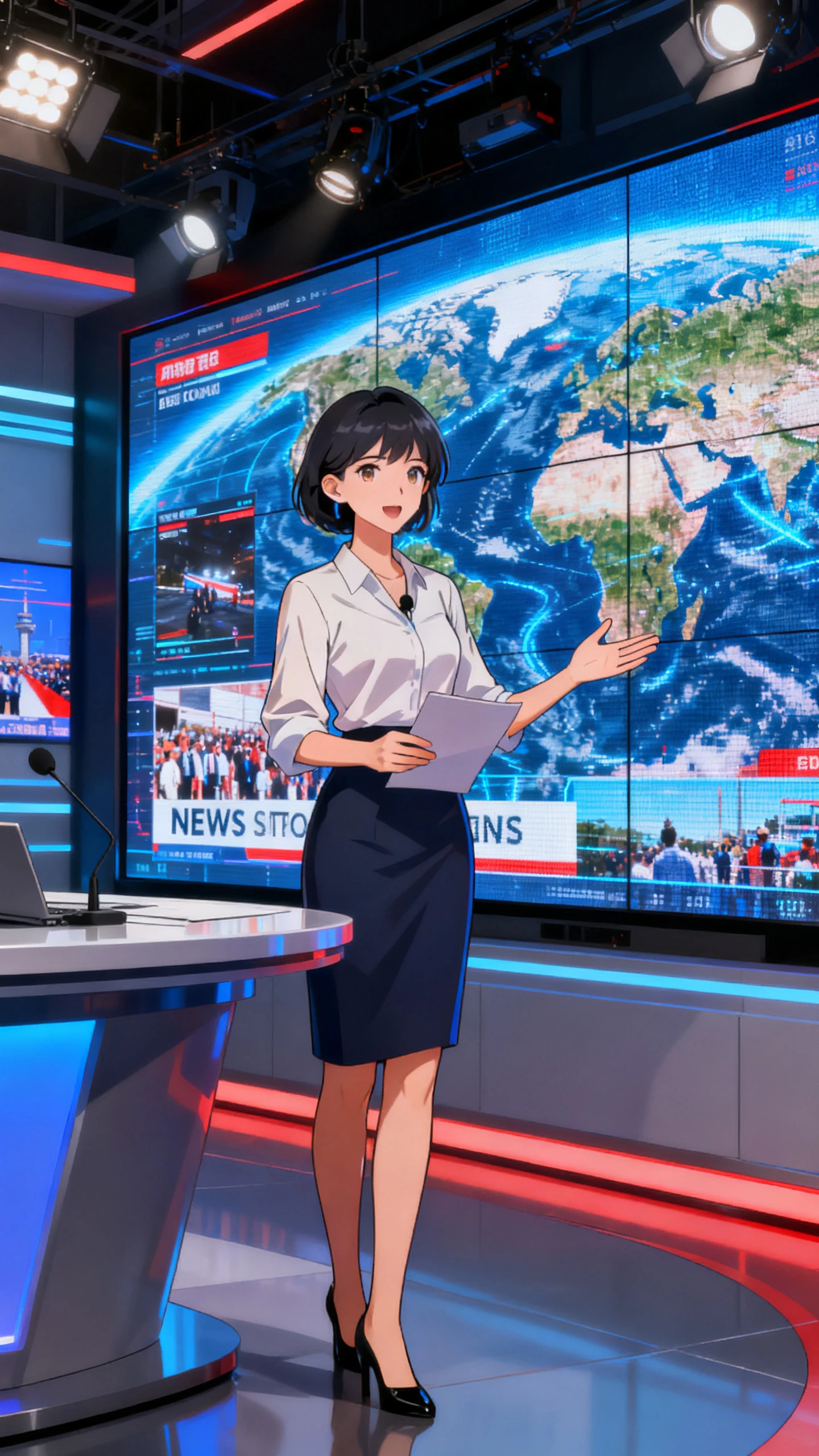
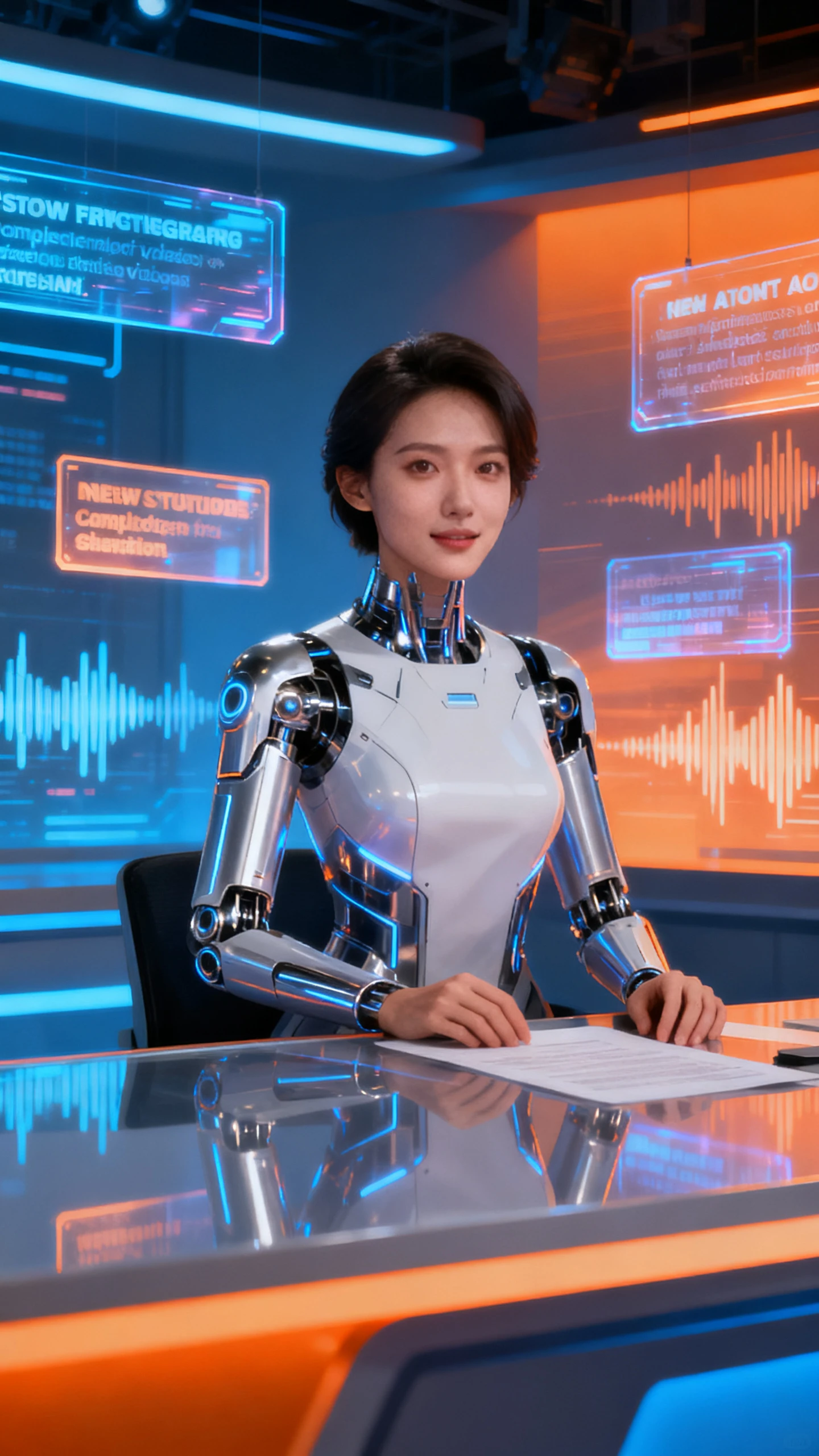
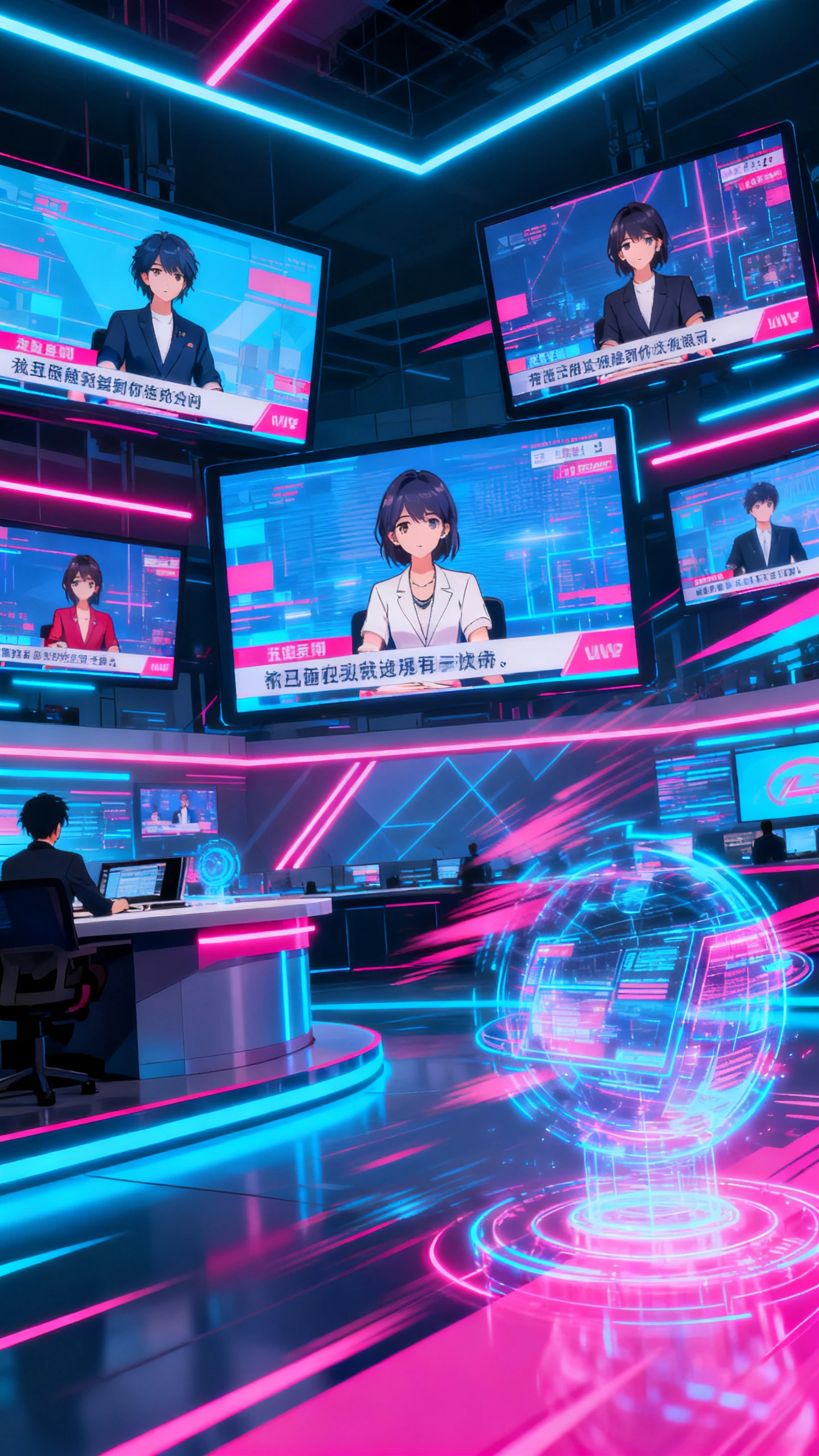
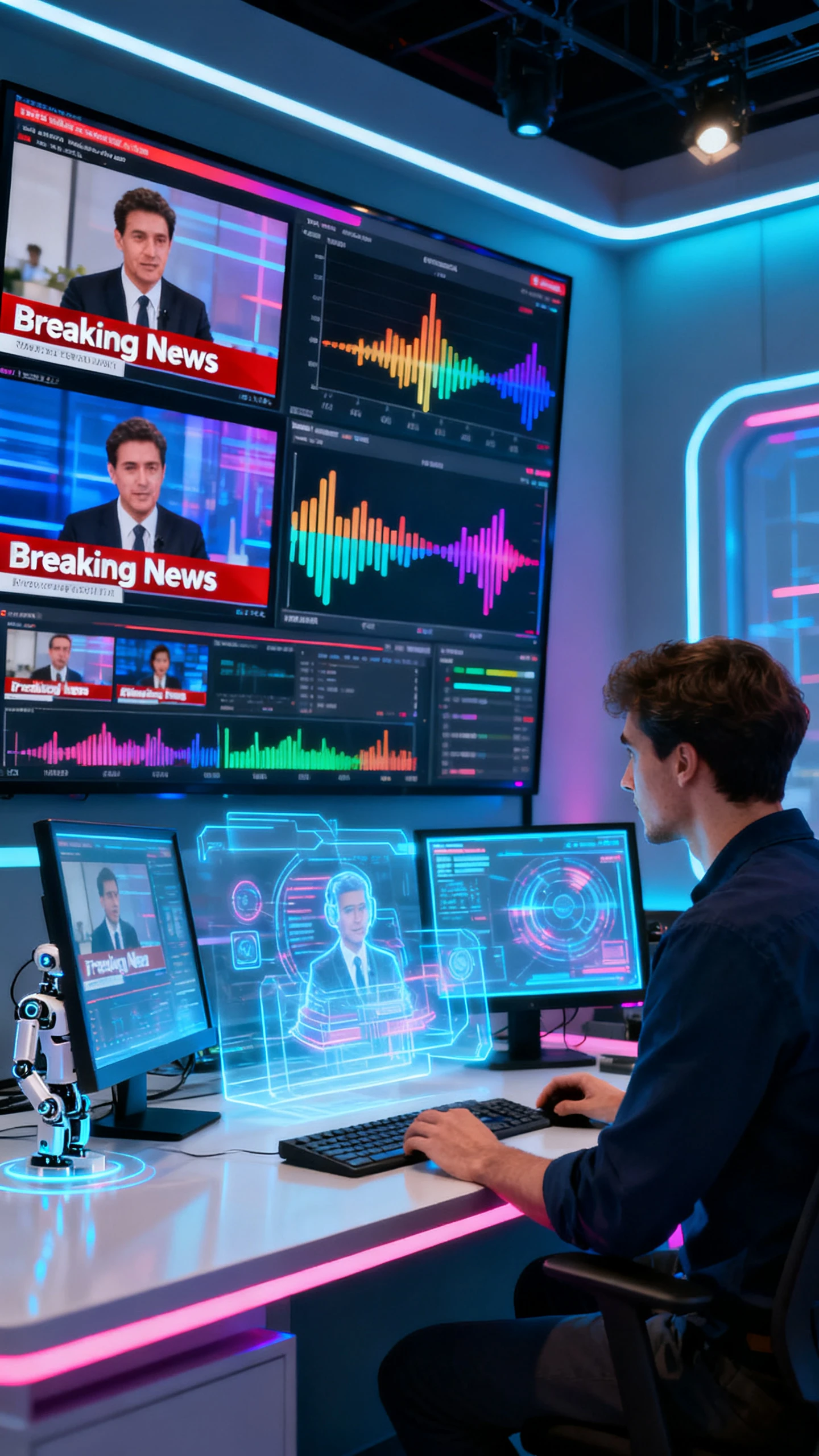
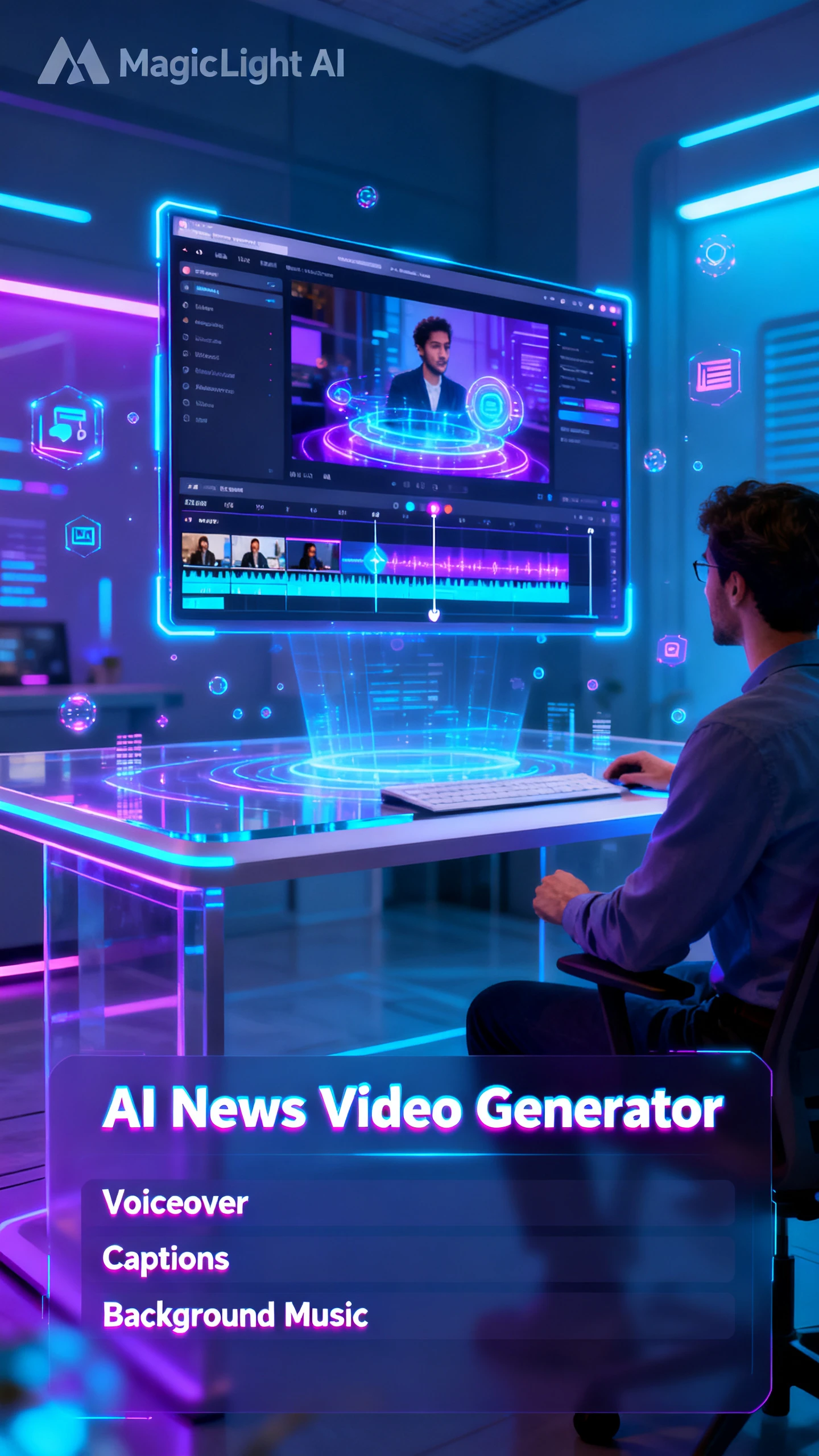
From a headline to detailed topics, the Magiclight AI news video generator can create scripts, visuals, voices, and subtitles. You can reduce editing time with the tool.

Build a complete news narrative from a single concept. With Magiclight AI, you create up to 50 minutes of news video while keeping scene consistency.
In Magiclight AI, you can preview your news script as a visual board before rendering. It lets you adjust scenes, wardrobe, and poses for every shot.
Create AI news hosts in Magiclight AI by editing hairstyles, eye color, clothes, etc. It reads your prompts and updates presenters to match your style.
Your digital news anchor gets smooth, natural speech in 11 languages and 37 voices. Magiclight AI syncs every word, eliminating manual keyframing.


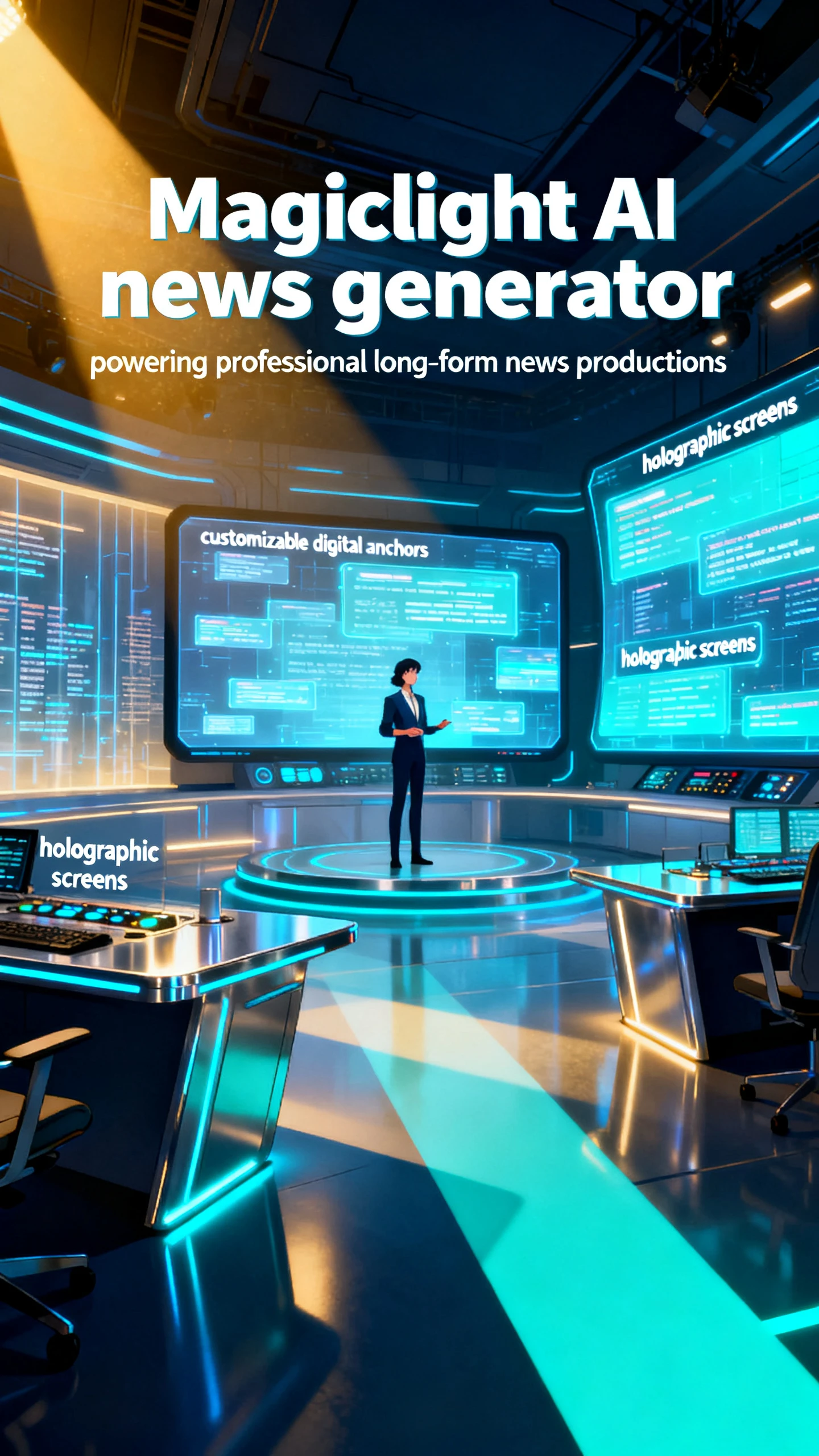
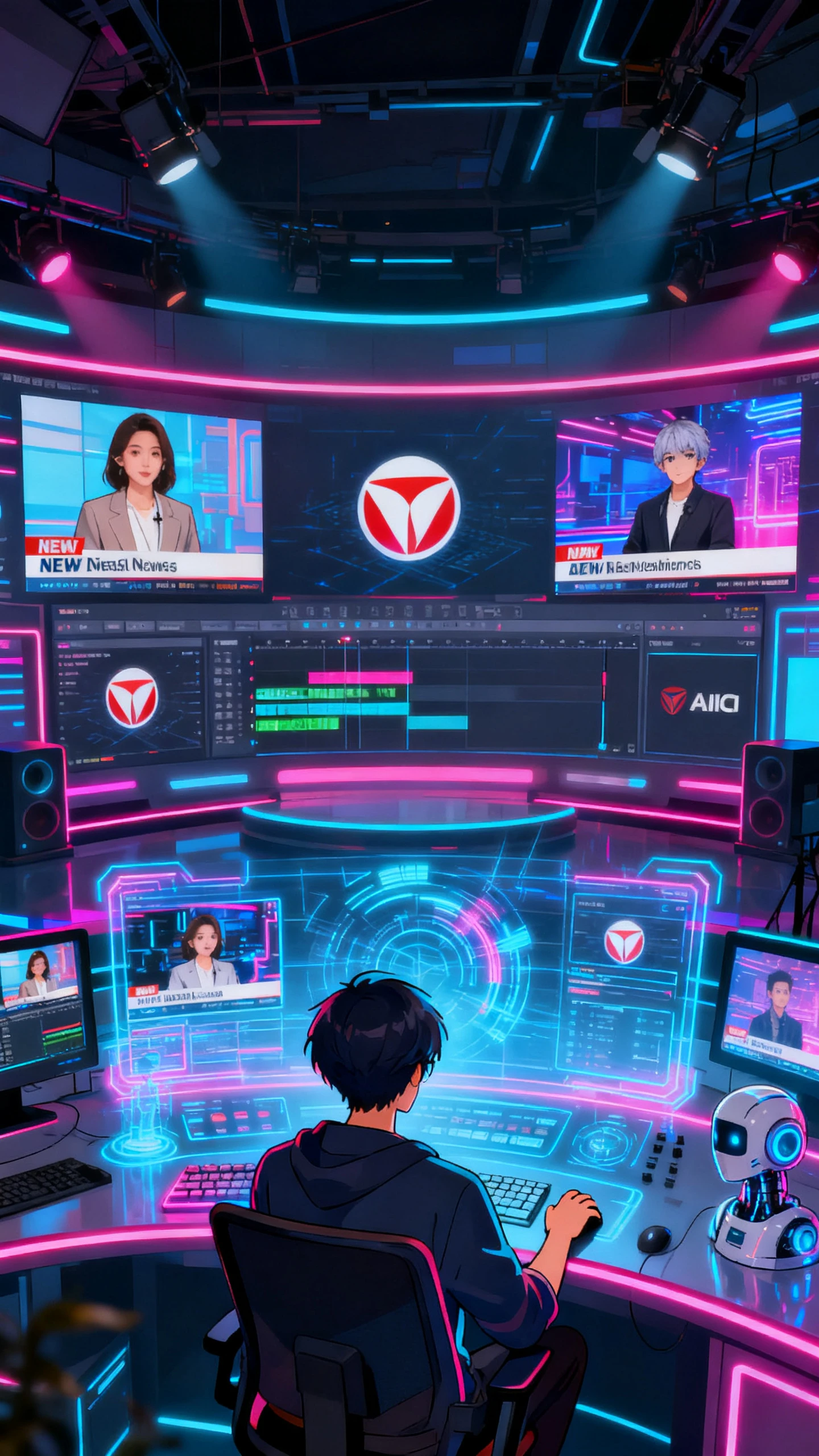
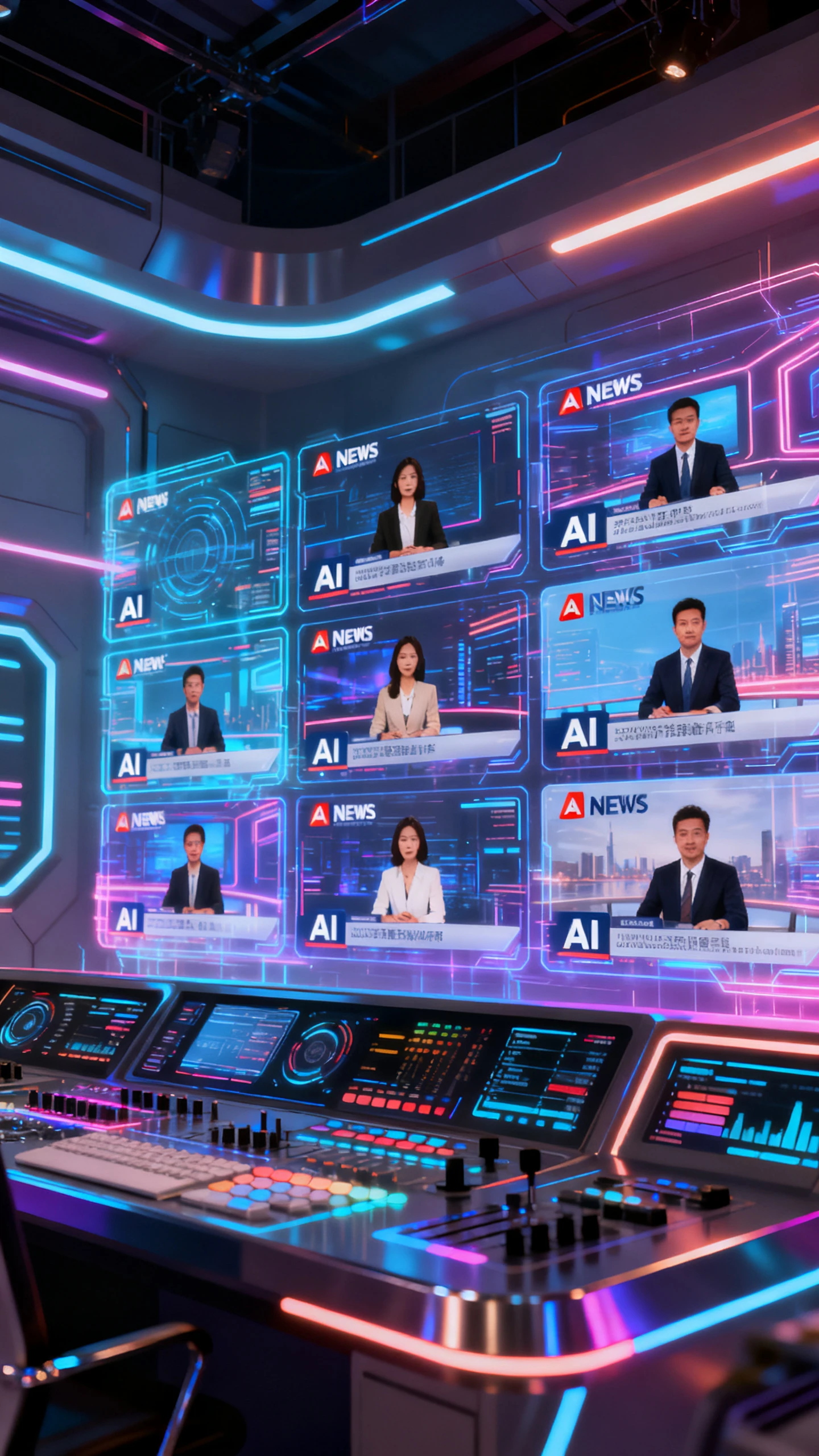
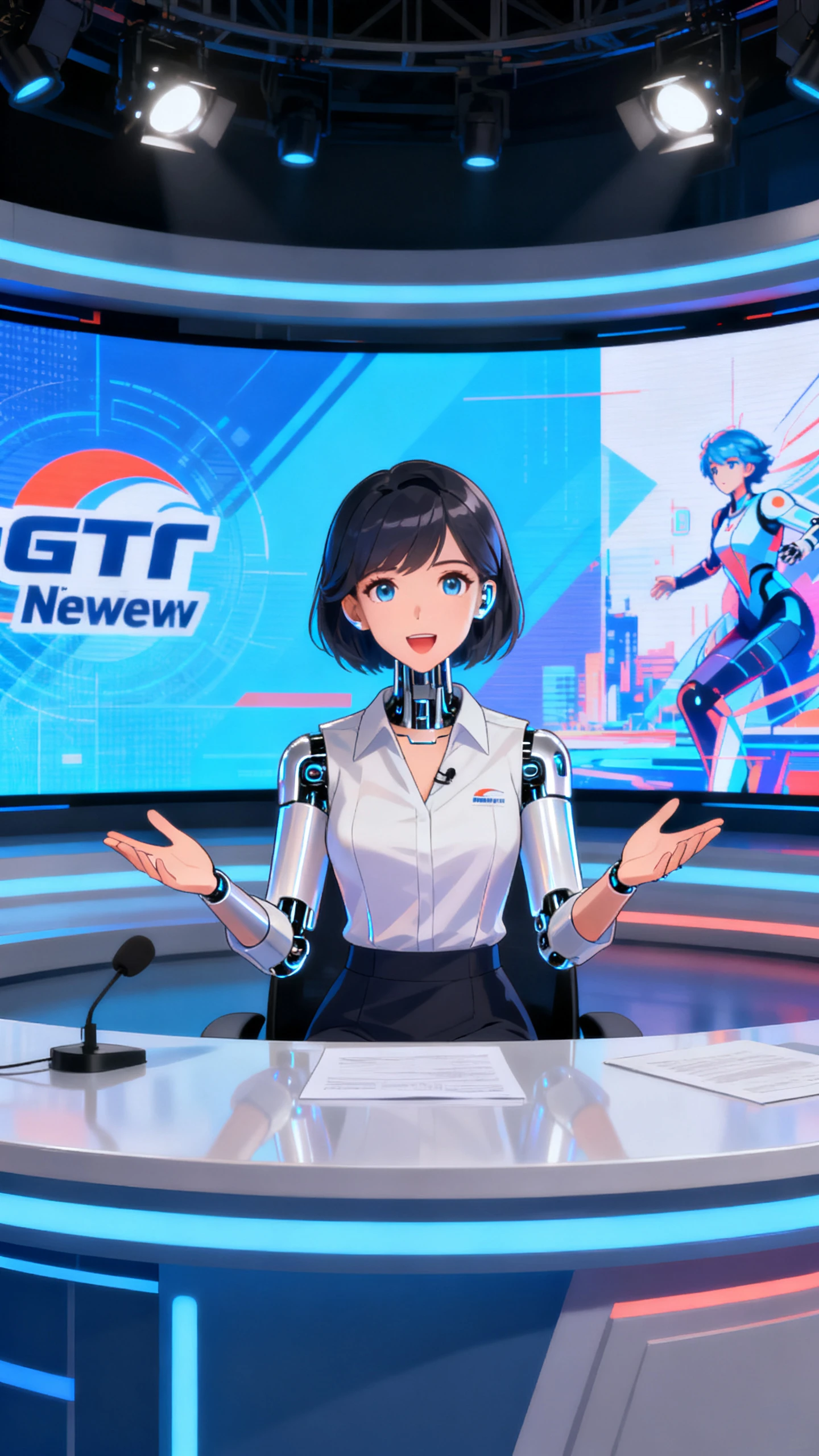
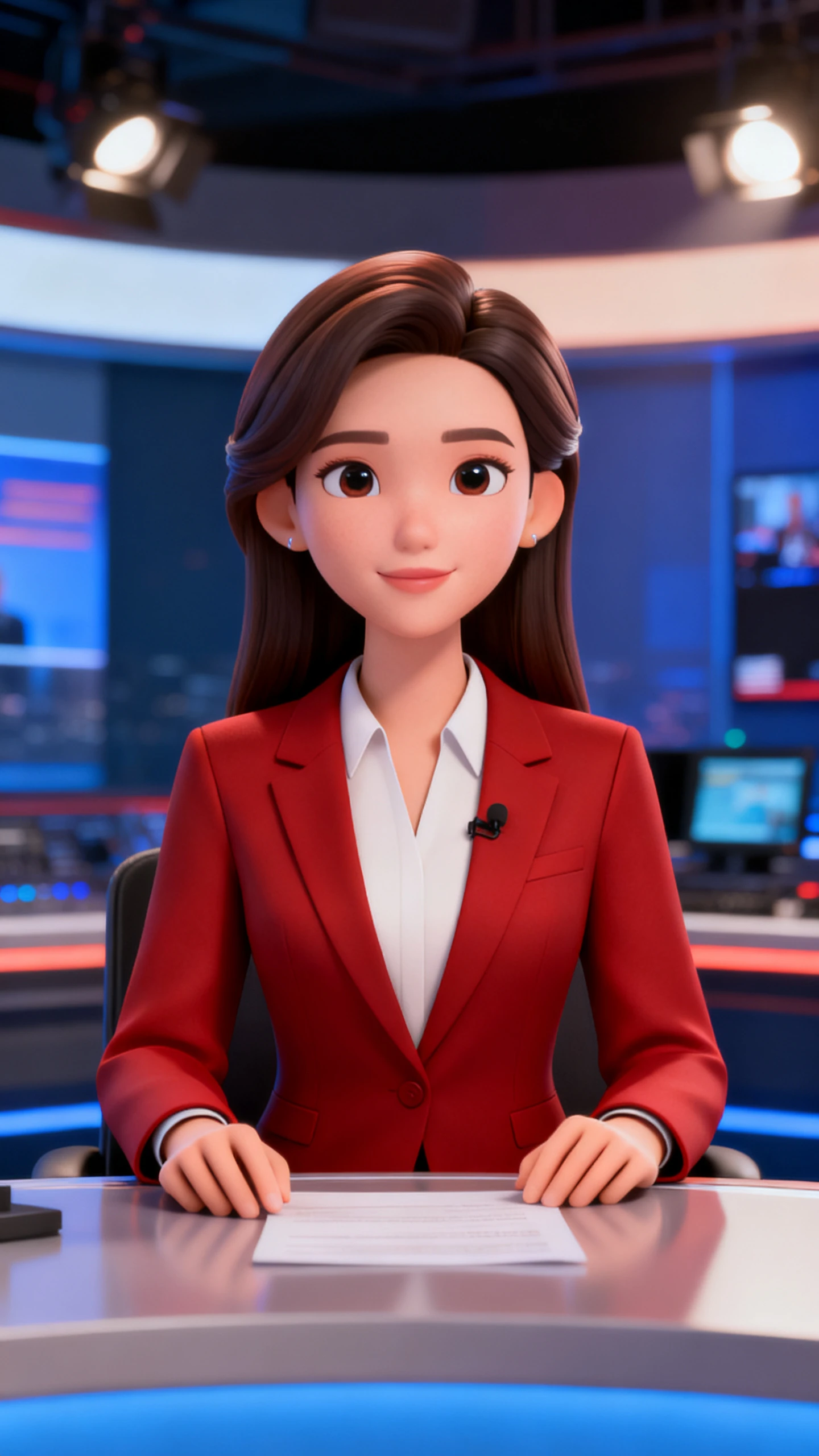
Anyone can quickly turn scripts or ideas into a polished news video with Magiclight AI’s news video generator. The guided workflow is fast and simple, even for beginners.
Describe your news story with topic, key facts, and target audience. If nothing comes to mind, you can also just input a single headline, such as “local chef goes missing”
Choose a visual style that fits your channel, from realistic studio to stylized animation. Then set the voiceover for your anchor and adjust the accent and tone.
Review each generated scene and refine poses, camera angles, and visuals. Adjust backgrounds and subtitles until every segment looks broadcast‑ready.
Preview the full news video and polish any final scenes. Once everything flows smoothly, export and share your finished report with your audience.
The Magiclight AI news generator turns text prompts or scripts into full news videos with anchors, visuals, and subtitles. It helps you publish studio-style reports in minutes.
Yes, Magiclight AI lets you adjust anchors, outfits, poses, and styles for each story. You can refine scenes and prompts so every news clip matches your brand look.
The tool optimizes framing so your news videos fit each platform easily and instantly. With Magiclight AI, you can choose aspect ratios ideal for TikTok, Reels, YouTube, and more.
It works well for agencies, newsrooms, and social teams. Multiple users can quickly generate branded news clips in Magicligth AI and keep production costs under control.
Yes. Users can build ongoing news series where characters, style, and mood stay aligned. Magiclight AI supports longer runtimes while keeping anchors and scenes consistent.
For new users, the Magiclight AI news video generator is free. Creators can access all the features as long as credits are sufficient. Once they are done, you need to pay.



Turn a single headline or rough topic into engaging news videos in just a few clicks with Magiclight AI.