
Explore Features of Magiclight AI Scene Generator
Magiclight AI handles shot layout, motion generation, audio, and export in one workflow. Every AI-generated scene comes out ready to use without post-production work.

With Magiclight AI’s free AI scene generator, you get precise shot control, stylish captions, and narration. Describe your scene, and Magiclight AI renders it.
Create AI Scene For Free
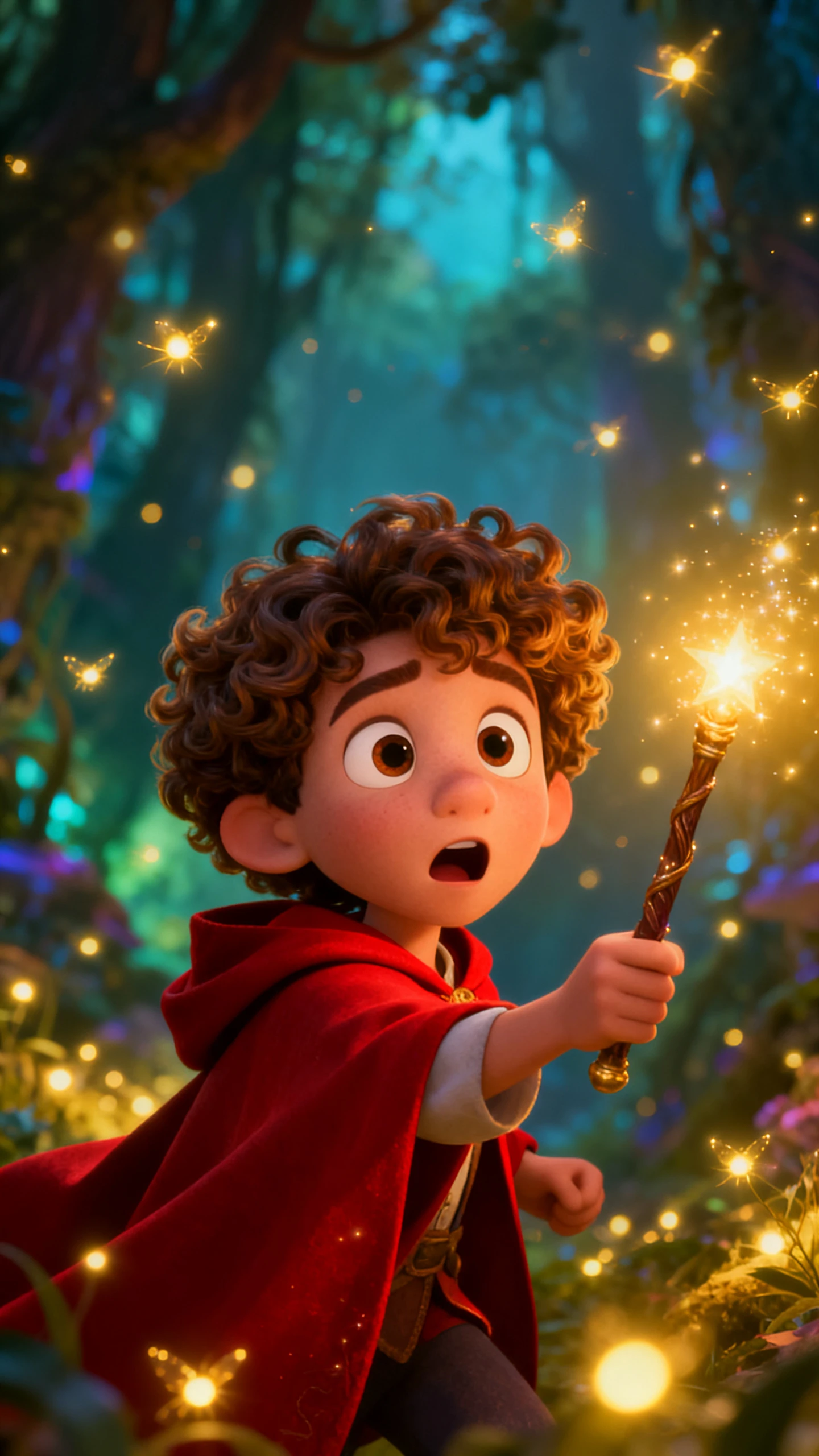
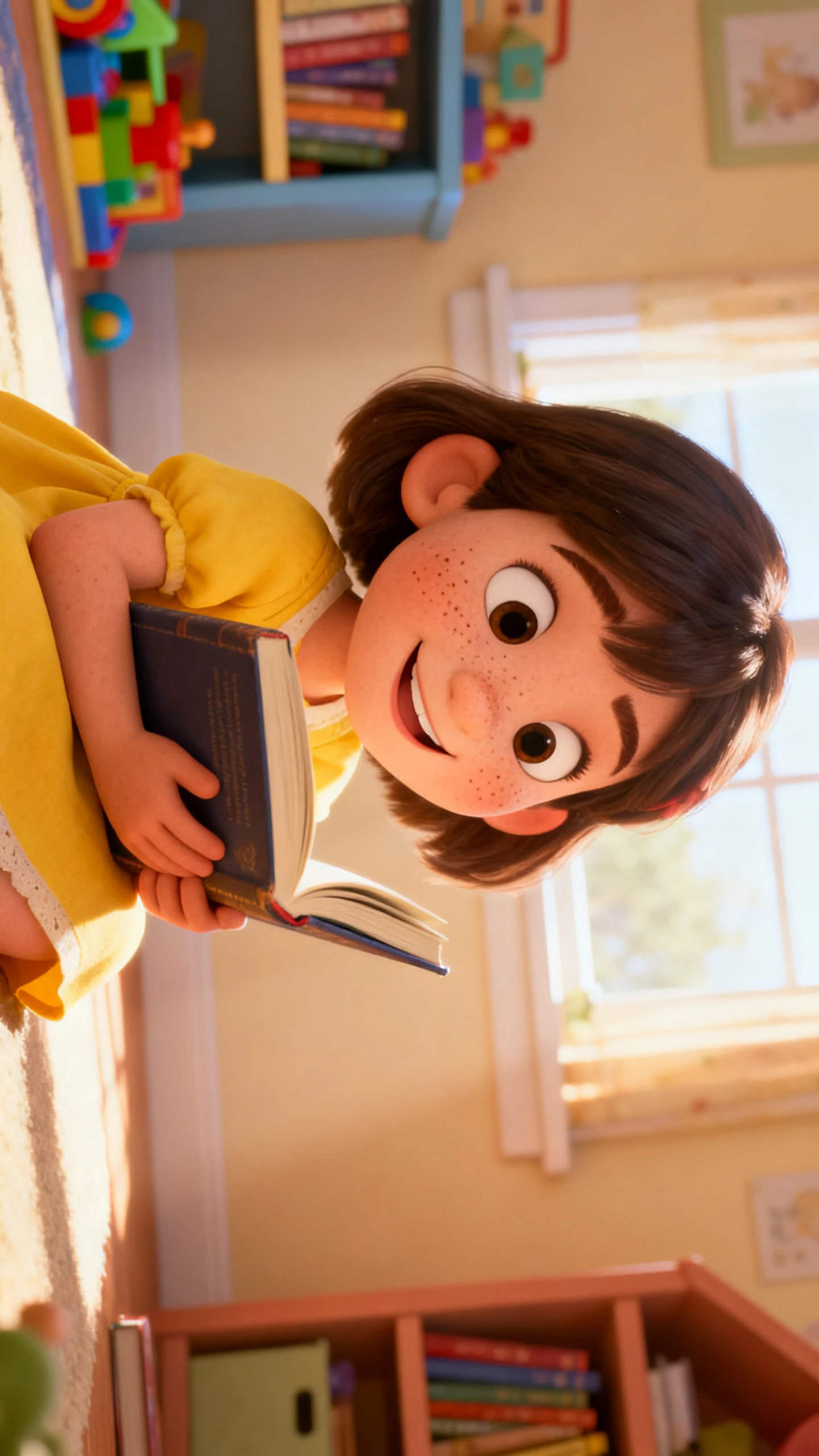
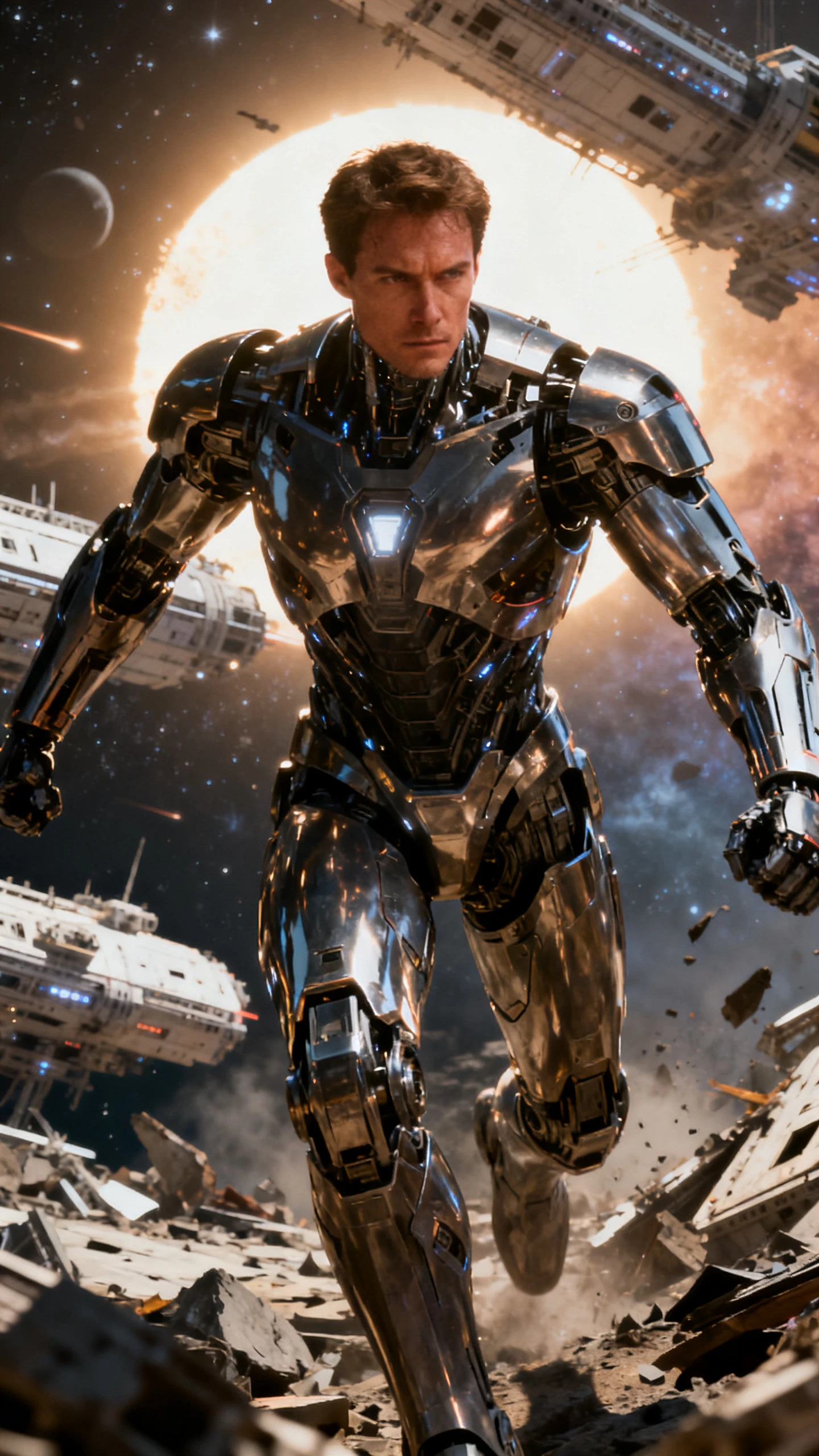
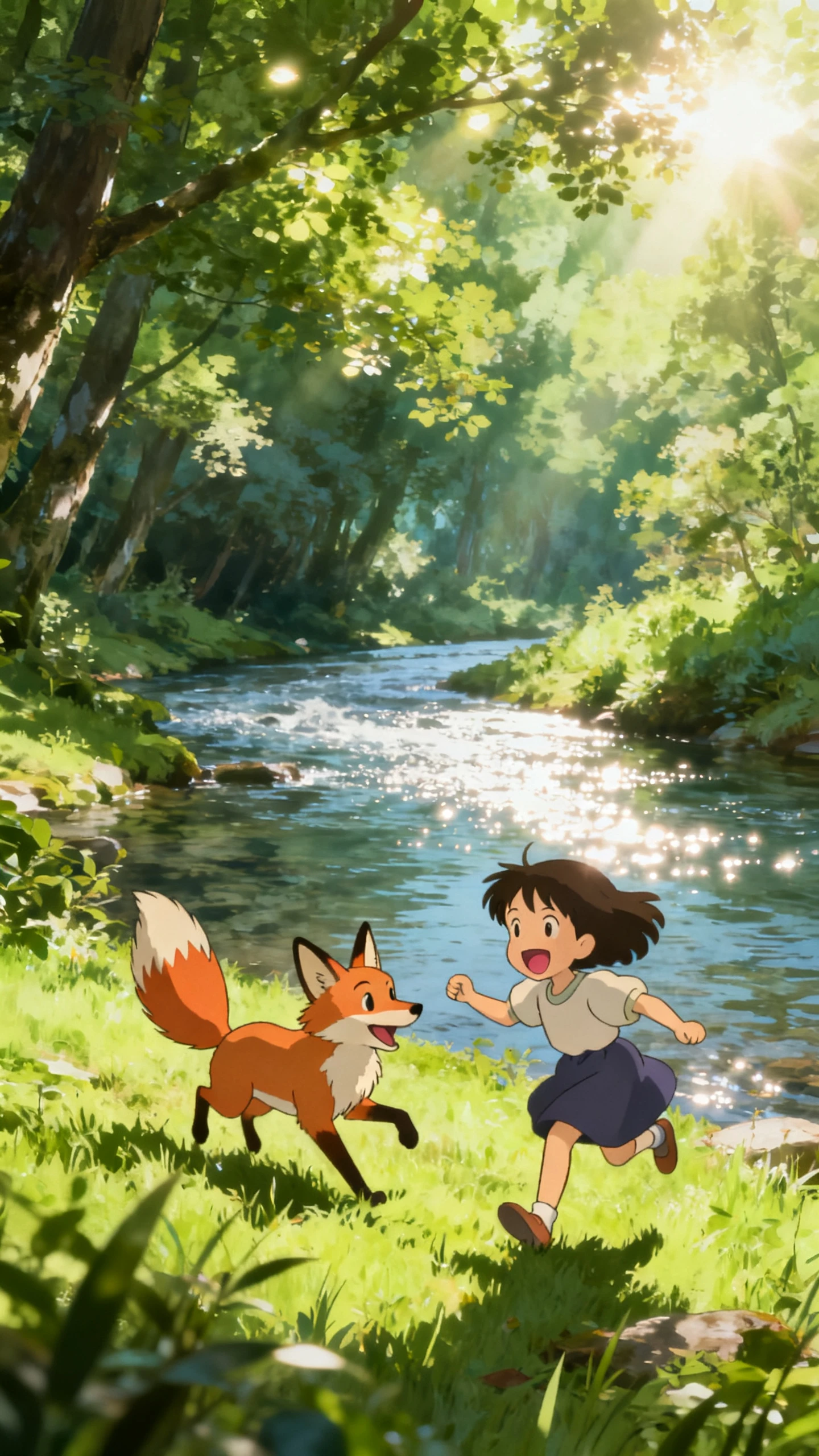
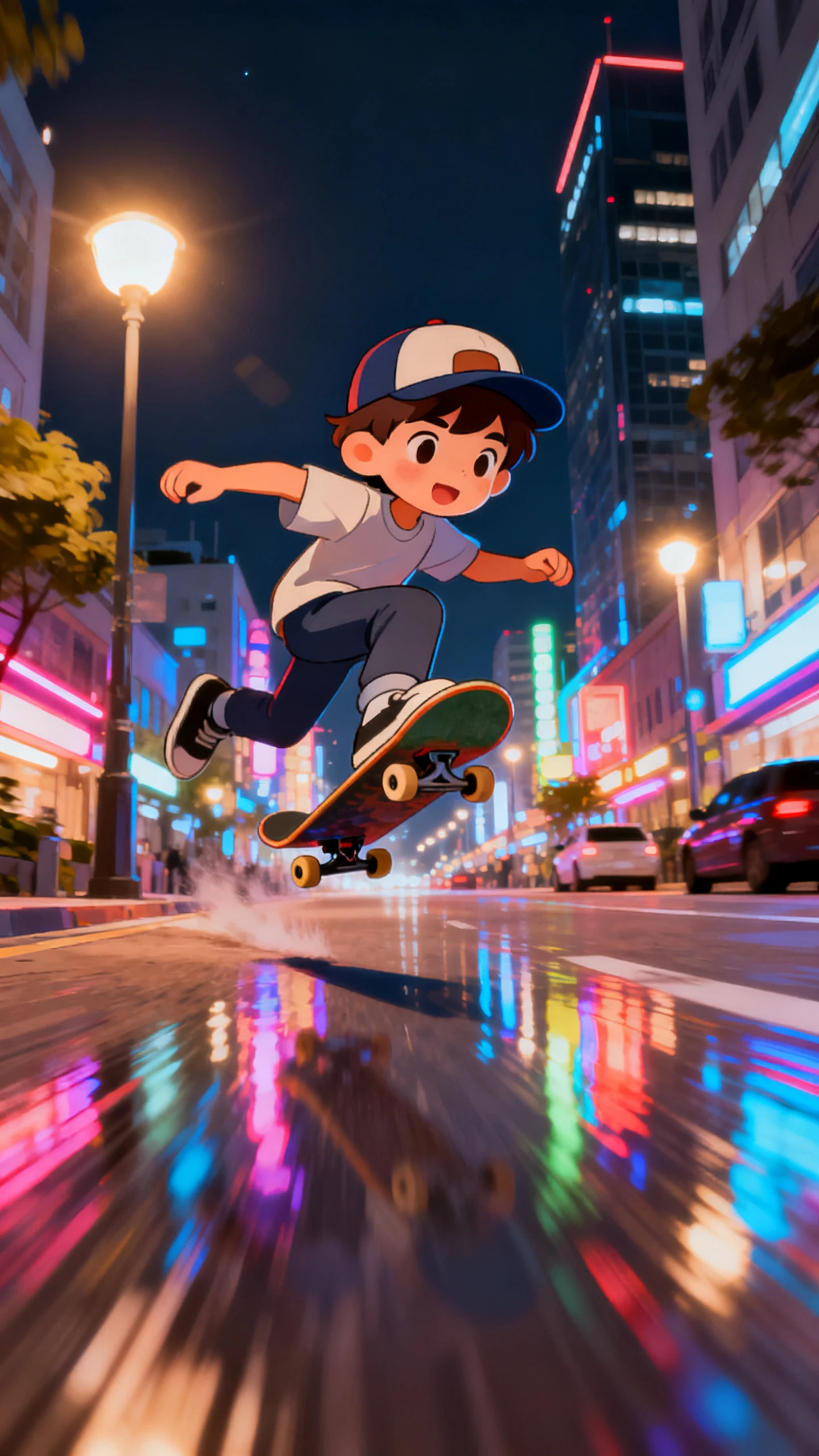
Magiclight AI handles shot layout, motion generation, audio, and export in one workflow. Every AI-generated scene comes out ready to use without post-production work.

Magiclight AI lets you lay out each scene shot by shot. Set camera angles, character positions, and timing per frame within seconds.
Choose from 19 video models, including Seedance 2.0, Kling 3.0, and Veo 4. Each model produces a different motion quality.
Apply 20+ looks like 3D cartoon, realistic, or comic book styles. Magiclight AI keeps the chosen style consistent across the sequence.
Upload a reference image with a prompt up to 1,500 characters, and Magiclight AI’s image-to-video workflow generates a 10 or 15-second scene clip.


You can quickly create dramatic scenes or romantic shots using the 3D scene generator in Magiclight AI. The whole process does not take more than a few minutes.
Type the setting, the characters, the action, and the emotional tone. Your prompt should be as specific as possible for accurate results.
Select from 20+ styles, including cinematic, 3D cartoon, and comic book. Pick one of 19 video models to define how the scene moves and flows on screen.
Arrange each shot in sequence. Set camera angles and choose character poses from 50 options to ensure each scene connects to the next.
Export the final clip after you have carefully reviewed it. Then, post it on your social media or on the official Magiclight AI website.
It is a tool that creates video scene clips from text prompts, handling camera framing, motion, and audio without manual filming. Magiclight AI builds scenes using Nano Storyboard.
Yes. Magiclight AI lets you set poses from 50 options, choose camera angles, and sequence action shots before rendering. Using this, you can easily make fight scenes.
Magiclight AI’s scene generator provides 20+ stylistic looks so that each video has its own vibe. You can make different clips using only a single tool.
Image-to-video clips run 10 or 15 seconds per generation. Full story-driven scene sequences built in Magiclight AI’s story video tool can run up to 50 minutes per session.
Yes. Simply select the 3D visual style from Magiclight AI, and you get scenes in 3D. You do not need to use another tool when working on your movie scenes.
New users have access to explore the free AI scene generator workflow. Visit the website to check current plan details and which features are available at each level.



Try Magiclight AI and turn scripts into composed, motion-matched, audio-scored scenes in seconds.