Explained Features of the Magiclight AI Whiteboard Video Generator
Magiclight AI gives you a simple AI whiteboard video generator online for any idea. It gives creators a full system built for speed, control, and quality output every time.

Your idea turns into a clean video with Magiclight AI's whiteboard video generator. Write your topic, pick a look, and make videos without editing skills.
Create AI Whiteboard Video For Free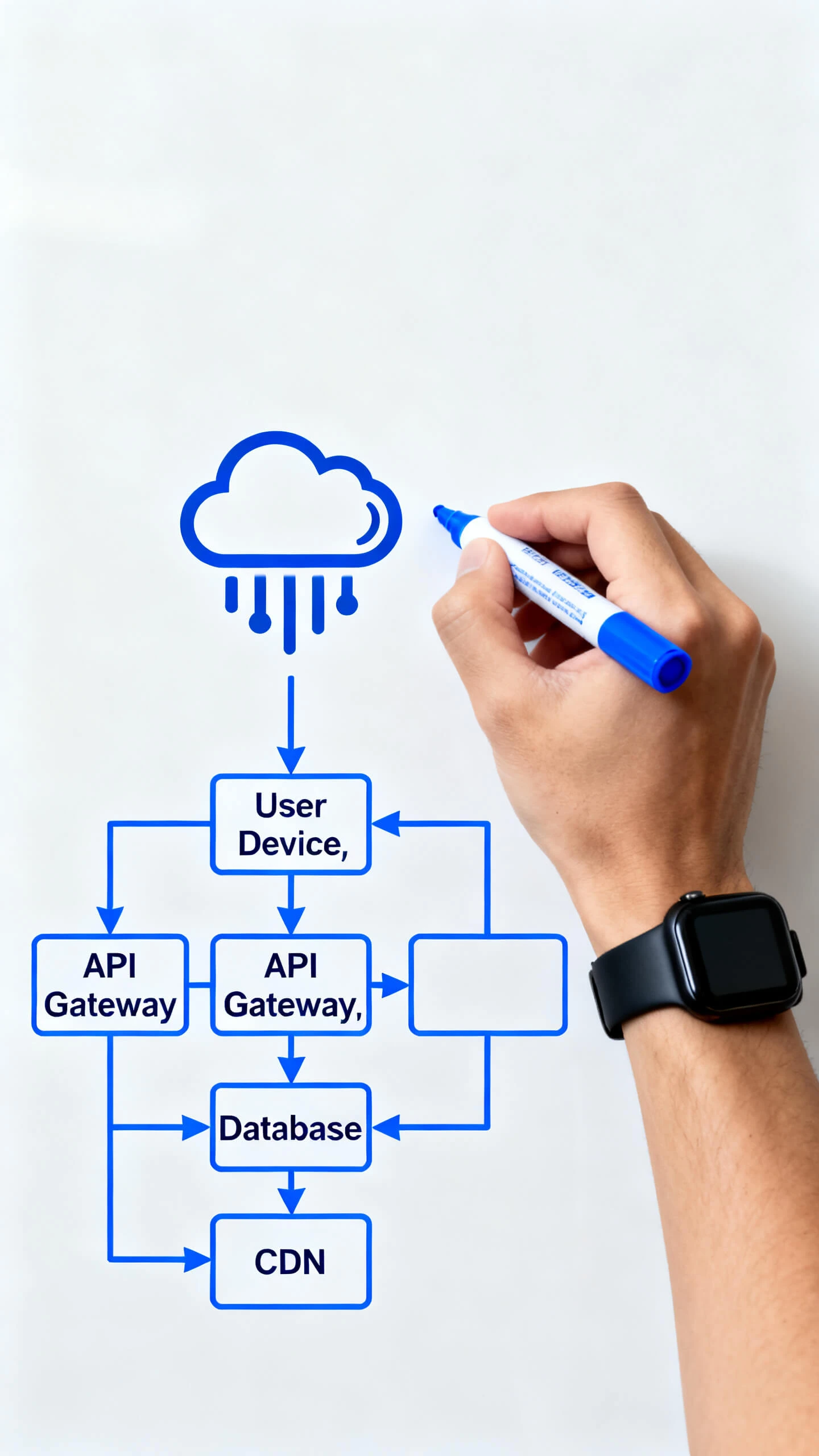
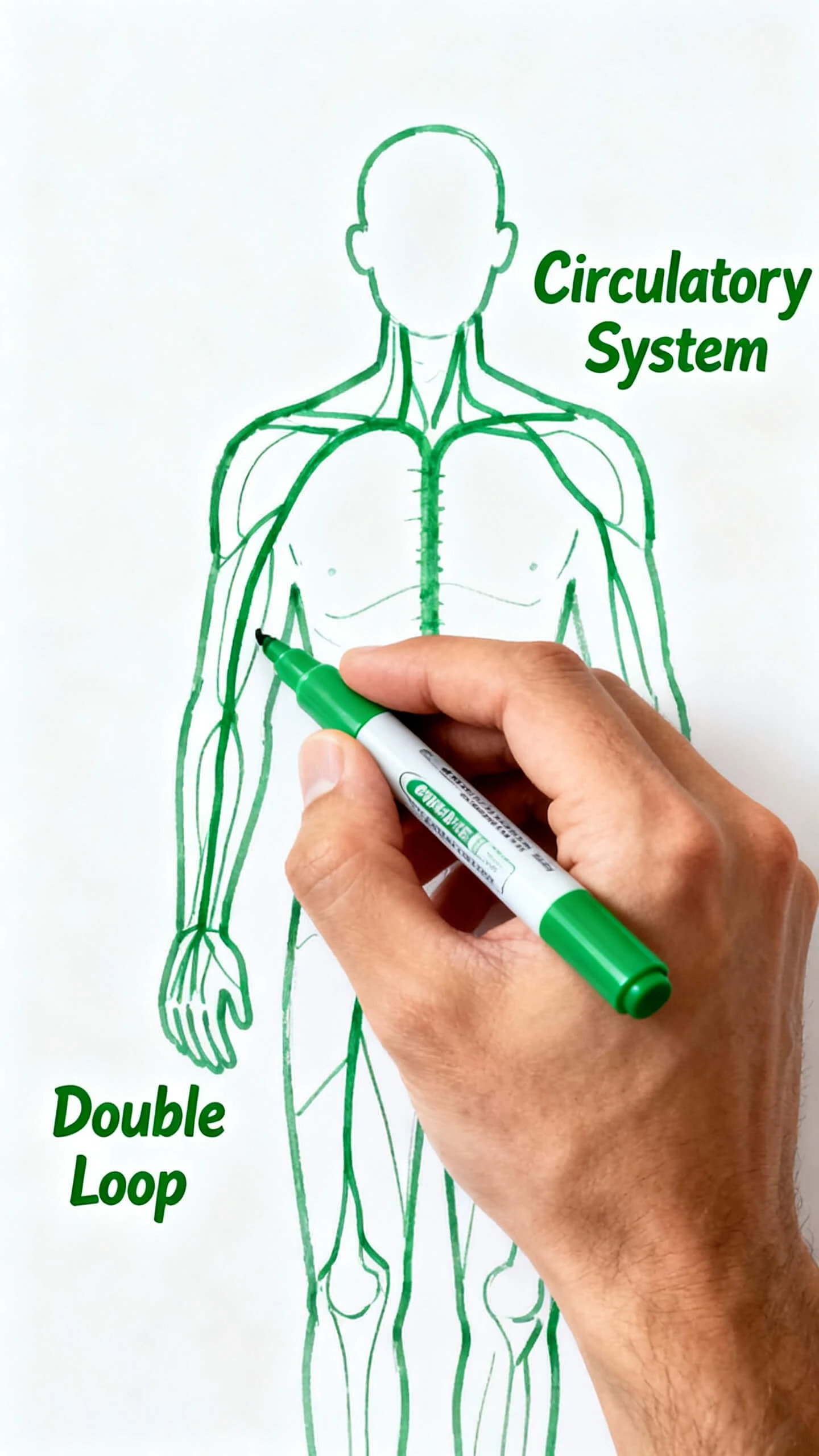
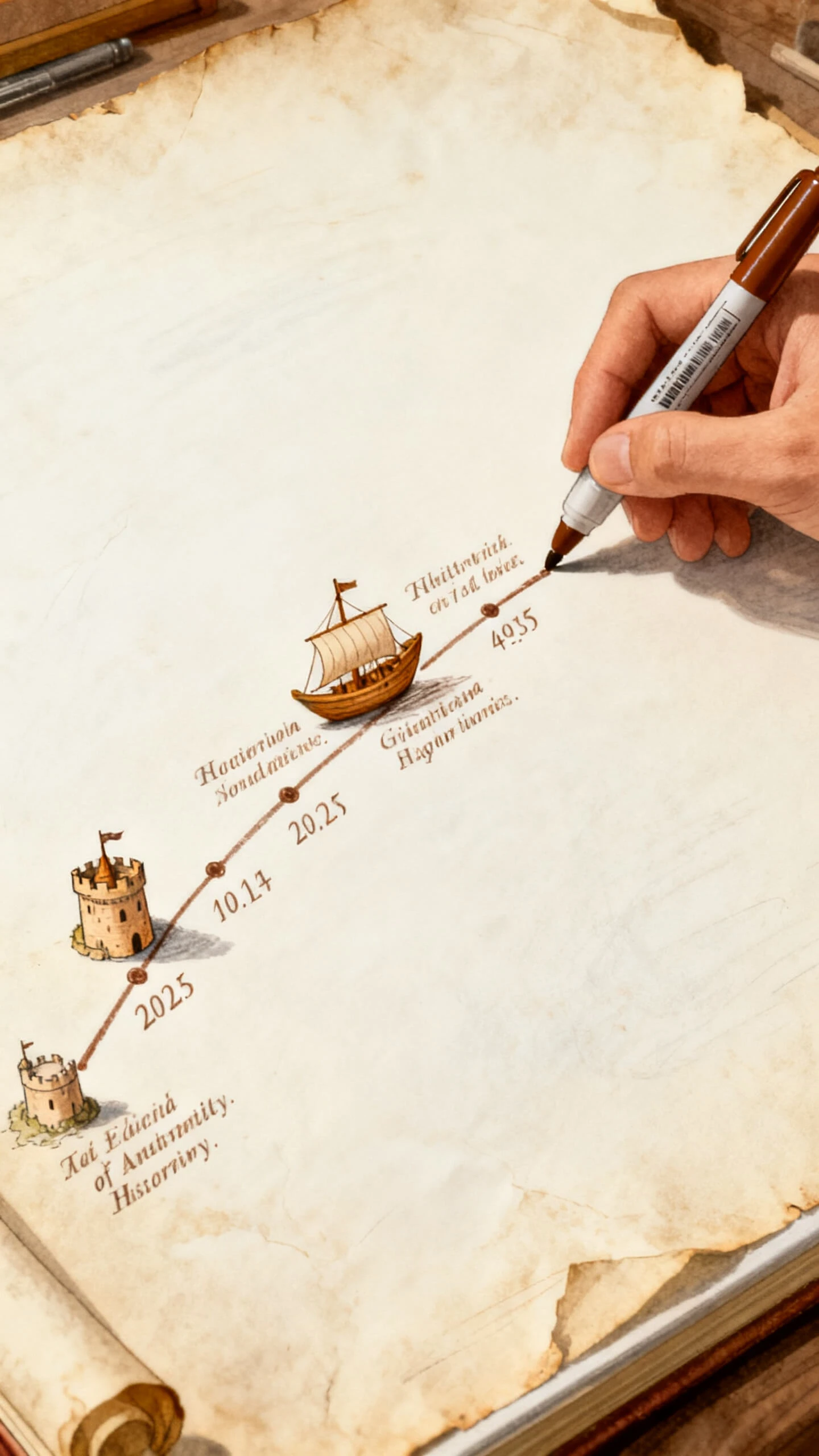
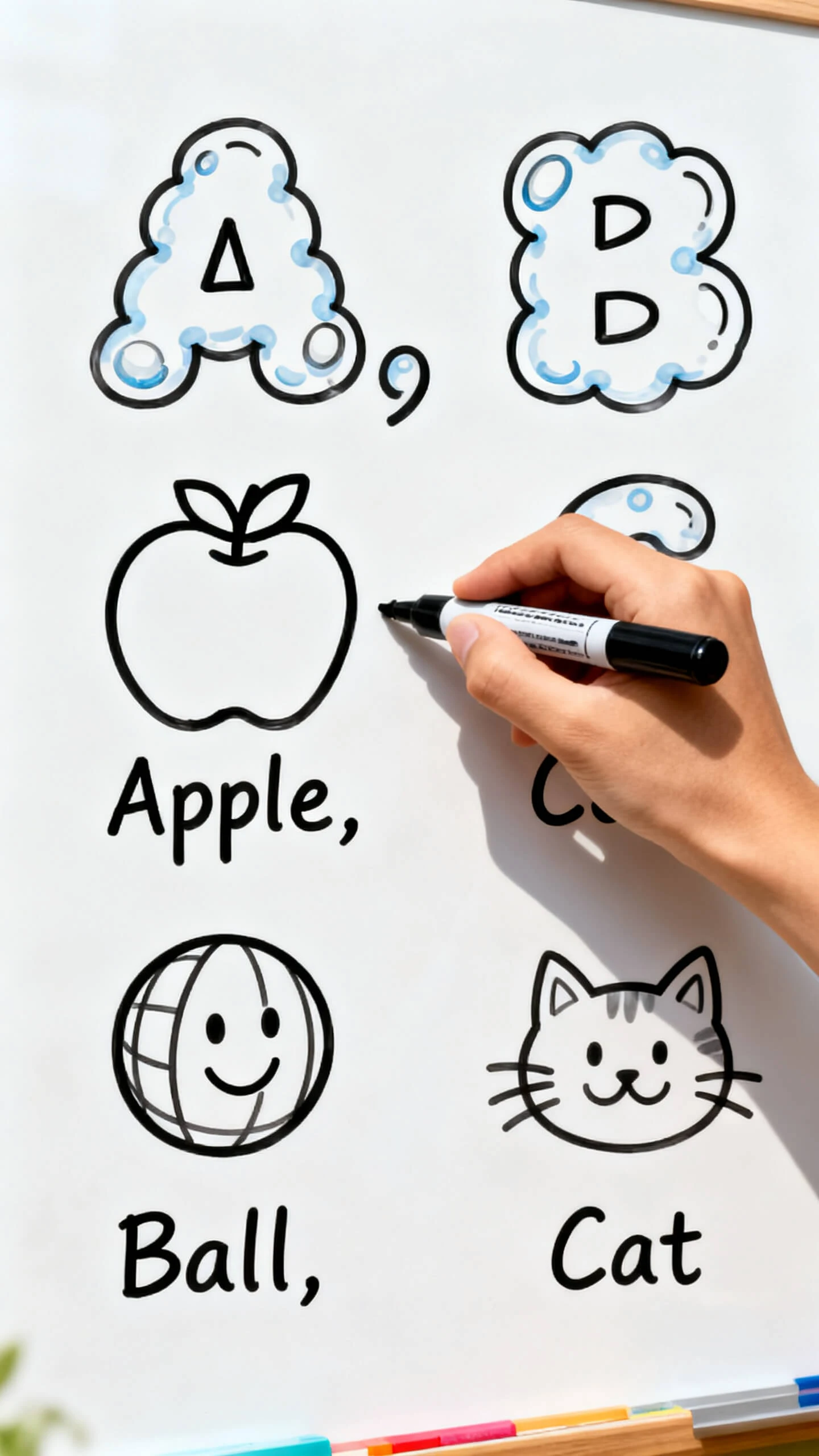
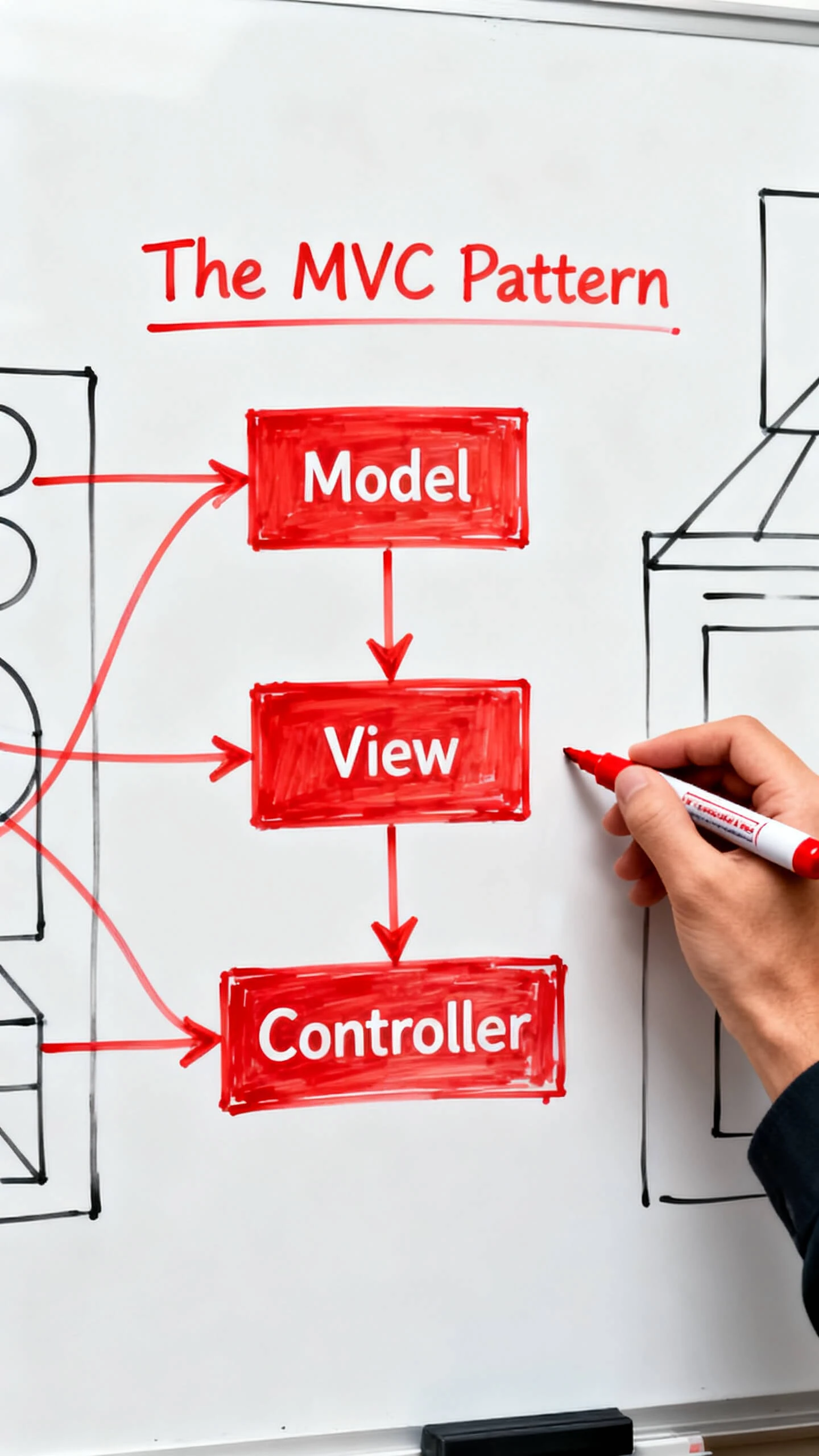

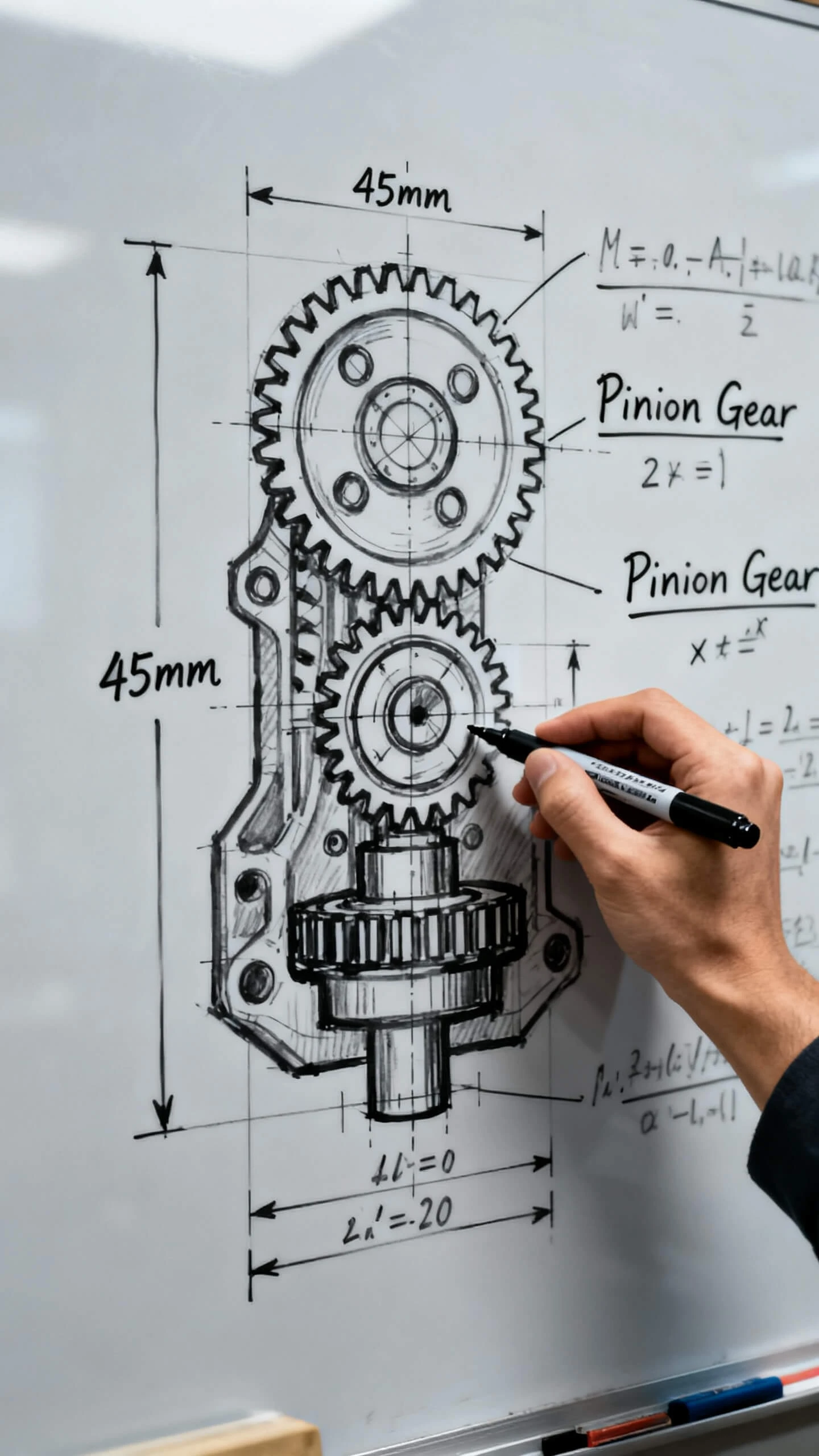
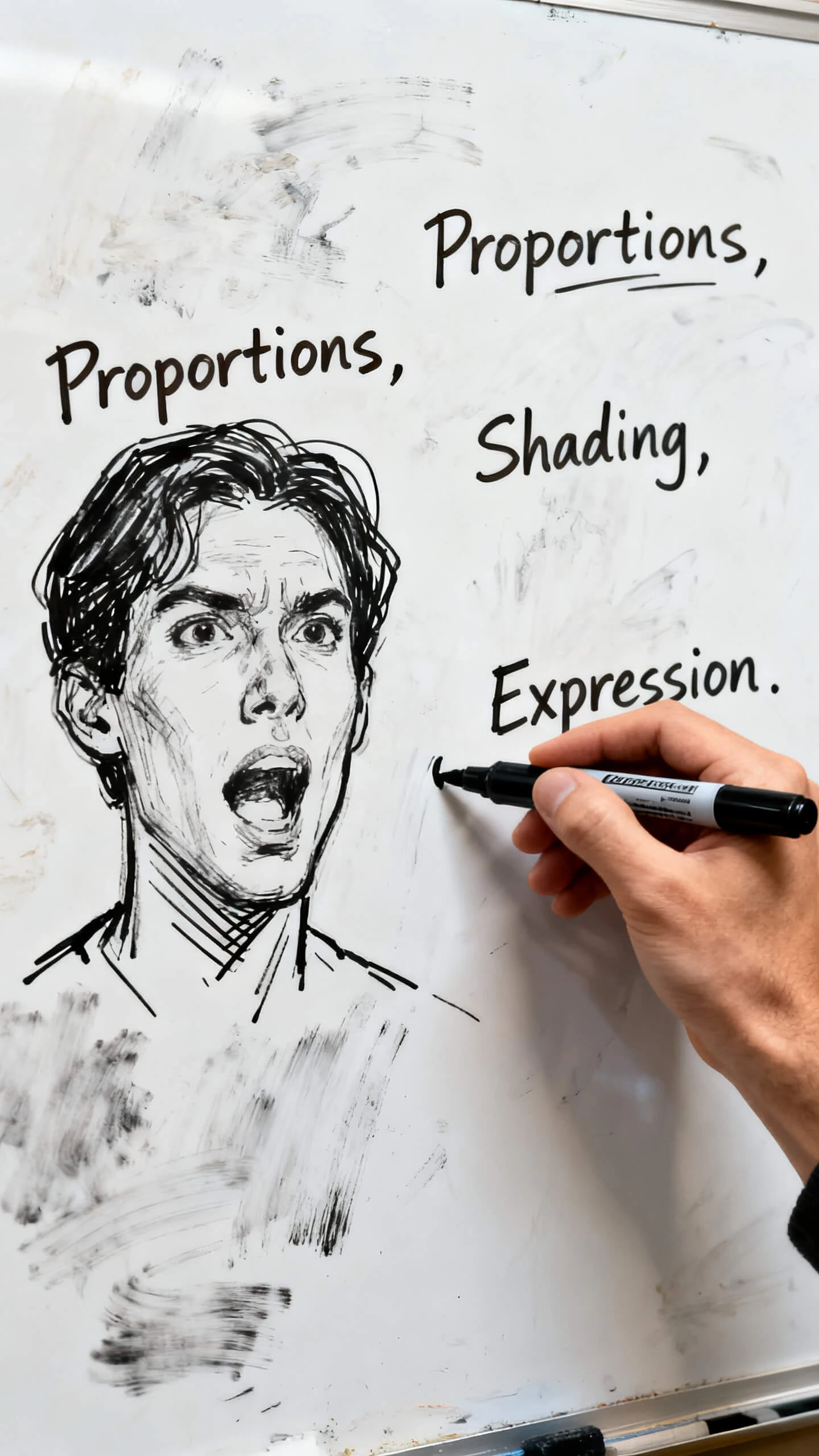
Magiclight AI gives you a simple AI whiteboard video generator online for any idea. It gives creators a full system built for speed, control, and quality output every time.

Create whiteboard videos that are much longer than most tools allow online. Magiclight AI supports up to 50 minutes of video from a single script input.
Edit any scene before Magiclight AI renders your whiteboard video. Every prompt change helps your final video match your original idea.
Choose from 14 animation models and create your full video in one click. Magiclight AI handles the rendering while you review the storyboard.
Pick from 20+ styles like comic book, flat art, or simple sketch. Magiclight AI gives you full control over your whiteboard animation look.


Making an AI whiteboard video generator project with Magiclight AI takes only a few steps. Review this simple flow to go from a blank page to a finished video ready to share.
Write what your whiteboard video is about. Be clear about the message, the audience, and the tone. A simple line idea is enough to get started with Magiclight AI.
Choose a visual style like simple sketch, flat art, or illustration. Then set your language, voiceover, and video length to match your content goal in Magiclight AI.
Look through the scenes Magiclight AI creates from your input. Edit prompts, swap poses, adjust expressions, and refine any shot before the final video is generated.
Download your finished video in 720p or 1080p. Share it on YouTube, your course platform, or social media directly from Magiclight AI in just a few clicks.
Magiclight AI turns written ideas into full whiteboard videos with scenes, voice, and subtitles. Type a topic, and the tool creates everything for you automatically.
Free credits are available so you can test Magiclight AI before choosing a plan. Try styles, voices, and scenes without paying anything first.
Simple sketch, flat art, comic book, and illustration styles are all available inside Magiclight AI. Pick the best one for your topic and audience.
Videos up to 50 minutes long are fully supported inside Magiclight AI. That makes it great for full courses, training videos, and long explainers.
37 voiceover options are built into Magiclight AI for every whiteboard video project. Filter by accent, age, and gender, or clone your own voice easily.
Subtitles in 16 styles and support for 11 languages are included in Magiclight AI. Sharing your whiteboard video with global viewers becomes much easier this way.



Turn one simple idea into a full whiteboard-style video with Magiclight AI.