
Discover the Features of Magiclight AI’s Historical AI Video Generator
Historical AI video generator builds scenes with period mood, figures, motion, and narration in one clear workspace for authentic history footage.

Magiclight AI helps teachers, filmmakers, museums, and storytellers turn eras into scenes. Its AI historical video generator keeps period detail, narration, and export in one flow.
Try AI Historical Video Generator For Free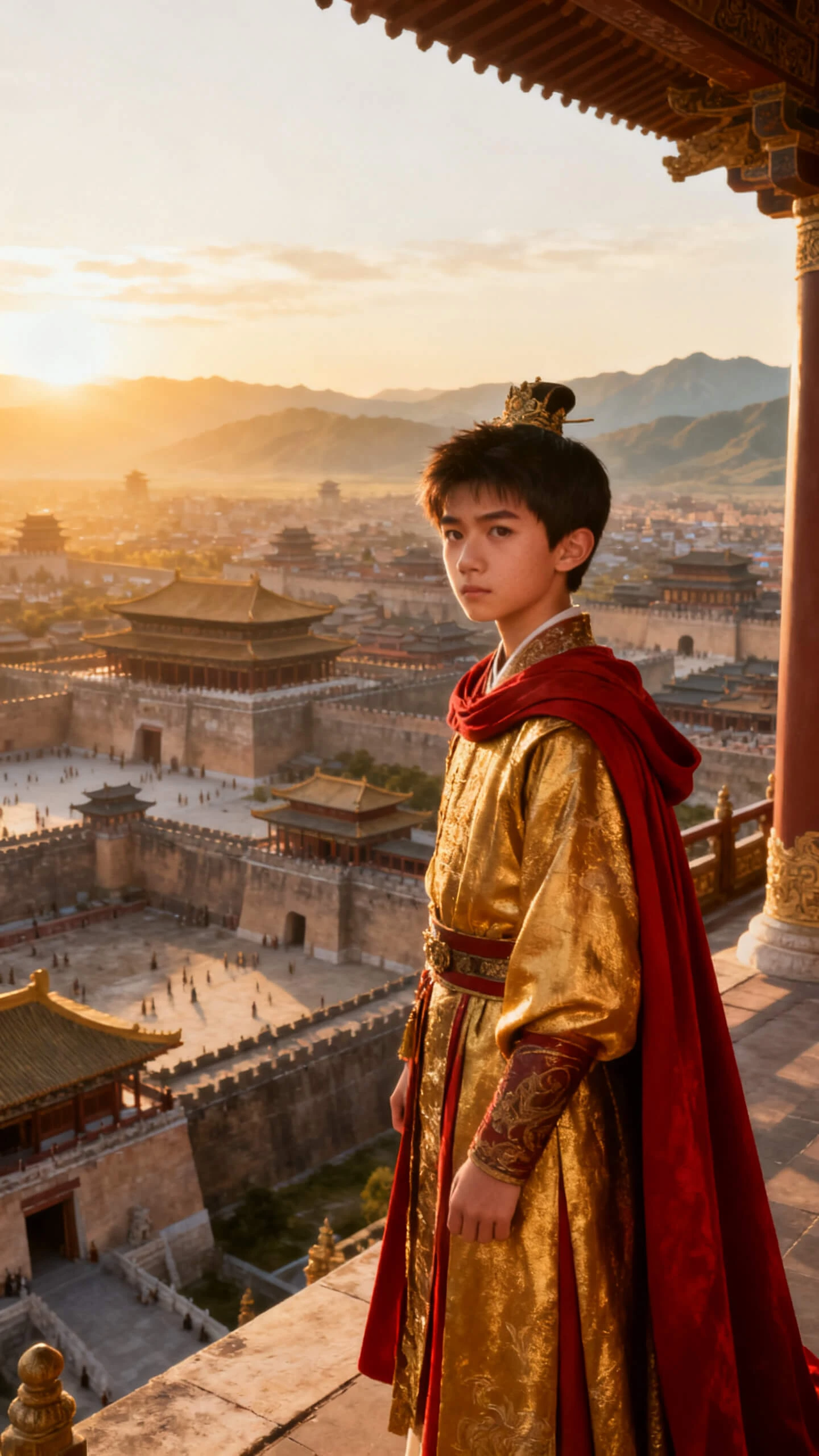

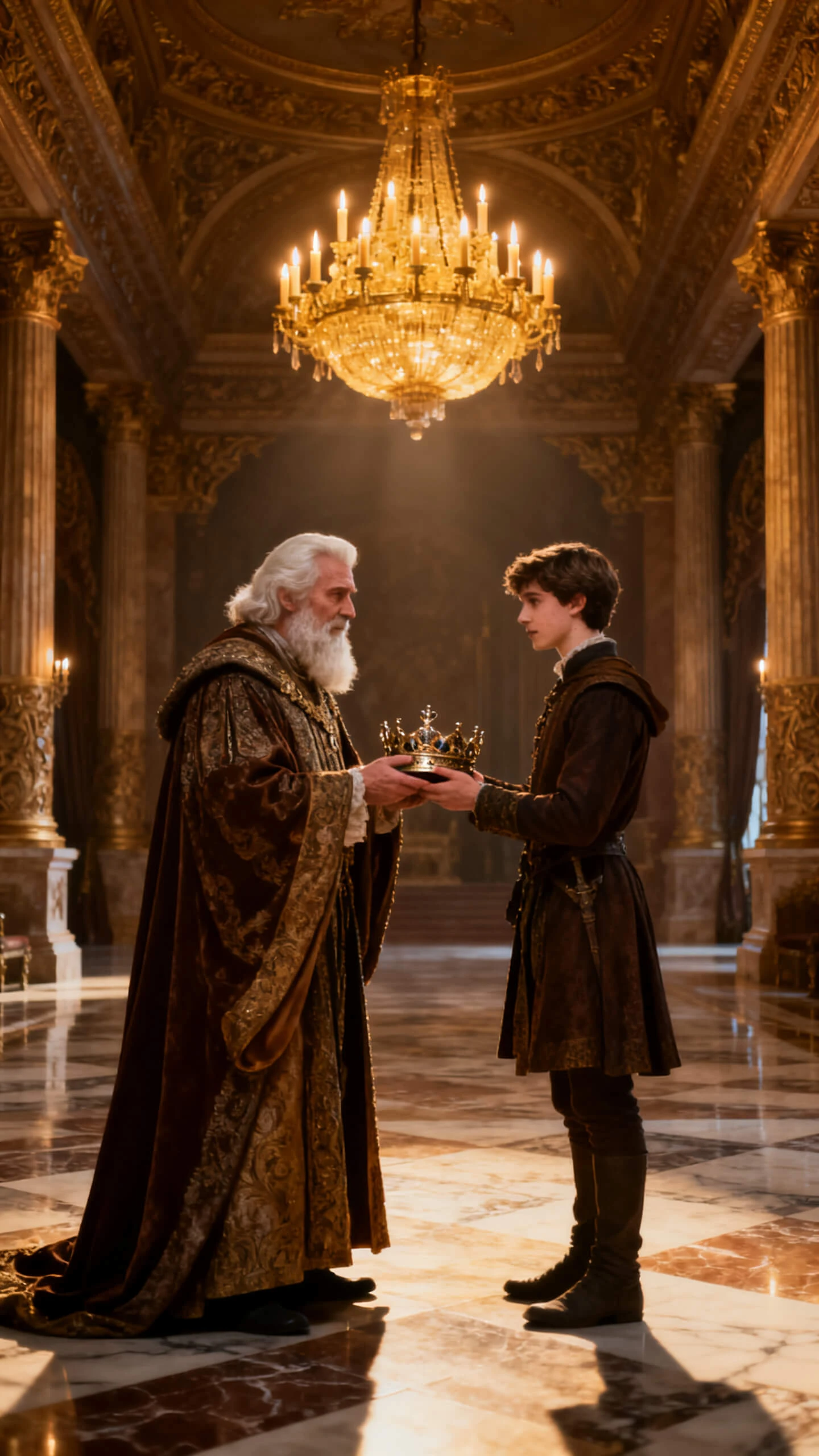
Historical AI video generator builds scenes with period mood, figures, motion, and narration in one clear workspace for authentic history footage.

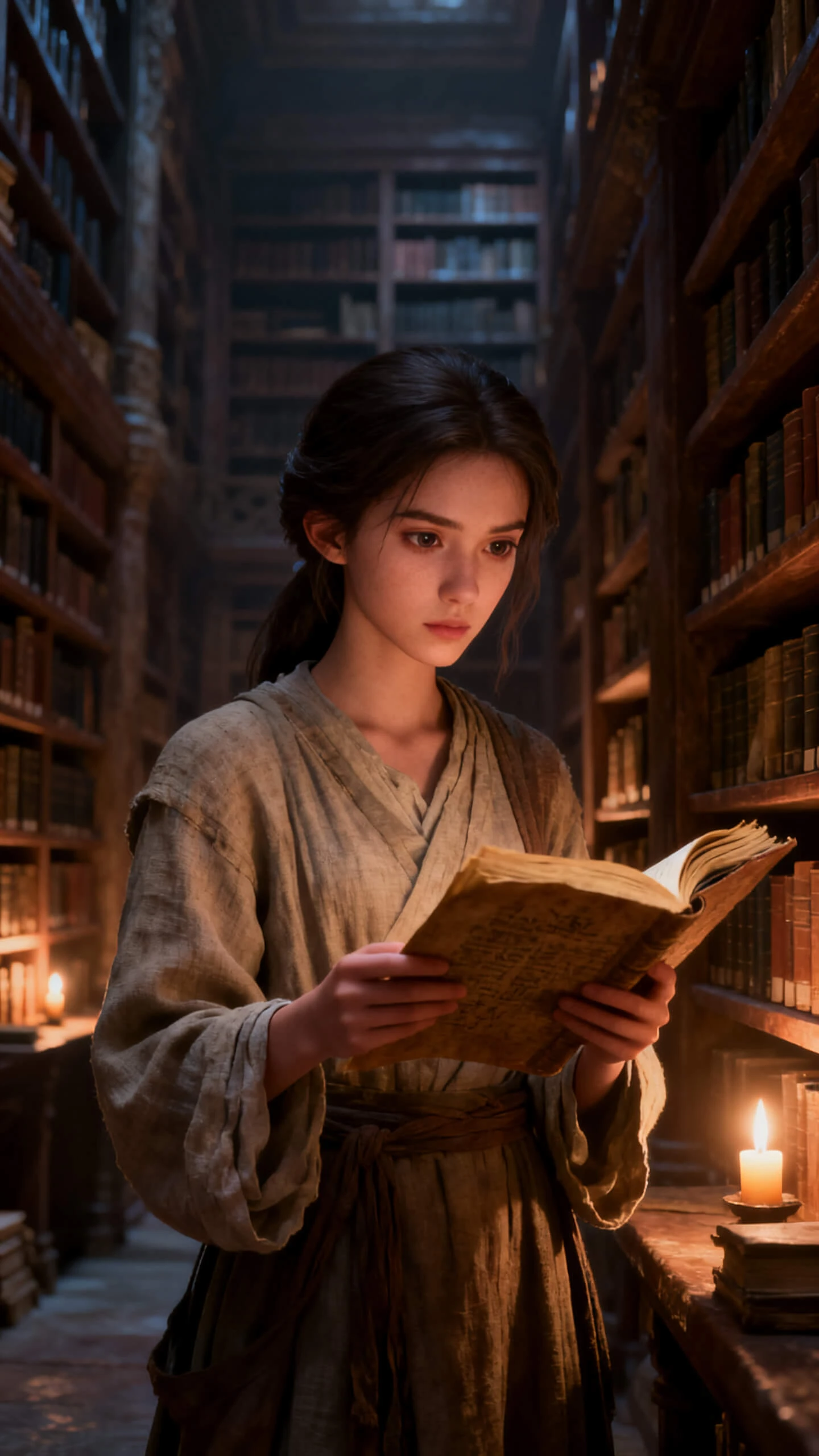
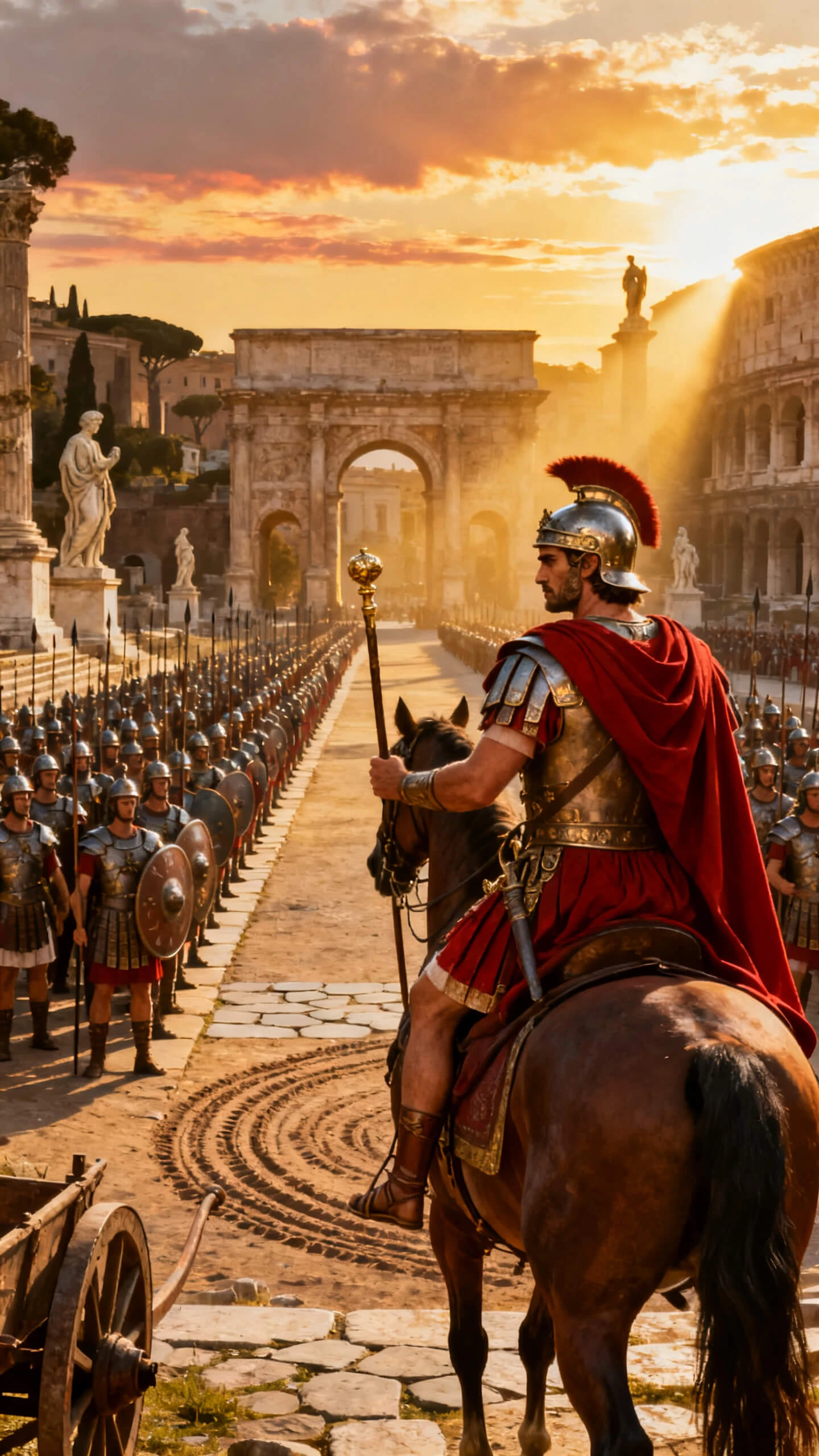
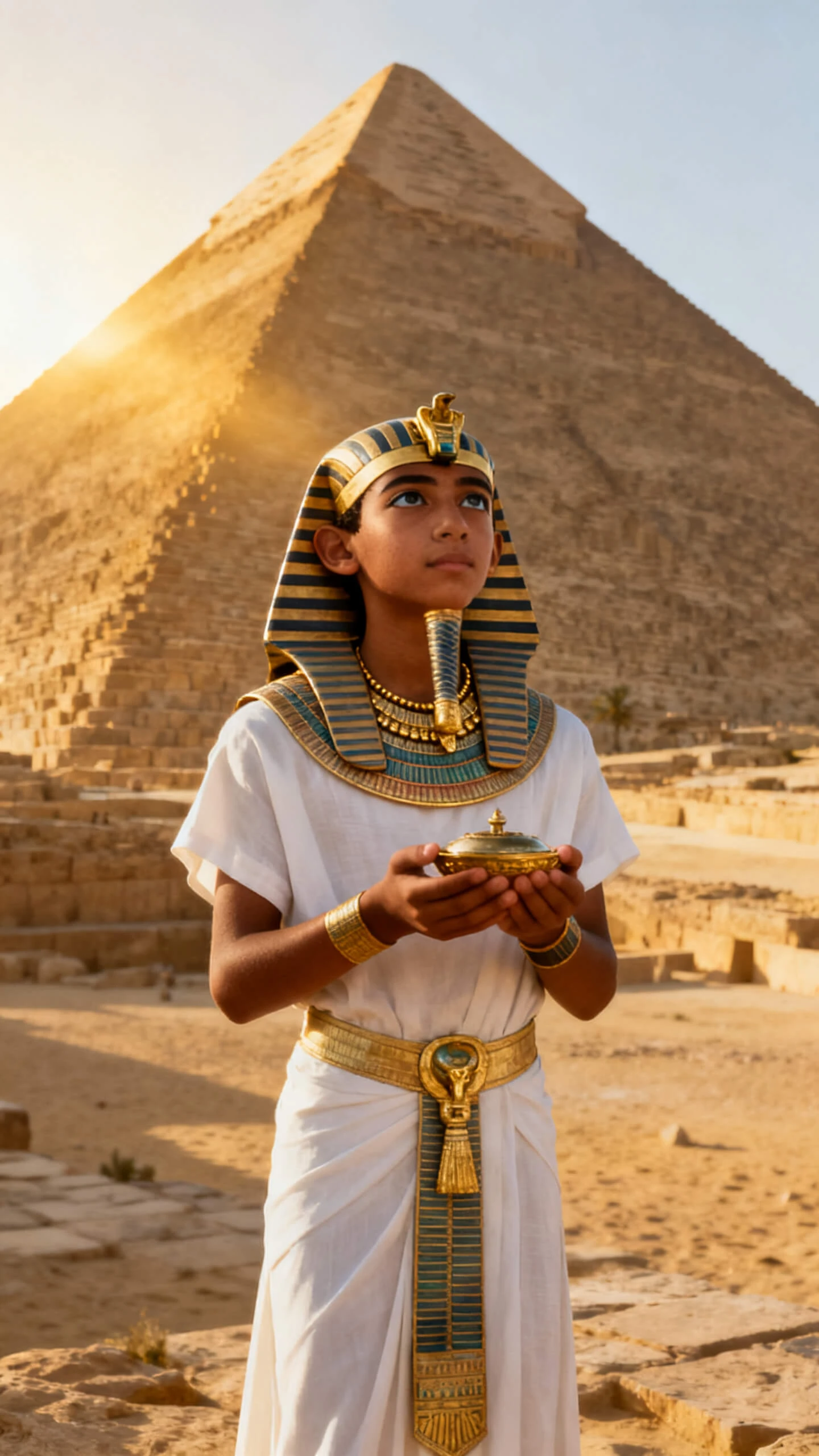
Use cinematic and realistic styles to shape settings, clothing, lighting, and mood for authentic, well-composed historical footage.
Nano Storyboard arranges each shot with camera angle, setting, and poses to lock scene direction before video rendering.
Pick from 19 video models to match era movement, from slow documentary pans to dramatic historical action sequences.
Design characters via descriptions or reference photos and reuse across all scenes with unchanged appearance throughout the video.


Follow a streamlined workflow to build accurate historical scenes with custom styling, characters and final HD export easily.
Detail target era, setting, figures, key events, costumes and scene mood to define your historical footage direction.
Set camera framing, character poses and scene layout shot by shot to finalize sequence before video rendering.
Pick from 37 narration voices and 40 era-suited background tracks matching your historical scene’s emotional tone.
Preview full footage, export 720p or 1080p file ready for lessons, museum exhibits, documentaries or online release.
It turns era descriptions into styled historical scenes; Magiclight AI integrates character design, narration, music and export inside one online workflow.
Check official plan limits and export quotas online first; explore core historical generation features free before upgrading premium tools.
Realistic and cinematic styles fit documentaries and education most; extra art styles available for stylized historical creative projects.
Describe figures or upload reference photos; saved characters retain identical appearance consistently across all your historical video scenes.
Yes, subtitles and voiceovers cover 11 languages within one project to localize historical content for global learners easily.
Short photo-based clips run 10–15 seconds; full historical story workflows support documentaries up to 50 minutes per single project.



Convert your historical research into immersive cinematic footage to boost educational engagement and heritage outreach.