
Explore Features of MagicLight AI Studio Video Generator
Every project inside Studio Video Generator starts with a photo or a simple prompt. Magiclight AI handles everything from the scene to the voiceover to the final export.

With Magiclight AI, you can convert any idea into a ready-to-publish HD video with sound, motion, and structure. No prior experience is required.
Create AI Studio Videos for Free
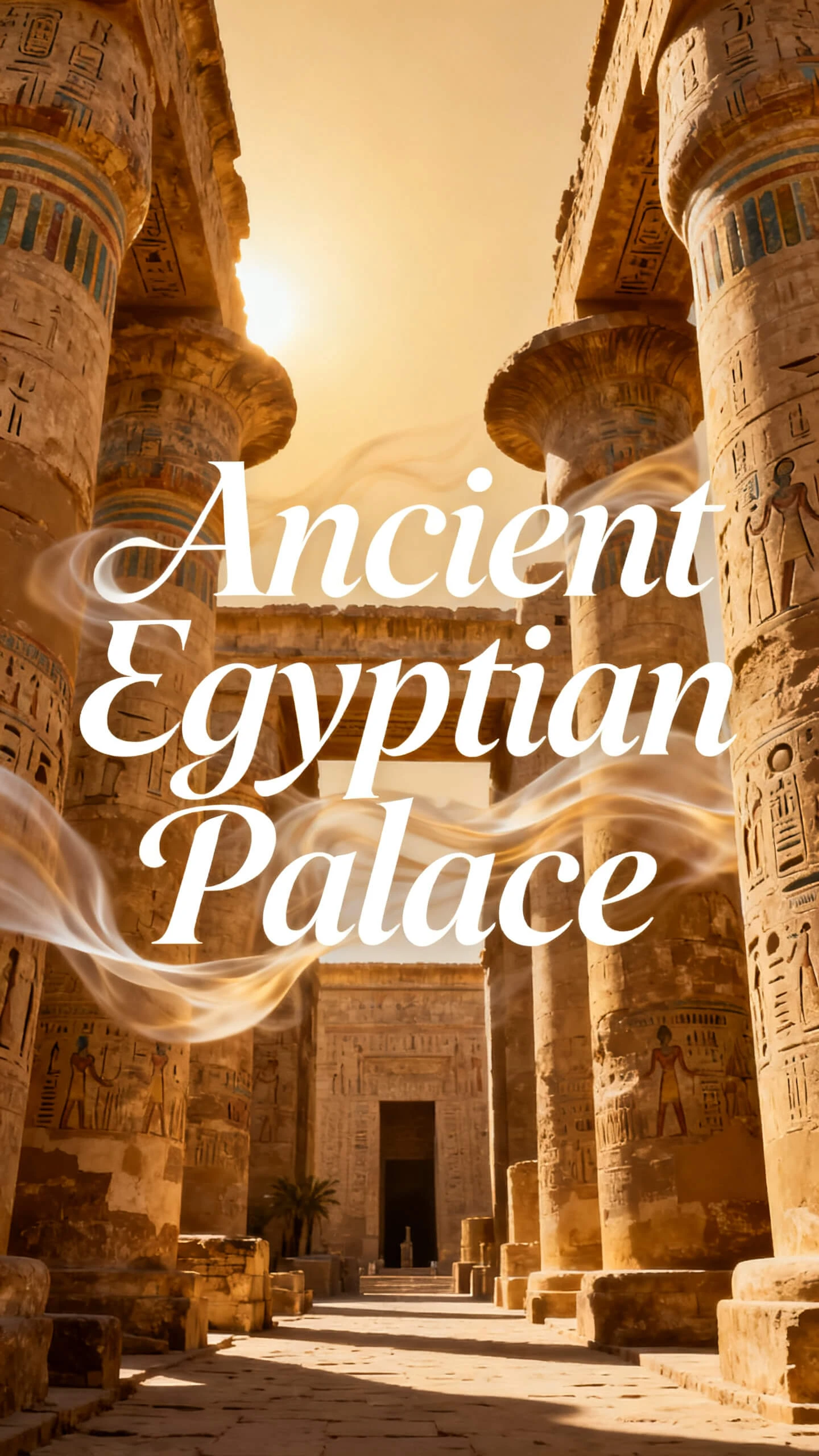
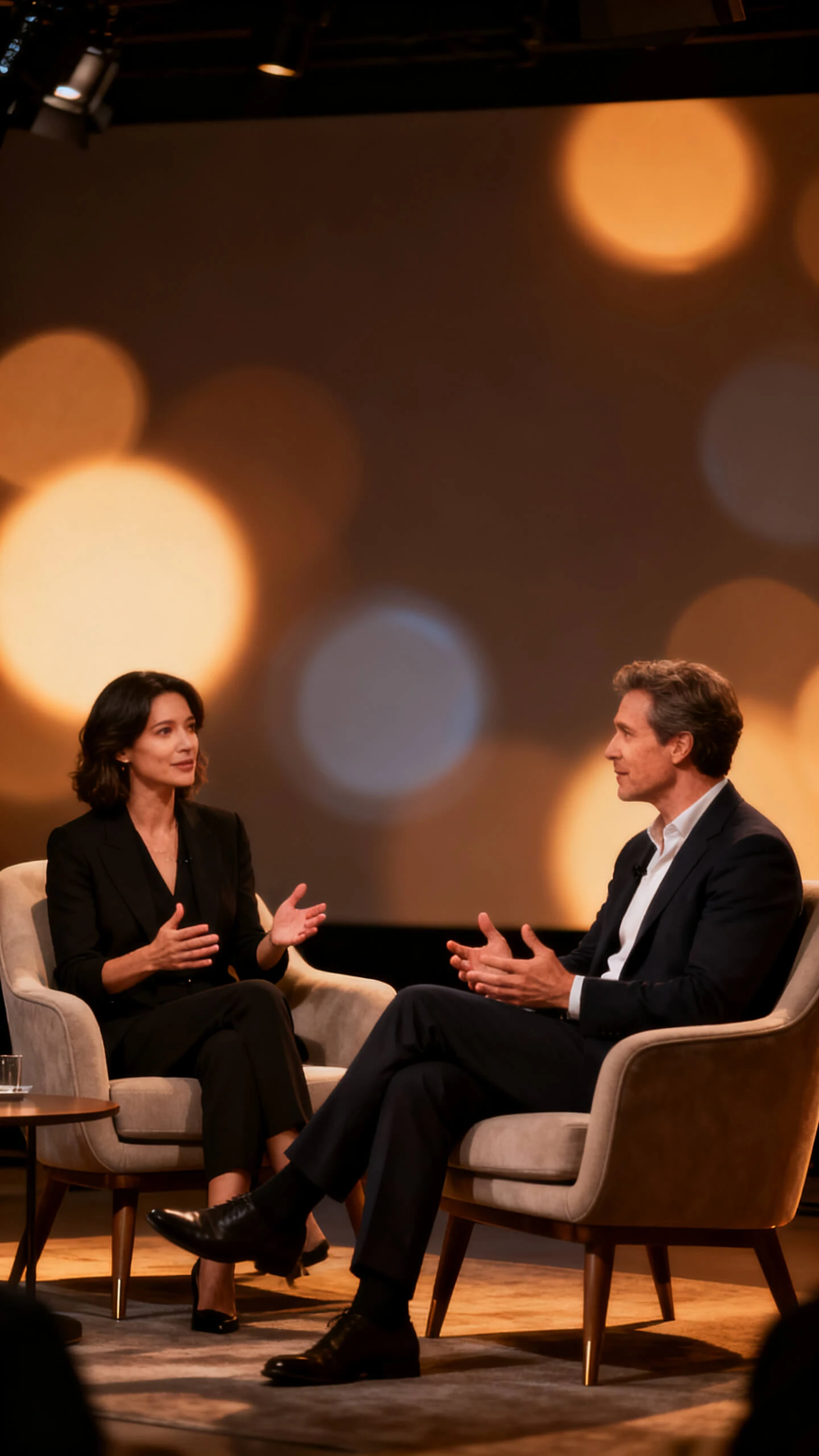
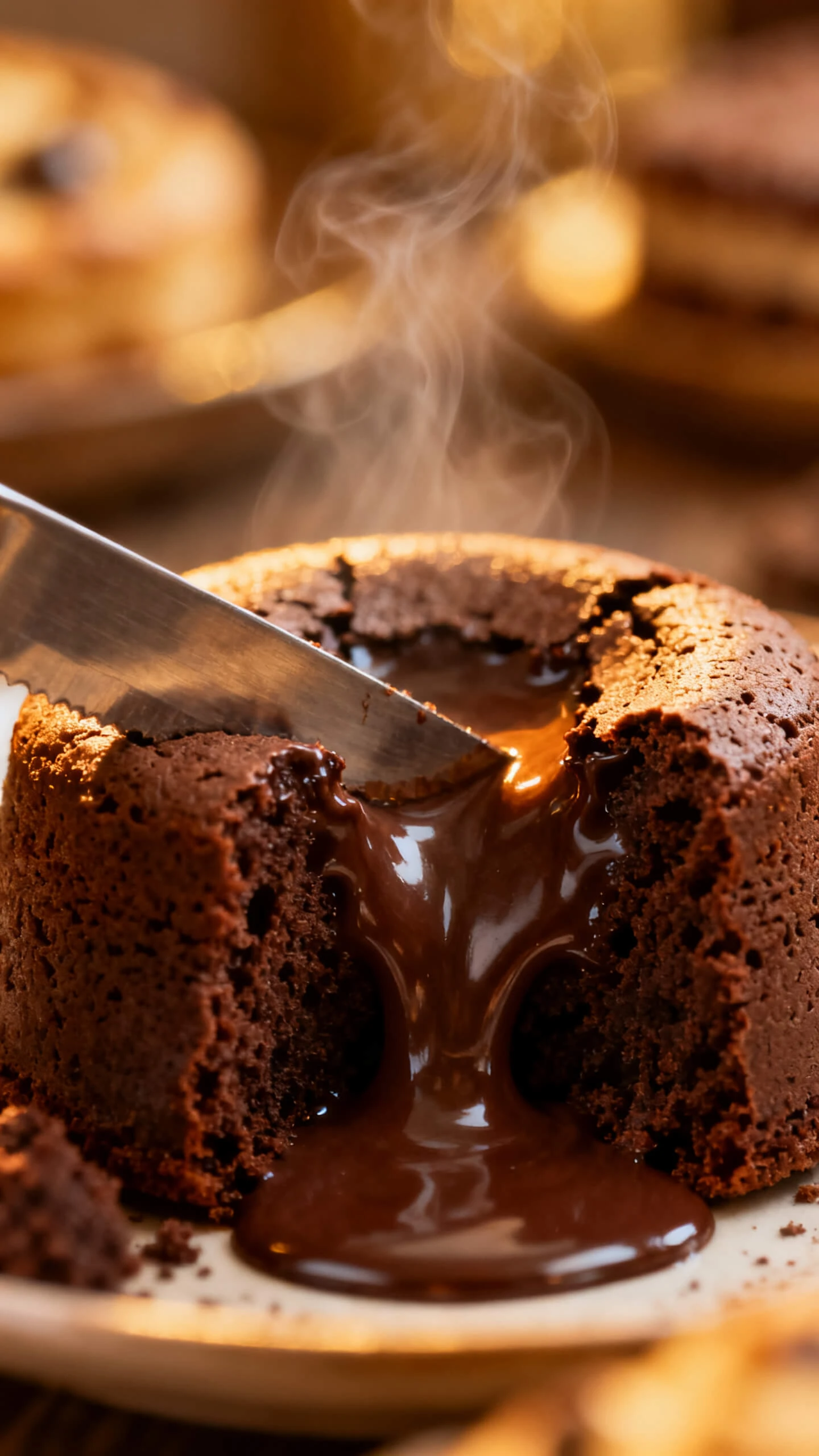
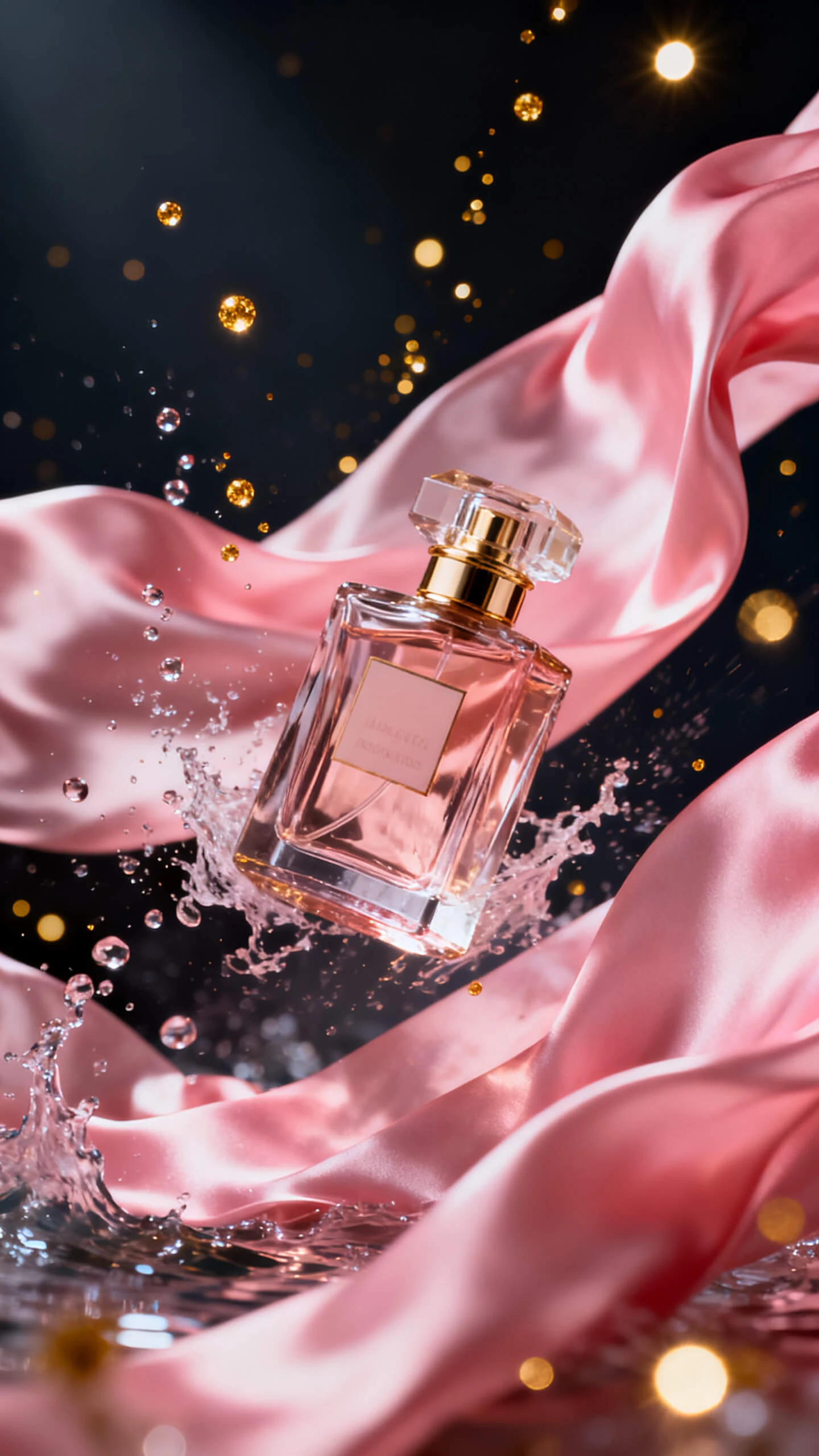
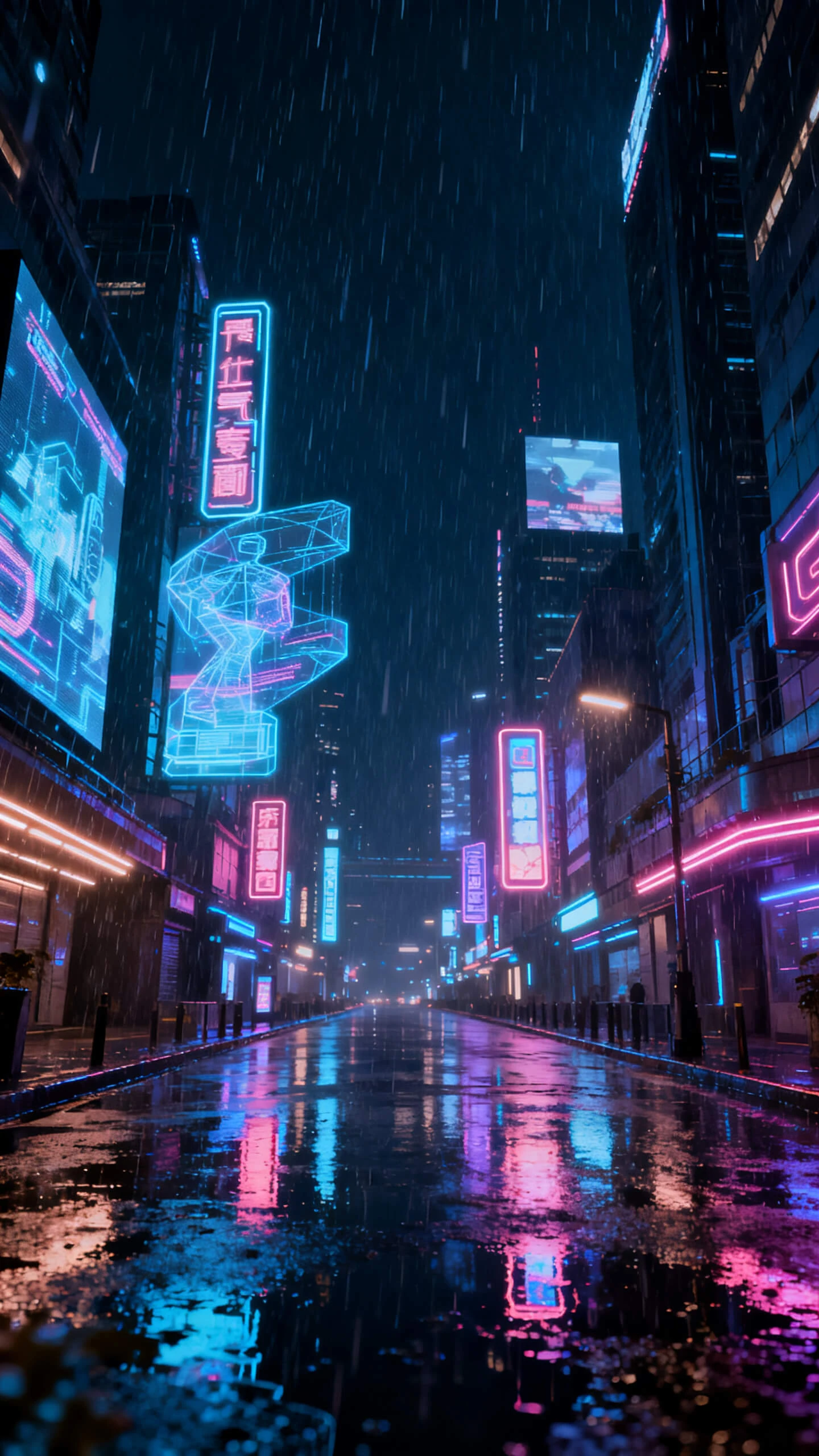
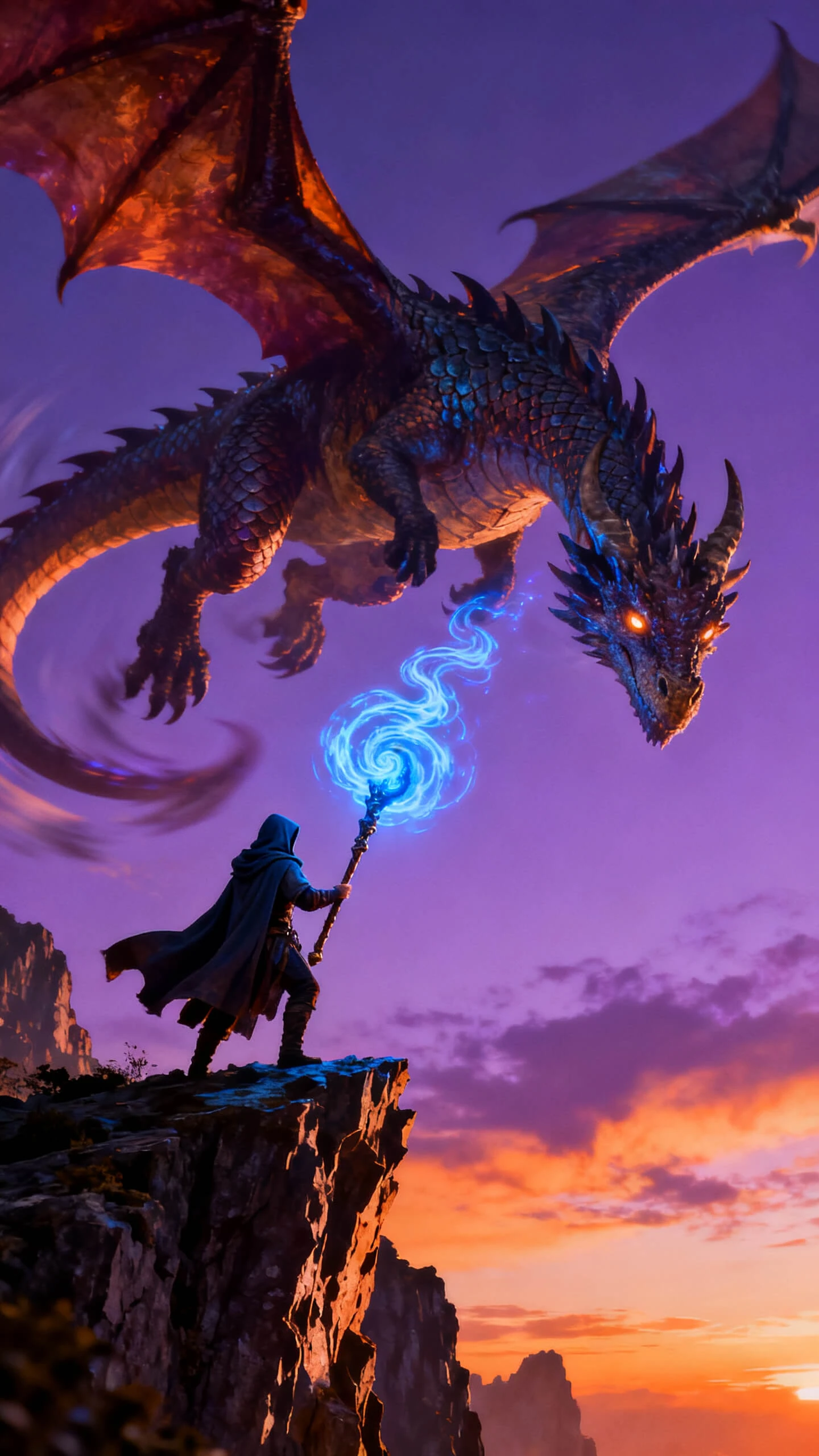
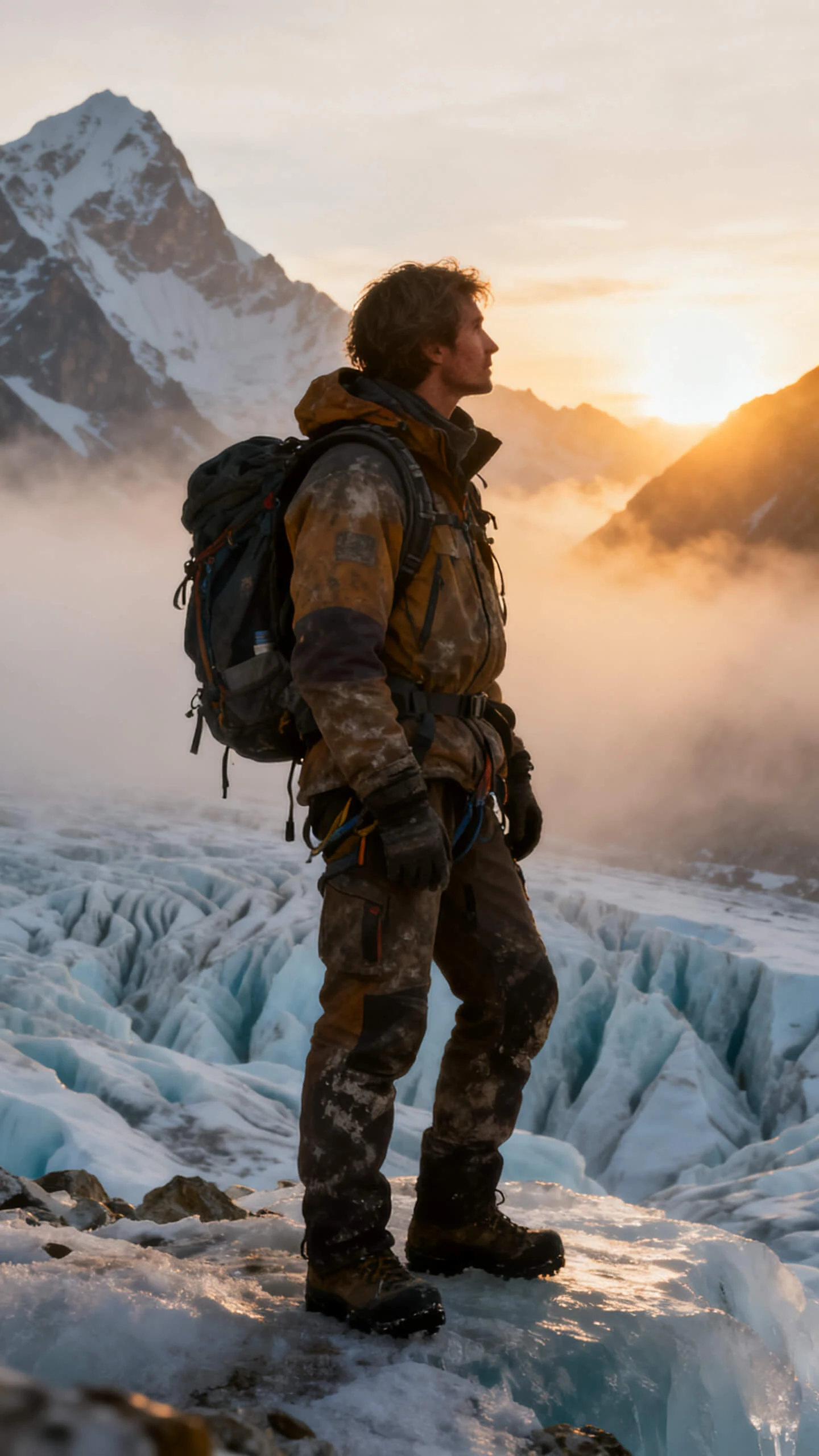
Every project inside Studio Video Generator starts with a photo or a simple prompt. Magiclight AI handles everything from the scene to the voiceover to the final export.

Magiclight AI supports video content up to 50 minutes, so creators can create documentaries, interviews, and episodic series beyond short AI clips.
Make a custom AI character with a name, face, and personality inside Magiclight AI. That character stays consistent across every studio clip you post.
A prompt of up to 12,000 characters sets the setting, tone, and mood for the clip. Magiclight AI follows your full idea, so each clip matches your story.
With 19 models on offer, including Seedance 2.0 and Kling 3.0, each one produces its own motion style. Switch between them to find your best fit.


Magiclight AI's Studio video generator follows four simple steps to turn your idea into a ready-to-post studio video without any editing software.
Type your idea or a short script to start the process or upload a photo. Magiclight AI reads your input and sets up a clear video structure that suits your idea.
Pick a visual style that matches your video and set up your character's look. After that, assign a fitting voice from the available options, so the studio video feels professional.
Review the auto‑generated storyboard and check each scene. Adjust poses, camera angles, and expressions so nothing feels off and every moment matches the story you had in mind.
Once you are satisfied, download your finished studio video in high quality. You can share the clip directly on a social media platform or embed it on your website.
An AI studio video generator like Magiclight AI turns text or photos into finished clips with built-in scenes, voice, and music. No cameras or editing software are needed to start.
You can create social clips, product videos, and explainers from the same workflow. Magiclight AI applies templates that guide each format automatically.
In Magiclight AI, you can create video clips ranging from a few seconds to 50 minutes. After creating the video, you can preview it and check the pacing before the final render.
Yes. With Magiclight AI's studio video generation flow that lets you start with a simple idea. This setup then helps you move into perfect video creation step by step.
Yes. Magiclight AI creates original video content for every creator. Check the content policy of your platform before you post and stay within those rules.
Yes, upload one image, and Magiclight AI turns it into a moving clip. This works well when you want fast video content from a single visual.



Turn simple ideas or stories into studio-quality videos with Magiclight AI today.