See Everything Magiclight AI's Furry Art Generator Can Do
In Magiclight AI's furry art generator, you can explore ready‑made fursona video styles. Pick a template, drop in prompts, and auto‑generate furry story clips.

Magiclight AI’s furry AI art generator makes fursona videos from prompts in seconds. Describe your idea, adjust style options, and download finished video clips easily.
Create Your First Fursona Now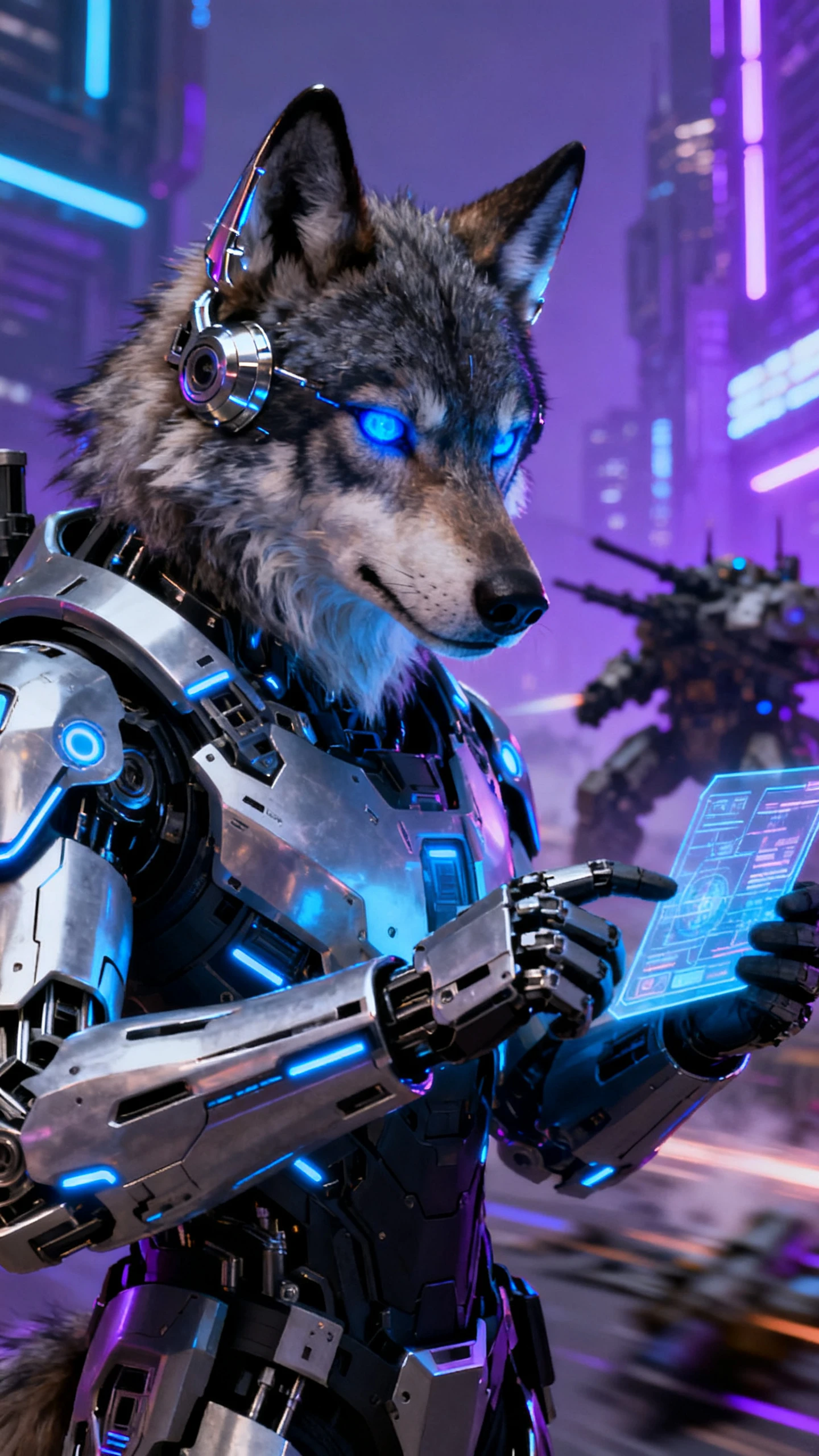
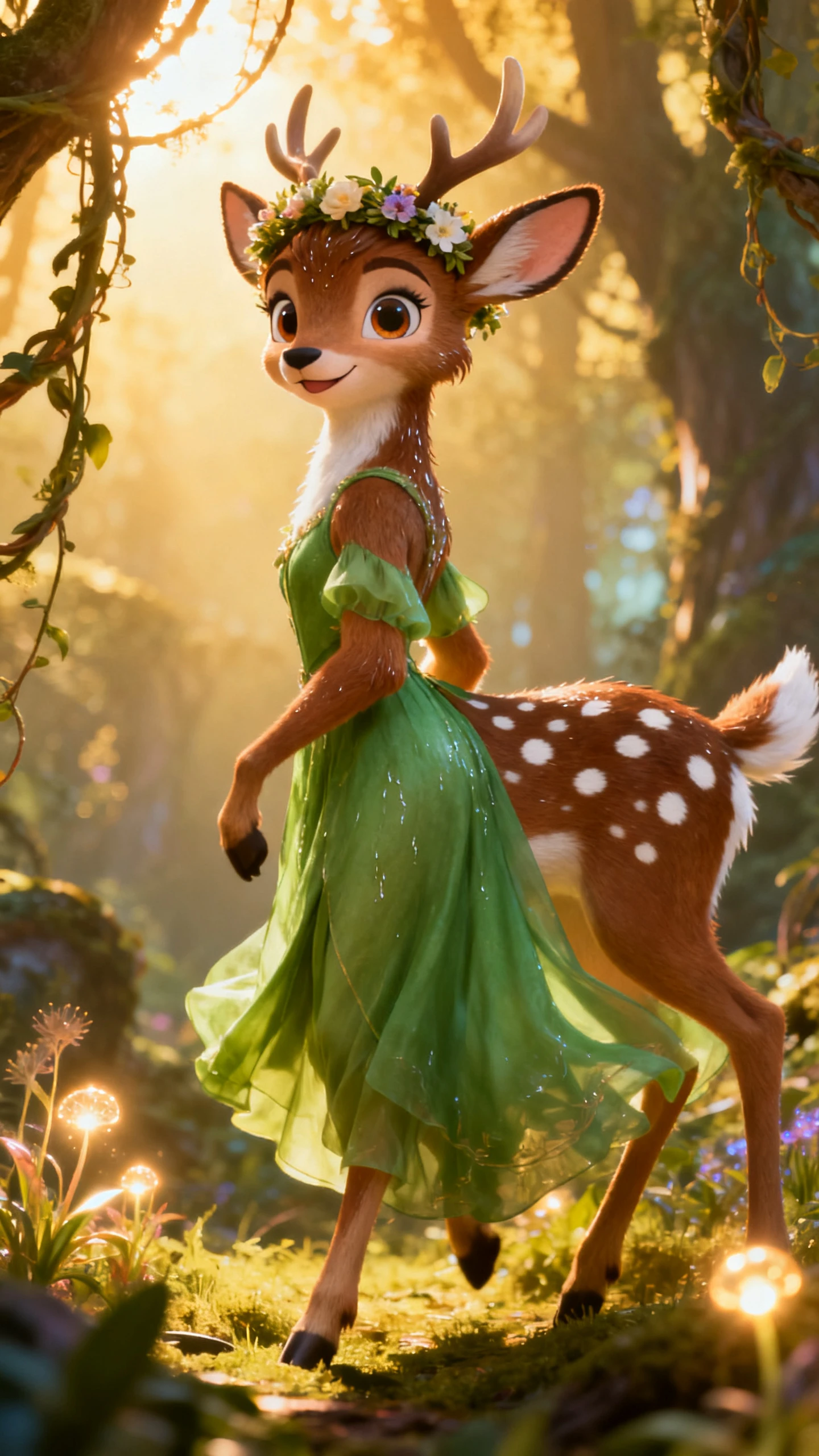
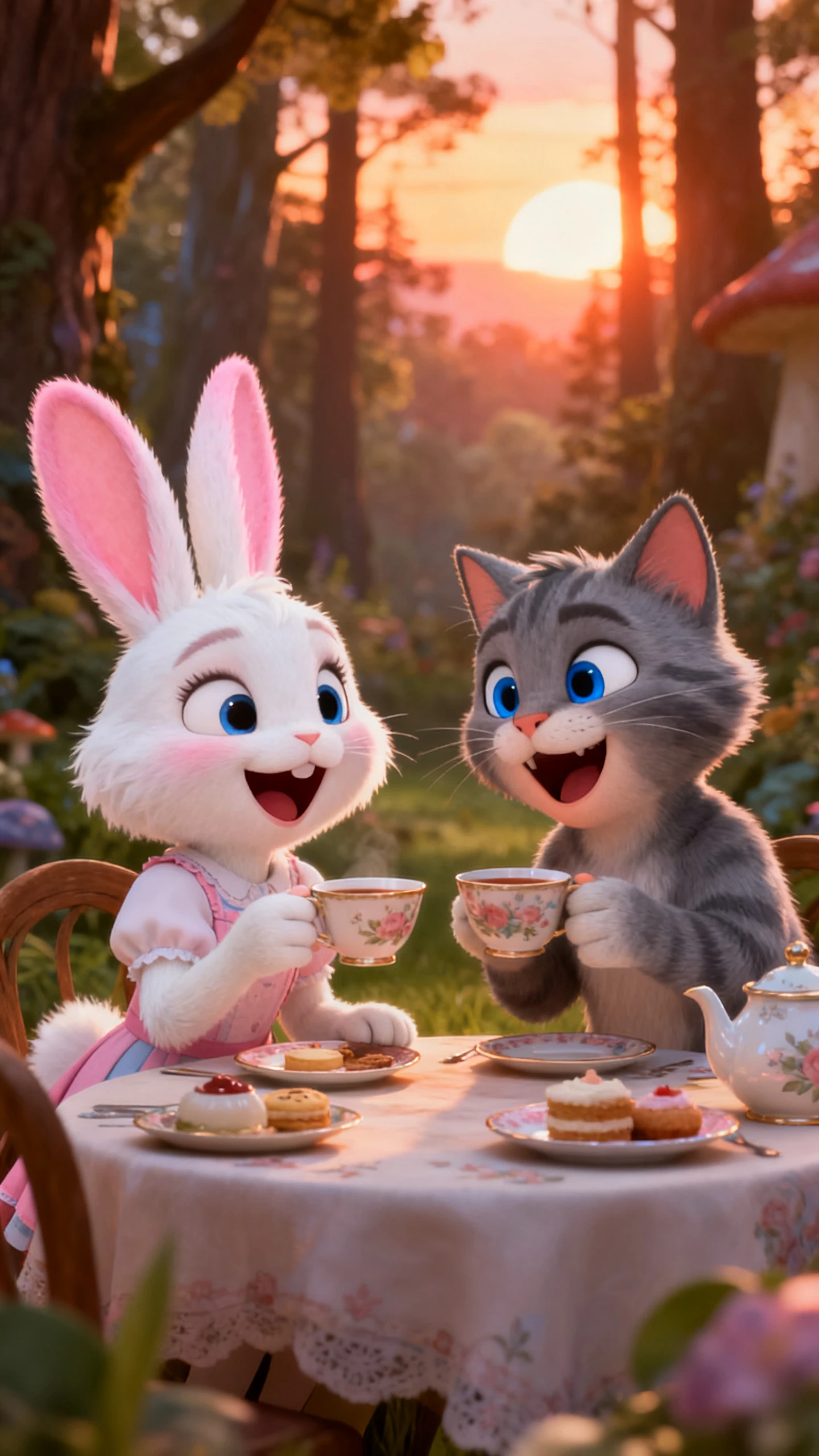
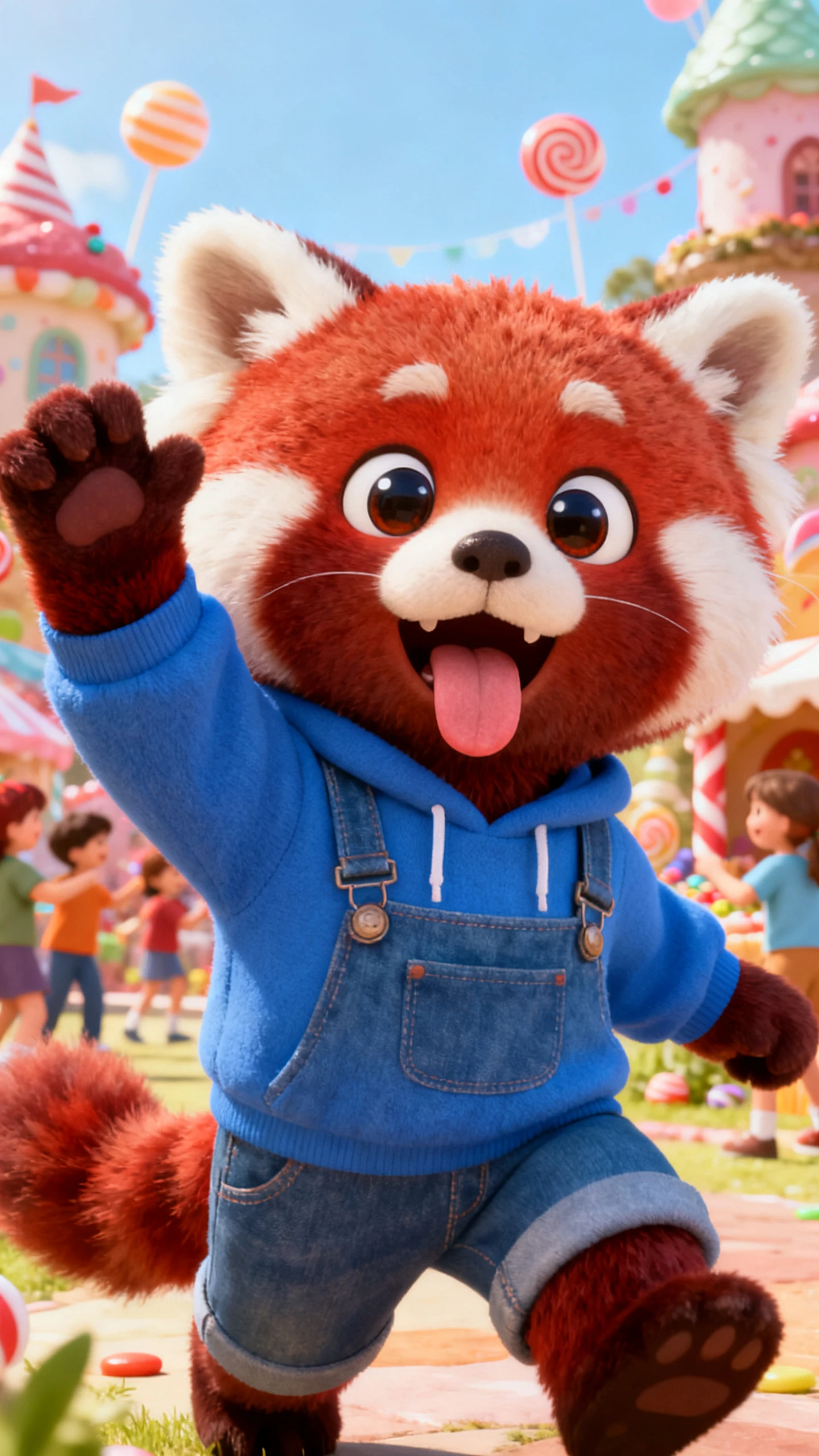
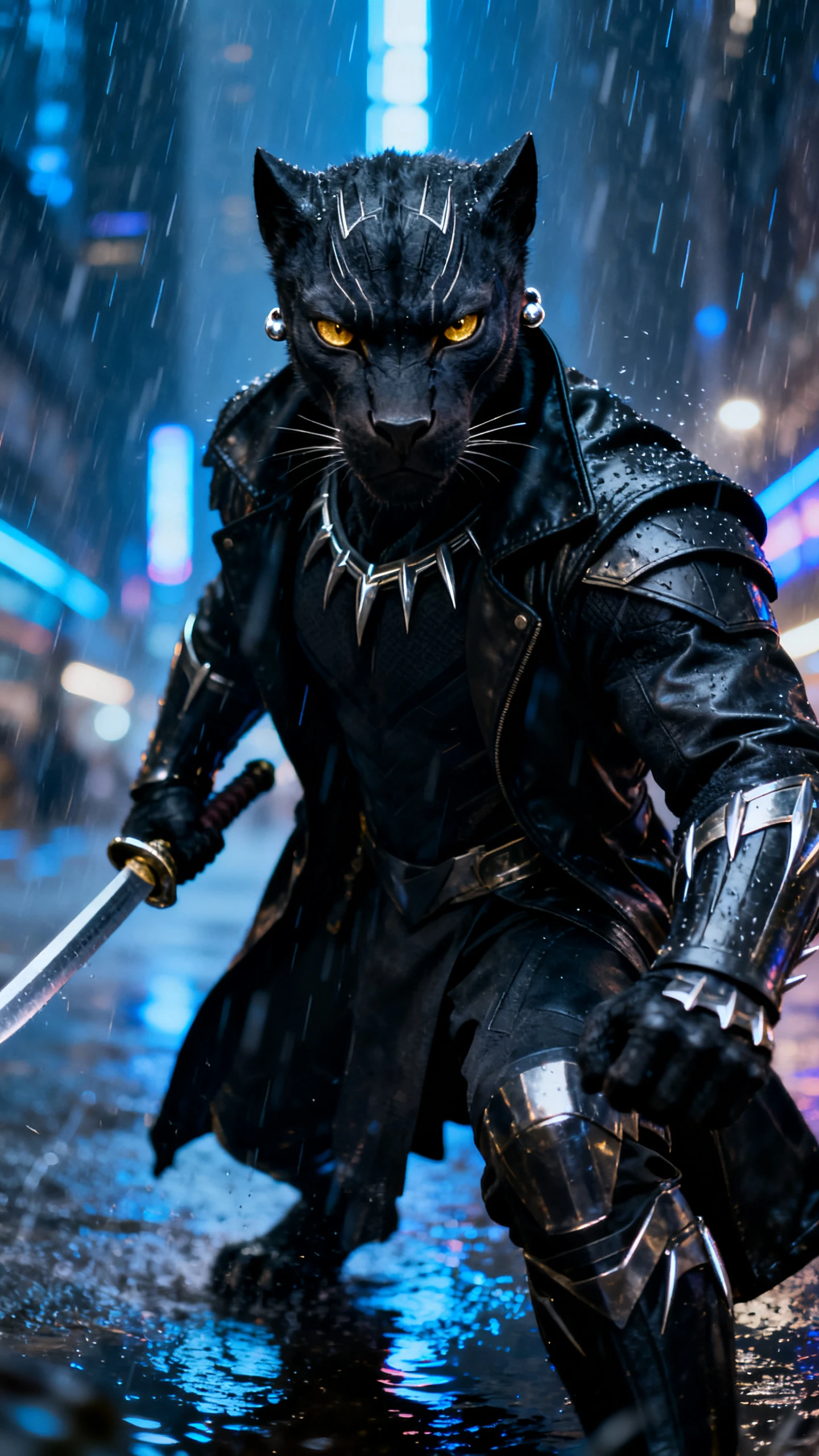
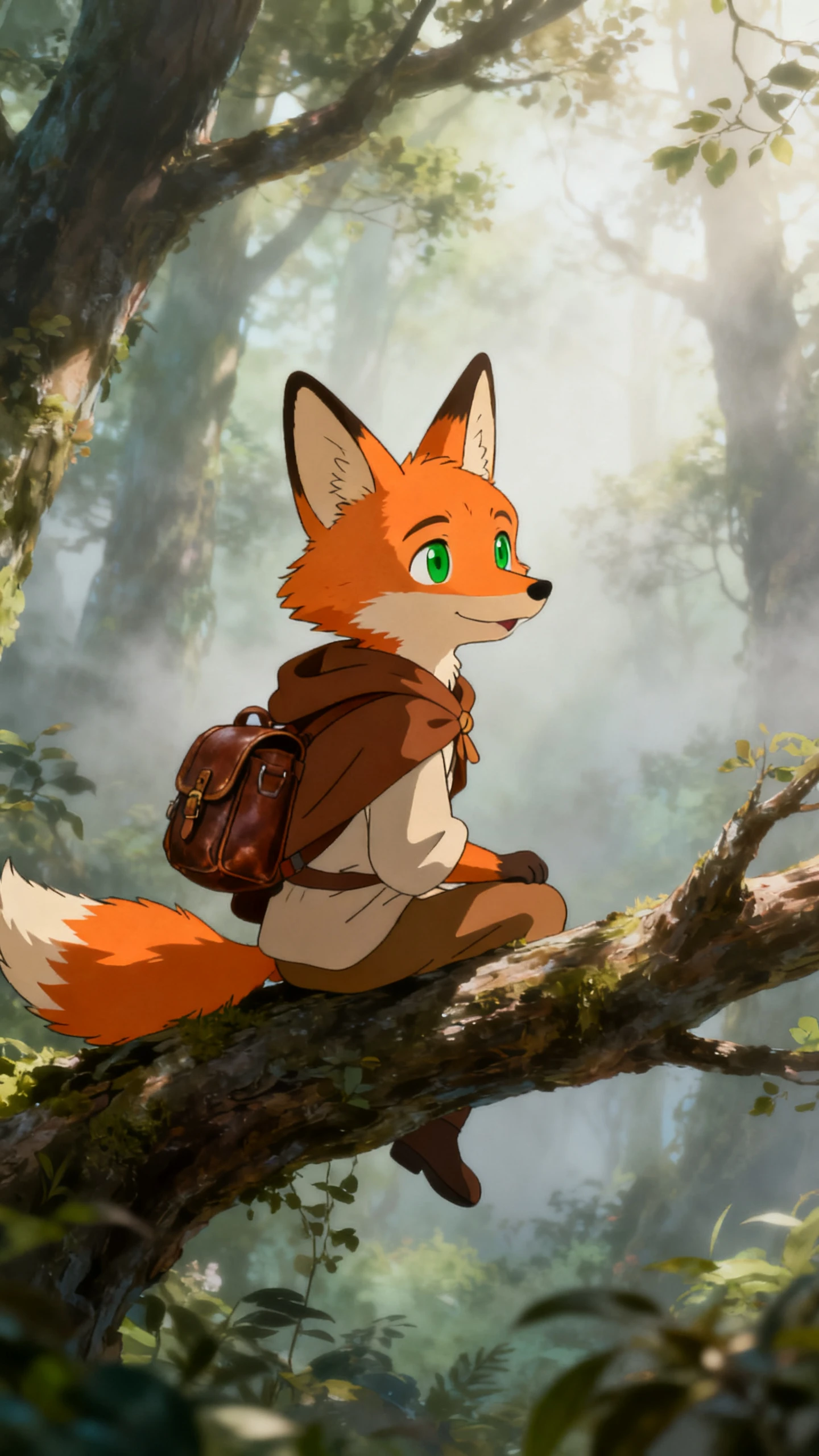
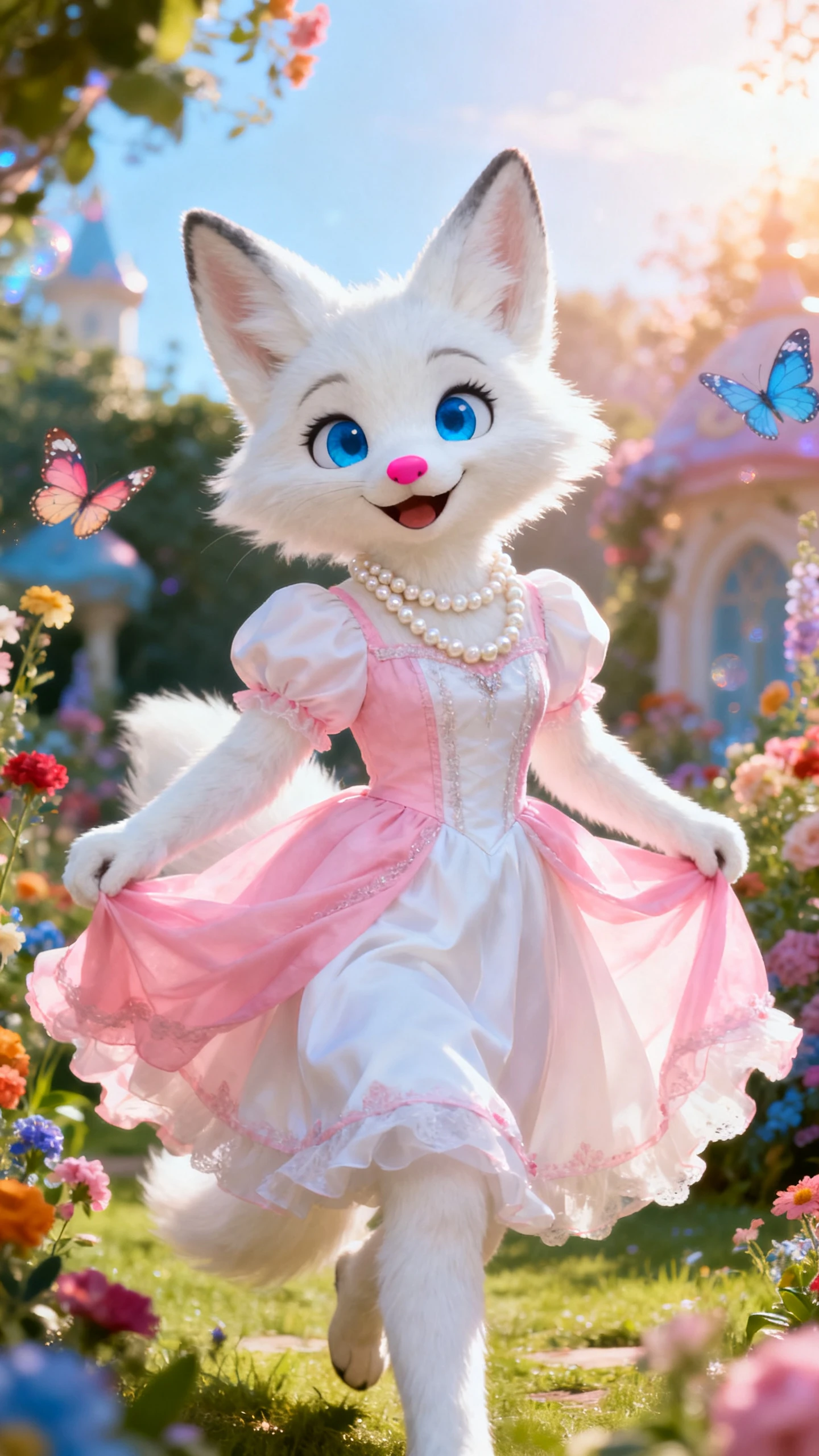
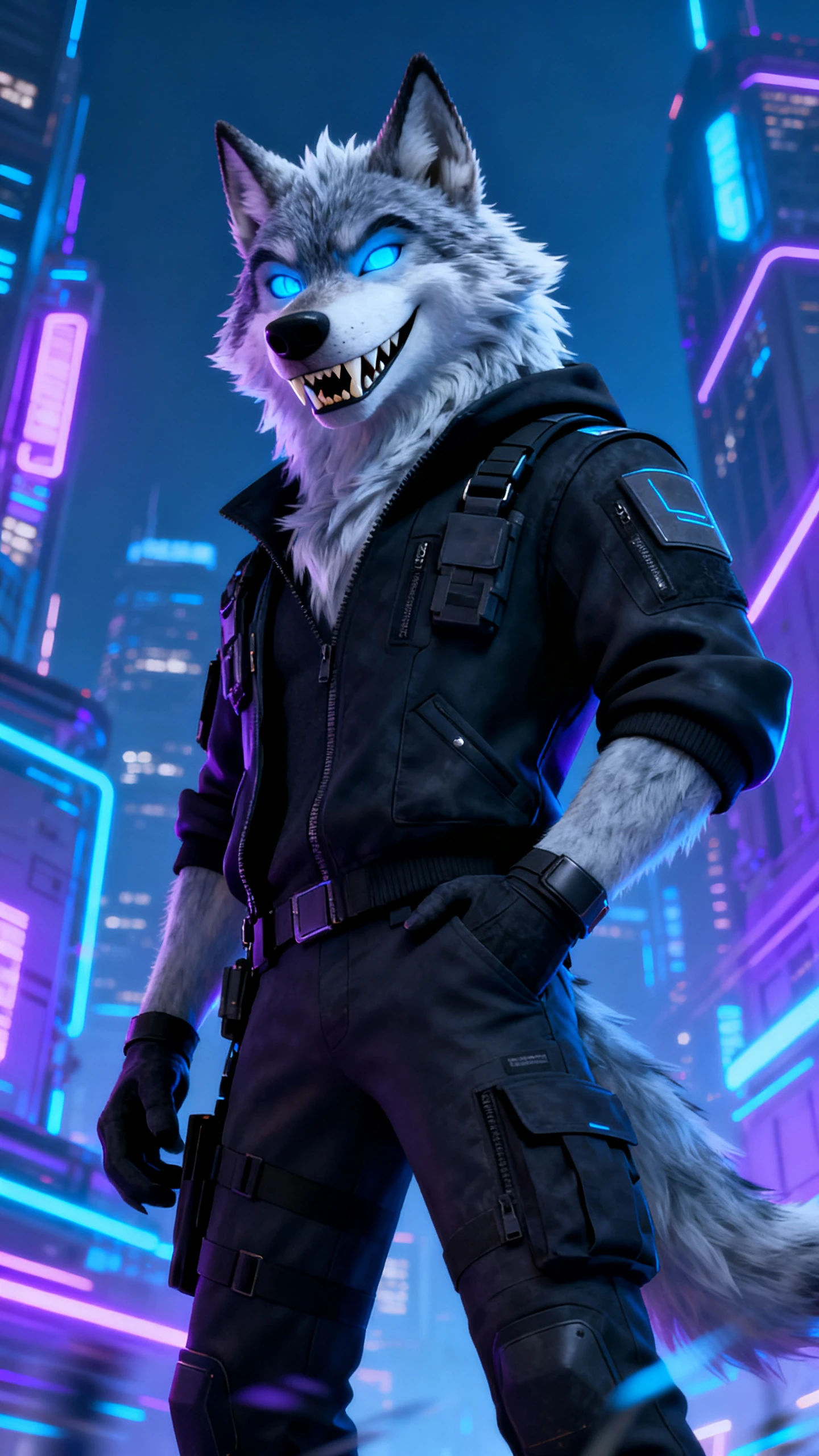
In Magiclight AI's furry art generator, you can explore ready‑made fursona video styles. Pick a template, drop in prompts, and auto‑generate furry story clips.

Upload a single selfie and let Magiclight AI study your features. The tool shapes a furry version of you that still feels recognizably yours.
Pick from 20+ avatar styles to match every fursona mood and personality perfectly. Mix and swap unique avatar looks so your furry story clips stay fresh.
Type short directions like “wolf hero runs” or “fox waves happily.” Magiclight AI turns those words into framed furry video shots automatically.
See every furry shot laid out as a simple storyboard timeline. It lets you tweak prompts and rerun scenes before final export.


You don’t need editing skills or big tools to follow this simple flow. Magiclight AI's furry art generator keeps each step focused on your fursona.
Type a clear description of your fursona’s look, species, and overall vibe. Include colors, markings, outfit, and any key traits so Magiclight knows your character.
Pick a visual style and furry character look that matches your planned story. Set art style and main characters to keep every scene visually connected.
Preview the auto‑built storyboard and see how each furry scene is arranged. Edit shots, change prompts, and improve pacing until the full sequence feels right.
Select the aspect ratio and 720p or 1080p quality for your main platform. Export the final furry video, then download or do light polishing inside Magiclight.
Furry AI art generator is a tool that turns furry descriptions into animated clips without manual drawing skills. Magiclight AI uses prompts to build moving fursona scenes.
No. You can follow simple steps and still make clean furry videos easily. Magiclight AI handles cuts, timing, and scenes so beginners stay comfortable throughout.
Yes. Magiclight AI lets you enter short prompts to start a full furry scene automatically. It reads your words and builds connected shots from that basic idea.
The system keeps your fursona’s main traits similar across different generated videos. Magiclight AI tracks colors, markings, and style details to keep identity recognizable.
You can create short highlights or longer journeys with Magiclight AI, depending on your script. It supports videos up to 50 minutes for bigger furry projects.
Yes. You can experiment while your account still has enough available credits. Magiclight AI’s furry art generator lets you test tools first before thinking about paid upgrades.



Turn your small idea into a full fursona video using Magiclight AI’s furry generator, join thousands of furry creators now.