Hero background

Gorilla Tag PFP Maker Free:Create Custom Profile Avatar

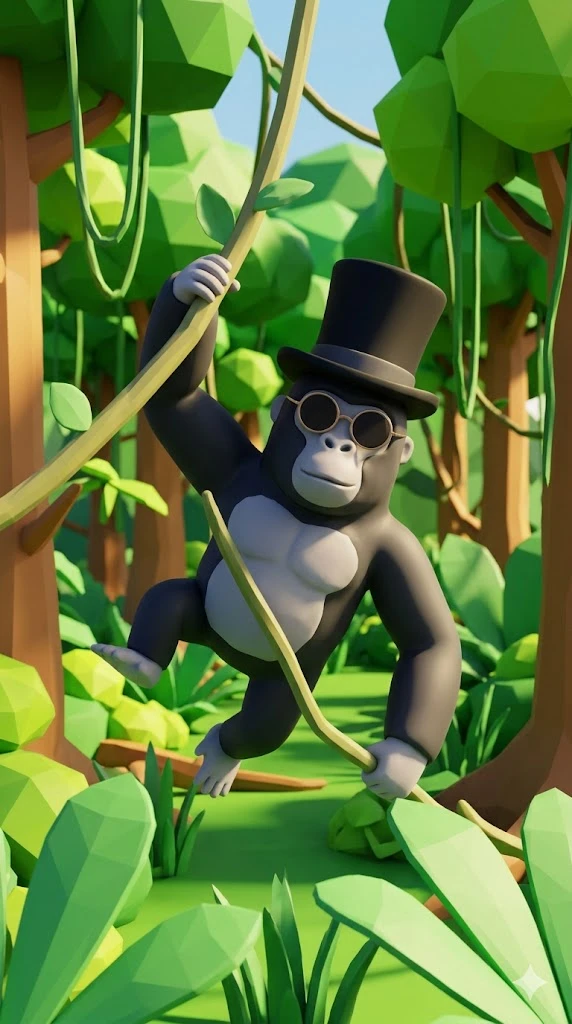
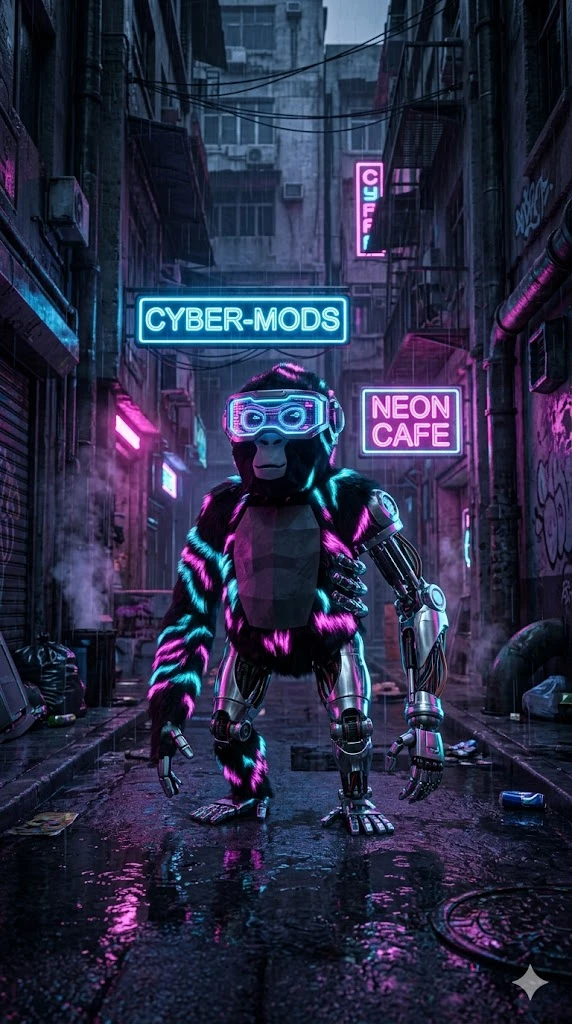
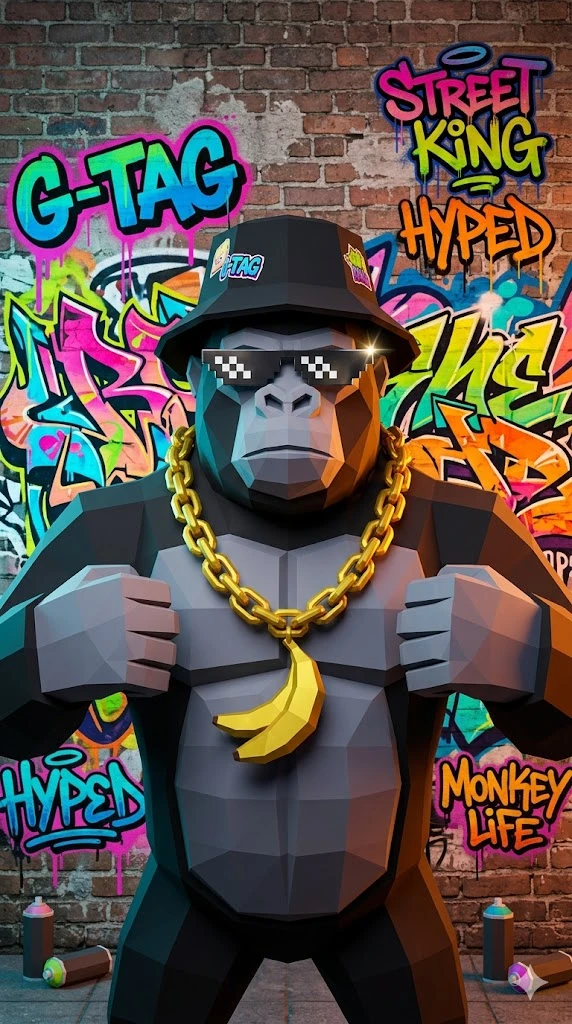
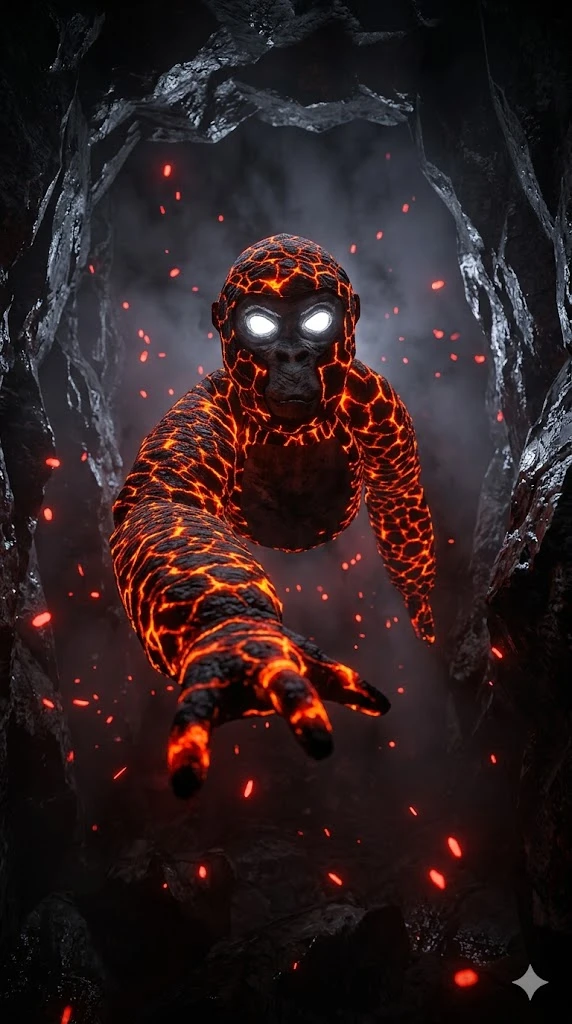
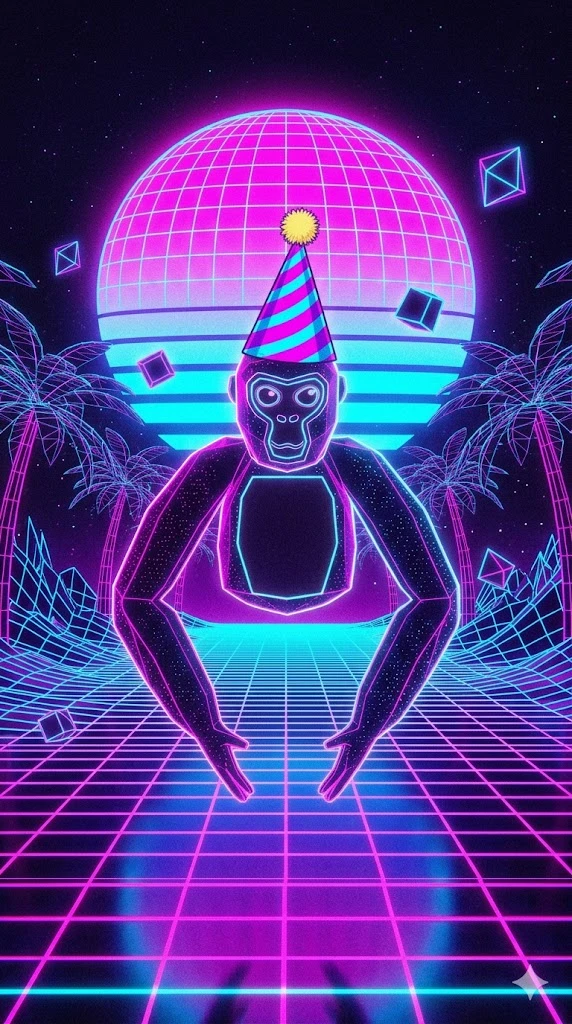
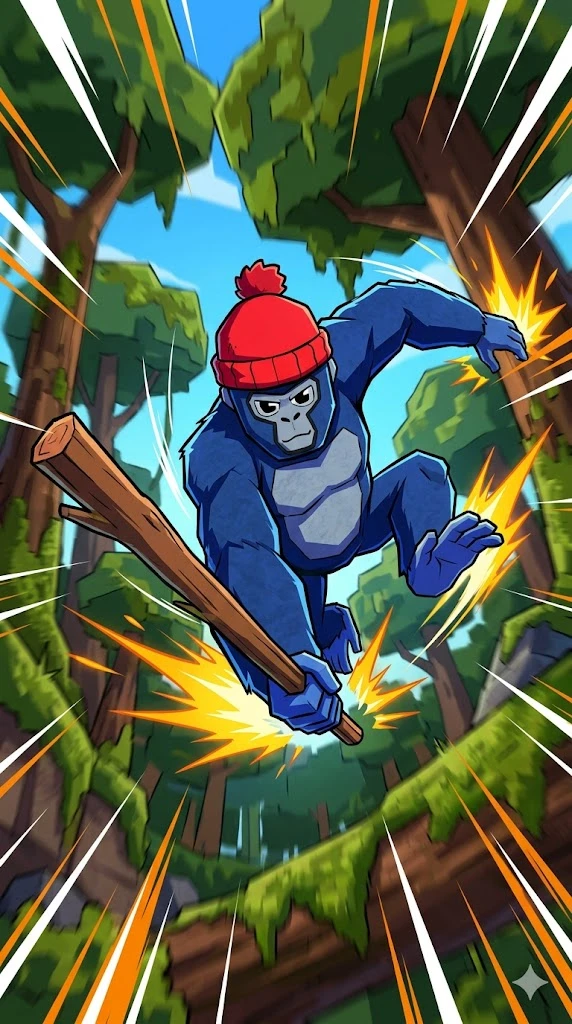
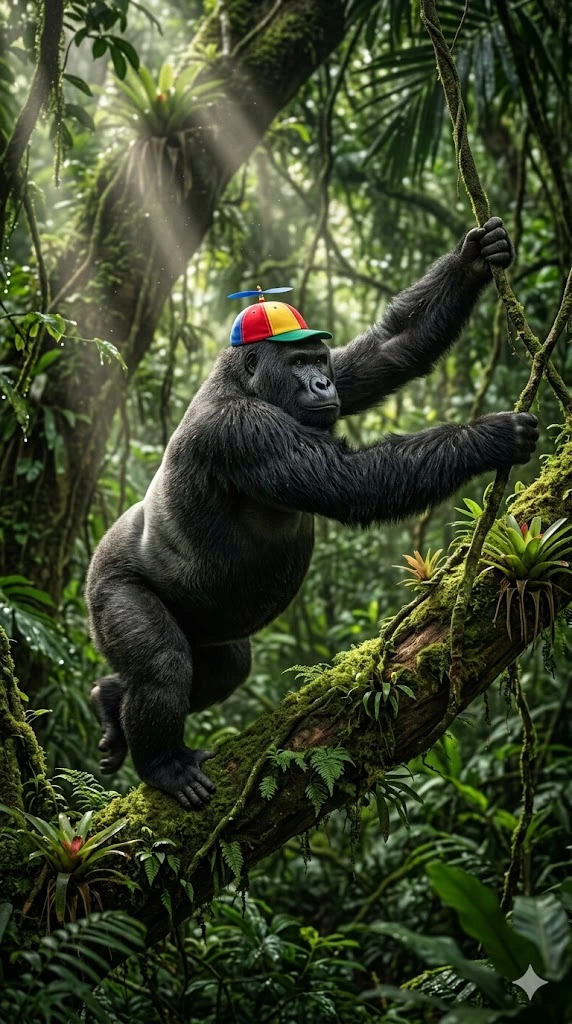
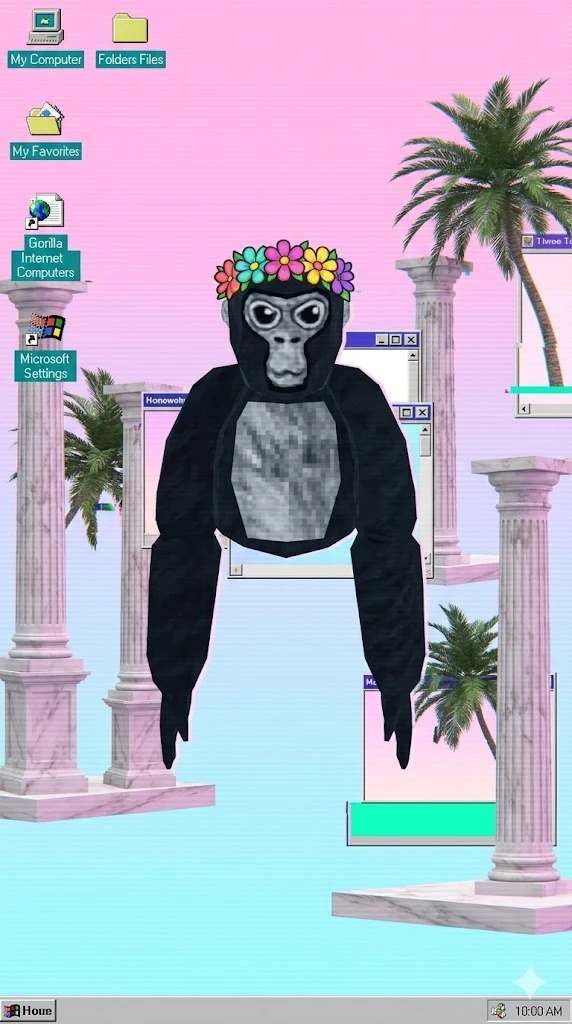
Create a profile picture that feels playful, bold, and easy to recognize. Our Gorilla Tag PFP maker free workflow helps you turn a simple idea into a custom monkey look fast.

Create a Free Gorilla Tag PFP
Gorilla Tag PFP Maker
Free Gorilla Tag PFP Maker
Monkey Profile Avatar
Gorilla Tag VR looks
PFP maker with hats
PFP maker with cosmetics
Magiclight AI Gorilla Tag
Custom monkey PFP
Gorilla Tag PFP Maker
Free Gorilla Tag PFP Maker
Monkey Profile Avatar
Gorilla Tag VR looks
PFP maker with hats
PFP maker with cosmetics
Magiclight AI Gorilla Tag
Custom monkey PFP
Gorilla Tag PFP Maker
Free Gorilla Tag PFP Maker
Monkey Profile Avatar
Gorilla Tag VR looks
PFP maker with hats
PFP maker with cosmetics
Magiclight AI Gorilla Tag
Custom monkey PFP

Everything Gorilla Tag PFP Maker 3D Needs For Video Creation

A Gorilla Tag PFP maker with accessories, hats, and cosmetics should feel easy from the start. This Gorilla Tag PFP maker 3D helps you build fun profile looks without complexity.

Explore the video generator
3D decoration

Try Looks with Hats

Build a Gorilla Tag PFP maker with a hats workflow that feels simple. Add playful headwear early, so your monkey profile starts with a stronger style.

Mix Cosmetics with Ease

Shape a Gorilla Tag PFP maker with cosmetics design without guesswork. Test small visual changes fast, so your profile image is bolder.

Add Accessories That Pop

Use a Gorilla Tag PFP maker with accessories to push your look further. Simple extras can make your monkey easier to notice in one quick pass.

Edit More After Starting

Build your first Gorilla Tag PFP fast, then keep improving the details. This makes it easier to shape a profile picture that feels ready to use.

Who Is Magiclight Al Gorilla Tag PFP Maker For
This Gorilla Tag PFP maker free workflow works for more than one kind of player. It helps friends, creators, and beginners shape monkey profile looks with less stress and more fun.
Clan Members
For Clan Members
Create a monkey PFP that feels united but still looks distinct.
Test matching themes, colors, and gear across your full squad.
Build group-ready avatars for tags, clips, and team identity.
Content Creators
For Content Creators
Shape a cleaner avatar style for TikToks, shorts, and reels.
Create a bold monkey icon that feels easier to reuse everywhere.
Keep one recognizable PFP style across videos, posts, and play.
Roleplay Players
For Roleplay Players
Give each monkey PFP a look that fits your roleplay persona.
Try funny, chaotic, or cool designs before updating profiles.
Save profile versions for different groups, jokes, or story arcs.
New Players
For New Players
Make your first Gorilla Tag PFP without drawing from scratch.
Learn how simple style changes can improve your profile fast.
Start with one rough idea, then refine it into a polished PFP.
Why Choose Magiclight AI
As a Gorilla Tag PFP Maker
A strong Gorilla Tag PFP maker should make the profile design feel faster and more fun. Magiclight helps players test styles, refine details, and create looks worth sharing.
Write Richer Monkey Ideas
1. Write Richer Monkey Ideas
You get up to 1,000 characters to describe color, mood, gear, and attitude. That gives the design more direction, so your Gorilla Tag PFP feels less random and more personal.
Keep One Look Consistent
4. Keep One Look Consistent
A good Gorilla Tag PFP should stay recognizable beyond one image. MagicLight Al supports character consistency across scenes, which helps when your monkey look grows into videos or creator content later.
Try More Than One Style
2. Try More Than One Style
Different style models give you more ways to shape your monkey look. The platform lets you test cleaner, bolder, or more playful results before picking the one worth keeping.
Grow Beyond Static PFPs
5. Grow Beyond Static PFPs
One monkey design does not have to stop at a profile picture. The same ecosystem supports stories, vlogs, and video projects with voiceovers, including voice cloning, when you want more than just a PFP.
Adjust Small Visual Moves
3. Adjust Small Visual Moves
A profile look gets stronger when small details feel right. In the wider MagicLight workflow, you can refine poses, clothing, expressions, and body type for more polished character results.
Keep Creation Moving Forward
6. Keep Creation Moving Forward
Magic Claw adds value after design by connecting create, publish, and track in one place. That makes your Gorilla Tag PFP more useful when it becomes part of bigger content you want to share.

How to Use Gorilla Tag PFP Maker Free in 4 Steps

Learning how to make a Gorilla Tag PFP should feel quick and fun. Start with one monkey idea, shape the look, refine the details, then save or share your final design.

1.

Start With a Prompt

Type a funny, cool, or simple monkey idea into the prompt box. You can also upload an image if you want a stronger visual direction from the start.

2.

Choose the Style

Pick the look that fits your profile best. Add hats, cosmetics, or accessories, then shape the vibe until the monkey design starts to feel right.

3.

Refine the Storyboard

Check the generated result and improve anything that feels off. Small changes can sharpen the colors, details, and overall look of your Gorilla Tag PFP.

4.

Save or Publish

Save the final profile image once it looks right. You can keep it for later, post it online, or use it across your favorite social spaces.

FAQs on Gorilla Tag PFP Maker

1. What is a Gorilla Tag PFP maker?

A Gorilla Tag PFP maker is a tool for creating playful monkey profile images faster. With MagicLight Al, you can build the look from a prompt or a reference image.

2. Is there a Gorilla Tag PFP maker free option?

Yes, there is a free option to explore first. You can test hats, cosmetics, and accessories more easily inside MagicLight Al before choosing one final look.

3. Can I use a Gorilla Tag PFP maker with hats?

Yes, hat options can make your monkey icon feel more fun and more noticeable. MagicLight Al makes it easy to try different headwear and see what suits the design best.

4. Does a Gorilla Tag PFP maker with cosmetics help beginners?

Yes, beginners can learn faster when small cosmetic changes are easy to test. On this workflow, MagicLight Al helps users improve the profile without making the process confusing.

5. How to make a Gorilla Tag PFP from one simple idea?

Start with a basic mood, color plan, or funny monkey concept. From there, the design can be refined step by step until MagicLight Al helps turn it into a profile picture worth using.

6. Can I use this like a Gorilla Tag PFP maker app?

Yes, the process feels simple and quick, much like using an app. Even without hard design skills, you can move through the steps smoothly with MagicLight AI.


Build a Gorilla Tag PFP with AI

Give your monkey profile a look that feels fun, fresh, and worth showing off with this Gorilla Tag PFP maker free workflow.