
Easy Photo Uploads in JPG or PNG
With the picture as a starting point, Magiclight AI accepts JPG, PNG, and JPEG files of sizes up to 10MB. Whether it is a portrait, an illustration, or a band photo, all can become performers.
Start Creating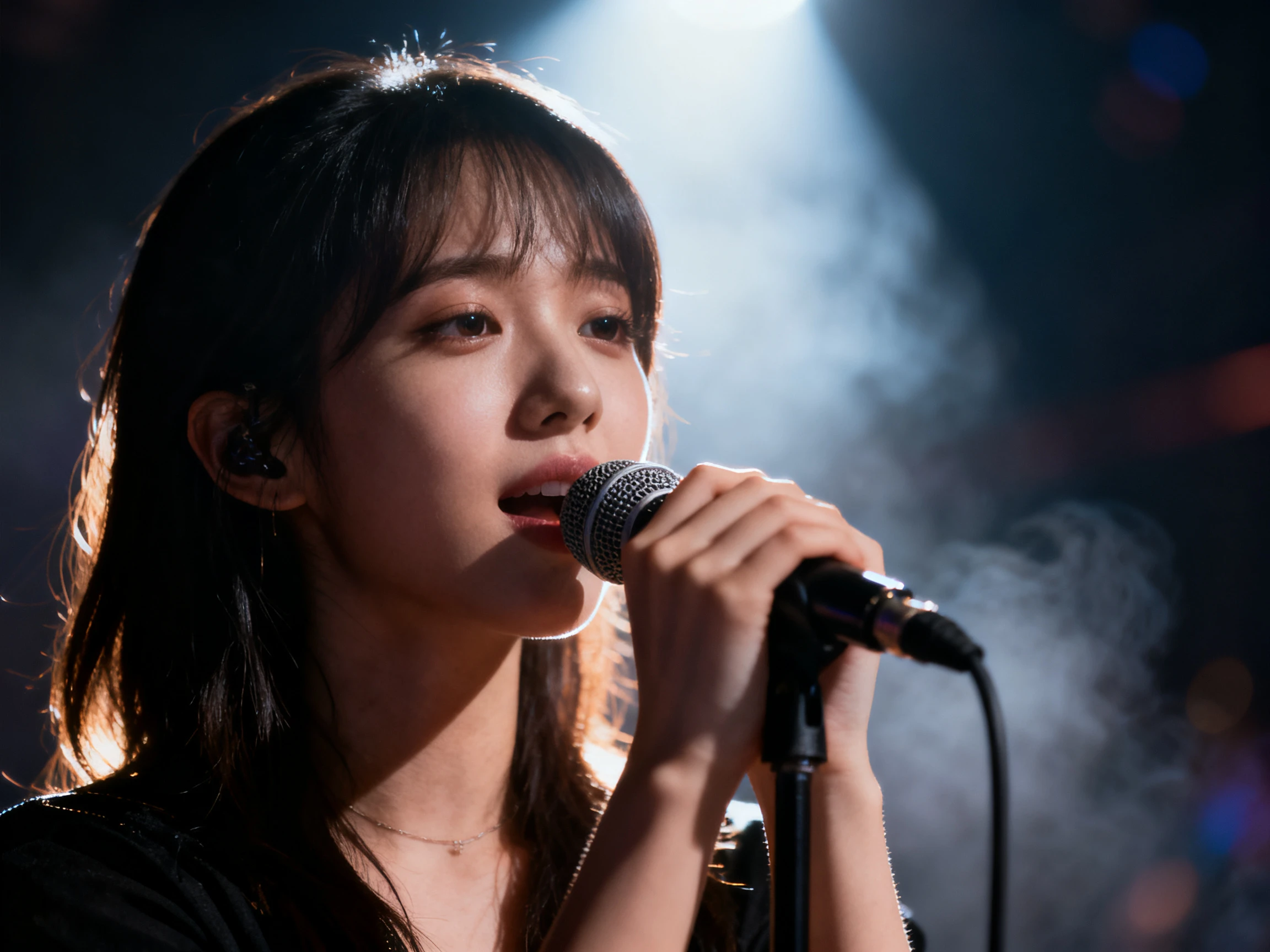

One photograph is enough to put a singer on screen. Magiclight AI takes the picture you add, gives it the movement, and builds the song around it. No video shoot required.
Create a Singing Lip Sync Video For Free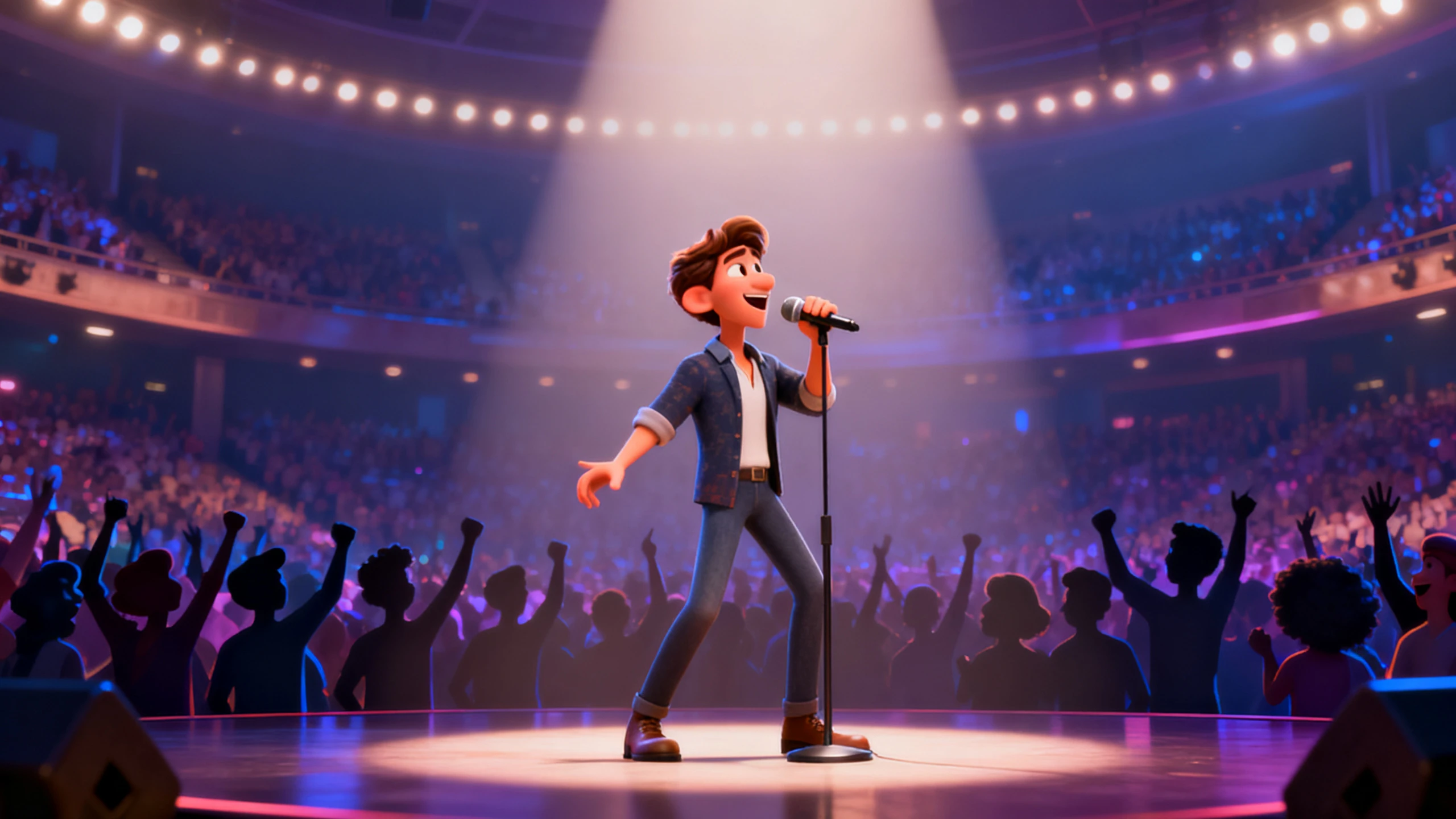









Start from a picture rather than a blank scene with AI lip sync singing from Magiclight AI. Set your criteria, direct the movement, then generate.
With the picture as a starting point, Magiclight AI accepts JPG, PNG, and JPEG files of sizes up to 10MB. Whether it is a portrait, an illustration, or a band photo, all can become performers.
Start CreatingA still photograph won’t start moving on its own. Provide a 1500‑character prompt describing what moves, how it is framed, and the energy of the track, so Magiclight AI knows how it should perform.
Start Creating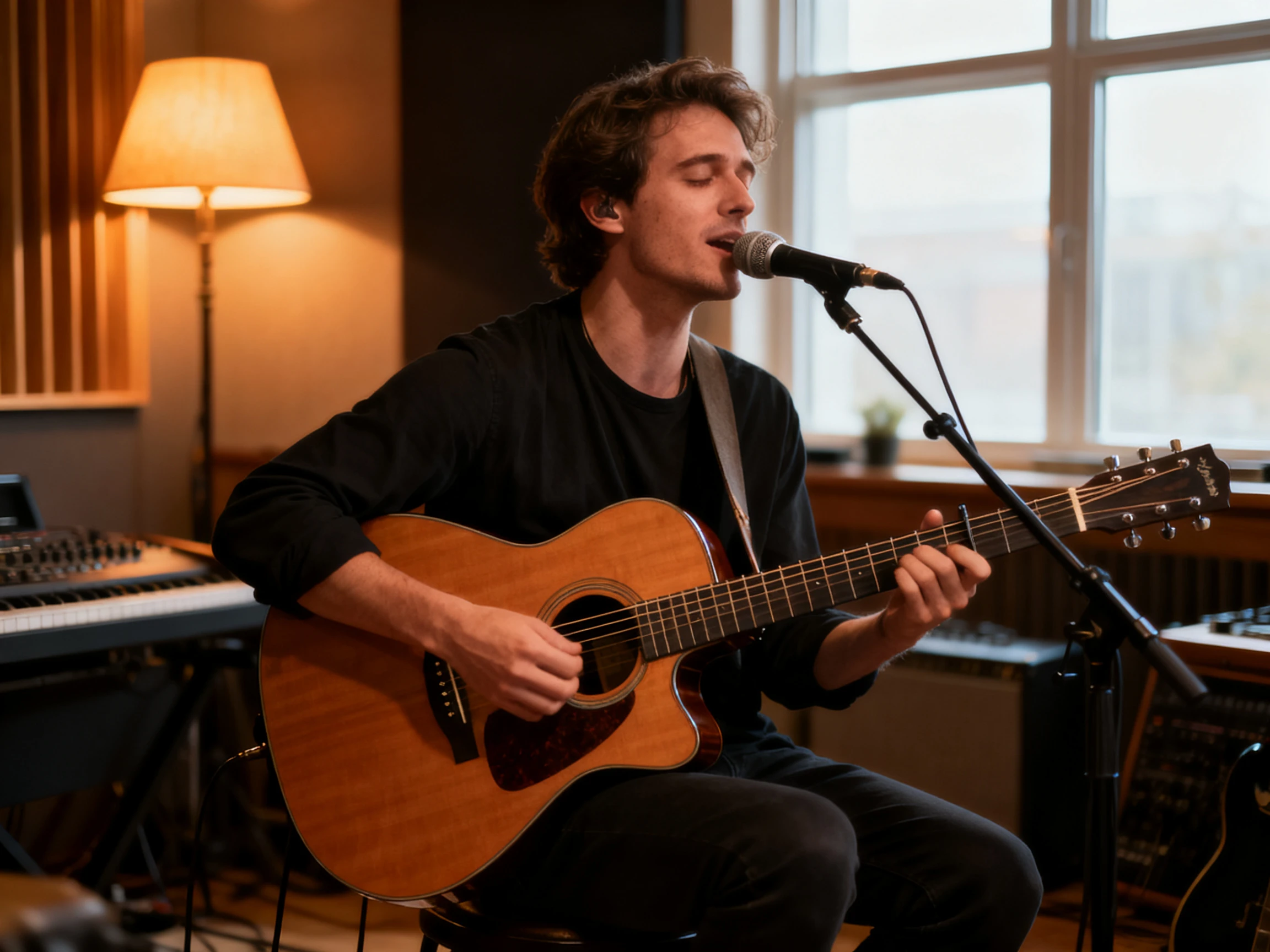
One photograph can be run through more than one AI model. There are 20 different options available here, so the same face can be generated twice and the stronger one can be used.
Start Creating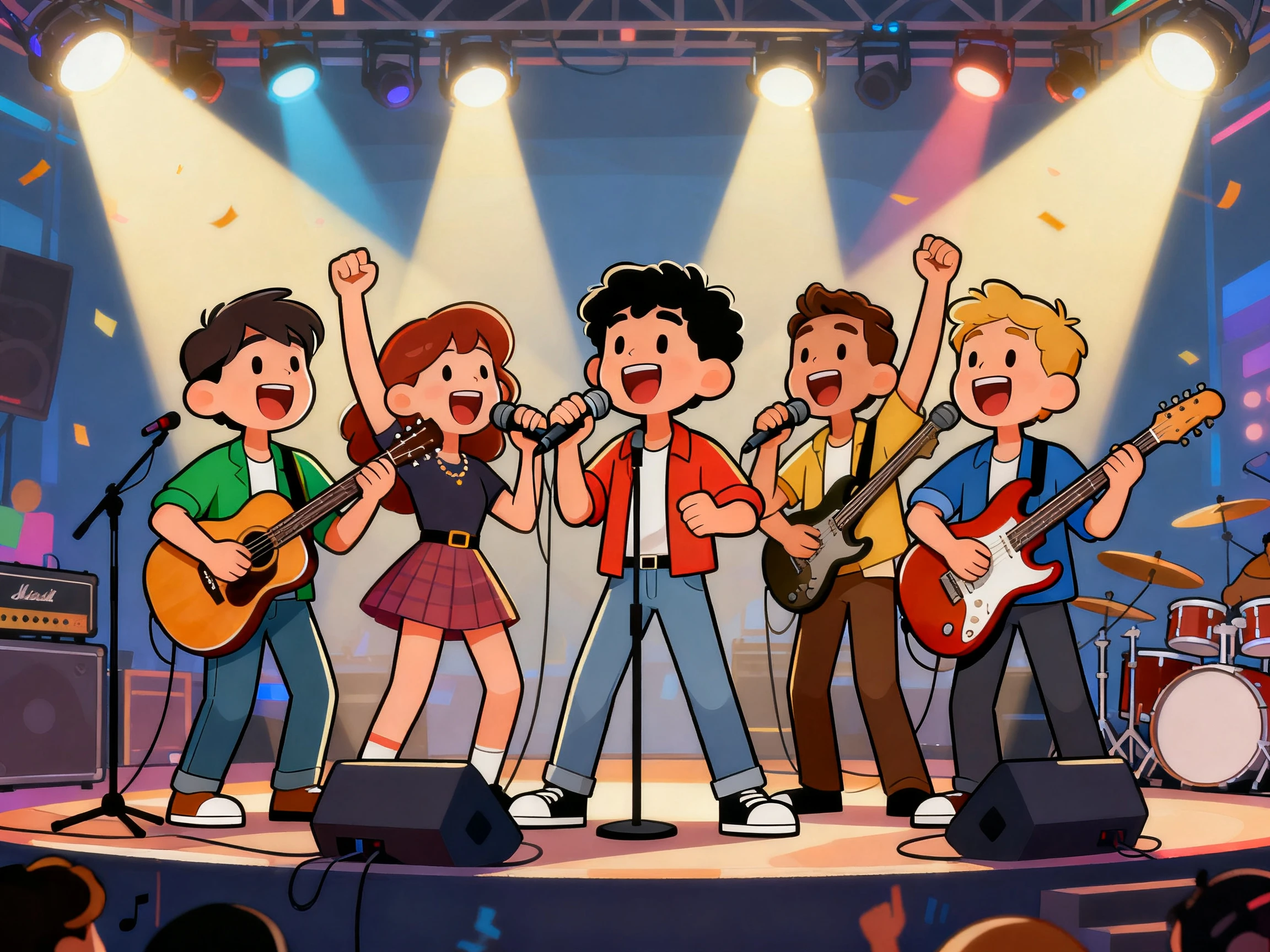
Keep song lyrics visible throughout the performance. Magiclight AI offers 16 subtitle settings, so you can choose how the words appear on screen and keep each line clear while the singer performs.
Start Creating


Create a singing video in 3 simple steps with lip sync singing AI. Upload your photo, describe the movement, and add the track in Magiclight AI to finish the video.
Bring in a JPG, PNG, or JPEG of size up to 10MB. A clear, well‑lit face will help Magiclight AI to invent the right movements.
Write up to 1500 characters covering the movement and energy of the track. Select your AI video model that will handle the process along with other necessary settings.
Review the singing photo and make re‑edits before the final export. Download the finished music video in 720p or 1080p with the format your platform needs.
Vocalist
I had one good press photo and absolutely nothing else to work with. Magiclight AI turned that single picture into something I could actually post.
Music Video Director
Running the same photograph through different models gave me options I did not expect. Magiclight AI let me compare the takes before committing to one.
Choir Director
We already had a group photo from the last concert sitting in a folder. Magiclight AI built the whole video out of that rather than a new shoot.
Songwriter
Many people scroll with their sound off, which means they can miss the song completely. Adding lyrics on screen with Magiclight AI gives them something to follow anyway.
A clear, front‑facing shot with good light and one visible face is the best scenario. This helps Magiclight AI to create the right movement closer to the person.
Only add a picture where you hold the rights to it. Magiclight AI cannot verify whether the person agreed to appear, so the permission is worth settling before taking it to public.
Free credits become available after registering, with no payment card required. Try your first singing video in Magiclight AI before paying anything.
10 or 15‑seconds videos are generated with this route. You can still create a full track by creating several scenes and generating audio using Magiclight AI’s toolbox.
Anything built from a picture is exported at 720p or 1080p, which is worth planning around. Script‑led videos in Magiclight AI also offer up to 1080p resolution.
Better to build a character from it. Magiclight AI can save the face as a performer who appears across every scene, which suits a full track more than one animated still.



One photograph is all that takes to get a singer on the screen. Magiclight AI lip‑sync singing gives the picture the movement, and builds video around it.