Hero background

MiniMax AI Video Generator

Magiclight AI bundles the many MiniMax AI video generator models in one platform with storyboard direction and narrative tools. No video editing skills required.

Try MiniMax AI Video Generator Now
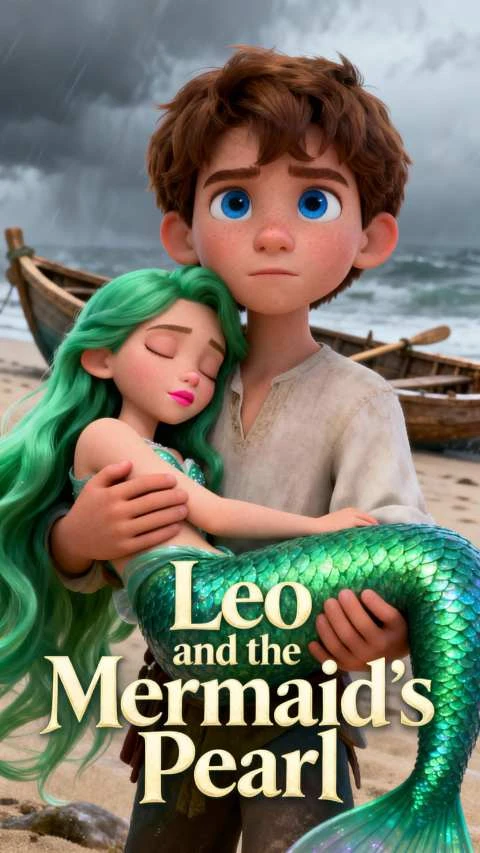
Animated mermaid story art
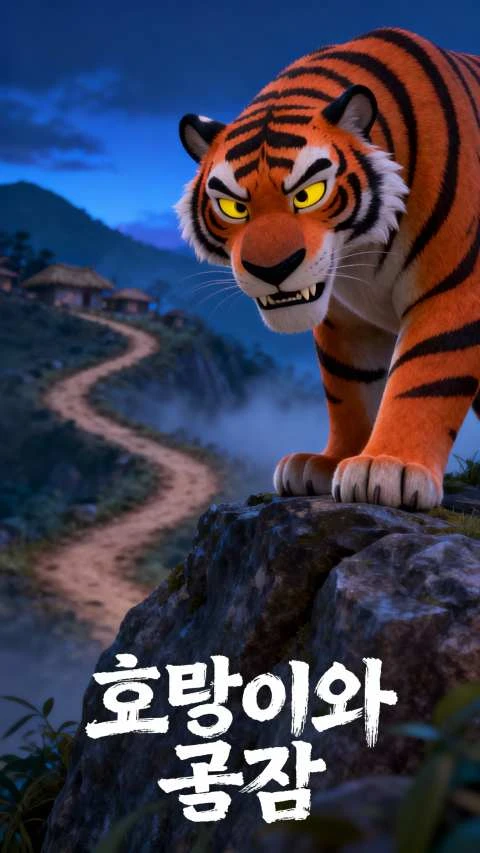
3D animated tiger on a rock
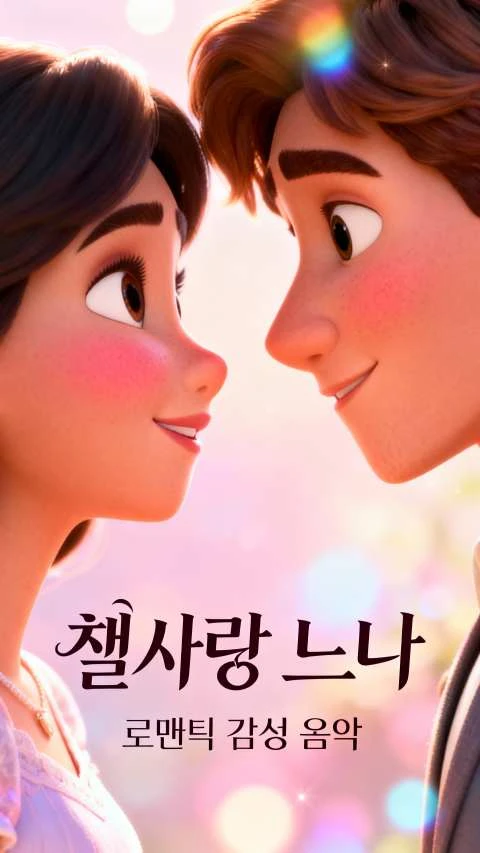
Romantic animation poster
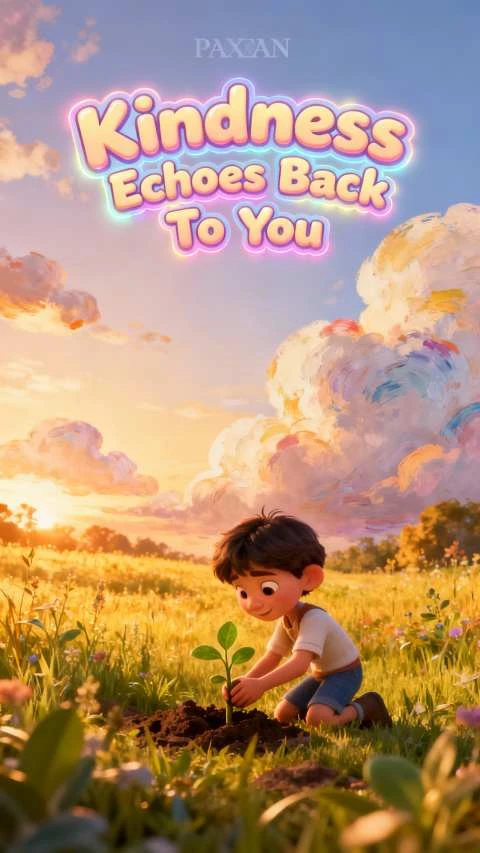
Animated kindness quote art
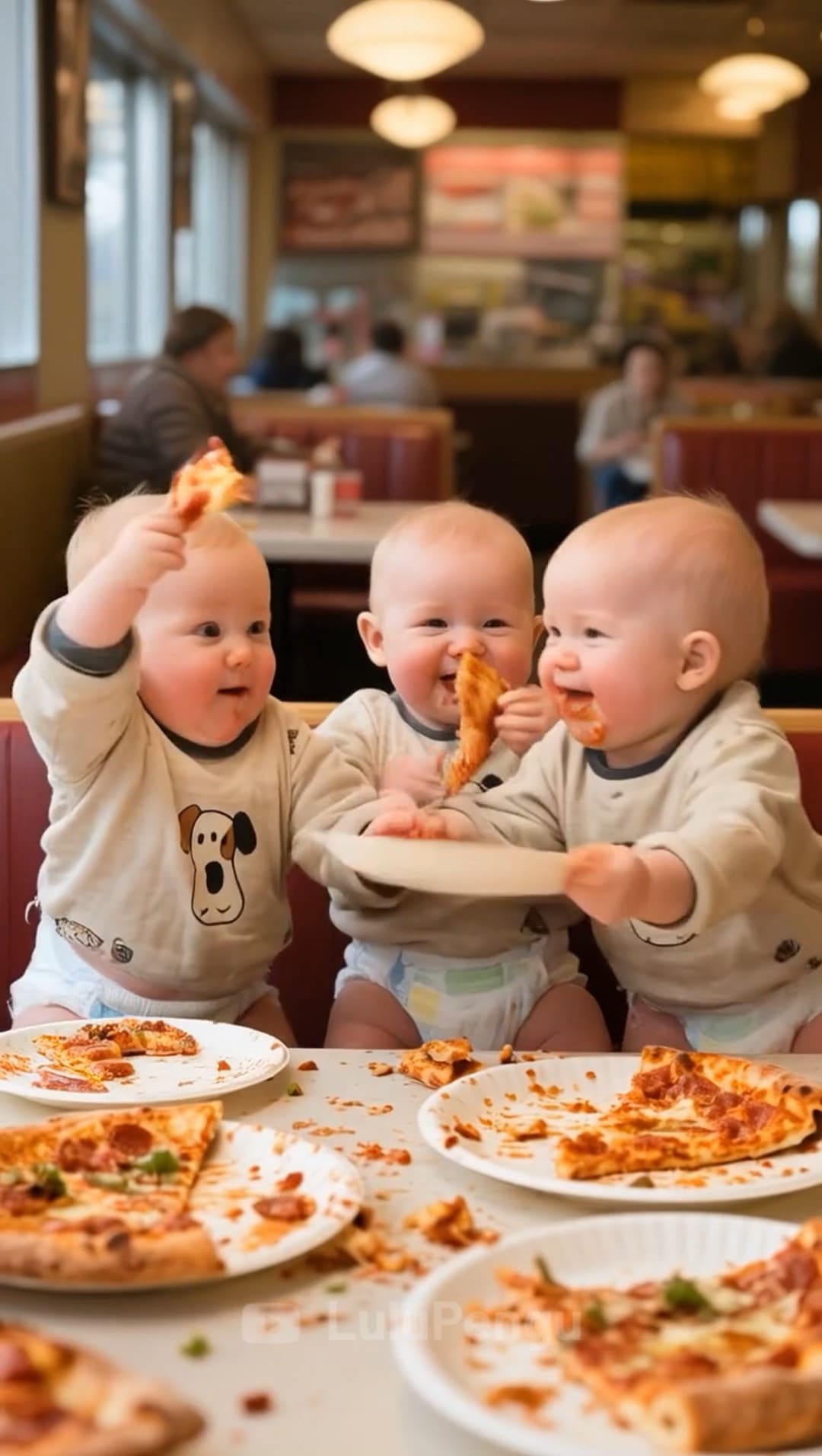
Funny babies with pizza
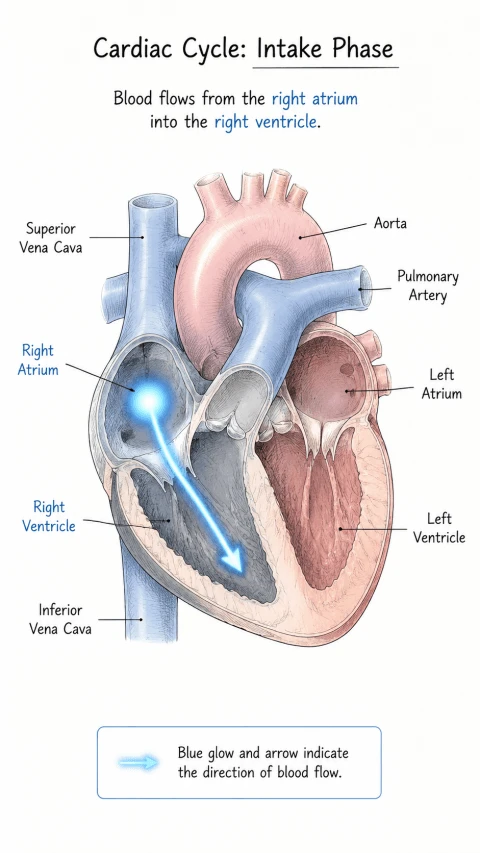
Heart blood flow diagram
Animated mermaid story art
3D animated tiger on a rock
Romantic animation poster
Animated kindness quote art
Funny babies with pizza
Heart blood flow diagram
Animated mermaid story art
3D animated tiger on a rock
Romantic animation poster
Animated kindness quote art
Funny babies with pizza
Heart blood flow diagram

Explore Features of MiniMax Hailuo AI Video Generator in Magiclight AI

Magiclight AI integrates the MiniMax Hailuo AI video generator workflow into one production suite. Hailuo scenes, MiniMax Speech, and storyboard control run on the same platform.

Explore the video generator
3D decoration

Hailuo Motion Variants

Choose from 4 Hailuo variants in Magiclight AI: Hailuo 2.3, Hailuo 2.3 Fast, Hailuo 01, and Hailuo 02. Each produces a distinct motion output.

MiniMax Scene Narration

Narrate Hailuo video using MiniMax Speech 2.8. You can select from 37 voice options and apply voice cloning for consistent speaker identity.

Hailuo Longform Stories

You can build a Hailuo-powered narrative in Magiclight AI with up to 12,000 characters of input. Multiple story models shape the complete scene sequence.

Camera Direction From Text

Describe movements, angles, and expressions to guide the shot while the system turns your instructions into smooth, natural on‑screen motion.

Who Uses the MiniMax AI Video Generator
The MiniMax AI video generation model serves creators with different output goals. Magiclight AI gives each group a distinct production path using Hailuo and MiniMax Speech.
For Filmmakers and Cinematic Storytellers
Craft cinematic Hailuo scenes for short narrative projects.
Pre‑plan every shot visually before generating final footage.
Output polished scenes in Full HD for post workflows.
For YouTubers and Documentary Creators
Build long narrative videos across multiple Hailuo scenes.
Voice the entire project with natural MiniMax narration.
Release completed episodes on a predictable publishing rhythm.
For Advertising and Product Video Teams
Turn typed briefs into motion‑driven product visuals fast.
Add MiniMax narration without booking a voice studio.
Deliver localized campaign cuts in HD across many markets.
For Researchers and AI Enthusiasts Testing MiniMax
Compare multiple Hailuo variants inside a consistent environment.
Benchmark motion behavior against a wider model lineup.
Save labeled Hailuo outputs in HD for later analysis.
Why Magiclight AI Is the Best
MiniMax AI Video Generator Platform
Magiclight AI takes a scene from the MiniMax free AI video generator and builds it into a complete release with narration, story structure, and publishing support.
Sharp Motion From Source Images
Magiclight AI enhances each frame with extra detail while preserving the original look, keeping motion crisp and true to your starting image.
Create Long-Form Hailuo Videos
Magiclight AI combines Hailuo clips into continuous videos up to around 50 minutes. Long-form documentary or narrative content never requires manual stitching of segments.
Multiple AI Video Models
Hailuo sits alongside 18 other models in Magiclight AI, including Seedance 2.0, Kling 3.0, and Veo 3.1. Switch models per scene rather than using one engine.
Globalize MiniMax Speech in Videos
Magiclight AI adds narration and subtitles in 11 languages to every Hailuo video. Publish localized MiniMax Speech versions from one session.
Music Tracks for Every Hailuo Session
Pick from 40 music track options inside Magiclight AI for every Hailuo video. You can add a cinematic score in the same session without opening a separate music tool.
Swap Character Animation Styles
Start with one character design. Then, Magiclight AI restyles it from 3D cartoon to anime, or Disney‑inspired looks, without rebuilding animations.

How to Use the Hailuo MiniMax AI Video Generator in 4 Steps

Magiclight AI takes you from Hailuo scene selection to full video. It covers narration, structure, and release beyond the MiniMax AI video generator.

1.

Start With Your Idea

Type or paste the concept you want to animate. Keep the description clear so the motion and setting are easy to understand.

2.

Set Up Voice and Style

Choose a MiniMax-powered voice that matches your project. Pick the visual style that fits how you want the story to feel.

3.

Refine Scenes Before Rendering

Review the planned scenes before anything renders. Adjust actions, expressions, and camera movement until every shot works.

4.

Preview, Export, and Share

Play back the full video as a draft first. Make final tweaks, then export in HD and publish wherever you post content.

FAQs on MiniMax AI Video Generator

Which MiniMax models are available in Magiclight AI?

Magiclight AI includes Hailuo 2.3, 2.3 Fast, Hailuo 01, and Hailuo 02. MiniMax Speech 2.8 is also built in, giving both MiniMax products in one platform.

Who can use Hailuo inside Magiclight AI?

This Hailuo MiniMax AI video generator setup works well for teachers, studios, and teams who want consistent styling and a quick way to experiment with new ideas.

What is the difference between Hailuo variants?

Hailuo 2.3 delivers the most detailed motion. Hailuo 2.3 Fast prioritizes speed. Hailuo 01 and 02 offer different motion characteristics for different scene requirements.

Do I need API access to use Hailuo in Magiclight?

No. Magiclight AI uses a visual no-code interface. Creators select Hailuo models and write prompts without any API setup or developer configuration.

What resolution does Magiclight AI export?

Magiclight AI video generator MiniMax exports Hailuo videos at 720p or 1080p, meeting the standard for YouTube, social media, and professional delivery without transcoding.

Can Hailuo videos be narrated in other languages?

Yes. Magiclight AI supports narration and subtitles in 11 languages. Creators produce localized MiniMax Speech versions of every Hailuo video in one session.


Create MiniMax-Powered Videos with MagicLight

Move from raw clips to narrated, published videos in one production flow with Magiclight AI.