Hero background

Nim AI Video Creator

Create professional AI videos from a simple prompt using Magiclight AI. Experience video creation, editing, and animation without technical expertise.

Create Nim AI Videos For Free
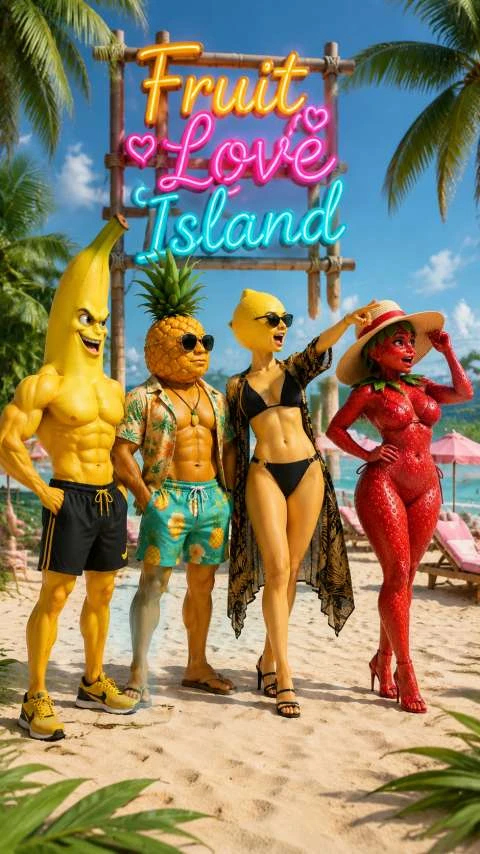
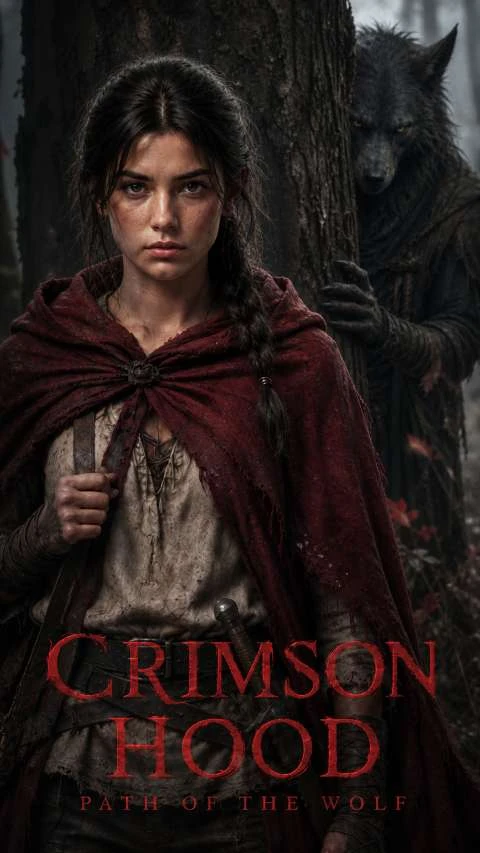
Viral AI video generated by Magiclight AI Nim Creator
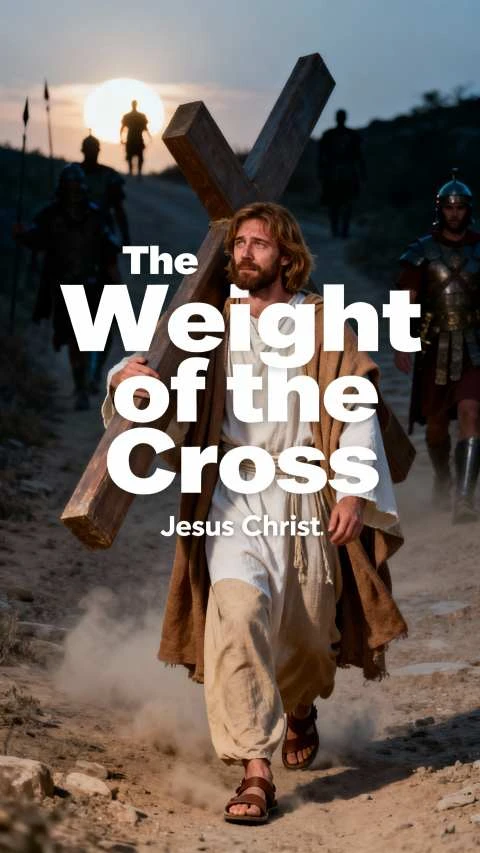
Marketing AI clip generated via Nim AI Video Creator
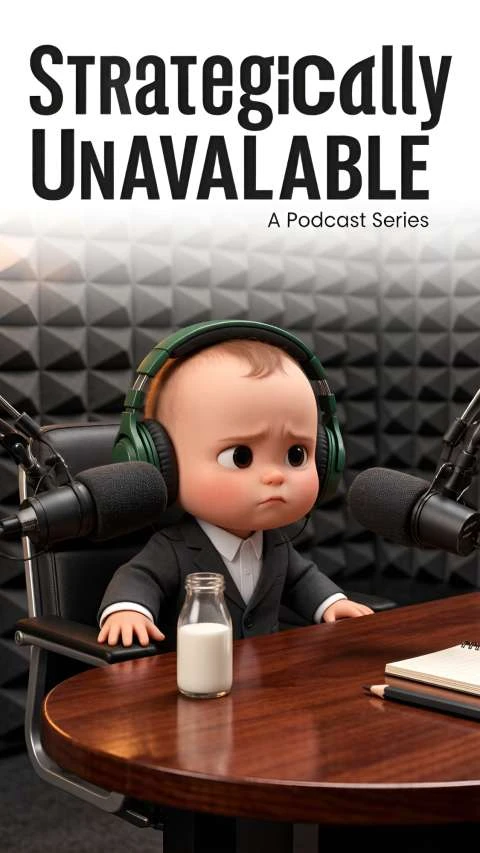
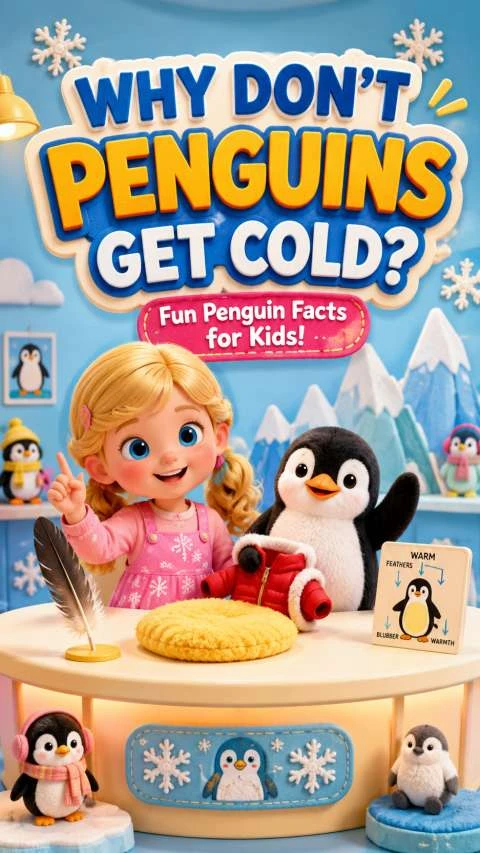
Educational AI video created with Nim AI
Anime-style viral AI video from Nim Creator
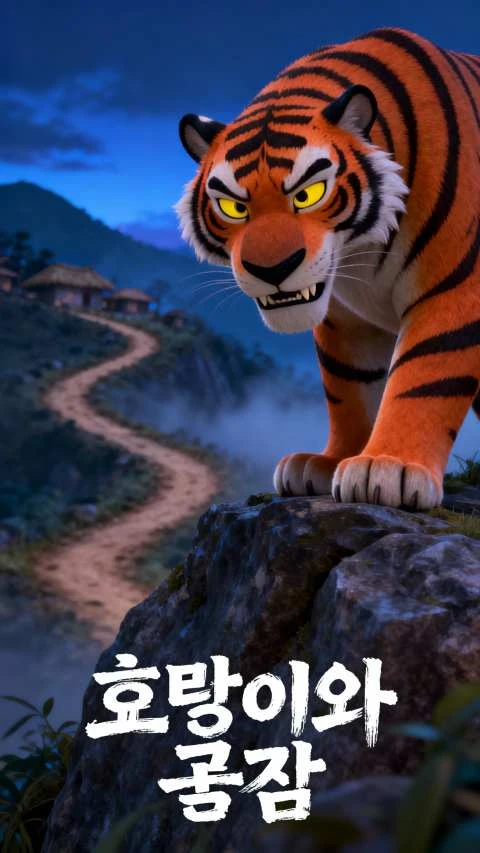
Pixar-inspired AI video made on Magiclight Nim
Custom branded AI video thumbnail for Nim creations
Viral AI video generated by Magiclight AI Nim Creator
Marketing AI clip generated via Nim AI Video Creator
Educational AI video created with Nim AI
Anime-style viral AI video from Nim Creator
Pixar-inspired AI video made on Magiclight Nim
Custom branded AI video thumbnail for Nim creations
Viral AI video generated by Magiclight AI Nim Creator
Marketing AI clip generated via Nim AI Video Creator
Educational AI video created with Nim AI
Anime-style viral AI video from Nim Creator
Pixar-inspired AI video made on Magiclight Nim
Custom branded AI video thumbnail for Nim creations

Explore the Features of Magiclight AI’s Nim Video Creator

Magiclight AI's Nim AI video creator simplifies AI video production by bringing script writing and video generation into one workflow.

Create Nim AI Videos For Free
3D decorative graphic for feature section

Long-Form Video Creation

Generate videos ranging from short social clips to production videos lasting up to 50 minutes. Enter scripts and create complete videos in a single seamless workflow.

50+ AI Visual Styles

Choose from more than 50 visual styles like realistic, anime, Pixar-inspired and more. Switch styles while maintaining visual consistency in your AI videos.

AI Voiceover for Videos

Add narration to your AI videos using 37 voice options offered by Magiclight AI. You can also clone your own voice for personalized narration.

Caption Generation For Videos

Automatically generate accurate captions for our videos in just a few clicks. Stylize the caption by choosing from 16 style options offered.

Who Can Benefit from Magiclight Nim AI Video Creator
Nim AI video creator of Magiclight AI makes video creation simple for professionals and creators to produce more content in less time.
Marketing Professionals creating promo AI videos with Nim AI
For Marketing Professionals
Produce promotional videos for products, services, and campaigns.
Create branded marketing visuals without filming any new footage.
Launch ad creatives with AI-powered video generation.
Social Media Creators generating short viral AI clips via Nim Creator
For Social Media Creators
Create engaging short-form videos in just a few simple clicks.
Explore fresh AI styles to make every post stand out.
Publish high-quality content more consistently with ease.
Educators building educational AI lesson videos with Magiclight Nim
For Educators
Turn dry written lesson materials into lively engaging AI educational videos.
Simplify hard complex academic topics using clear custom AI-generated visual scenes.
Create multilingual learning videos to accommodate diverse global student groups.
Creative Studios generating pre-production AI story videos with Nim
For Creative Studios
Generate story concepts before moving to full video production.
Streamline creative workflows with faster video production.
Deliver first drafts to clients in significantly less time.
Why Choose Magiclight AI's
Nim AI Video Generator
Magiclight AI's Nim AI video creator provides a complete AI video creation workflow that helps you move from an idea to a complete video with fewer manual steps.
AI Story Generation
Transform a simple idea into a structured video script automatically. Magiclight AI lets you add a text script of up to 12,000 characters and create engaging storytelling videos.
Creator Rewards Program
Publish your AI characters and creative assets to the Magiclight AI ecosystem. When other creators use your shared assets, you can earn rewards.
Multi-Model Video Generation
Select from 19 AI video generation models to create a video using Magiclight AI. These models include Seedance Pro, Veo 4, and more for generating creative results.
Supports Multiple Languages
Generate videos in 11 different languages to reach international audiences. Combine multilingual content with AI voiceovers for localized marketing and social media videos.
Reusable Creative Assets
Save your created assets, like characters and visual styles, in your personal library. Magiclight AI lets you reuse these existing assets to maintain consistent branding.
AI Character Generation
Create original AI characters using text prompts of up to 1000 characters or upload a reference image for accuracy. Magiclight AI lets you customize and save it to your library.

How to Create AI Videos With Nim AI 

Creating professional AI videos with Magiclight AI’s Nim AI video creator only takes four simple steps. It offers an easy-to-use workspace for creating engaging visual content.

1.

Step 1. Enter Your Script or Idea

Describe your video concept using a text prompt or paste a script of up to 12,000 characters. Magiclight AI analyzes the script to generate scenes accordingly.

2.

Step 2. Select AI Models and Create Characters

Choose your preferred AI story model and visual style from the options provided. Create a new AI character or select from the existing ones.

3.

Step 3. Customize Your Nano Storyboard

Review every generated scene with Nano Storyboard. Edit the scenes, adjust character expressions, and make changes to camera movement.

4.

Step 4. Download Video or Publish

Generate your AI video and export it in 720p or 1080p resolution. Download the video or publish it across different social platforms.

FAQs on Nim AI Video Creator

Can I create AI videos from text using Magiclight AI?

Magiclight AI’s Nim AI video generator transforms text prompts or scripts into complete AI videos with automatically generated scenes. You can add text prompts of 12000 characters.

Does Magiclight AI support AI character creation?

You can generate characters with Magiclight AI by describing them in 1000 characters. The generated characters can be further customized according to your preferences.

Can I add captions to AI-generated videos?

You get the ability to generate captions for your videos with Magiclight AI. It lets you stylize the captions by offering 16 text styles.

How long can AI videos be in Magiclight AI?

Magiclight lets you generate videos lasting up to 50 minutes. This makes it suitable for both short videos and long videos.

Can I edit scenes before exporting the video?

You can preview and edit each generated scene with the Nano Storyboard. The Nim AI video generator lets you regenerate individual shots and refine transitions.

Does Magiclight AI support multiple languages?

Magiclight AI supports 11 languages for AI video generation. It offers 37 AI voices for multilingual narration to create content for different audiences.


Create Viral AI Videos With Nim AI

Generate high-quality Nim AI videos from text and images with AI-powered visuals.