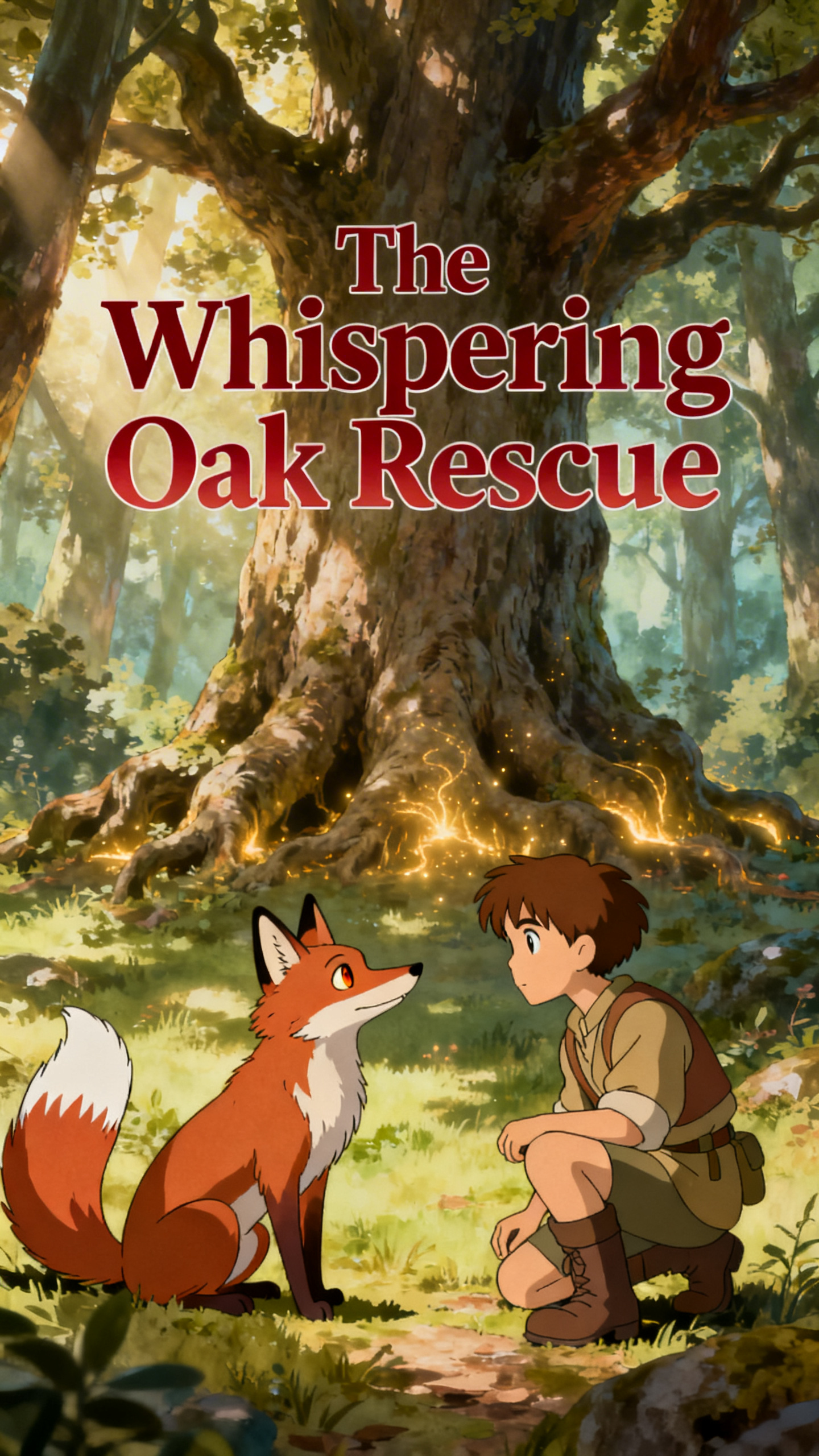
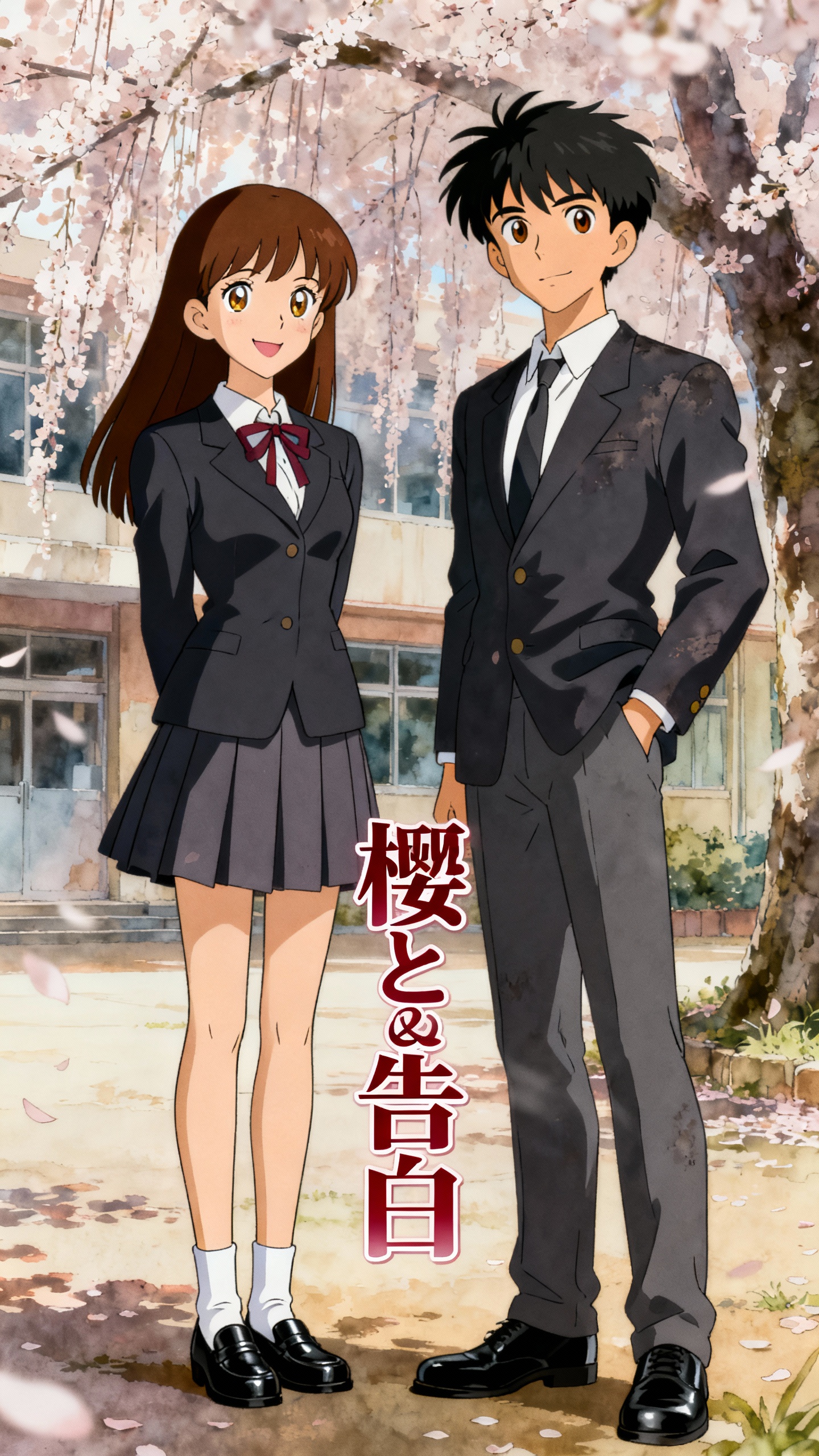
Hero background

GML 5.2 AI Story Video Generator

Use GML 5.2 inside Magiclight AI to create story-driven videos from prompts, scripts, and character ideas. Generate storyboards, maintain character consistency, build connected scenes, and turn narrative concepts into complete AI story videos.

Try GML 5.2 Free
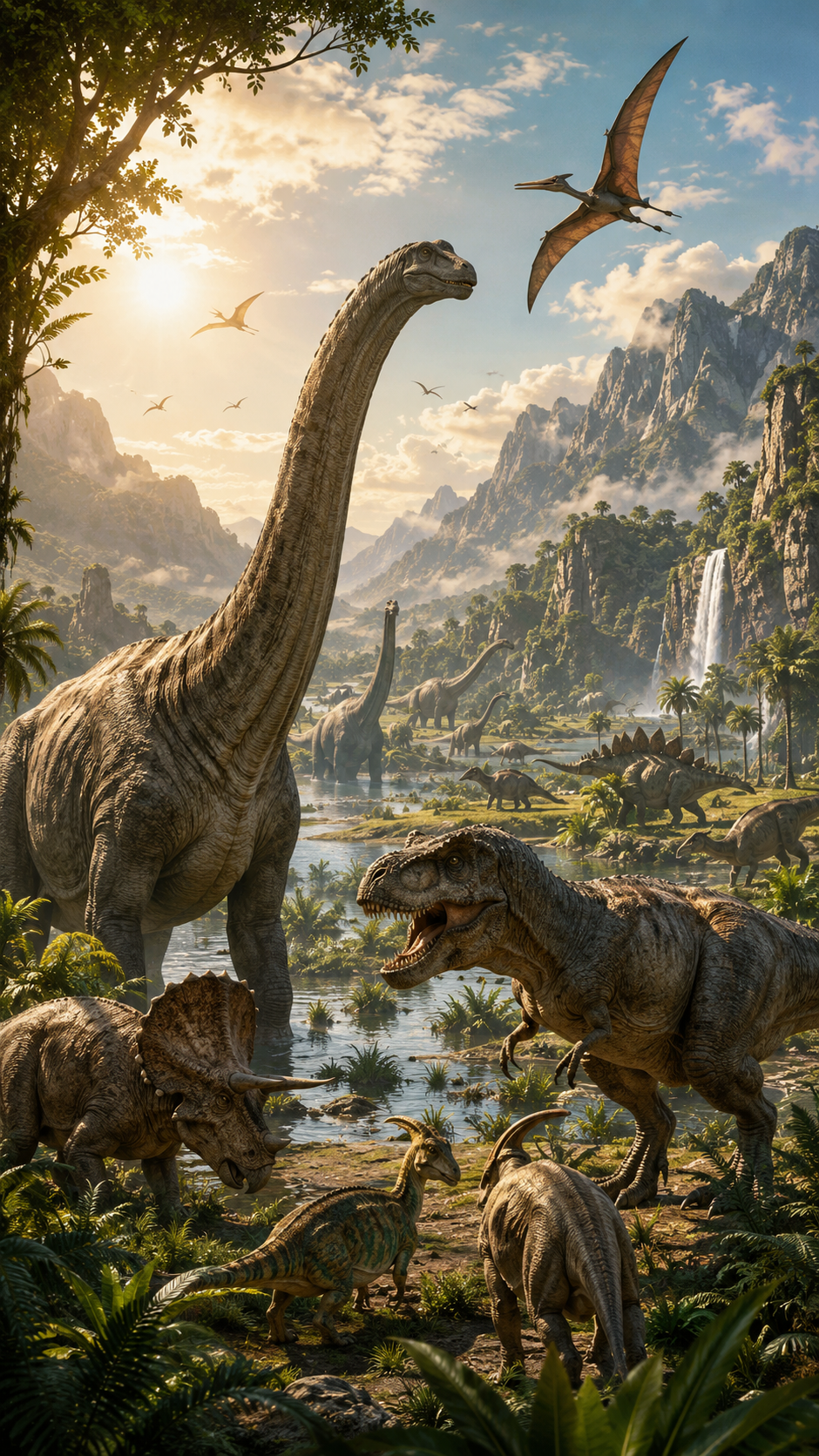
GML 5.2 AI story video generator example
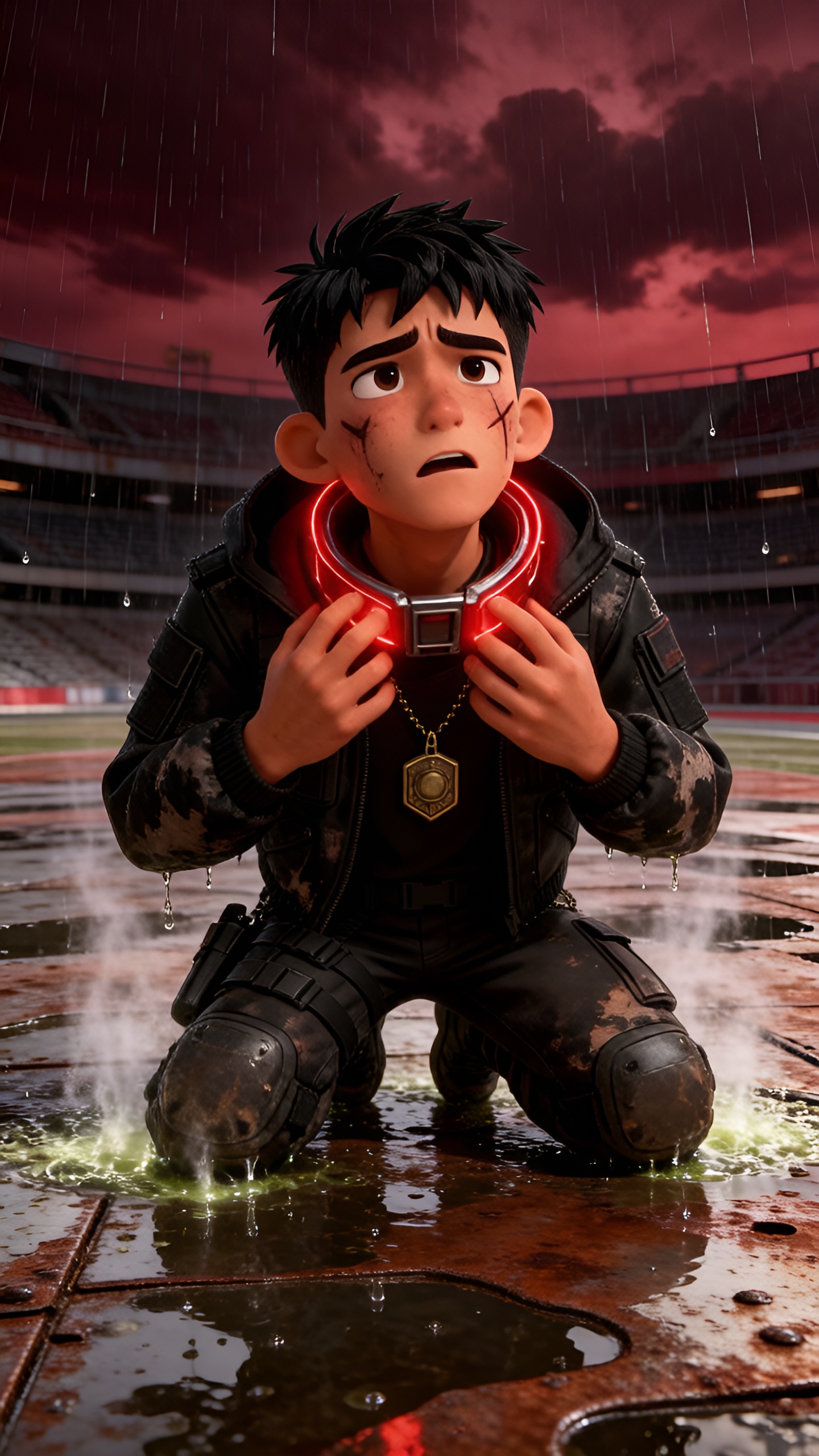
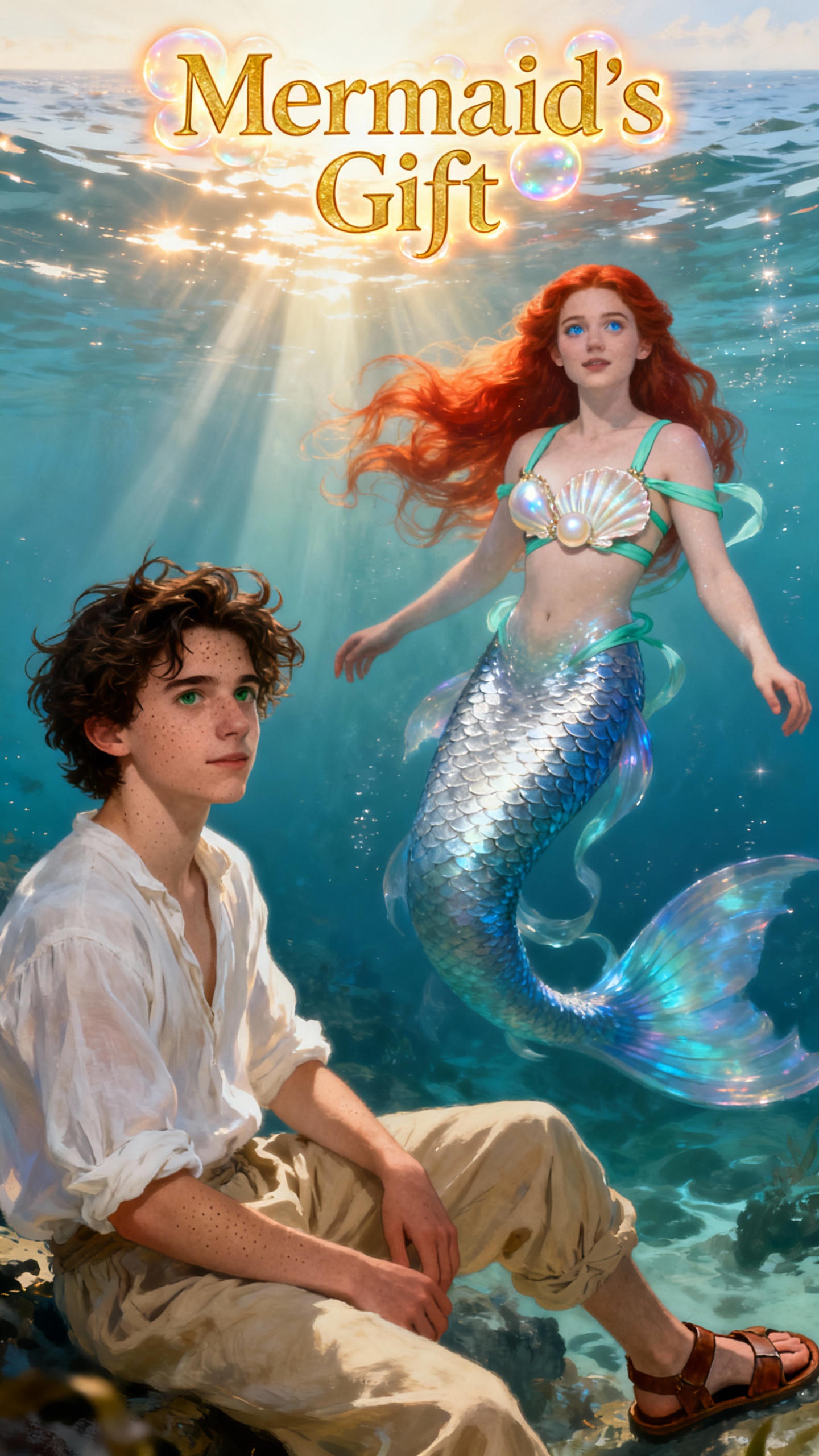
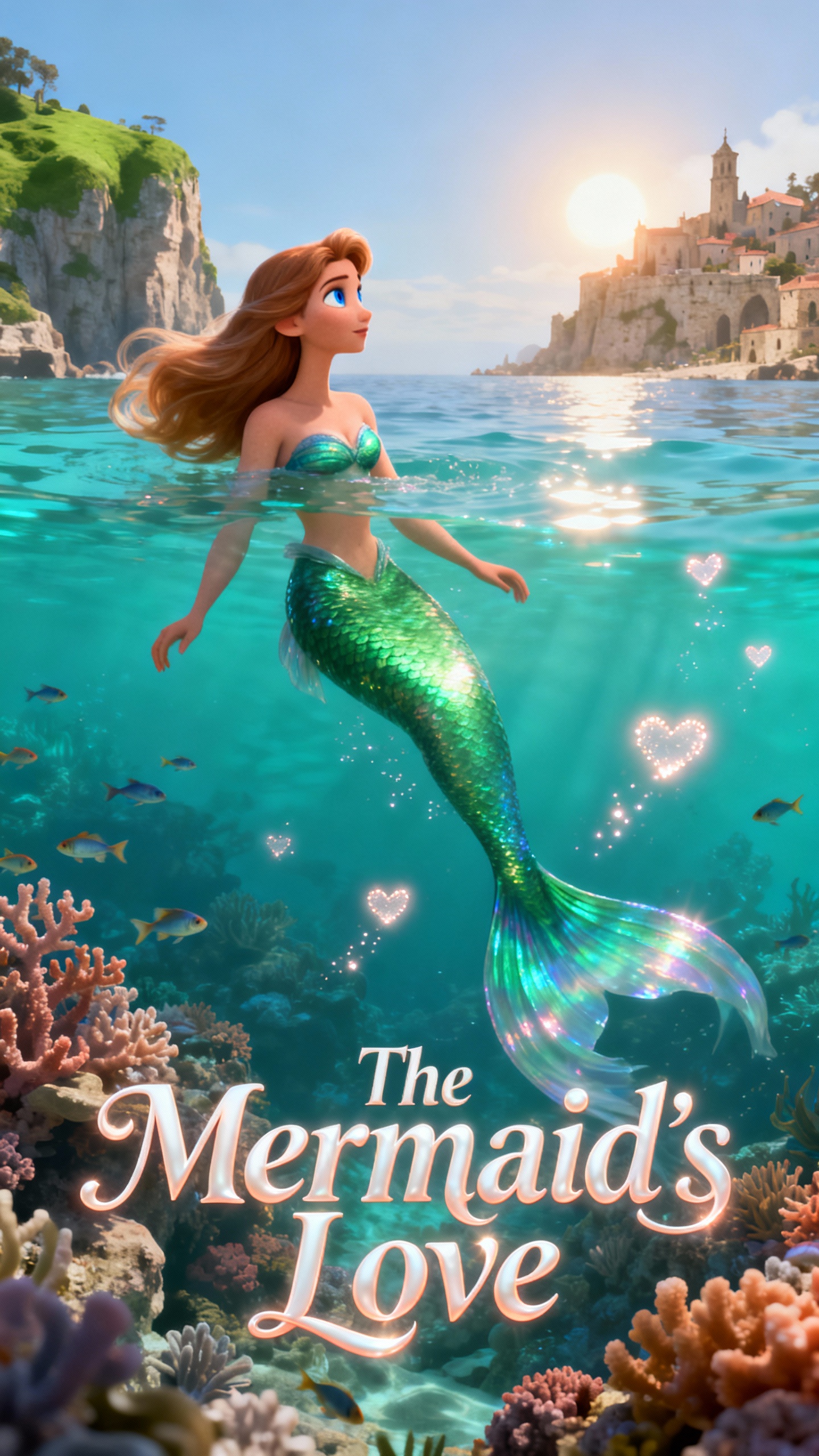
GML 5.2 AI storytelling video
GML 5.2 AI story model
GML 5.2 story video generation
GML 5.2 character story video
GML 5.2 storyboard to video
GML 5.2 animated story video
GML 5.2 AI story generator output
GML 5.2 AI story video generator example
GML 5.2 AI storytelling video
GML 5.2 AI story model
GML 5.2 story video generation
GML 5.2 character story video
GML 5.2 storyboard to video
GML 5.2 animated story video
GML 5.2 AI story generator output
GML 5.2 AI story video generator example
GML 5.2 AI storytelling video
GML 5.2 AI story model
GML 5.2 story video generation
GML 5.2 character story video
GML 5.2 storyboard to video
GML 5.2 animated story video
GML 5.2 AI story generator output

Why Creators Choose GML 5.2

GML 5.2 is built for story-based video creation. It helps creators structure narratives, build scenes around characters, and generate videos that feel more connected than one-off visual clips.

Explore AI Story Creation
3D decoration

Narrative Video Generation

Create videos with a clear beginning, development, and ending instead of isolated single-scene outputs.

Script-To-Storyboard Creation

Transform a script or story outline into visual scenes that guide the structure of your final video.

Recurring Character Support

Build stories around recognizable characters and keep their appearance consistent across multiple scenes.

Made For Story Series

Produce children’s stories, animated episodes, character adventures, educational stories, and narrative video series.

Who Benefits Most From GML 5.2
GML 5.2 is ideal for creators, educators, marketers, and studios that need story-driven video content with connected scenes, characters, and narrative structure.
story creators
Story Creators
Turn original story ideas into structured video narratives.
Create character-led scenes with a stronger sense of progression.
Build repeatable story formats for ongoing content series.
children’s content creators
Children’s Content Creators
Generate animated children’s stories with recurring characters.
Create educational story videos, bedtime stories, and adventure episodes.
Maintain a friendly visual style across multiple story scenes.
video teams
Animation And Video Teams
Move from story concept to storyboard and video draft faster.
Preview narrative direction before full animation production.
Use AI-generated story scenes for ideation and client review.
brands
Brands And Educators
Explain products, lessons, or messages through story-based videos.
Create narrative content that is easier for audiences to follow.
Build visual stories for social platforms, campaigns, and learning materials.
What GML 5.2
Helps You Create Inside Magiclight AI
Use GML 5.2 when your video needs more than a single visual moment. It is designed for prompts, scripts, characters, storyboards, and long-form story workflows.
Prompt-To-Story Videos
Start with a short idea and generate a story video with characters, setting, and narrative flow.
Storyboard-To-Video Workflow
Use Magiclight AI to develop storyboards first, then generate scenes that match the planned narrative.
Script-Based Video Scenes
Turn written scripts into visual scenes that follow the structure and emotion of the story.
Character Adventure Series
Build recurring characters across multiple episodes, locations, outfits, and story situations.
Children’s Story Videos
Create warm, character-driven stories for children, families, education, and entertainment.
Long-Form Narrative Videos
Create longer videos with connected scenes, smoother pacing, and a more complete story arc.

How GML 5.2 Works Inside Magiclight AI

Go from story idea to script, storyboard, connected scenes, and final AI video in one creative workflow.

1.

Enter Your Story Idea

Start with a prompt, character description, story premise, lesson, or script draft.

2.

Build The Story Structure

Use Magiclight AI to shape the idea into a clearer narrative with scenes, characters, and visual direction.

3.

Generate Story Scenes

Create AI video scenes with GML 5.2 while keeping the story flow and character identity consistent.

4.

Refine And Publish

Adjust the script, scene order, pacing, and visual details before exporting your story video.

FAQs About GML 5.2 in Magiclight AI

What is GML 5.2 in Magiclight AI?

GML 5.2 is an AI story model integrated into Magiclight AI. It is designed to help users create story-driven videos from prompts, scripts, characters, and storyboard ideas.

What is GML 5.2 best used for?

GML 5.2 is best suited for AI story videos, children’s stories, animated story scenes, character-led narratives, educational stories, and long-form storytelling workflows.

Can GML 5.2 create videos from scripts?

Yes. You can use Magiclight AI to turn scripts, outlines, or story ideas into structured video scenes powered by GML 5.2.

Does GML 5.2 support character consistency?

GML 5.2 is designed for story workflows where recurring characters matter. Magiclight AI helps keep characters more recognizable across scenes and episodes.

Can I create long story videos with GML 5.2?

Yes. GML 5.2 works well with Magiclight AI’s long-form story workflow, helping creators build videos with multiple connected scenes and a clearer narrative arc.

Do I need animation or editing experience?

No. Magiclight AI provides a guided workflow for story creation, script development, storyboard planning, and AI video generation, so you can create story videos without traditional production skills.


Turn Story Ideas Into AI Videos With GML 5.2

Create scripts, storyboards, character scenes, children’s stories, and long-form narrative videos in Magiclight AI powered by GML 5.2.