
Explore Features of MagicLight AI's Blog to Video Generator
MagicLight AI's Blog-to-video generator does not just place any clips under your words. It reads your blog, breaks it down into scenes, and generates video with voiceovers.

With MagicLight AI, turn any blog into a video without using a camera or editing platform. Create scenes that are ready to use and share.
Turn Blog to Video For Free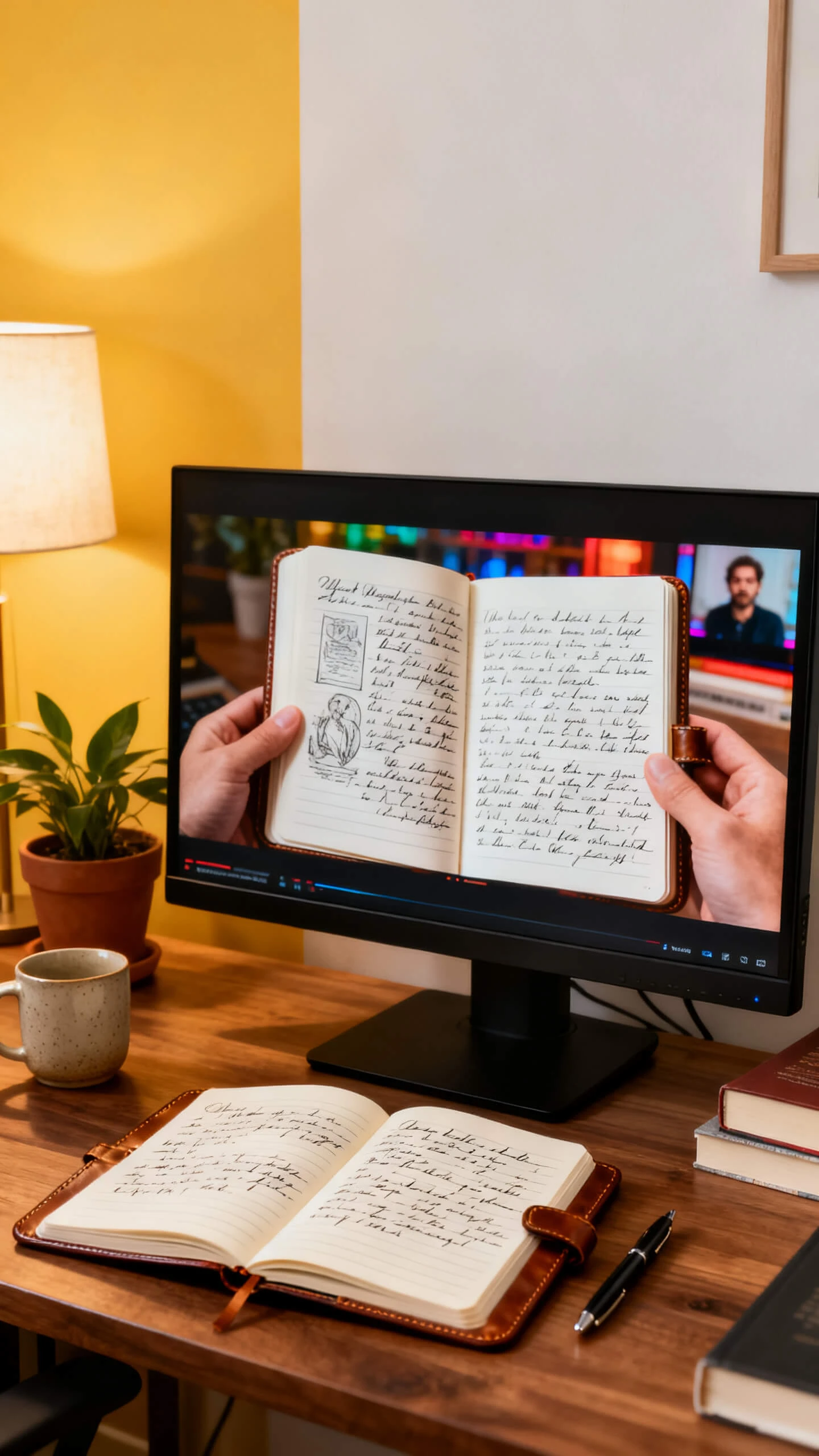



MagicLight AI's Blog-to-video generator does not just place any clips under your words. It reads your blog, breaks it down into scenes, and generates video with voiceovers.

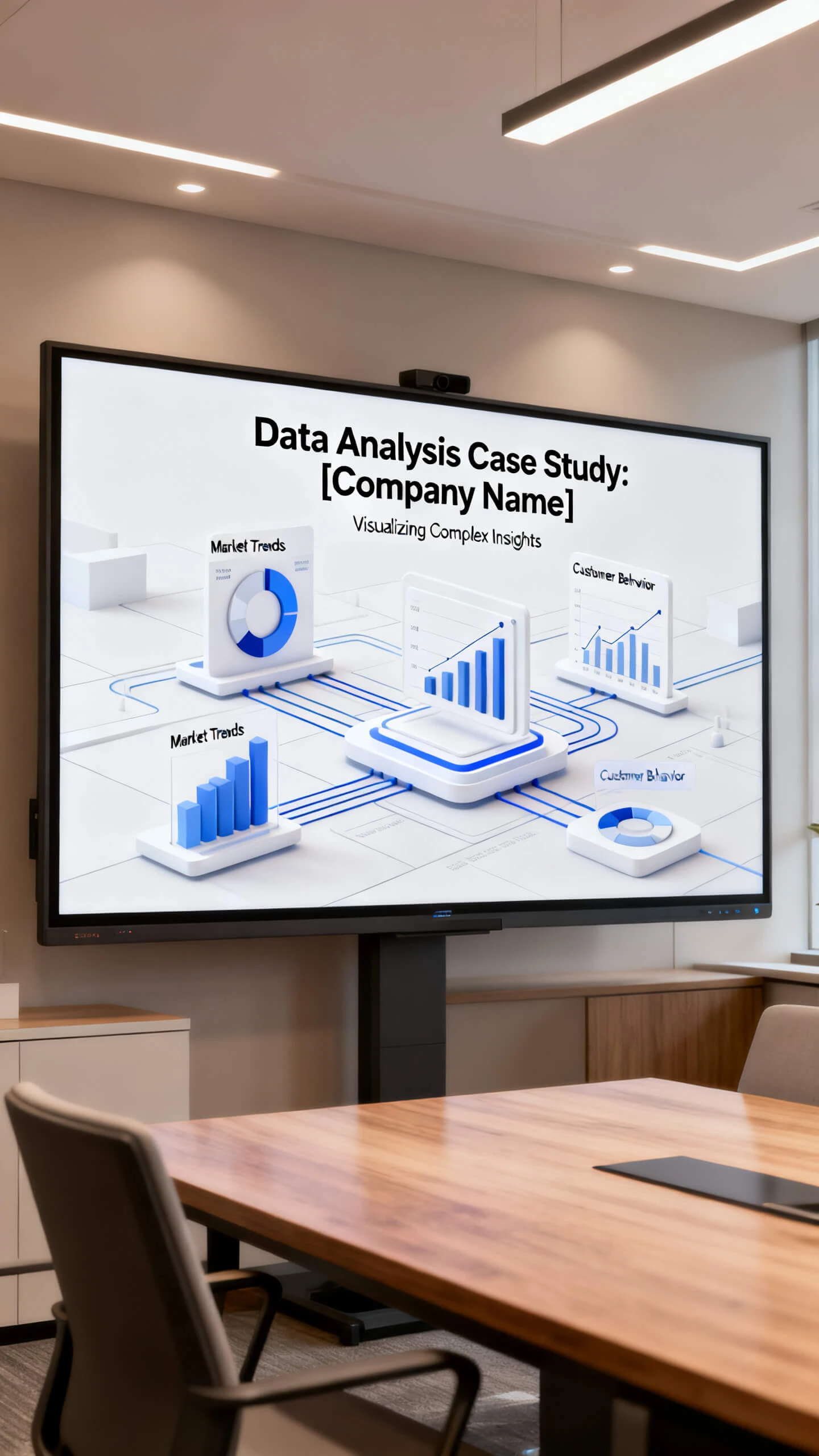
Write up to 12000 characters of your blog post. MagicLight AI transforms it into a video script with scenes already planned out.
Create videos up to 50 minutes with a single script. Magiclight AI covers complete topics without breaking the content.
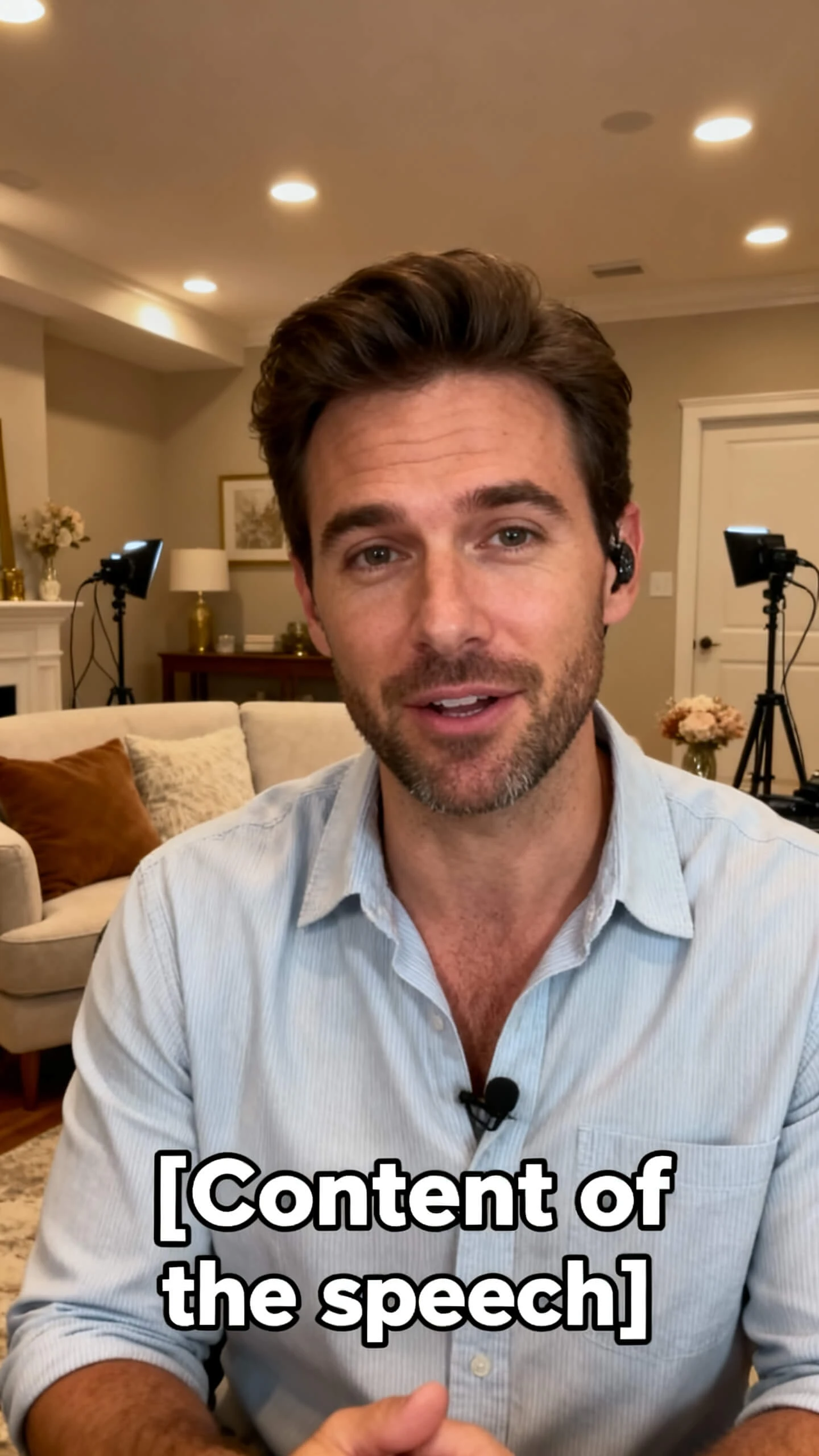
Pick from 16 subtitle styles automatically for every video. See every word on screen even when you mute videos.
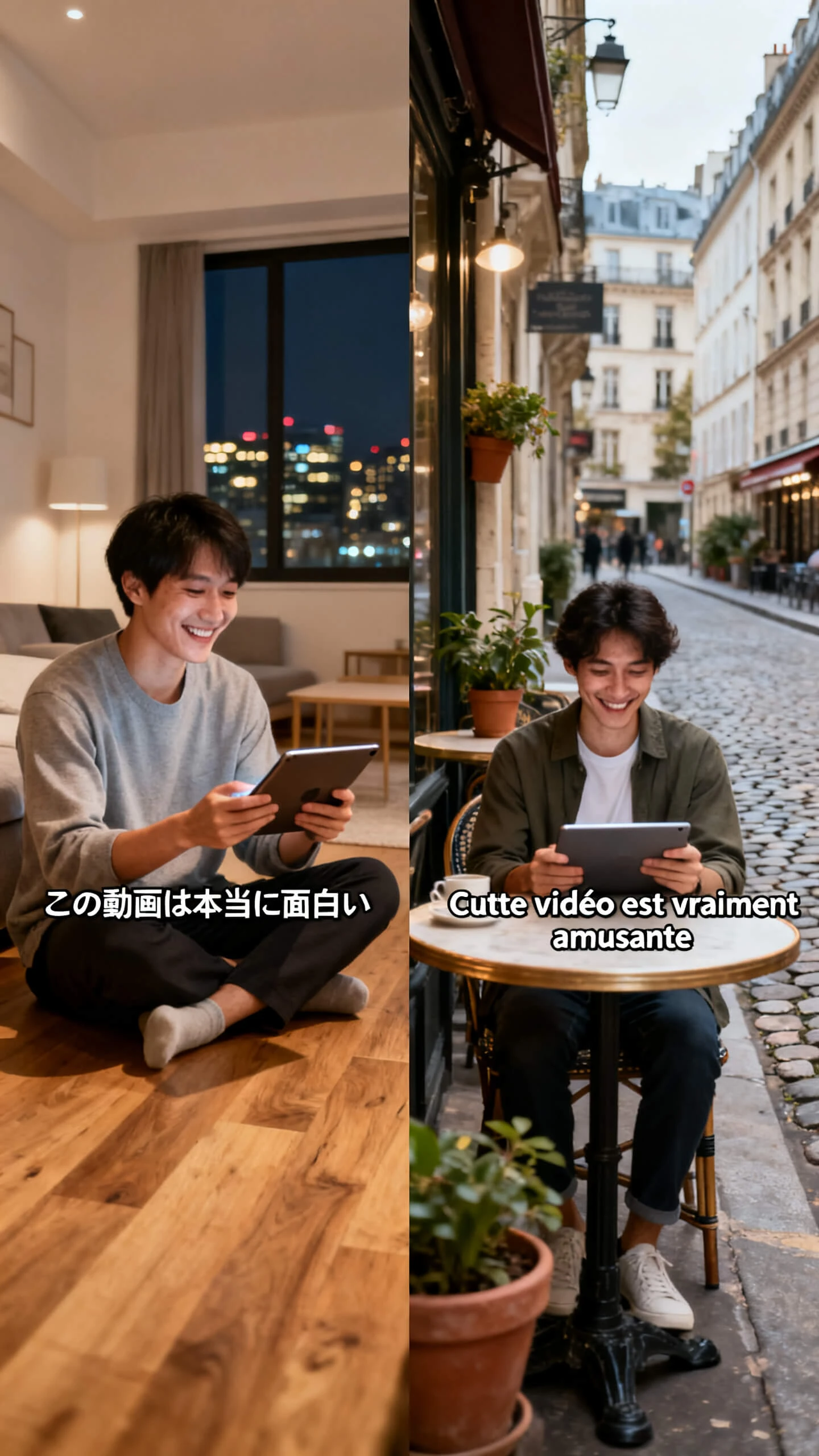
MagicLight AI supports narration in 11 languages to appeal to readers who do not speak your blog’s original language.


Turning a written post into a video with the blog post-to-video AI generator in MagicLight AI takes 4 steps from start to finish.
Paste your blog post up to 12000 characters in MagicLight AI. Add the tone, motion, and subject you want for your video.
Select from 20+ visual styles to match the look of your story. MagicLight AI offers 37+ voice options and clones your own voice to get consistent narration for your video.
To lock the final video, open the storyboard and adjust the tone and camera direction for each scene that MagicLight AI created from your blog script.
Watch the preview, download in HD, and upload the final video to YouTube, Reels, or your blog's destination.
MagicLight AI's blog-to-video generator converts text into video. It reads your text, creates similar scenes, and adds captions around the text.
Yes. With MagicLight AI, you can add 40 background music tracks to your blog video to match the tone of your concept.
Yes. Using MagicLight AI's blog-to-YouTube video AI generator, you can paste your blog text and generate a video with the same scenes and voices. Then download it in HD for YouTube.
No. MagicLight AI automatically breaks down the scene, generates visuals, and produces narration. You just need to copy your blog and select a few options.
Yes. Give a name, voice, and appearance prompt up to 1000 characters, and let MagicLight AI generate your character according to your blog content.
Yes. For paid plans, MagicLight AI includes commercial rights, allowing you to use the generated video for ads, on your channel, or in client projects.



Reach more viewers by turning a blog into an engaging video now with Magiclight AI.