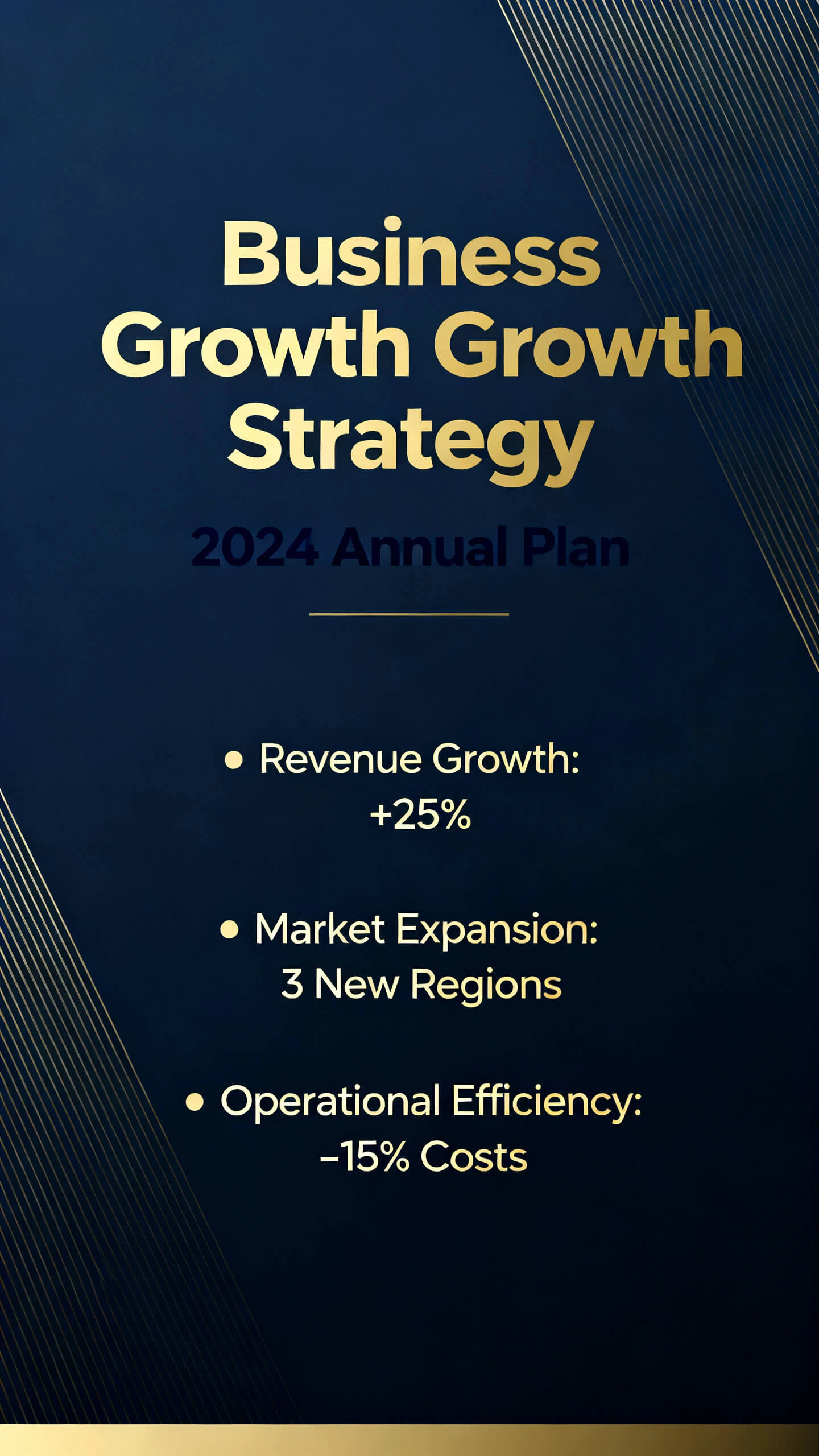
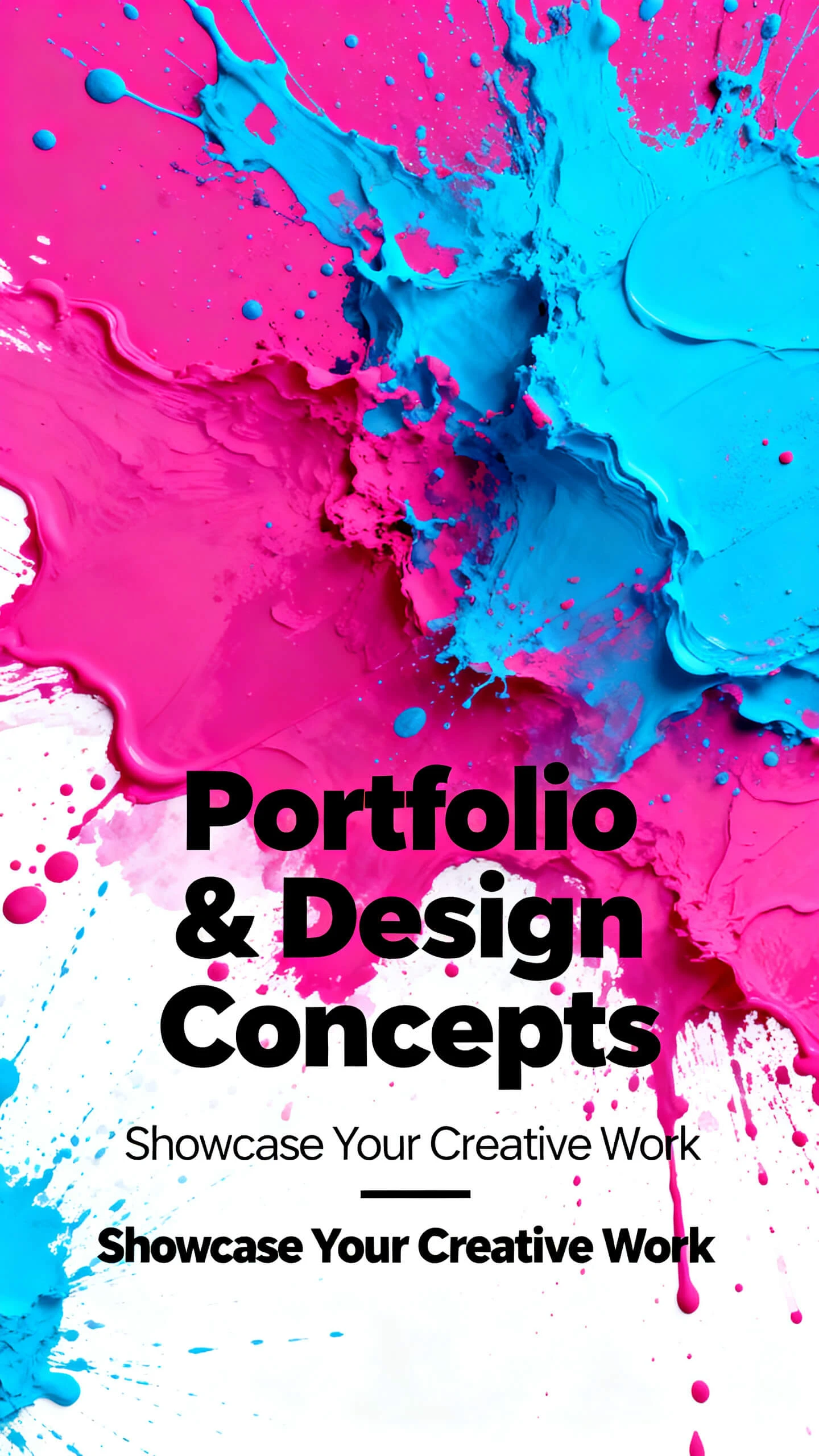
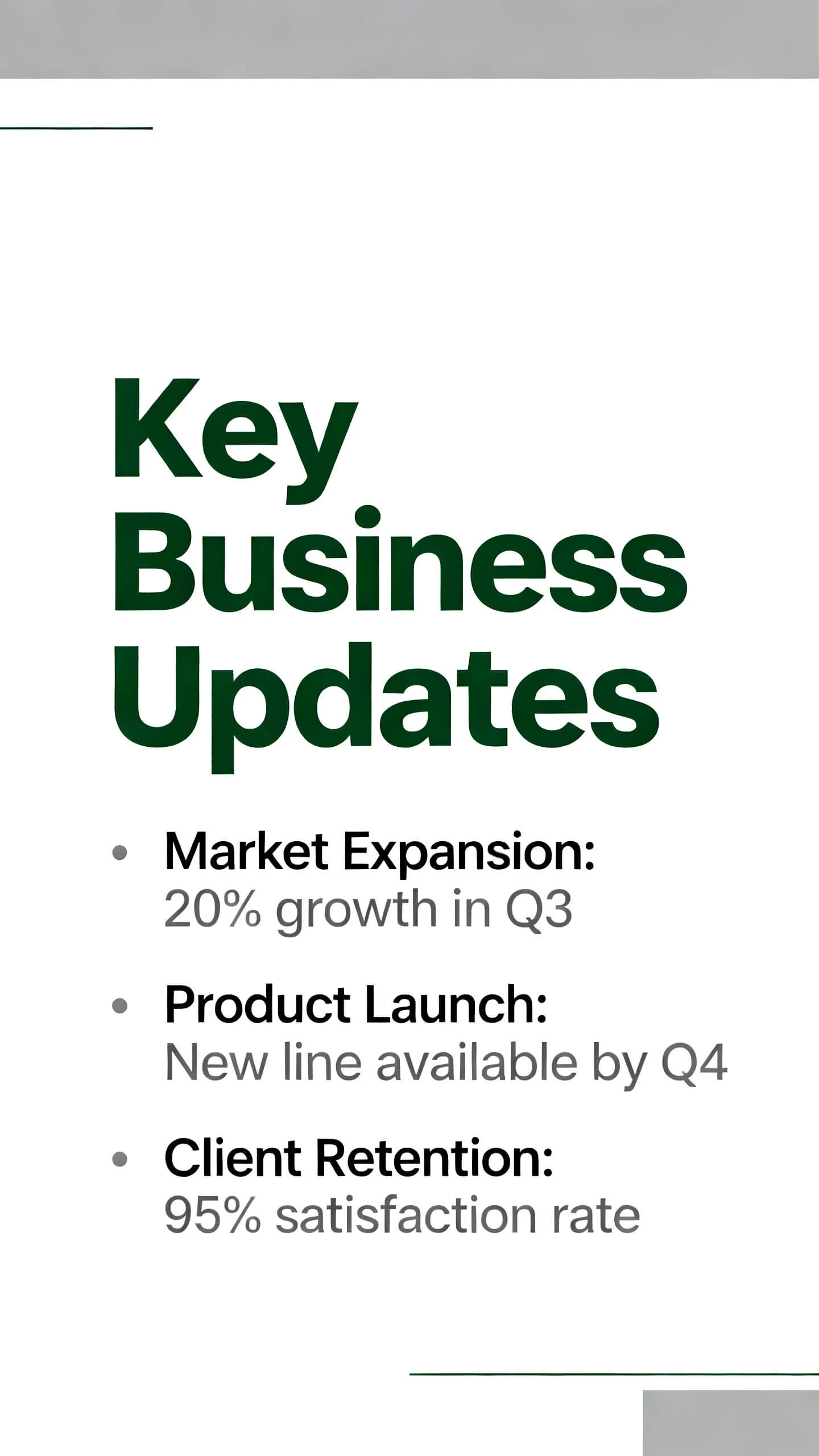
Hero background

AI Slideshow Maker

Generate highly engaging slideshows with just simple prompts using Magiclight AI slideshow maker. No editing experience required.

Try AI Slideshow Maker for Free
slideshow maker
ai slideshow maker
free slideshow maker
best slideshow maker
slideshow video maker
slideshow maker free
slideshow maker ai video
slideshow video maker free
slideshow maker
ai slideshow maker
free slideshow maker
best slideshow maker
slideshow video maker
slideshow maker free
slideshow maker ai video
slideshow video maker free
slideshow maker
ai slideshow maker
free slideshow maker
best slideshow maker
slideshow video maker
slideshow maker free
slideshow maker ai video
slideshow video maker free

Everything You Need to Generate Visually Appealing Slideshows

Magiclight's interface is populated with all the essential tools and options you may need to generate tempting slideshows in just a few seconds. No design skills needed.

Explore AI Video Creation
3D decoration

Themed Content - Exactly What Your Audience Like

Magiclight AI has a fully populated visual style library with over 40 options to choose from. Pick the one you believe will convey your message loud and clear. Increase production with Magiclight.

Curate the Best Story with AI

Create your unique pitch deck story instantly with 12 AI story models available within the solution. Impress your potential clients within 5 seconds.

Impress Global Audience

Export your slideshows with narration in up to 11 languages, making your production globally distributable and enabling it to fetch customers and clients from all over the world.

AI Narrations + Background Music

Save money and eliminate human errors by choosing any of the available AI voiceover agents for background narrations. Develop personal connections with buyers with the voice cloning feature, and add background music to induce emotions in your visual pitch.

Who Is Magiclight AI Slideshow Maker Best For
Millions across the globe use Magiclight AI slideshow generator for various tasks, including creating compelling presentations, visual explanations, and more.
Teachers and Trainers
Create interactive lessons to make teaching interesting
Generate video tutorials to explain complex processes in simple step-by-step instructional format
Prepare schedules and timetables for students for distribution and to put them on display
Entrepreneurs
Entrepreneurs
Generate highly engaging pitch decks to share with potential customers/clients
Create graphically rich presentations to explain new ideas to the management and staff
Produce storytelling presentations to showcase the entire journey of the organization
Management and Administrative Professionals
Create slideshows to explain their concepts and ideas to seniors with realistic graphics
Prepare presentations to train recruits and interns
Generate visually appealing content to explain policies and regulations everyone must adhere to
School and College Students
Prepare class assignments, even when they have merely a day or two left for submission
Generate slideshows to explain their thoughts to teachers and fellow students
Create engaging content for social media campaigns and college events for promotion and better production
What Makes
Magiclight AI the Best Slideshow Maker
Magiclight serves as a one-stop shop for almost everyone worldwide, making it one of the best AI solutions that people can count on.
Never Lose Objects
Integrated into Magiclight AI, Nano Tools ensure that all the elements and characters remain consistent throughout the presentation, regardless of its length.
Save Time with Reusable Objects
Set your own convention by creating consistent presentations. Call any or all your elements or characters in any or all your future pitch decks without regenerating them.
Meticulous Prompting
Magiclight accepts long prompts in up to 12,000 characters (or 7,000 to 8,000 words), allowing you to include every detail of the visual message you want to convey to the audience.
Long-Form Pitch Decks
Create convincing presentations up to 50 minutes long that cover every nook and cranny of your products/services and impress potential buyers. Never lose a client with slideshows generated with Magiclight.
Fine-Tune Core Elements
Make realistic modifications to existing objects, characters, and other elements in the images Magiclight generates before animating them for the slideshow. Changes could reflect natural ageing, weight changes, and more.
Stick Around the Hero Object
Use the storyboard interface to meticulously define camera movements around the hero product or service with simple prompts. Avoid audience distractions subconsciously.

How to Generate Engaging Slideshows with Magiclight AI Slideshow Maker

No creative mind or resource-hungry hardware needed. You don’t even have to pay an ad agency to get professional slideshows. Just type simple prompts into the input box, and leave the rest to Magiclight AI.

1.

Enter Detailed Prompt

Use the input field to enter a long, detailed prompt of up to 7,000 to 8,000 words, specifying everything you need in the slideshow.

2.

Choose a Visual Style

Pick your preferred visual style from the library. Choose the one that fits your content theme to get the best possible response from the audience.

3.

Fine-tune the Images and Camera Movements

Type prompts in simple language to make modifications to the images. If required, enter detailed prompts to define camera movements.

4.

Generate an Engaging Slideshow

Click 'Create Video' to create a tempting slideshow for your customers, seniors, trainees, employers, and more.

FAQs on AI Slideshow Maker

Which is the best AI-powered slideshow maker?

Magiclight AI comprises several tools and offers a highly flexible, user-friendly interface, making it one of the best AI-powered slideshow generators to date.

Which AI slideshow generator is better, online or offline?

While an offline slideshow generator sounds good for privacy, many of those tools require resource-hungry hardware that can be expensive. On the other hand, an online slideshow generator, such as Magiclight AI, requires only the latest web browser and an Internet connection. Furthermore, Magiclight AI does all the processing on its own servers. This eliminates the need to buy high-end computers on your side.

Can I download the slideshow created by Magiclight AI as a PPT file?

Better still, you can download the entire slideshow as a full-fledged video file for online and offline distribution.

Can I add animations to my slideshow when using Magiclight AI?

Absolutely. You can choose any AI video model from the list and type detailed prompts in simple language to animate each slide separately.

Does Magiclight AI add a watermark to the slideshows it creates?

No. Magiclight AI does not add a watermark to any of the slideshows it creates. It doesn't even add a watermark to the images or other videos you generate with it.

Is Magiclight AI available as a mobile app?

Not at the moment. However, the Magiclight AI web portal is responsive, and you can safely access it on your mobile phone’s web browser for a seamless experience.


Create Your First Slideshow with Magiclight AI

Start for free today. No technical skills, equipment, or training needed. Just enter a simple prompt in Magiclight AI and get results in minutes.