


Faceless channels in 2026 are trending because they let you make money without showing your face. Many people want to share ideas, but they feel shy in front of cameras. This new way of making content saves you lots of time and hard work. To succeed, you must find the best faceless AI video generator for your needs.
MagicLight AI is a top tool that makes this process very easy for everyone. The creativity offered across this AI video generator makes it easy for beginners to excel in it as well. This guide shows you the top tools to grow your online business this year.
Part 1. 10 Best Faceless AI Video Generators for YouTube Channel
Many creators now look for the best AI video generator for faceless YouTube channel. In this section, you will explore the top 10 tools that help you create faceless videos easily in 2026:
1. MagicLight AI
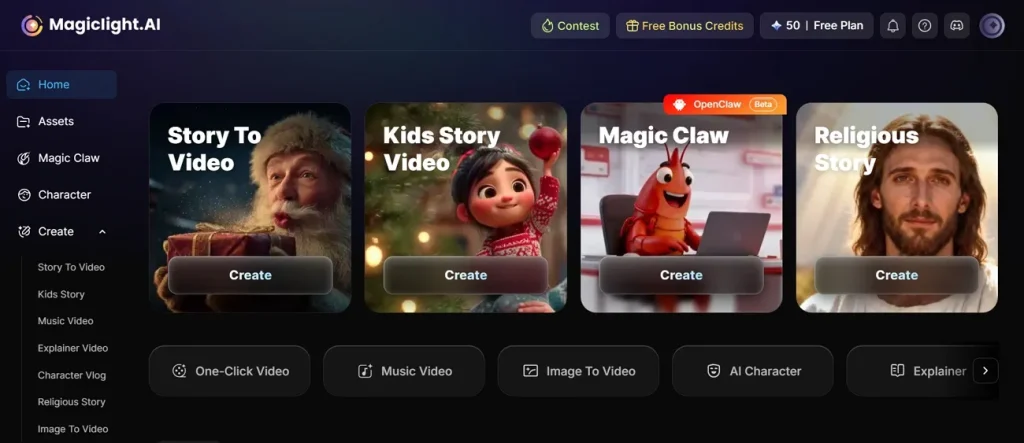
MagicLight AI is one of the best AI faceless video generator YouTube channels. The tool has 21 prebuilt cover templates for automatic video thumbnails. With 5+ style systems, including Midjourney V7 and MagicLight 3.0, users can create engaging content without showing their face. Additionally, it offers 2 script modes: “Basic Script,” with a character limit of 1500, and “Smart Script,” which enhances short prompts with advanced AI.
Key Features
- Music Library: Offers 40 background music tracks to enhance emotional depth and storytelling impact.
- Director Modes: Includes 8 director modes to shape storytelling style and cinematic presentation.
- Frame Smoothness: Ensures stable frames to minimize flickering and distortion in image-to-video results.
Pros
- It also supports up to 12,000 characters for long storytelling video creation.
- Creators can even generate videos up to 50 minutes for advanced storytelling projects.
- The platform offers 11 languages for global audience video creation accessibility.
Con
- You cannot find different output resolutions, such as 4K within MagicLight AI.
2. InVideo AI
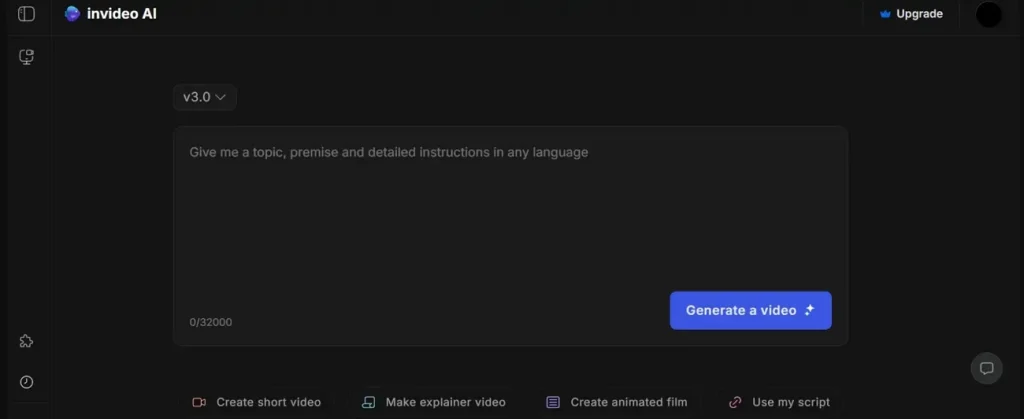
This platform uses multiple AI video models, such as GPT-4.1 and Sora 2, for a complete video creation workflow. During the video generation, it produces human-like voiceovers using AI TTS models in multiple languages. The tool lets you edit videos using natural-language commands inside the Magic Box system interface, making it the best free faceless AI video generator.
Key Features
- Uses natural language editing via Magic Box to modify scenes, voiceovers, and visuals.
- Enables voice cloning with up to 40 synthetic voices on higher subscription plans.
- Generates auto-synced subtitles and captions aligned perfectly with voiceover audio timing.
Pros
- Provides access to 16M+ royalty-free images, videos, and audio assets globally.
- Automatically generates shorts and reels using a long-form content transformation engine.
Cons
- Can produce generic visuals without strong customization input.
- Heavy reliance on stock assets can reduce the uniqueness quality.
3. Pictory
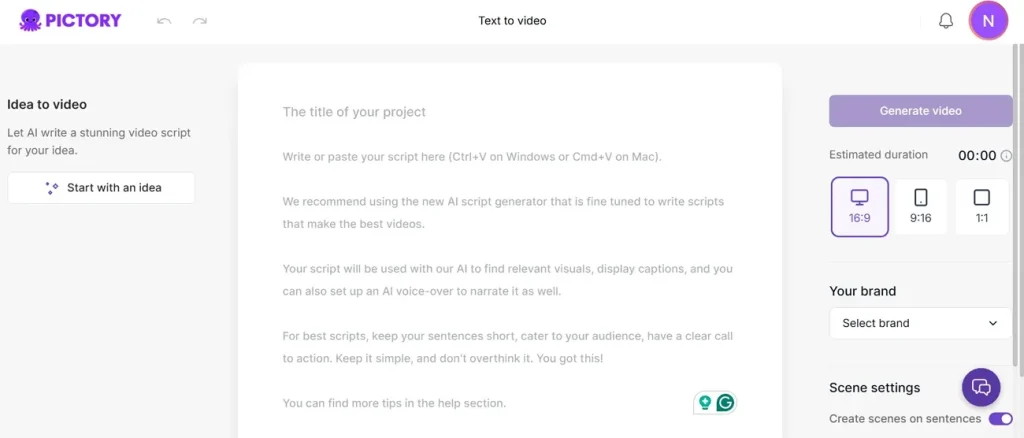
You can use this best faceless AI video generator free, as it converts text scripts into videos using AI summarization and scene creation. Additionally, Pictory supports 29 languages for global AI voiceover and subtitles. The tool can even turn website URLs into videos using AI extraction tools. While making an AI video, Pictory automatically selects background music based on tone and video mood analysis.
Key Features
- Converts static images into slideshow videos with transitions, music, and AI narration.
- Automatically breaks long text into structured scenes for better visual storytelling flow.
- Generates captions and transcripts for uploaded videos using AI-based transcription tools.
Pros
- Offers 29+ realistic AI voices for narration and video storytelling usage.
- Supports 720p and 1080p export formats for different subscription plans.
Cons
- AI summarization may lose meaning in complex and long topics.
- Voice-overs can sound slightly robotic on long narration videos.
4. Runway (Gen-3 Alpha)
With this best faceless AI video generator, you can produce cinematic videos using Gen-3 Alpha with ultra-realistic motion. While editing in Turbo mode, it supports keyframes at the start, middle, and end. Runway also enables AI-driven pans, zooms, and cinematic camera movement directions. This tool is useful for faceless YouTube creators who want cinematic B-roll-style videos without recording.
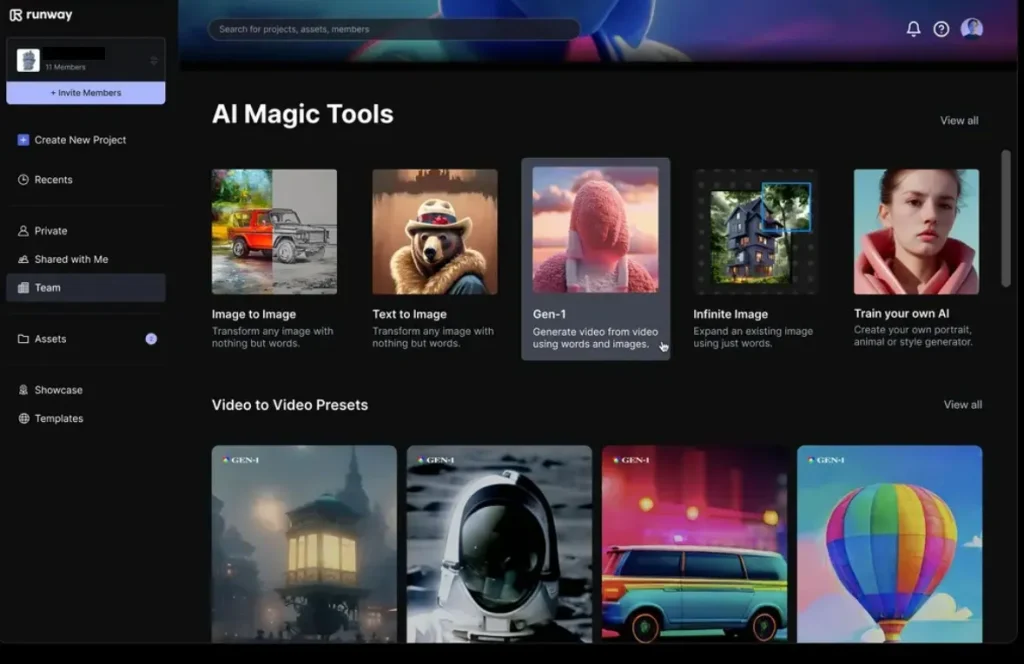
Key Features
- Advanced controls support pan, zoom, dolly, and tracking cinematic movements easily.
- Director Mode allows structured control over style, motion, and scene composition consistency.
- The tool enables region-based animation control within generated video frames precisely.
Pros
- Strong control tools like Motion Brush and camera movement options
- Maintains character consistency across frames for stable video generation.
Cons
- Clip duration is limited to 5 to 10 seconds per generation.
- Occasional visual artifacts like incorrect limbs or distorted objects appear.
5. HeyGen (Live Avatar)
HeyGen allows video creation from text in more than 175 languages and dialects worldwide. This best faceless AI video generator uses advanced Avatar IV technology for highly realistic facial rendering. It ensures accurate lip-sync with multilingual speech across the avatar system. You can also create your own custom avatar using just 3 to 5 minutes of user training footage.
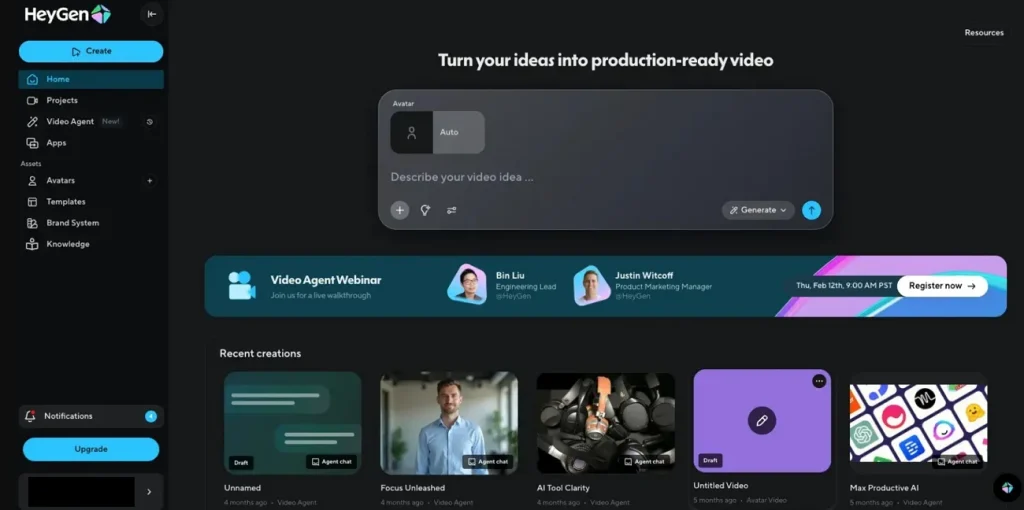
Key Features
- Enables real-time 2-way AI avatar conversations with natural speech and expressive responses.
- LiveAvatar responds instantly using voice or text inputs during interactive video sessions.
- Automatically creates captions and subtitles for recorded avatar sessions' content.
Pros
- Ensures accurate lip sync with multilingual speech across the avatar system
- Supports preset avatars with over 120 public avatar options
Cons
- Not suitable for high-end film or cinematic storytelling.
- Emotional expression is still less natural than that of real human actors.
6. OpenAI Sora
This is also the best AI faceless video generator, as it supports Sora 2 Pro versions, generating up to 25-second videos. Its Storyboard tool enables frame-level control for multi-shot narrative video creation. During the video generation, the tool maintains long-range coherence across multiple frames and scenes.
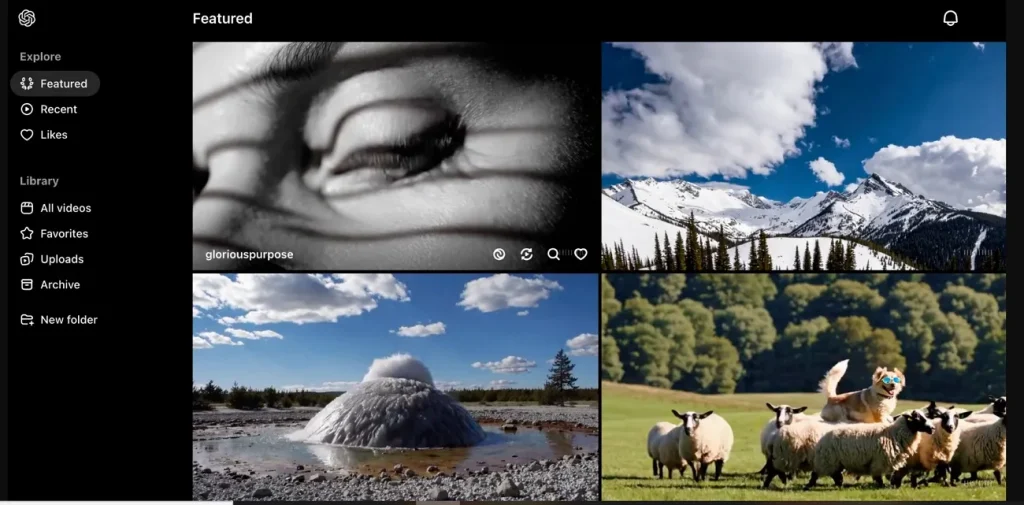
Key Features
- Supports multiple input formats, including text prompts, images, and existing video clips.
- Handles complex camera motion and dynamic scenes using advanced motion consistency modeling techniques.
- Maintains character consistency using advanced 3D spatial understanding and temporal coherence modeling.
Pros
- Supports various aspect ratios like 1080×1920 for different platform requirements.
- Processes multiple frames together to ensure smooth motion and consistent scene continuity.
Cons
- Attempts realistic motion but may fail in complex interactions occasionally.
- Requires stitching multiple clips for the creation of longer narrative sequences.
7. Descript
Creators can also use Descript to create videos, as it detects key moments automatically for clip generation using AI analysis. As the best free faceless AI video generator, the platform also supports transcription in 23+ languages with high accuracy for video creators. For multiple works, Descript supports multitrack editing with audio and video layers in a combined system.
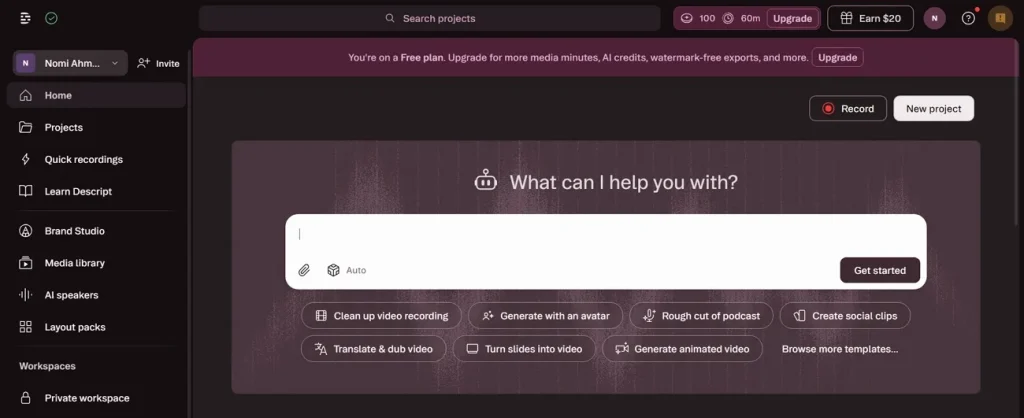
Key Features
- Removes filler words and silences instantly with one-click AI cleanup for faster video production.
- Enables Overdub voice cloning to generate narration and fix audio errors automatically.
- Includes Eye Contact AI, correcting gaze per minute of processed video footage automatically.
Pros
- Enhances audio using Studio Sound 4.0 AI noise reduction system
- An AI assistant helps generate script summaries and highlight clips
Cons
- Performance issues appear in large or long video projects.
- Voice cloning may sound robotic in long or emotional narration.
8. Pika Labs (Pika Art)
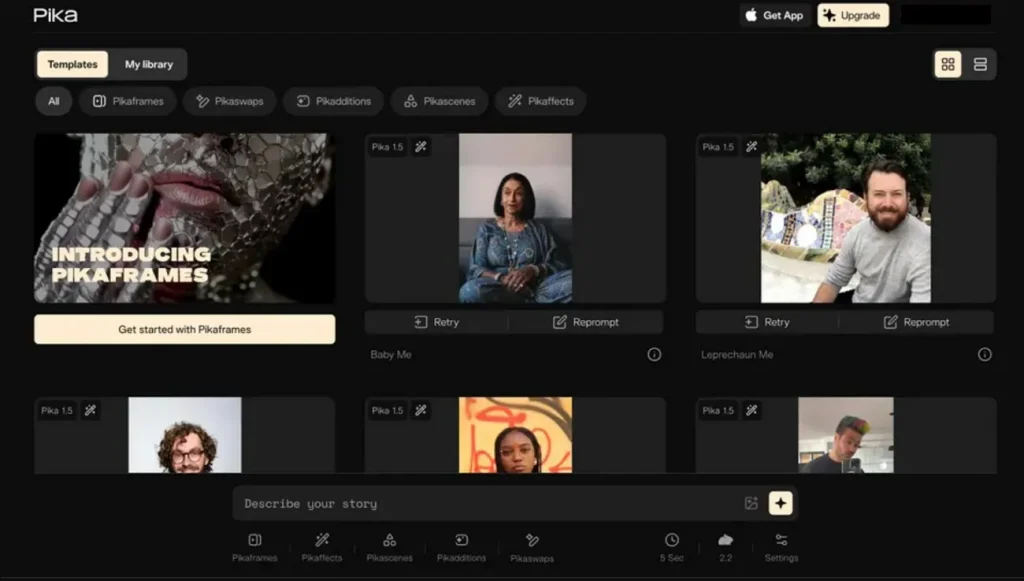
Another best free faceless AI video generator is Pika Art, which converts text prompts into videos using the Pika 2.5 AI model. Across the video’s multiple frames, this tool maintains 8 out of 10 consistencies. Along with this, it supports various video generation resolutions such as 720p and 1080p. Pikaframes enables users to create 10 to 25-second structured video sequences.
Key Features
- Supports batch generation that allows up to 5 simultaneous video outputs.
- Provide structured control over style, motion, and camera settings in videos.
- Supports 50+ video generations monthly based on credit usage efficiency.
Pros
- Strong prompt adherence for camera motion and scene instructions.
- Uses Pikascenes for 5-second cinematic scene generation control.
Cons
- Occasional visual artifacts, like flickering and distorted elements, appear.
- Complex scenes may produce unrealistic motion or incorrect object behavior.
9. LongStories.ai
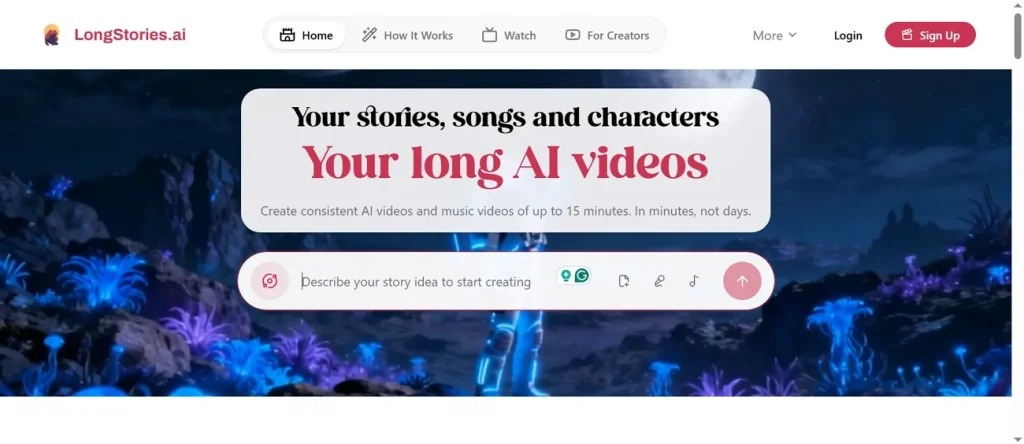
LongStories AI generates long-form videos up to 10 minutes and extends to 15-minute formats. It also works as the best faceless AI video generator, which supports multiple AI voices, including 30+ variations for narration and characters. In the video creation process, the tool maintains consistent characters across 10+ scenes using reusable universe configuration memory.
Key Features
- Converts written content into multi-scene narrative videos with a consistent storytelling structure.
- Supports reusable characters across videos, ensuring consistent visual identity and storytelling universes.
- Supports up to 20 custom AI voices for diverse narration styles.
Pros
- Breaks stories into 15+ scenes automatically for structured narrative video creation.
- AI agents learn user style, improving content quality over multiple projects.
Cons
- Visual quality focuses on animation, not photorealistic cinematic outputs.
- Scene-level editing exists but lacks deep cinematic control options.
10. Canva (AI Video Generator)
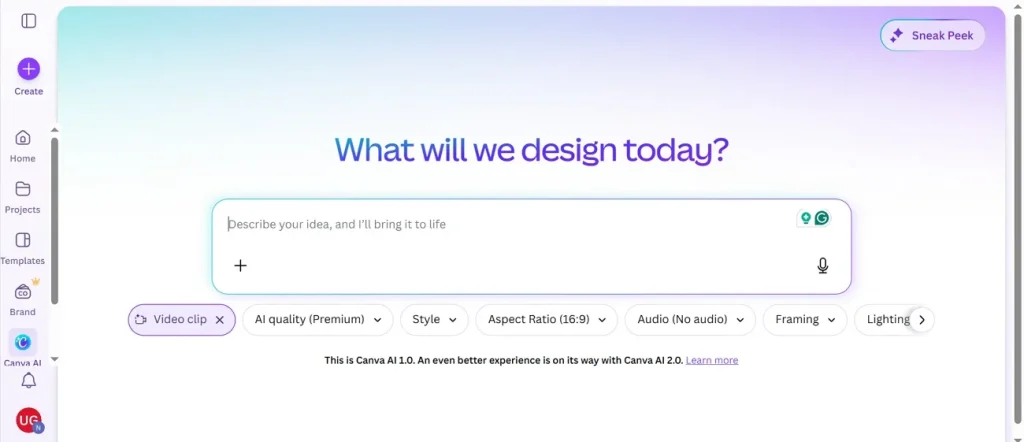
While exploring the best AI faceless video generator, you can use Canva to generate AI videos with one click. It offers 5 lighting options to control brightness, shadows, tone, and scene mood effectively. While creating videos, the tool generates captions automatically synced within seconds for short video clips.
Key Features
- Magic Video automatically creates approximately 60-second videos from uploaded media assets.
- Supports image-to-video conversion for product photos and marketing content creation workflows.
- Magic design for video suggests layouts based on prompts for faster creation.
Pros
- Uses Google Veo 3 to deliver strong video quality for short clips.
- Style reference maintains consistent branding across multiple AI-generated video clips.
Cons
- AI video clips are limited to around 8 seconds, restricting storytelling possibilities.
- Limited control over motion, frames, and detailed cinematic video direction.
Part 2. Comparison Table of the 10 Best AI Faceless Video Generators
After reviewing all tools, this section presents a clear comparison before choosing the best faceless AI video generator tool:
| Tool Name | Max Length | Model Strength | Visual Realism | Language Support | Editing Control | Scene Consistency |
| MagicLight AI | 50 min videos | 5+ style systems | Cinematic consistent visuals | 11 languages | Scene-level control | Universe consistency |
| InVideo AI | 10 min videos | GPT-4.1, Sora 2 | Mixed stock visuals | 30+ languages | Magic Box editing | Moderate consistency |
| Pictory | 10 min videos | LLM summarization | Stock visuals | 29 languages | Transcript editing | Low consistency |
| Runway Gen-3 | 25 sec clips | Gen-3 Alpha | Cinematic realism | Limited prompts | Motion Brush tools | Strong consistency |
| HeyGen | 30 min videos | Avatar IV engine | Realistic avatars | 175+ languages | Avatar editing | Strong avatar consistency |
| Sora | 25 sec videos | World simulation | Real physics visuals | English only | Storyboard control | Long-range consistency |
| Descript | Unlimited length | Speech-to-text AI | Screen output | 23+ languages | Multitrack editing | Flow consistency |
| Pika Labs | 25 sec clips | Pika 2.5 model | Stylized visuals | English prompts | Prompt control | Medium consistency |
| LongStories AI | 15 min videos | Universe storytelling | Cartoon visuals | 30+ voices | Scene editing | Character consistency |
| Canva AI | 60 sec videos | Veo 3 model | Template visuals | English only | Drag-and-drop editor | Brand consistency |
Conclusion
To conclude, starting a YouTube channel is now easier than ever with powerful tools. This guide explains various platforms that offer unique features for creators, but not all provide consistent long-term results. To grow faster, you need the best faceless AI video generator that supports quality and consistency. Therefore, if you want scalable storytelling and automation, MagicLight AI stands out as a smart choice.
FAQs on Best Faceless AI Video Generator
1. What is a faceless AI video generator?
A faceless AI video generator creates videos without showing your face online. It uses AI to generate visuals, voiceovers, and scenes from text inputs. These tools help creators make content quickly without recording themselves on camera.
2. Can I create YouTube videos without showing my face?
Yes, you can create YouTube videos without showing your face using AI tools. Many creators use tools like MagicLight AI to automate video production easily. It helps you build a big brand while keeping your personal life private.
3. What is the best AI video generator for faceless YouTube channels?
MagicLight AI is the top choice for making videos for your YouTube channel. It offers many great styles and features to help your content look professional. The new Magic Claw feature makes your whole creative workflow much faster now.
4. Are faceless AI video generators free?
Most tools like MagicLight AI offer free versions for you to try out. You can start making short clips without paying any money at the start. Paid plans give you more advanced features to grow your online business faster.





![How to Make a Marketing Video 2026 [Step-by-Step Guide]](https://magiclight.ai/wp-2/wp-content/uploads/marketing-goal-planning-guide-300x200.png)