


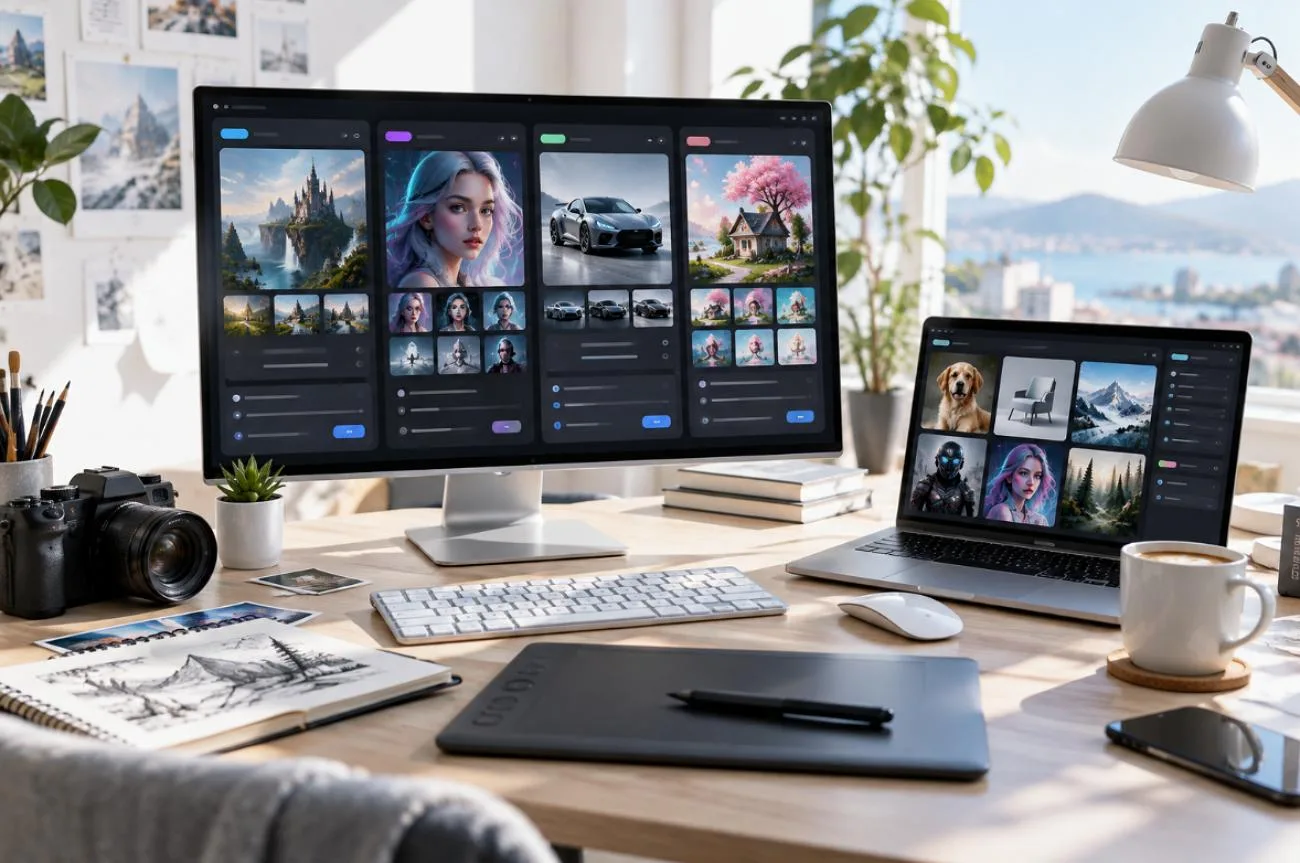
Leonardo AI combines image generation, editing, upscaling, and video tools within one creative platform. However, the best option depends on what you actually want to create. Some alternatives focus more heavily on stylized images, readable text, editable vectors, local model control, or complete AI generated videos.
This guide compares 5 leading Leonardo AI alternatives in 2026 across their core capabilities, creative control, output types, and pricing. Whether you need stronger image generation or a broader video workflow, the comparison will help narrow down the tools suited to each use case.
Part 1. What Is Leonardo AI?
Leonardo AI brings image generation, video creation, editing, and upscaling into one platform. Its Lucid models sit alongside options such as Seedream, Nano Banana Pro, and FLUX. Fast token usage varies by model and action, which can make monthly output harder to estimate. For anyone comparing an AI image generator like Leonardo, pricing starts with 4 individual plans:
| Plan | Start From |
| Free | $0/month |
| Essential | $12/month |
| Premium | $30/month |
| Ultimate | $60/month |
| Team Starter | $72/month |
| Team Growth | $144/month |
Relaxed Generation covers selected models, while Veo, Kling, and Seedream still consume Fast Tokens. Costs also vary by model, resolution, output count, and video settings. The Free plan includes 150 Fast Tokens daily, while paid plans add private generation. Separate Leonardo AI API pricing uses pay-as-you-go billing without monthly subscription fees.
Part 2. 5 Best Leonardo AI Alternatives for Video Creators
Some creators want stronger image results, while others need tools that can turn ideas into motion. The Leonardo AI competitors below cover both needs, from specialist image generation to full video creation.
1. MagicLight AI
Best For: Creators who want to turn a script or story into a complete video.
Leonardo focuses mainly on generating individual visual assets, while MagicLight AI can turn written content into full videos. It separates a script into scenes, adds characters and voices, then lets you review everything before export.
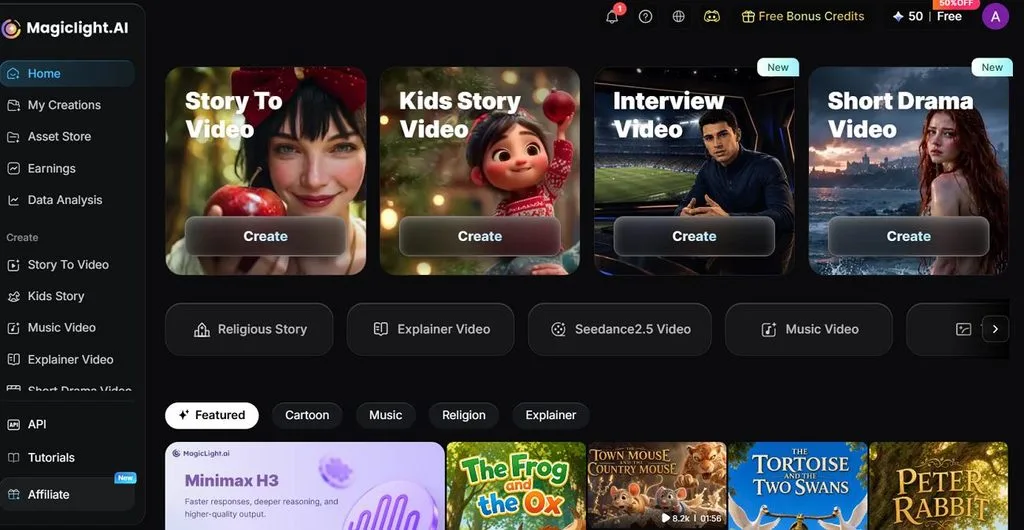
Long video support is another major difference for creators working with stories or episodes. One project can run up to 50 minutes, while saved characters can appear again across future videos.
Key Features
- Choose from story models such as GPT-5.6 and GPT-6 Astra to develop scripts, scenes, and story flow.
- Create a character with a prompt of up to 1,000 characters, save it, and reuse the same character in later projects.
- Access 37 voices and add captions with 16 subtitle styles for clearer, more flexible videos.
Pricing: Starting from $15/month
2. Midjourney
Best For: Creators who want strong visual style for illustrations, concepts, and campaign images.
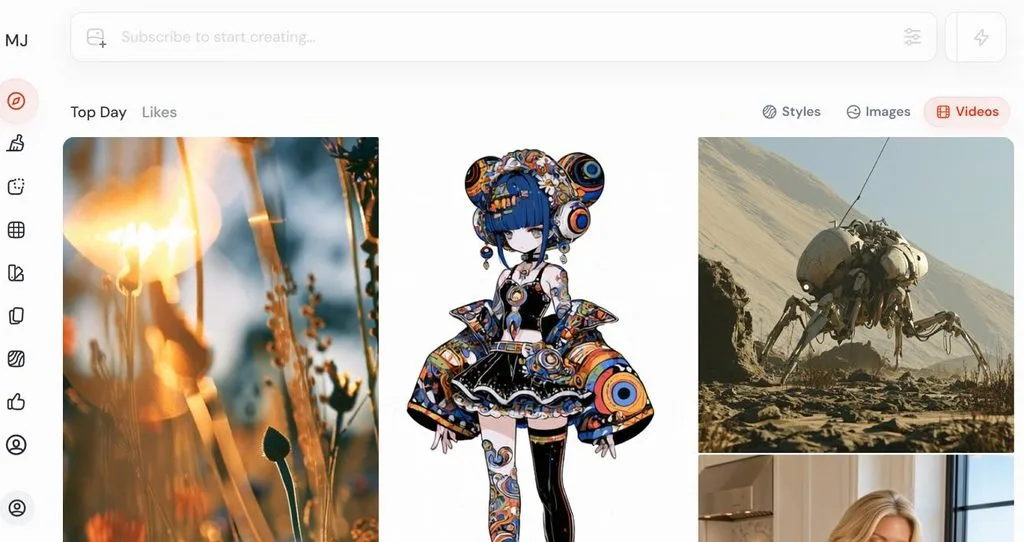
Midjourney is known for highly stylized image generation, especially when mood, lighting, and composition matter. It works through the web app and Discord, making it better suited to direct creation than automated workflows.
Key Features
- V8.2 improves prompt understanding, image quality, editing, and personalization across generated results.
- Standard, Pro, and Mega plans include unlimited image generation through Relax Mode.
- Stealth Mode on Pro and Mega plans keeps selected images and videos private online.
Pricing: Starting from $10/month
3. Stable Diffusion
Best For: Technical users wanting an AI image generator like Leonardo without monthly generation limits.
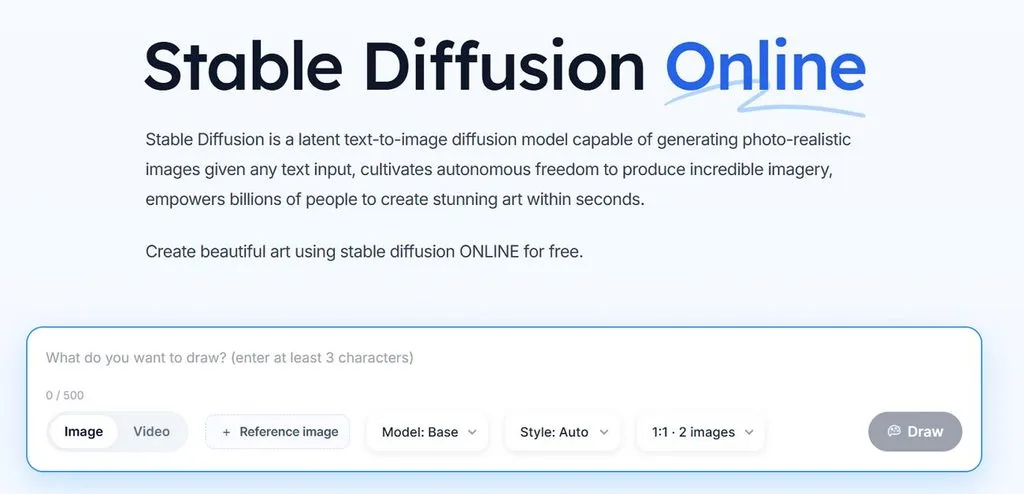
Stable Diffusion suits users who want more control over AI image generation without relying on a hosted platform. It can run on local hardware, giving users more freedom over models and settings, though setup, GPU power, and ongoing maintenance remain their responsibility.
Key Features
- Stable Diffusion 3.5 comes in Large, Large Turbo, and Medium versions for different hardware needs.
- ControlNet options such as Canny, Depth, and Blur give more control over image structure.
- The Community License allows eligible commercial use for organizations earning under $1 million annually.
Pricing: Starting from $0 for eligible self-hosting
4. Ideogram
Best For: Designers creating posters, packaging, signage, and social graphics that need readable text.
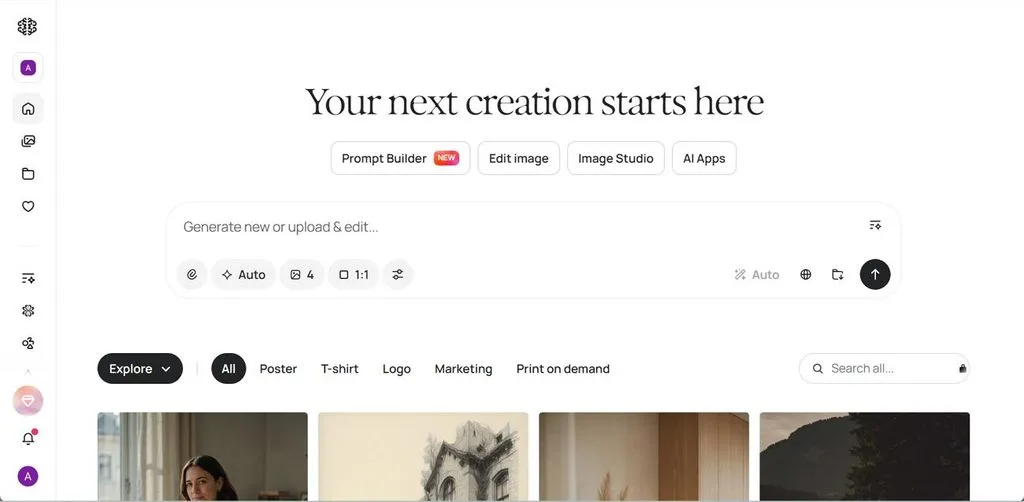
Ideogram works well for anyone comparing a Leonardo AI alternative for graphics with readable text. Its current 4.0 model improves text accuracy, layout control, and 2K output for posters, packaging, signage, and social designs.
Key Features
- Ideogram reports 95% text-rendering accuracy, including headlines, packaging copy, signs, and other Latin-script text.
- Bounding-box controls let users place headlines, logos, callouts, and subjects in specific areas of the image.
- Plus, Pro, and Team plans include private generation, while Pro also adds batch generation and quality export.
Pricing: Starting from $20/month
5. Recraft
Best For: Designers creating logos, icons, and brand graphics that need editable vector files.
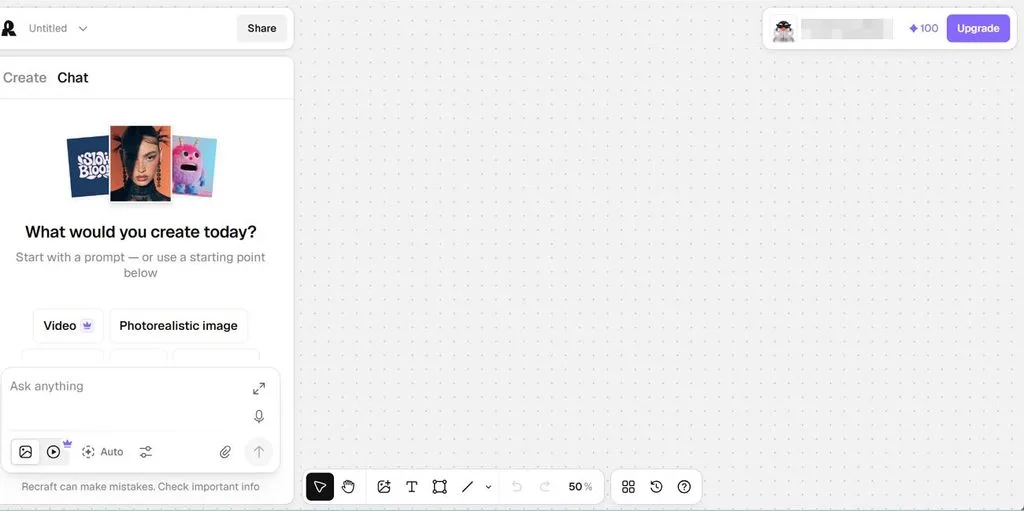
For designers working on logos, icons, and brand assets, Recraft offers a focused Leonardo AI alternative. Shared styles help teams keep a consistent look across projects. Direct editing also makes it easier to turn generated concepts into finished design work without restarting.
Key Features
- Recraft V4.1 generates editable SVG files with paths, strokes, fills, and scalable vector shapes.
- The vector editor lets users change anchor points, curves, colors, and individual shapes after generation.
- Paid plans include full ownership and commercial rights, while generated assets can remain private.
Pricing: Starting from $12/month
Part 3. Quick Comparison of the Best Leonardo AI Alternatives
A Leonardo AI vs. Midjourney Reddit comparison usually centers on image quality, but that leaves out other practical differences. The table below compares output type, control, pricing, and best use cases across all 5 tools:
| Tool | Output | Free Plan | Entry Price | Leads On |
| MagicLight AI | Finished video | Yes, no card | Free to start | Narrative length |
| Midjourney | Raster images | None | About $10 | Aesthetic quality |
| Stable Diffusion | Raster images | Free to self-host | No subscription | Control and cost |
| Ideogram | Raster images | 10 credits daily | About $15 | Text rendering |
| Recraft | Vector and raster | 30 credits daily | About $12 | Native SVG output |
Conclusion
The best Leonardo AI alternative depends on your creative workflow. Midjourney suits stylized images, Ideogram handles text-focused graphics, Recraft supports editable design assets, and Stable Diffusion offers deeper model control. For creators who need longer, story-driven videos with scenes, characters, and narration, MagicLight AI provides a more complete video-focused workflow.
Frequently Asked Questions
1. What is the best alternative to Leonardo AI?
The honest answer depends on what you need to produce. MagicLight AI is the strongest choice for video, producing complete pieces from a script, while Midjourney and Recraft lead on still images and vector work.
2. Which AI is better than Leonardo AI?
Each rival wins on one particular measure rather than across the board. Asking whether Leonardo AI is better than Midjourney has no single answer. Midjourney produces better art, Leonardo offers more models, and MagicLight AI produces video instead.
3. Is Leonardo AI a good tool?
Yes, particularly for designers wanting several frontier models under one subscription. The weaknesses are token unpredictability and no editable vector output, so logo work needs another tool alongside it.
4. Is there a free alternative to Leonardo AI?
Ideogram offers the most usable free tier, granting ten daily credits with commercial rights included. Stable Diffusion is free outright when self-hosted, and MagicLight AI offers a free plan without requiring a card.





