


Finding the right Unlucid AI alternative becomes important when preset animations and gem-based pricing no longer match your creative workflow. Unlucid AI can quickly animate single images with ready-made effects, but its capabilities are more limited for complete video production.
Creators who need scripting, consistent characters, audio, deeper customization, or multi-scene storytelling may need a broader solution. This guide compares 6 Unlucid AI alternatives for different video creation needs, from short visual effects to complete AI-generated videos.
Part 1. 6 Best Unlucid AI Alternatives to Try
The right Unlucid AI alternative depends on the type of video you want to create. Some tools focus on short clips and visual effects, while others support complete videos with scripts, narration, avatars, or multi-scene workflows. The 6 options below address different creative needs and Unlucid AI limitations:
1. MagicLight AI
Best For: Long-form story videos that need a script, a cast, and narration.
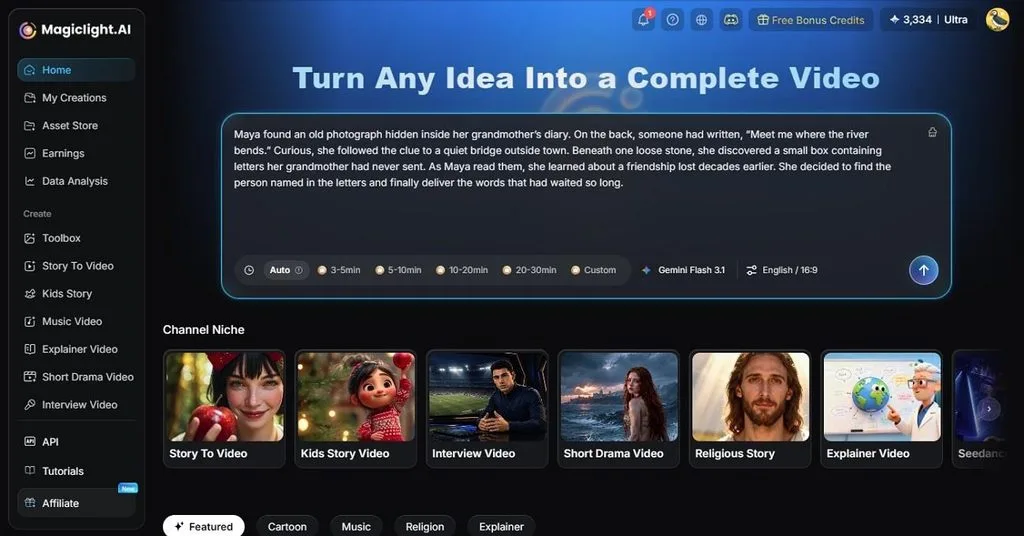
MagicLight AI is built for creators who need more than short AI-generated clips. It turns stories, scripts, or simple concepts into complete videos up to 50 minutes long. Character-binding tools and dedicated photo uploads also help maintain consistent character appearances across multiple scenes. The workflow begins with MagicLight Agent, which develops a short idea into a topic direction, voiceover draft, and visual style.
It also supports lip-sync, facial expressions, and emotional voiceovers in over 37 languages. Unlike other tools, you can access advanced AI video models like Seedance 2.5, Kling 3.0, and Gemini Omni within the platform. It also integrates specialized story models including GPT-6 Astra and Claude Opus 4.6 to manage script pacing and dialogue structure.
Key Features
- Nano Storyboard Editor: This Unlucid AI alternative splits each shot down into multi-step micro-actions. Choose 50 custom character poses instead of using single-frame text descriptions.
- Multiple Director Modes: Supports different content types, including explainers, interviews, dramas, educational videos, and storytelling formats.
- Visual Style Selection: Lets users choose different artistic directions and cinematic styles out of 52 unique options before generating scenes.
User Reviews
- I had been seeing the name on several apps and websites, and now I know it's a trustworthy platform to check before investing in any program. - Vivek
- The biggest advantage for me was the ability to adjust results through Chat Edit instead of starting over every time… - Evelyn R. Lampley
2. PixVerse AI
Best For: Short cinematic clips and stylized effect work.
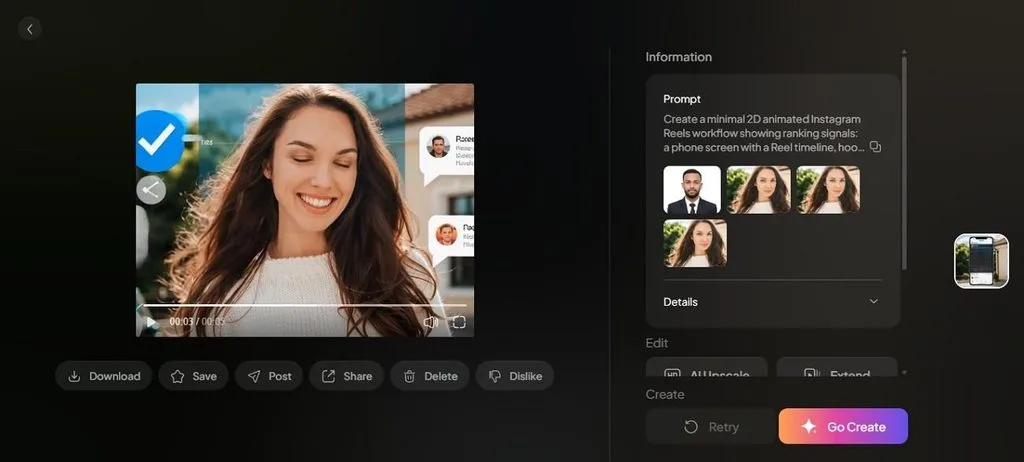
PixVerse can generate 1080p video clips up to 15 seconds long from written descriptions. It can also turn static photos, drawings, or product images into animated clips. The tool helps preserve important visual details and the subject’s original appearance. Like Unlucid AI, PixVerse also supports more than 20 camera movements, including tracking and other cinematic motion effects.
Key Features
- Accurately renders readable text, signs, and lettering.
- Supports a wide range of horizontal, vertical, and square framing formats.
- The Standard plan resets 1200 credits every 30 days.
User Reviews
- I just love the software. I am using my imagination to create scenarios….- Wonder
- ….They are extremely hard to deal with when it involves money. I'm done with them…- Karen F
3. Pika
Best For: Adding, swapping, or transforming elements inside existing footage.
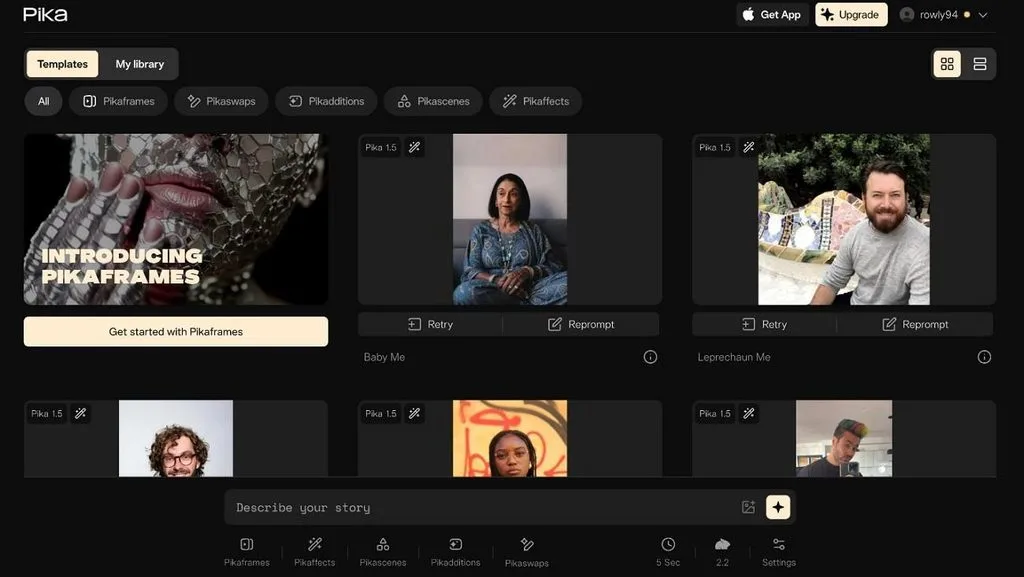
This tool generates 5-second or 10-second video clips from written prompts, uploaded photos, or artwork. It includes dedicated transformation tools such as Pikadditions for adding new objects to existing scenes. Pikaswaps, Pikatwists, Pikaframes, and Pikascenes help users modify scene elements and adjust visual layouts. As an Unlucid AI alternative, Pika also lets users control pans, zooms, and other camera movements through prompts.
Key Features
- Restyles existing footage using AI effects.
- Guides pans, zooms, and cinematic movements through prompts and generation settings.
- Standard at $8 a month excludes watermark-free export and commercial use.
User Reviews
- Great support! I subscribed to the yearly Pro plan because of a feature that had been advertised on their YouTube channel two years ago…- Marcel Finkbeiner
- A scam. Misleading and a terrible experience….- Cristine
4. HeyGen
Best For: Training, onboarding, and sales videos with a named presenter.
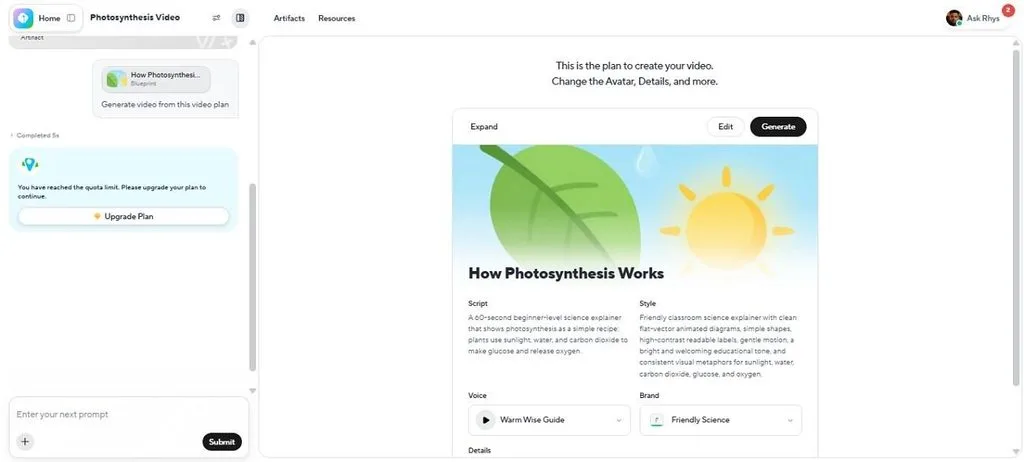
Presenter-led video is a format no image animator can produce, and HeyGen is built entirely around it. It is positioned differently from image-animation tools. This is because its main workflow is creating digital presenters for training, marketing, education, and business communication. The tool lets you export higher-quality videos depending on the selected subscription tier. The free tier allows 3 one-minute videos a month.
Key Features
- Creator and higher plans support videos up to 30 minutes.
- Translate videos into 175+ languages and dialects while maintaining voice output.
- Among all Unlucid AI alternatives, it animates still images into speaking video content.
User Reviews
- …. I love how this software has evolved, and I can't wait to see what else they have cooking up their sleeves. I highly recommend Heygen if you couldn't tell. - Jonathan Scott
- …. First it's the background that doesn't show up right and then the B Roll photos are not proportionate….- Judy Ballard - Luxury Condos
5. Adobe Firefly
Best For: Brand and client work that needs a clear licensing position.
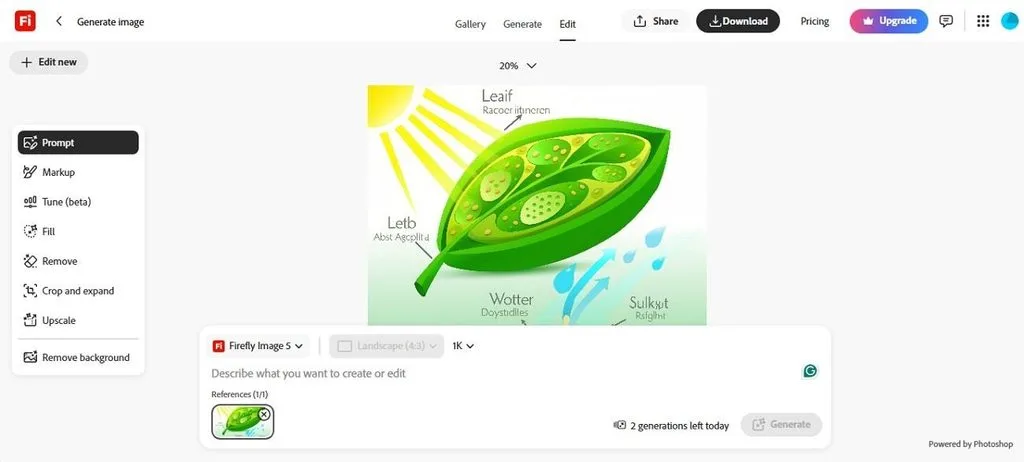
Firefly provides camera controls for adjusting elements such as angle, motion, and zoom. Credit usage also varies depending on the selected generation workflow. Users can create video clips from written prompts with Firefly and supported models such as Veo 2 and Veo 3.1. Selected third-party video models are also available within Adobe’s creative environment.
Key Features
- Translate audio and video for up to 6 minutes in the Standard Plan.
- Adds, removes, or modifies objects and areas inside video frames.
- Works with Adobe applications and existing creative workflows.
User Reviews
- ….The website is really easy, and they ship fast…- Mark Visbal
- Errors, delays loading, confusing interface. Expected much better from Adobe…- Todd
6. InVideo AI
Best For: Content teams working from written briefs rather than footage.
InVideo AI is better positioned as a video creation platform, not just a visual effect generator. It focuses on turning ideas into complete videos with scripts, voice, subtitles, and editing controls. Paid plans include collaboration features for teams working on video projects. Finished elements run up to 30 minutes, a different scale from clip-length generators. Revisions are typed as plain instructions in this Unlucid.AI alternative.
Key Features
- A transcript-based editor updates the video whenever the text changes.
- Voiceover is available in 50 languages, of which 11 are fully tested.
- Pro costs 1,000 credits per month and includes access to frontier agents.
User Reviews
- Customer support is top tier. Their team is responsive, thoughtful, and collaborative….- Marveetes Brown
- Negative experience with this app and confusing credits!...- Wilson Orozco
Part 2. Compare All Unlucid AI Alternatives
The selection between Unlucid AI alternatives comes down to video length, pricing, and the type of content each platform creates. A short visual generator and a full video production tool serve different needs. The table compares all to make decision-making easier:
| Tool | Video Type | Generation Method | Maximum Length | Free Tier | Built For |
| Magiclight.AI | Story-based videos | Script, story, and concept to video | Up to 50 minutes | Credits, no card needed | Scripted story video |
| PixVerse AI | Short cinematic clips | Text, image, and video prompts | 5 to 8 seconds | 60 credits daily | Stylized effect clips |
| Pika | AI effects and transformations | Text prompts, images, existing videos | Up to 25 seconds | 80 credits a month | Effects on existing footage |
| HeyGen | Presenter videos | Script to avatar video | Up to 30 minutes | 3 videos of 1 minute | Presenter-led video |
| Adobe Firefly | Professional AI video creation | Text prompts and creative controls | 5 seconds per clip | 25 credits a month | Licensed commercial work |
| InVideo AI | Complete content videos | Brief or prompt to finished video | Up to 30 minutes | Watermarked output | Brief to finished video |
Conclusion
The right Unlucid AI alternative depends largely on the type and length of video you want to create. PixVerse AI, Pika, and Adobe Firefly suit short clips and visual effects, while HeyGen focuses on presenter-led videos. InVideo AI supports complete videos built from written briefs. For longer, story-driven production, MagicLight AI combines scenes, characters, voiceovers, and captions within one workflow.
Part 3. FAQs on Unlucid AI Alternative
1. What are the best websites like Unlucid AI for content creation?
The best websites like Unlucid AI depend on the required output. Pika and PixVerse suit short visual effects, while MagicLight AI and InVideo AI focus on complete videos with scripts, narration, and subtitles.
2. Can I use an Unlucid AI alternative without paying?
Most Unlucid AI alternatives offer free access with limits. PixVerse, Pika, and Adobe Firefly provide free credits, while MagicLight AI offers free credits without requiring a card at signup.
3. Which tools offer features similar to Unlucid AI?
Pika and PixVerse provide similar image animation and effect-based workflows. Pika adds tools for swapping and transforming video elements, while PixVerse focuses on cinematic clips and camera effects.
4. What is a good Unlucid.ai alternative for beginners?
MagicLight AI and InVideo AI suit beginners because they start from ideas or written prompts. Both help structure scripts, scenes, and video elements without requiring advanced editing skills.
5. Which Unlucid AI alternative is best for making AI videos?
The right choice depends on the video type. MagicLight AI suits fully scripted videos with scenes, narration, and characters, while Pika and PixVerse work better for short creative clips and visual effects.





