Hero background

AI Artwork Generator

Turn your ideas into unique artwork with MagicLight AI. Describe the subject and art style you want, and generate custom visuals in seconds. No artistic skills or studio needed.

Create AI Artwork for Free
AI Artwork Generator
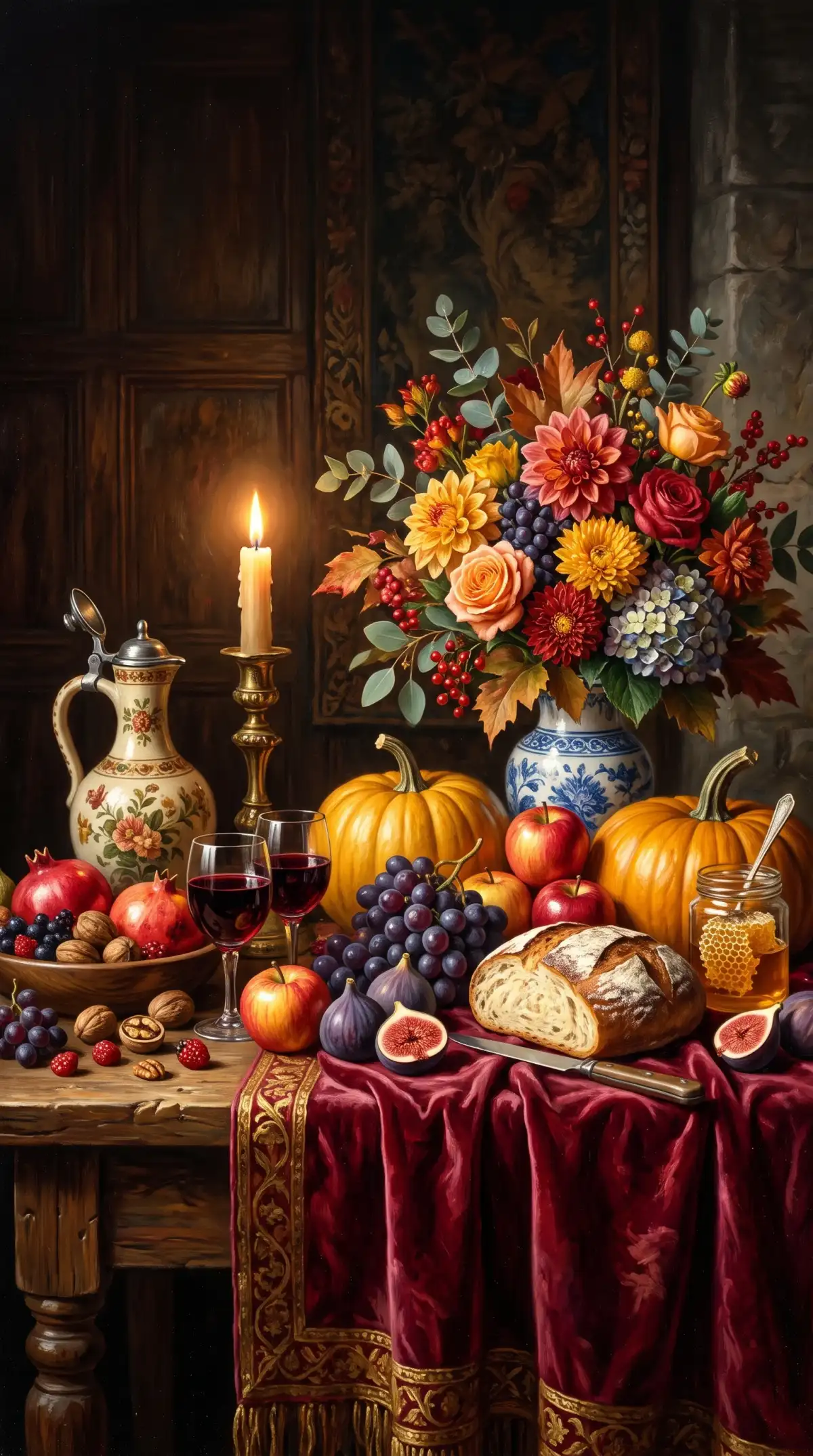
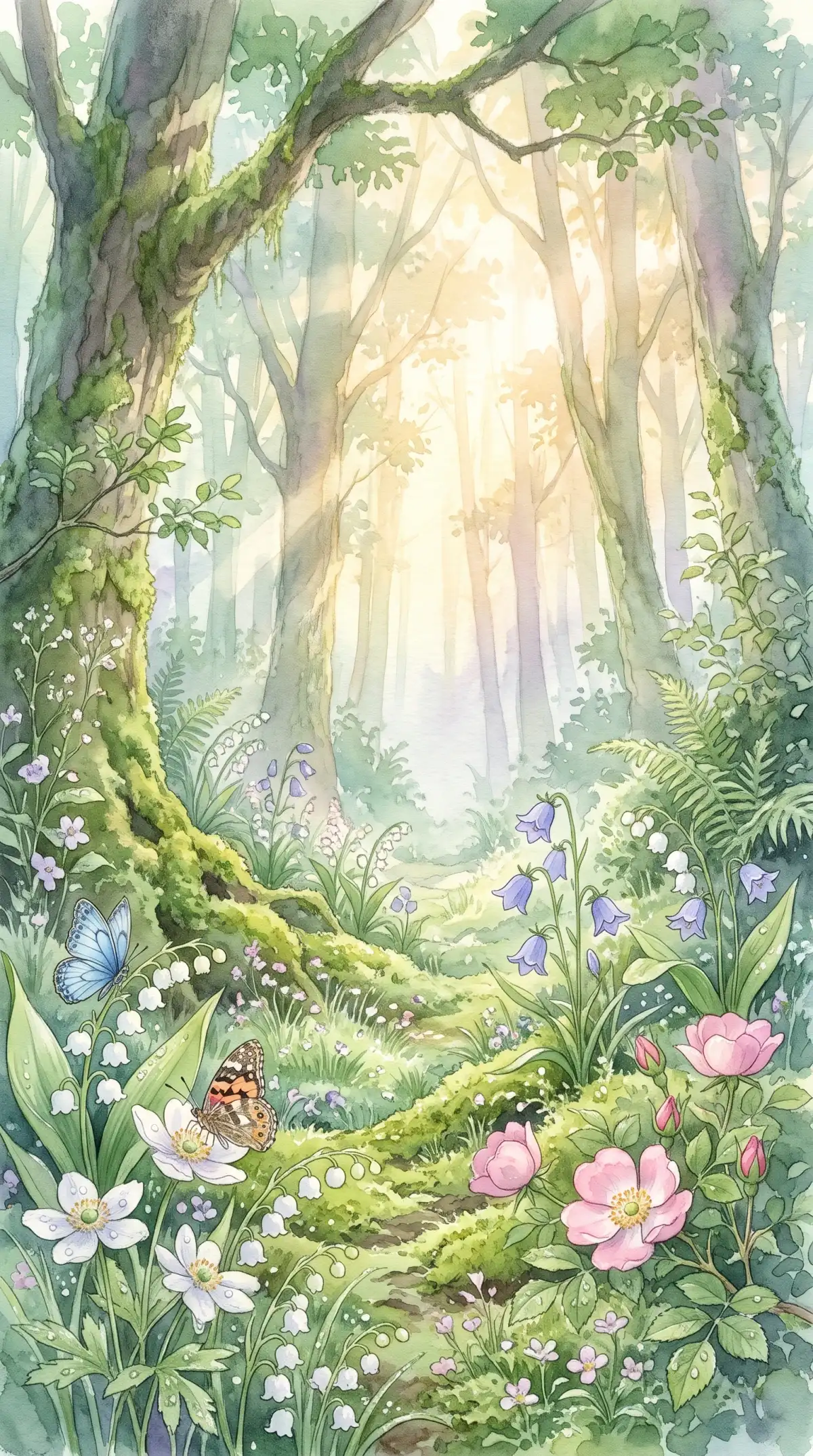
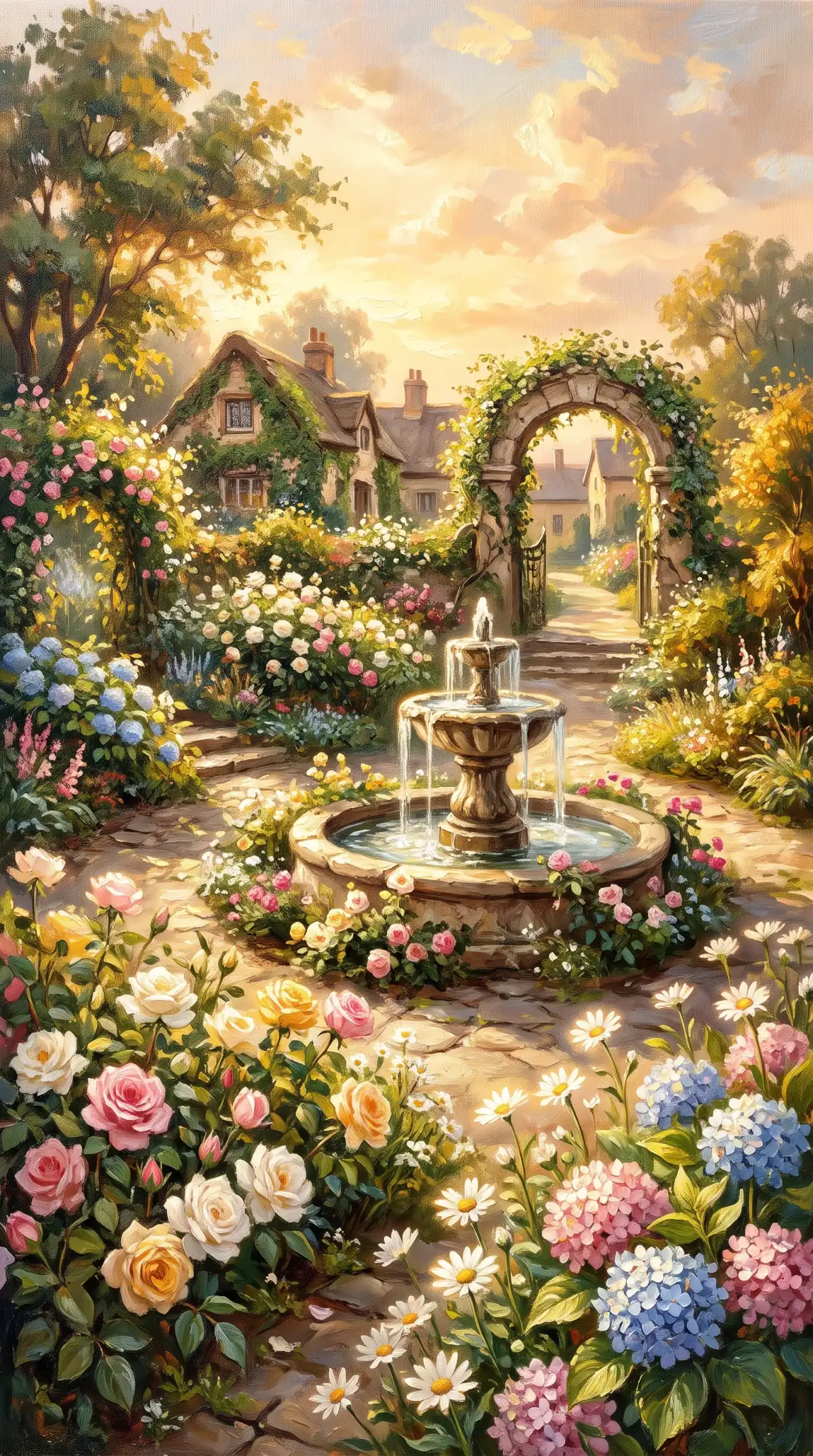
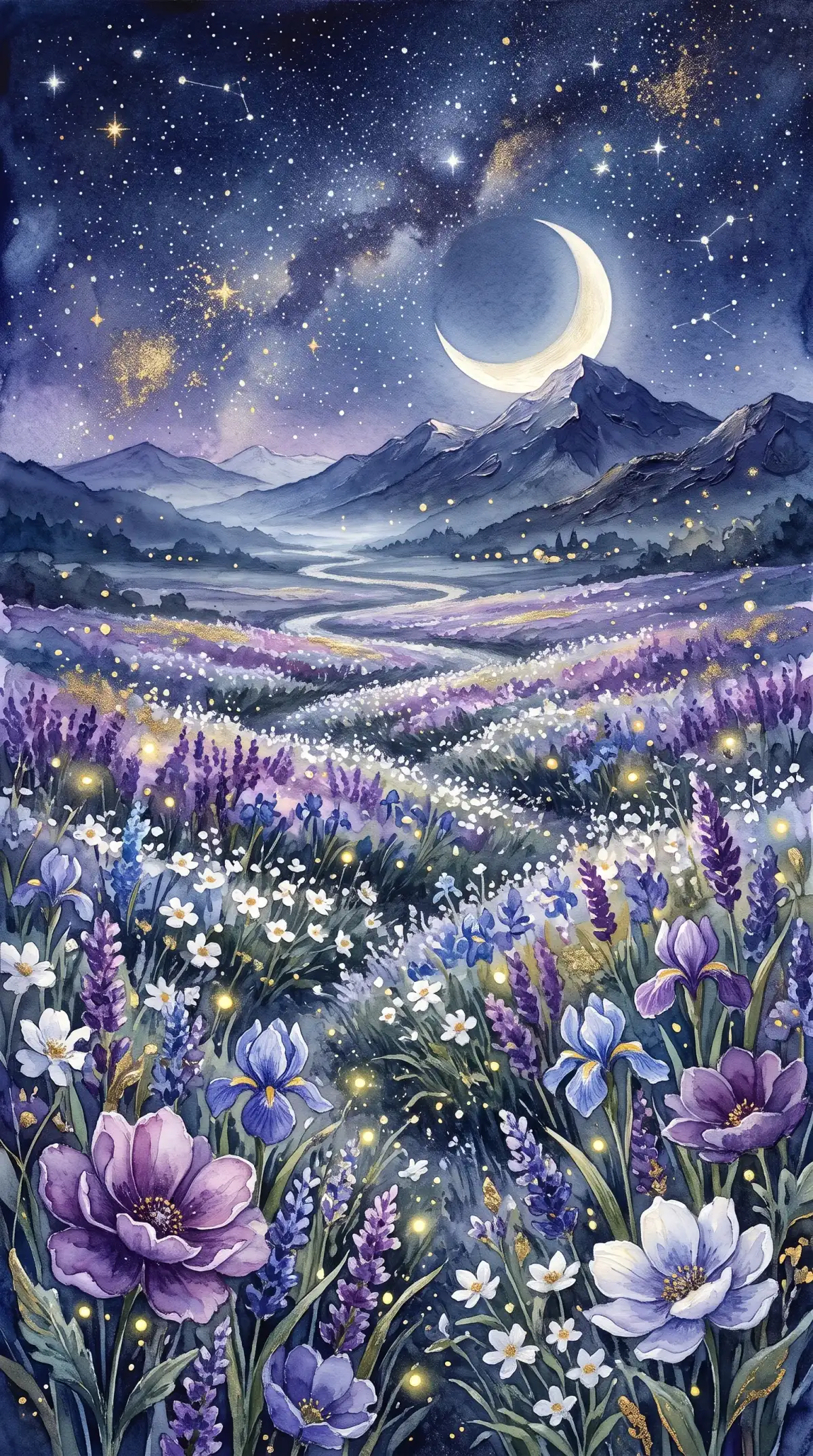
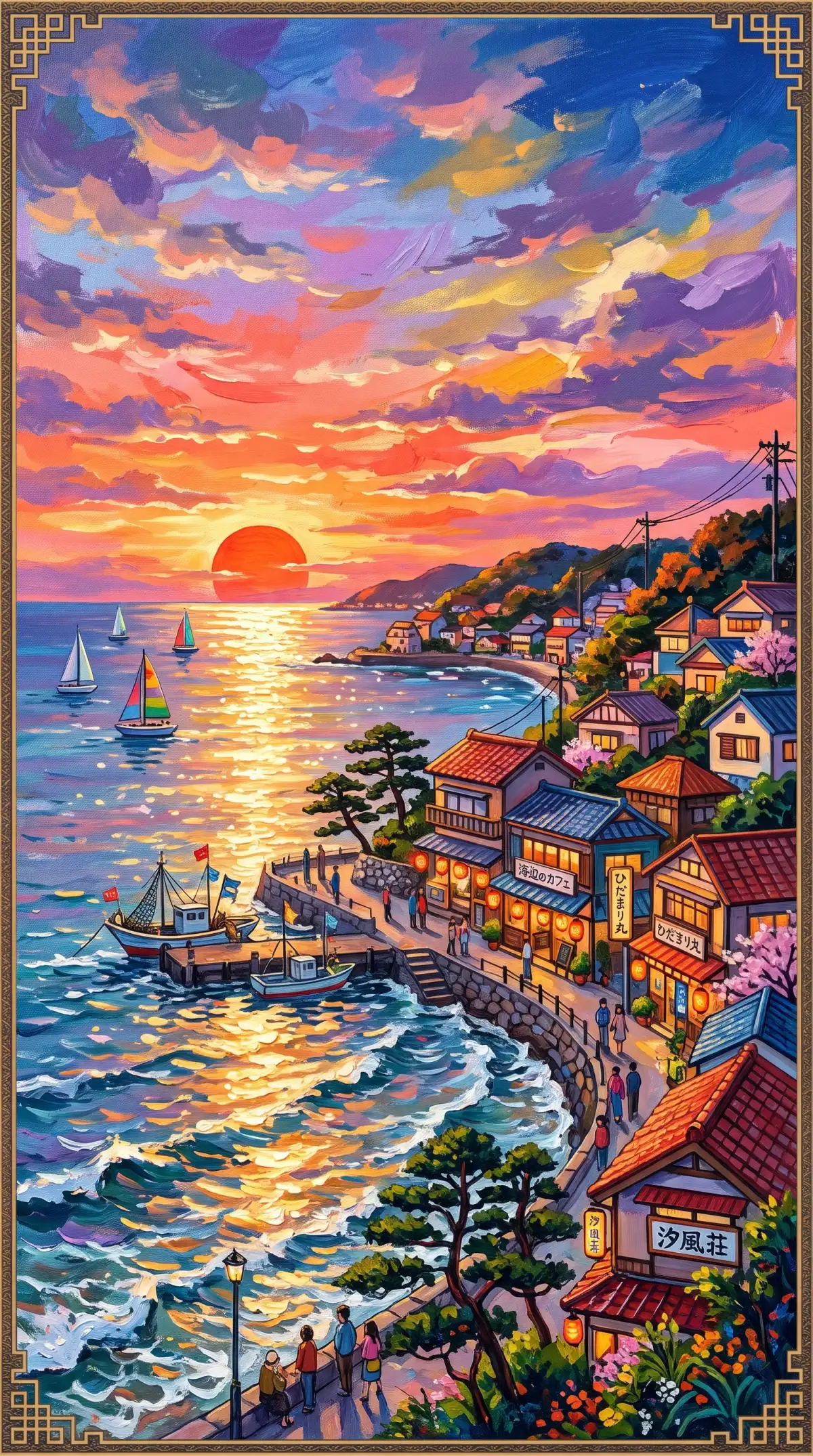
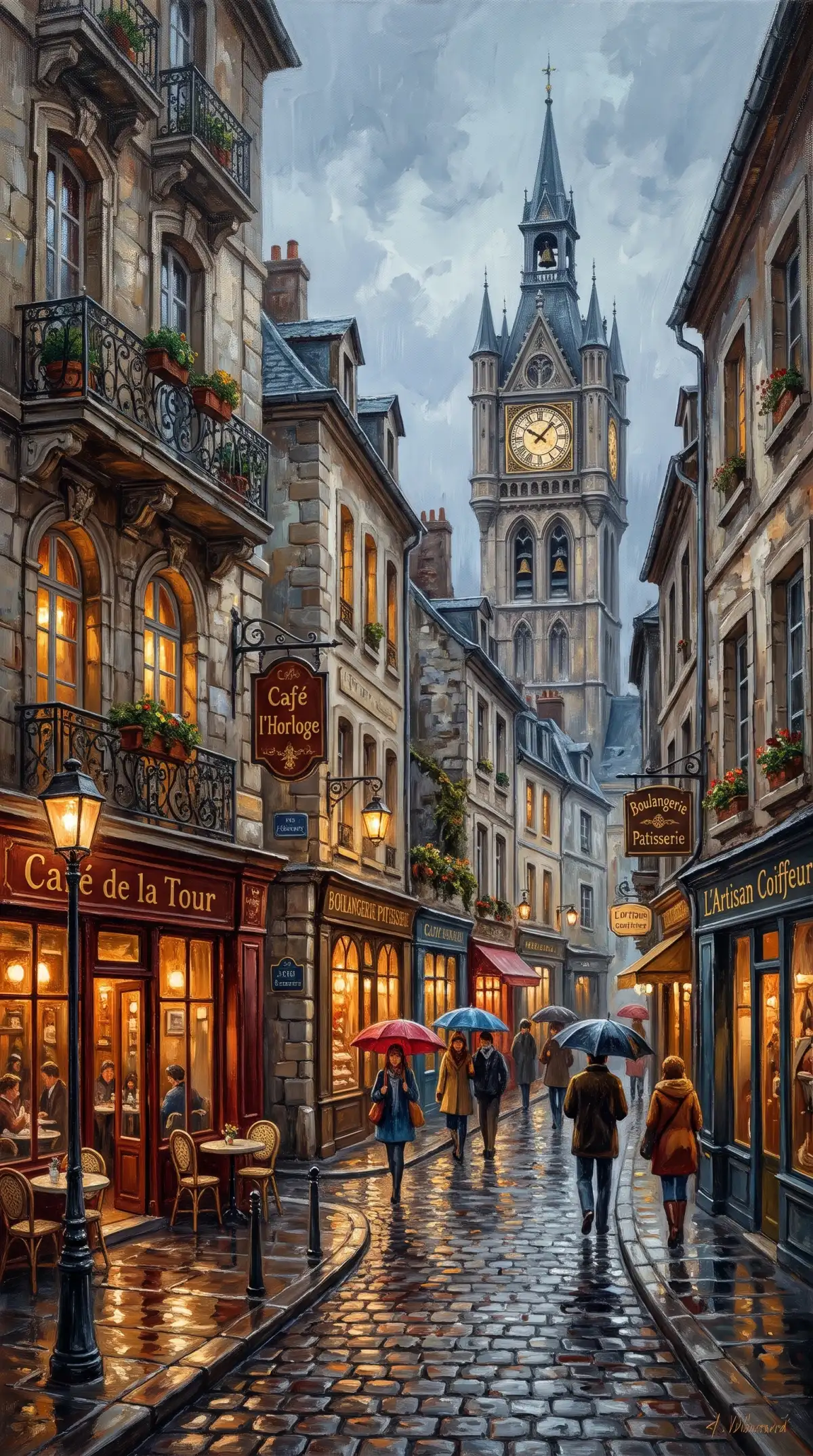
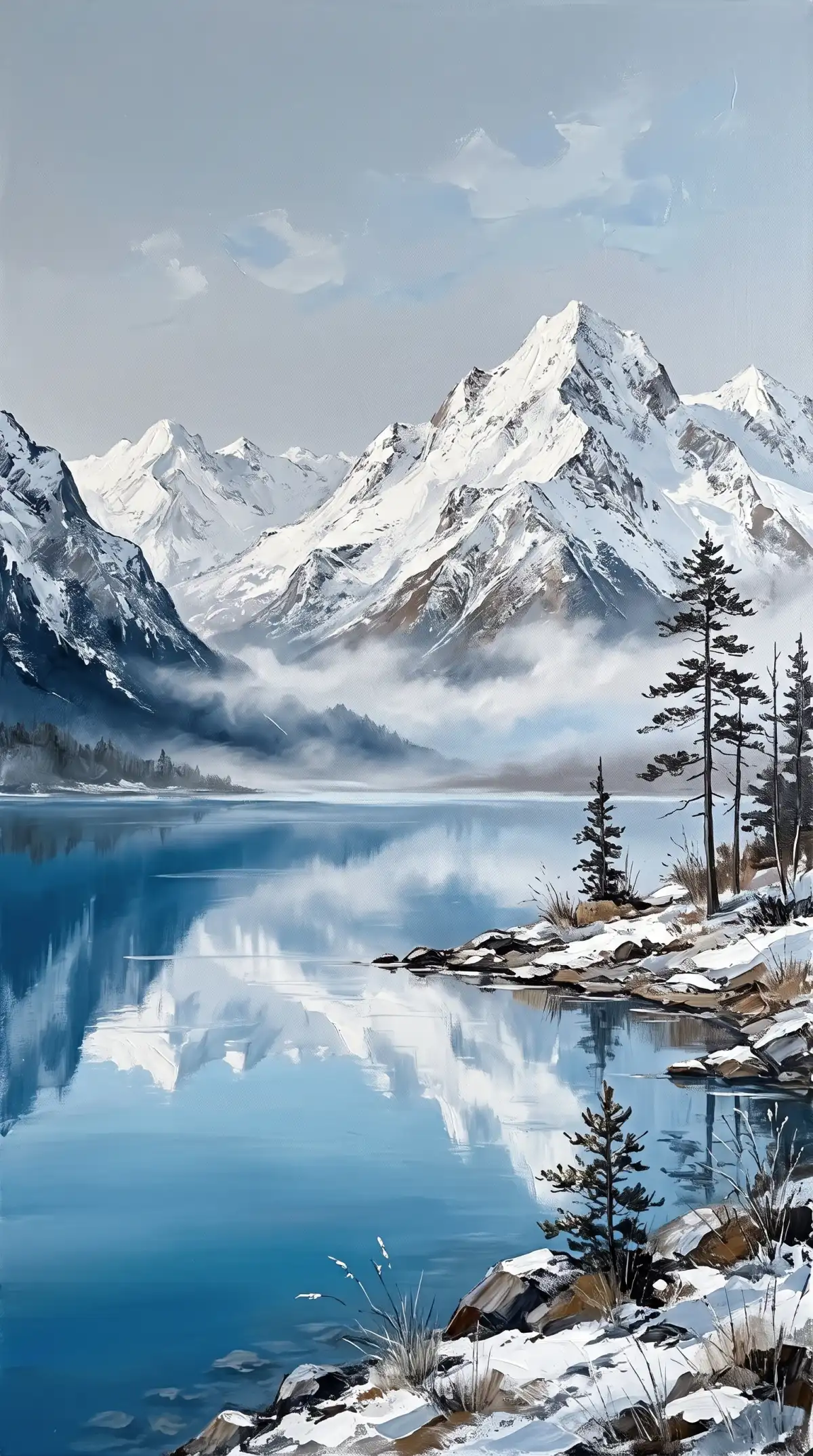
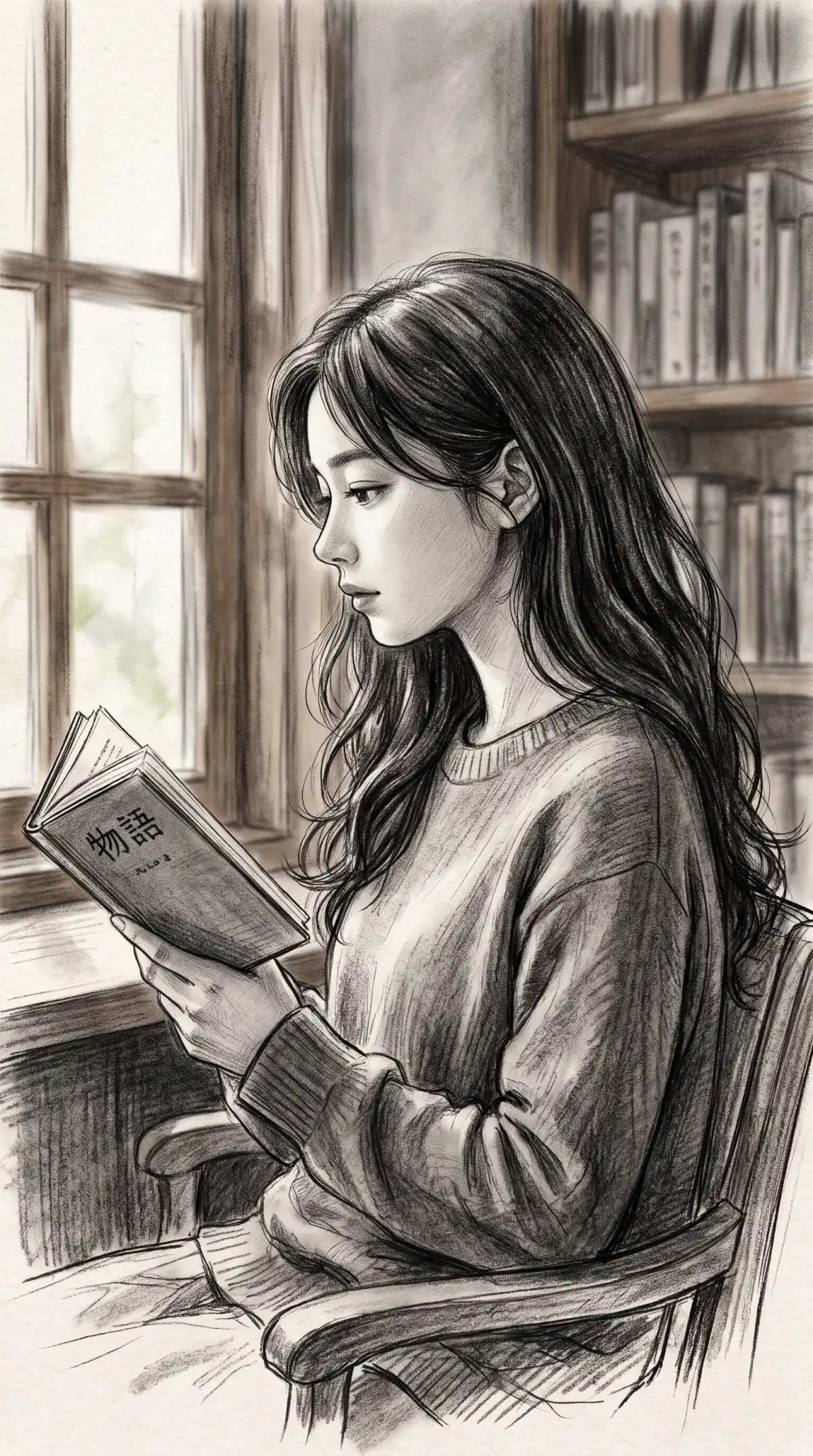
AI Artwork Generator Examples
AI Generated Artwork
Custom AI Artwork Designs
AI Artwork Samples
AI Artwork Ideas
AI Generated Fine Art
AI Artwork Creation Ideas
AI Artwork Generator
AI Artwork Generator Examples
AI Generated Artwork
Custom AI Artwork Designs
AI Artwork Samples
AI Artwork Ideas
AI Generated Fine Art
AI Artwork Creation Ideas

Top Features of the Magiclight AI Artwork Generator

Fine art lives in its medium, whether that is thick oil strokes or soft smudges. Magiclight AI artwork generator gives you settings that match an art piece to your vision.
Create AI Artwork for Free
AI Artwork Generator Features

3 Formats Up to 20MB for Sketch Scans

Scan pencil studies as JPG, PNG, or WEBP reference files. Each artwork reference file can reach 20MB so that pencil lines and shading stay clearer in a large AI scan.

500 Characters for Style and Technique

Name the medium, such as impasto oil, charcoal on toned paper, or mixed media with gold leaf. Add the subject, the palette, and the mood in the 500-character prompt. A full brief tells the engine how the surface should look.

10 Image References for a Matching Set

Upload a finished piece and a palette card and style samples with up to 10 files in one request. Name each file’s role in the prompt so new pieces then follow the same brushwork and color.

6 AI Models to Compare on One Brief

Run one medium and subject through Seedream 5.0 Pro and GPT Image 2 and Nano Banana 2. Compare the brush texture in each result and choose the one AI model that fits.

Who Can Use the Magiclight AI Artwork Generator
Every wall of art starts as an idea on paper. Magiclight AI artwork generator helps students and gallery teams test it. Designers and painters use it too.
AI Artwork Generator for Art Students
For Art Students
Load scans of pencil studies as JPG, PNG, or WEBP under 20MB.
Add a complete medium explanation in a 500-character prompt.
Show a finished piece as a clip from the Video tab in a critique.
AI Artwork Generator for Gallery Curators
For Gallery Curators
Try different output gallery styles with 6 AI image models.
Download each piece to print as a proof for the exhibition plan.
Add music from the Audio tab to a clip for the gallery screen.
AI Artwork Generator for Hotel Designers
For Hotel Designers
Upload a photo of the lobby as a reference to match the room.
Check commercial rights on your plan before a client order.
Reload an approved piece to match the next lobby panel.
AI Artwork Generator for Commission Artists
For Commission Artists
Send a concept into Image to Video as a short client preview.
Link different styles for the portfolio through the 6 AI models.
Pair a client photo and a palette card as 10 reference images.
Why Choose Magiclight AI Artwork Generator
Original art has to fit the wall it will hang on. The AI artwork generator in Magiclight AI gives you practical options to plan it.
3 Canvas Shapes for Every Wall
Choose 4:3 for landscape canvases, 9:16 for tall portrait works, and 1:1 for square pieces and gallery grids. Set the shape before you paint so no cropping is needed later. One idea can fit a hallway, a sofa wall, or a desk.
Video and Audio Tabs for a Gallery Teaser
Create the artwork in the Image tab, then move to the Video tab for a short clip. Add sound from the Audio tab so the teaser feels finished.
Reference Image to Image for a Study from a Photo
Upload a client photo or a room photo and describe the medium you want. The upload guides the composition while your words set the style. A study can then reflect a real subject before any paint is touched.
Turn Artwork Into a Digital Exhibition
Showcase your finished paintings through Magiclight AI's Story to Video feature. Choose from 16 story models and create a visual presentation featuring your artwork.
Online Tool with No Installation
Open Magiclight AI in your browser and start a piece without downloading anything. Nothing needs to be set up before the first prompt goes in. Any computer with a browser becomes your studio.
Commercial Rights on a Paid Plan
Selling prints or using pieces in a client project needs a plan that includes commercial rights. Confirm your plan details before an order goes out. Personal planning needs no upgrade.

 How to Make Artwork with Magiclight AI

A series needs a clear brief and a repeatable routine. Magiclight AI's AI artwork generator makes each round quick.

1.

Choose How to Begin

Open Image in the Toolbox. Pick Text to Image when you only have words, and Reference Mode when you have a sketch or a photo.

2.

Describe the Medium and Subject

Type the technique, the colors, and the subject in up to 500 characters. A line such as charcoal on cream paper with a sleeping cat gives the engine a clear target.

3.

Pick Canvas Shape and Create Now

Choose a frame that fits the wall, then select an engine. Raise the output count if you want several studies to compare. Click Create Image, download the strongest piece, and load it back in as a reference.

FAQs on AI Artwork Generator

How is this different from the AI Art Generator?

The AI art generator covers quick images for many uses. This tool focuses on fine-art mediums and matching series for walls and portfolios. Use it when you want a set of pieces that belong together.

Can I create a matching set of artworks?

Yes, upload your first piece as a reference for each new one, with up to 10 files in one request. Magiclight AI follows the brushwork and palette of the upload. Results can vary, so compare a few versions.

Which art mediums can I choose?

Name the medium in your prompt, such as oil, acrylic, watercolor, charcoal, pastel, or mixed media. Add the technique and the surface for a clearer result. Try a second engine if the texture is off.

Can I print and sell the artwork?

Selling depends on your plan, so confirm that your Magiclight AI subscription includes commercial rights. Check your print shop’s file requirements before ordering a large canvas. Keep a record of the prompts you used.

Can I copy a famous painter's work?

No, specific artworks can be protected, and copying them is unfair to the artists who made them. Create original pieces and name styles broadly, such as impressionist brushwork. Do not describe a particular canvas.

Is the AI artwork generator free to try?

You can join a new account and make a first piece before choosing a plan. Choose one medium and one subject, then look at the result. Pick a paid plan only if you want more pieces or commercial rights.


Create Unique AI Artwork With Magiclight AI

Bring the medium, the palette, and the story your series should tell. The AI artwork generator in Magiclight AI paints pieces worth framing.