Top Features of Magiclight AI Art Generator
Describe the kind of artwork you want and choose how it should look. Magiclight AI art generator turns your words into digital art that you can use for your creative projects.
Turn your ideas or photos into AI art with MagicLight. Choose your preferred style and create unique digital artwork in minutes. No design experience needed.
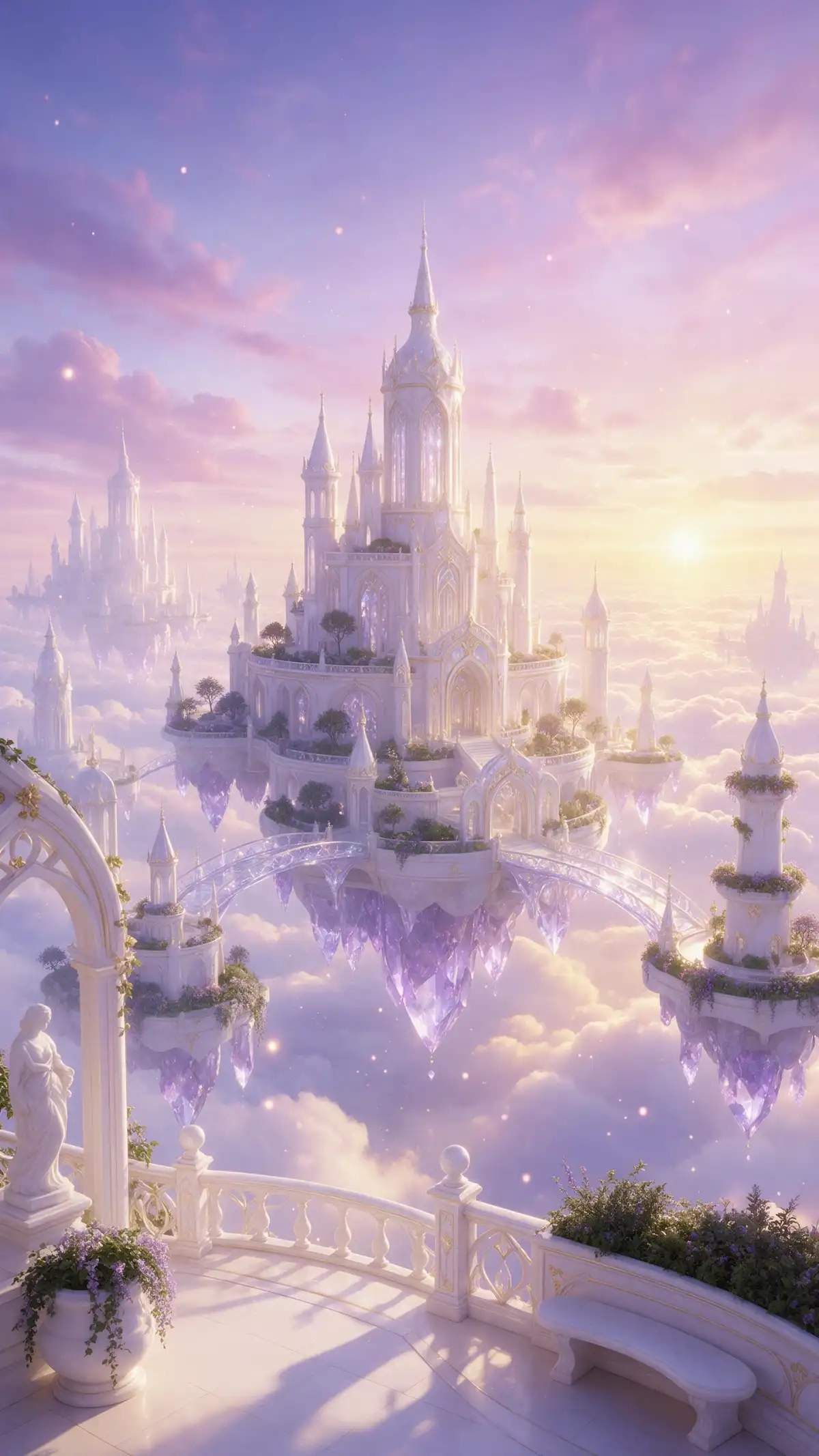
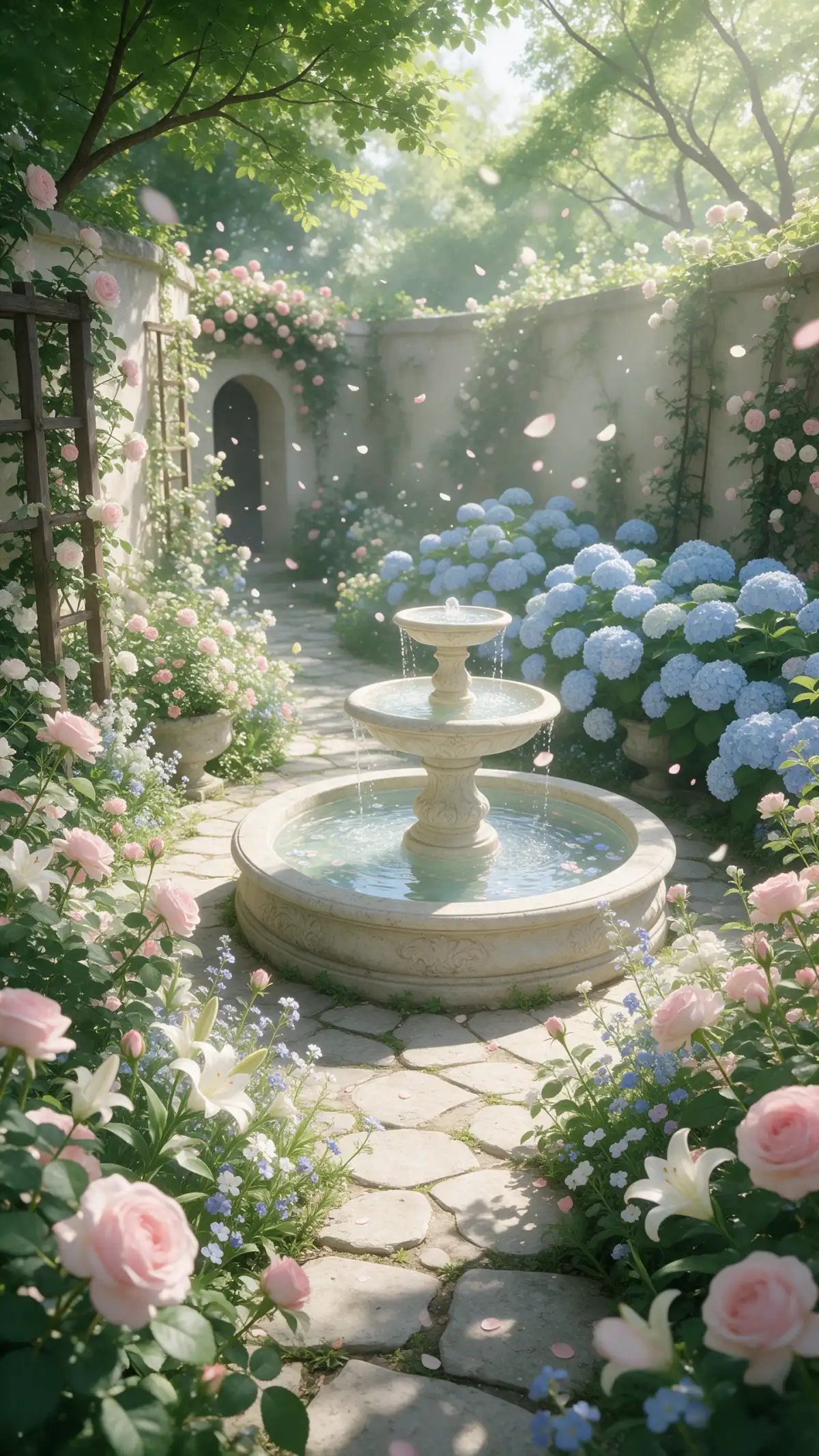
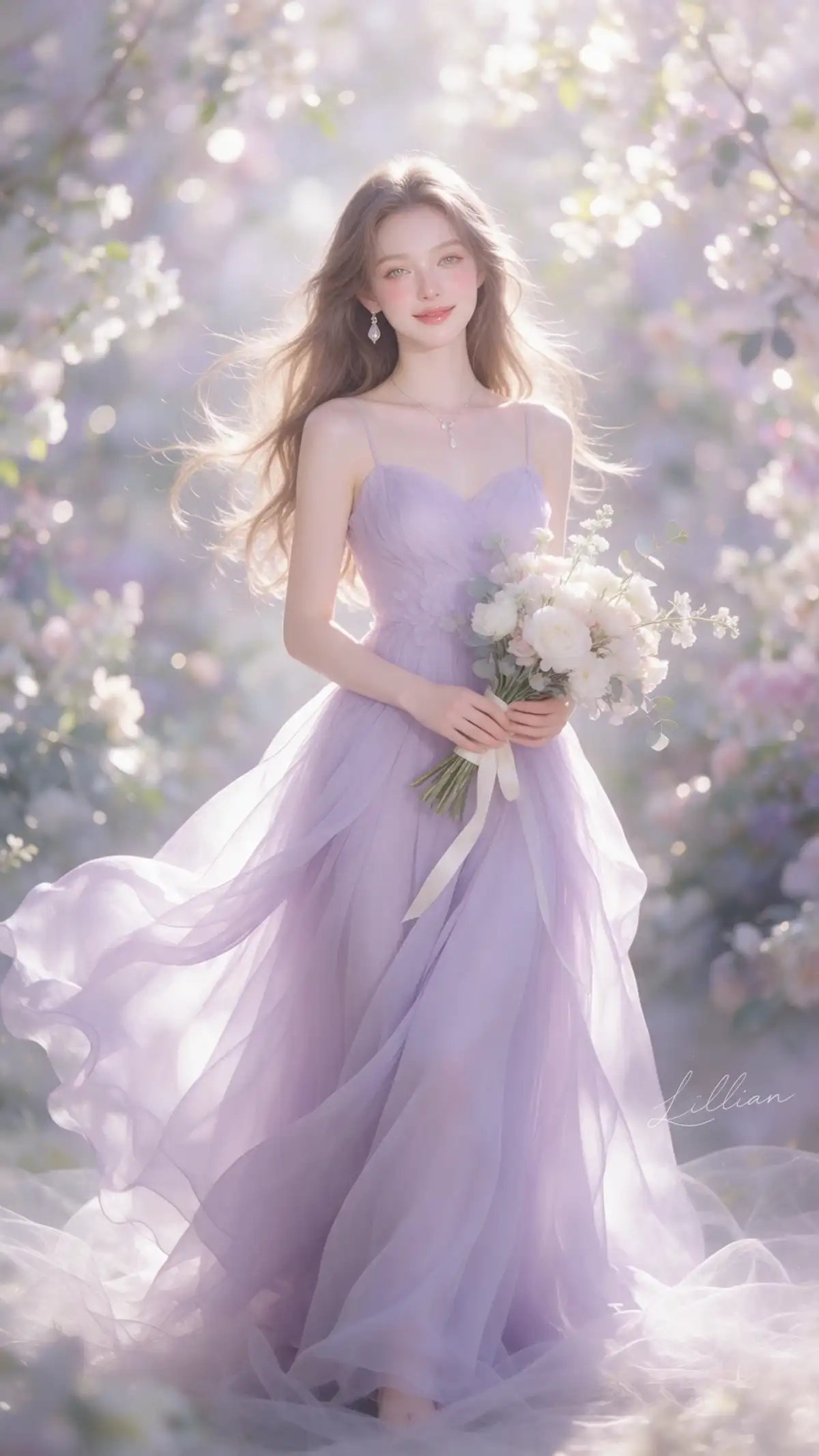
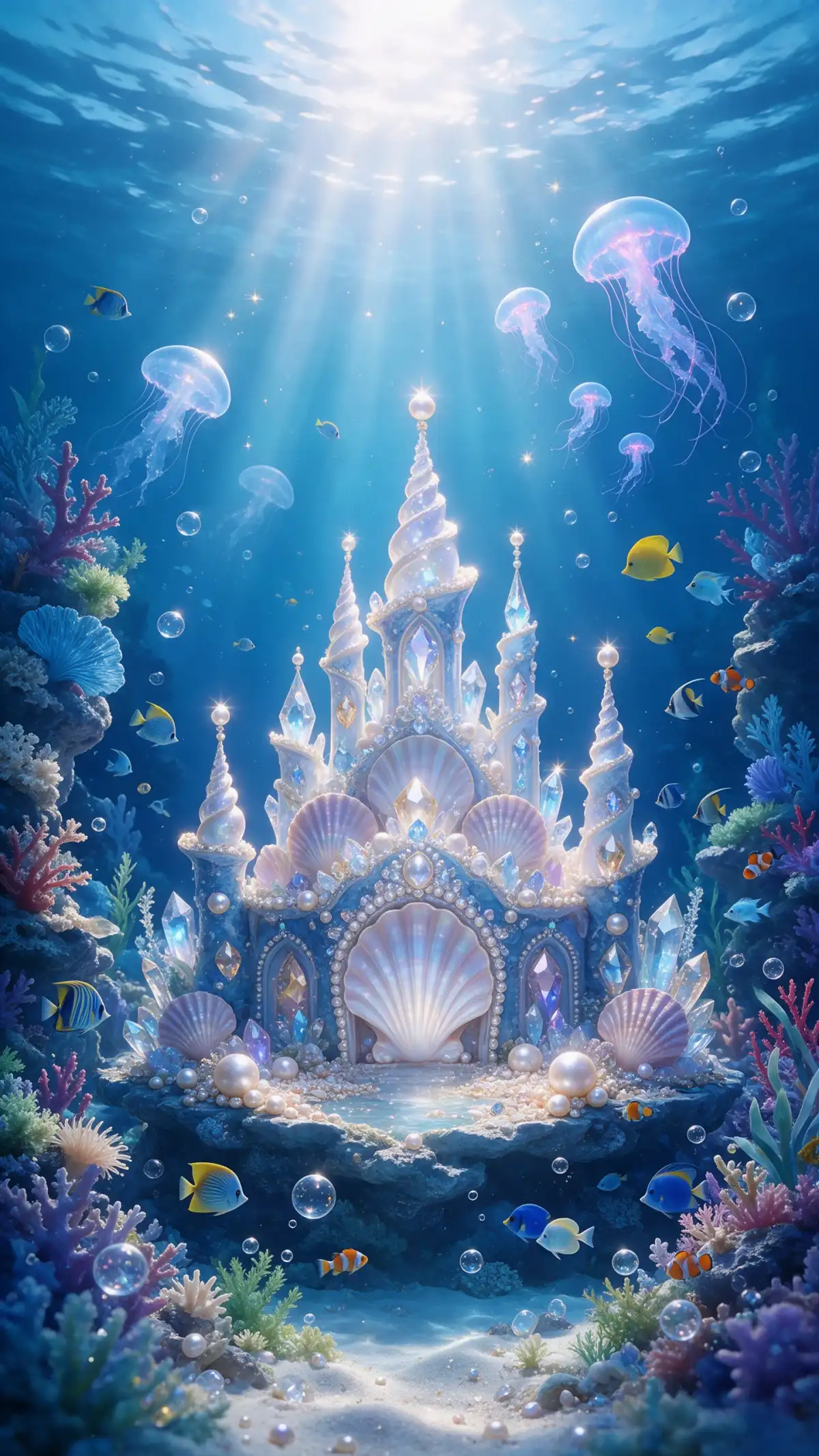
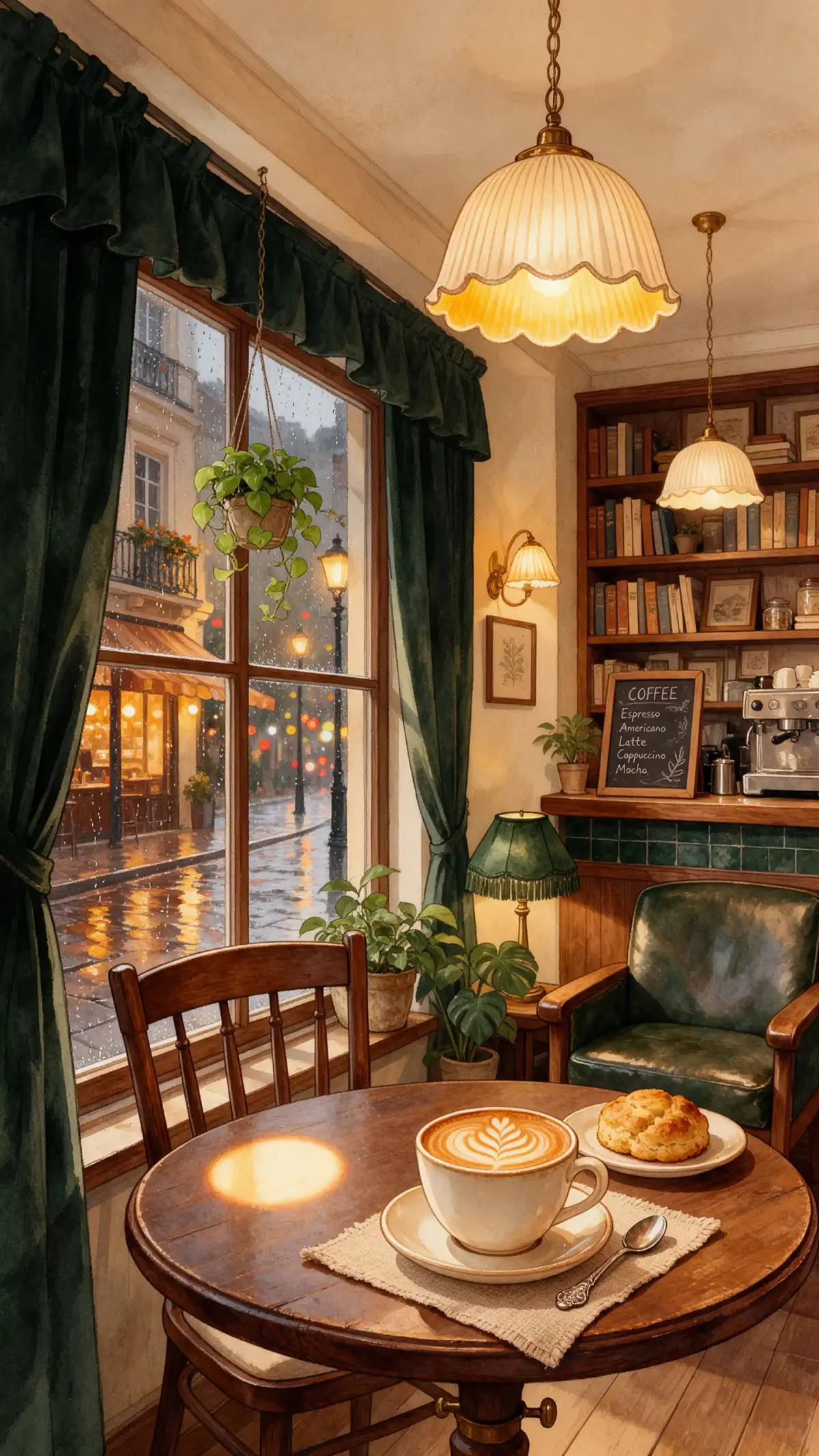
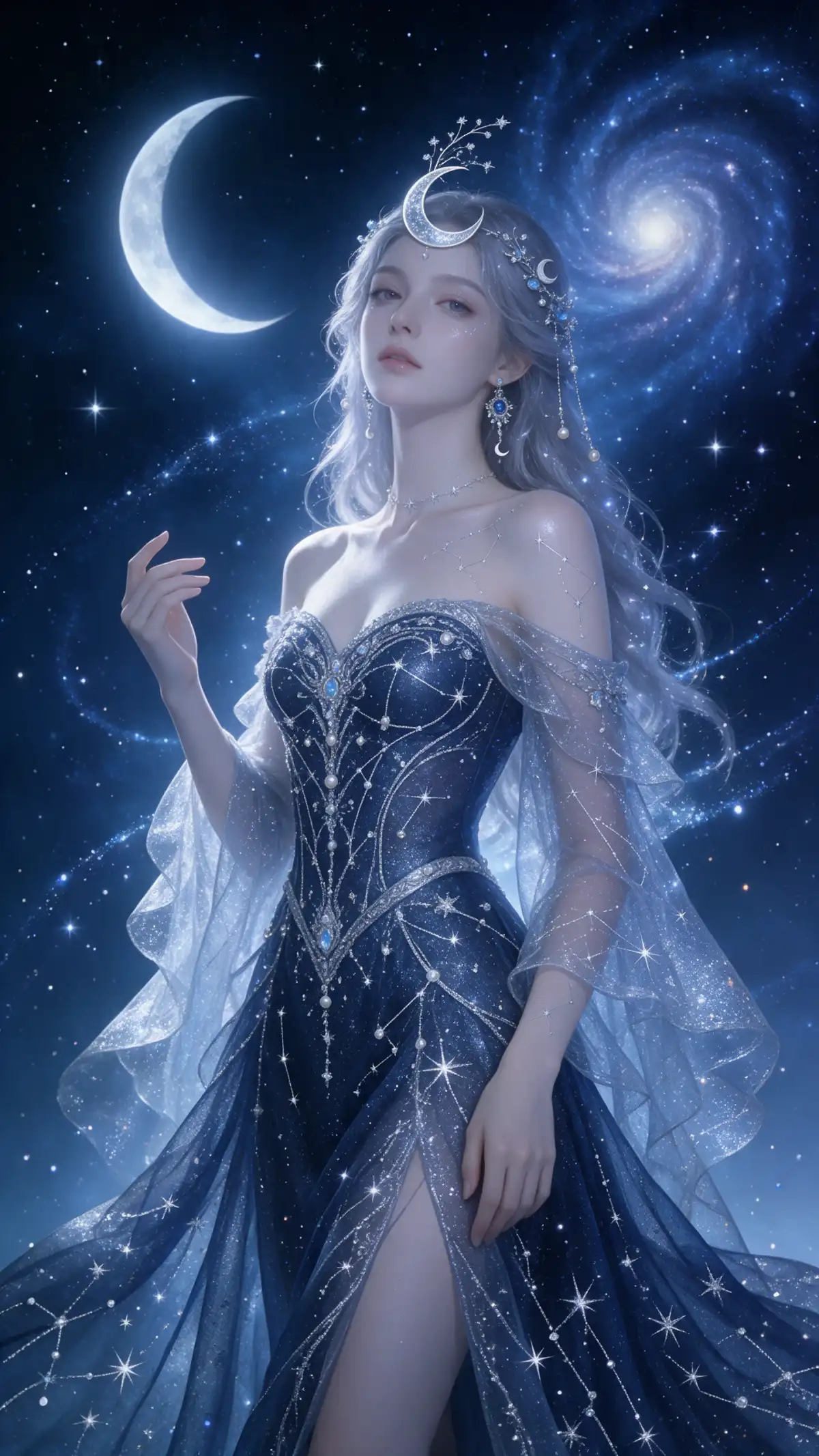
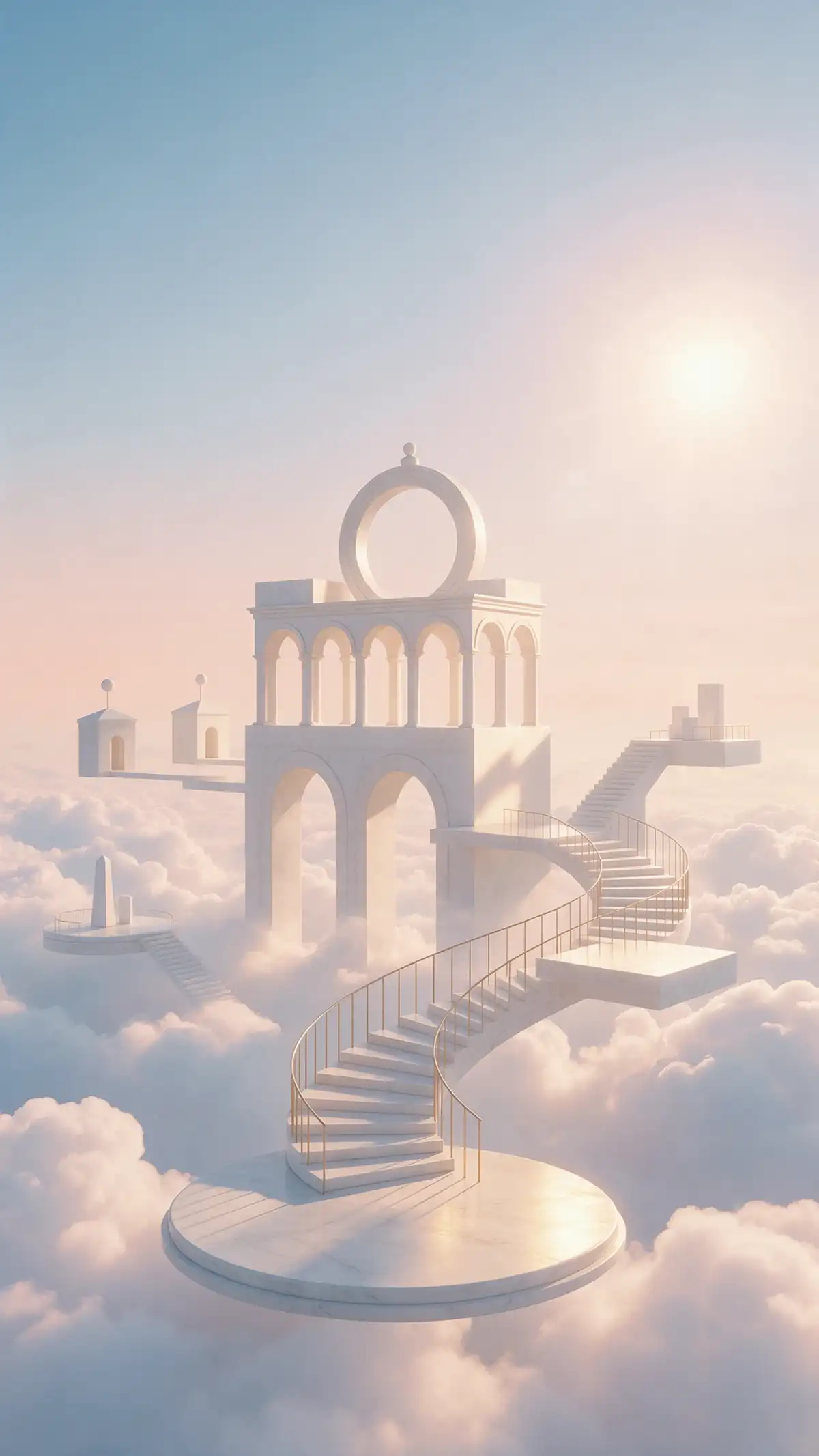
Describe the kind of artwork you want and choose how it should look. Magiclight AI art generator turns your words into digital art that you can use for your creative projects.
Magiclight AI gives you 500 characters to explain what you want to create. Describe a peaceful garden in watercolor or a fantasy castle at sunset to guide the artwork.
Your artwork can follow pictures you already have. Magiclight AI accepts JPEG, JPG, PNG and WEBP reference images of 20MB each to help match the appearance you want.
Magiclight AI offers 6 image models for creating artwork. Try Seedream 5.0 Pro or Nano Banana 2 with your prompt to explore different results and find a style you like.
Choose 16:9 for wide landscape art or 9:16 for tall designs. Magiclight AI also supports 4:3 for traditional picture frames and 1:1 for square artwork on social media.


Start with an idea for your artwork and let the Magiclight AI art generator handle the rest. These 4 steps show how to create an image that looks closer to what you imagined.
Visit the Magiclight AI Toolbox and open the Image section. Select Text to Image for a new creation or Reference Image to Image if you want to work with your own pictures.
Enter up to 500 characters describing your artwork and the style you prefer. Upload a reference image if you want the result to resemble a particular picture.
Explore the 6 image models and pick one that suits your idea. Choose your preferred aspect ratio and decide how many versions Magiclight AI should generate.
Click Create Image to see your artwork come to life. Compare the generated images and save the one you prefer, or use a result as a new reference to make further changes.
Choose from 6 models including Seedream 5.0 Pro, GPT Image 2, GPT Image 2.5 Flare, GPT Image 2.5 Sunburst, Nano Banana 2, and Nano Banana 2.1 to explore different artistic looks.
Yes. Magiclight AI accepts up to 10 reference images in JPEG, JPG, PNG, or WEBP format. Each file can be up to 20MB, giving you room to use your own photos or sketches as guides.
Yes. Create artwork with the Magiclight AI art generator, then use Image to Video to animate it. Choose from 4 video generation modes and make clips lasting up to 30 seconds.
Famous characters and paintings may be protected by copyright. Try describing a general artistic style instead of copying existing artwork or characters without permission.
Yes. Paid Magiclight AI plans include commercial usage rights for generated artwork. You can sell prints or create images for clients, subject to the plan terms.
Yes. Magiclight AI lets you start creating artwork with free starter credits and no credit card required. The number of credits used for each image depends on the model you select.

A few words can turn into a beautiful piece of art. Explore different looks with Magiclight AI and choose the result that speaks to you.