Top Features of the Magiclight AI Baby Face Generator
Give Magiclight AI baby face generator photos of both parents to work with. You can describe the baby's appearance and see a sweet portrait inspired by your pictures.
See what your future baby might look like with MagicLight AI. Upload photos of both parents and create a baby portrait with your preferred look. No design experience needed.
Create an AI Baby Face for Free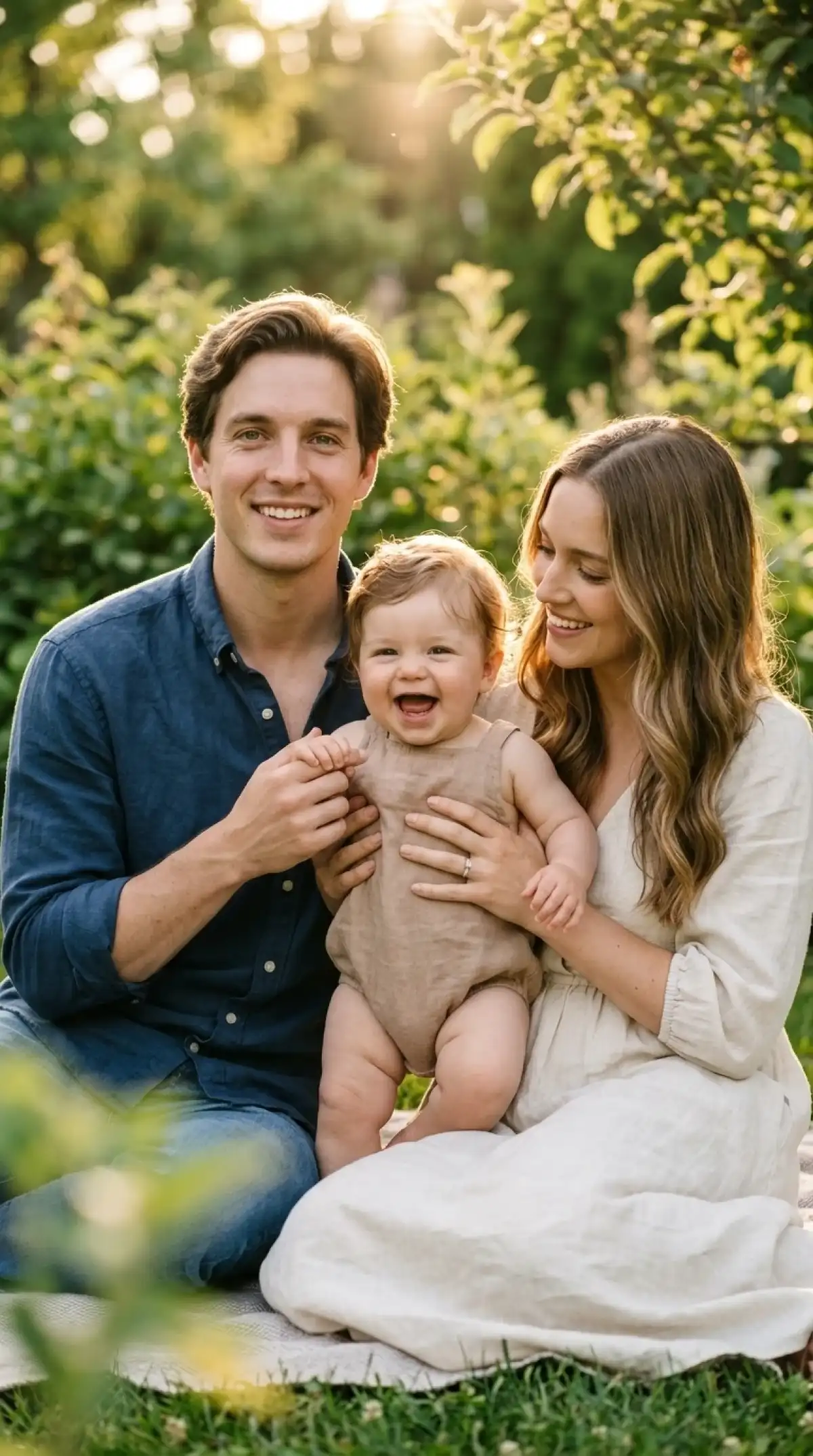
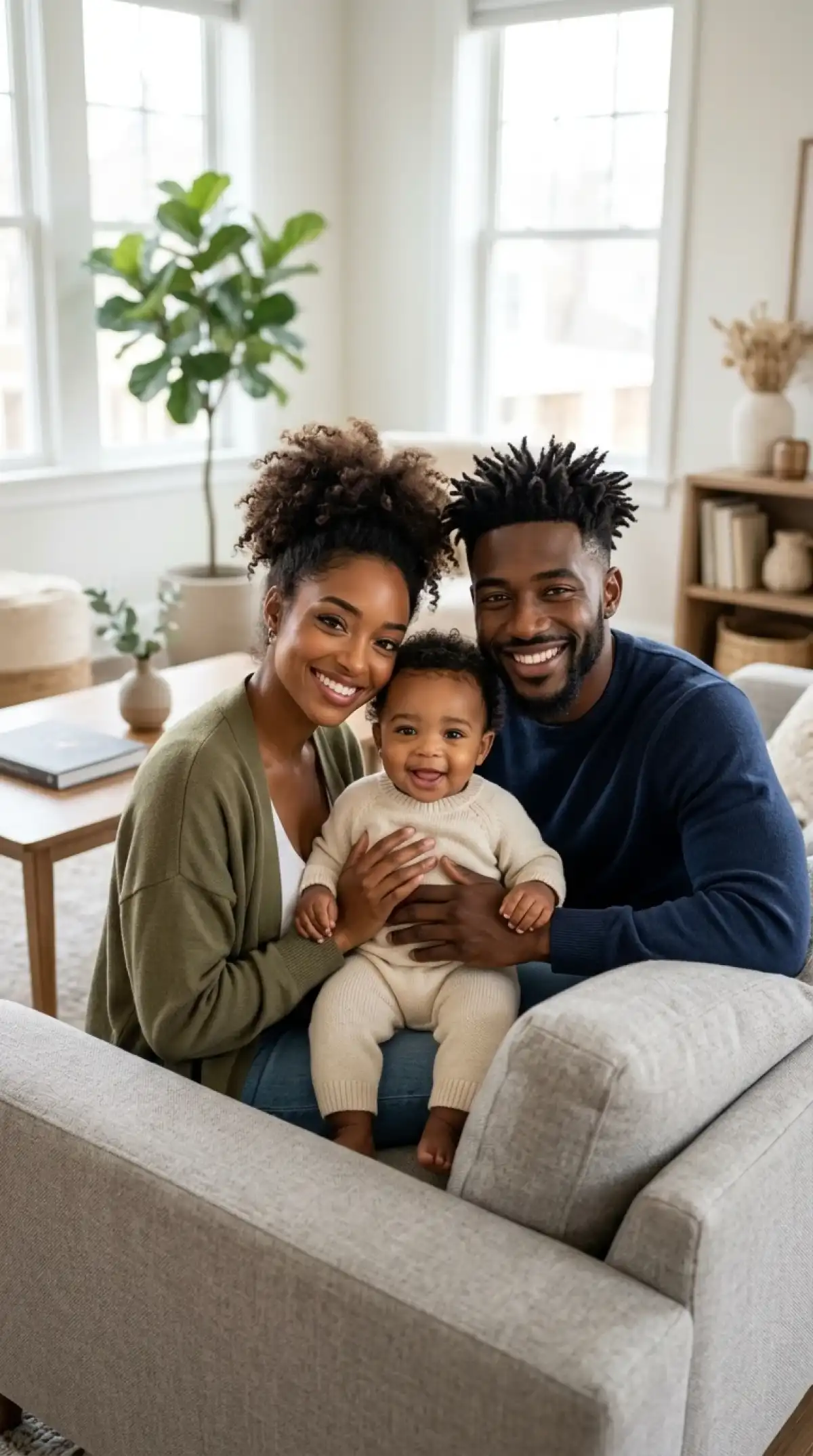
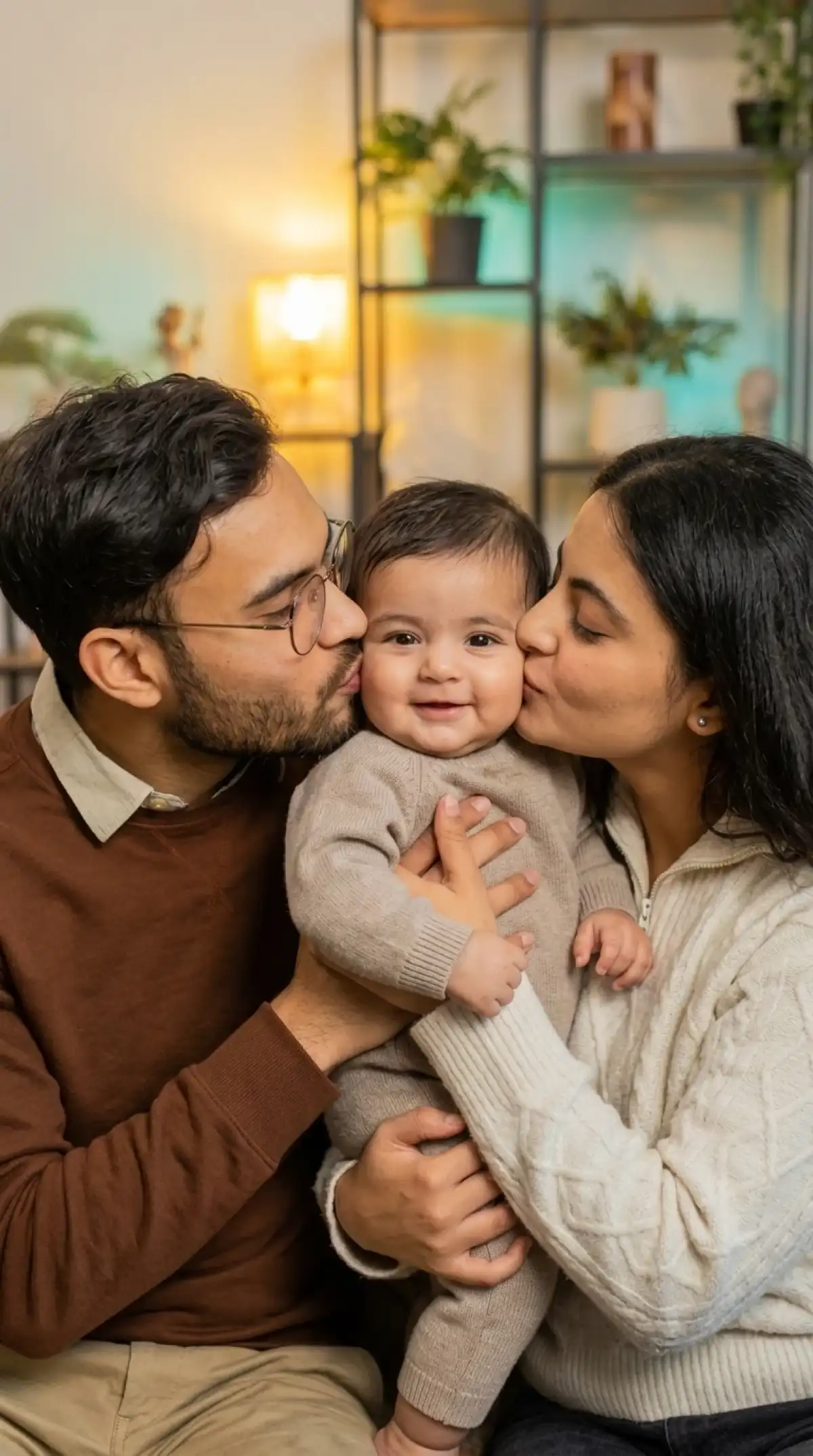
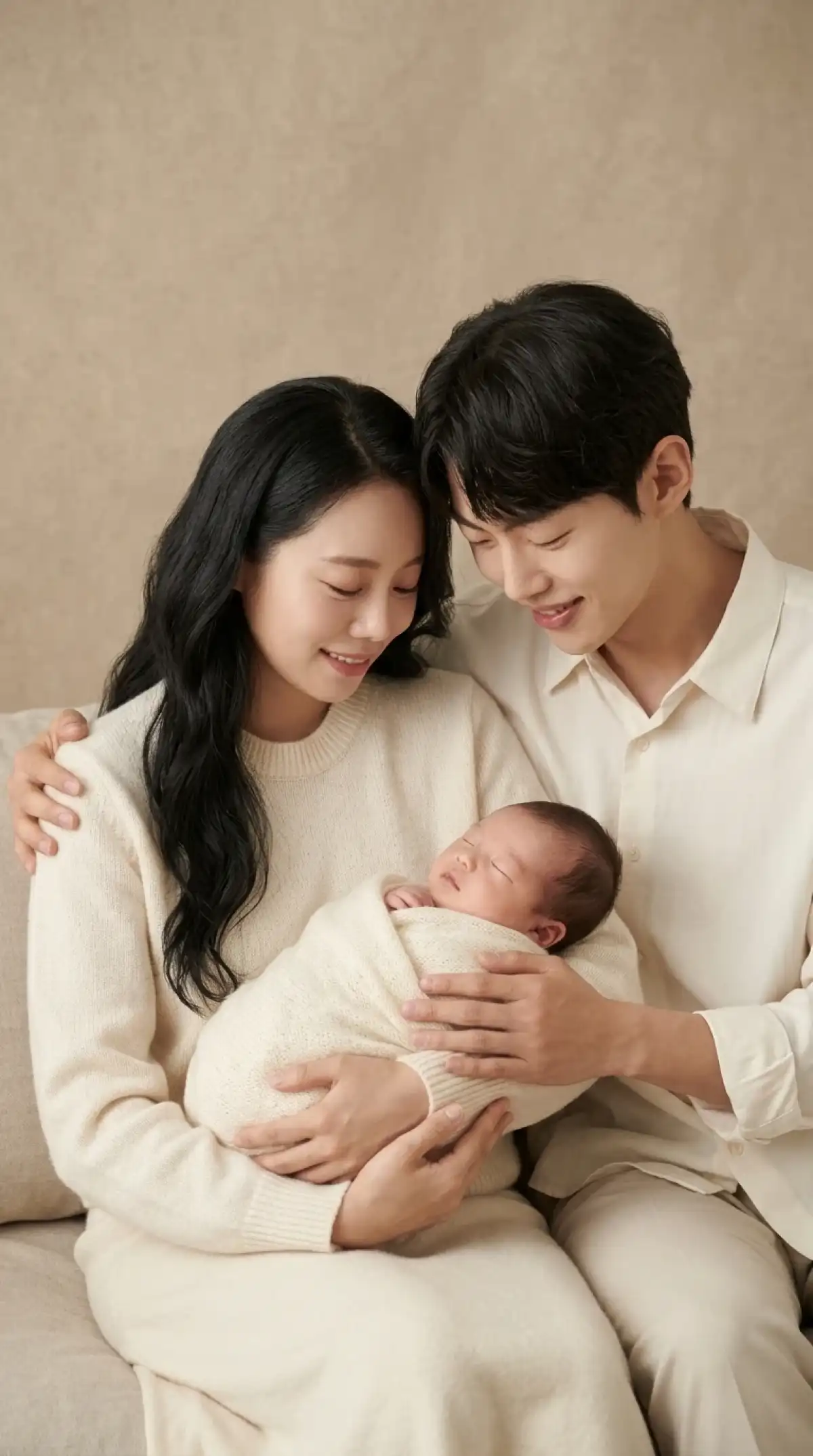
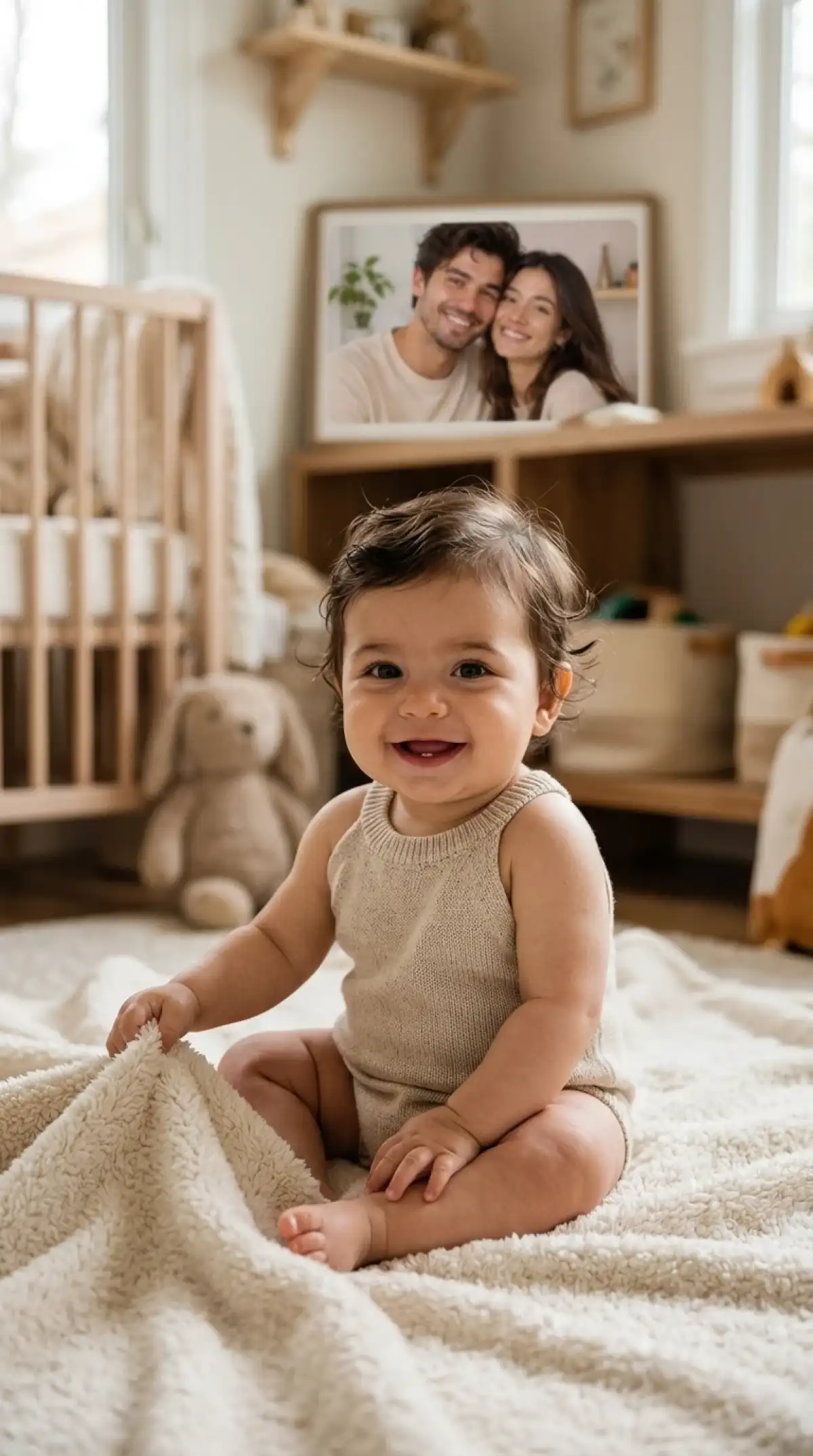
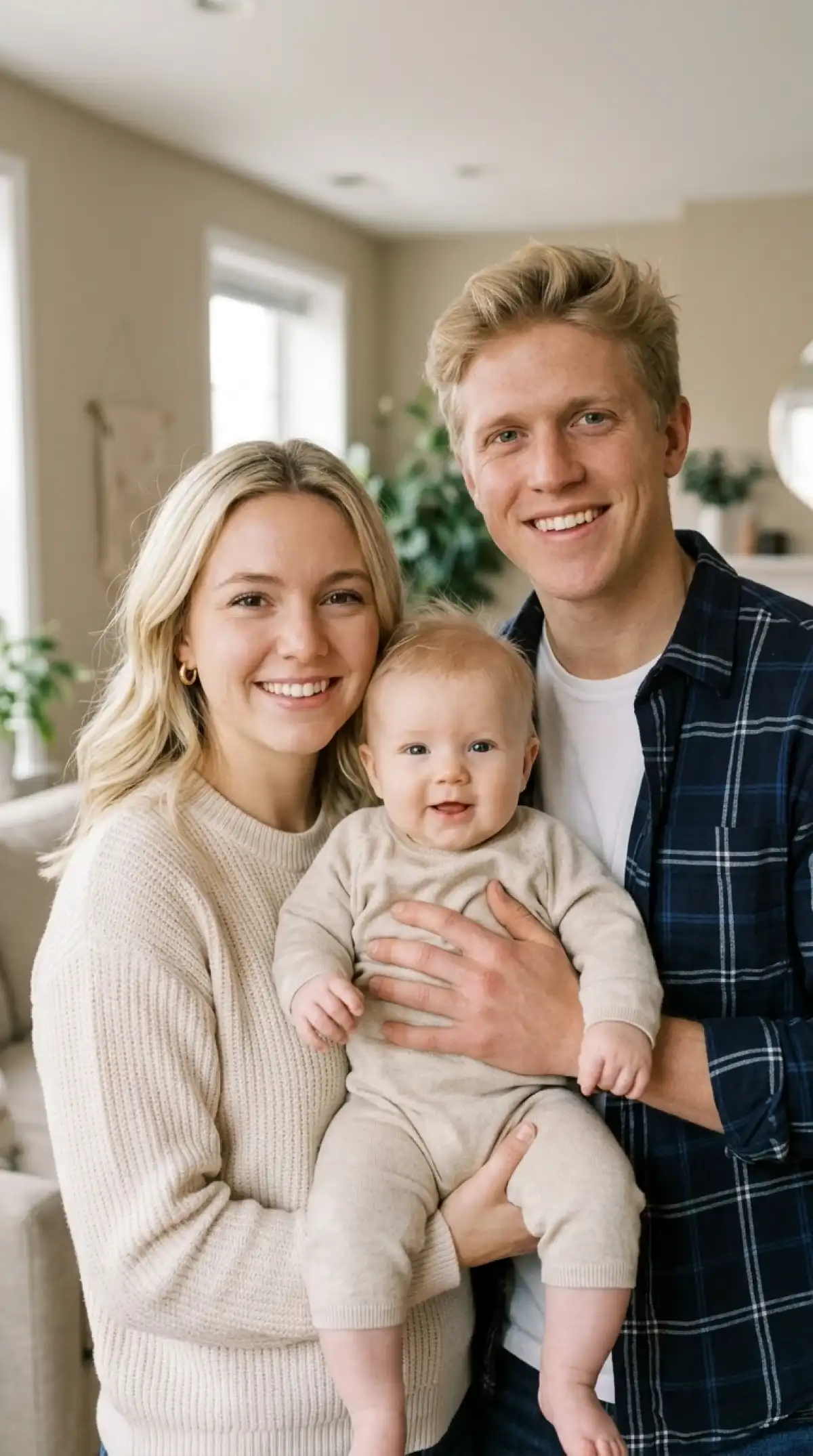
Give Magiclight AI baby face generator photos of both parents to work with. You can describe the baby's appearance and see a sweet portrait inspired by your pictures.
You can add 10 pictures of both parents to guide your baby portrait. Try photos with clear faces and natural expressions to help Magiclight AI follow their appearance.
Magiclight AI lets you use parent photos as references for your baby's face. Select Reference Image to Image and create a portrait inspired by the people in those pictures.
You get 500 characters to explain how you imagine your little one. Describe a baby with rosy cheeks and curly hair, sitting on a blanket with a favorite toy nearby.
Magiclight AI gives you 20 AI video models to animate your baby picture. Create a video lasting 30 seconds and see your imagined little one smile or move in the scene.


See a baby face inspired by photos of you and your partner. Magiclight AI baby face generator takes you through 4 simple steps to turn parent photos into a cute baby portrait.
Start in the Image section of Toolbox and select Reference Image to Image. Add clear photos of both parents to help Magiclight AI create a baby portrait inspired by their faces.
Think of a baby with Mom's eyes and Dad's smile. Use the 500 character prompt to describe that look, along with a cozy nursery setting for the portrait.
Magiclight AI gives you 6 image models to choose from. Select your preferred model and set the frame to 1:1 for a square baby picture.
Press Create Image to generate your baby portrait. Once the picture is ready, check how the parents' features appear in the baby's face and save it using the Download icon.
You can upload up to 10 reference images in Magiclight AI. Choose clear pictures of both parents from different angles to help the tool create a baby portrait inspired by their faces.
Yes. Magiclight AI baby face generator lets you reuse a baby portrait as a reference. Change the age in your prompt to imagine the little one as a toddler or older child.
You can imagine a newborn sleeping in a crib or a smiling toddler playing outside. Describe your preferred scene in the prompt to guide the appearance of your baby portrait.
Yes. Magiclight AI lets you turn your baby portrait into a video through Image to Video. Choose from 20 video models and create a clip lasting as long as 30 seconds.
Yes. You can upload parent pictures in JPG, PNG, or WEBP format. Each reference image can be 20MB in size, giving you room to use clear photos for your baby portrait.
Yes. New Magiclight AI users receive free starter credits without entering card information. You can check the credit cost on the Create Image button before generating a picture.



Turn photos of you and your partner into an adorable baby portrait. Enjoy a fun glimpse of your imagined little one together.