Explore the Magiclight AI Free Online Image Generator Features
Create AI images online for free with MagicLight. No powerful computer or software installation needed. Simply enter a prompt or upload an image to get started.

Create AI images right in your browser with MagicLight. Enter a prompt or upload an image to create unique visuals in seconds. No editing or design experience needed.
Create AI Images for Free

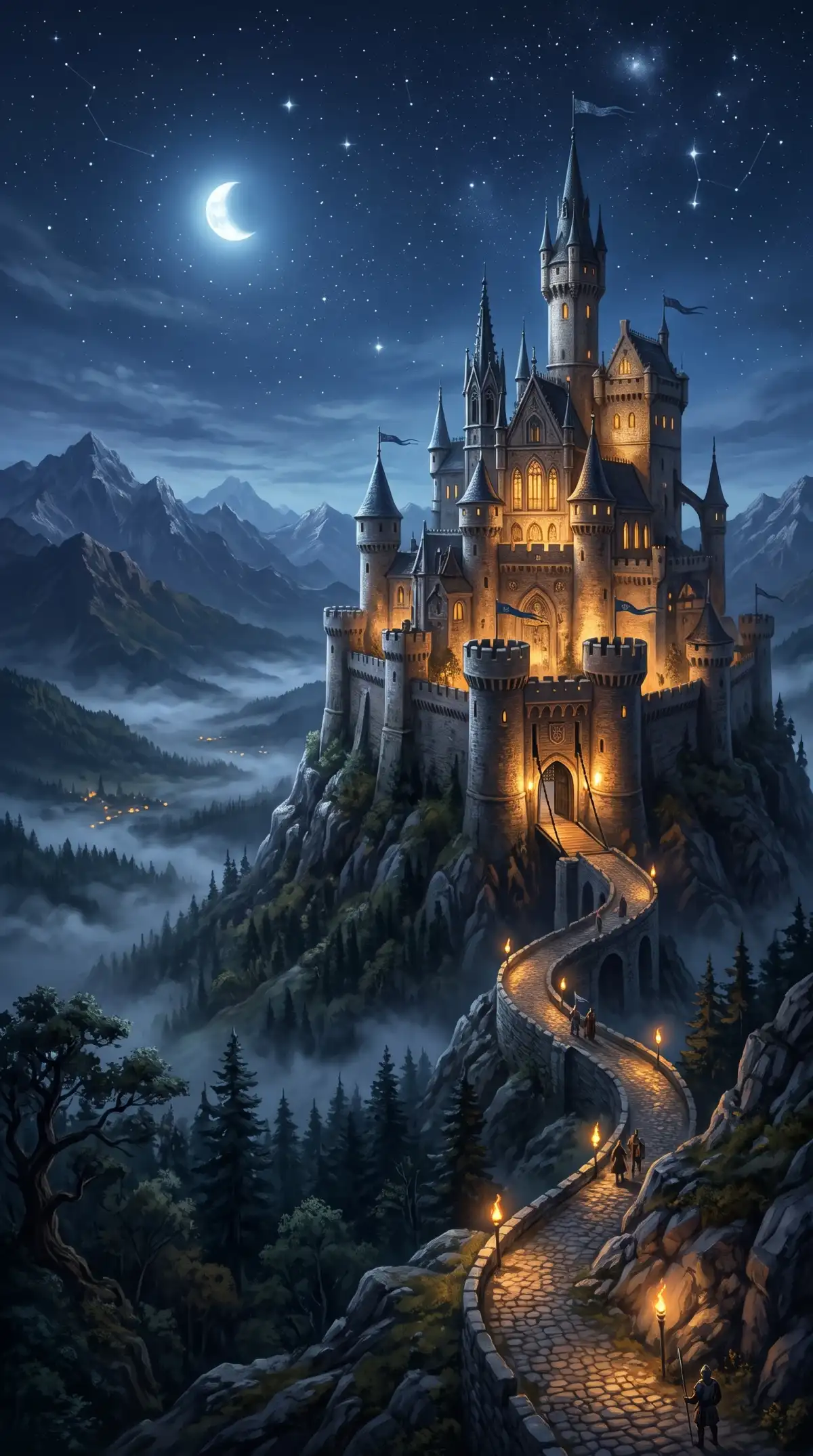
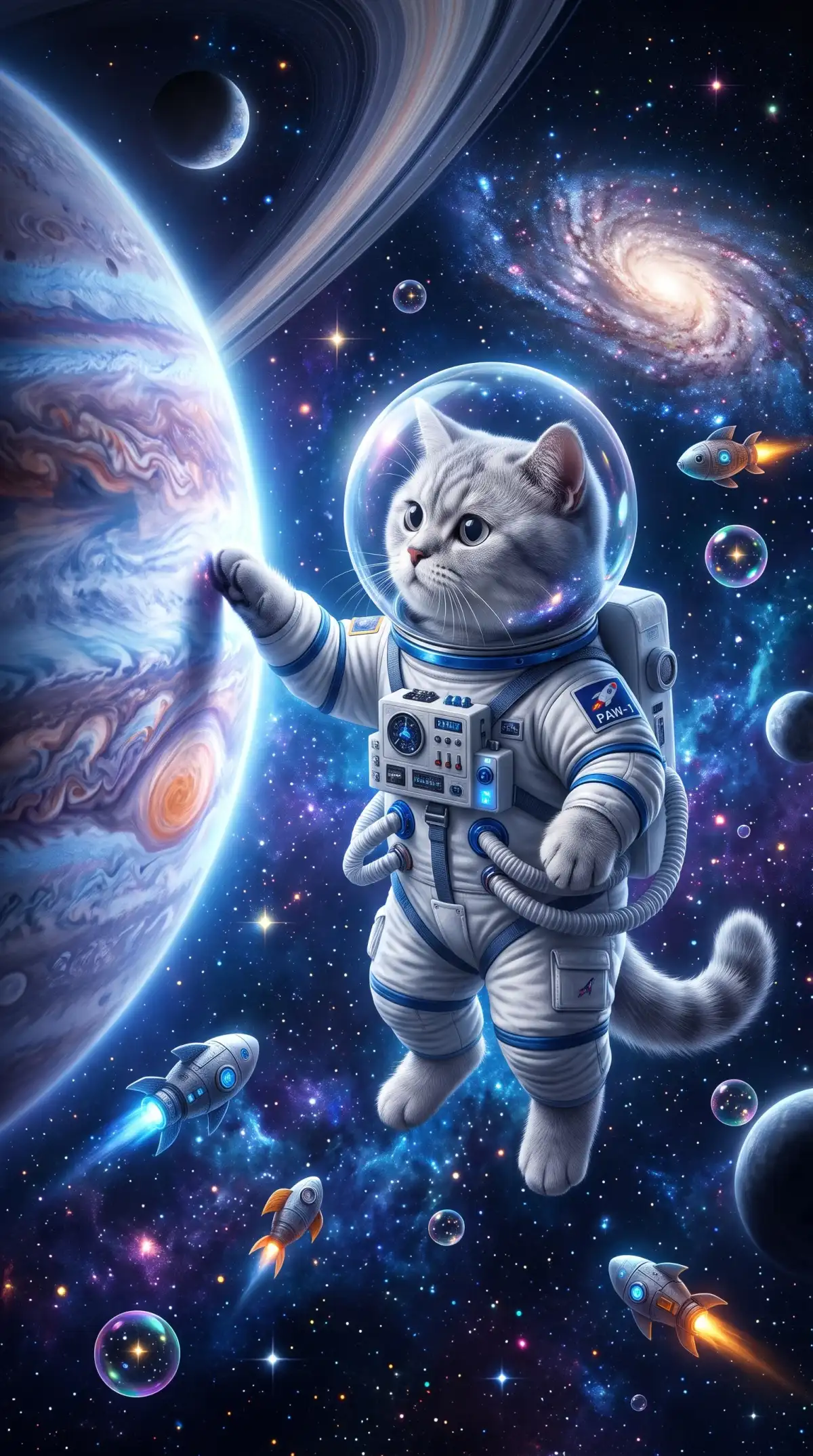

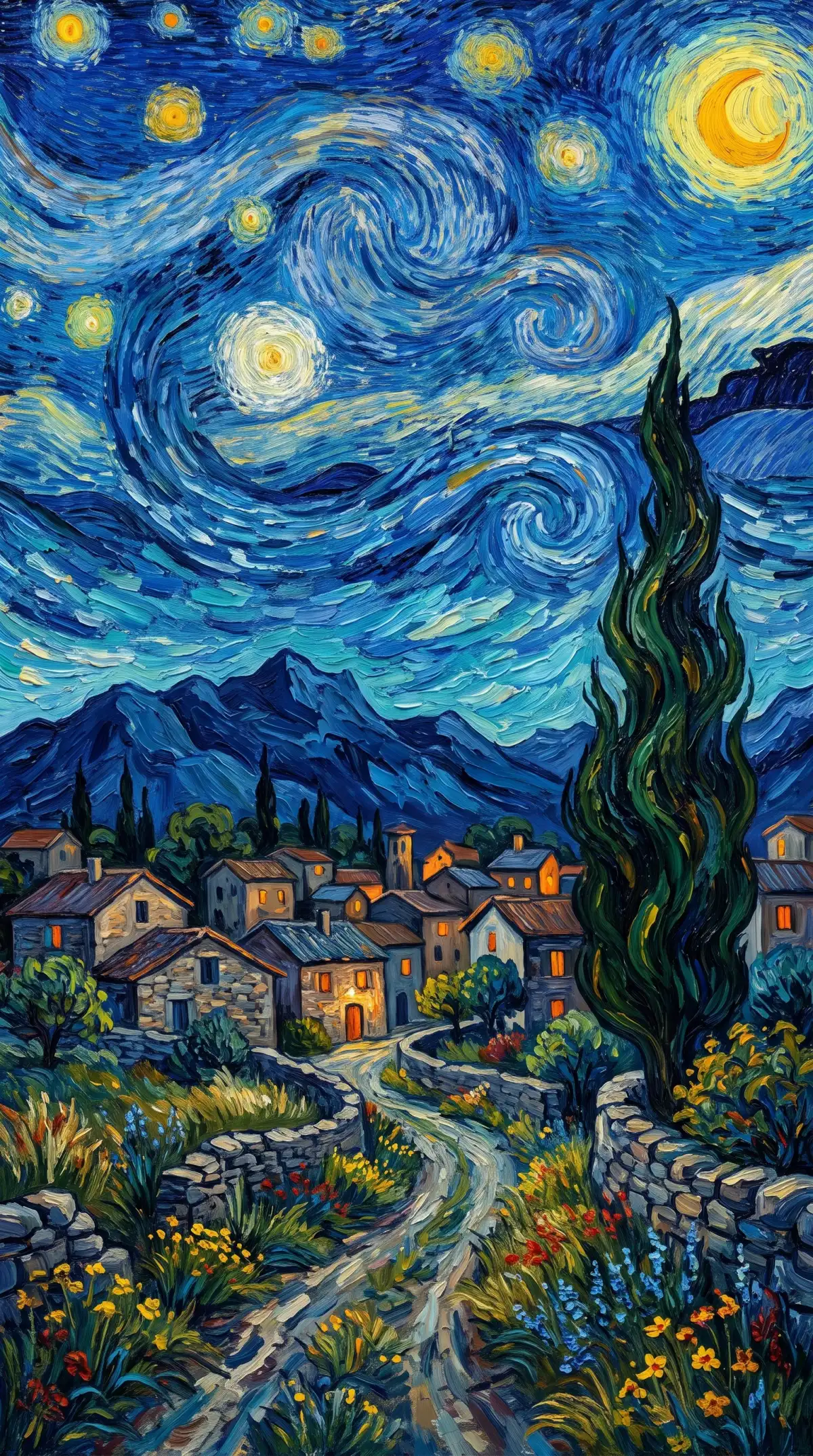


Create AI images online for free with MagicLight. No powerful computer or software installation needed. Simply enter a prompt or upload an image to get started.

Choose from Seedream 5.0 Pro or GPT Image 2 or Nano Banana 2, among others. Each model offers a different design in their results, giving you options to select from.
Get any sort of an image prepared with the help of a 500-character prompt. Whether it is a landscape, or a portrait with explicit details, Magiclight AI does it all with no limitations.
Use Text to Image when you only have a written idea. Try Reference Image to Image when you want to start from a photo or a sketch that you already have on your device.
Find 4 unique output ratio available for selection when generating images. Whether it be a profile picture for a social platform, or a horizontal cover image for a YouTube video, Magiclight AI generates all.


Creating your first free image online takes 3 steps. The AI image generator free online from Magiclight AI keeps each step short, so you can focus on your idea.
Find Image in the Toolbox across Magiclight AI. Choose Text to Image for a written idea or Reference Image to Image to upload a JPG, PNG, or WEBP file.
Look for the 6 image models available and choose one that suits your requirements. Following this, describe your image in up to 500 characters.
The Create Image button shows the credit cost before you press it. Check the result and try another prompt if you want to keep going.
Yes, Magiclight is an AI image generator free online for new accounts. Each new account gets starter credits to spend on images. Paid plans add more credits and commercial rights.
No, Magiclight runs in a modern browser on a laptop or a desktop. There is nothing to install or update. An iPhone app with an Image Studio is also available.
It depends on the models you pick, since each one has its own credit cost. Lighter models in Magiclight AI let your starter credits cover more images.
Commercial rights come with paid plans. Free credits suit personal projects and testing. If you need images for a shop or a client, upgrade first and then create them.
Yes. Open Magiclight AI in a mobile browser or grab the iOS or Android app, and the same image tools travel with you wherever you happen to go.
You can stop at any time or move to a paid plan for more credits. The Upgrade button is in the top corner whenever you need it. You won't be charged unless you choose a plan.



No software to install or complicated setup to learn. Open Magiclight AI, describe your picture, and use your starter credits to create it online.