Hero background

AI Portrait Generator

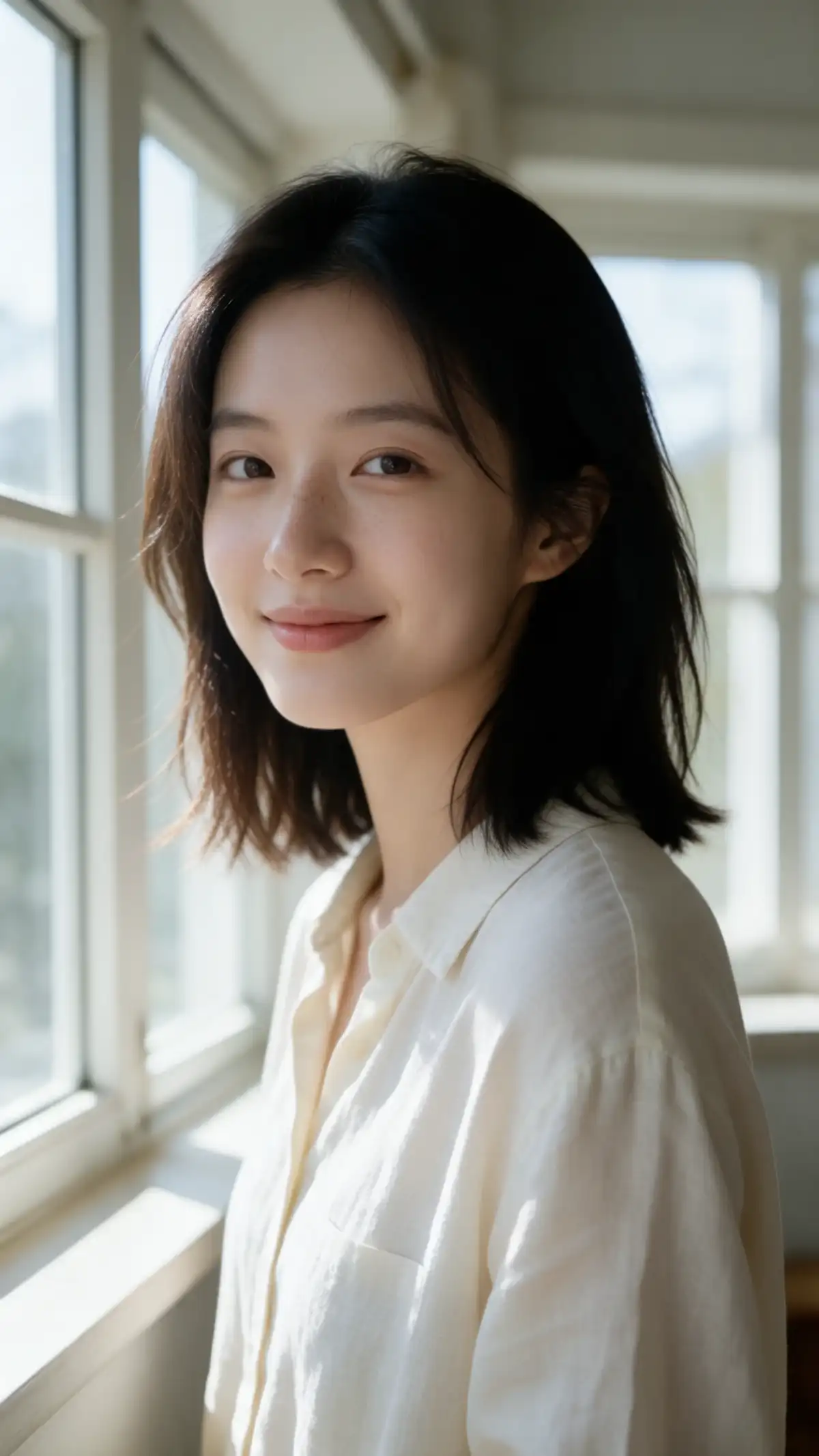
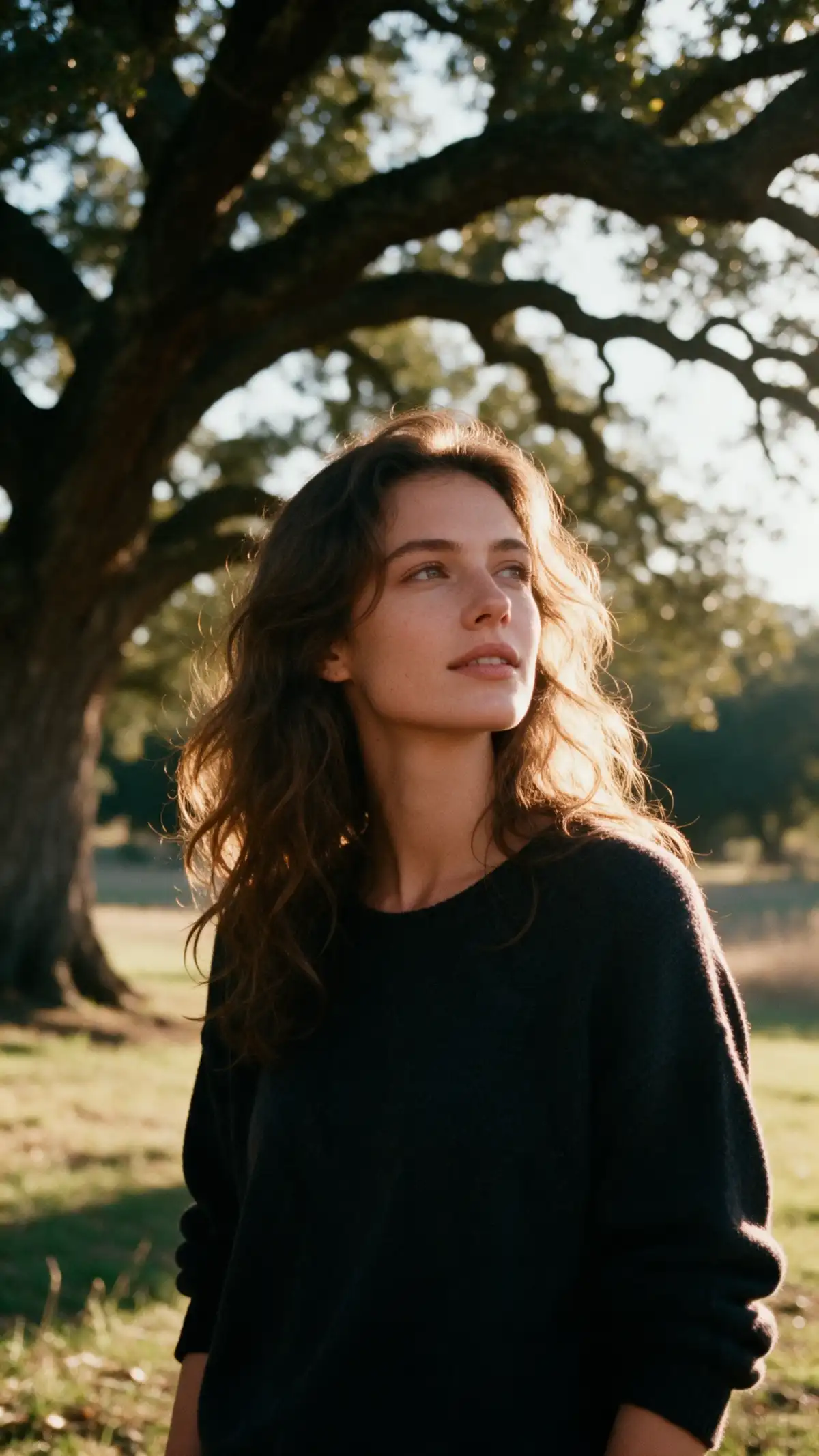
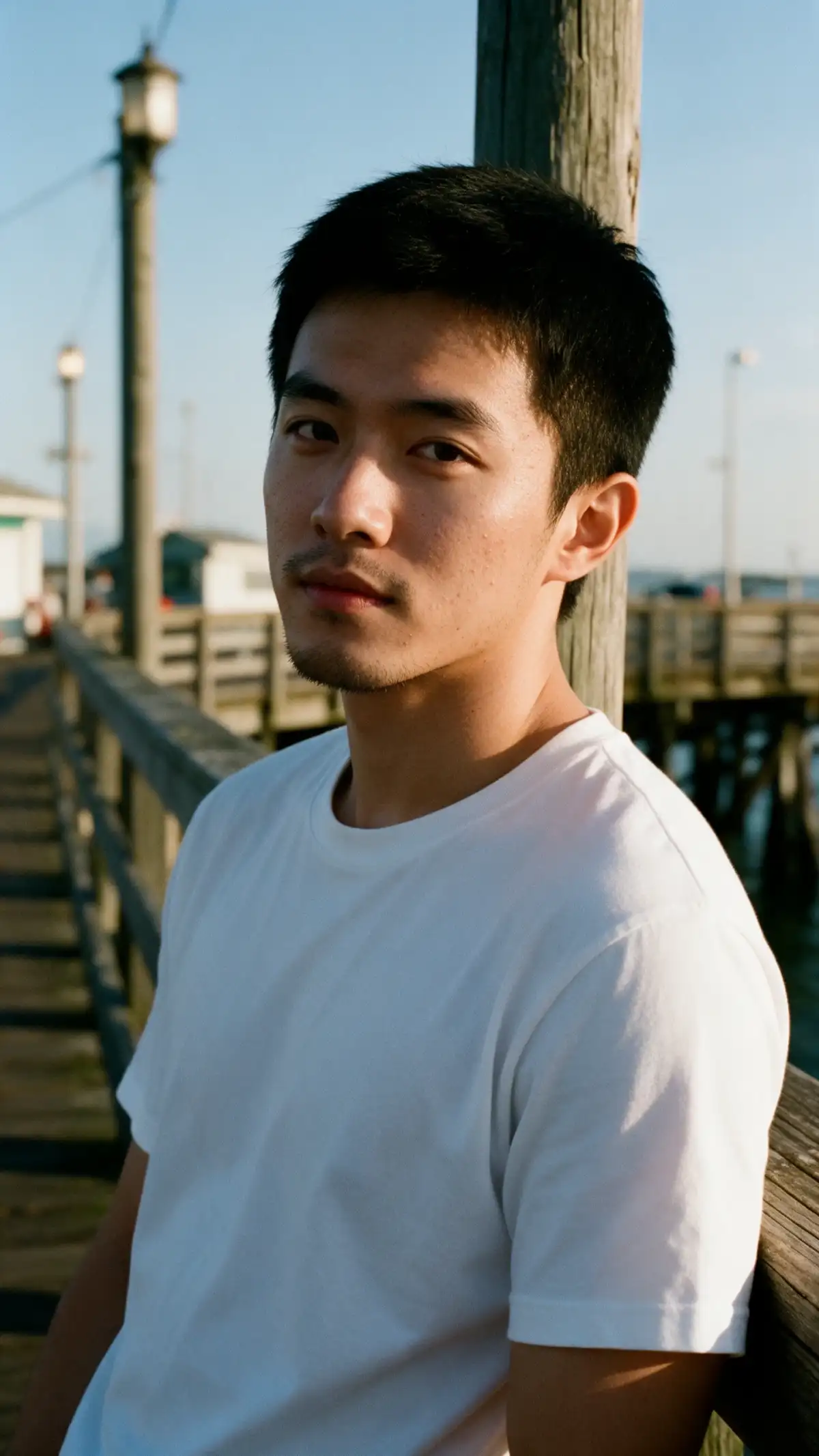
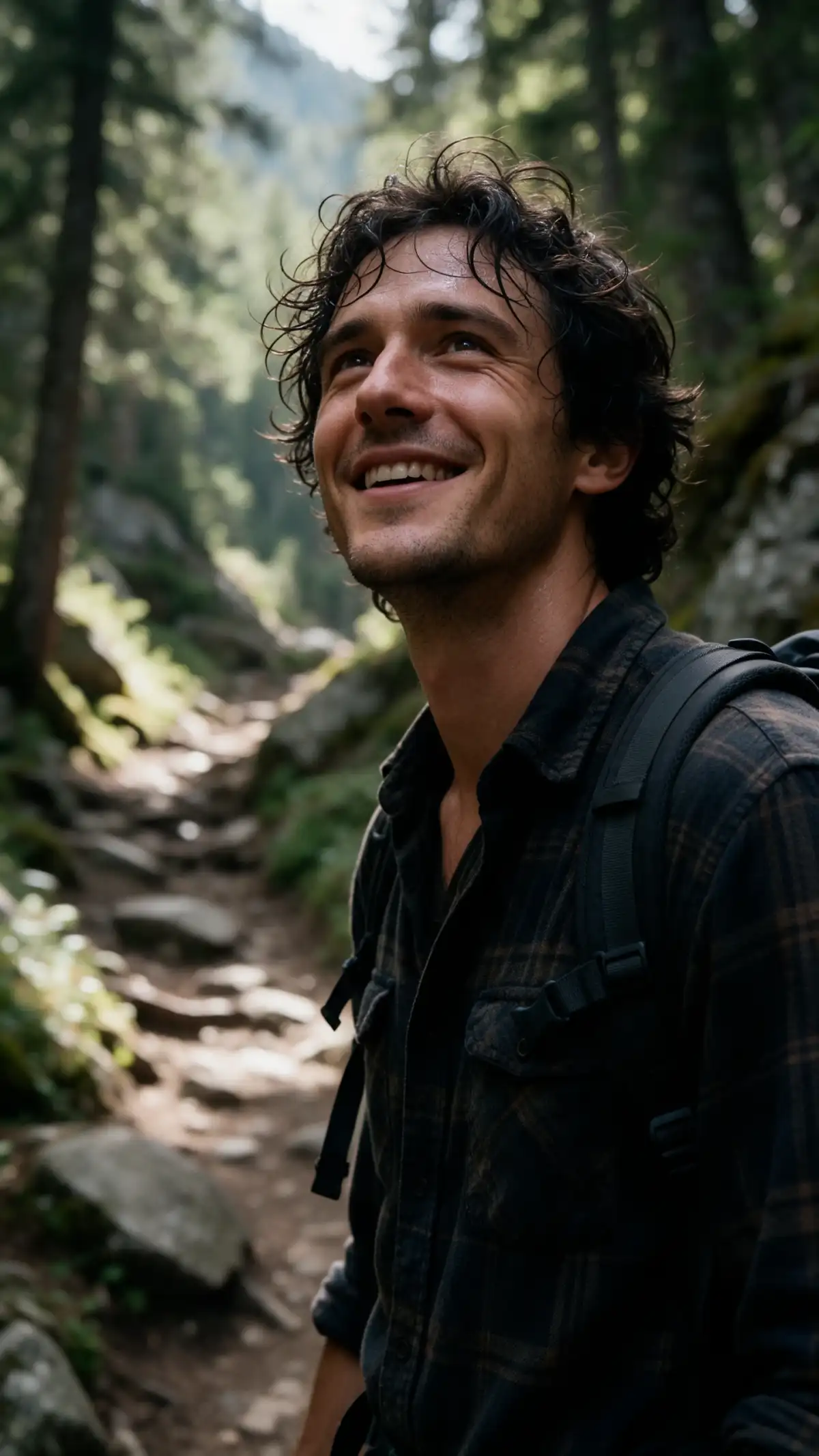
Upload your selfies to the MagicLight AI portrait generator and describe the look you want. Transform your photos into unique AI portraits with different backgrounds and styles. No design skills needed.

Create an AI Portrait for Free
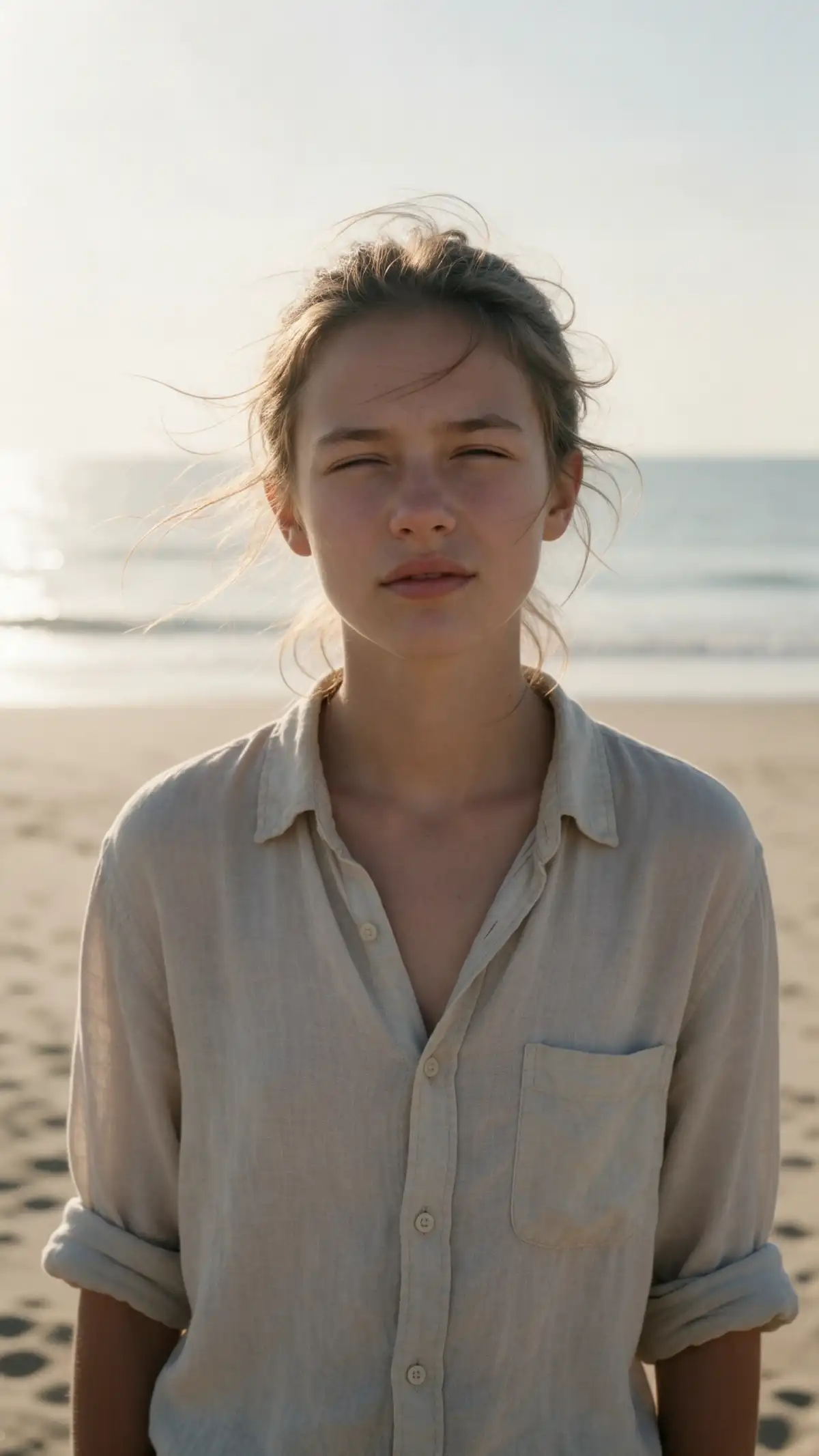
AI Portrait Generator preview
AI portrait scene preview
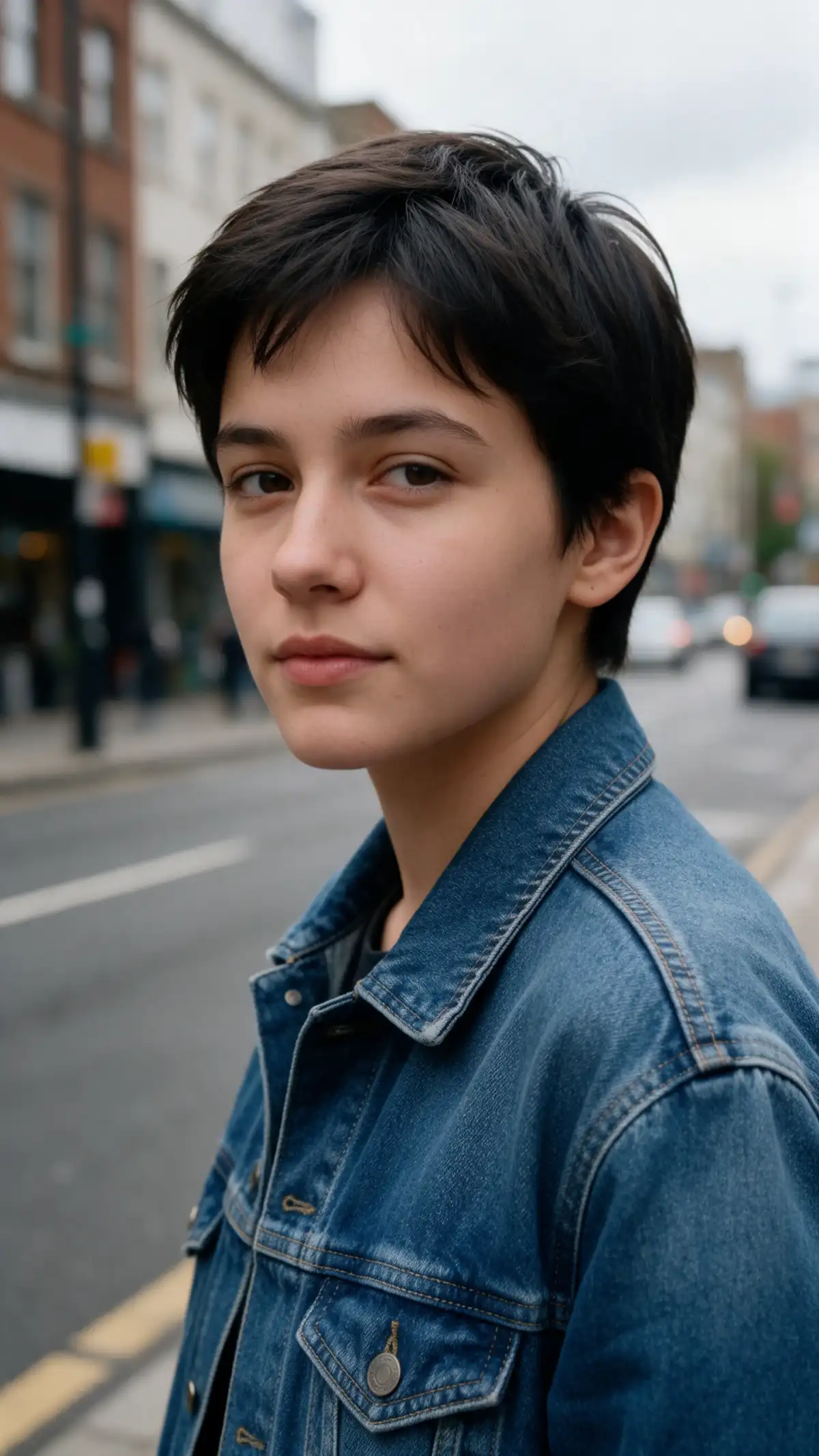
AI Portrait Generator preview
AI portrait scene preview

Key Features of the Magiclight AI Portrait Generator

Good portraits start with a few clear choices. This AI portrait generator from Magiclight AI shows the model and frame before you run a prompt.
Generate a Portrait from Your Photo Now
3D decoration

6 AI Models to Choose From

Pick GPT Image 2, Seedream 5.0 Pro, or another model before each run. Each one reads your selfies and your prompt in its own way. Compare a few and keep the most natural look.

20MB Per Reference Photo

Add JPG, PNG, or WEBP files as large as 20MB. Your best selfie goes in at full quality. There is no resizing step, so you can start right away with the photo you like best.

4 Frame Shapes for Every Portrait

Use 1:1 for LinkedIn and chat profiles and 9:16 for tall Story photos. Pick 16:9 for a wide banner or 4:3 for a handout. Set the shape first to skip cropping later.

Reference Image to Image for Likeness

Add a few sharp and well-lit photos of your face from different angles. They guide how closely the portrait looks like you. Your words then set the style and the setting.

Who Can Use the Magiclight AI AI Portrait Generator
A first impression often happens before anyone reads your name. Job seekers, teams, families, and gamers use the Magiclight AI portrait generator to get pictures that feel polished and personal.
For Job Seekers
For Job Seekers
Describe the background and the clothing in up to 500 characters.
Choose the 1:1 shape for a LinkedIn profile picture and a chat app avatar.
Compare 2 models in the model menu on one prompt for a natural look.
For Small Teams
For Small Teams
Add each team member’s selfies as JPG, PNG, or WEBP reference files first.
Reuse one prompt for the whole team so every backdrop and every light matches.
Use a paid plan with commercial rights for portraits on the company team page.
For Families
For Families
Name an oil painting or a watercolor style in the prompt for family gifts.
Download the portrait you like best and print it for an anniversary dinner party.
Upload an old scanned family photo up to 20MB as your reference file.
For Gamers and Streamers
Open the Video tab when your avatar picture is ready to be animated next.
Send a result back as a reference to change one detail at a time.
Draft ideas in the iPhone app between matches or before a live stream starts.
Why Choose Magiclight AI
AI Portrait Generator
A new portrait usually means booking a studio or hiring a photographer. Magiclight AI portrait generator offers a lighter route, with clear credits and photo rules.
No Wardrobe or Hair Prep
You do not need to dress up or style your hair before a shoot. Name the jacket and the backdrop in your prompt and see how they look on you. You can swap the outfit with a few new words.
Frames Ready for Each Platform
Choose a square shape for a LinkedIn profile or a tall shape for a Story photo. The portrait fits the place where you plan to use it. Set the shape before you run the prompt so you skip cropping later.
A Fresh Picture Whenever Your Look Changes
A new job or a new haircut should not mean a new photo session. Add recent selfies and make an updated profile picture the same day. Your profile can then match the way you look right now.
A Private Space to Experiment
Try a bold backdrop or a painted style before anyone else sees it. Keep the versions you like and skip the rest. Run the prompt again with new words until the look feels right.
Works with Selfies You Already Have
Your phone gallery is the starting point. Pick a few clear shots and let the tool build the portrait from them. Sharp and well-lit photos give the result a strong base.
More Than a Still Picture
Once your portrait is ready, you can open the Video tab to bring it to life or the Audio tab to add sound. A profile picture can grow into a short clip for a stream or a team intro.

How to Make a Portrait with Magiclight AI

Making a portrait takes only a few clear steps. This AI portrait generator from Magiclight AI turns your selfies and a short prompt into a new picture.

1.

Step 1. Upload Clear Photos

Visit the Magiclight AI site and choose the Toolbox option to open the Image tab. Switch to Reference Image to Image and add a few sharp, well-lit photos of your face from different angles.

2.

Step 2. Describe the Portrait Style

Describe the style, background, clothing, and lighting. Try a studio headshot with a gray backdrop and a smart jacket. Add the mood or the expression; the prompt box takes up to 500 characters.

3.

Step 3. Choose Frame or Model and Download

Set the Output shape: 1:1 for profile pictures or 9:16 for taller portraits. Then choose model and check the credit cost next to each model. Click Create Image, review the results, and keep the portrait that looks most like you.

FAQs on AI Portrait Generator

Will the portrait look like me?

It can get close when your photos are clear. Add a few sharp and well-lit selfies from different angles in the Reference Image to Image tab of the Magiclight AI portrait generator. Results vary by model, so run one prompt on 2 models and keep the closer one.

Can I make a portrait of someone else?

Only when that person has agreed. Use your own photos or photos of people who said yes to a portrait. Ask each teammate or family member to upload or approve their own pictures.

Can I create a portrait of a celebrity?

No, portraits of public figures made without permission may break laws and site policies. Keep your portraits to yourself, your team, and willing friends and family.

Which styles can I choose?

Name the style in your prompt, such as studio headshot, oil painting, watercolor, comic, or film photo. The prompt box allows up to 500 characters, so include the background, clothing, and expression.

Can my company use AI portraits on its website?

Yes, on a paid plan with commercial rights. Each staff member must also agree to have a portrait used on the site. Use one prompt for the whole team so the backgrounds and the lighting match.

Is the AI portrait generator free to try?

Yes, to a point. A Free Bonus Credits badge shows on new accounts, so you can run a few portraits first. Check the credit cost on Create Image before each run and upgrade only when you need more.

Create Professional AI Portraits with Magiclight AI

Create portraits that reflect your style with Magiclight AI's AI portrait generator. Use your own photos to guide the background, clothing, and overall look.